教程
从 YouArt 官方指南掌握基础,再跟随不同创作者的实战教程,探索更多创意与用法。
适合人群
- 初次使用 YouArt 的用户
- 希望真正理解「Agent 工作流」的创作者
- 把 YouArt 当作长期生产工具的用户
官方指南
从画布、节点到 Agent 与完整工作流,系统了解 YouArt 的使用方法。
视频教程
文字教程
- 第 1 章
理解工作流:画布与节点系统
读完这一章,你能一眼看懂一条 YouArt 工作流——每个节点装着什么、一条连线意味着什么,以及怎么在不丢掉先前结果的前提下拉出分支。
- 第 2 章
语言模型与 Agent 调用
读完这一章,你可以用大白话描述一个想法,让 Agent 把节点搭出来,在不丢掉原件的前提下继续微调,也可以直接从预设的工作流指南开始。
- 第 3 章
图像生成:文生图与图像编辑
读完这一章,你能从文字生成一张图、在已有的图上编辑或拉分支,并把多张参考图融进同一个节点。
- 第 4 章
视频生成:文生视频与图生视频
读完这一章,你能为想要的镜头挑对视频模型,并搭出文生视频和图生视频两种节点,包括首尾帧。
- 第 5 章
图像与视频的特色工具
读完这一章,你能修好一个不合适的角度、重画某一处细节、把分镜网格拆开、把片子变清楚——都不用重写提示词。
- 第 6 章
资产管理与工作流折叠
读完这一章,你可以把任意一组节点变成一个分好类、能复用的资产,并把做完的中间步骤收起来,让画布保持清爽。
- 第 7 章
多节点并行
读完这一章,你可以在先前的节点还在生成时继续往下搭,让多件事同时跑,而不是一件一件等。
- 第 8 章
作品发布与社区参与
把一个完成的节点变成发布出去的模板,并决定别人能看到你创作过程的多少。
- 第 9 章
社区案例
看独立创作者怎么在 YouArt 里做广告、短片和爆款片段,然后把你自己的作品也发布出来,让它的工作流也能被复用。
文字教程
- 第 1 章
Create Your First Canvas
Get to know the board, set up a new canvas, add cards and generate your first image or video.
- 第 2 章
Connect Cards and Use the Agent
Use one card's result as the next card's reference, then let the Agent write scripts, create cards and run generations for you.
- 第 3 章
Organize and Share Your Canvas
Group cards, refine results with card tools, comment, share a link, and learn the shortcuts that save the most time.
跟创作者一起学
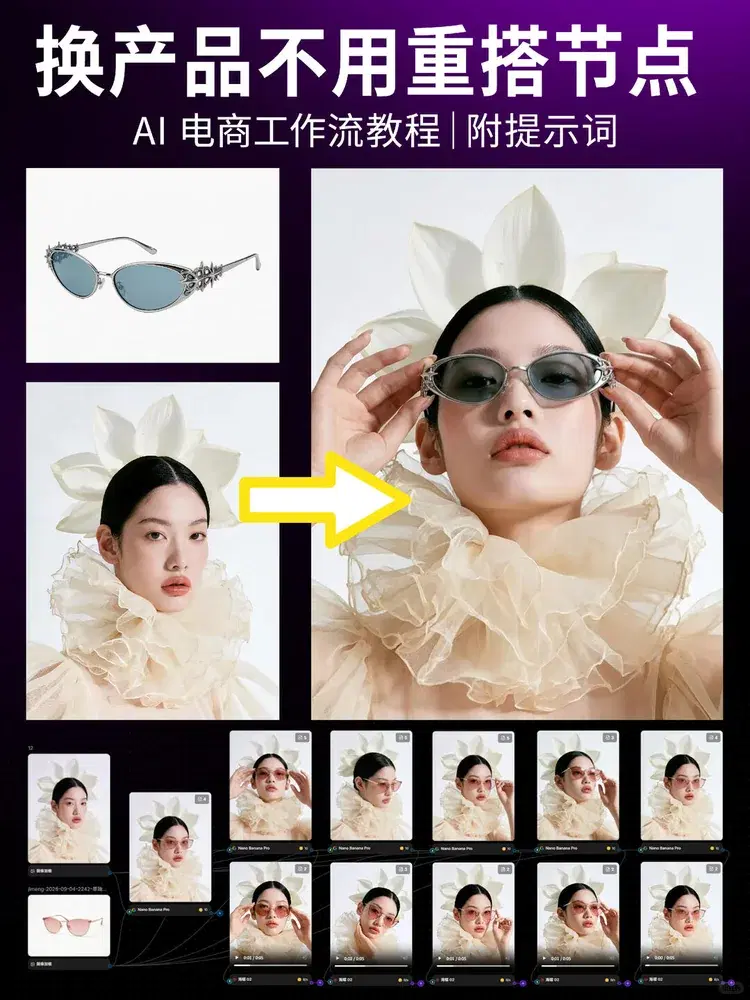
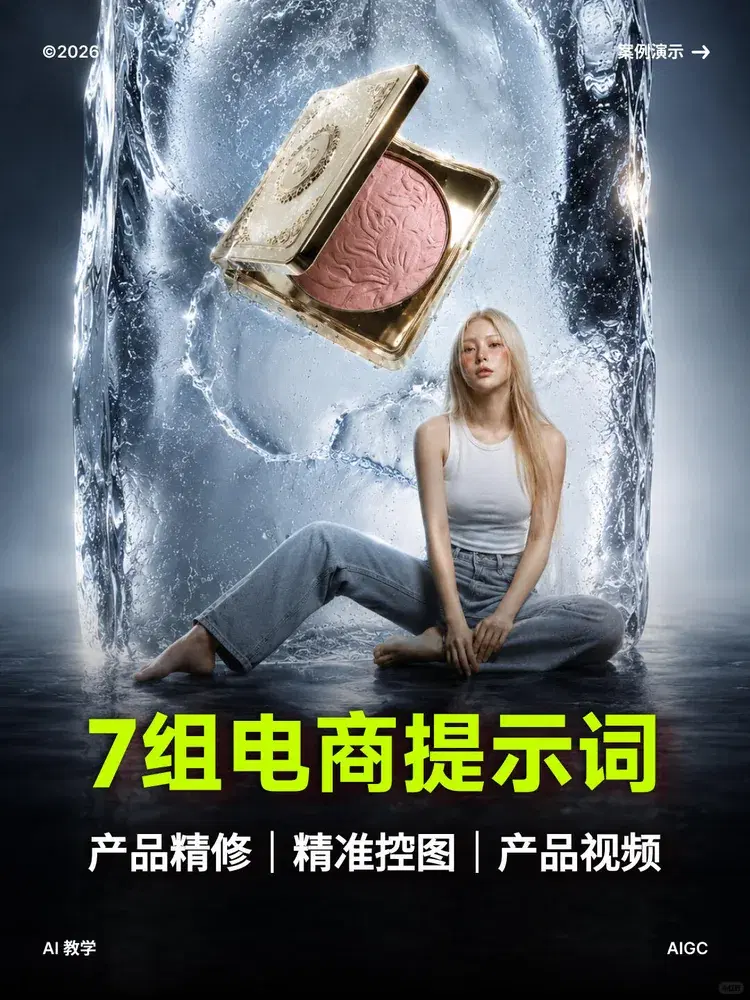
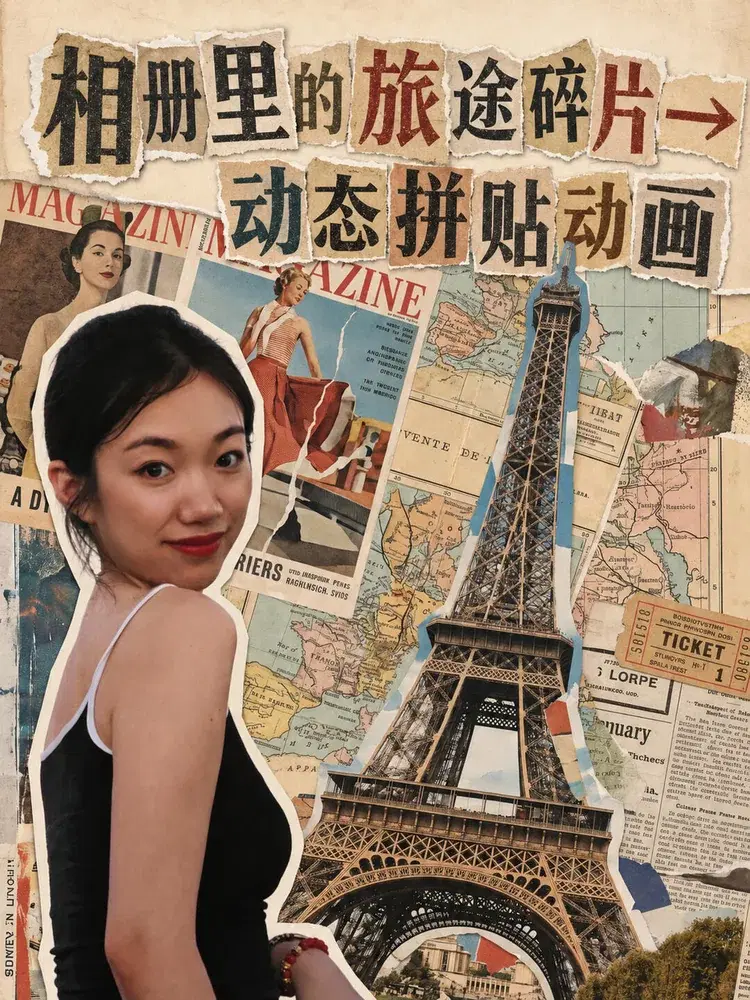
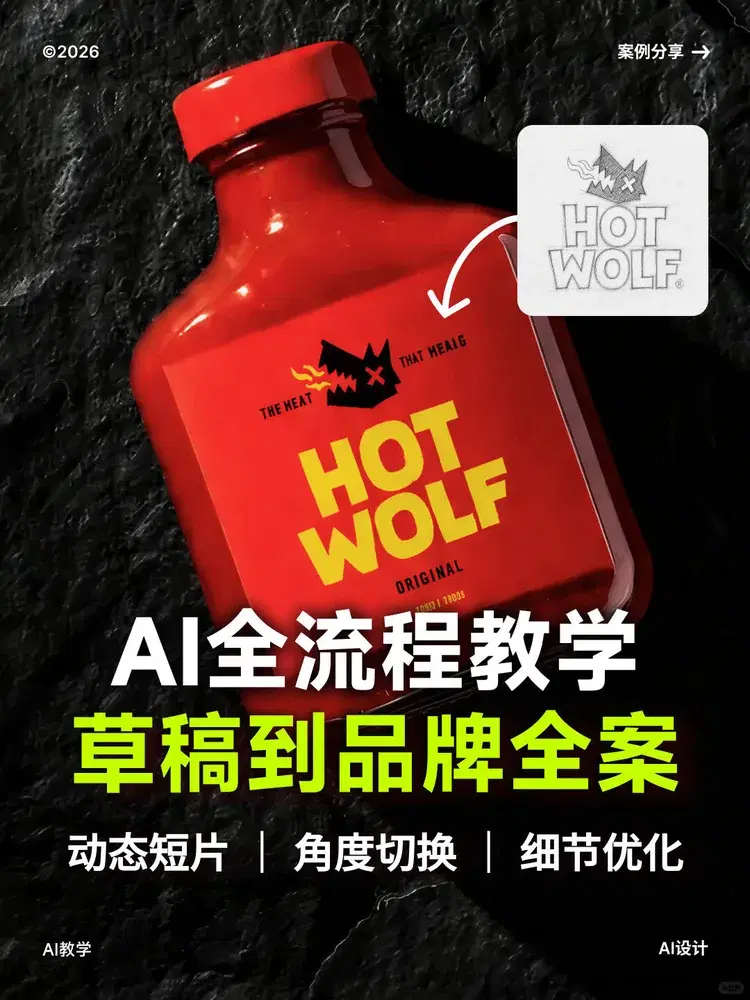
看看不同创作者如何用 YouArt 制作商品视觉、广告、故事等各类作品。