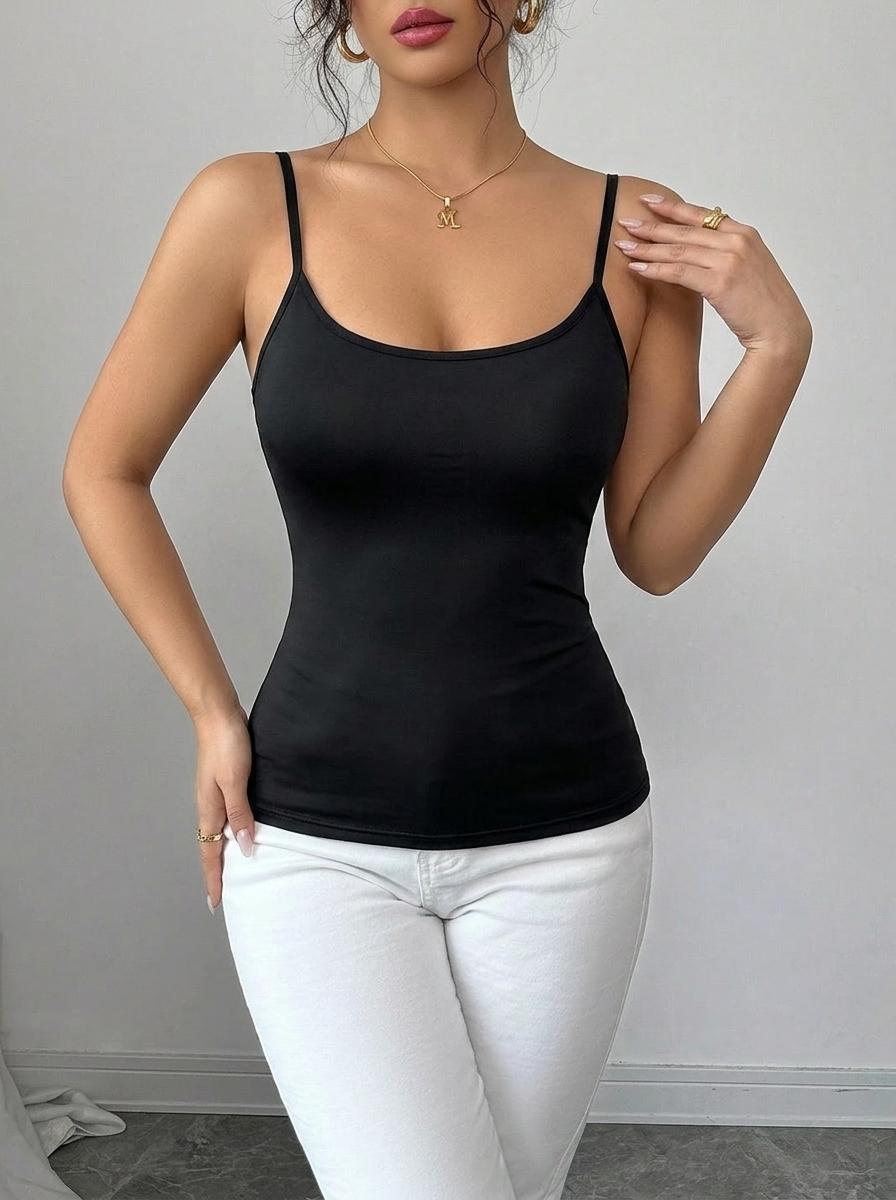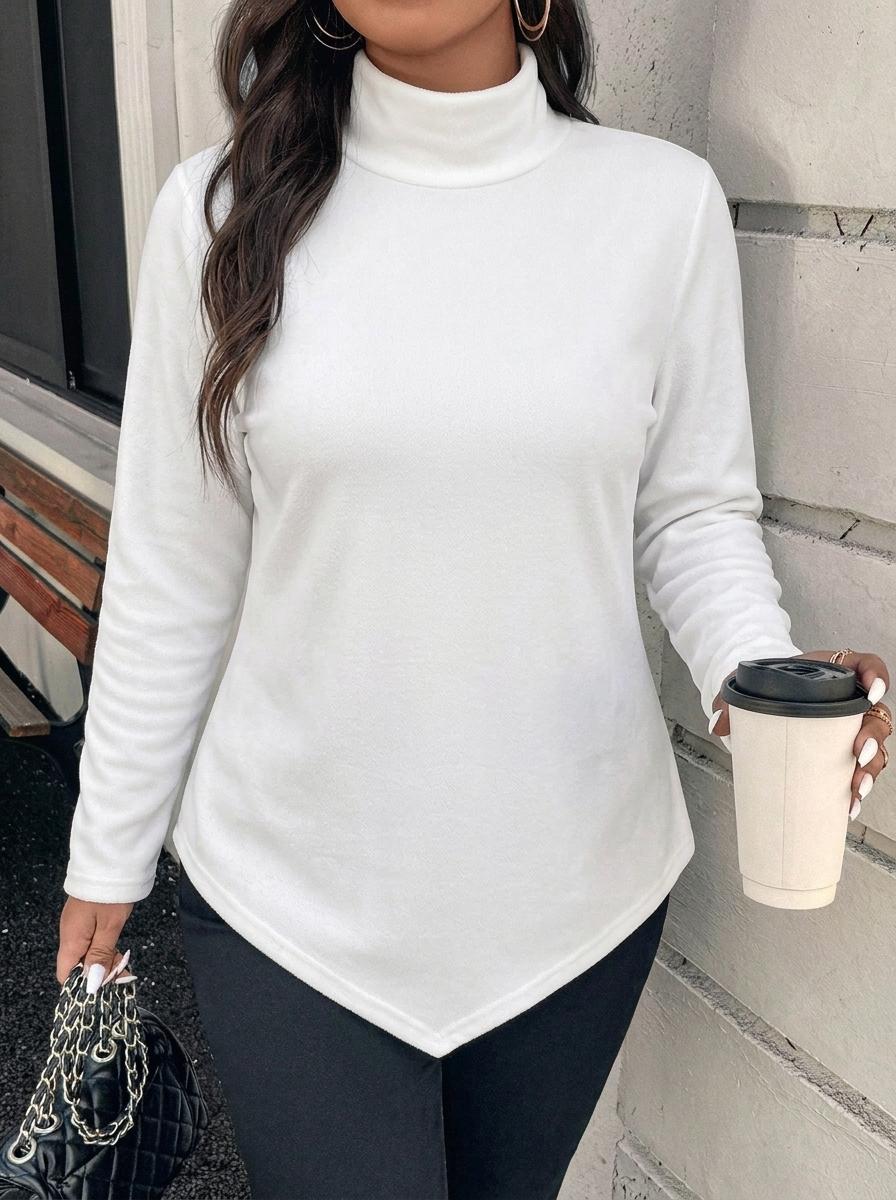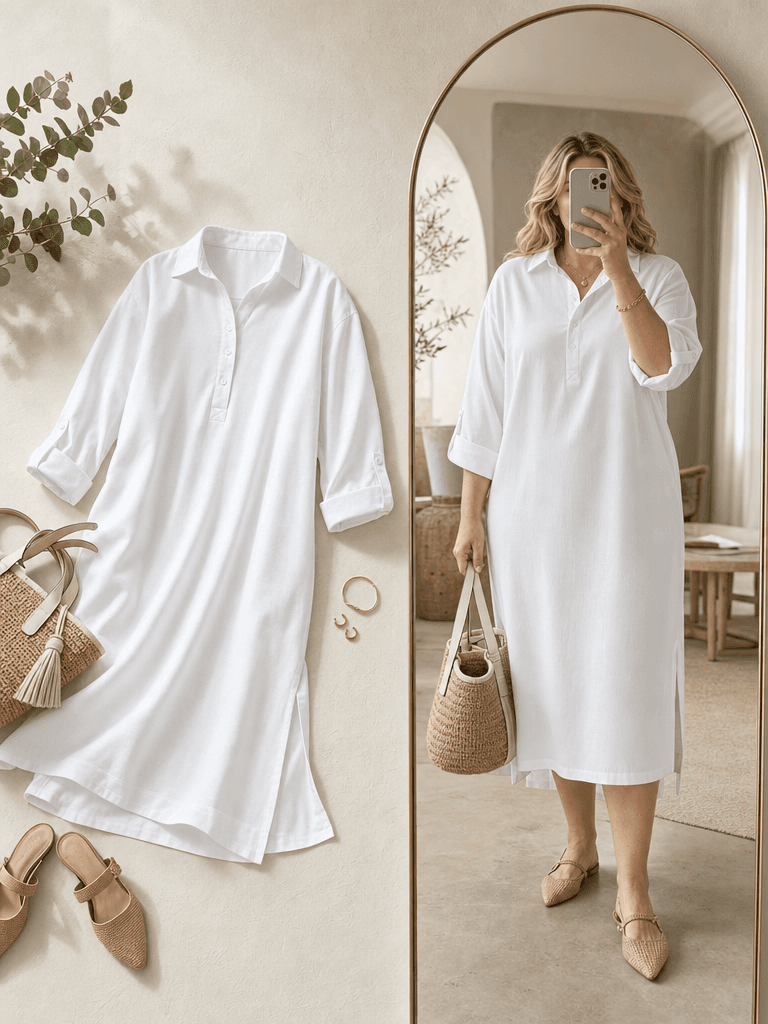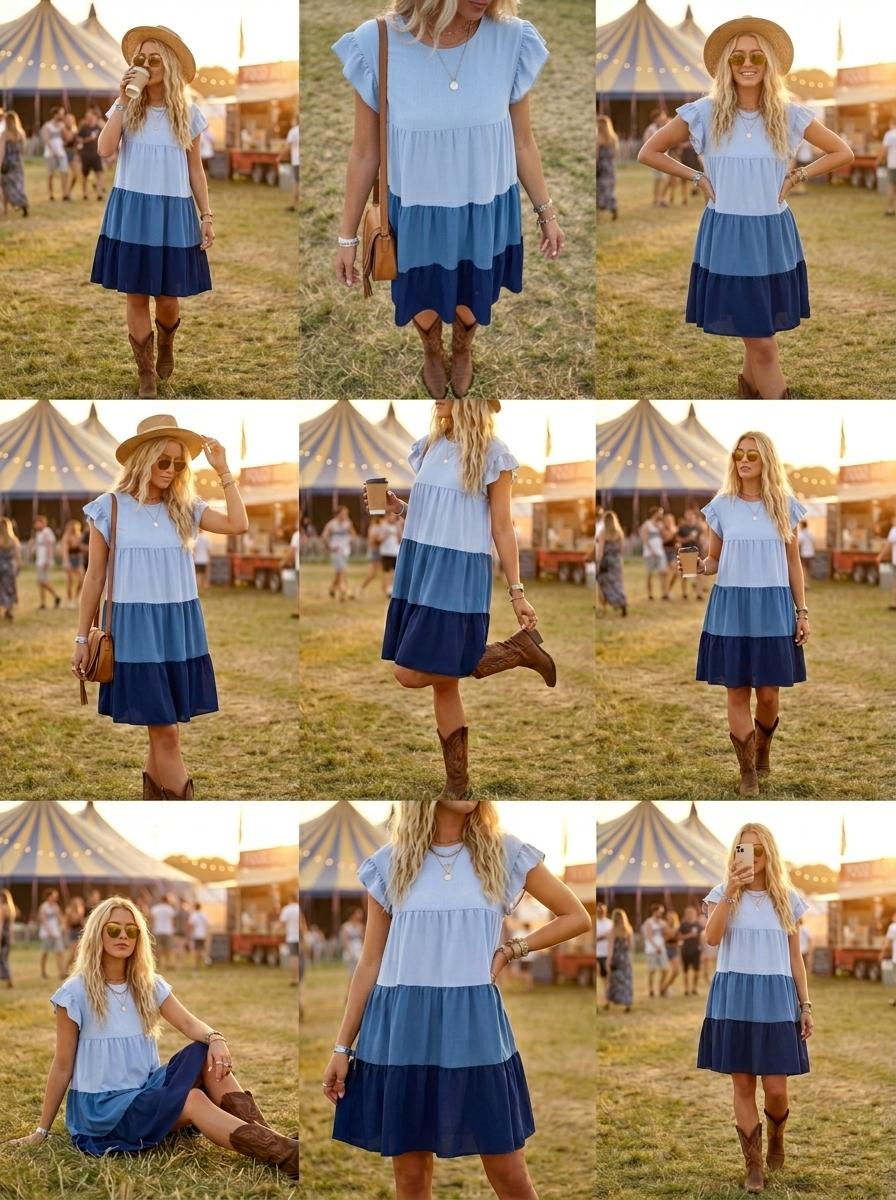
E-commerce visual workflows, ready to reuse

From 3D mockups to real models, still-life, redesign, recolor, and image-to-video: preview a workflow, then sign in to clone it into your own project.

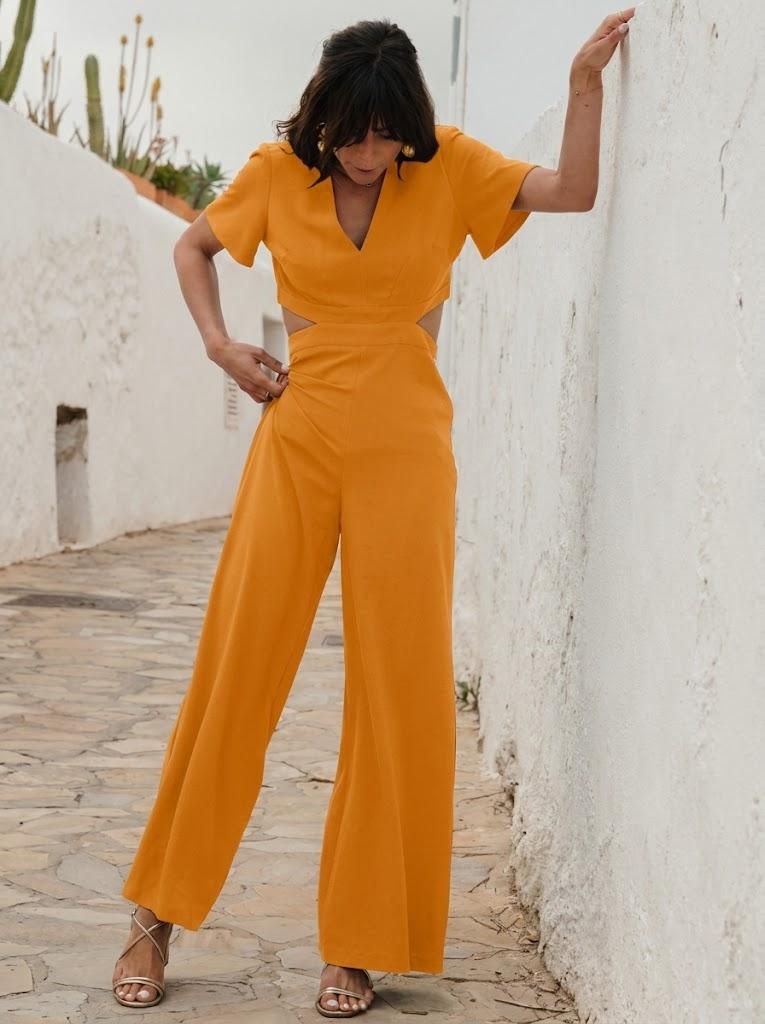
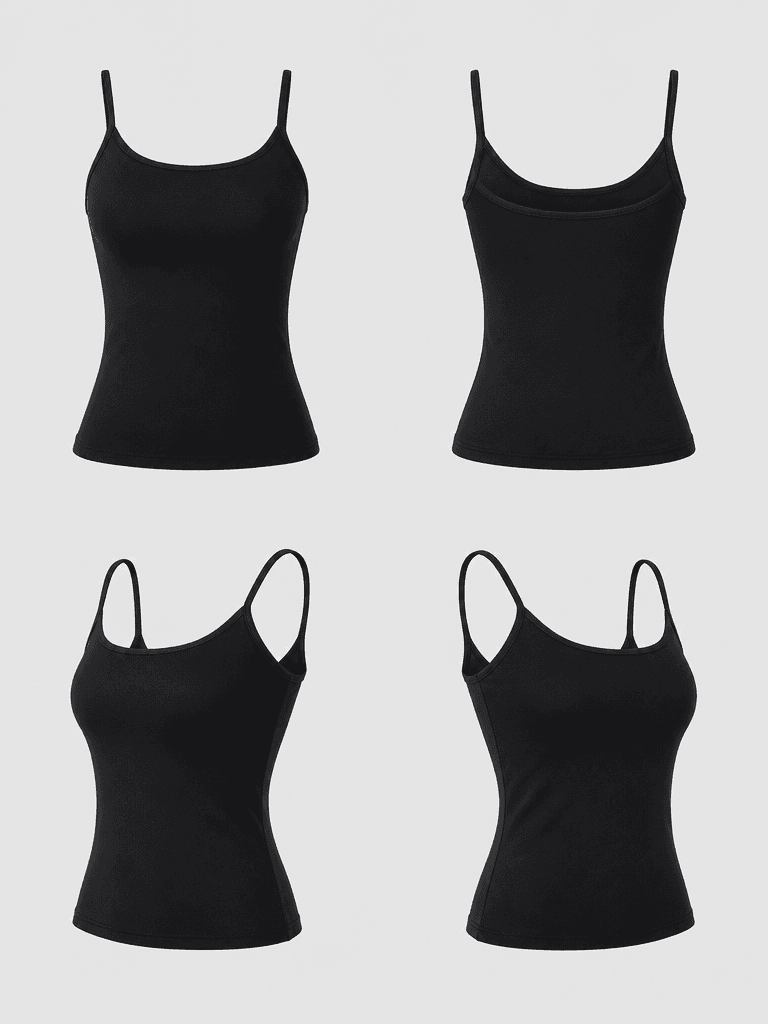
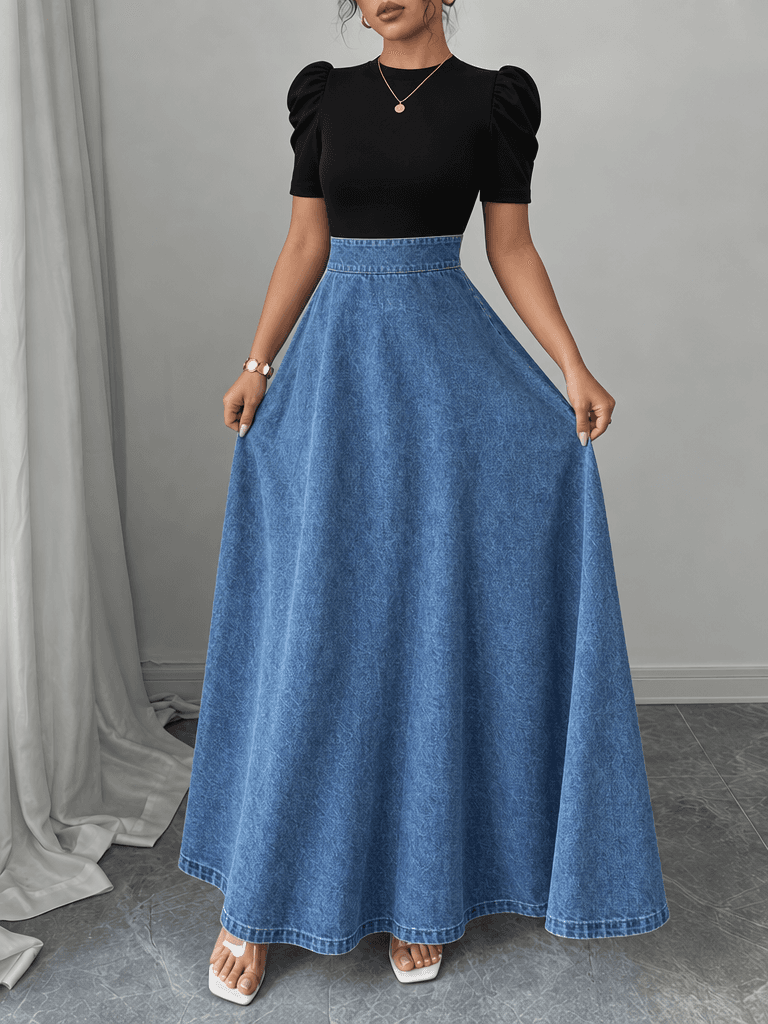
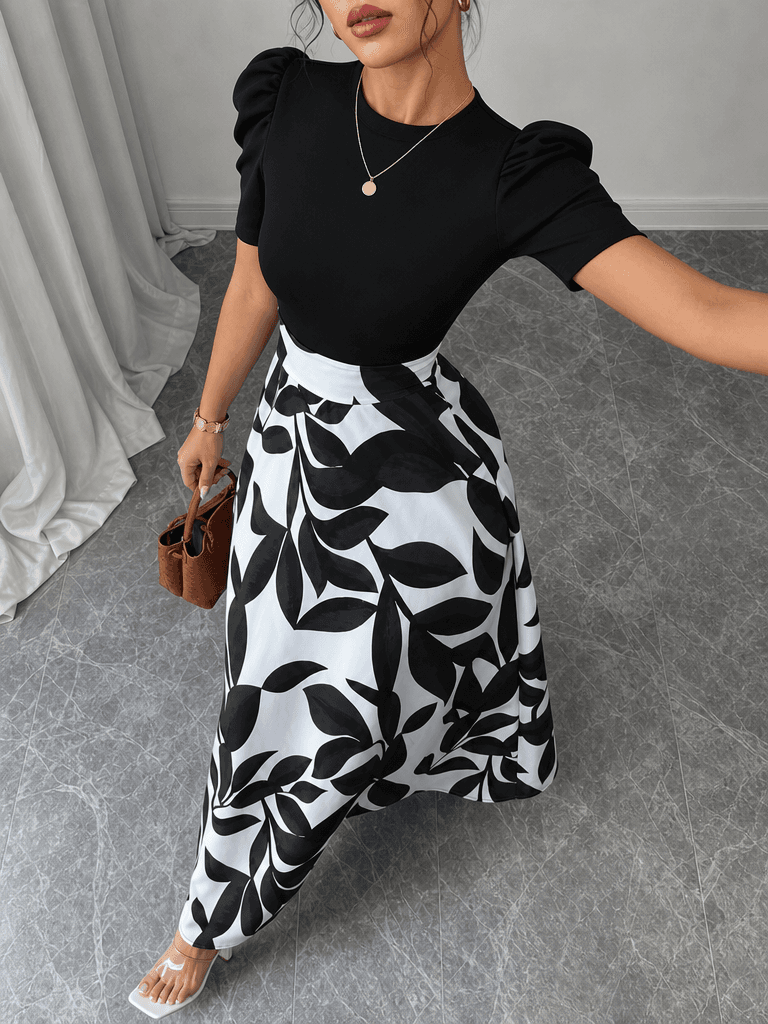
3D-to-Model Shots (GPT)
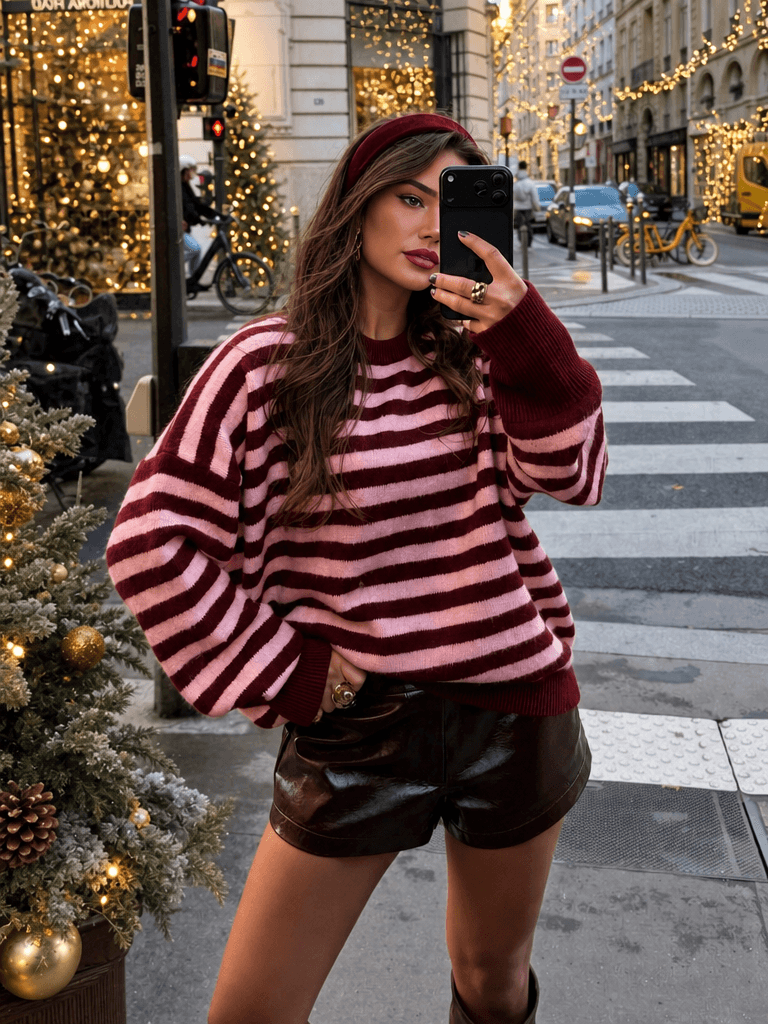
3D-to-Still-Life Shots
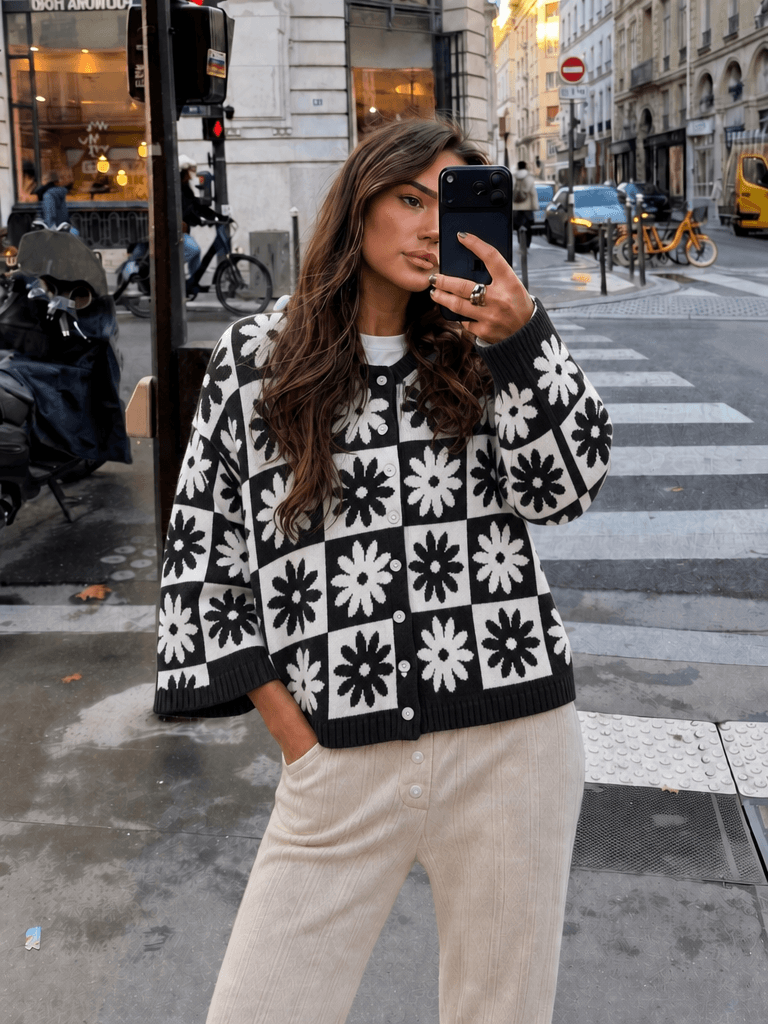
Model Flat-Lay Composite
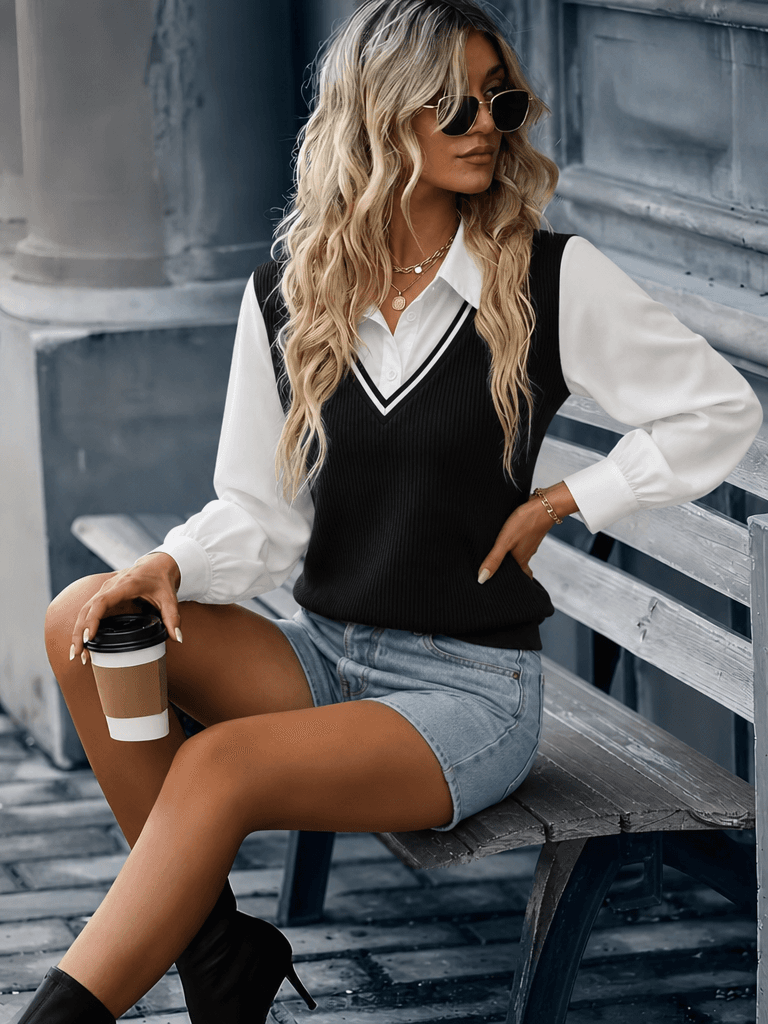
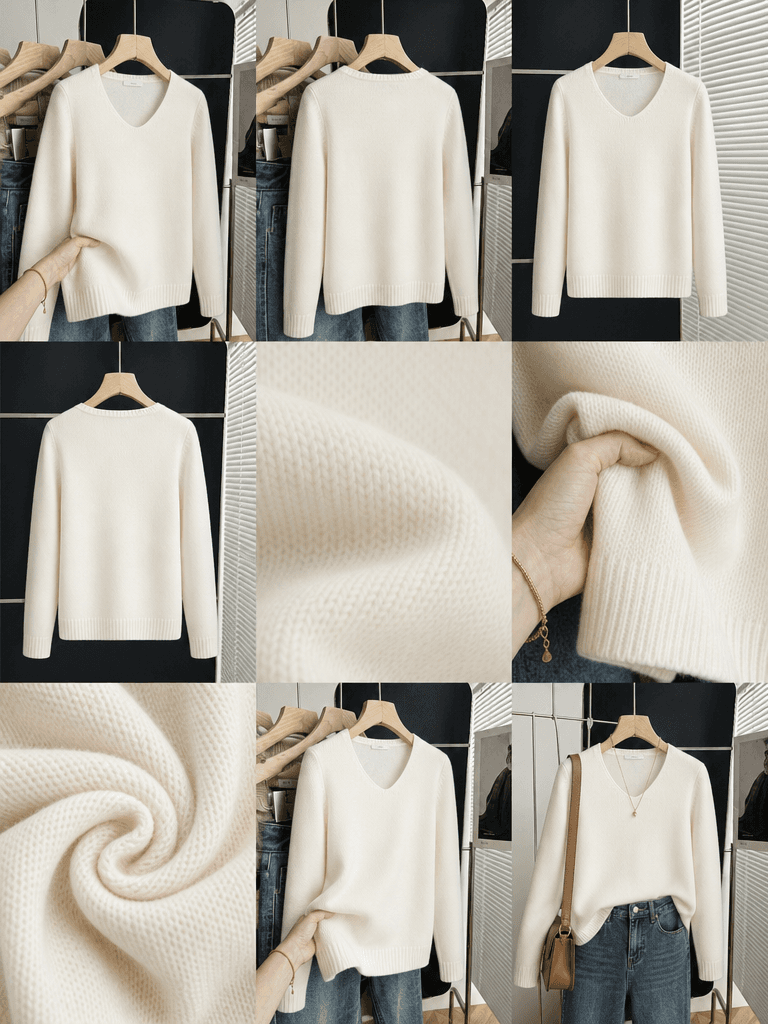
Restyle Image

Featured workflow

3D-to-Model Shots (GPT)

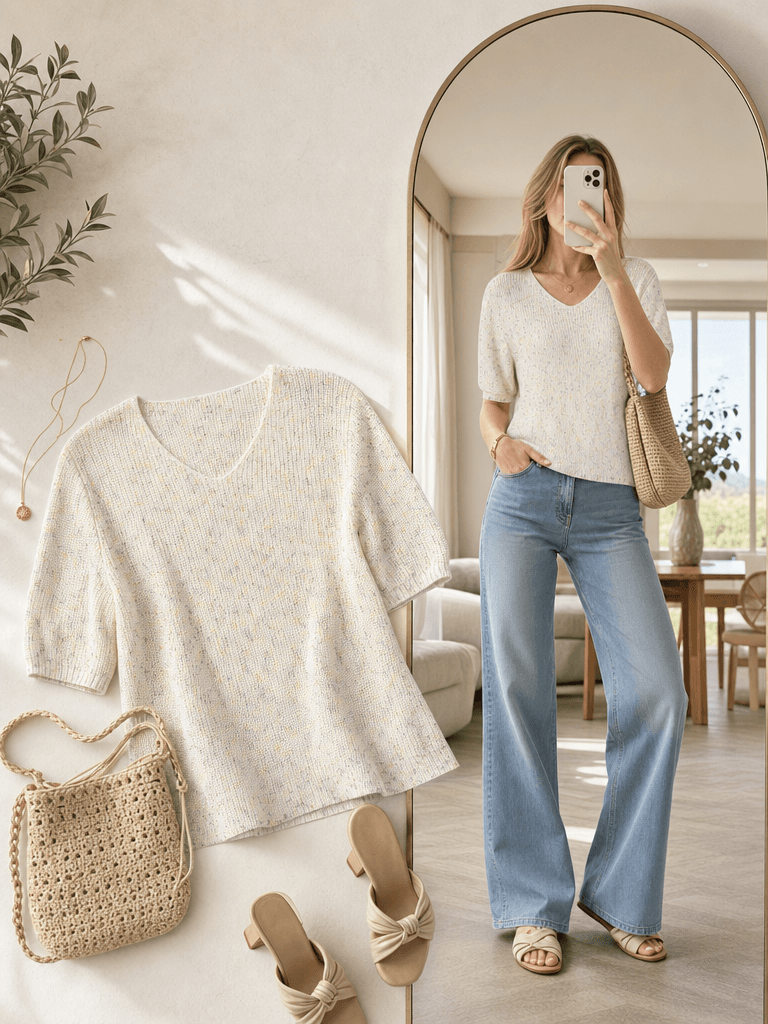
Turn 3D mockups or flat garments into real on-model shots with GPT Image. It parses the cut and tailoring first, then generates a seamless 3x3 grid and auto-splits it into finished images.

How it works

AI product visuals for e-commerce, end to end

YouArt is an all-in-one AI creative studio. The e-commerce workflow library is a set of ready-to-clone visual workflows that turn 3D mockups and flat garments into on-model product shots, still-life, recolored SKUs, and shoppable video. Preview any workflow to see exactly what it produces, then sign in to clone it into your own project and edit it with models like GPT Image, Nano Banana, and Seedance.

1

Preview

Open any template to see its inputs, models, and finished output before you commit.

2

Clone

Sign in to copy the workflow into your own project in one click — no setup required.

3

Edit & export

Swap in your product photos, run the workflow, and download finished, commerce-ready visuals.

FAQ

Frequently asked questions

What is the YouArt e-commerce workflow library?

YouArt is an all-in-one AI creative studio, and the e-commerce workflow library is a curated set of ready-to-clone visual workflows built for online sellers. Each workflow turns 3D mockups or flat garment photos into finished commerce visuals — on-model product shots, still-life, flat-lay catalog images, recolored SKUs, garment restyles, and image-to-video — that you can preview and clone in one click.

How do the workflows work?

Every template follows the same preview, clone, and edit flow. Preview any workflow to see its inputs and output, sign in to clone it into your own project, then swap in your product photos and run it. The workflow handles the multi-step pipeline — parsing the garment, generating the shot, and splitting the result into finished images — automatically.

Which AI models power the e-commerce workflows?

The templates are built on leading image and video models, including GPT Image, Nano Banana, and Seedance. Image workflows use GPT Image or Nano Banana for on-model and still-life shots, while image-to-video workflows use Seedance to turn a still product image into short, shoppable video.

What kinds of product visuals can I create?

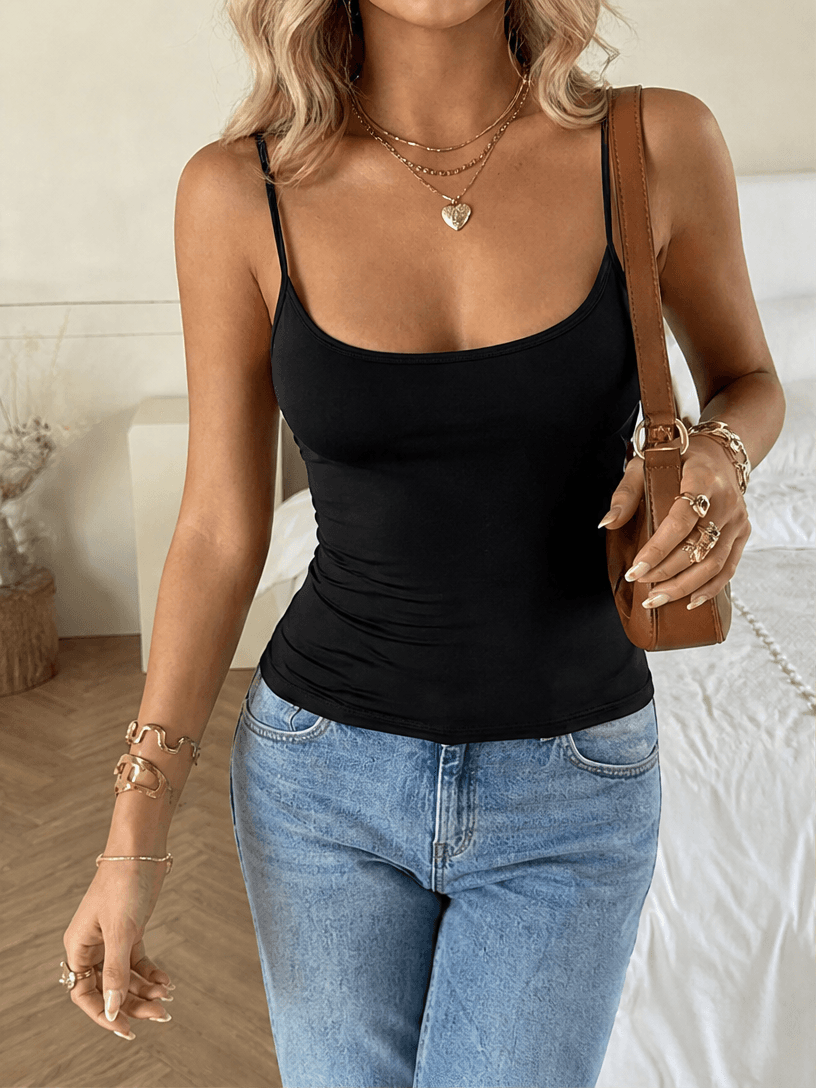
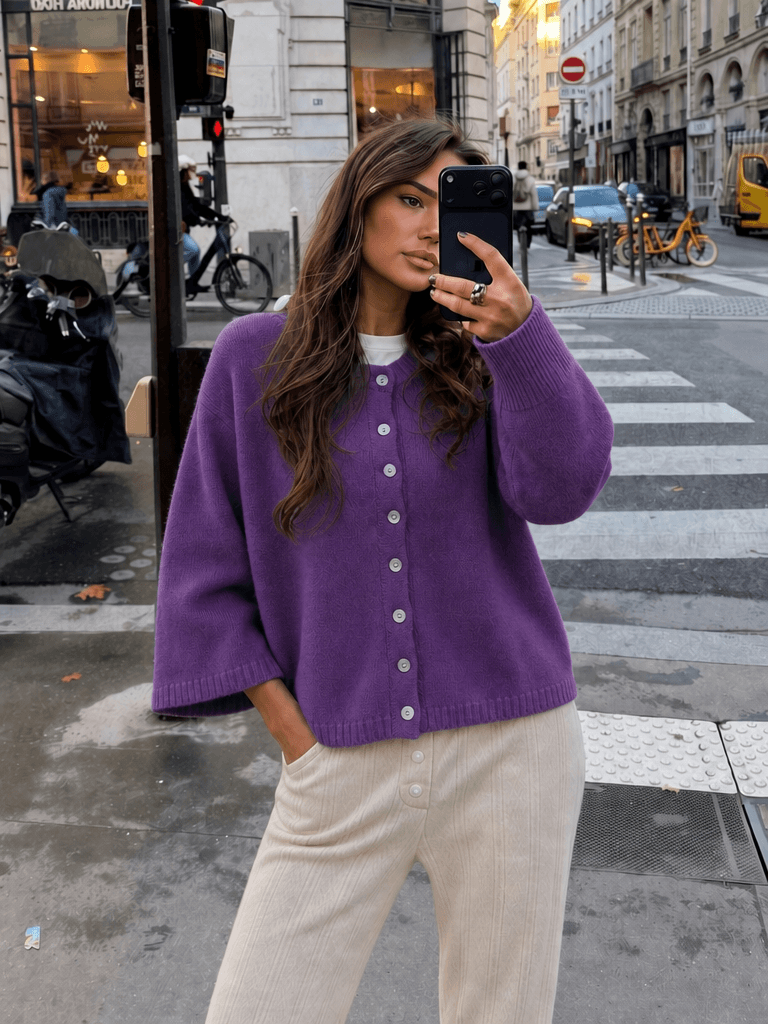
You can generate multi-angle on-model product shots from 3D mockups, still-life and flat-lay catalog images, recolored SKU variations from a single reference, restyled garments, and short product videos. Plus-size and multi-body variants are available for on-model and flat-lay shots.
Do I need an account, and is it free to try?

You can preview every workflow without signing in. To clone a workflow into your own project and generate images you'll need a YouArt account, and generation runs on credits — see the pricing page for plans and credit details.

Can I use my own product photos?

Yes. After cloning a workflow, upload your own product or garment photos as inputs, adjust the prompt, and run it to produce commerce-ready visuals in your brand's style.