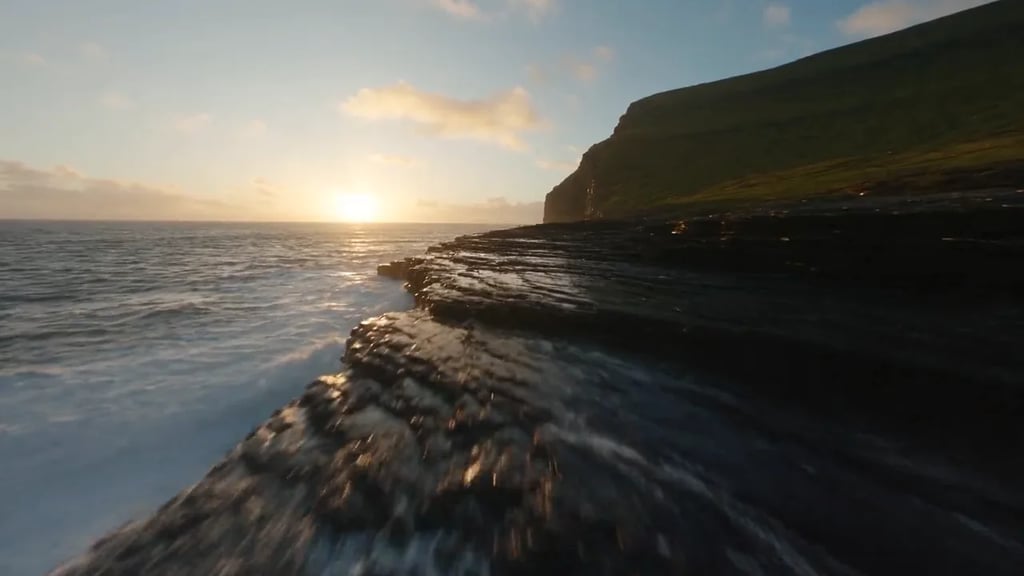
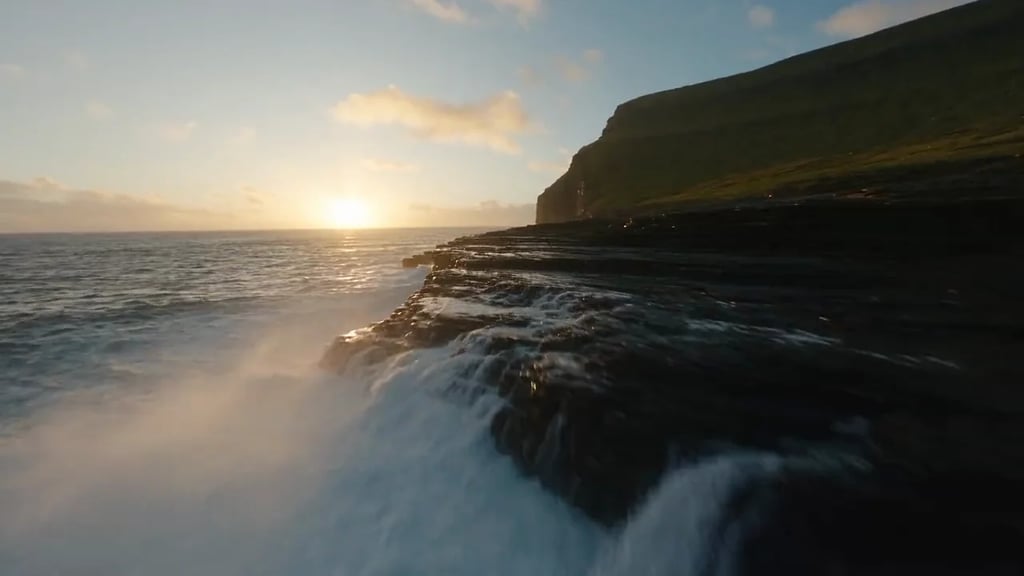
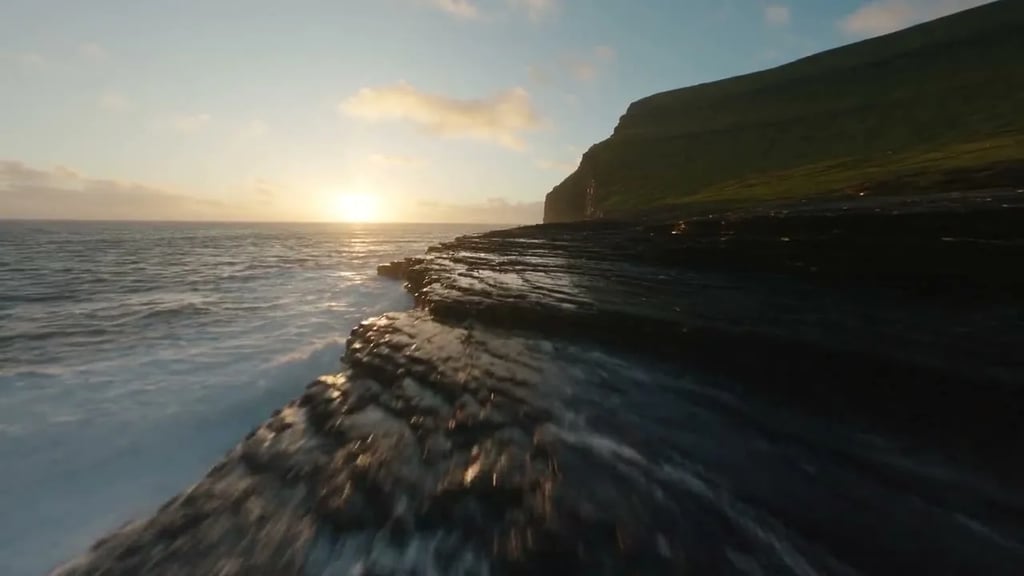
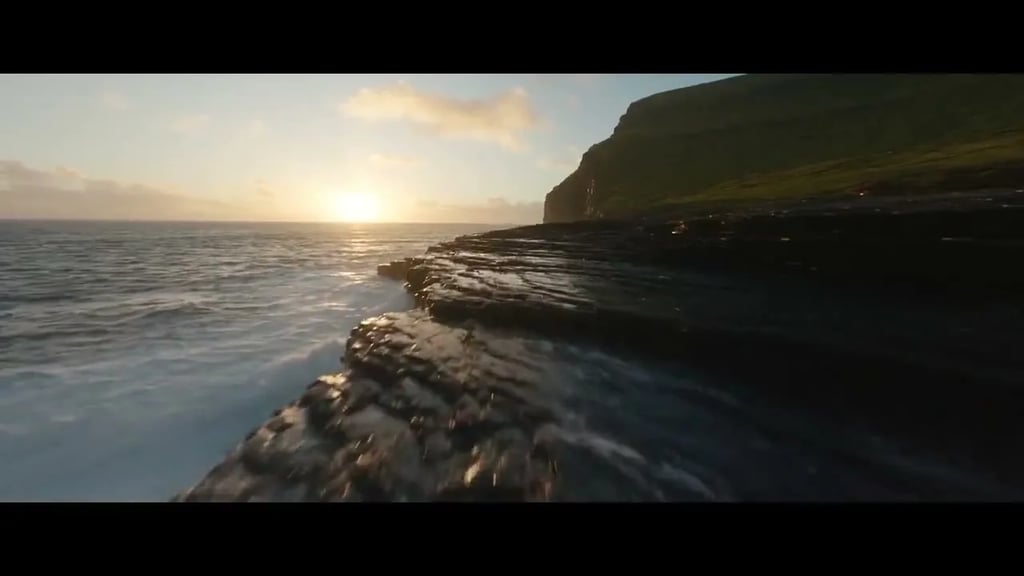
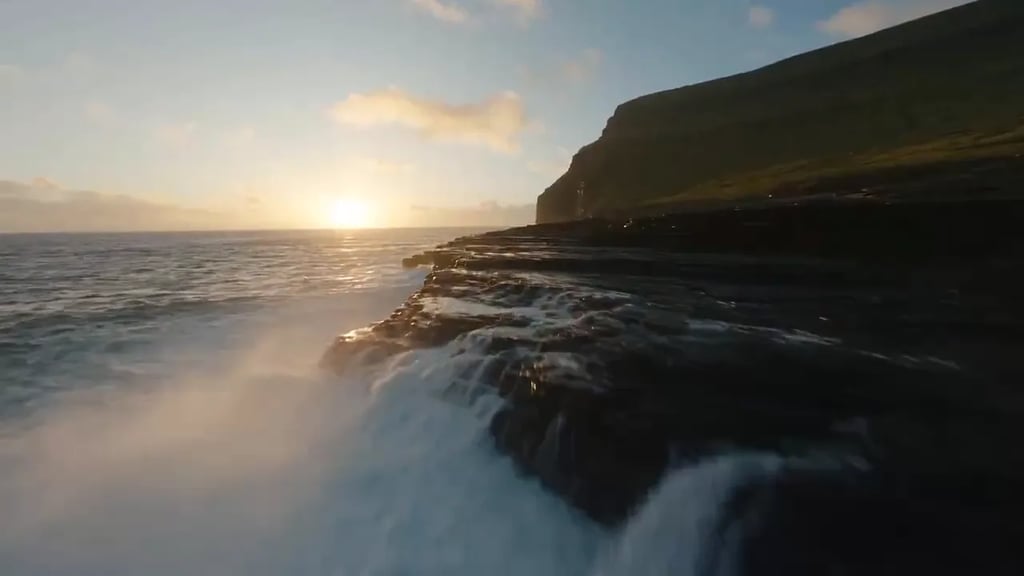
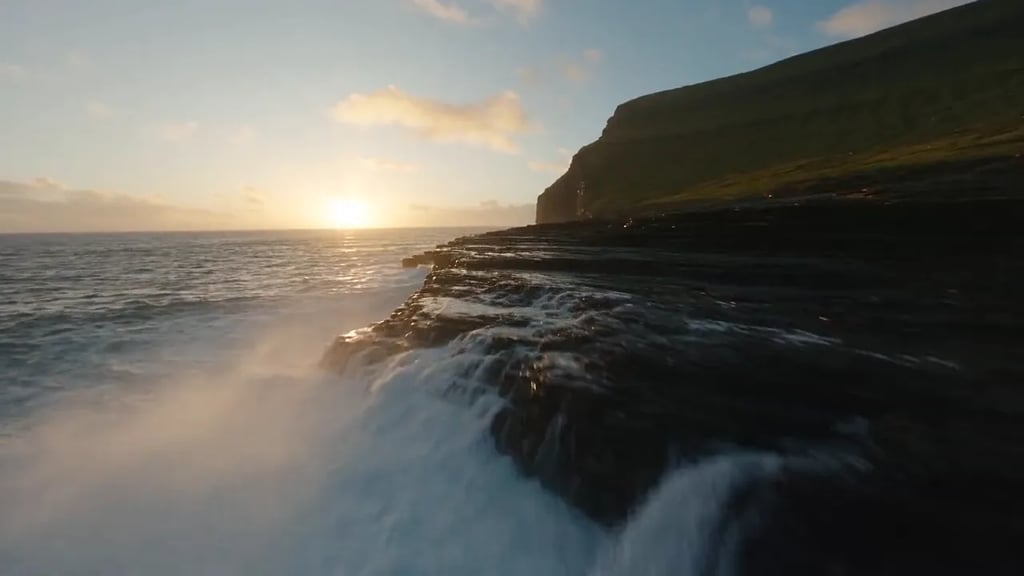
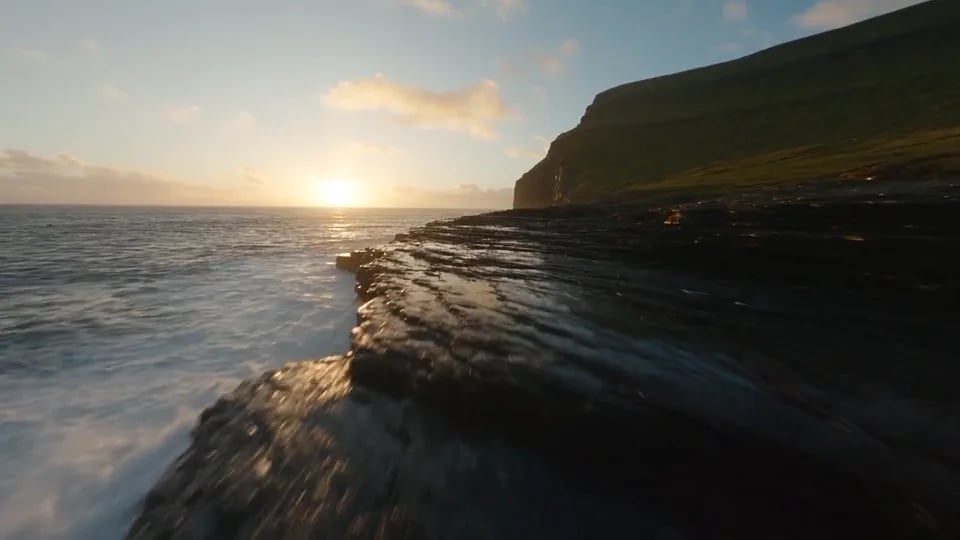
Coastal story
Bring a short travel narration onto the screen with styled subtitles.
Turn speech into subtitles. Refine every line, choose a style, and make your video ready to share.
Drop a video here or choose a file to start.
Generate subtitles from speech or import an SRT file.
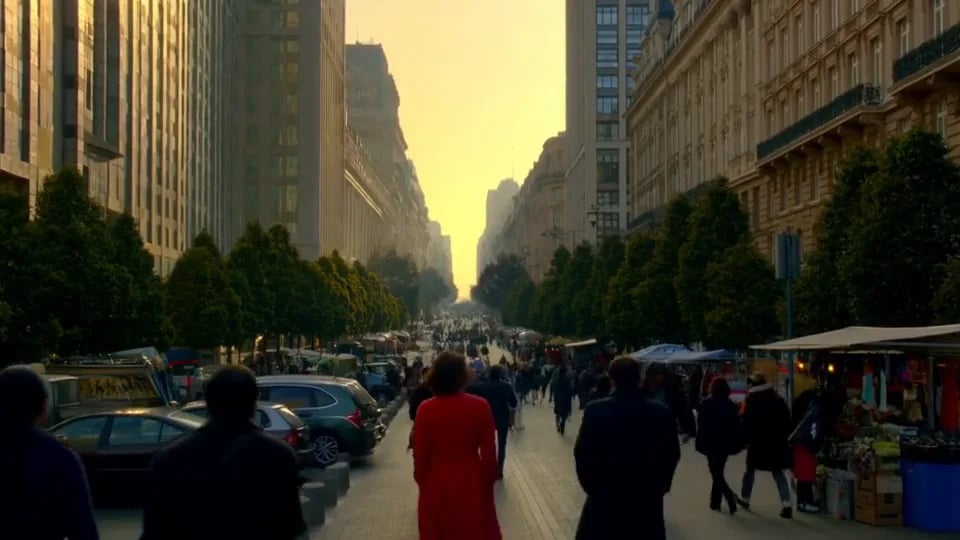
Preview how different caption styles bring spoken words onto the screen.
Bring a short travel narration onto the screen with styled subtitles.
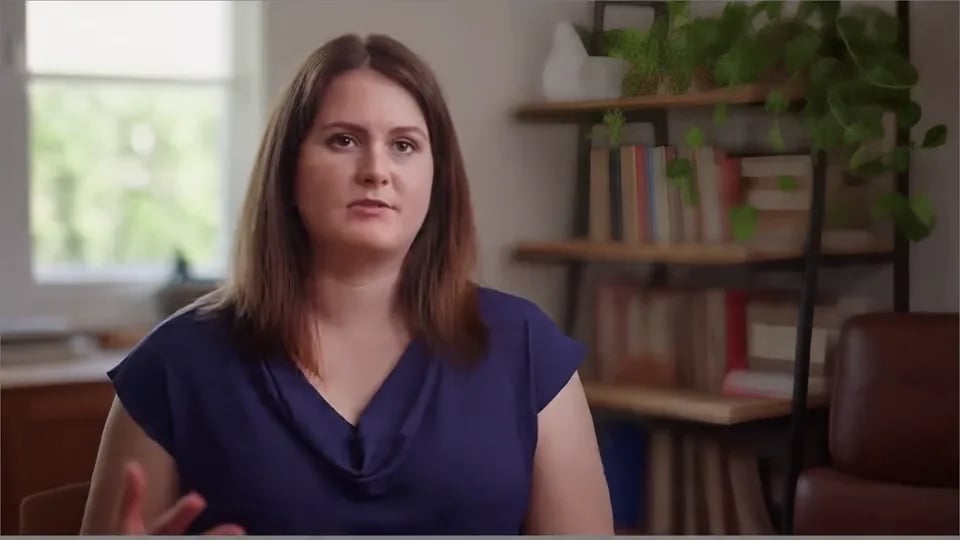
Explore a Chinese SRT example with captions over an artist’s workspace.
Choose a video from your device or your YouArt assets. Sign in to generate subtitles from speech, or import an existing SRT file.
Correct the words and cue times, then choose a preset and adjust the text size, colors and placement while you preview.
Download a timed SRT file or sign in to export an MP4 with subtitles. Video export uploads the source for cloud rendering.
Generate timed captions for spoken video, then correct names, punctuation and recognition mistakes before sharing.
Choose a simple subtitle look or animated word emphasis, with controls for size, text color, highlight color and placement.
Keep editable text in an SRT file, or render your chosen caption style into an MP4 that displays subtitles wherever it plays.
Use the automatic result as a first draft. A short review of wording, timing and placement makes subtitles easier to follow on phones and larger screens.
Replay names, technical terms and quieter speech. Edit each cue’s start and end time so it appears with the spoken words and disappears during pauses. Background noise, overlapping voices and music can affect recognition.
Start with a preset, then adjust size and contrast against your footage. Keep subtitles clear of faces and important details. Preview the opening, middle and end of your video, including any changes in background brightness.
An SRT file stores text and cue times. It does not preserve the chosen font, colors or animation, and has no measured word timestamps. Imported captions display as whole cues; word-by-word highlights require timestamps from speech recognition. Export video to keep the visual style.
Opening a local video, editing captions and downloading SRT happen in your browser. Generation sends extracted audio for speech recognition. Captioned video export uploads the video and renders in the cloud. Sign-in is required for generation and video export.
More tools
Choose another tool to edit, enhance or transform your images and videos.