

AI world model generator

Imagine a place. Step inside.

Turn a description or an image into a world with depth. Explore the space, discover a new angle, and frame the shot you had in mind.

Camera view inside an AI-generated 3D world on YouArt

Your idea becomes a 3D world.

Start with words, a reference image, or both. Describe the environment, its materials, and the light. YouArt brings world generation and a camera you control into one creative workspace.

Powered by World Labs Marble

Start with a description

Build a scene around a place, an atmosphere, or a visual direction. Give the model a clear setting to work with.

Start with an image

Use concept art or a photograph as a starting point, then add words to guide the environment you want to explore.

Different worlds. Step into each one.

Explore a coastal courtyard, a neon city, a glowing forest and places beyond Earth. Choose a world to look around and move through its 3D space.
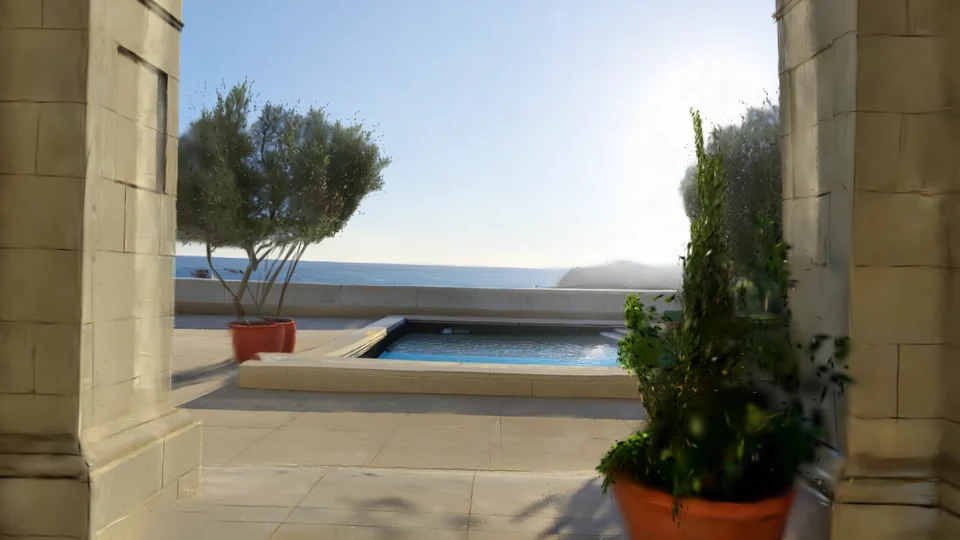
A closer composition captured from the generated world

Find the shot inside the world.

Explore at your own pace. Move through the scene, adjust the camera's focal length and aspect ratio, and capture a still when the composition feels right.

For environment concepts, visual storytelling and shot planning.

Capture your perspective

Download camera captures as PNG images or save them to your assets for the next part of your project.

From an idea to an explorable world

  1. Describe your world

    Open the world workspace and add a prompt or image. Choose the available model and review the credit cost before generating.

  2. Explore the space

    When your world is ready, move the camera and look around. Try different positions and focal lengths to discover the scene.

  3. Keep the best view

    Set your frame, capture a still, and download it or save it to your assets. Return to your saved world whenever you want another angle.

World model generation, explained

An AI world model generator creates a spatial environment that you can view from different camera positions. YouArt uses World Labs Marble to generate a 3D world from text or an image, then opens it in a viewer where you can explore and capture stills. It is useful for developing environments, testing compositions and planning visual stories.

Yes. Start with one reference image, a text description, or both. A photograph or concept image provides a visual starting point, while text can describe the setting, materials and lighting. The model infers the surrounding space, so areas outside the reference are generated rather than an exact reconstruction of a real location.

An AI image gives you one fixed view. A world lets you change the camera position inside an environment. YouArt's world viewer displays a Gaussian-splat scene, designed for spatial exploration and image capture. If you need an individual mesh object for modeling or asset production, use the separate 3D model workspace.

Explore the environment, adjust focal length and framing, and capture PNG images from different viewpoints. You can download those captures or save them to your asset library. Saved worlds let you revisit the scene; where a panorama is available, the editor also lets you use it to guide a new generation.

Sign in to create and save a world. Generation uses credits, and the composer shows the current cost for your selected model before you run it. Available models and access depend on your account. Browsing this page and watching the example do not start a generation.

The interactive world viewer needs WebGL2 and a device with enough graphics memory for the scene. A recent desktop browser usually provides the most comfortable navigation experience. Generated worlds can be large, so connection speed and device performance affect loading and exploration.

A new world starts with you.

Bring a place you've imagined into view, then discover what it looks like from the inside.

Create a world