AI background remover

AI Background Remover: Erase Any Image Background

Upload a photo and the AI background remover finds the subject and cuts everything else away — hair, fur and soft edges included. What you get back is a transparent PNG, ready to drop onto any background.

2 credits
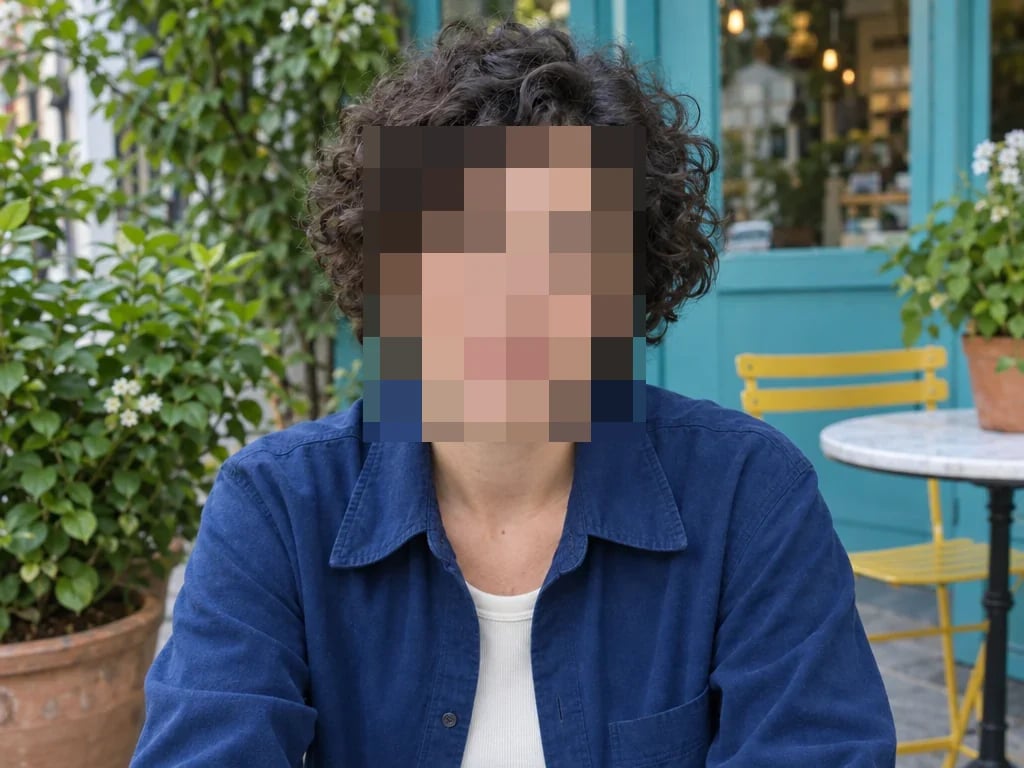
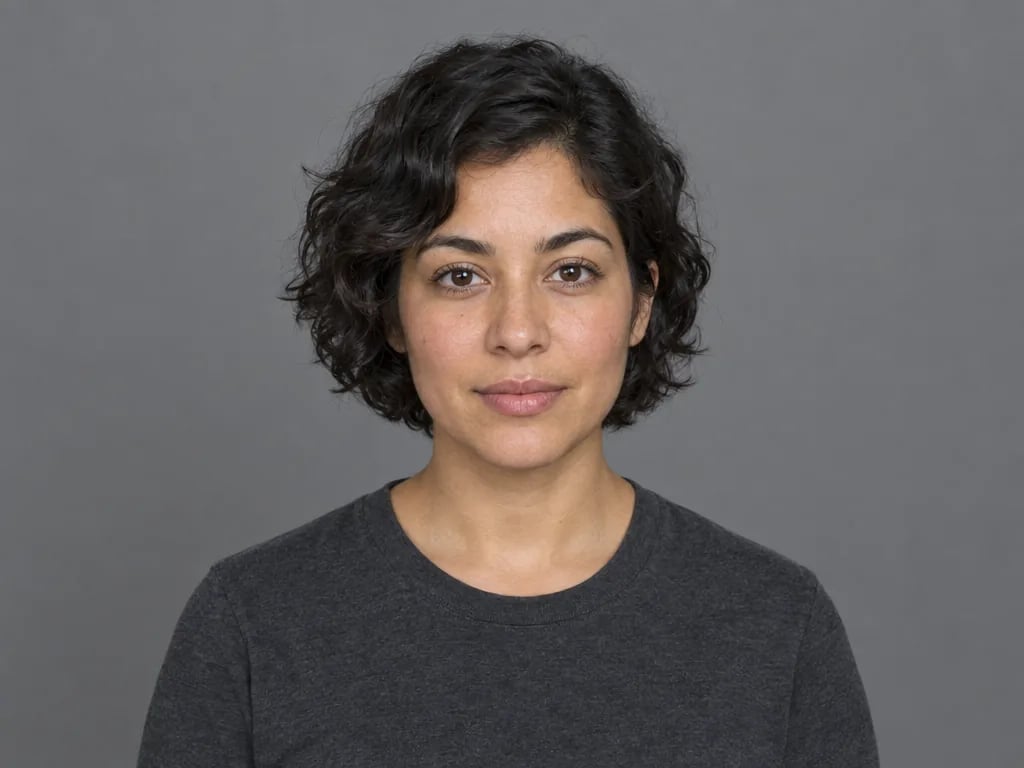
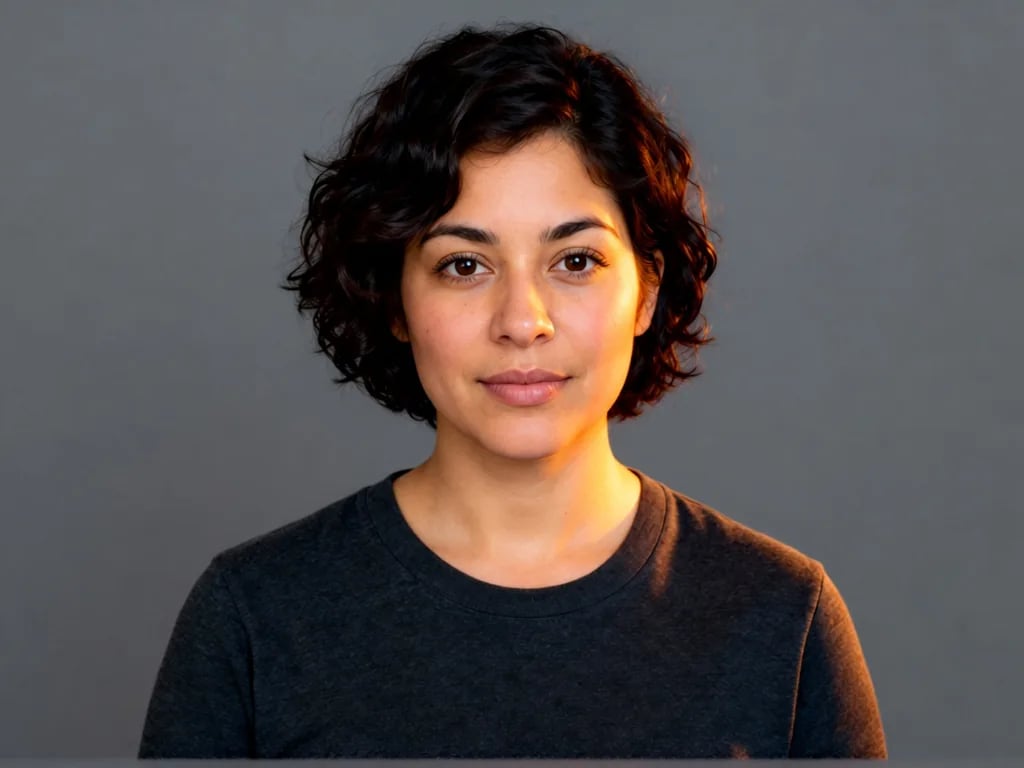
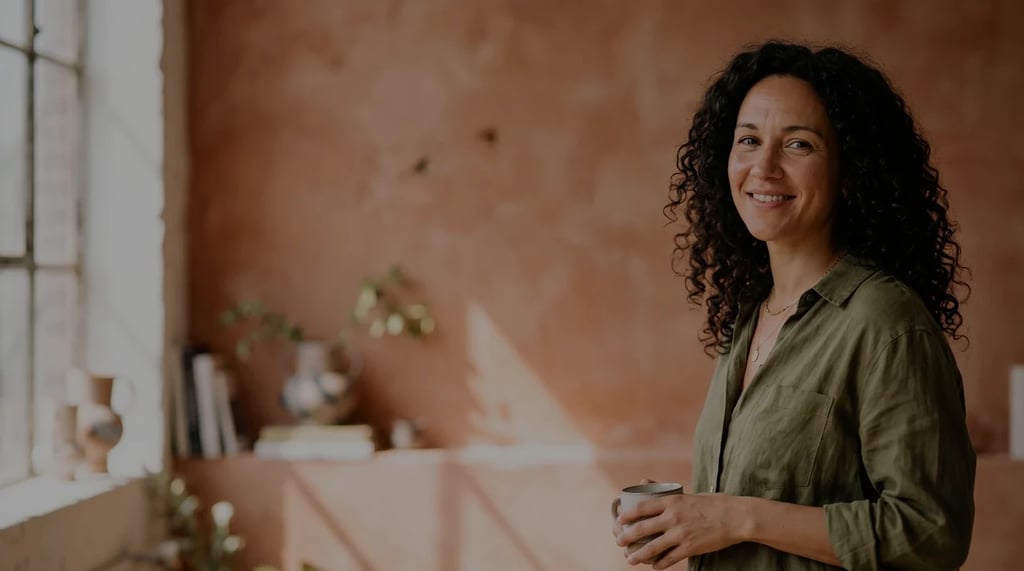
A woman with dark wavy hair photographed against a plain studio backdropThe same portrait with the background removed, the fine strands along the edge of her hair kept intact

Your cutout arrives as a transparent PNG — the checkerboard is how transparency is shown, not part of the file.

Examples

Cut-outs from real photos

  • A pair of leather sneakers photographed on a wooden table
    The same sneakers isolated on a transparent background
    Product shots — drop straight into a listing or an ad
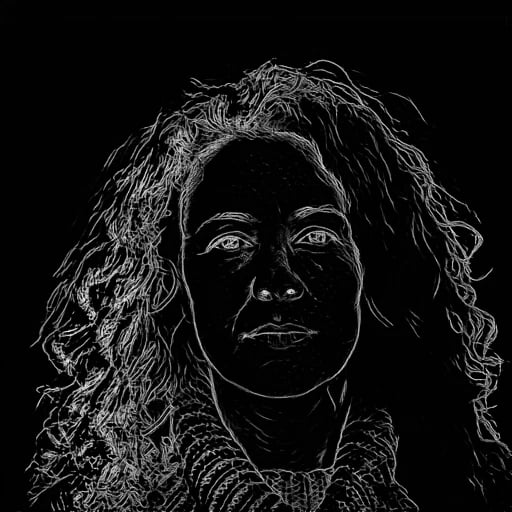
  • A woman with dark wavy hair photographed against a plain studio backdrop
    The same portrait with the background removed, the fine strands along the edge of her hair kept intact
    Portraits — loose strands survive, not a blurred outline
  • A long-haired golden retriever sitting in front of a plain wall
    The same dog isolated on a transparent background, fur edges intact
    Pets — the hardest edge there is, and where cheap tools give up
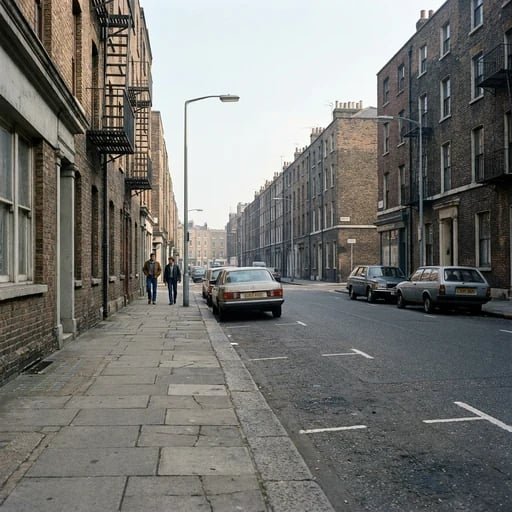
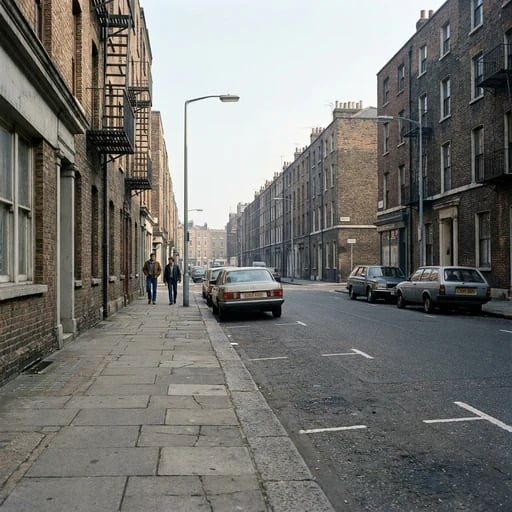
  • A parked car photographed on a city street
    The same car with the background removed, including around the window glass
    Vehicles — hard edges and glass, cleanly separated

Every pair was produced by this page: the photo on the left, the transparent PNG this tool returned on the right.

How it works

How to remove an image background in three steps

  1. Step 1

    Upload your image

    Drop in a JPG, PNG or WebP — a product shot, a portrait, a logo, anything with a subject worth keeping.

  2. Step 2

    Let the AI cut it out

    The background remover detects the subject's outline and erases everything behind it. No brushes, no masking, nothing to select by hand.

  3. Step 3

    Download the transparent PNG

    Your cutout opens in a session you can come back to, and saves as a PNG with a genuinely transparent background.

What it is for

Where a clean cutout earns its keep

Product listings

Marketplaces want a plain or white background. Remove the background once and the same cutout works across every channel.

Headshots and ID photos

Swap a distracting room for a plain backdrop without re-shooting, keeping hair edges intact.

Design and compositing

A transparent PNG drops straight into a poster, a deck or a thumbnail without a halo around the subject.

Stickers and social posts

Cut a subject out for a sticker, a meme or a profile image with a background of your own.

Edge quality

The part cheap background removal gets wrong

Hair, fur and fine edges

The hardest part of removing a background is everything that isn't a hard outline. Strands and fur come away with their shape rather than a cut-out silhouette.

Real transparency, not white

The result is a PNG with an alpha channel. A white rectangle is not a removed background — it only looks like one until you place it on something.

Your resolution, kept

The cutout comes back at the size you uploaded. Nothing is downscaled to hide soft edges.

Pay per image, not per month

Every plan includes credits you can spend on this page or anywhere else on YouArt.

Basic

For hobbyists and explorers

$9.99/mo
Select Plan
  • 1000 credits
  • Up to ~200 images/month
  • At least ~1000s video/month
  • Intelligent creative agent
  • Video editor
  • Latest image models, including GPT Image 2 and Nano Banana Pro
  • Latest video models, including Seedance 2
  • Realistic face uploads
  • Voice generation with ElevenLabs
  • No watermark
  • Unlimited template access

Pro

Most Popular

For creators and pro users

$29.99/mo
Select Plan
  • 3300 credits
  • Up to ~1000 images/month
  • At least ~3300s video/month
  • Intelligent creative agent
  • Video editor
  • Latest image models, including GPT Image 2 and Nano Banana Pro
  • Latest video models, including Seedance 2
  • Realistic face uploads
  • Voice generation with ElevenLabs
  • No watermark
  • Unlimited template access

Max

For power users and teams

$149.99/mo
Select Plan
  • 18000 credits
  • Up to ~6000 images/month
  • At least ~18000s video/month
  • Intelligent creative agent
  • Video editor
  • Latest image models, including GPT Image 2 and Nano Banana Pro
  • Latest video models, including Seedance 2
  • Realistic face uploads
  • Voice generation with ElevenLabs
  • No watermark
  • Unlimited template access

Team

For teams and studios

$329.99/mo
Select Plan
  • 36300 credits
  • Up to ~12000 images/month
  • At least ~36300s video/month
  • Realistic face uploads
  • Share canvas, workflows, and assets with your team
  • Up to 10 members per team
  • Up to 5 teams
  • Role-based management
  • Team credit management and spending caps
  • Per-member usage tracking

FAQ

AI background remover FAQ

What does this background remover do?
It detects the main subject of an image and erases everything behind it, returning a PNG with a transparent background. There is nothing to select, mask or brush — you upload an image and get a cutout.
What image formats can I upload?
JPG, PNG and WebP. The result always comes back as a PNG, because that is the common format that supports a transparent background — a JPG cannot store transparency at all.
Is the background actually transparent?
Yes. The output PNG carries a real alpha channel, so placing it on any colour or photo shows that background through. The checkerboard pattern you see in previews is how transparency is displayed; it is not part of the file.
Will it reduce my image quality?
No. The cutout is returned at the resolution you uploaded, and only the background pixels are removed. The subject itself is untouched.
How does it handle hair and fur?
Fine edges are where background removal usually fails, and it is what the model spends most of its effort on. Strands, fur and soft edges keep their shape rather than being flattened into a hard silhouette.
What happens to the image I upload?
It is uploaded to your own YouArt workspace to be processed, and the result lands in a session that belongs to you. It is not published anywhere, and nobody else can see it.
How much does one image cost?
The credit cost of the workflow behind this page, shown next to the button before you run it. The figure comes from the same pricing data the rest of YouArt bills on, so what is quoted is what you are charged.
Can I use the results commercially?
Yes — cutouts you produce are yours to use under YouArt's terms, including in product listings, ads and client work.

Beyond one image

Need more than a cutout?

This page runs one fixed step. Open the workflow editor to chain a background removal into an upscale, a relight or a generated backdrop — or to run a batch of images through the same graph.