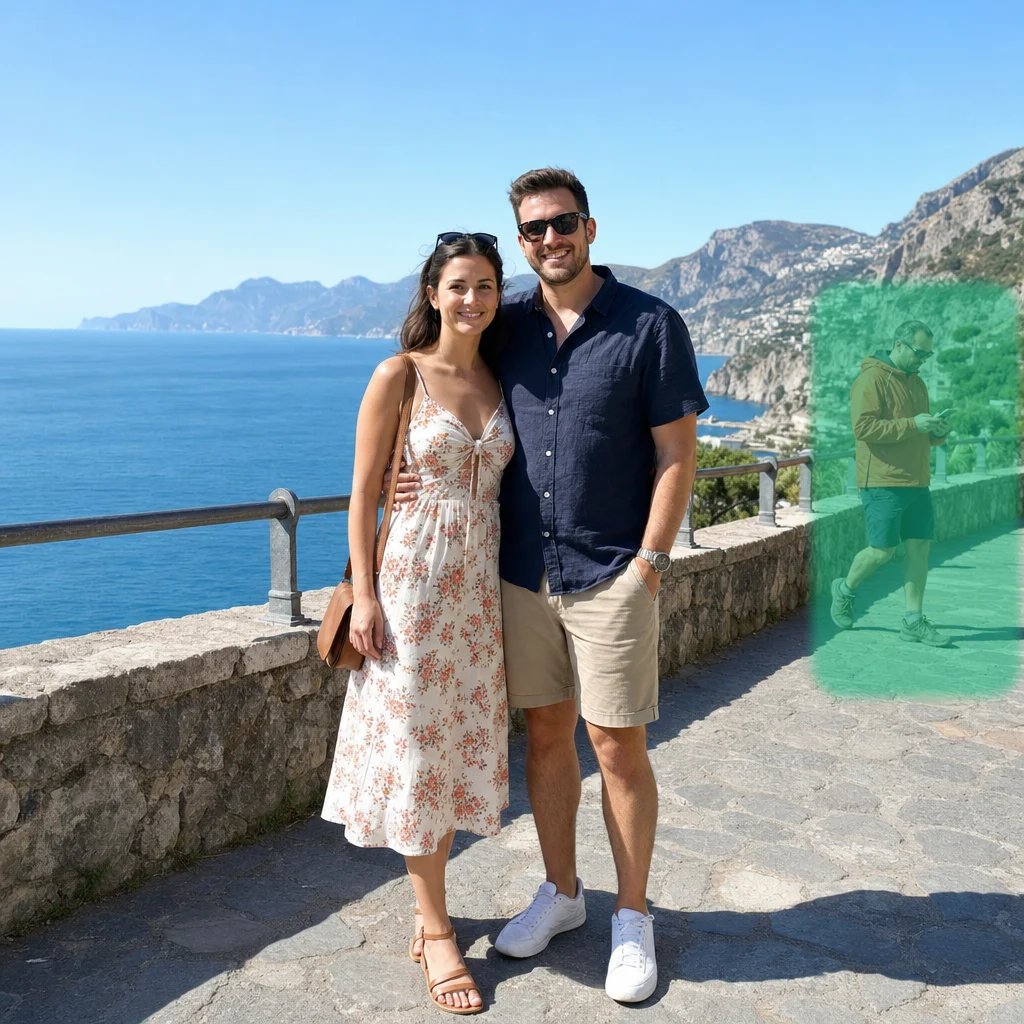
Coastline in motion
34% smaller0.96 MB → 0.64 MB
Make videos easier to share. Choose a quality preset or target file size, compare the result, and download your compressed video.
Choose video
Processed on your device. No video uploads.
Play the clips and inspect motion and fine detail. The file sizes show the actual reduction for each example.
0.96 MB → 0.64 MB
0.29 MB → 0.1 MB
Choose a file from your device. Your video opens locally without an upload or an account.
Set a target in MB or choose the quality you want. Expand Advanced to adjust the format, resolution, frame rate and sound.
Compress the video, review the output size and picture, then download the new file. Your original remains unchanged.
Start with the result you need: a smaller file for sharing, or a particular level of picture quality. Your source stays unchanged. The format sets the file container; the codec determines how its picture and sound are encoded. Browser support depends on both, so two files with the same extension may behave differently.
Open MP4, MOV, MKV, WebM or unencrypted M4V video. MP4 with H.264 is the usual choice for sharing and playback compatibility. MOV and MKV are additional container options; WebM uses VP9 or an available AV1 encoder. M4V is an input format: choose one of the offered download formats. File extensions do not guarantee that every codec or track layout can be read. ProRes, protected video and unsupported HDR profiles are not implied by MOV or M4V support.
Enter a target in MB, such as 10 MB or 25 MB. The compressor budgets picture and sound together and checks the completed file against that ceiling. A successful result is at or below the target, not padded to an exact byte count. A very small target may need lower resolution, a lower frame rate or less audio data. If the chosen settings cannot meet it, adjust the settings and try again.
Quality mode lets you prioritize smaller files or preserve more visual detail without choosing a final MB limit. Motion, textures, noise and clip duration affect the size. Review faces, moving water and small text when comparing the result. Video compression is usually lossy: a higher quality setting cannot restore information missing from the source, and recompressing an already efficient video can make a larger file.
Use Advanced to choose resolution, frame rate, codec, video bitrate and audio settings. Keep the original dimensions when detail matters, or reduce them for easier sharing. H.265/HEVC and AV1 availability depends on your browser and device; an available source decoder does not guarantee an export encoder. H.264 and VP9 are separate choices with different compatibility. Lower audio bitrate can save space, especially in long recordings. Removing sound is an explicit choice.
More tools
Choose another tool to edit, enhance or transform your images and videos.