Dubbing into another language
Record or generate the translated voice, and the speaker's lips follow the new words instead of the original ones, so the dub no longer looks dubbed.
AI lip sync
Upload a video and the audio you want it to say. The speaker's mouth is redrawn to match every word, while the face, the background and the camera move stay as filmed. Choose Sync 3 for the hardest shots, or Lipsync 2 Pro to spend less.
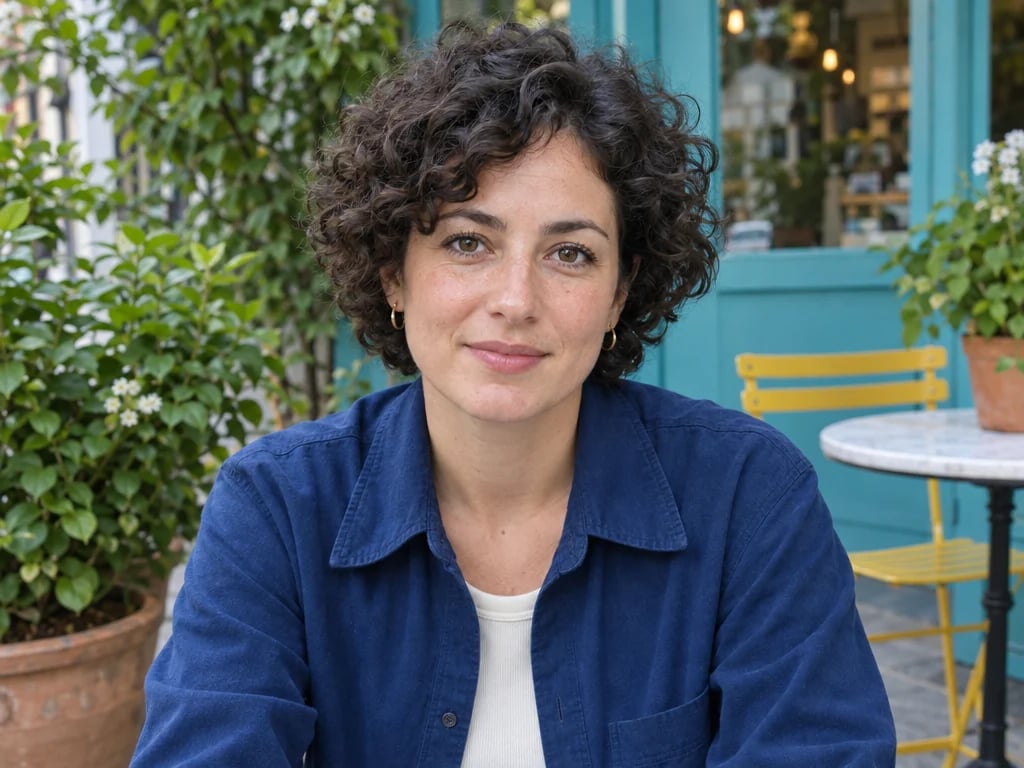
Re-sync the lips in an existing video to new audio while keeping the rest of the face and the scene intact. Works on live action, animation and AI-generated footage, including side angles, close-ups, partly covered faces and shots with several people.
Priced per second of the finished video, rounded up. The video runs as long as your audio, so the price below shows the exact total once your audio is attached.
The synced video opens in a session you can come back to, ready to download or use in another tool.
How it works
Add a clip of up to 60 seconds in which the speaker's face is clearly visible. Live action, animation and AI-generated footage all work.
Add the voice track the speaker should say, between 1 and 60 seconds long: a translation, a re-recorded line or a generated voice. Then pick a model.
The finished video runs as long as your audio and opens in a session that belongs to you, ready to download or carry into another edit.
What it is for
Record or generate the translated voice, and the speaker's lips follow the new words instead of the original ones, so the dub no longer looks dubbed.
A wrong product name, a changed price, a stumbled word: record the corrected line and sync it to the take you already have.
Film one take of a presenter, then make versions for different offers, markets or audiences by changing only the voiceover.
Give a generated or animated character a voice. Both models work on AI-generated footage and animation as well as live action.
What happens to your video
The lips and jaw are redrawn to match the new audio. The rest of the face, the background, the lighting and the camera move stay as they were filmed, and the finished video plays with your new audio.
The finished video is always exactly as long as your audio. If the audio is longer than the clip, the clip plays forward, then backward, and repeats until the audio ends. If the audio is shorter, the clip is cut where the audio stops. Either way, you pay for the length of the audio.
Sync 3 is the default and the one for difficult shots: side angles, close-ups and faces that are partly covered. Lipsync 2 Pro costs less per second, keeps details such as teeth and facial hair, and follows whoever is speaking when several people are in the shot.
Lip sync is priced by the second of the finished video, so a short clip costs what a short clip should. Every plan includes credits, and they work on every other tool on YouArt.
For hobbyists and explorers
For creators and pro users
For power users and teams
For teams and studios
Questions
More tools
Choose another tool to edit, enhance or transform your images and videos.
Beyond one clip
This page runs one step at a time. Open the workflow editor to generate the voice and sync it in one workflow, add lip sync to a clip you generated, or run a batch of videos through the same steps.