Color splash
Create a color splash photo by keeping a selected color while fading the rest toward black and white. Pick a color from your image, refine the range and download the result — free, with local browser editing.
Image preview
Opening local files, editing and downloading are free and stay in your browser. No account or credits needed.
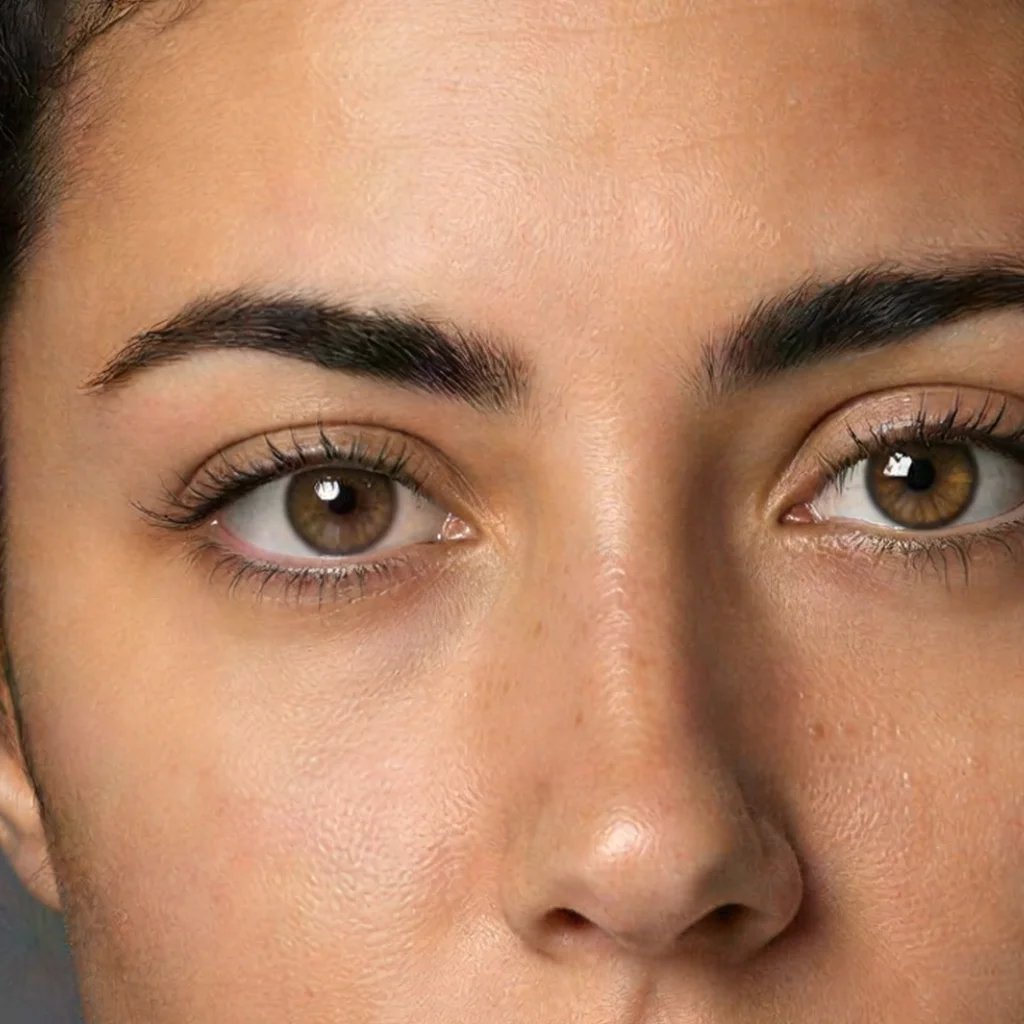
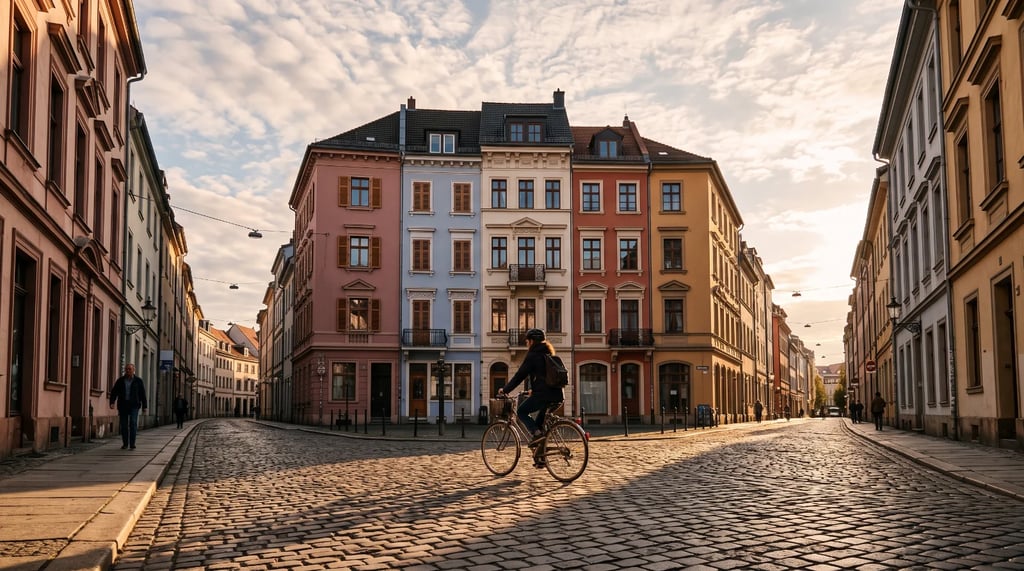
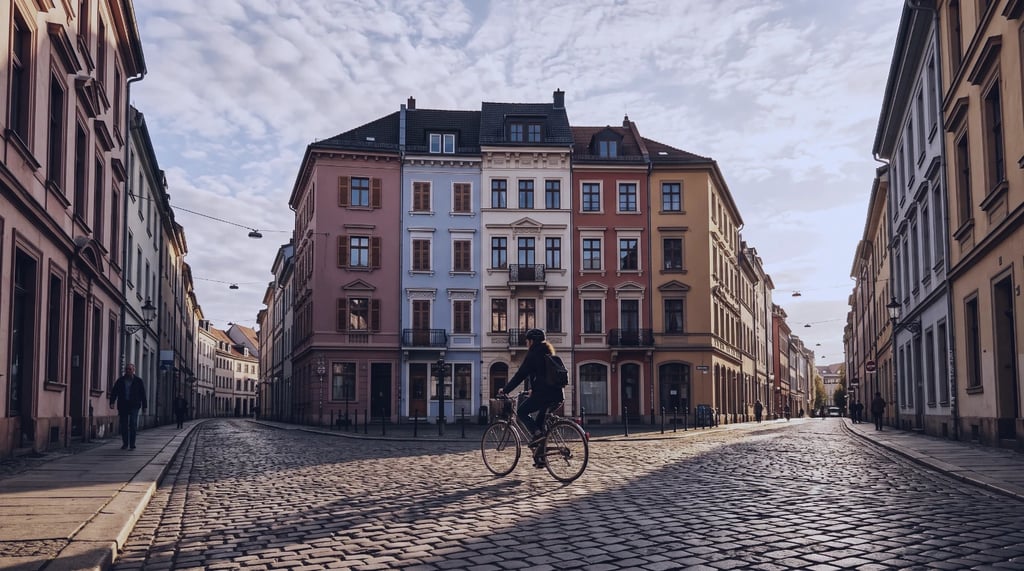
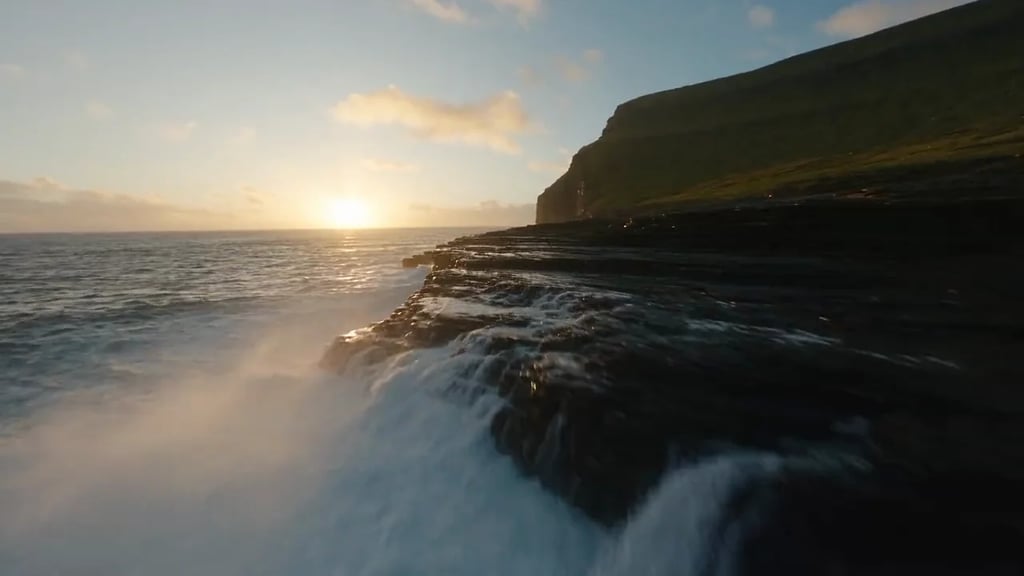
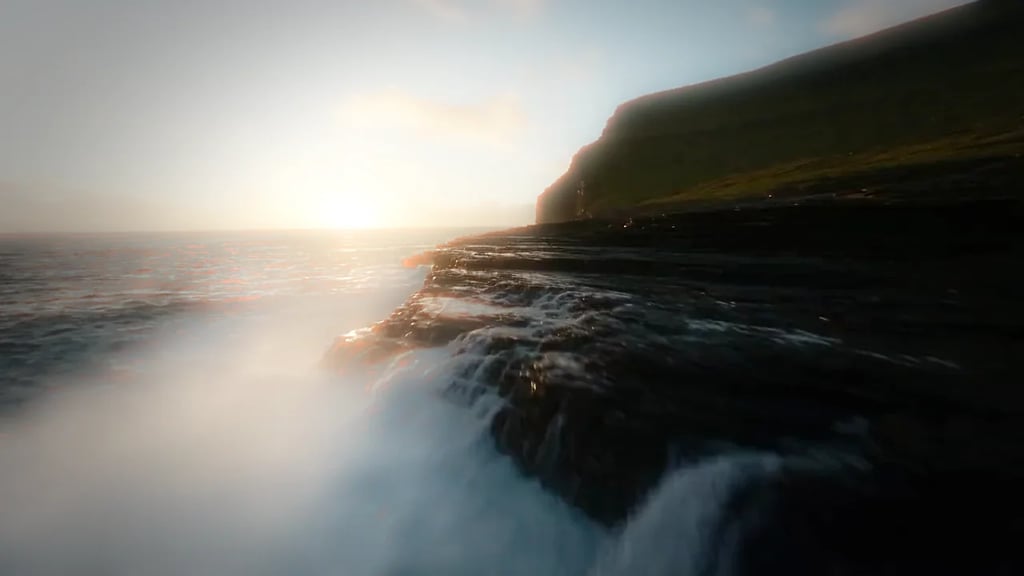
Color splash before and after
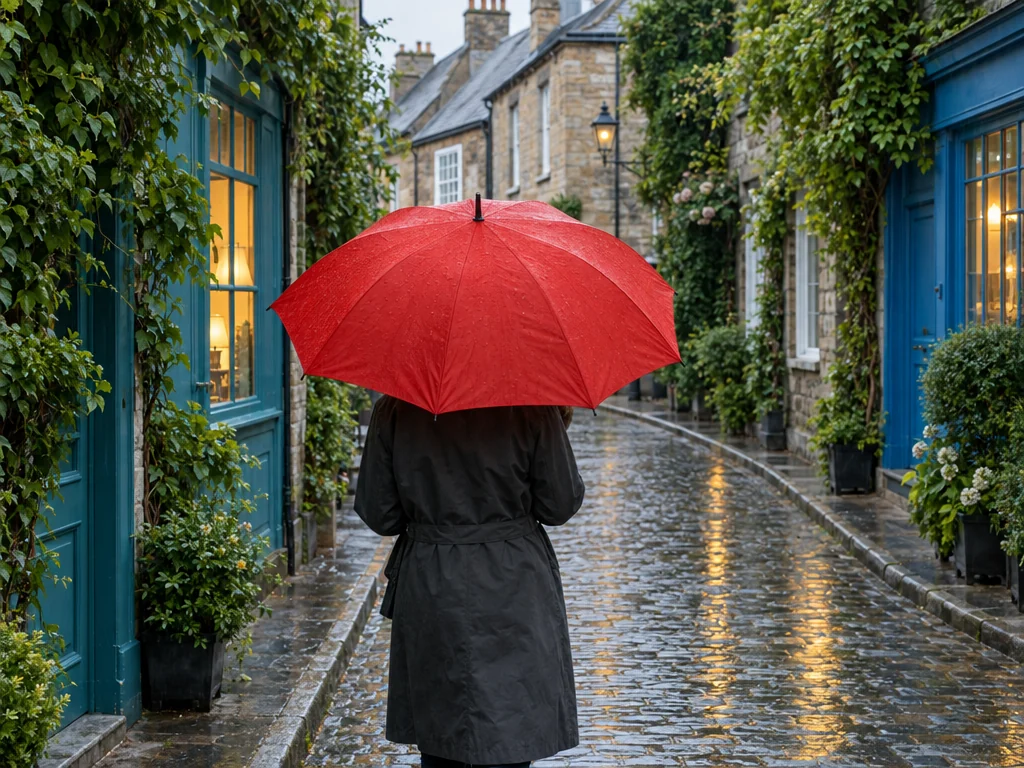
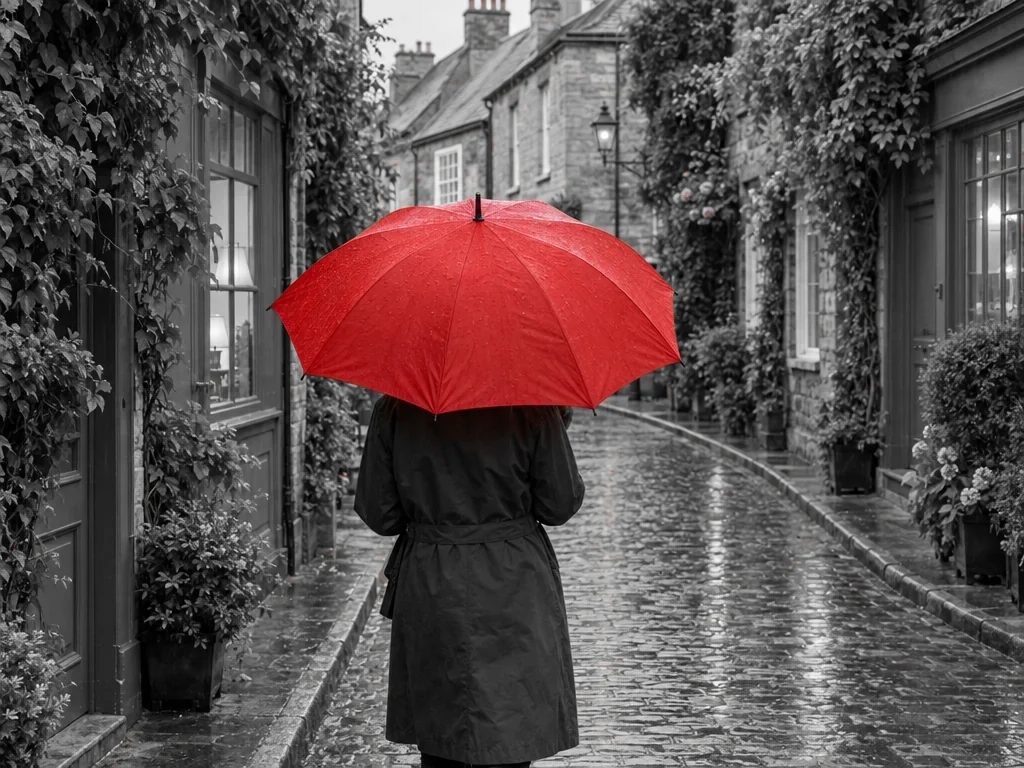
The red umbrella stays vivid while the blue doors, green leaves and warm reflections become black and white. Try a wider color range to keep more hues.
How to make a selective-color photo
Open your photo
Choose a JPEG, PNG or WebP from your device, or drag it into the preview. A clearly colored subject against differently colored surroundings makes a useful starting point.
Pick the color to keep
Use the color picker or sample the original image with the eyedropper. Adjust hue tolerance and softness to refine the retained range. Set desaturation to make the remaining colors muted or fully monochrome.
Compare and save
Check the original and result, including other objects with a similar hue. Download PNG, JPEG or WebP at the original dimensions. Keep your source photo to try another color later.
Refine your color splash effect
Selective color preserves pixels near the hue you choose while reducing saturation elsewhere. It can highlight a red accessory or a bright flower against gray surroundings. Similar colors elsewhere in the picture stay colored too. The tool follows color, not object boundaries: it has no subject recognition, painting brush or recoloring step.
Hue tolerance widens the range that keeps its color. Softness blends the transition at the edge of that range; it does not blur the image. Desaturation controls everything outside the retained range: 100% makes it black and white, while lower values leave some color. Start with a narrow range and widen it while comparing.
The effect keeps the original width, height and pixel transparency. PNG preserves the processed pixels without lossy compression. JPEG and WebP are lossy; JPEG replaces transparency with white. WebP export depends on your browser. Original photo metadata is not included in the downloaded file.
Color splash photo editor questions
More tools
More image and video tools
Choose another tool to edit, enhance or transform your images and videos.