Color Palette Generator
Generate a balanced set of colors or extract the main colors from an image. Copy HEX values when the palette feels right; RGB and HSL stay visible. Your image stays on your device.
Your color palette
Generated palette
How to make a color palette
Start with a fresh palette
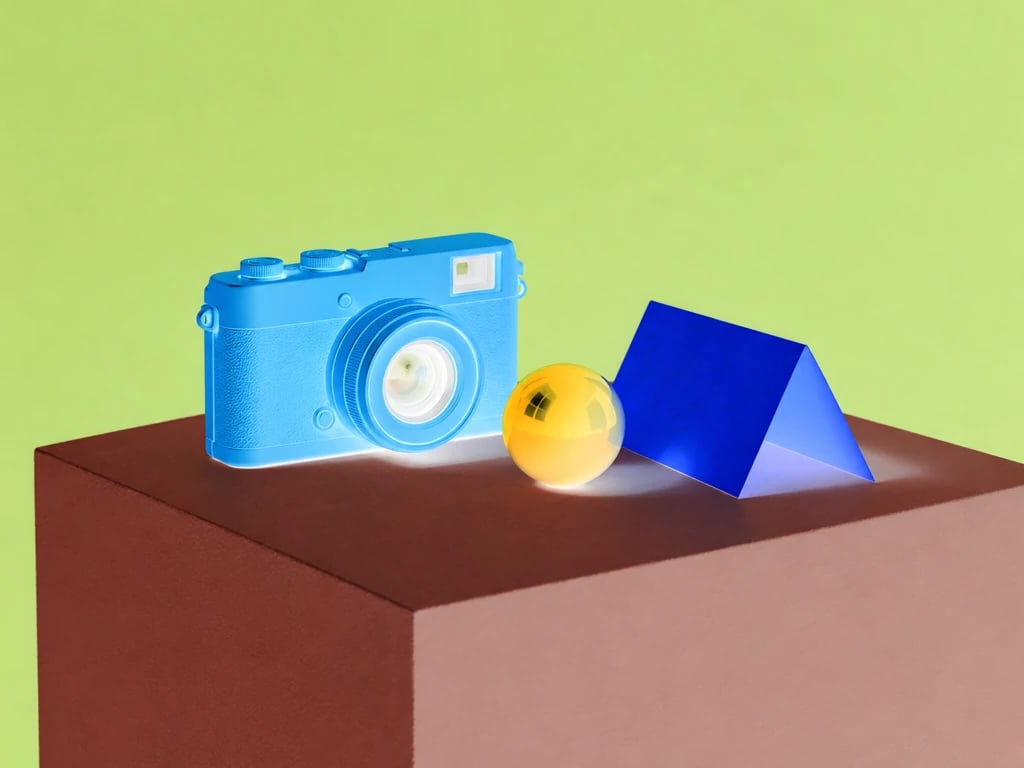
Generate a five-color combination whenever you need a new direction for a brand, page, presentation or illustration.
Or use an image
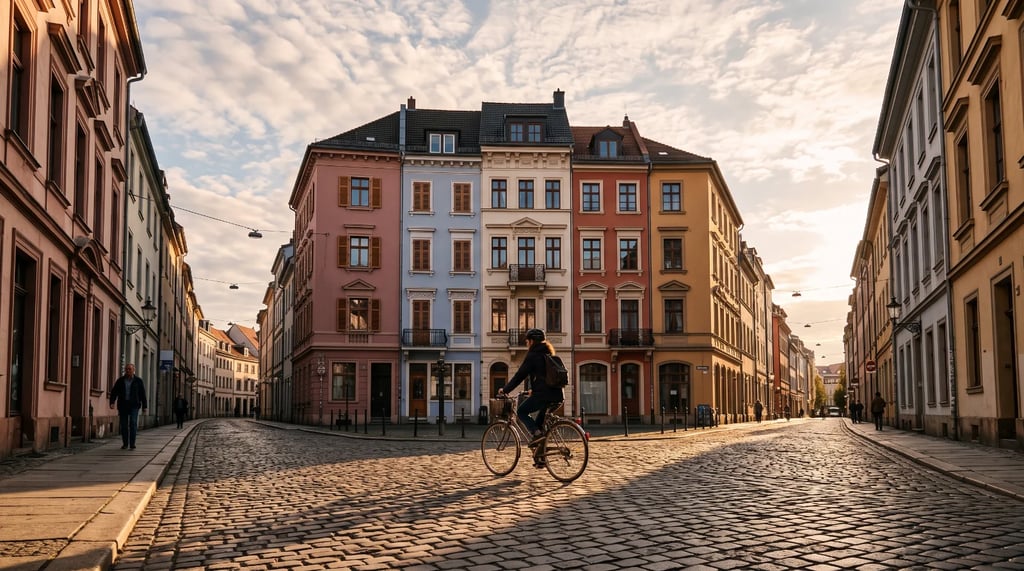
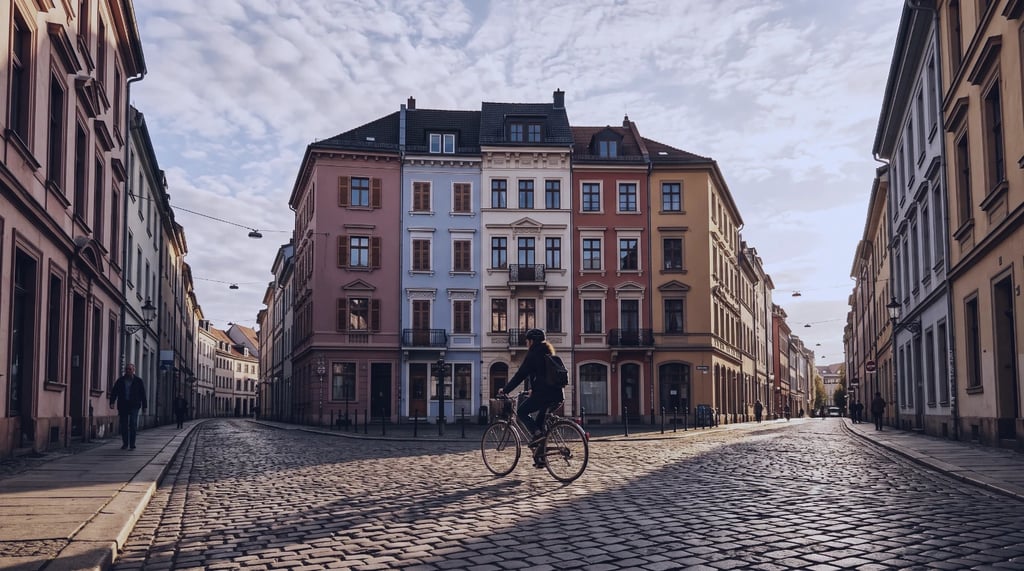
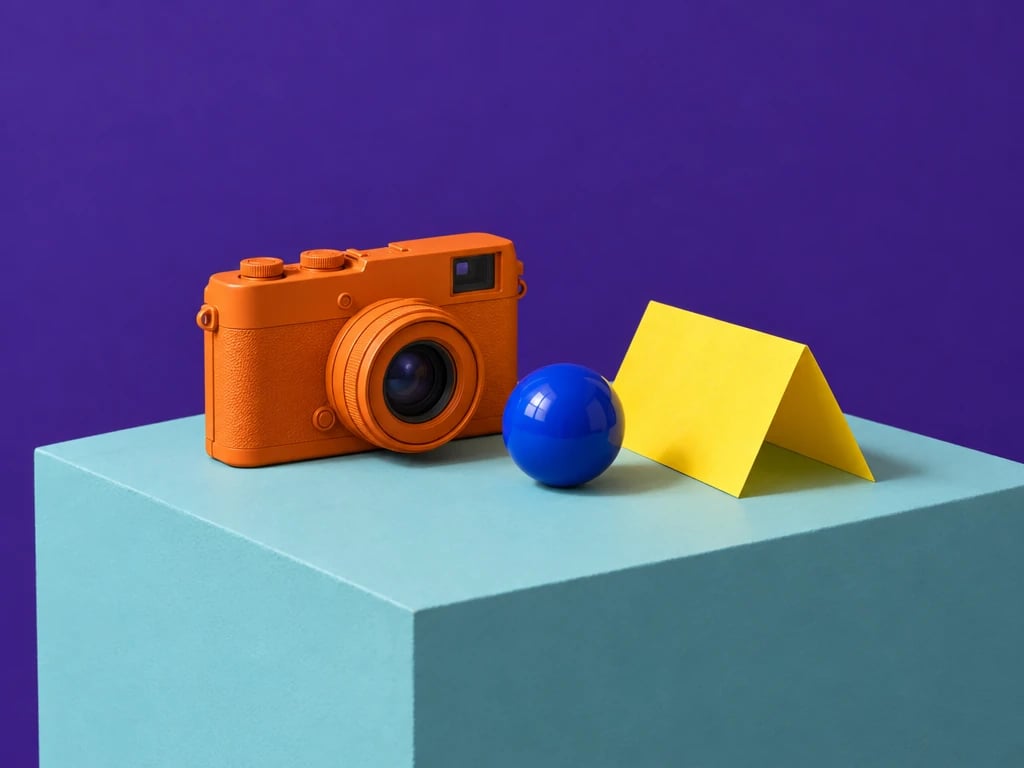
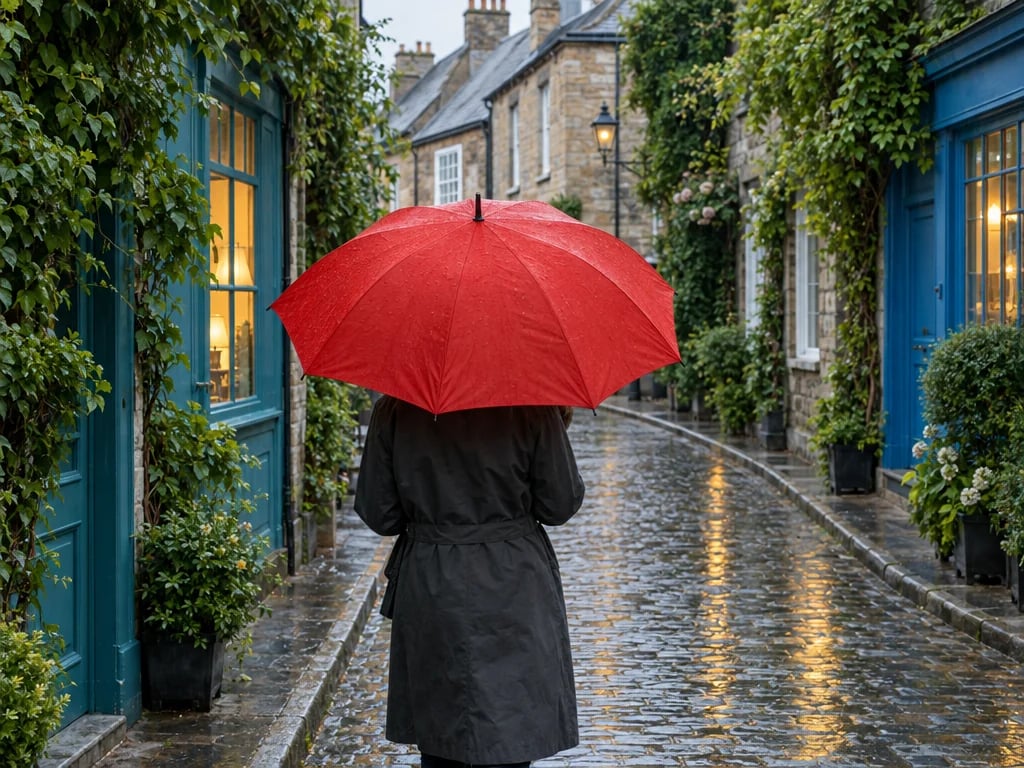
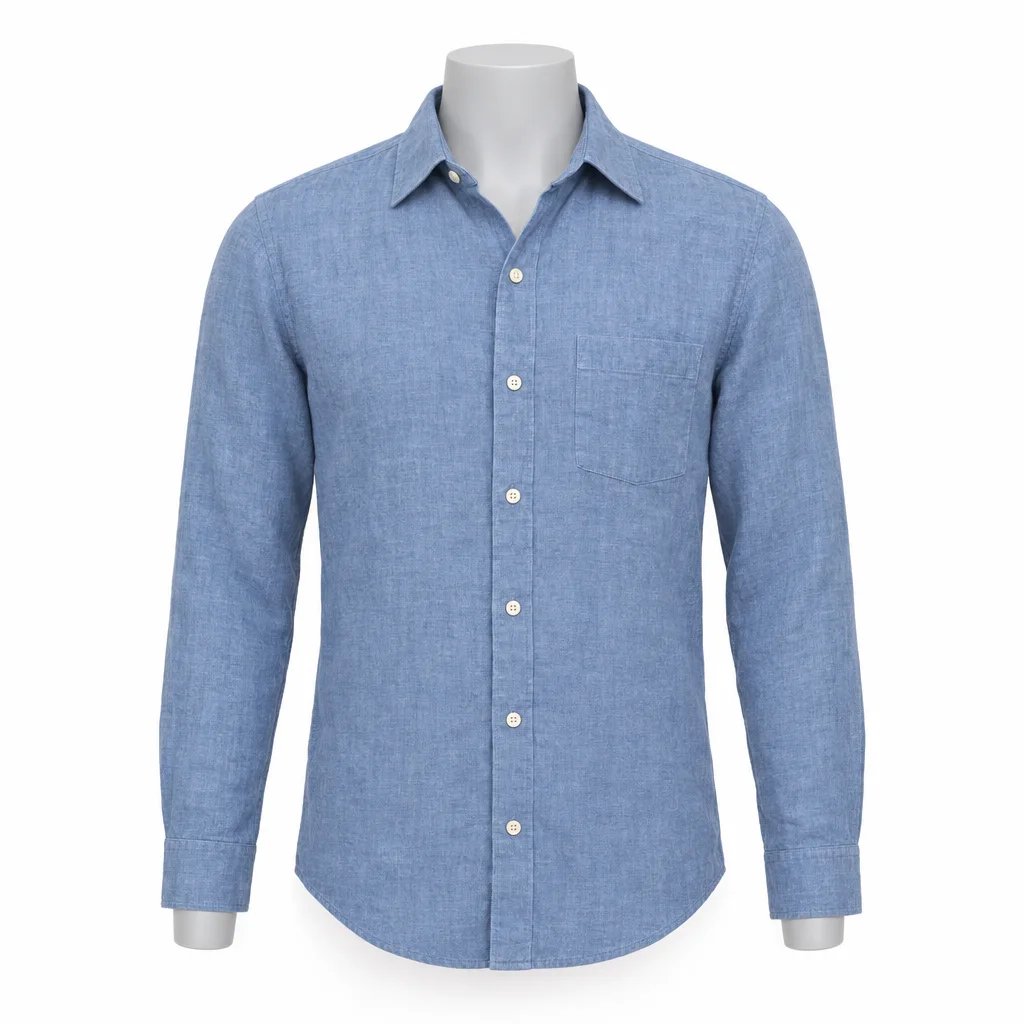
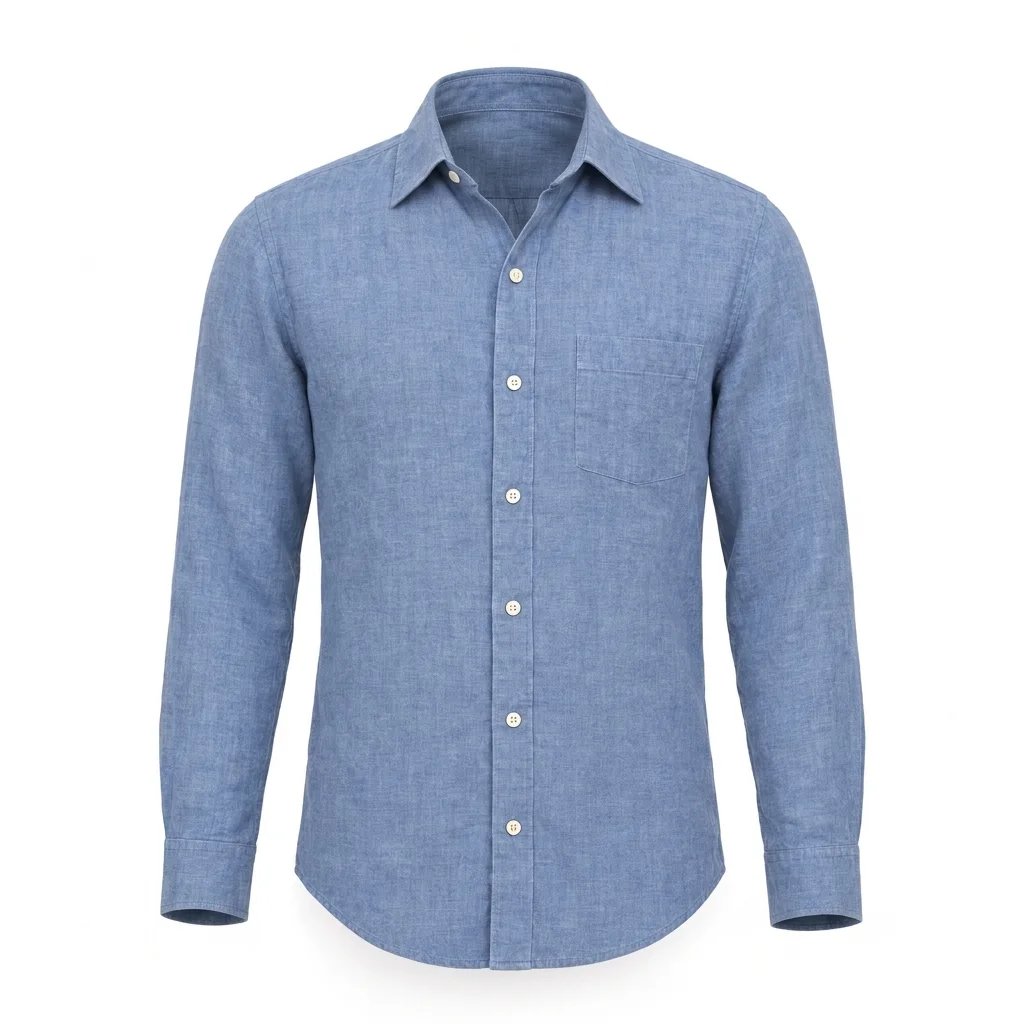
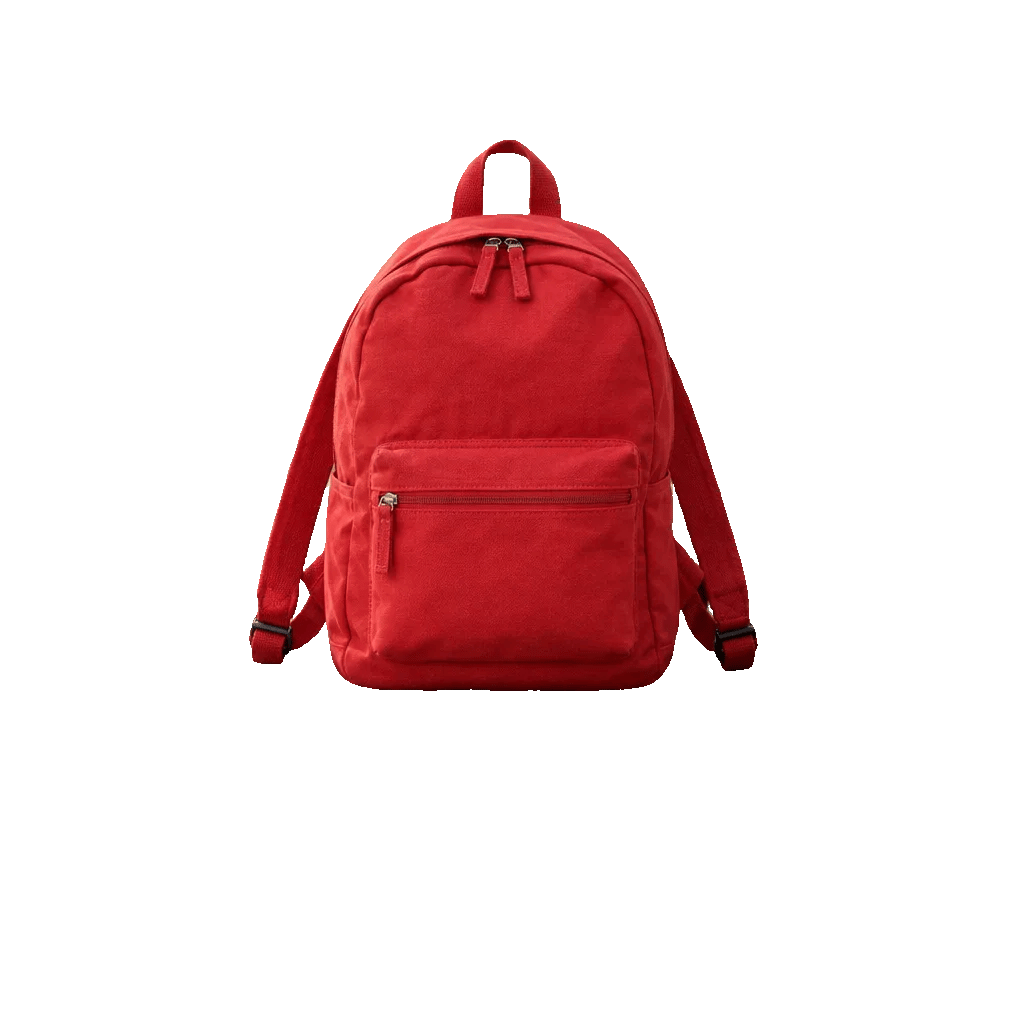
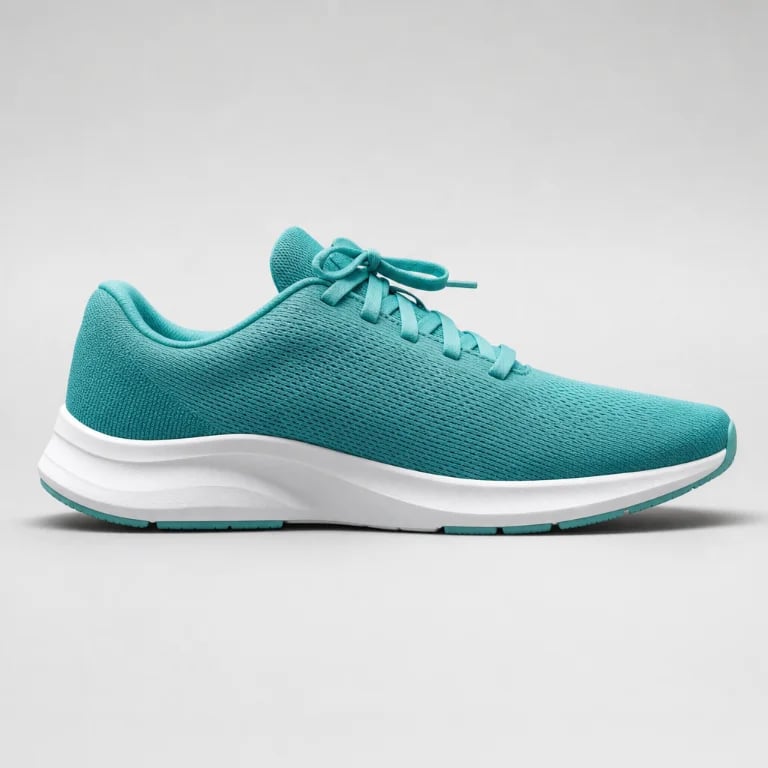
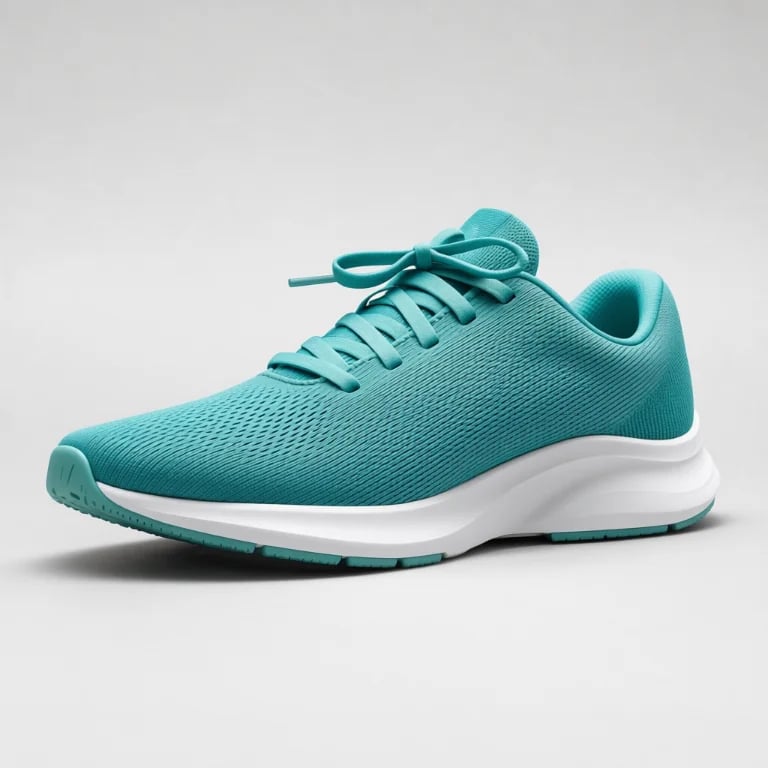
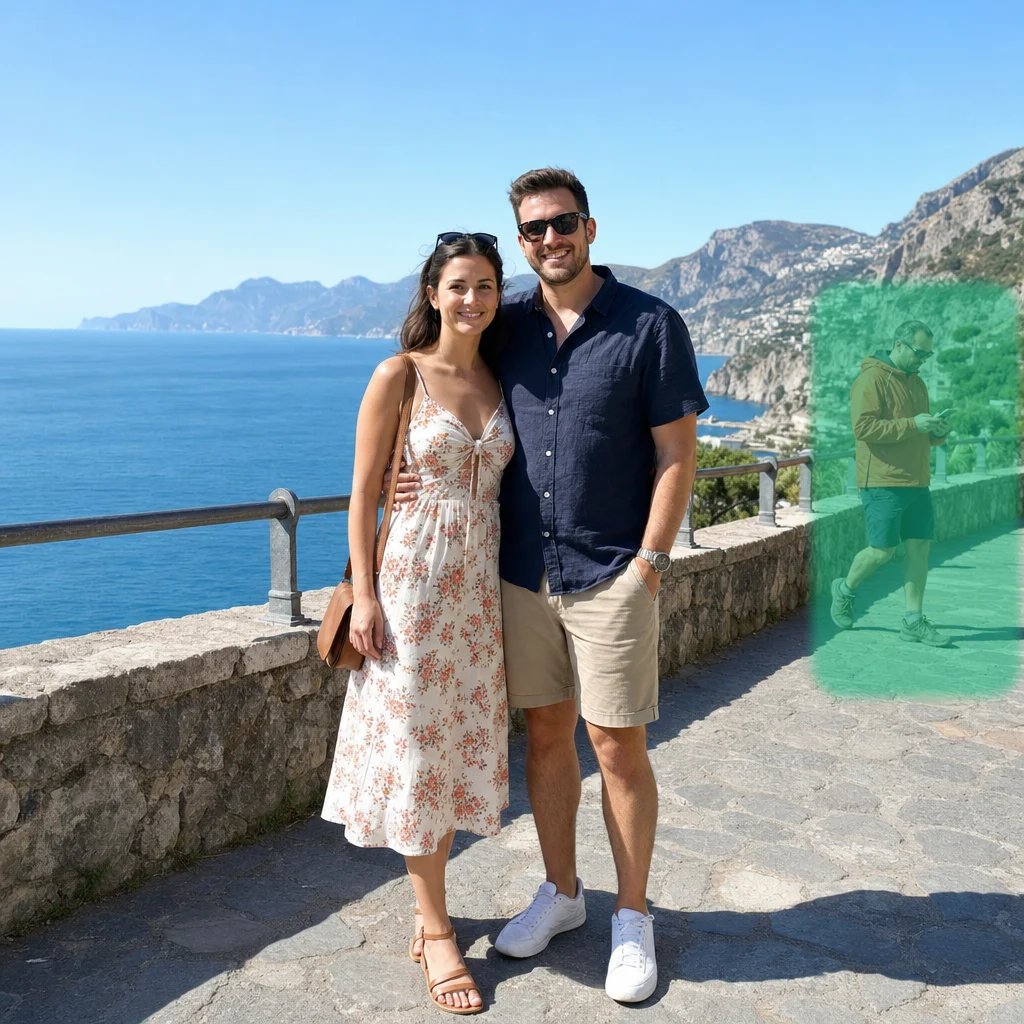
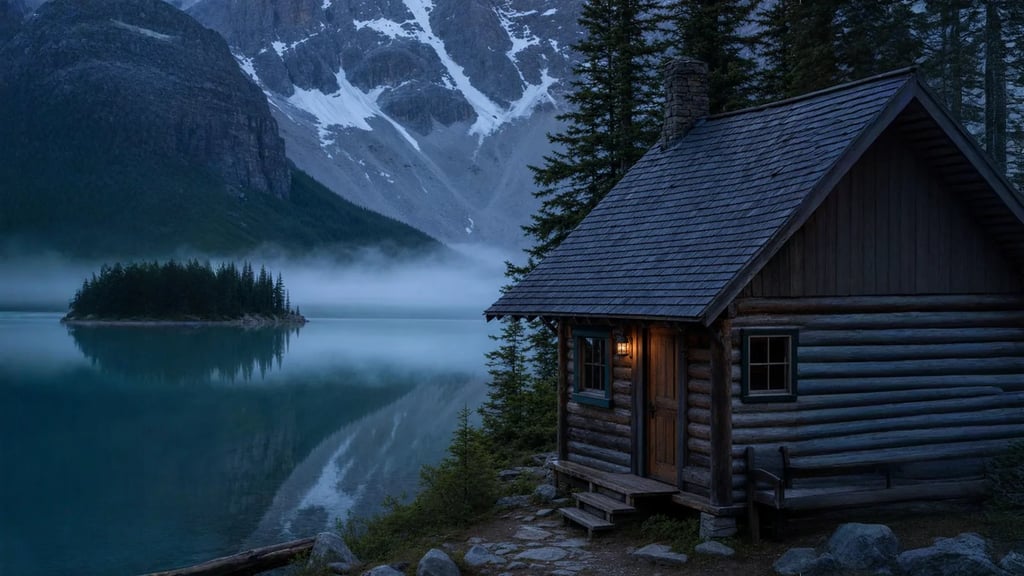
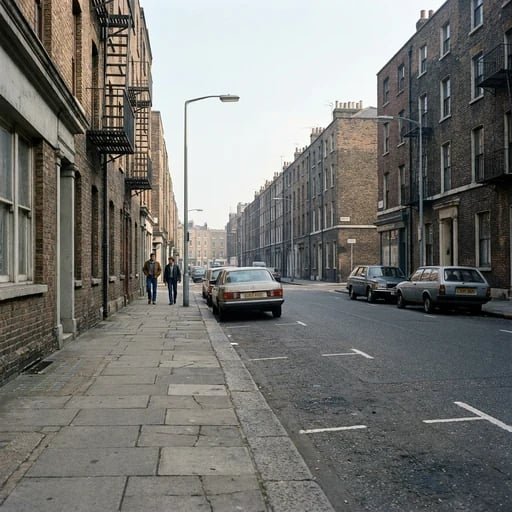
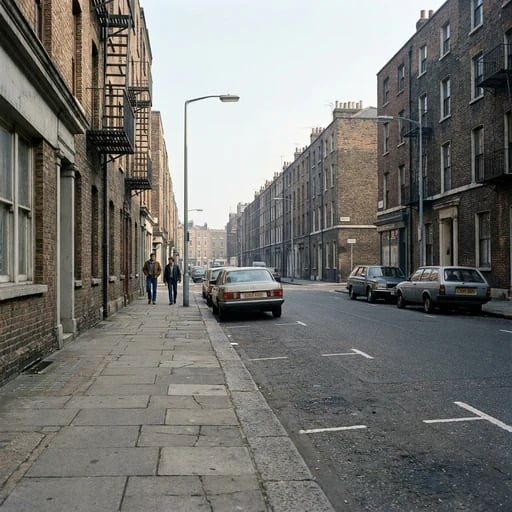
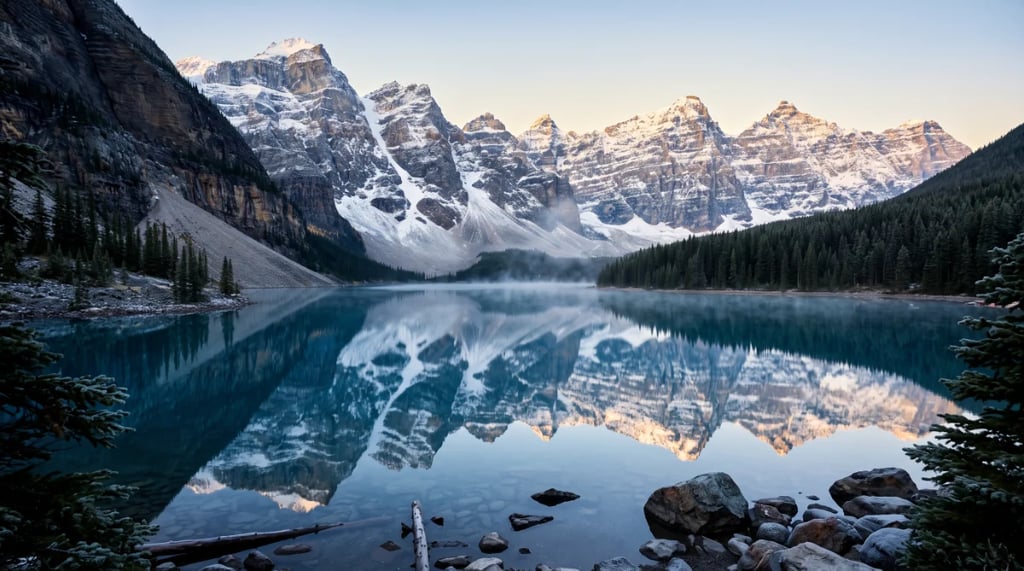
Upload a JPG, PNG or WebP file to find up to five dominant colors. The analysis runs locally in your browser.
Copy the color values
Select one swatch to copy its HEX value, or copy the whole palette. RGB and HSL values stay visible for other design tools.
Build a palette that works beyond the swatches
A useful palette gives each color a job. Test it in the real design, especially where text, backgrounds and controls meet.
Give each color a role
Choose one main color, one supporting color and one accent. Use the remaining tones for surfaces, borders or quiet details instead of giving every color equal weight.
Check text contrast
A palette can look harmonious and still be hard to read. Test important text and buttons against their actual backgrounds before publishing.
Sample the right image
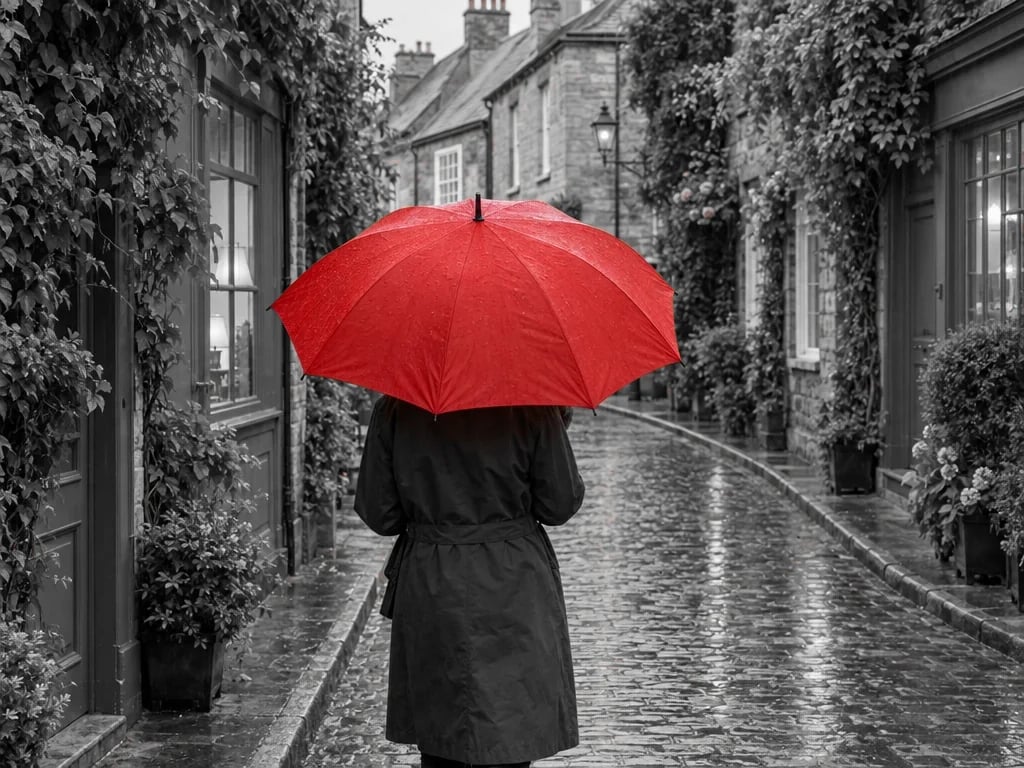
Use an image that represents the mood you want. Large backgrounds naturally influence the extracted palette more than tiny details.
Color palette generator FAQ
More tools
More image and design tools
Choose another tool to edit, enhance or transform your images and videos.