Image, video and 3D tools
AI Tools
Edit images, refine videos, or create a world in 3D. Choose a tool and go straight to the workspace you need.
AI World Generator
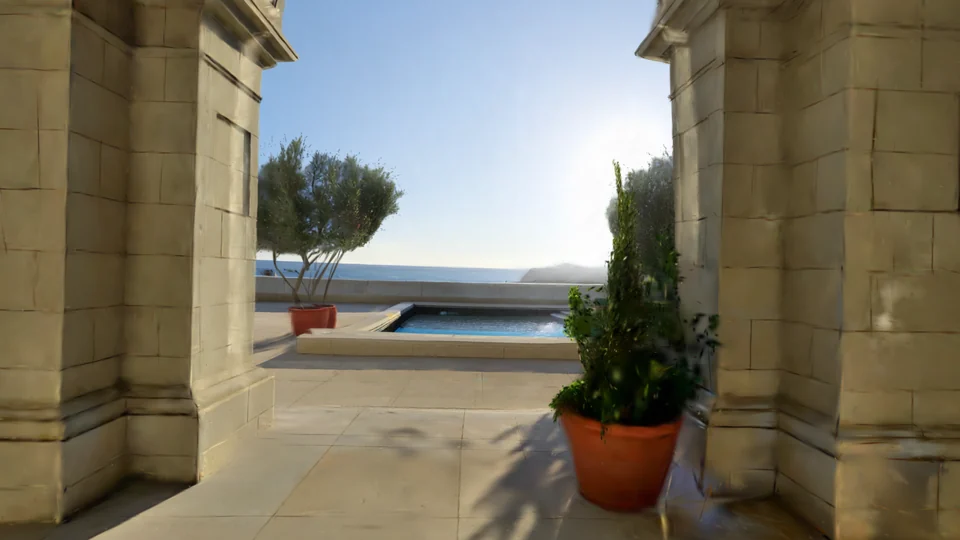
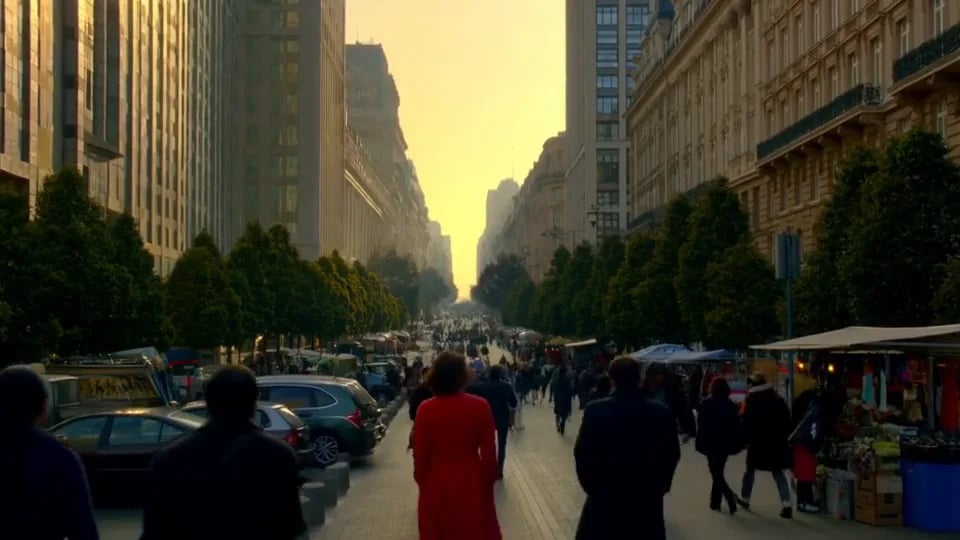
Create explorable 3D worlds from text or an image, then find your camera angle and capture a still.
Open toolBackground Remover
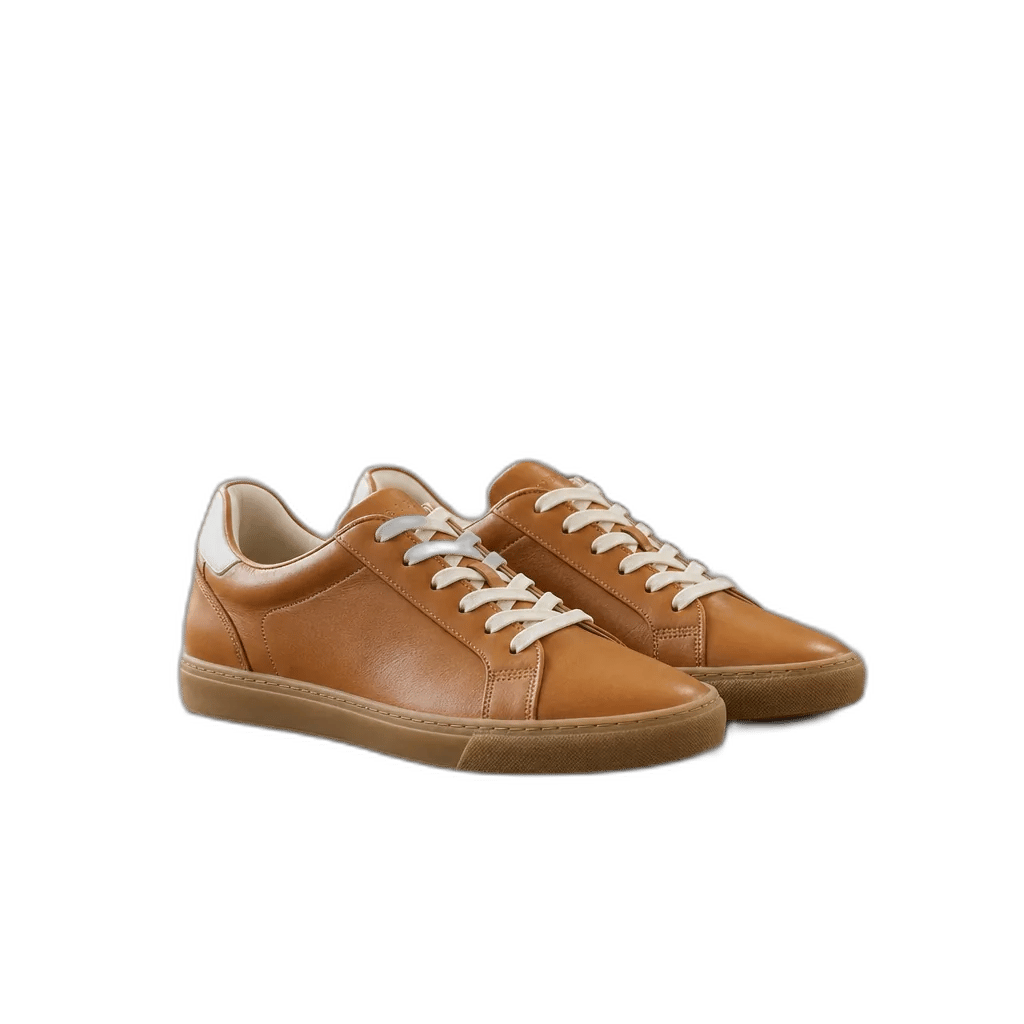
Cut the background out of any image and download a transparent PNG, with hair and soft edges kept intact.
Open toolAI Image Cutout
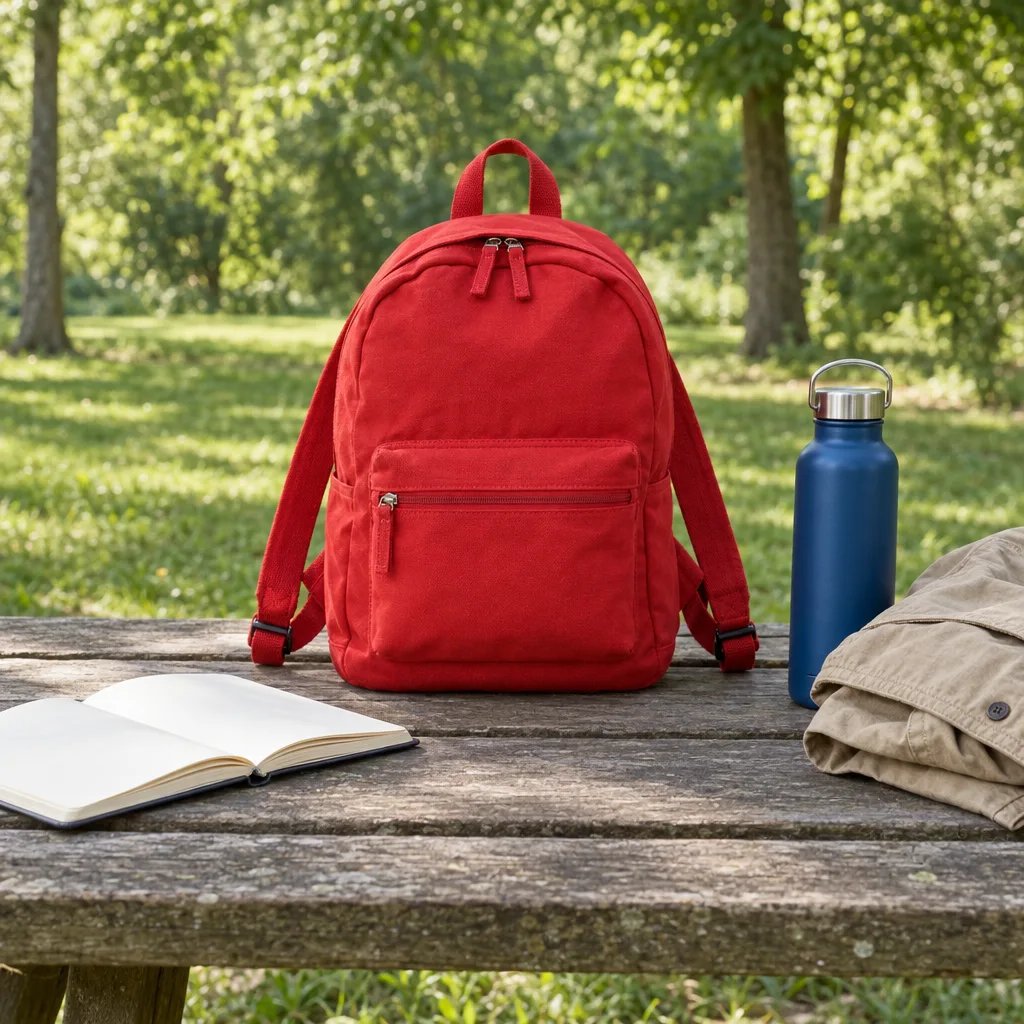
Name an object in your photo and cut it out as a transparent PNG. Isolate a product, person, pet or face with SAM3.1.
Open toolImage Upscaler
Enlarge a photo to 2K, 4K or 8K, rebuilding the detail as it goes instead of stretching the pixels you already have.
Open toolCamera Angle Changer
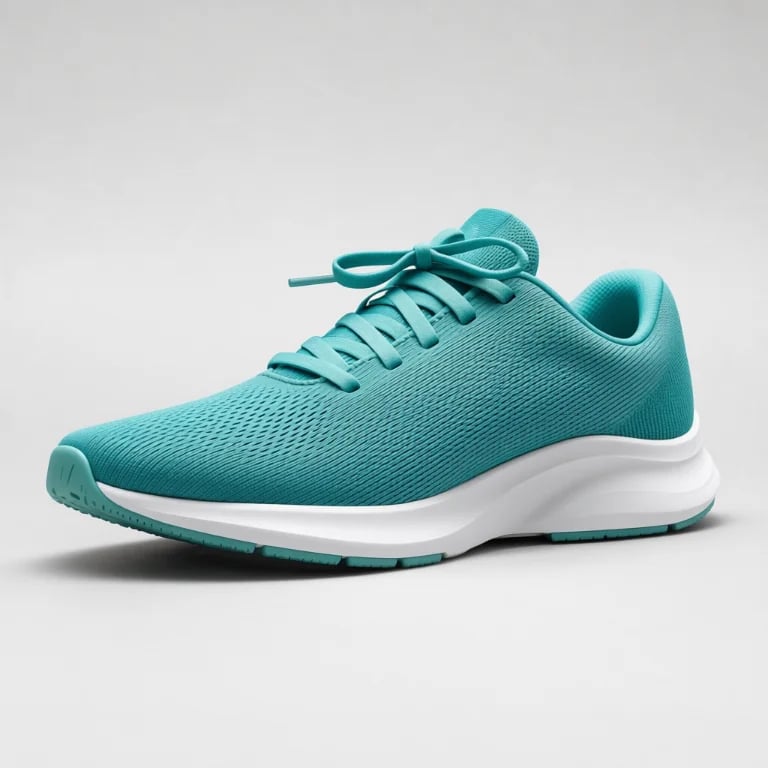
Generate a plausible new view of one clear subject — front, three-quarter, profile, back, high or low — without a reshoot or 3D model.
Open toolAI Relight
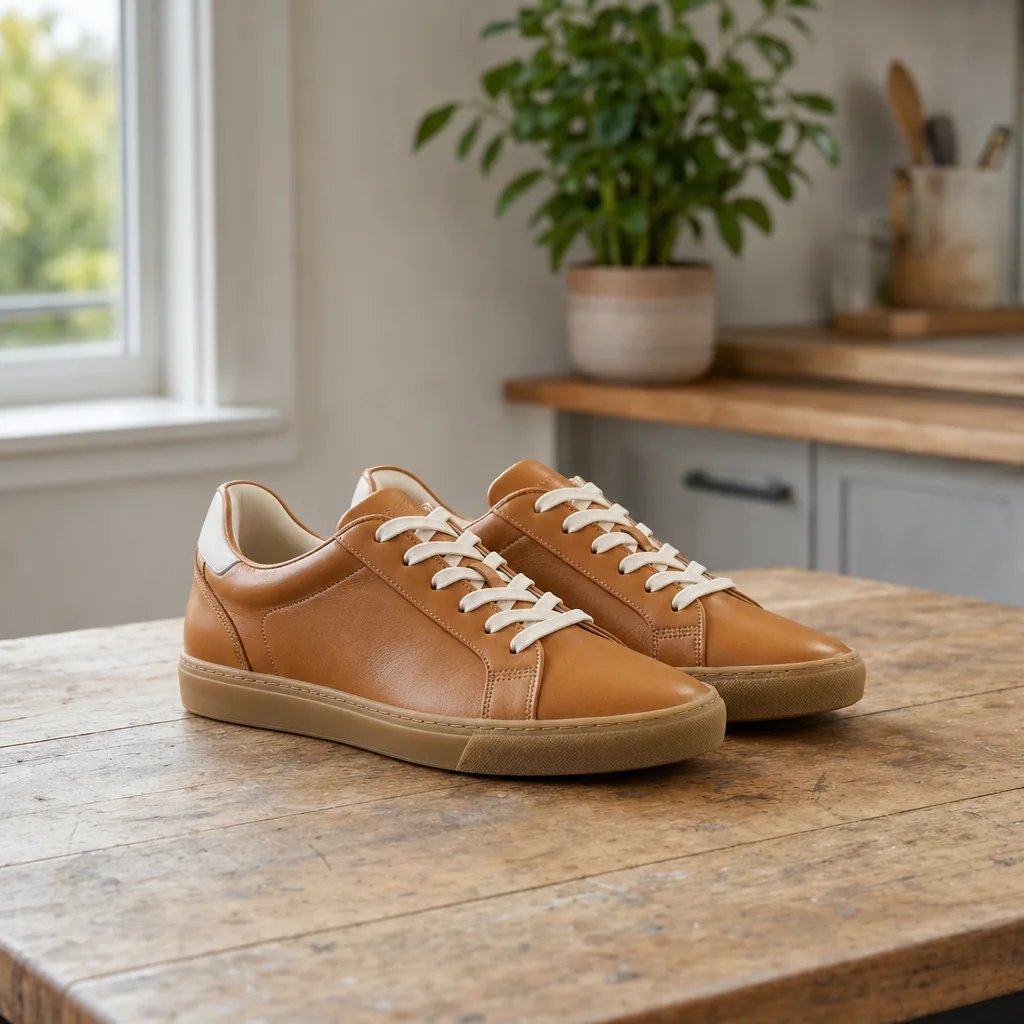
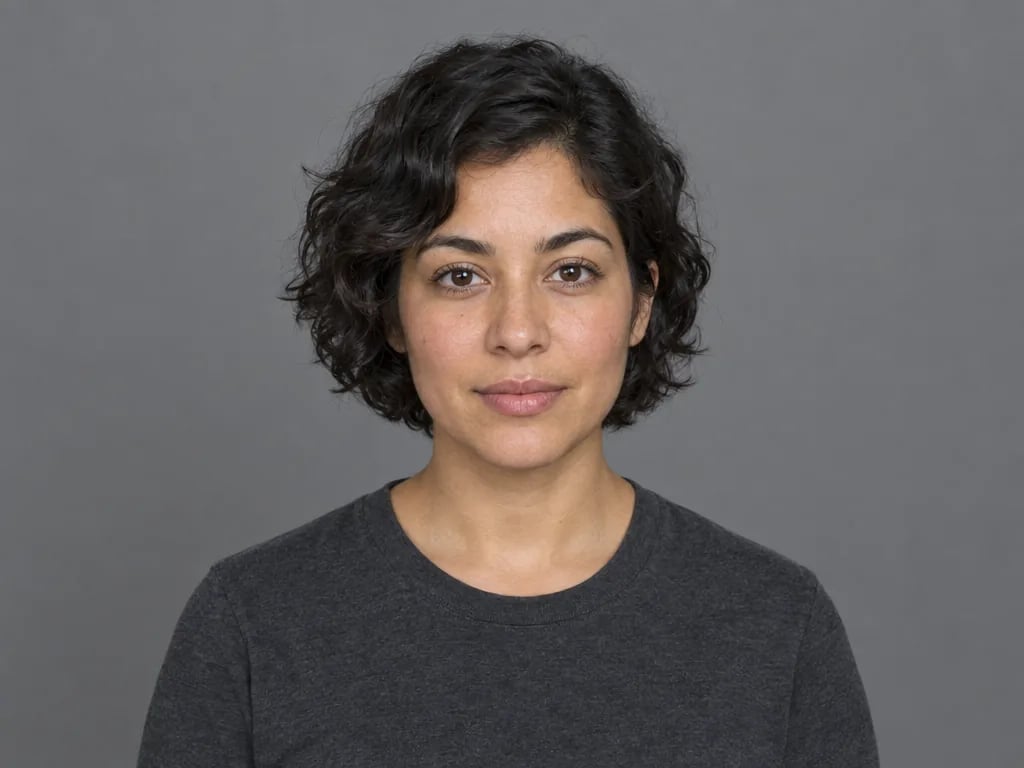
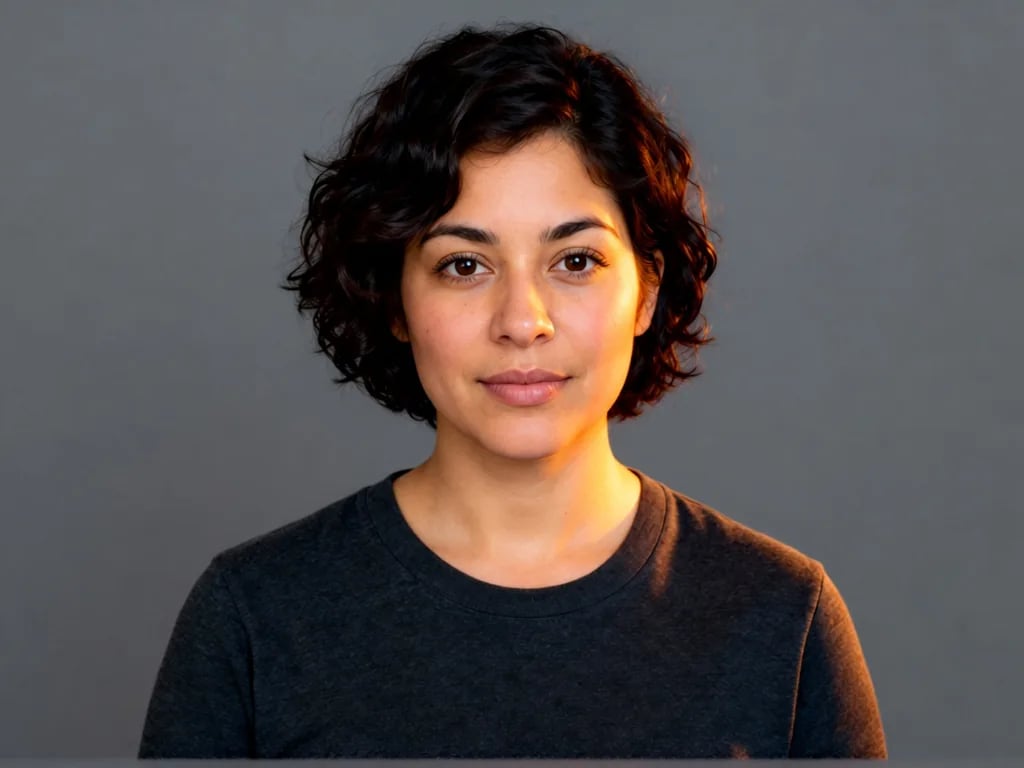
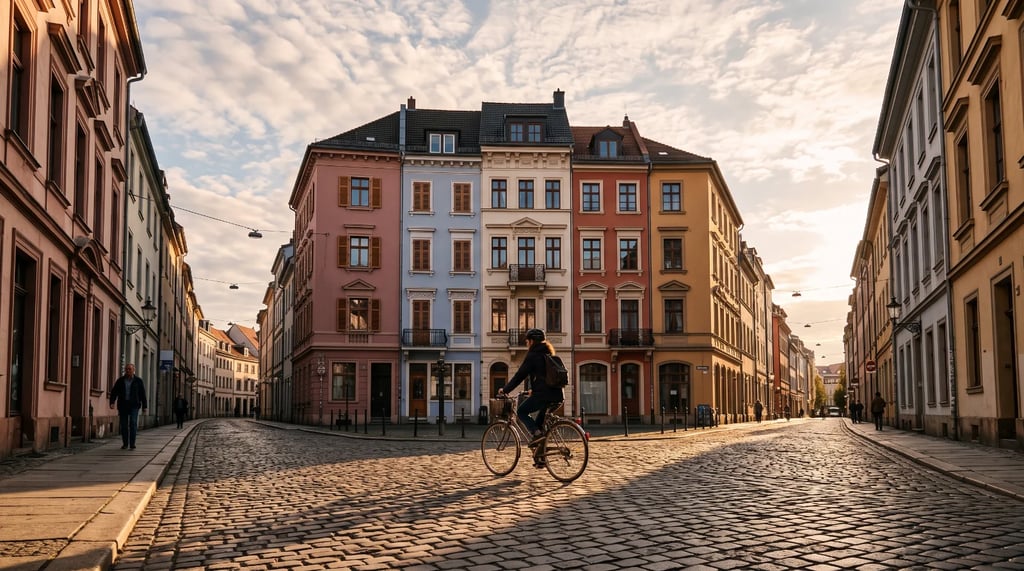
Position a light in 3D and adjust brightness, temperature and softness to relight portraits, products and still life.
Open toolInpainting
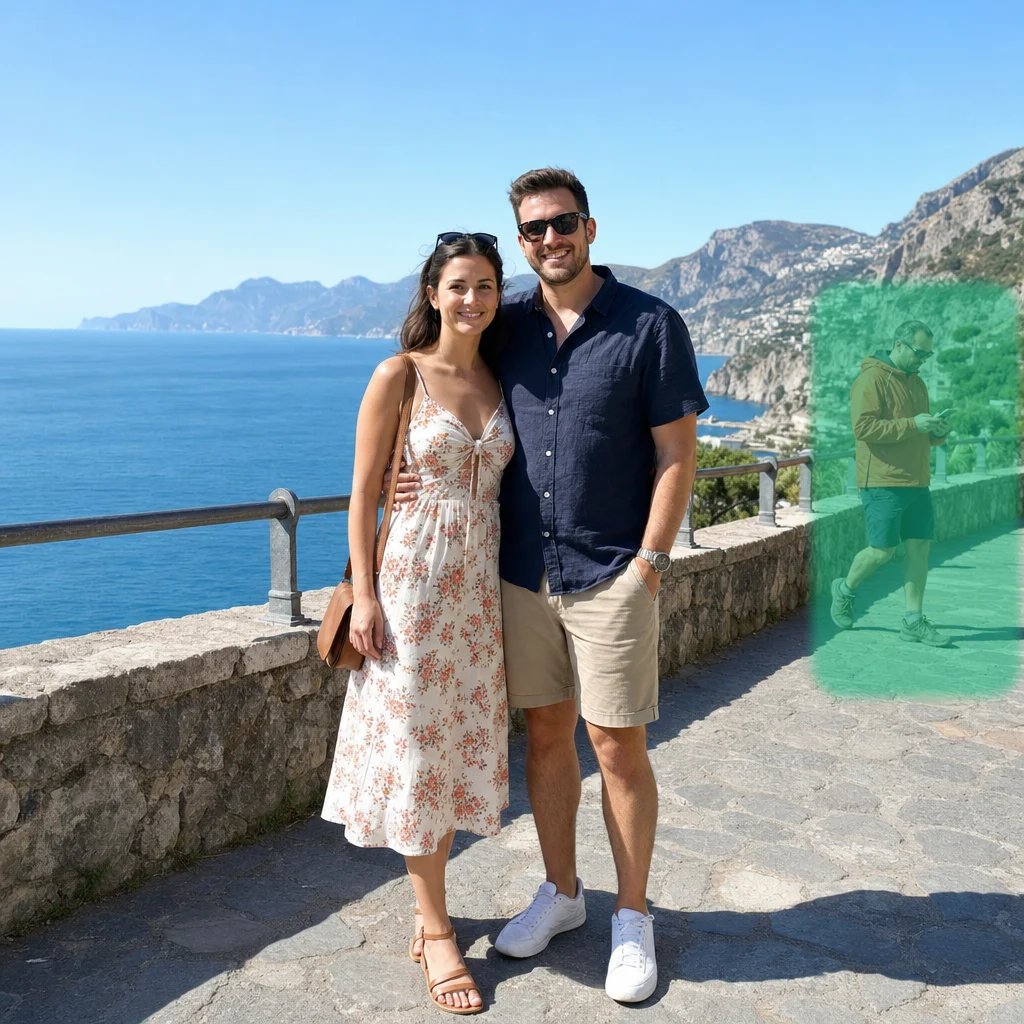
Brush over part of a photo and describe what belongs there. Generative fill returns a new frame with the change blended into the surrounding light.
Open toolImage Extender
Expand a photo past its original edges to a new shape, adding up to 4096px per side. Only ever adds — nothing is cropped away.
Open toolVideo Upscaler - Topaz
Upscale a clip by up to 4x with Topaz Video AI, and optionally interpolate frames for smoother motion at up to 60 fps.
Open toolVideo Upscaler - FlashVSR
Upscale a clip 2x or 4x with FlashVSR, colour correction applied and the original audio preserved, so nothing has to be re-synced.
Open toolVideo Watermark Remover
Erase watermarks, logos, captions and burned-in subtitles from a clip. Detection is automatic — there is nothing to mark and nothing to set.
Open toolVideo Depth Map Generator
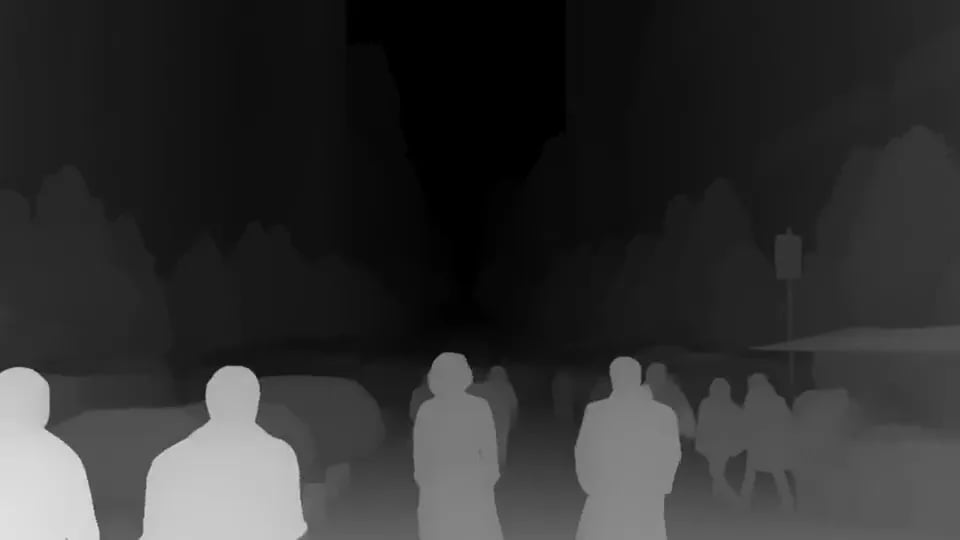
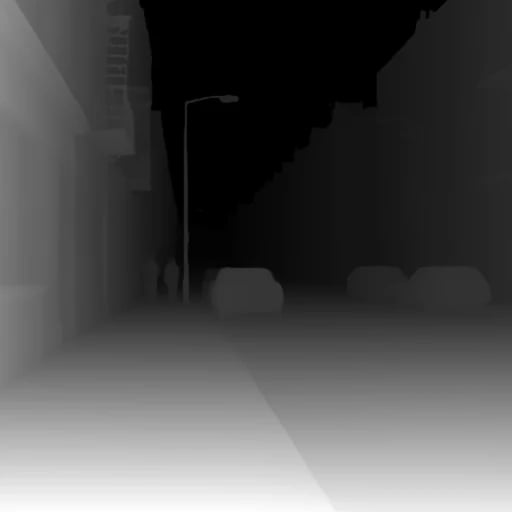
Turn a clip into a per-frame depth map — brighter is nearer, darker is further. Built for video, so the depth holds steady instead of flickering.
Open toolAI Image Segmentation
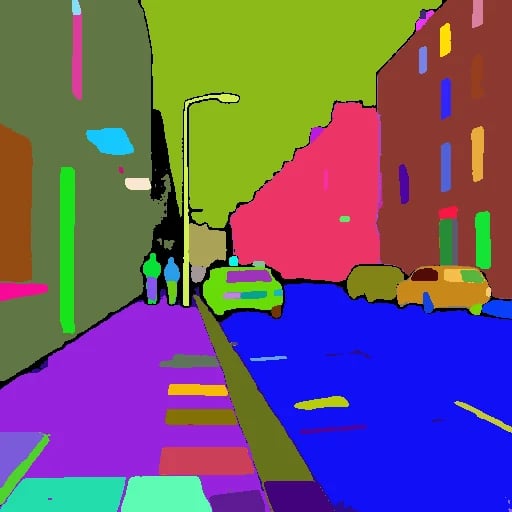
Upload a photo and get a colour-coded segmentation map — every region a different flat colour. Built as a ControlNet seg input, not an object cut-out.
Open toolAI Image Depth Map Generator
Turn a photo into a grayscale depth map — brighter is nearer, darker is further. Pick between Depth Anything, MiDaS and ZoeDepth.
Open toolImage to Line Art Converter
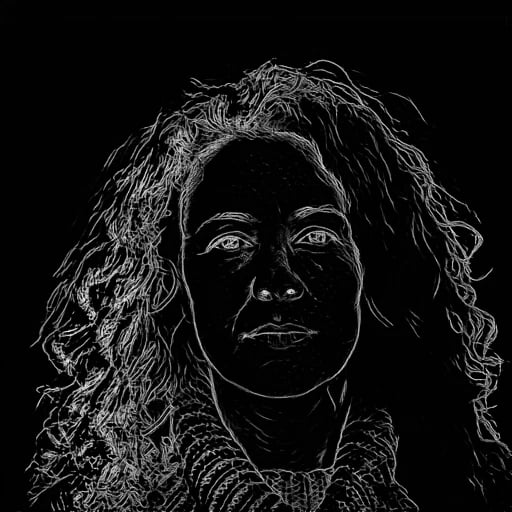
Convert a photo into line art — outlines kept, colour and shading dropped. Six edge-detection methods, from clean line drawing to sparse scribble.
Open toolFree Image Cropper
Crop, resize, rotate and flip an image right in your browser. No upload, no account, no credits — the file never leaves your device.
Open toolApply a LUT to a Photo
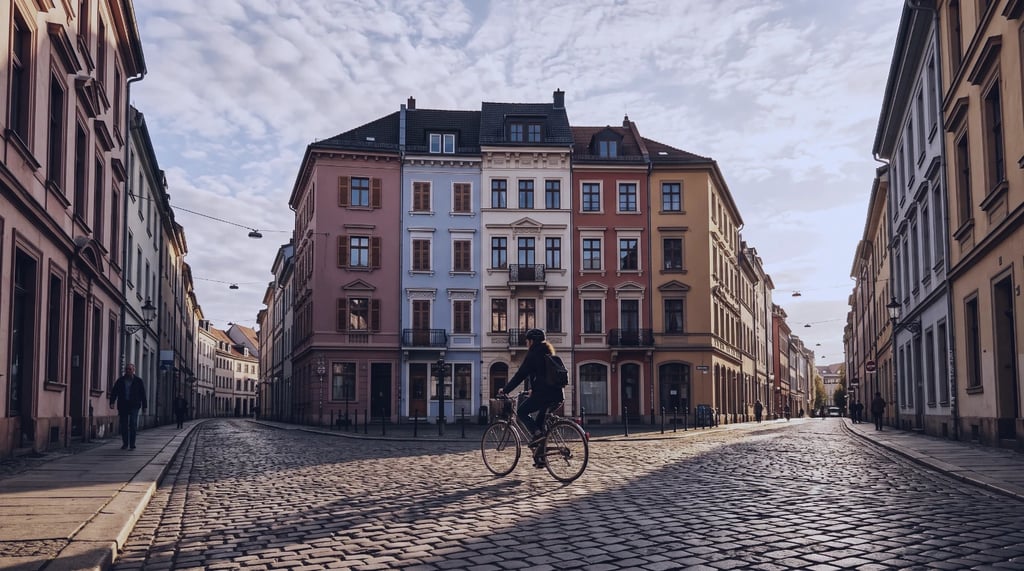
Grade a photo with a .cube LUT right in your browser - ten built-in looks, any strength, no upload and no account.
Open toolImage Adjuster & Effects
Balance exposure and color, then add glow, grain and blur. Edit and download locally with 21 controls and five looks.
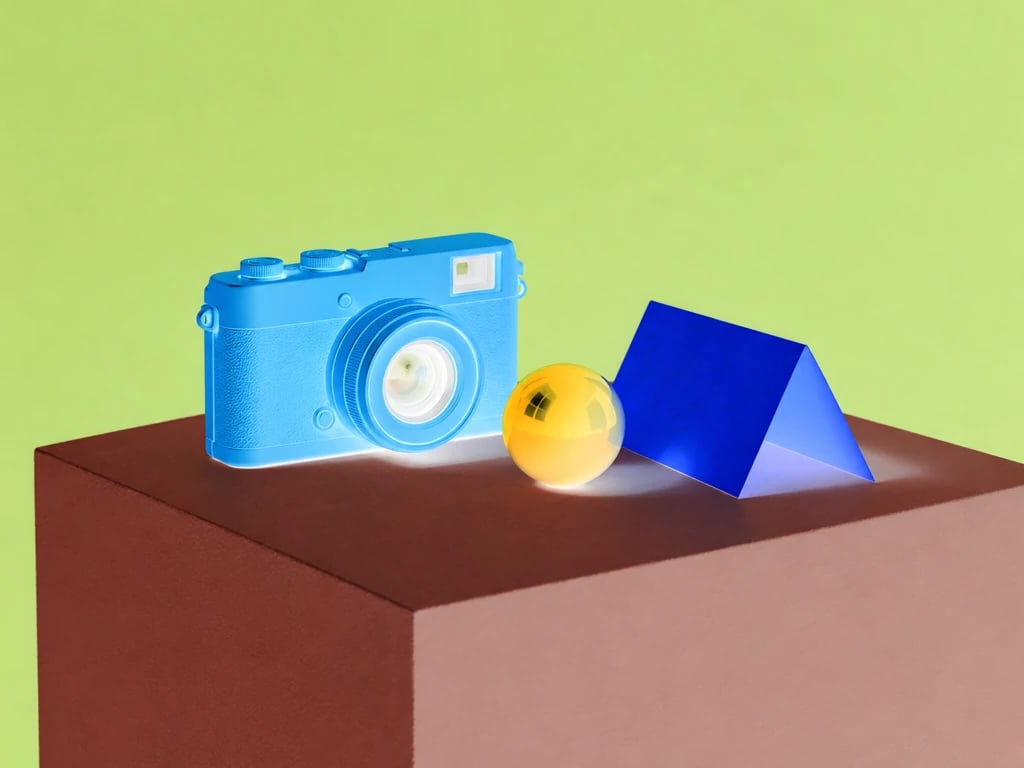
Open toolColor inverter
Reverse image colors locally and download at the original size.
Open toolGreen screen remover
Remove a chosen background color and download a transparent image.
Open toolPixelate image
Add mosaic blocks to a whole photo or selected rectangles, then download at the original size.
Open toolColor splash
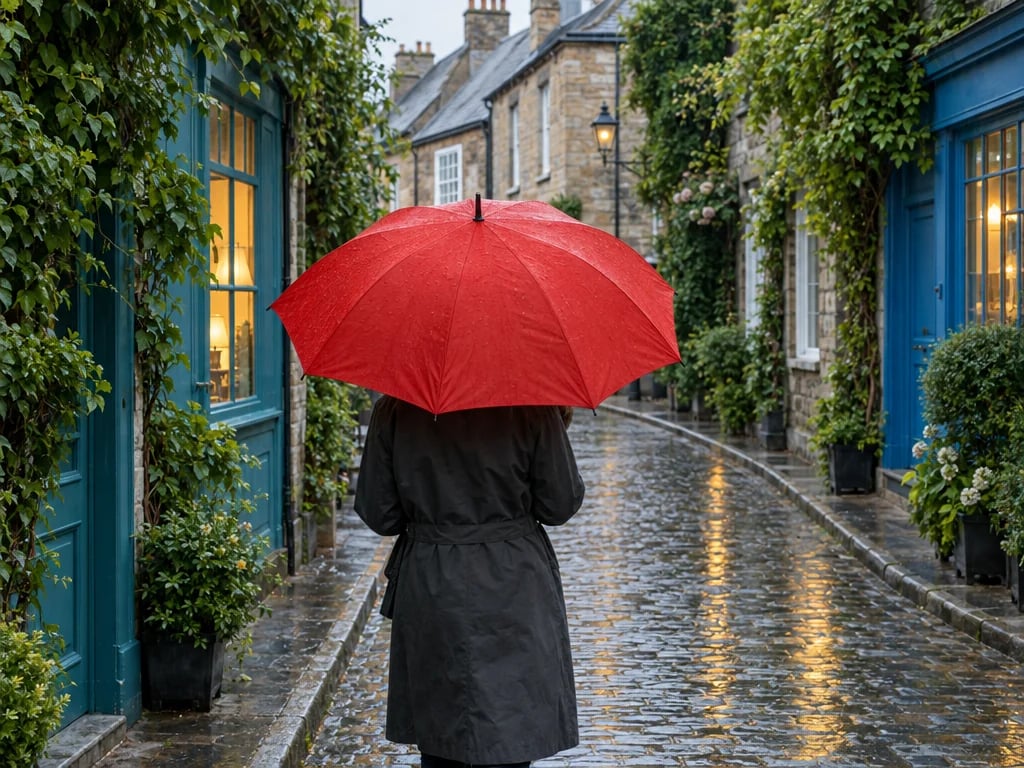
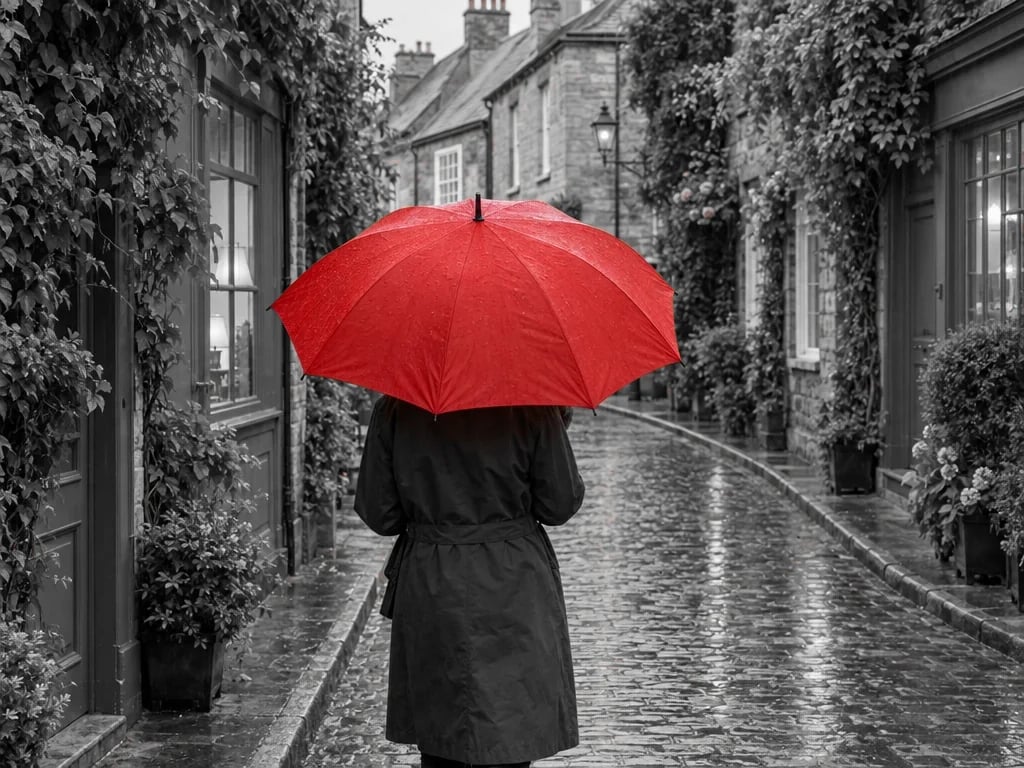
Keep a chosen color and fade the rest of your photo toward black and white.
Open toolVideo Effects & Color Grading
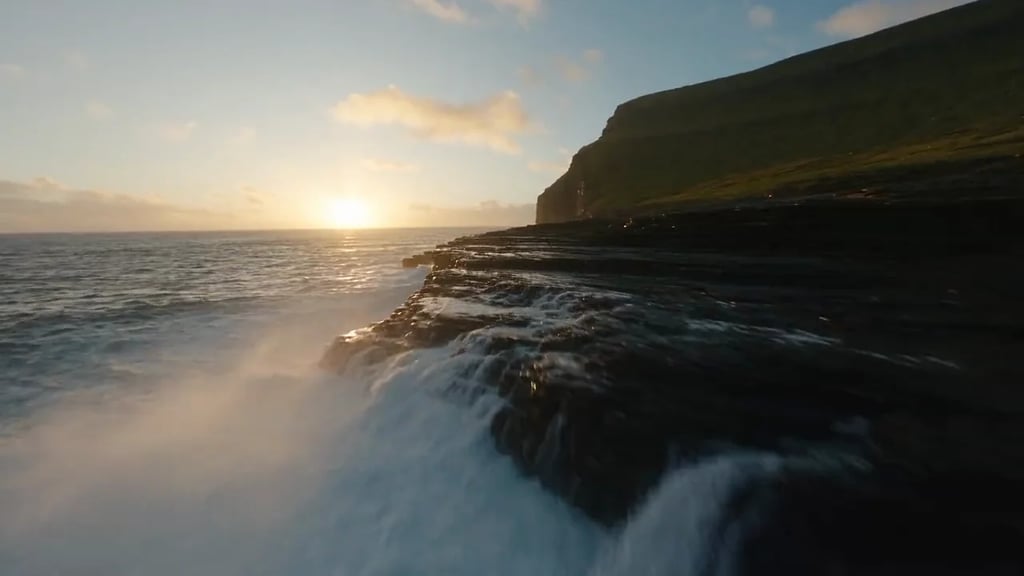
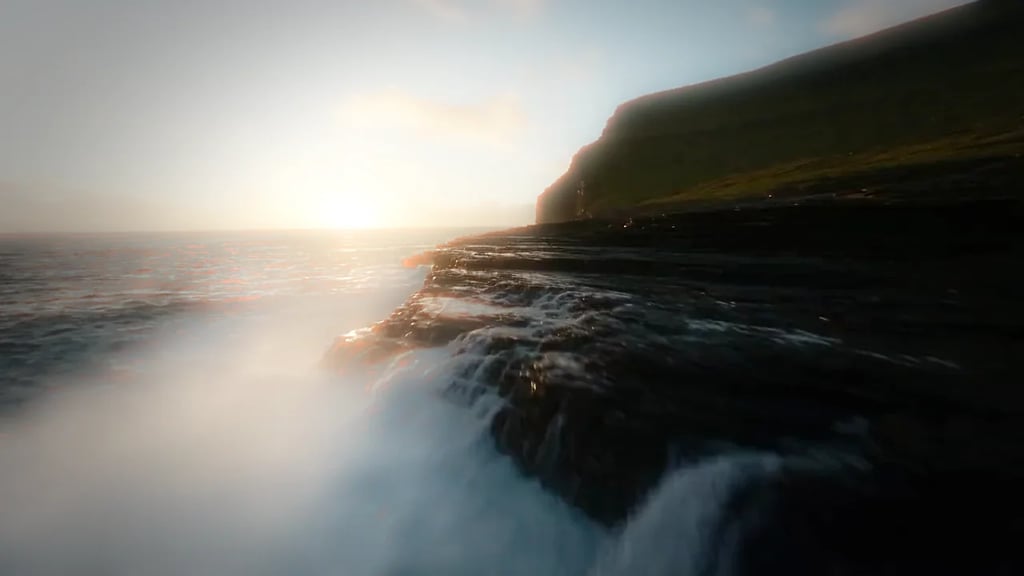
Shape color with curves, wheels and LUTs, then add bloom, film grain and more. Compare and download in your browser.
Open toolVideo Letterbox
Add cinematic black bars with ratio presets, custom height and smooth entrance or exit animation. Preview and download your clip locally.
Open toolVideo Watermark
Add text, logos or a full-frame image overlay. Set position, opacity and timing, then export your clip.
Open toolVideo Compressor
Make videos easier to share. Choose a quality preset or target file size, compare the result, and download your compressed video.
Open toolAuto Subtitle Generator
Generate subtitles, refine the text and timing, and choose a caption style. Download SRT or export your captioned video.
Open toolAI Video Extender
Add 4 to 15 seconds of generated footage to the end of a clip. It continues from your final frame instead of looping, and keeps the original soundtrack.
Open tool