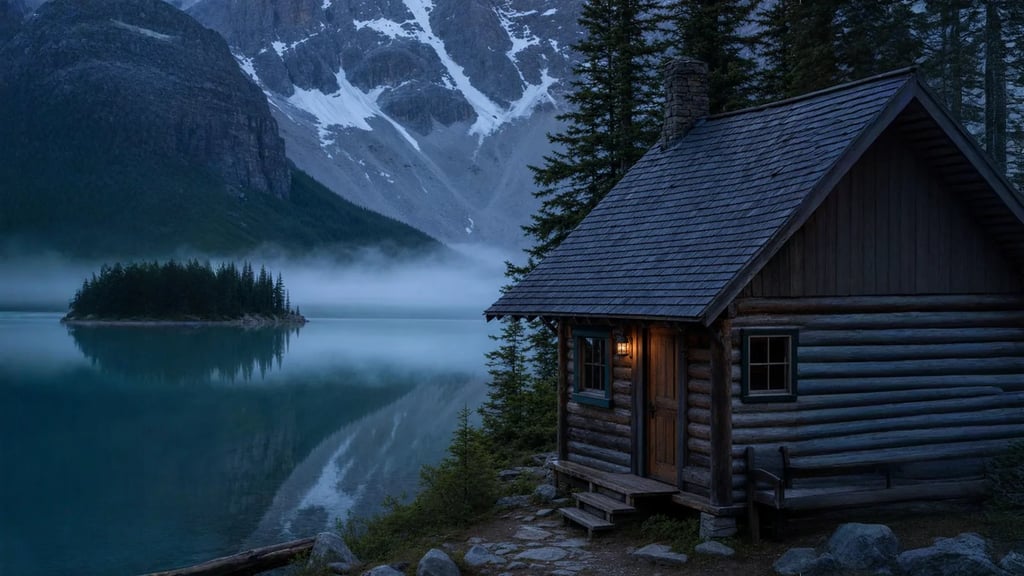
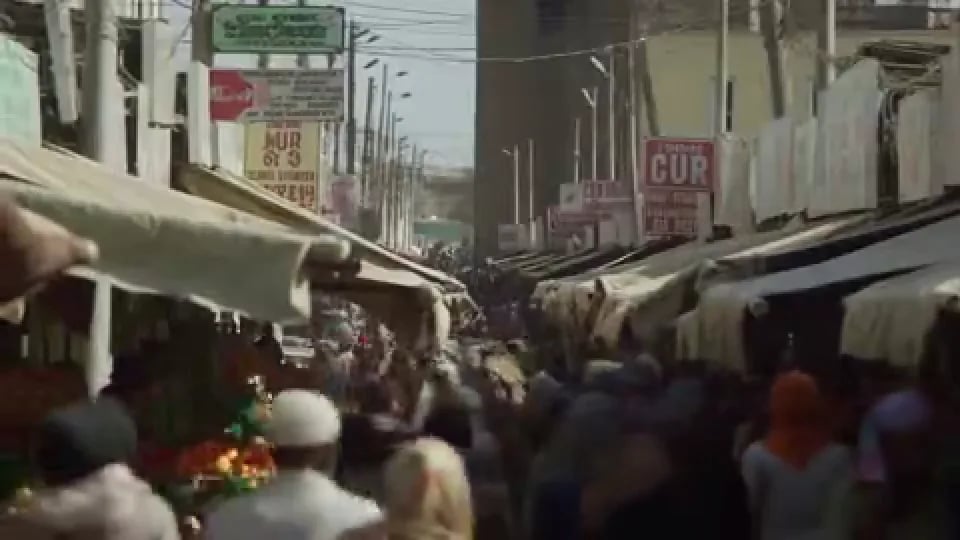
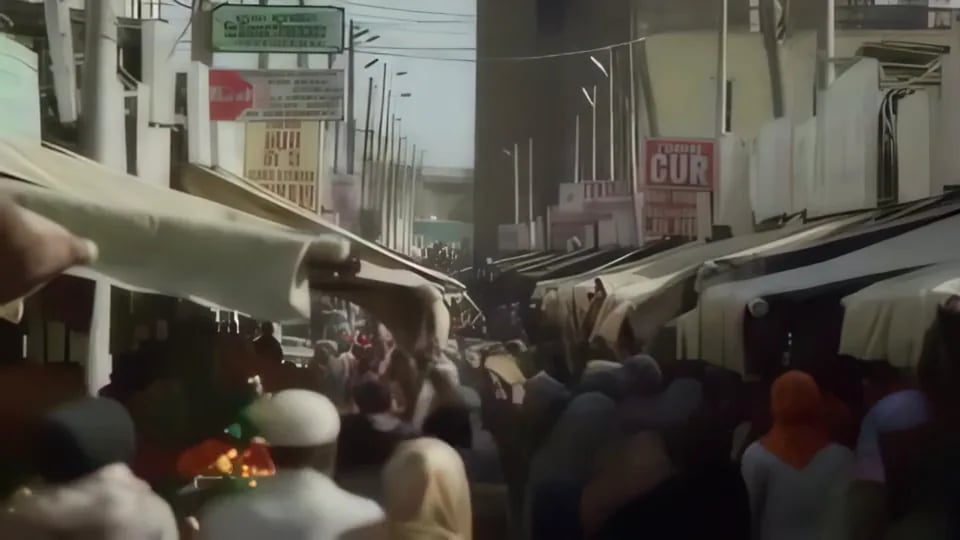
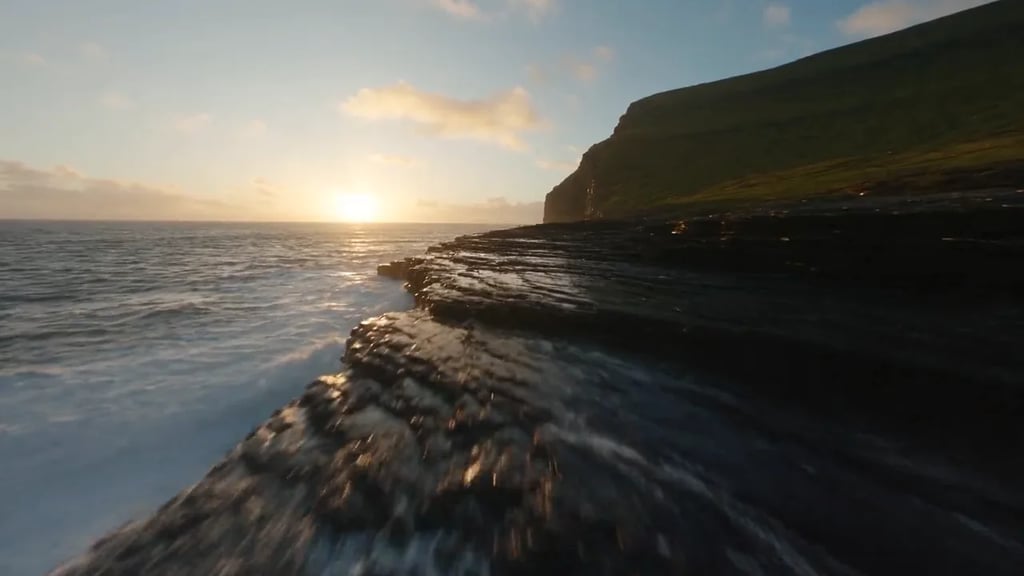
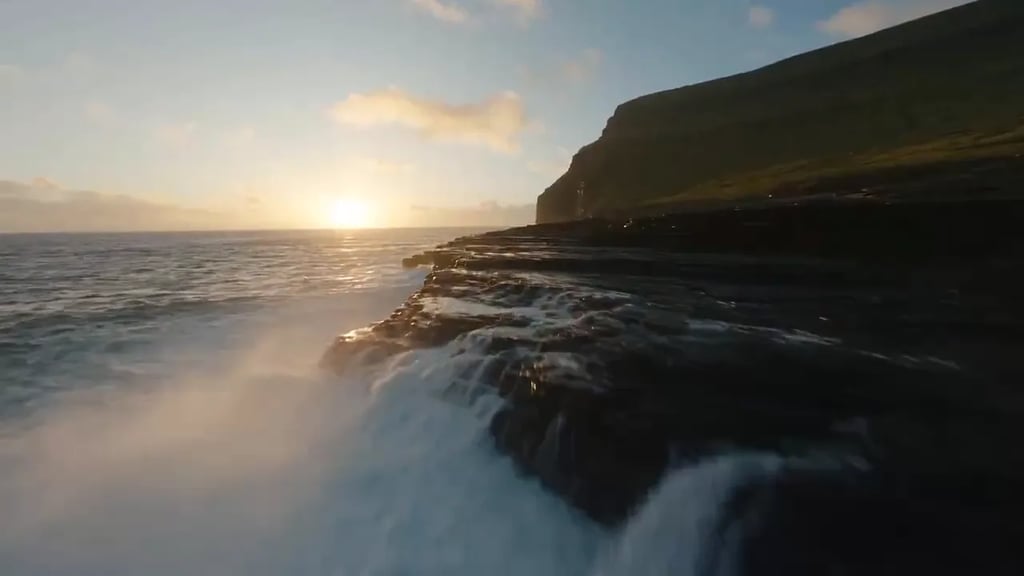
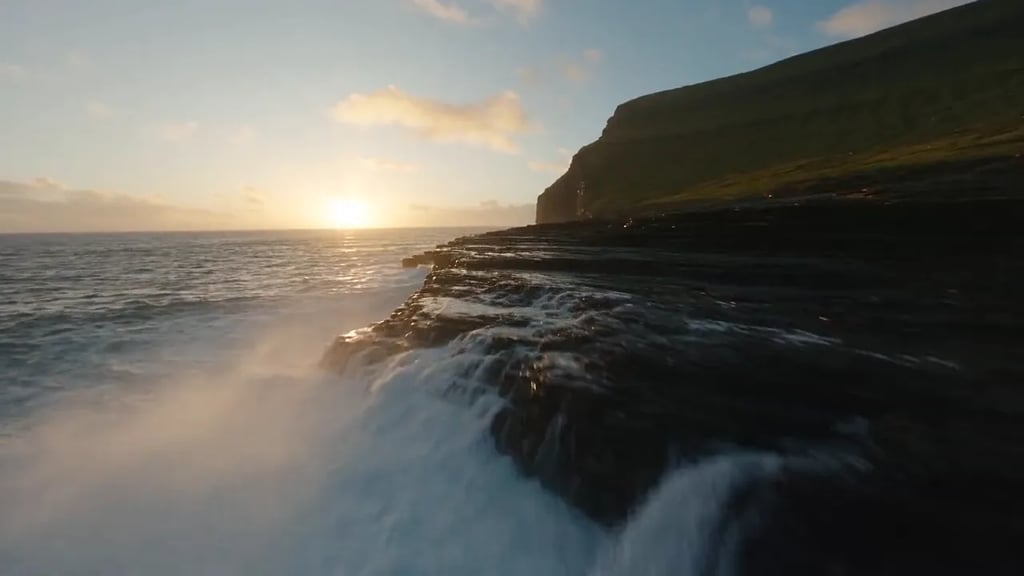
Reach a platform's minimum
Some placements will not take a clip under a set length, and a good six-second shot is not improved by being slowed to eight. Adding real seconds to the end keeps the pacing you cut for.
AI video extension
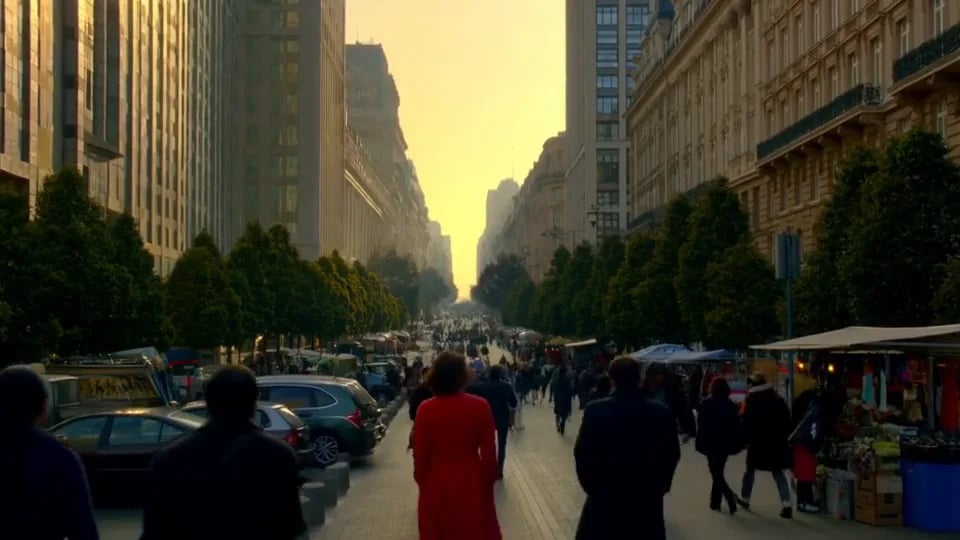
Drop in a video and say what should happen. Extend forwards to grow the shot past its last frame, or backwards to generate the run-up it was never filmed with - up to 30 seconds either way. The new segment comes back as its own file, ready to join onto yours.
Priced per second - and the count covers your source clip as well as the new footage, so a longer clip costs more for the same extension. The exact figure appears on the button once you attach one.
Up to 50 MB per clip, and the source must be 30 seconds or shorter.
The new segment opens in a session you can come back to, ready to download or carry into another tool.
How it works
Drop in an MP4, MOV or WebM up to 30 seconds long and 50 MB on Free and Basic, or 200 MB on Pro and above. The extension is built from the frame at whichever end you are extending, so whatever the shot ends - or starts - on is what the new footage grows from.
Write it as a direction rather than a description: what the subject does, where the camera goes. The model already carries the framing, lighting and grade across on its own, so the words are for the action, not the look.
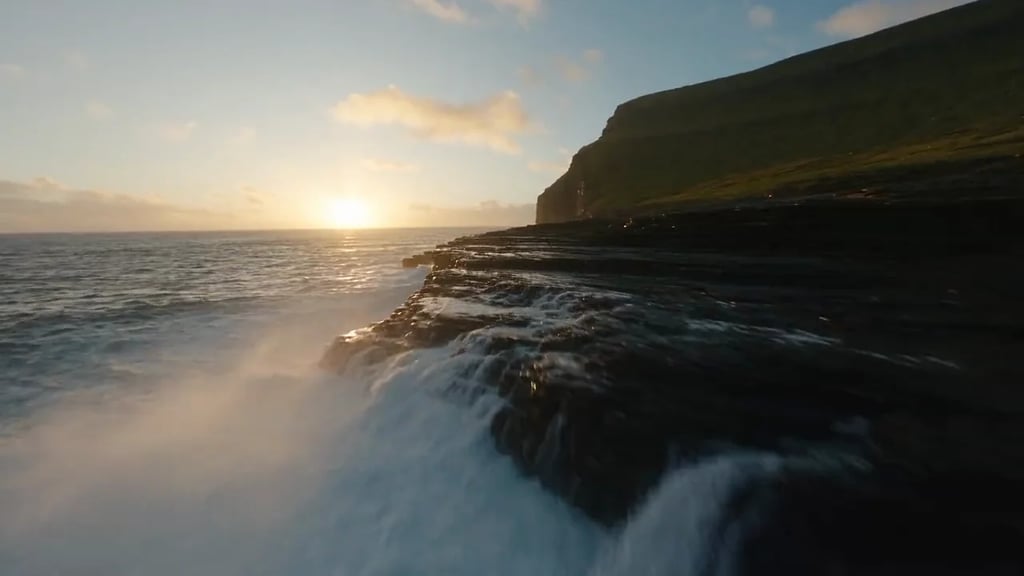
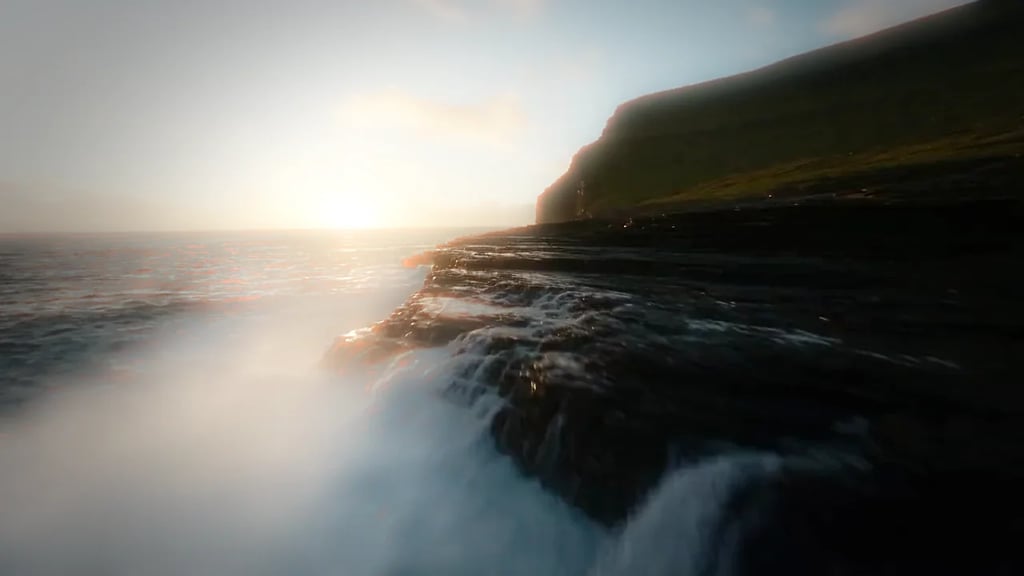
You get the new seconds back as their own file, not spliced onto your original - join them in any editor, or carry both into the workflow editor. The run is billed on the new footage plus the length of the clip you uploaded.
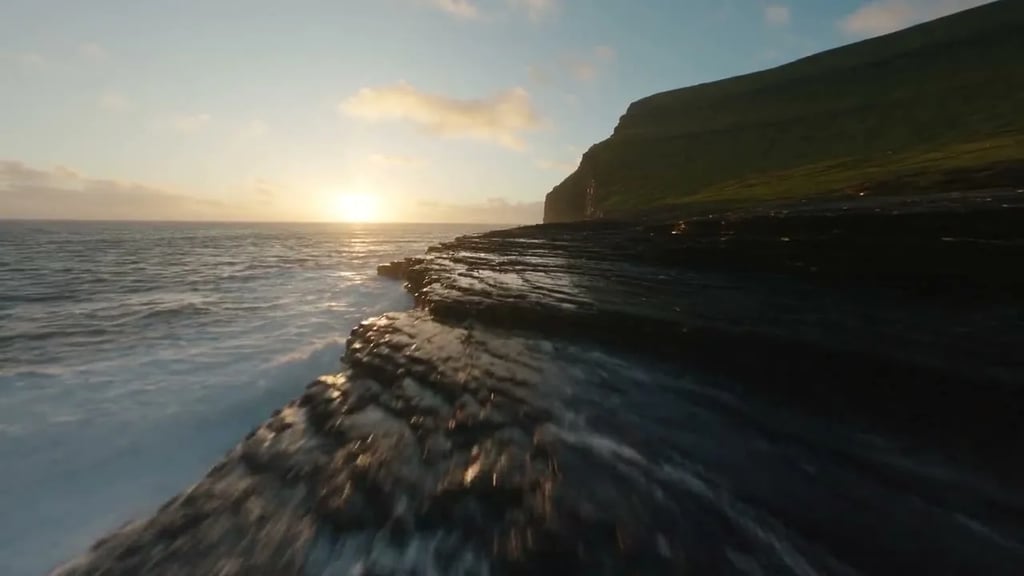
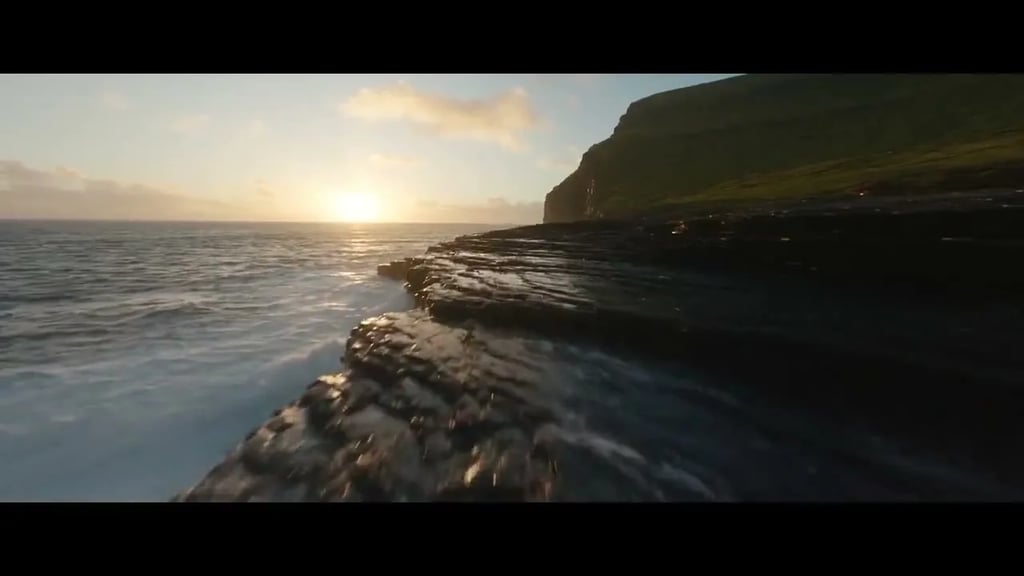
Real output
What it is for
Some placements will not take a clip under a set length, and a good six-second shot is not improved by being slowed to eight. Adding real seconds to the end keeps the pacing you cut for.
A shot that ends exactly on the action leaves nothing to cut on. Generating a few more seconds past the moment you need gives you frames to trim into, dissolve through, or hold under a title.
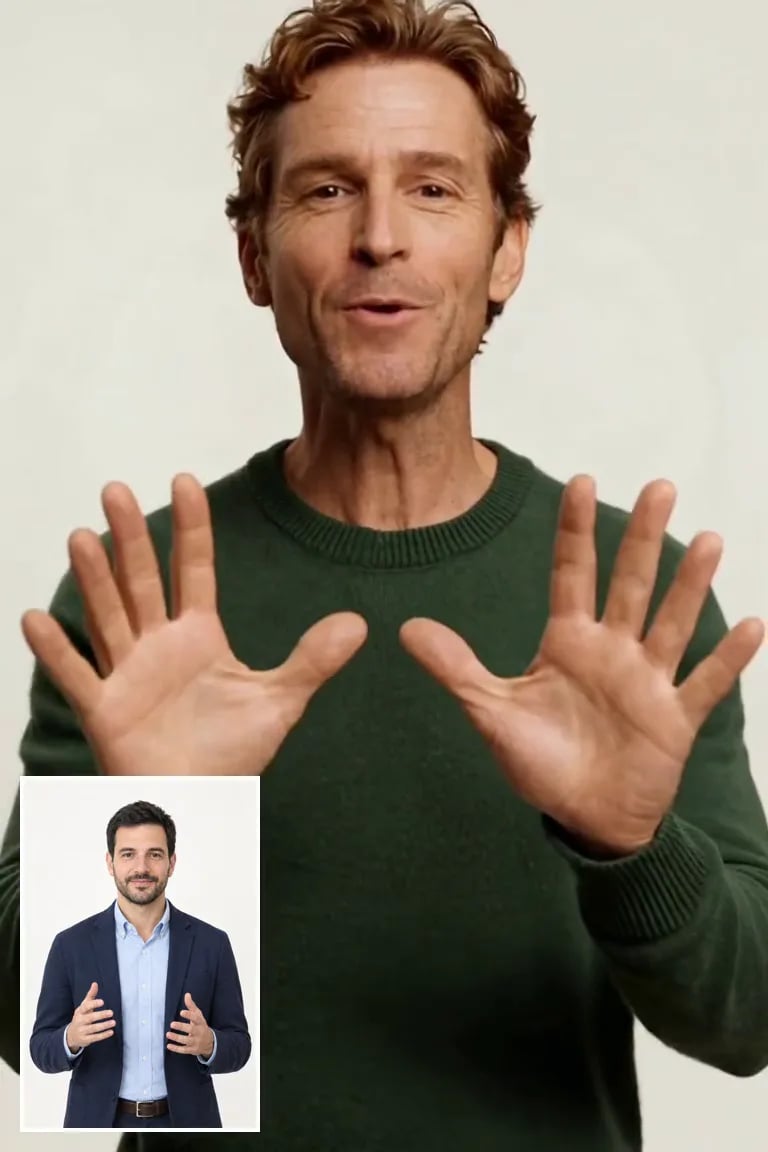
Backwards extension is the half nobody else offers. Generate the approach a shot never had - a camera settling into your framing, a subject walking in before the moment you captured - so an opening cut has somewhere to breathe instead of starting hard on the action.
Almost every video model stops at 5 to 10 seconds per generation, which is the most common reason a clip ends before the idea does. Feed that output in here and keep going from where it stopped.
What it actually does
Those three make a clip longer by re-using frames you already have: a loop returns to the start, a freeze holds the last frame, slow motion stretches the same action over more time. This generates footage that did not exist, continuing from the frame at the end of your shot, so the subject keeps moving and the camera keeps travelling.
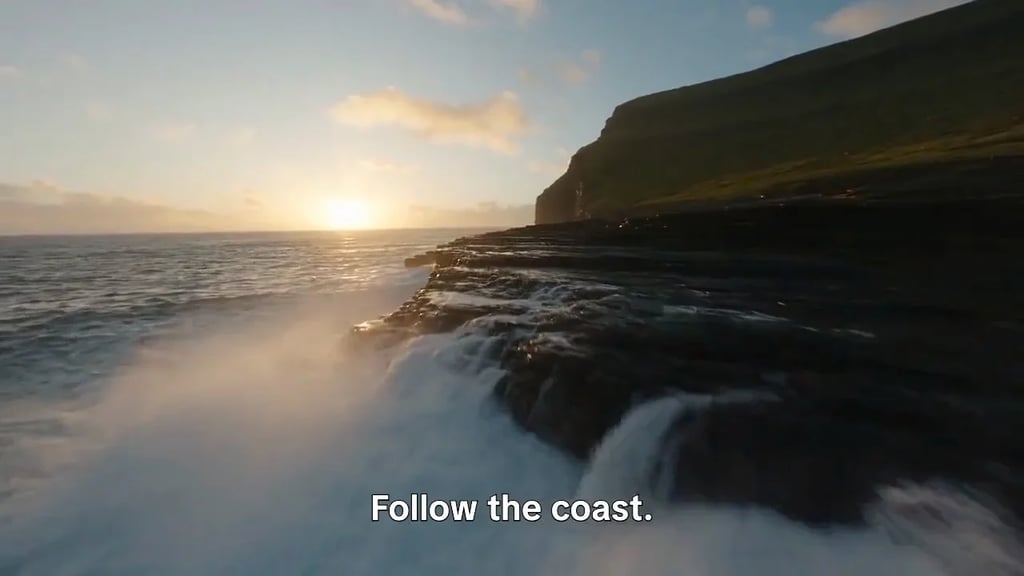
Continue is the usual one: the clip grows from its last frame. Prepend runs the other way and builds footage that arrives into your first frame, which is how you give a shot an approach it was never filmed with - a camera settling into the frame you have, a subject walking in. Nothing else in this category offers the second direction.
The extension comes back on its own rather than spliced onto your original, so joining the two is one step in any editor - and it means you can regenerate the extension without re-rendering the part you filmed. The segment keeps your source's aspect ratio. Four to thirty seconds per run; to go further, run it again on the result.
Every plan includes credits you can spend on this page or anywhere else on YouArt, and a new account starts with free trial credits.
FAQ
More tools
Choose another tool to edit, enhance or transform your images and videos.
Beyond one extension
This page runs one fixed step. Open the workflow editor to chain several extensions back to back, join the segment onto your source automatically, run the same extension across a batch of clips, or continue straight into an upscale.