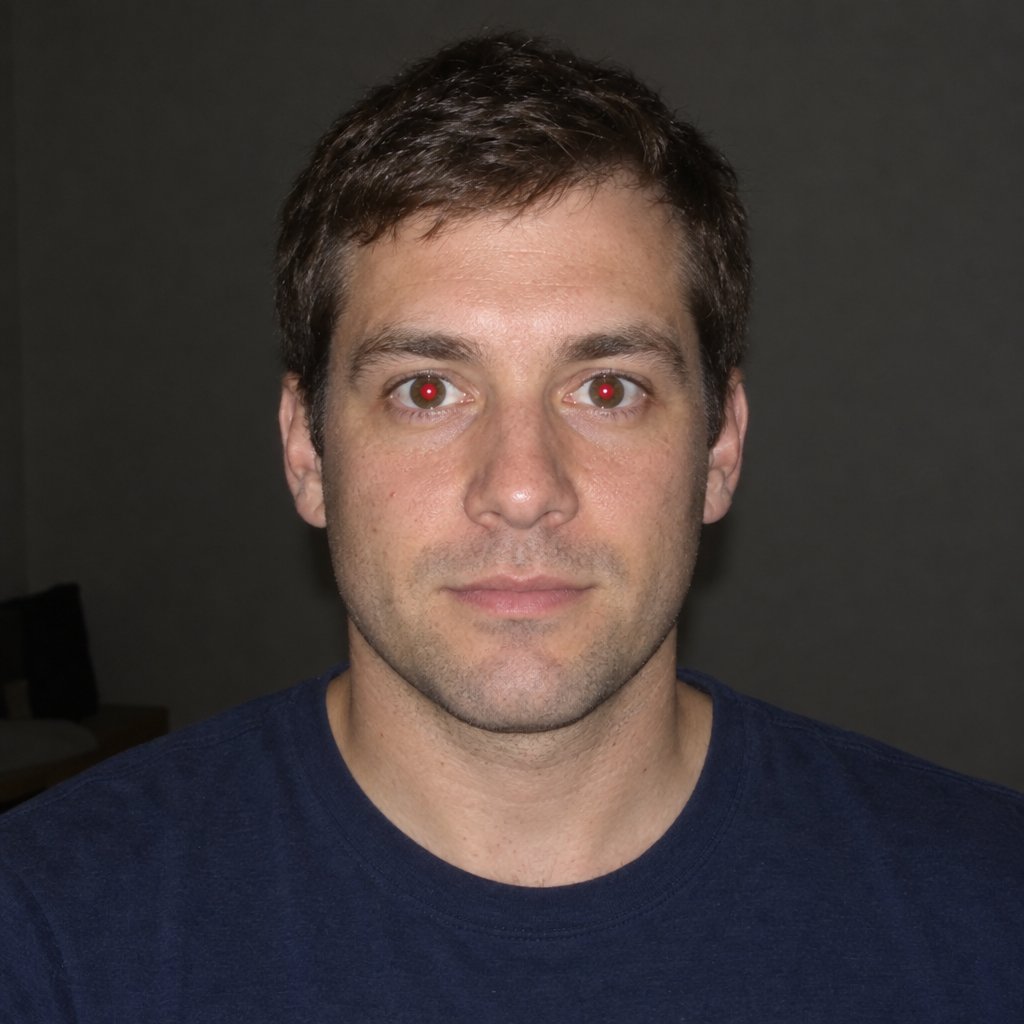
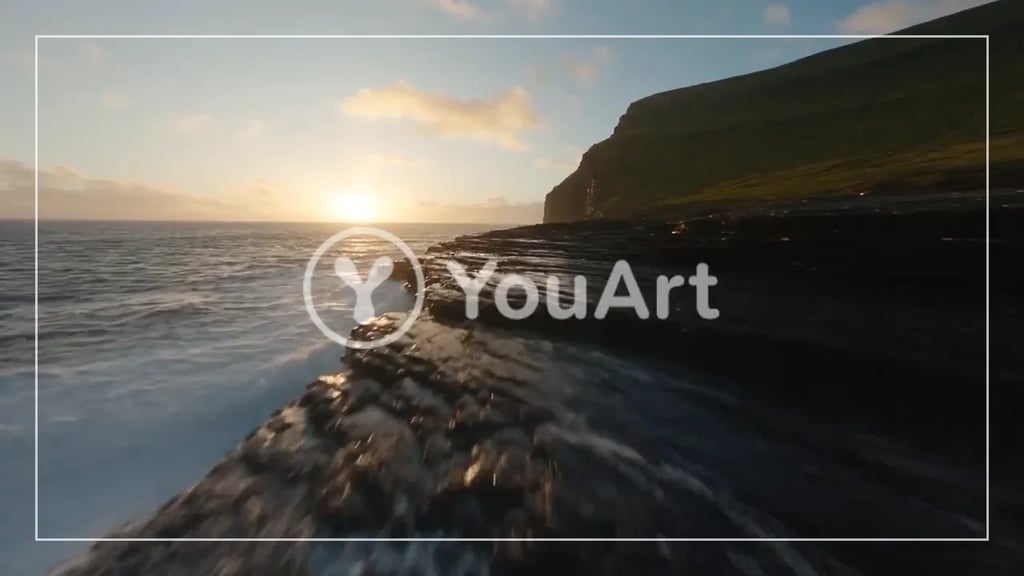
Crop to any ratio
Drag freely, or lock the box to a shape: square, 4:3, 16:9 and the rest, plus story, feed portrait, thumbnail and print sizes down to A4.
Free image tool
Drop in a photo and cut it to the shape you need. Lock a ratio or drag freely, straighten it with a rotate or a flip, set the exact pixel size, and download. It all happens in this tab - your picture is never uploaded, and there is nothing to sign up for.
Drop an image here
It stays on your device. Nothing is uploaded.
JPG, PNG, WebP and GIF
Real output
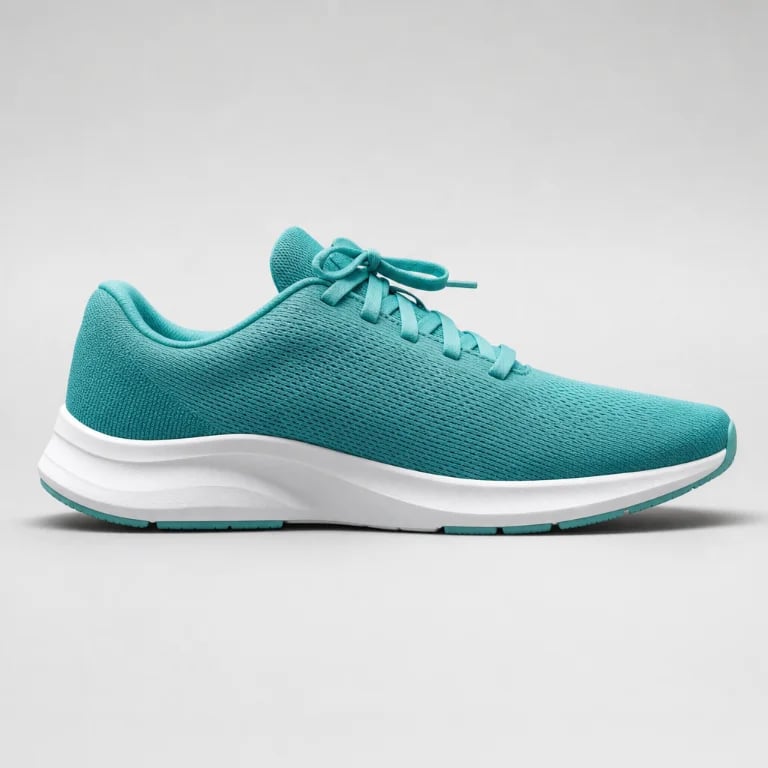
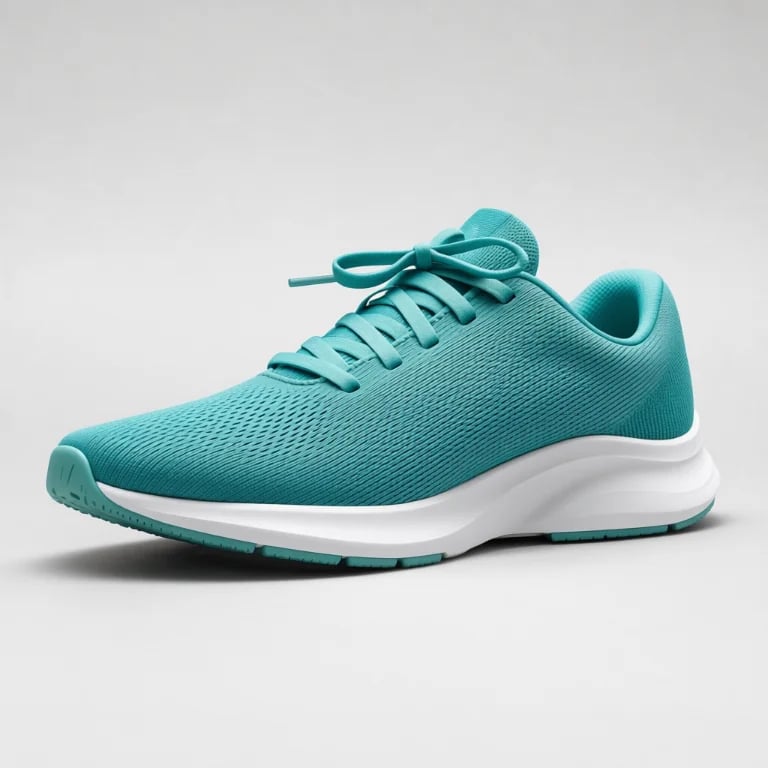
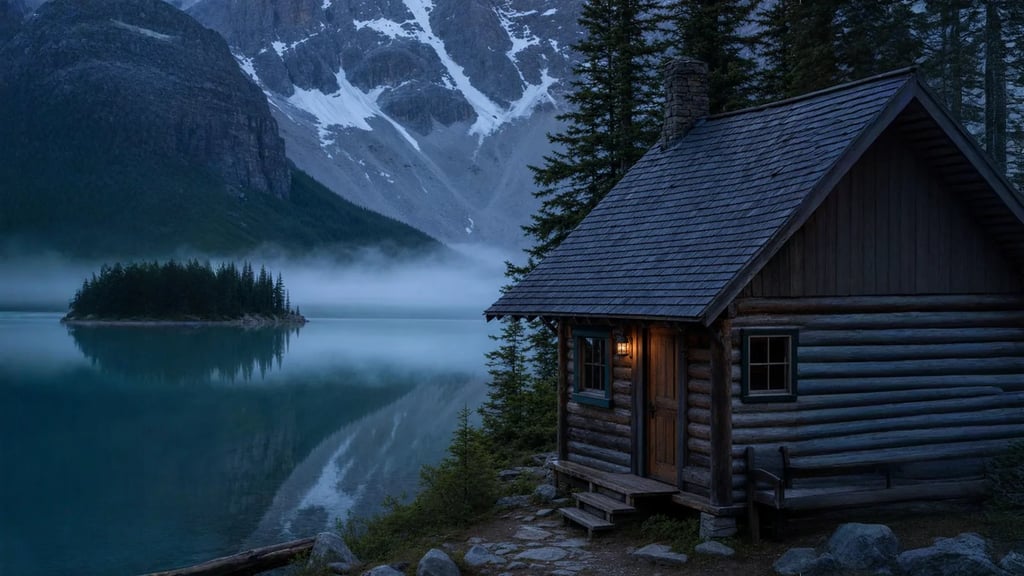
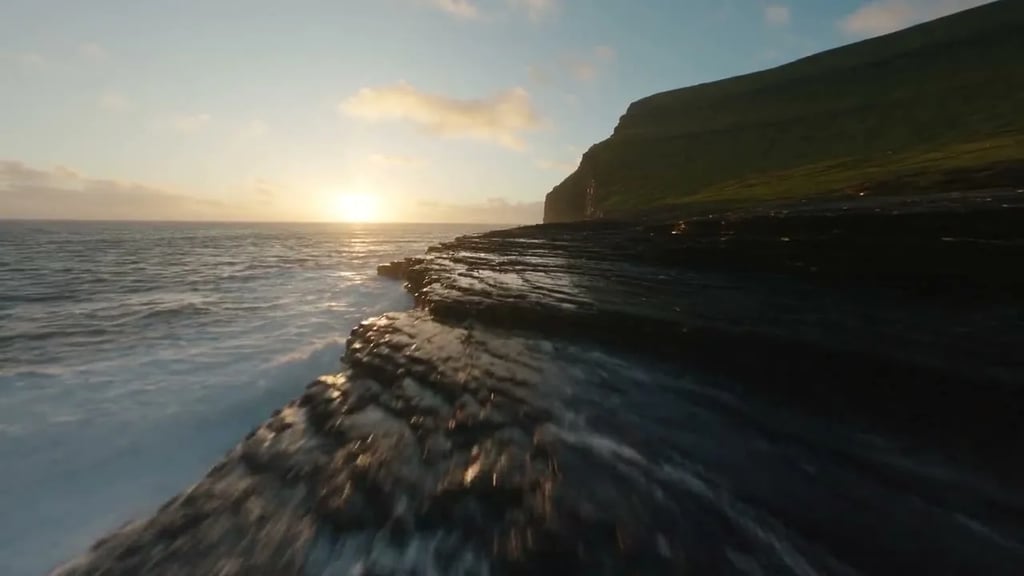
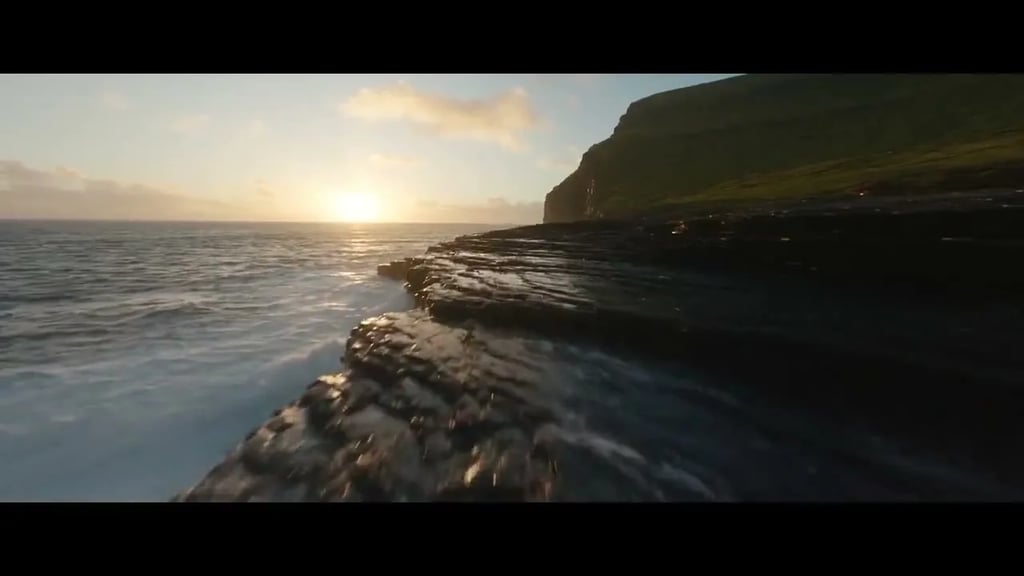
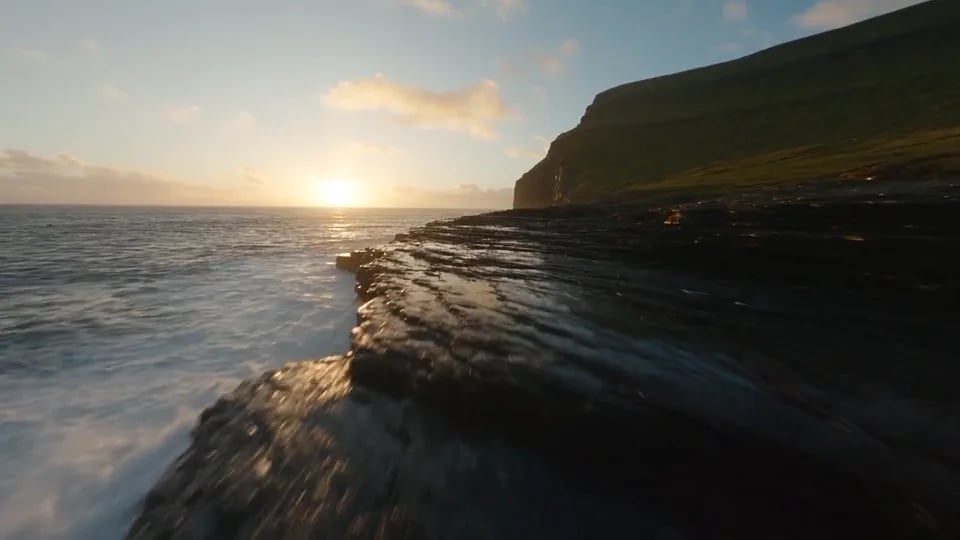
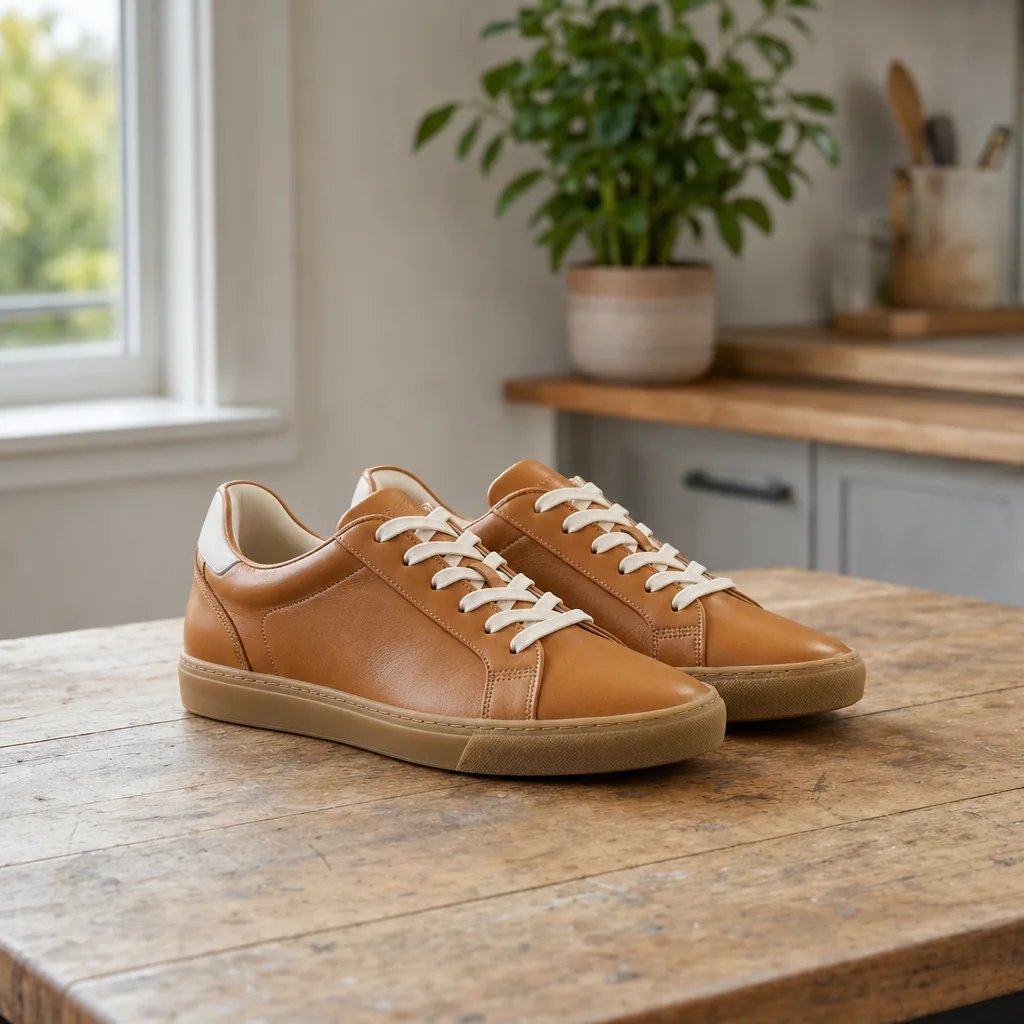
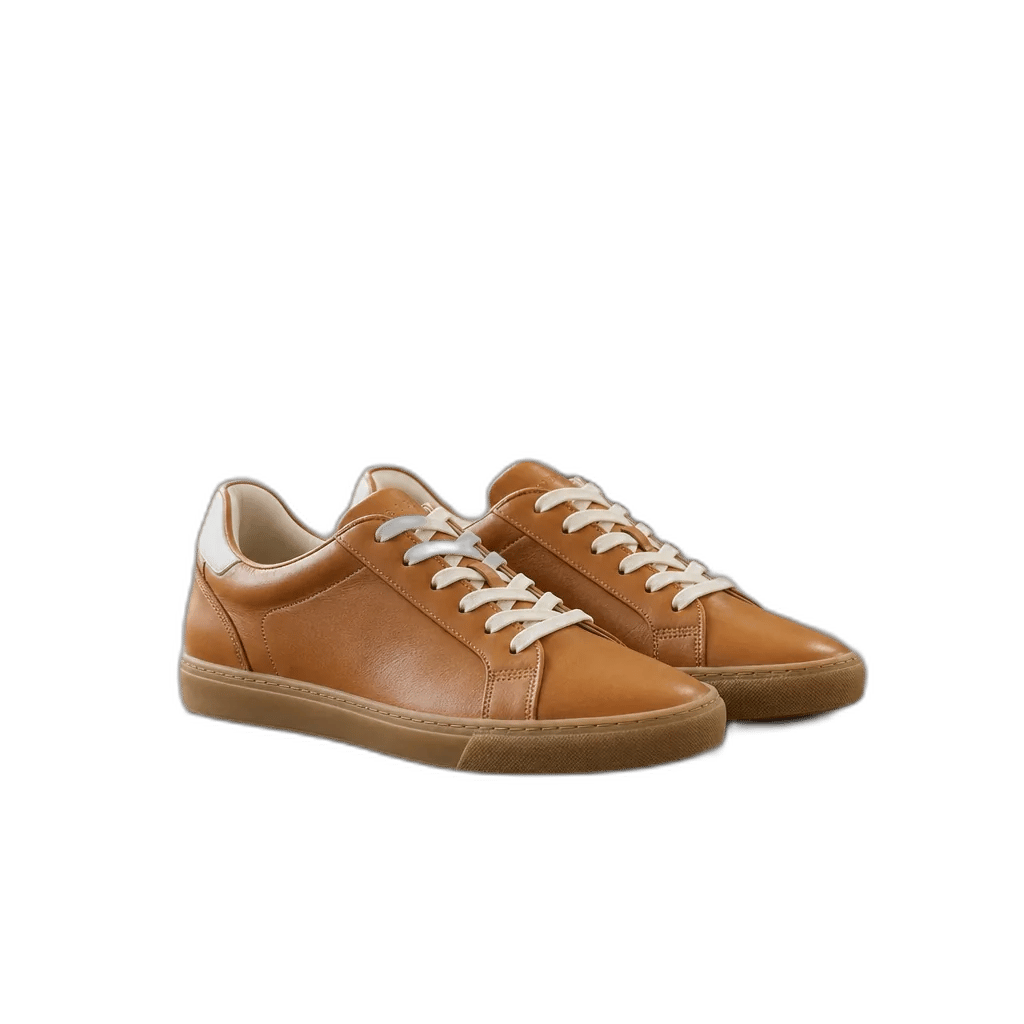
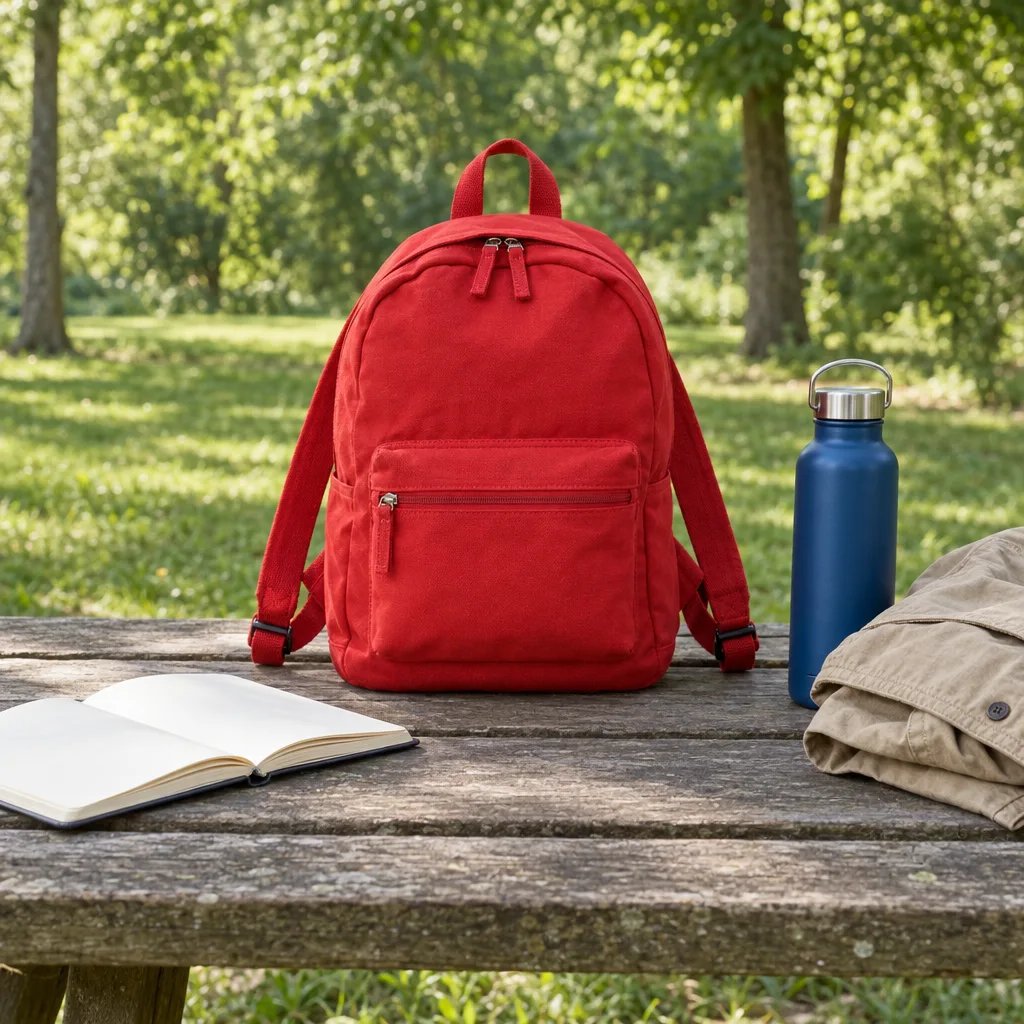
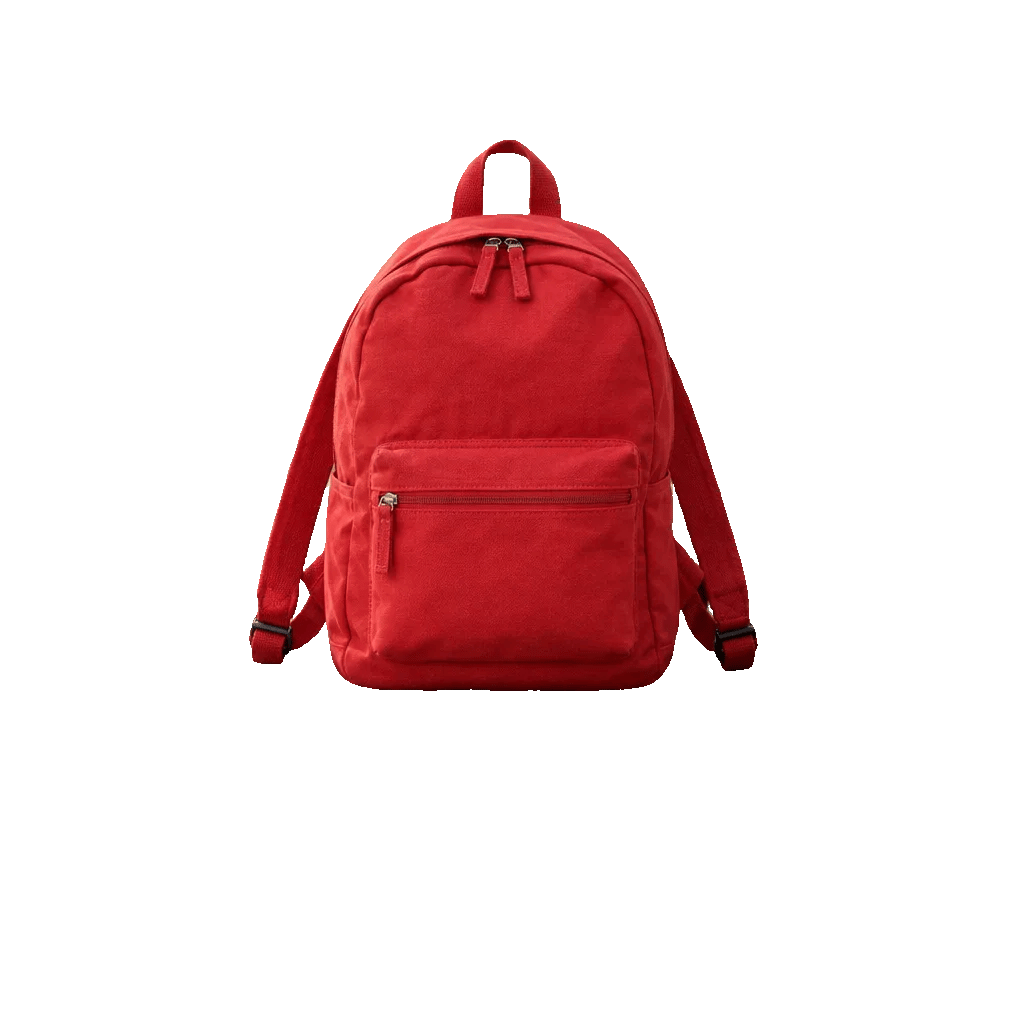
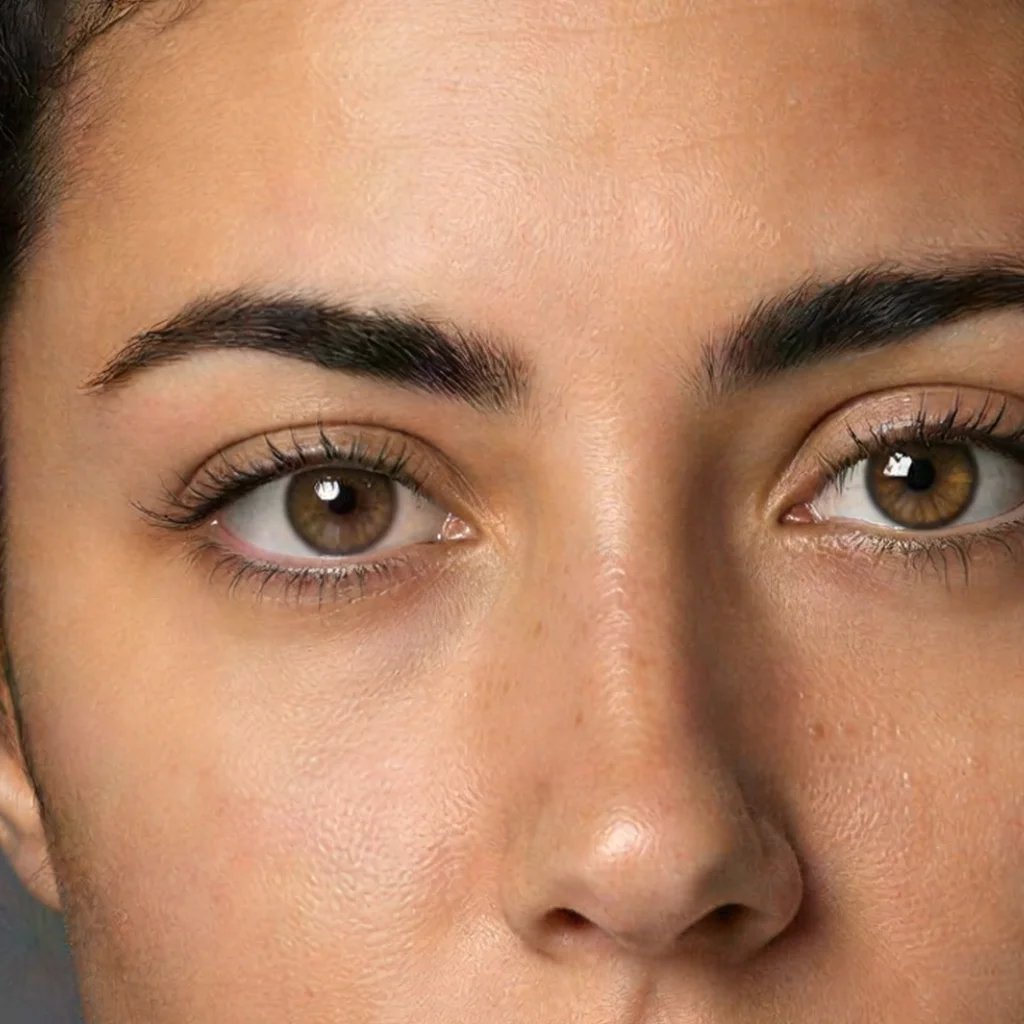
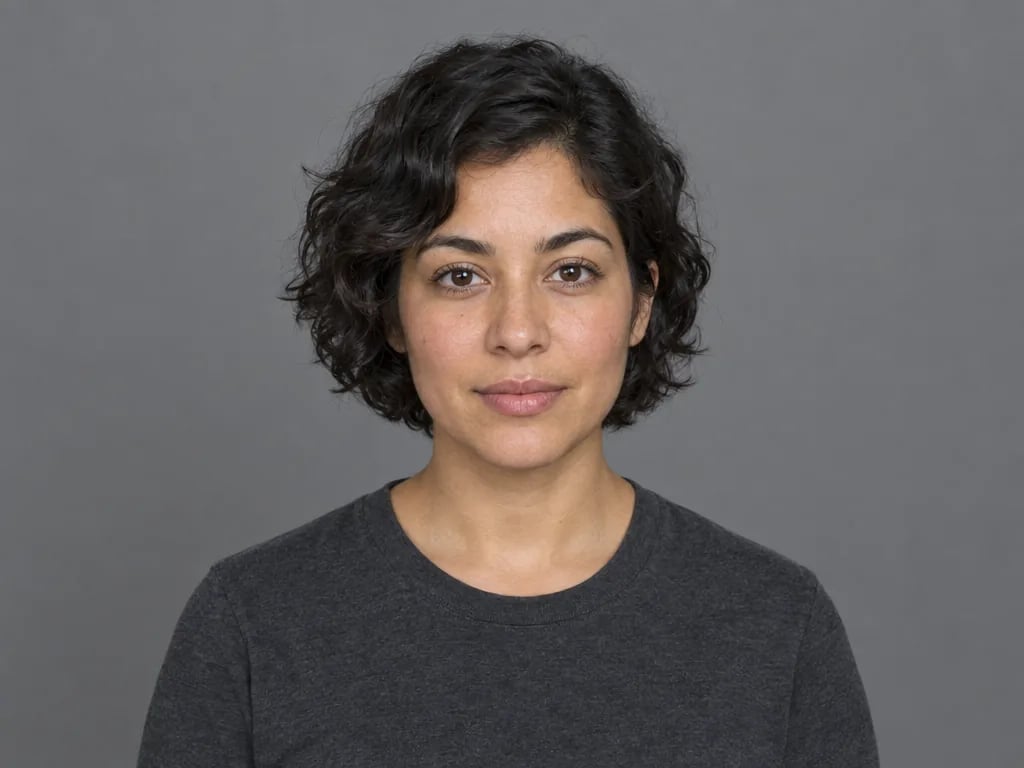
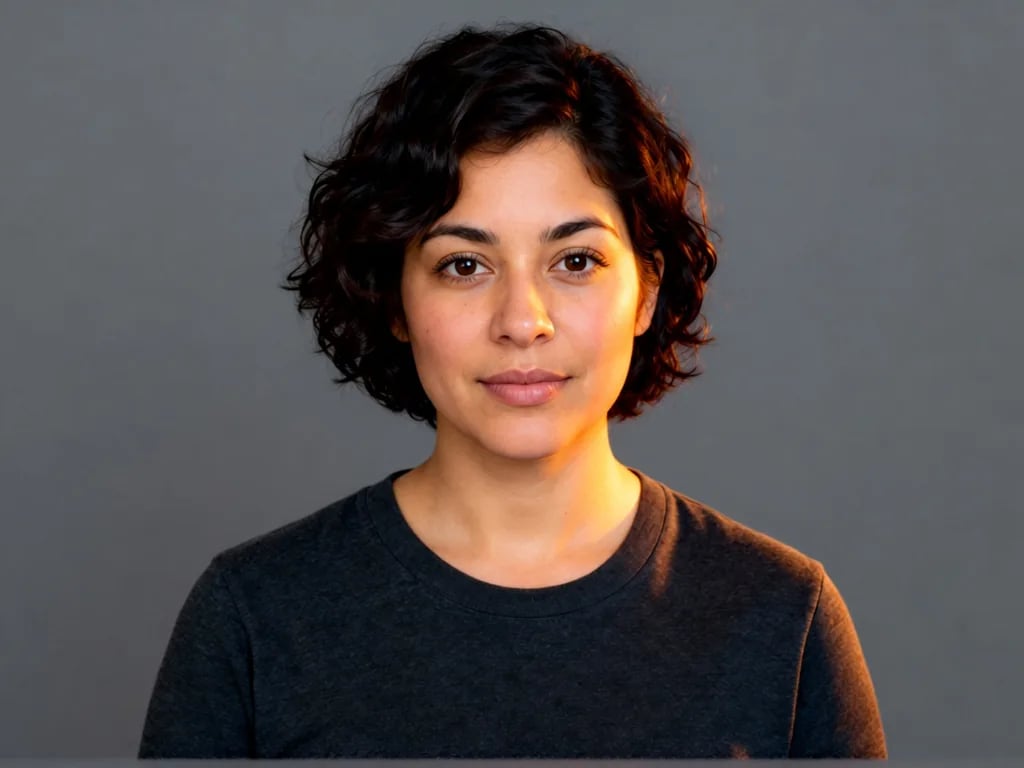
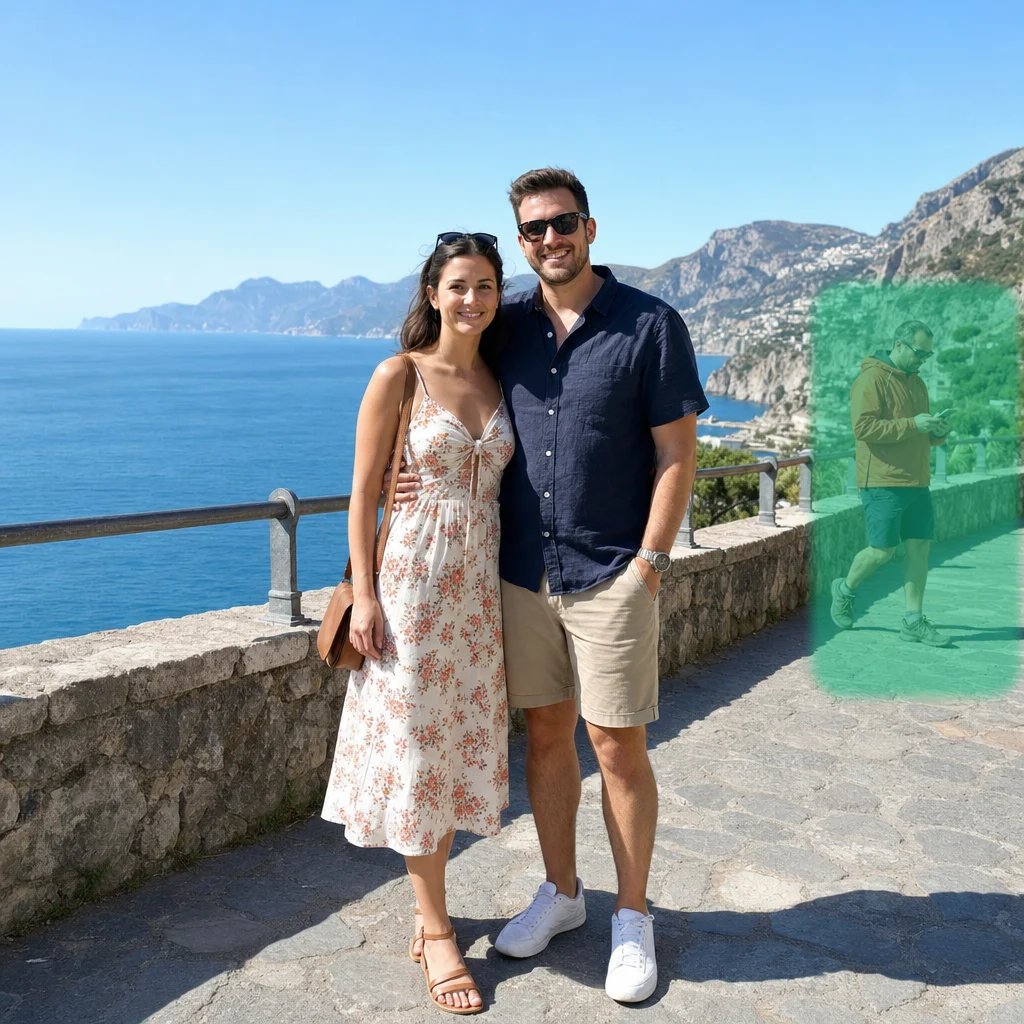
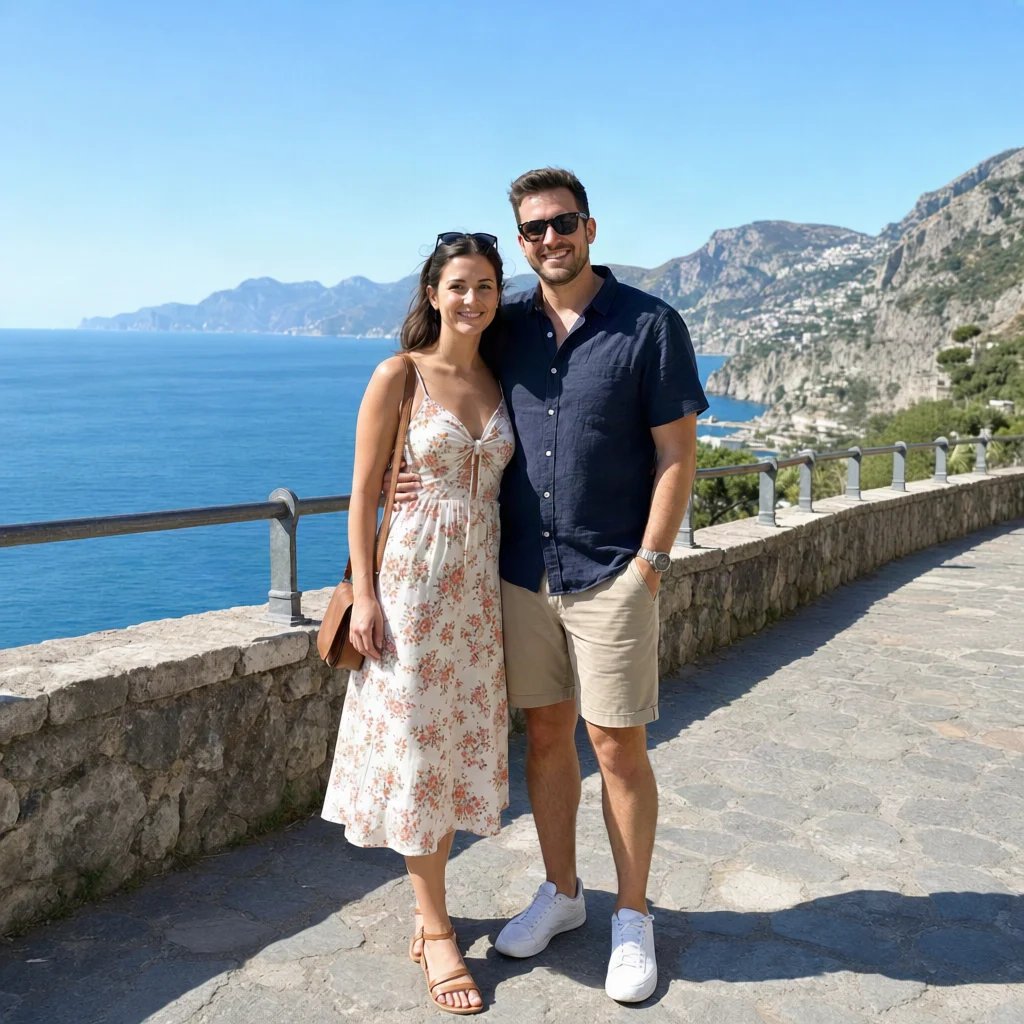
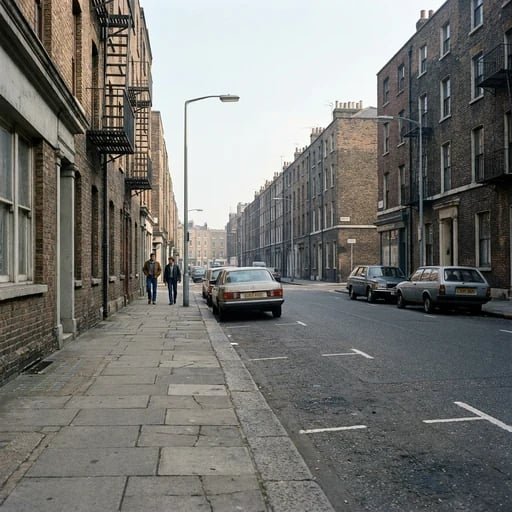
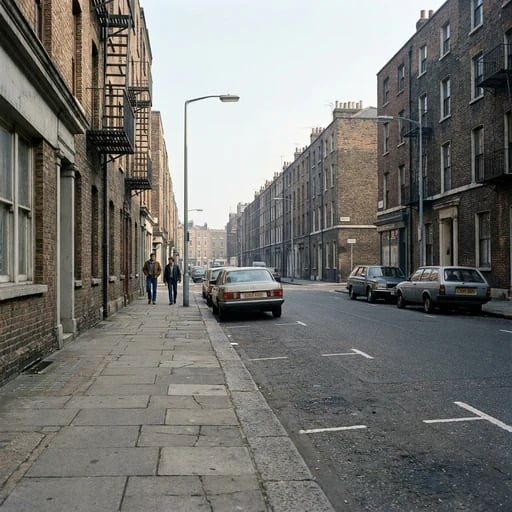
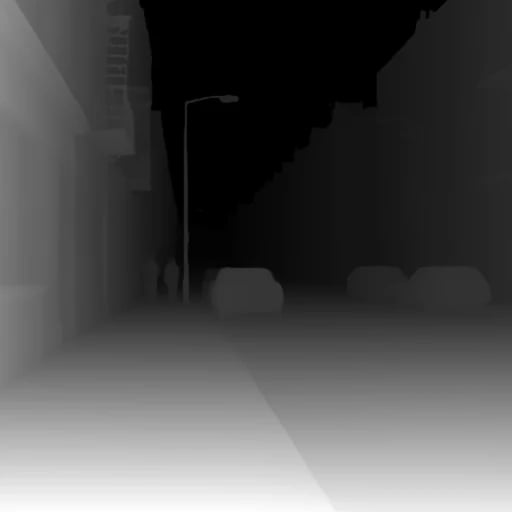
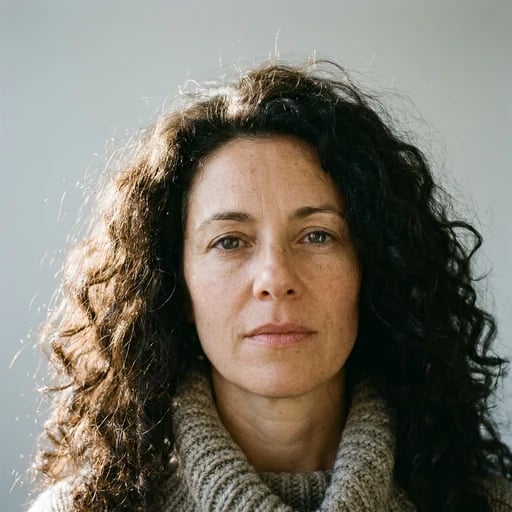
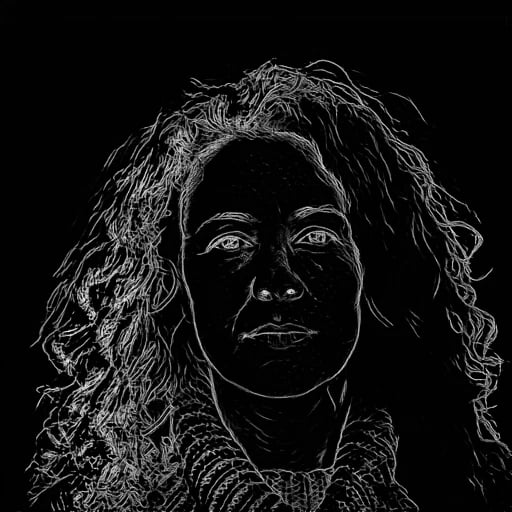
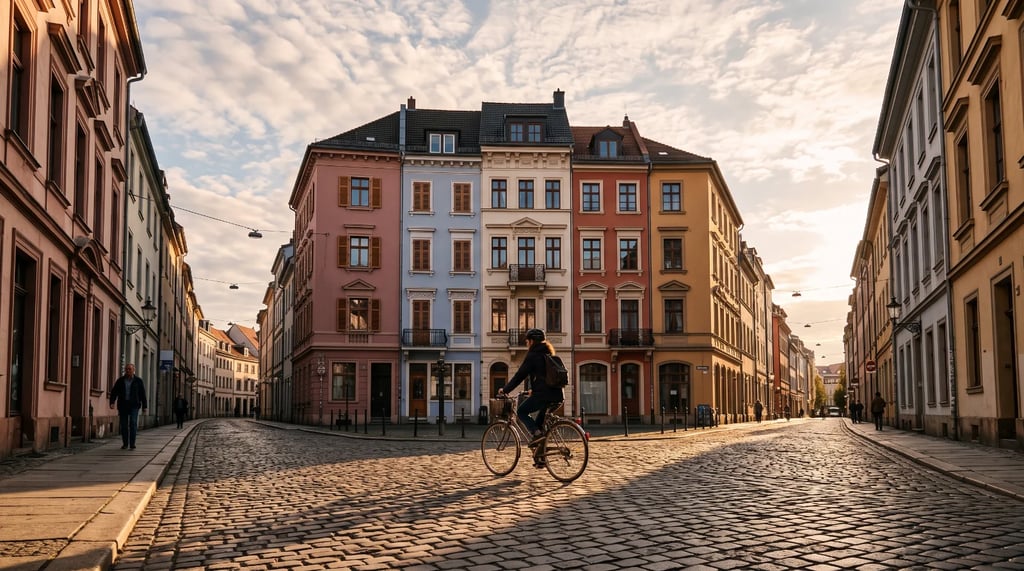
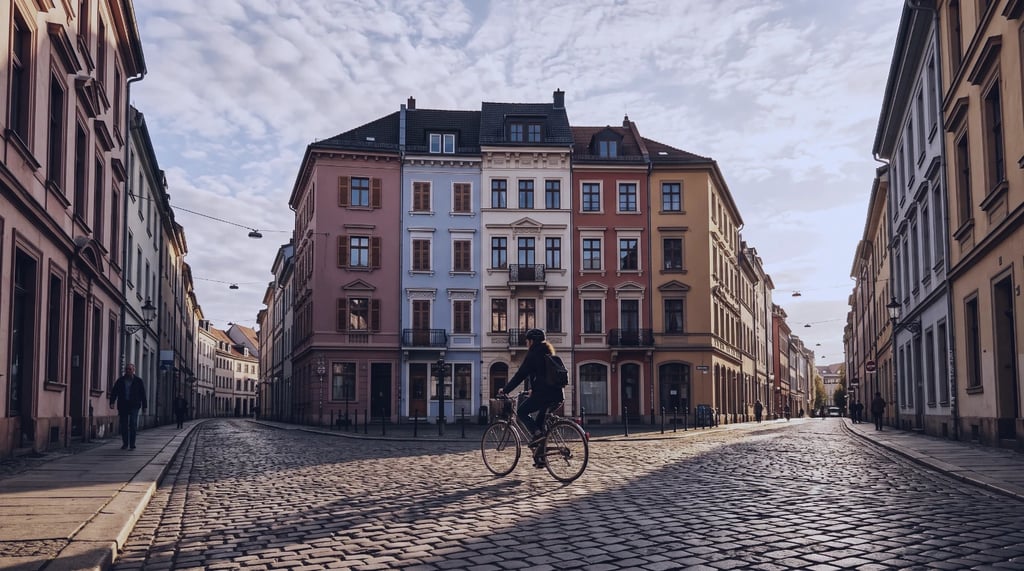
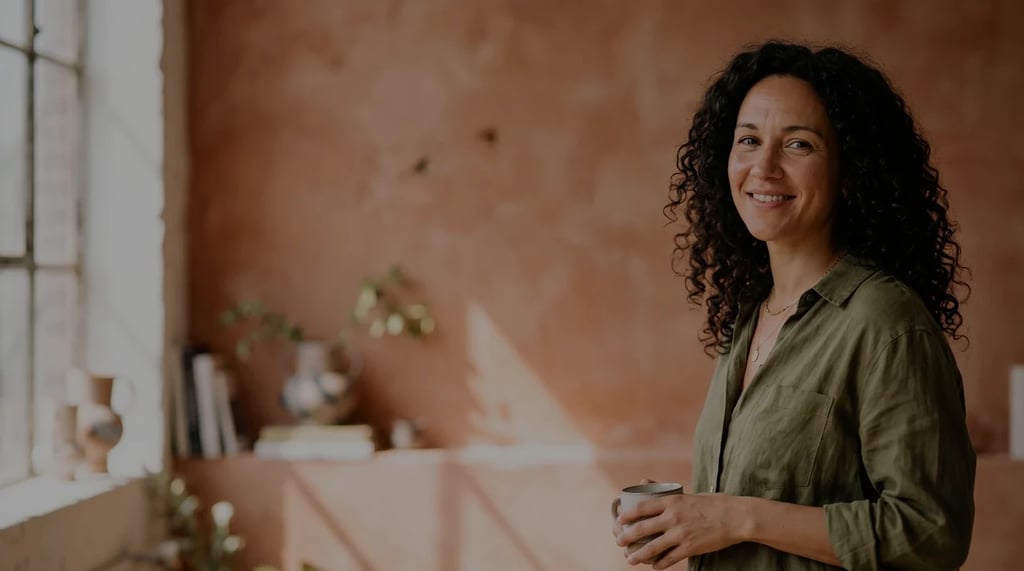
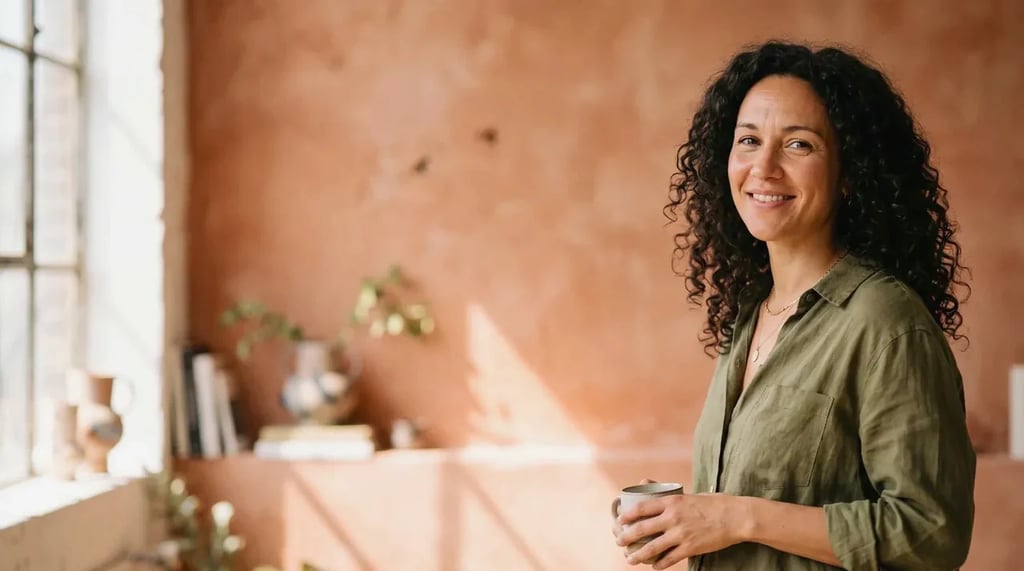
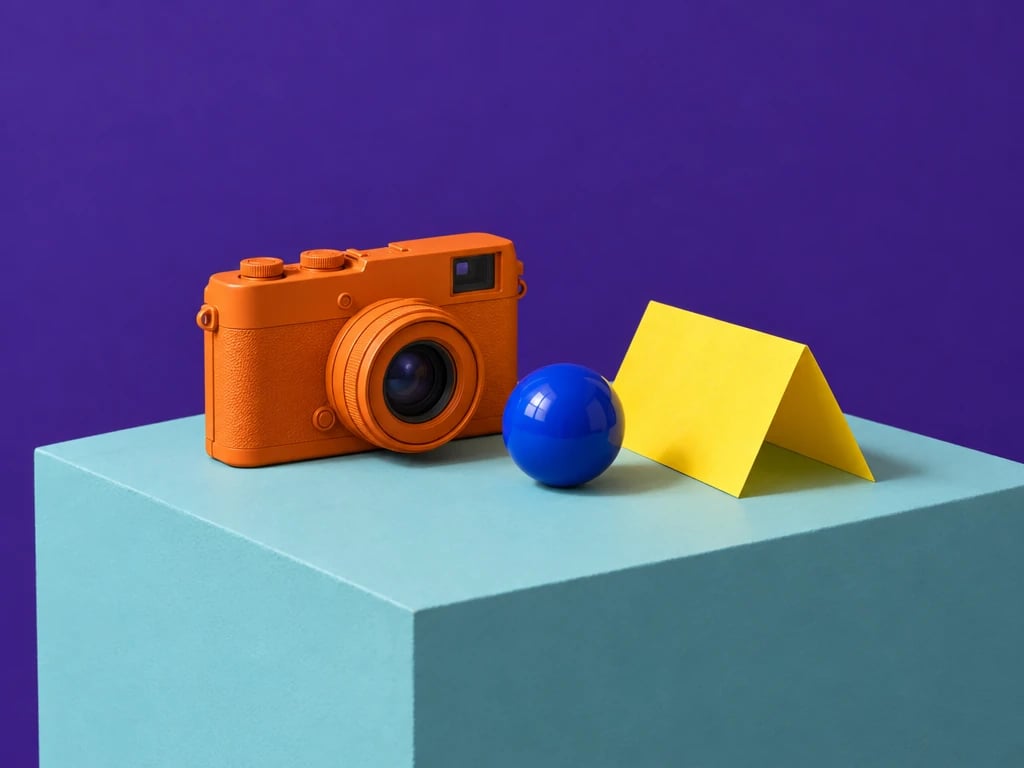
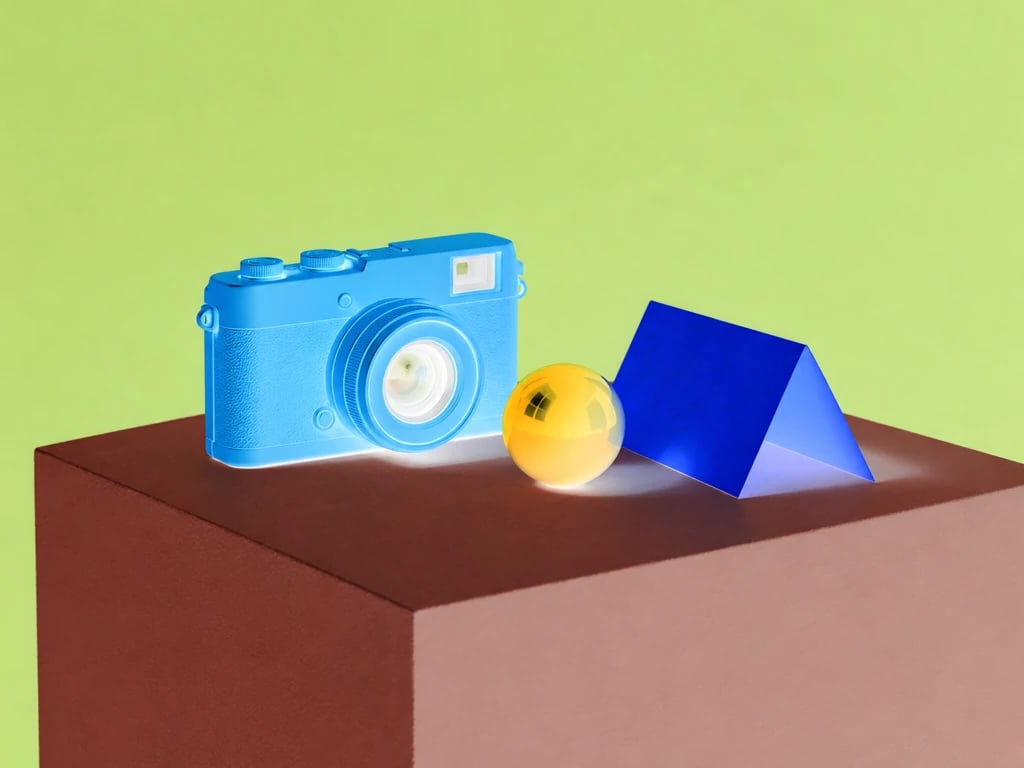
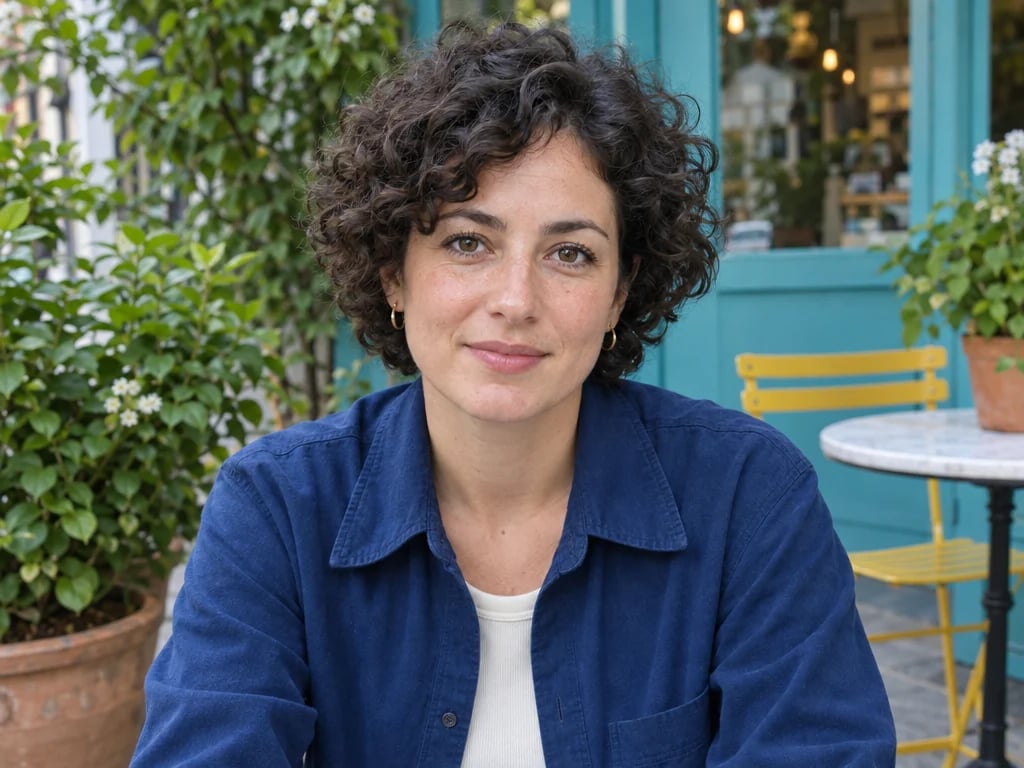
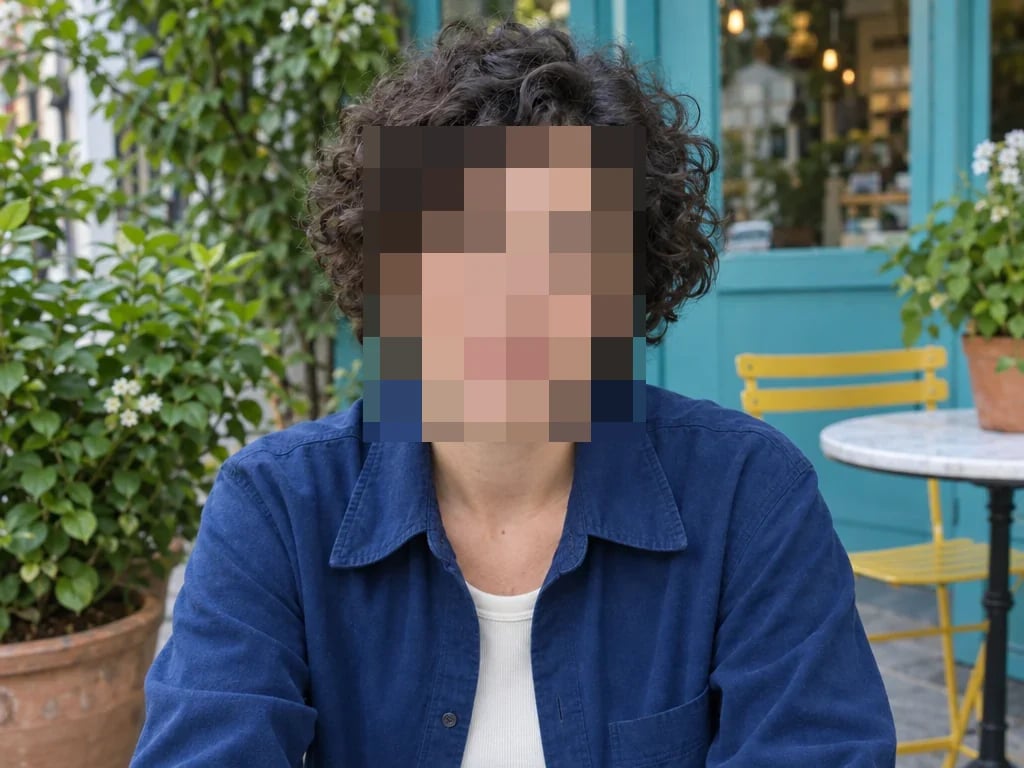
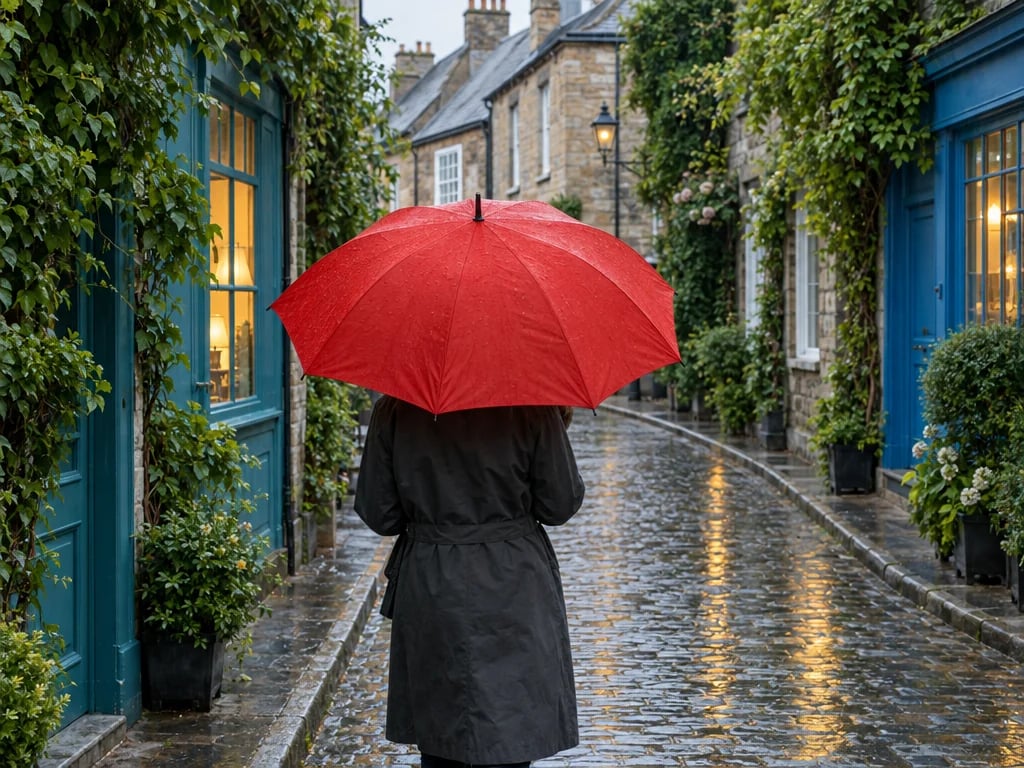
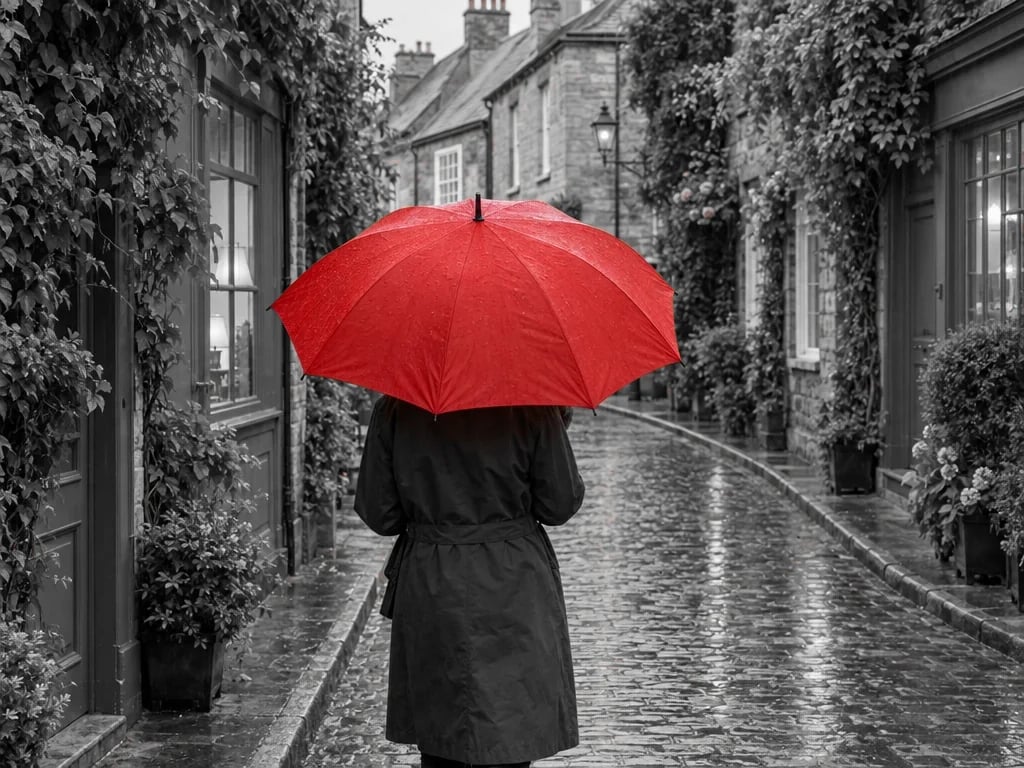
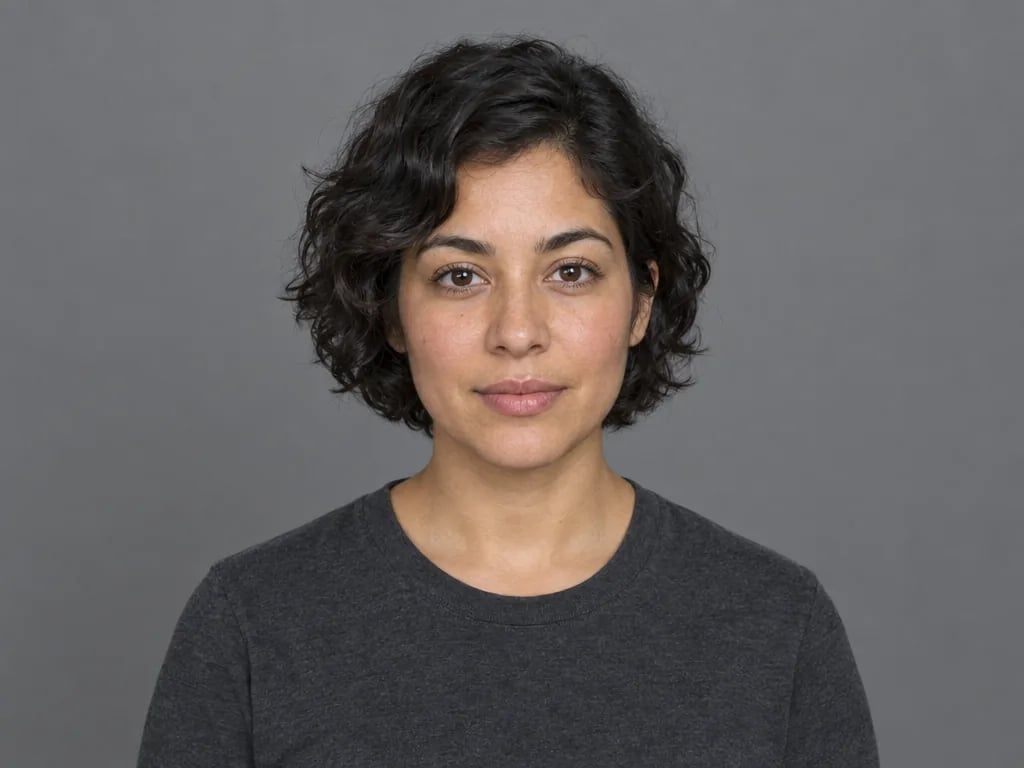
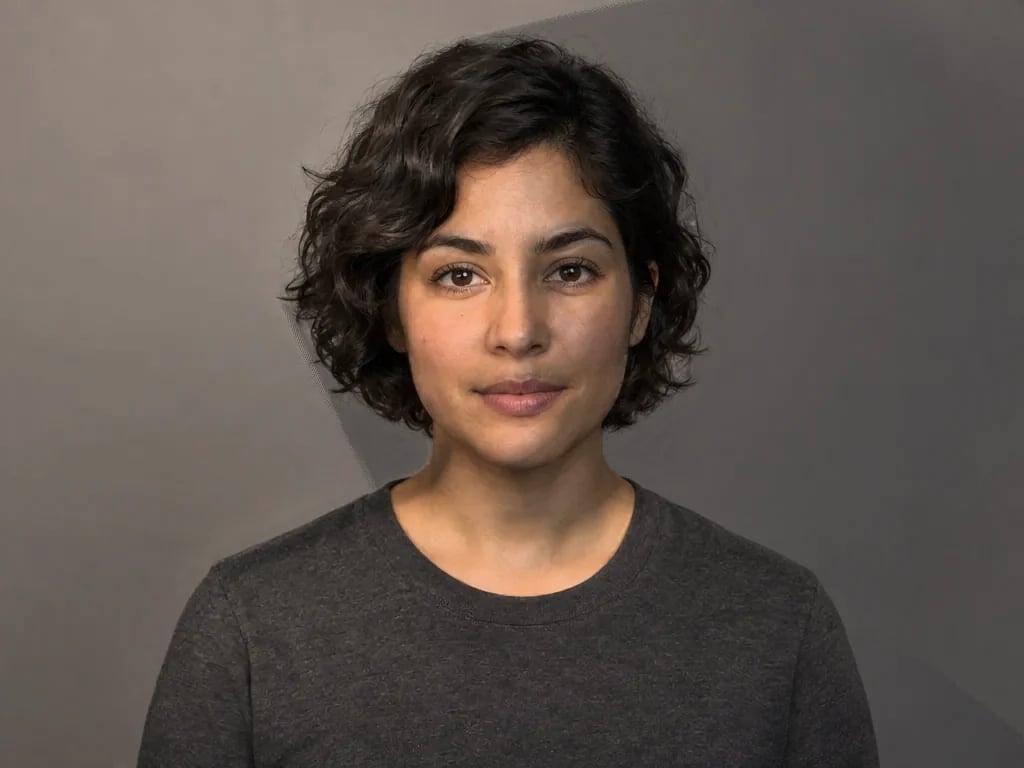
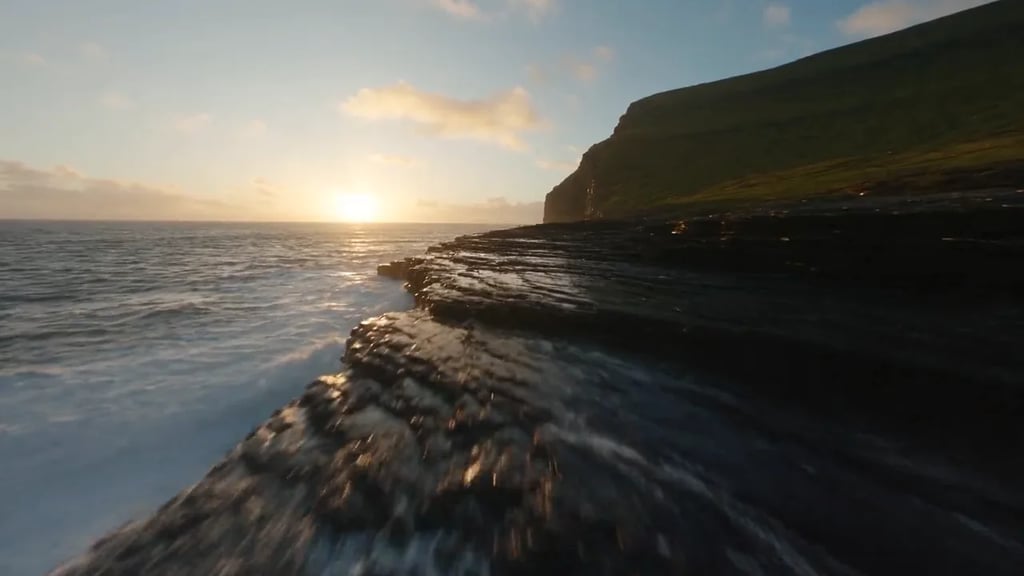
Each of these is a 16:9 photograph cropped on this page, downloaded, and published exactly as it came out. Same height, different shapes - that is what the ratio presets do.
 1:1
1:1 9:16
9:16 4:5
4:5 3:2
3:2How it works
Drag a JPG, PNG, WebP or GIF onto the page, or pick one from your device. It loads straight into the editor without being sent anywhere.
Drag the corners to frame the shot, or lock a ratio first. Turn it 90 degrees at a time, nudge a crooked horizon straight by any angle, flip across or down, then type the exact output size if you have one to hit.
Pick PNG, JPG or WebP and save it. The file is built in your browser, so it is ready the moment you click.
What you can do
Drag freely, or lock the box to a shape: square, 4:3, 16:9 and the rest, plus story, feed portrait, thumbnail and print sizes down to A4.
Turn the picture 90 degrees at a time to fix a sideways photo, or drag the straighten slider to take a tilted horizon back to level a tenth of a degree at a time. Mirror it across or down as well.
Type the width and height you need, or scale by percentage. Lock the ratio to keep the shape, or unlock it to hit a spec exactly.
Keep transparency with PNG, cut file size with WebP, or take JPG when something on the other end only accepts it.
Where your photo goes
Most online tools upload your file, crop it on a server and send it back. This one does not have a server to send it to.
The image is read from your device and drawn onto a canvas in this tab. It is never sent to us or to anyone else, and there is no copy of it to delete afterwards.
There is nothing to sign up for and nothing to spend. Open the page, crop the picture, close the tab.
Because the work happens on your own machine there is no job to wait behind and nothing stamped on the result. Crop as many images as you like.
What people crop
Fit a landscape photo into a 9:16 story or a 4:5 feed post without the platform choosing the crop for you.
Take a phone photo to 6x4, 7x5 or A4 so the lab or the printer does not trim an edge you wanted.
Square off a headshot and centre the face, then resize it down to whatever pixel limit the site enforces.
Trim the desk out of a scanned page or the browser chrome out of a screenshot, on files you would rather not upload anywhere.
FAQ
More tools
Choose another tool to edit, enhance or transform your images and videos.
More than cropping
Cropping decides what stays in frame. When you need something removed, extended past the edge, upscaled or restyled, that is what the rest of YouArt does - and those tools do run on our servers.