Video Depth Map Generator Free for Per-frame Depth Passes
Depth is useful when the next creative decision depends on layout, camera movement, and timing instead of the original look of the footage. With a video depth map generator free workflow, the source shot can remain the guide for where things are in space while a later process works with a different visual treatment. The depth pass carries geometry without carrying faces, colours, or textures from the original clip.
Use a video depth map generator free workflow in three steps
Our video depth map generator free process follows the same practical order as an edit: choose the footage, estimate the depth across the clip, then open the result in a session for the next action. There is no need to describe the scene in a prompt before you start. The input is the video itself, and the output is organized around the depth information in that video.
Upload a clip with the original motion intact
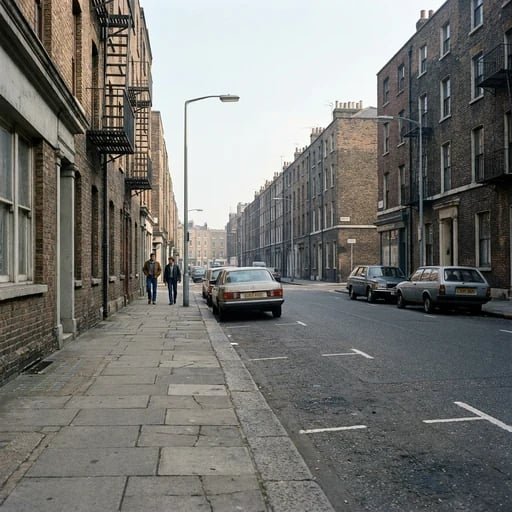
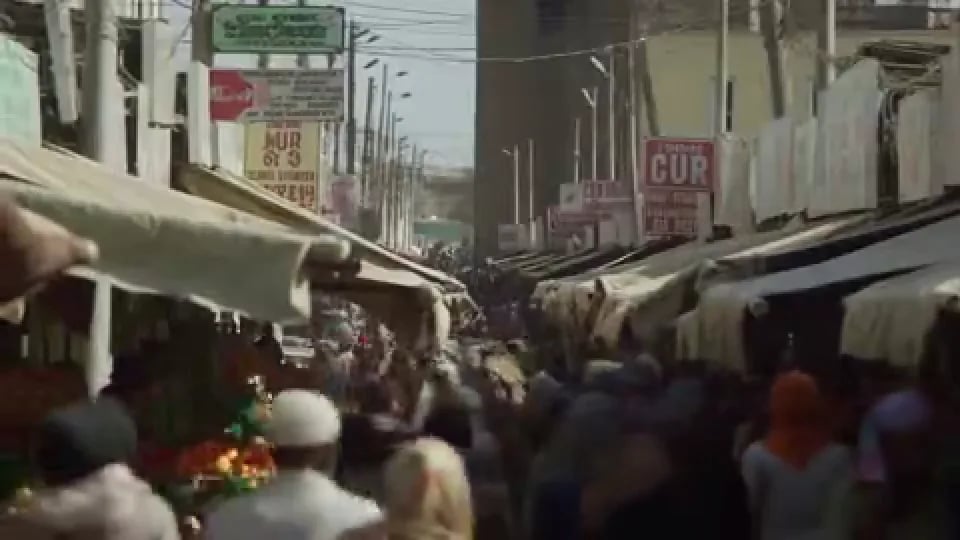
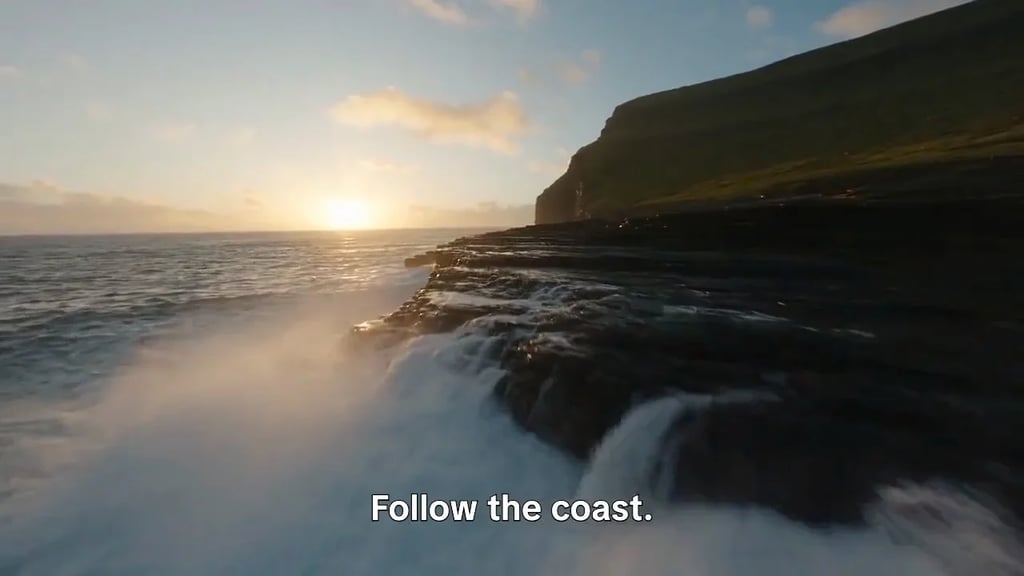
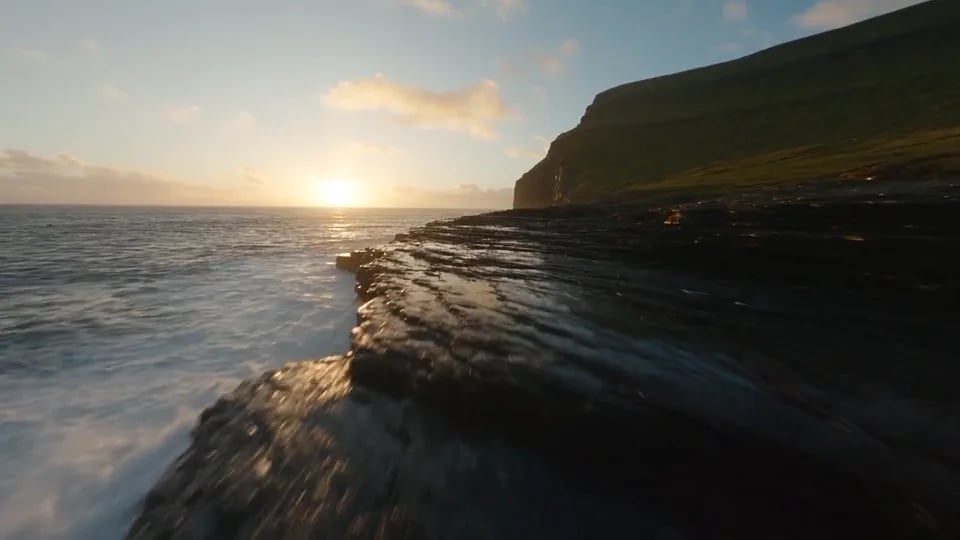
Choose a source that has the movement, subject placement, and camera view you want the depth pass to reflect. A static wall, a foreground object, a doorway, and the space beyond it can all be represented as different positions in the same scene. The depth result is not a new video edit; it is a map of the relationships already present in the footage.
Estimate depth across the video
This is the central difference between a video depth map generator free workflow and a sequence of unrelated still-image conversions. For moving footage, a frame-by-frame guess can make flat surfaces crawl or make edges buzz because each frame is judged alone. Reading frames around each frame keeps the depth pass more consistent for an edit, a composite, or a control input.
Use greyscale where another tool reads depth
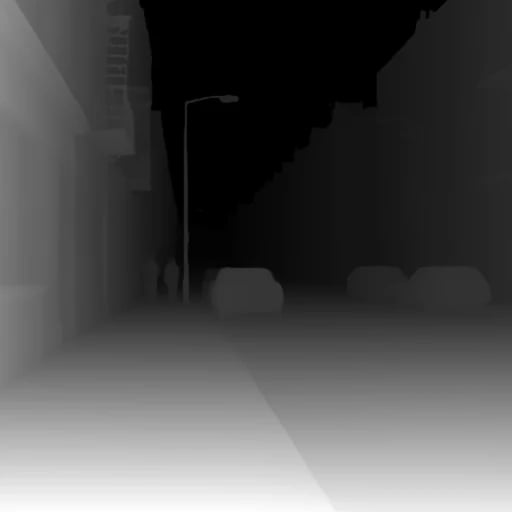
For a video depth map generator free task, it is helpful to judge whether the tonal order follows the scene: nearer regions should read lighter than farther regions, and the transitions between them should make sense as the camera or subject moves. This is information for a depth-aware process, not a replacement for the original image.
Treat depth as relative, not as a measurement
That distinction makes the video depth map generator free output appropriate for depth-of-field, displacement, and similar creative controls. These processes generally need an ordering of the scene rather than a physical distance reading. Keep the original footage available whenever you need to review the actual content, colour, or texture of the shot.
Guide a video model with depth
Use the depth pass alongside a clear creative direction in the next stage. The depth information tells a model how near and far regions relate; it does not decide the final subject, style, or texture on its own. That separation makes it easier to think of the source footage as a guide to movement and composition.
Work with compositing and grading controls
This is particularly useful when colours overlap across the scene. A foreground subject and background wall may be similar in hue, yet their depth values can still be different. Review the pass before using it as a control so the selected range follows the part of the shot you intend to affect.
Build parallax and spatial treatments
These uses depend on relative ordering, not on a claim that the source camera captured physical depth. A depth map can make a flat image responsive to a depth-aware effect because it distinguishes near from far over time. Inspect fine details—such as leaves, handles, edges, and gaps between objects—before relying on them in a strong displacement or parallax treatment.
Prepare footage for an AI video depth map generator
Start with a clip whose camera movement and scene relationships are easy to follow. The video depth map generator free page reads the actual frames you upload, so a clip with a clear subject, visible background, and meaningful separation between near and far regions gives you a direct way to evaluate the output. This is preparation guidance, not a requirement that a scene contain a particular type of subject.
Keep the source shot available for comparison
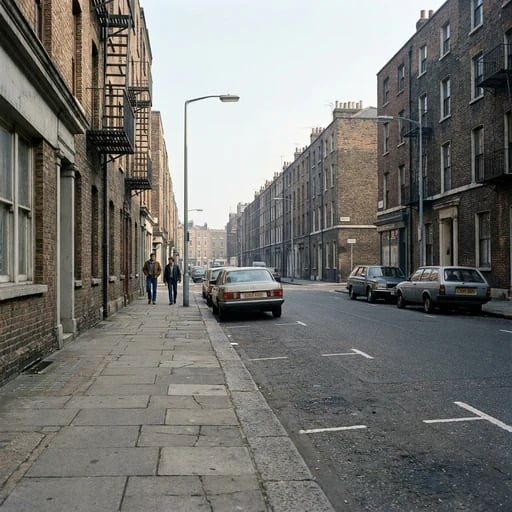
Compare the depth pass with the source clip while you evaluate it. Look for stable surfaces, transitions at object edges, and sensible ordering from the foreground to the background. The colour ramps are useful for inspecting that order, but greyscale shows the brightness values that a downstream depth-aware tool reads. The page preserves the source resolution and frame rate on input. That lets you assess the depth result against the same timing and framing as the original. When the intended use involves a later video model or compositing step, this shared timing is the practical connection between the footage and the depth pass.
Plan for the control you need next
Decide before generation whether the depth pass will guide a video model, support a composite, or drive a spatial effect. That decision changes what you should inspect after the video depth map generator free result opens. For model guidance, pay attention to the overall layout and camera motion. For a selective effect, pay attention to the boundary between the distance ranges you want to affect. For a parallax treatment, pay attention to whether foreground and background read as separate layers. The page makes one fixed depth step. A separate creative decision happens after that step, using the generated pass in the context that fits your project.
Bring a video depth map tool into your edit
A depth pass is most useful when it remains connected to the rest of your process. The video depth map generator free page gives you a session you can return to, so the result is available when you are ready to download it or use it as a control input. You can keep the depth conversion focused on the footage while moving more complex sequencing into a workflow.
Keep the role of the depth pass clear
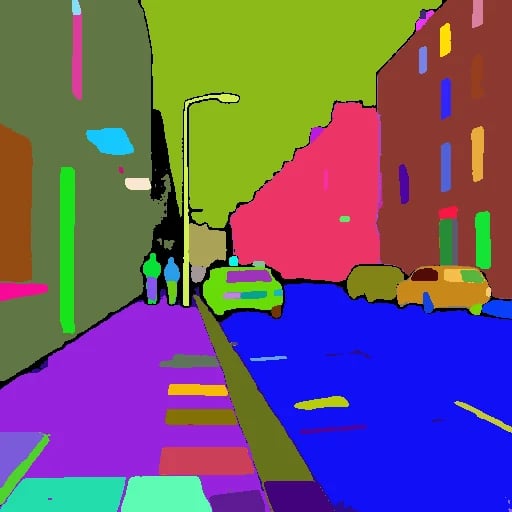
The video depth map generator free output is a structural channel. It is not a colour grade, a segmentation label, or a physical-distance measurement. Keeping that role clear helps you choose an appropriate downstream control: brightness-based depth for a depth-aware tool, colour ramps for visual inspection, and the original clip for the texture and appearance of the scene. When a clip contains moving subjects and a moving camera, continuity matters. The page's video-based estimation uses neighbouring frames so the pass can follow the clip rather than becoming a set of unrelated depth images. That makes the result easier to assess in the same time-based context as the shot itself.
Start with your own clip
Choose the clip you want to interpret as distance, upload it, and review the resulting depth pass before sending it to the next stage. The video depth map generator free page is designed around that direct path from footage to a per-frame depth result. Use the output where structure is the useful signal, and keep the original video nearby when you need the full visual reference.