Coast
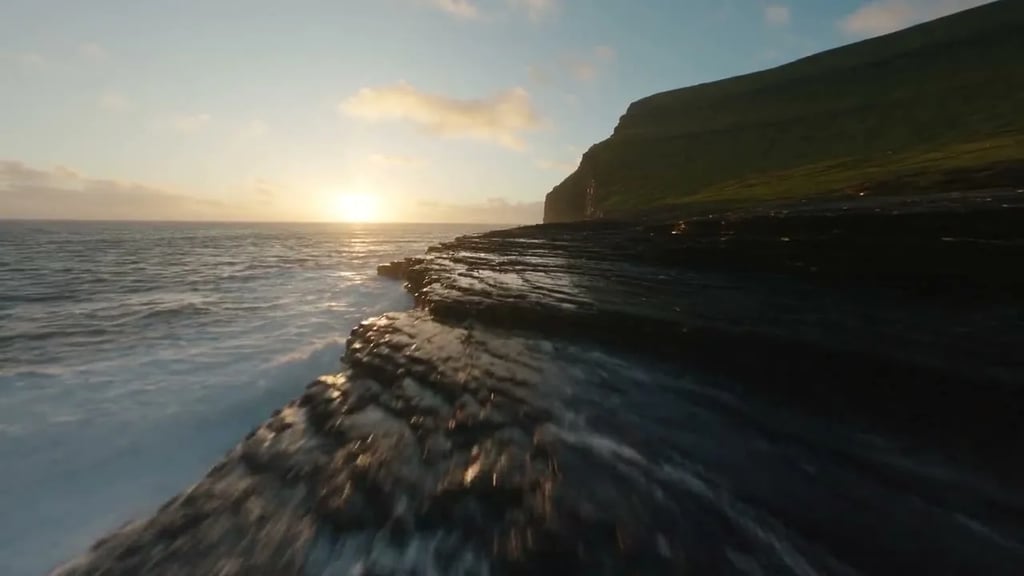
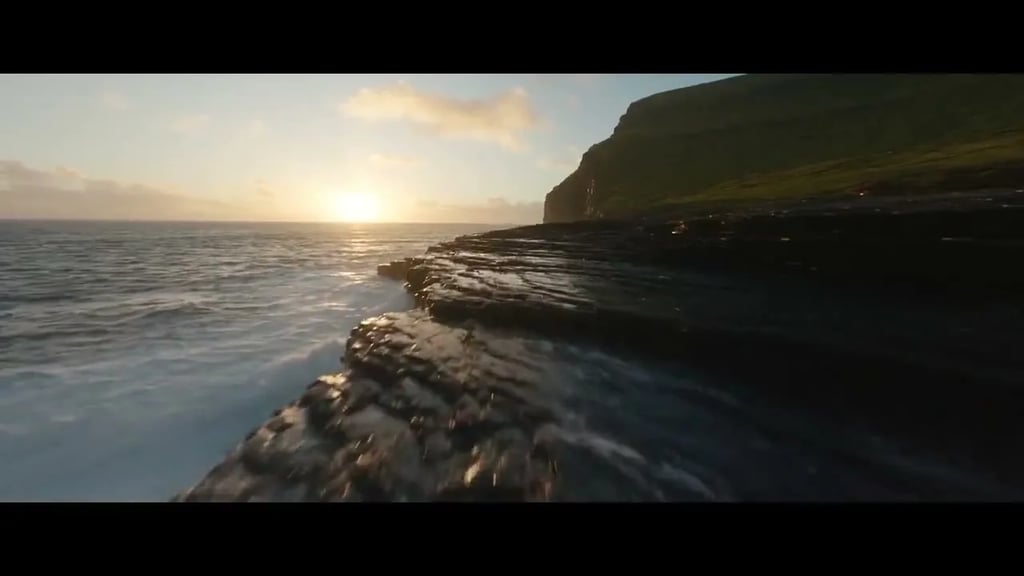
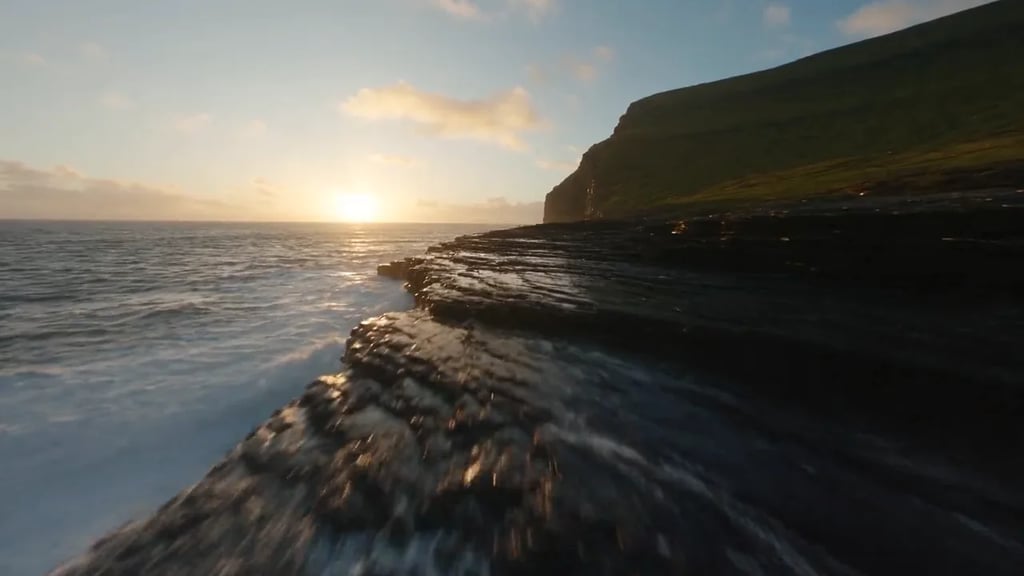
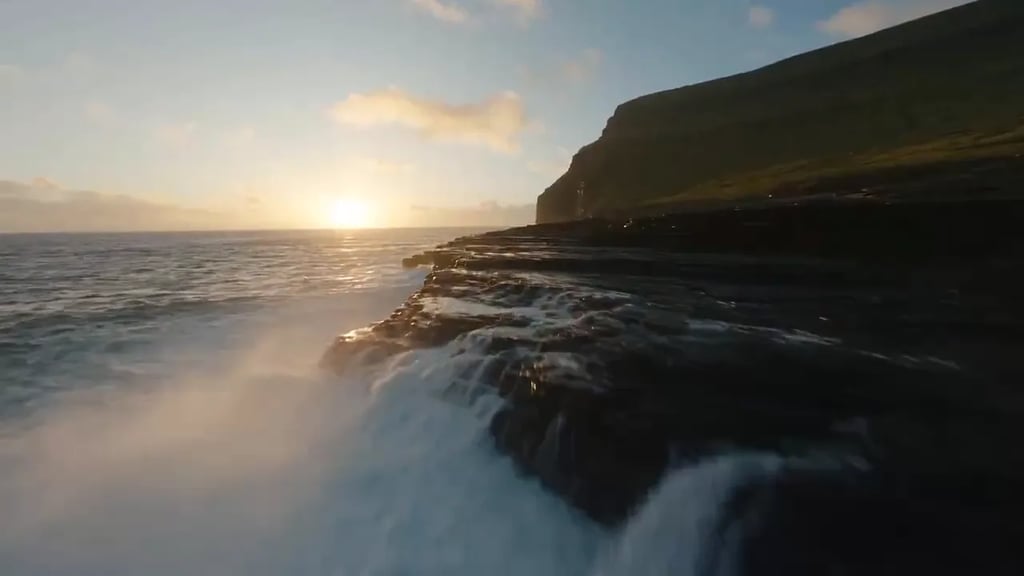
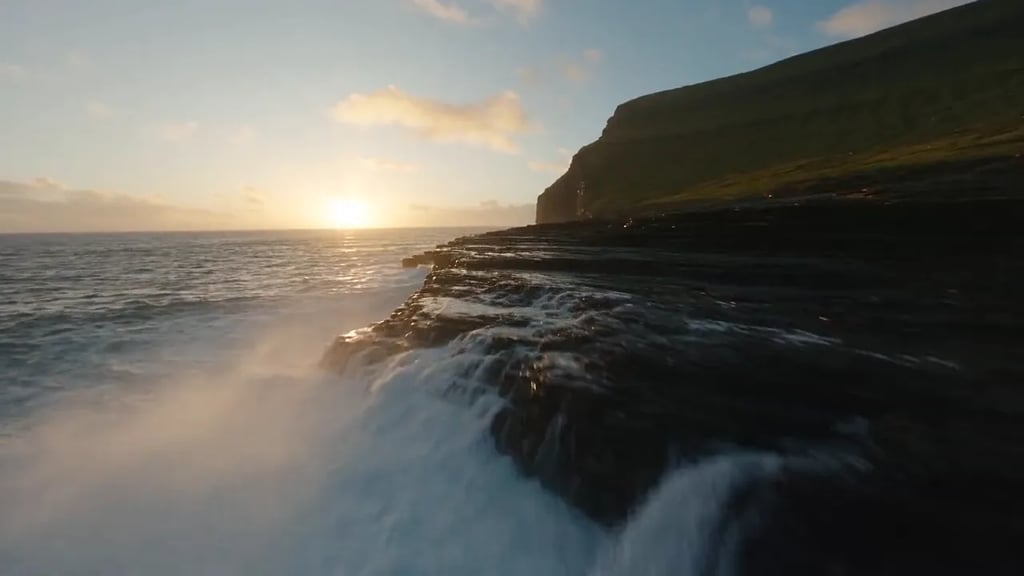
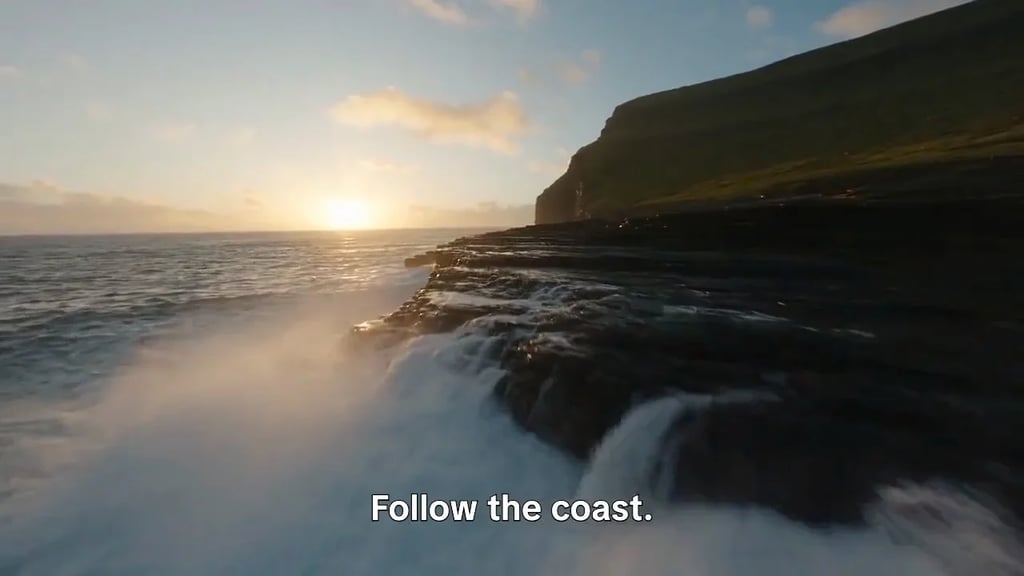
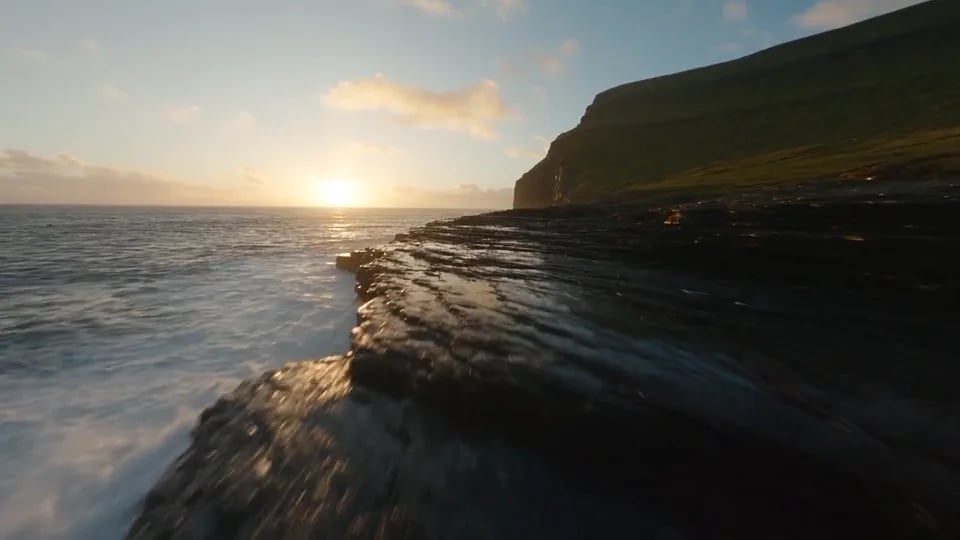
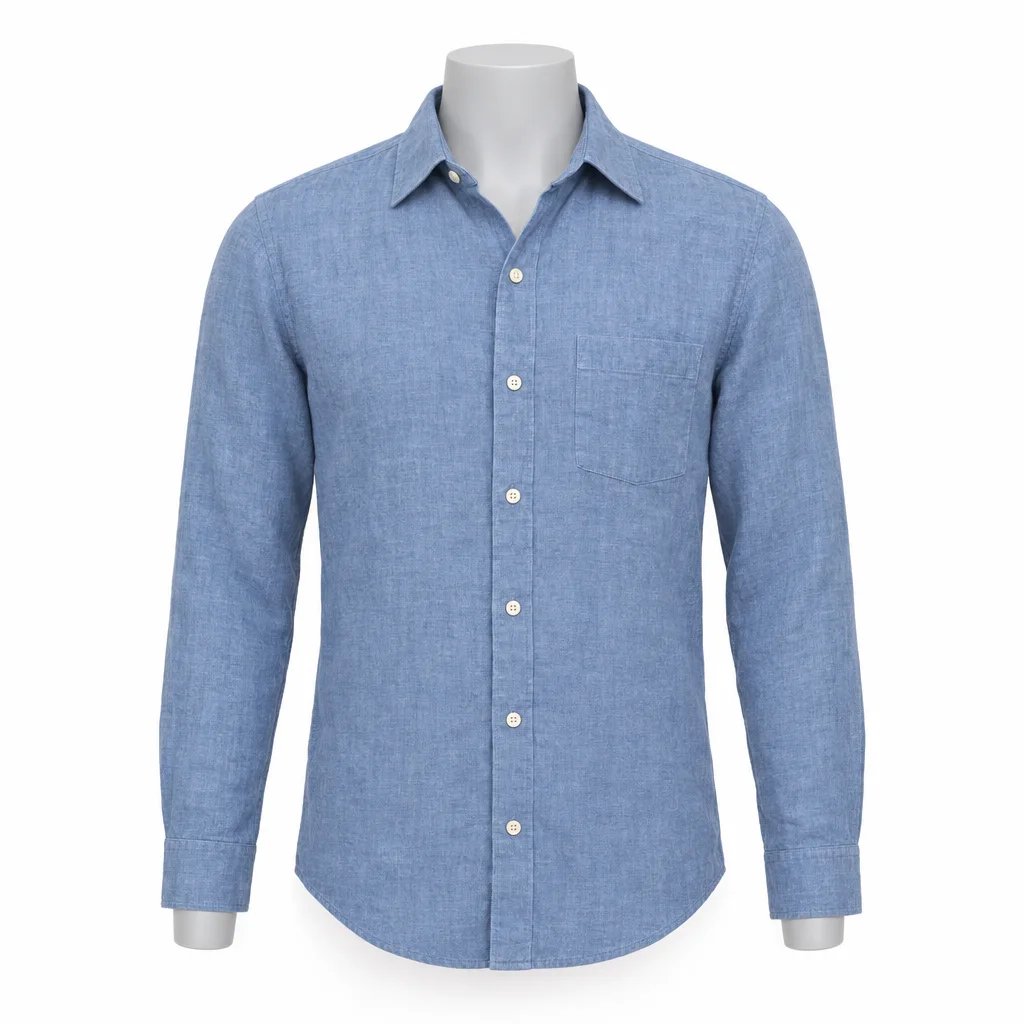
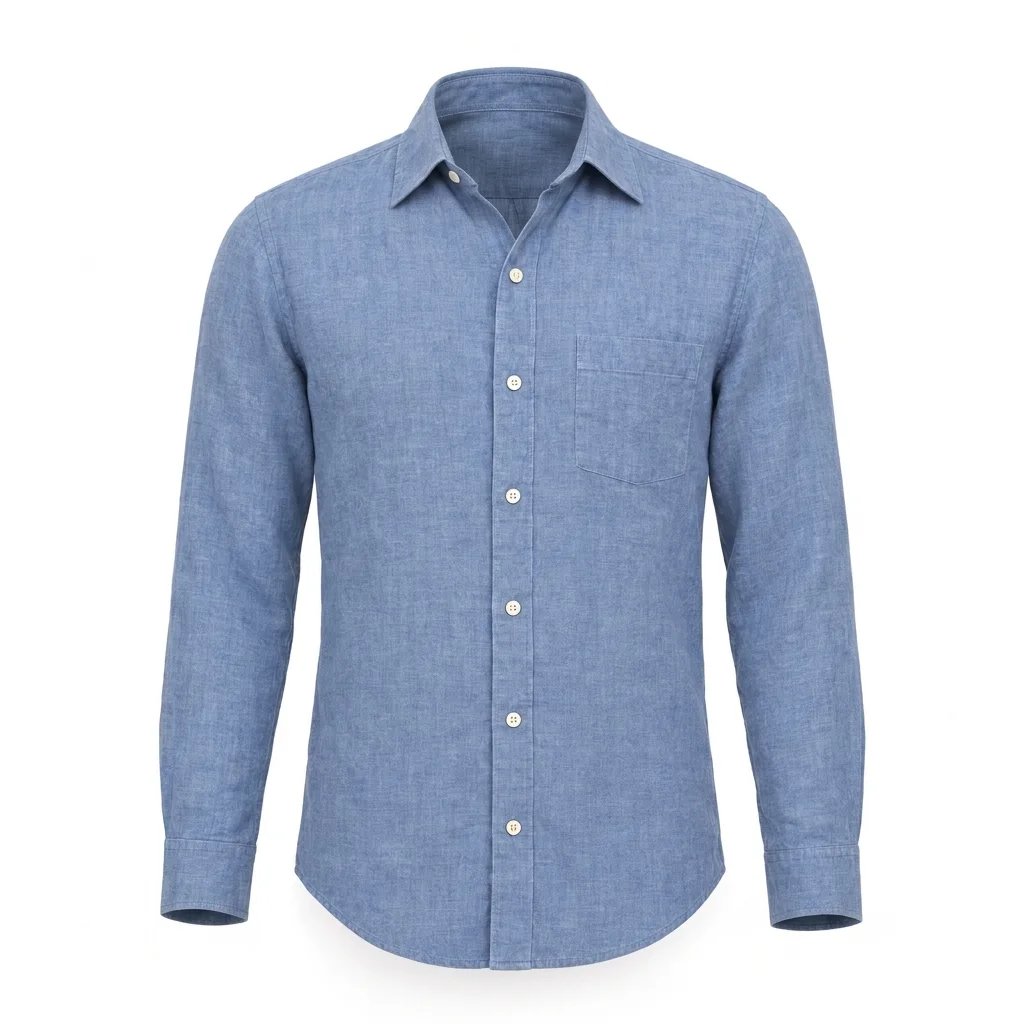
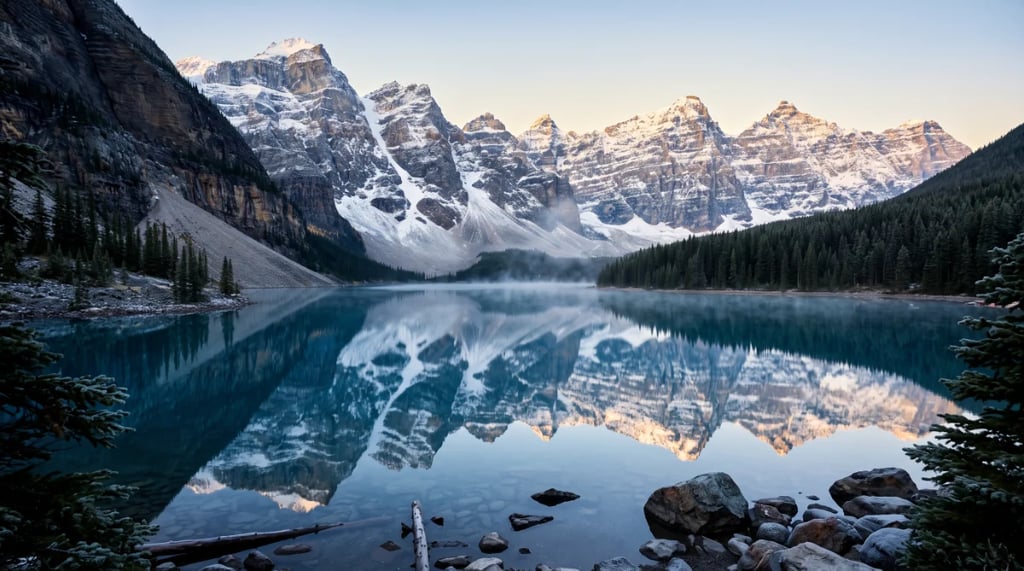
Shape a sunset coastline with cinematic contrast.
Balance color, shape a cinematic grade and add glow or film texture in one editor. Start with a look, then fine-tune it while you compare.
Drag or use the middle mouse button to pan. Scroll to zoom. Shortcuts work when the preview is focused.
Drop a video here
MP4, MOV or WebM · up to 60 seconds · 200 MiB
Or start from one of these clips
Effects
Color grading
Edit and download locally in your browser.
Compare color grades and finishing effects on short clips, then try a look in the editor.
Soften sunset highlights with a subtle glow.
Explore restrained film grain and a soft vignette.
Explore luminous highlights and rich golden-hour color.
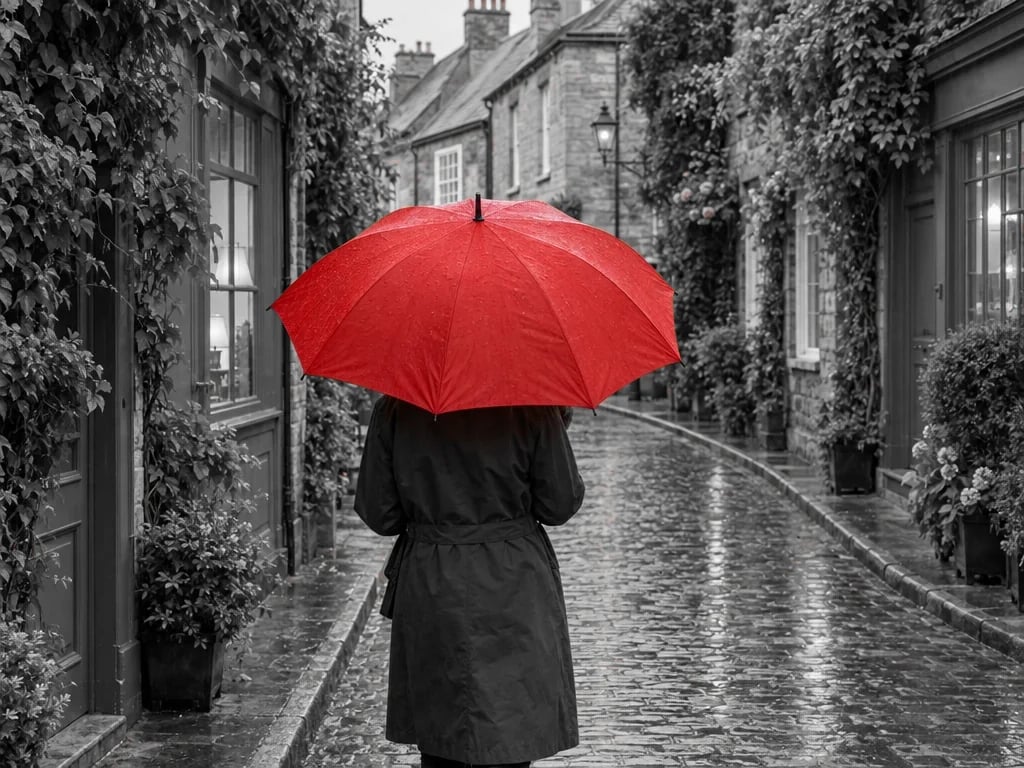
Explore a monochrome study of light, shape and contrast.
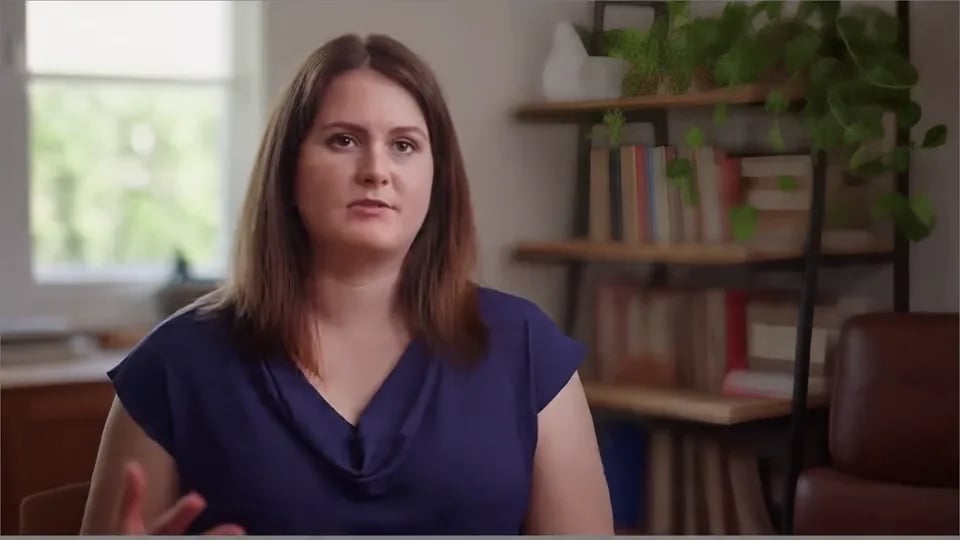
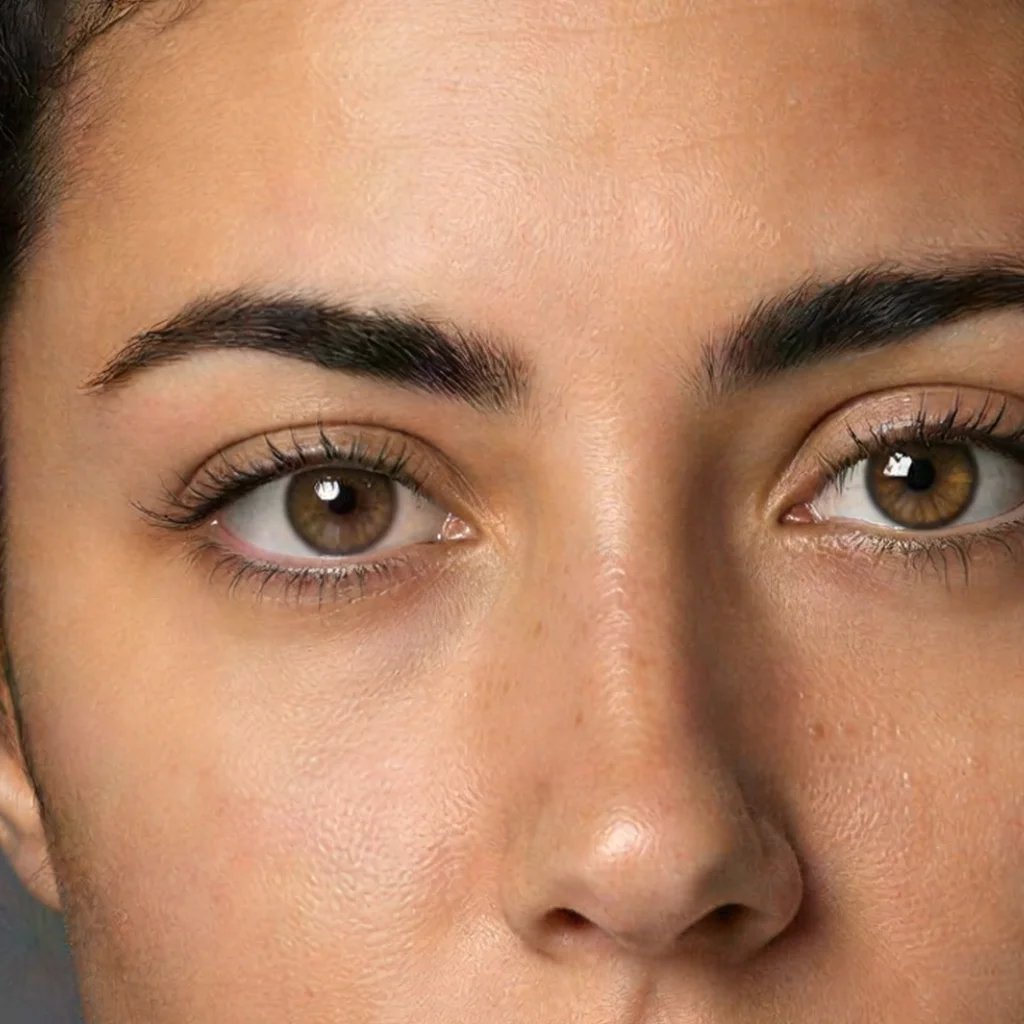
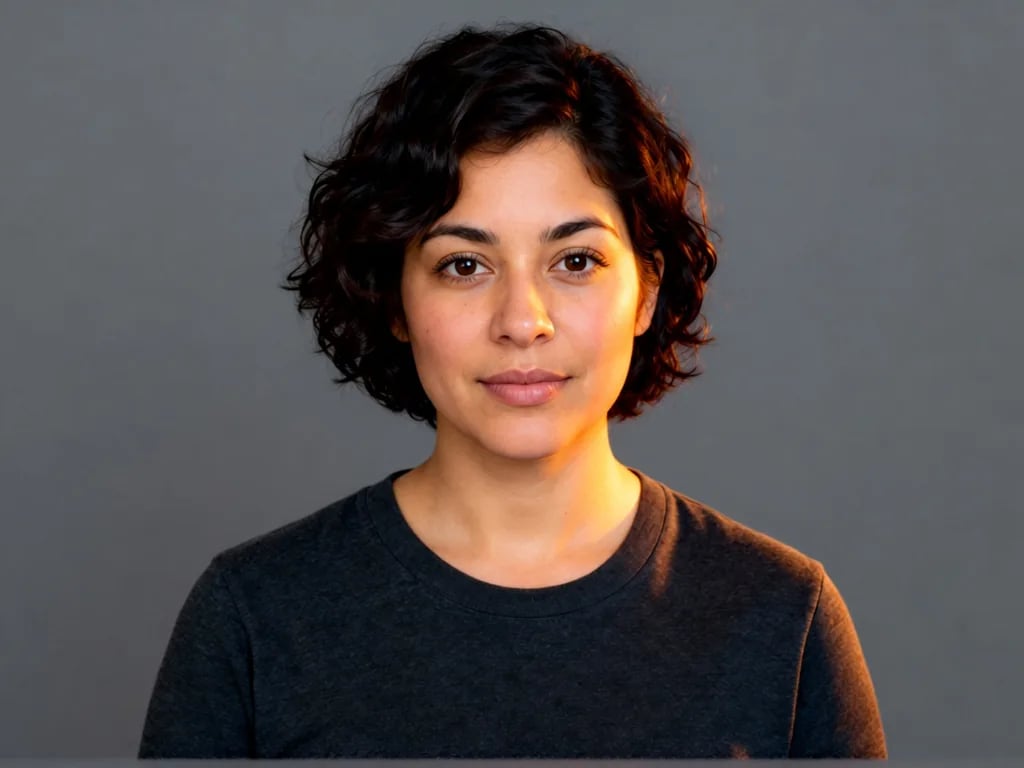
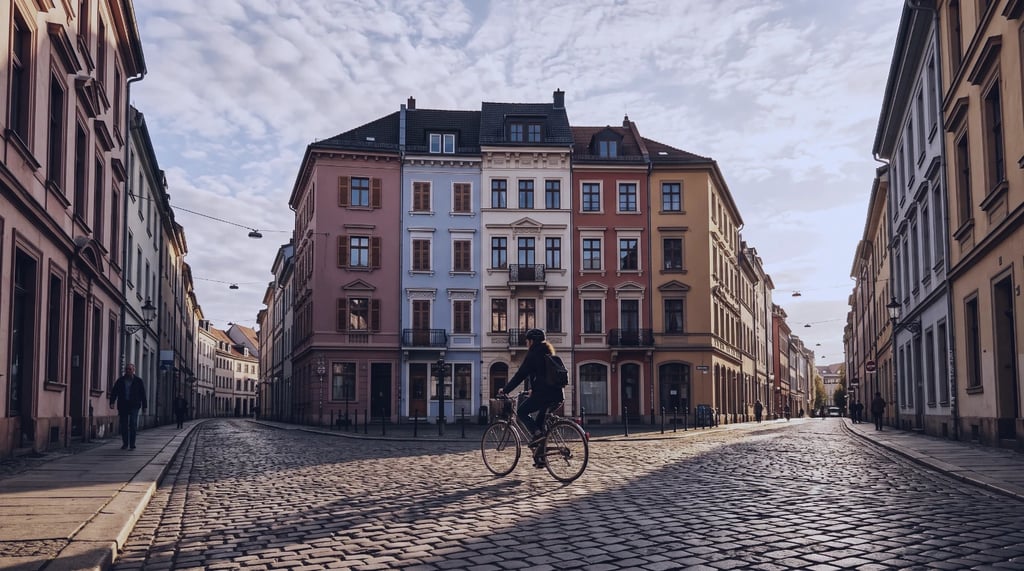
Compare four grades on the same source clips, then try the footage in the editor.
Shape a sunset coastline with cinematic contrast.
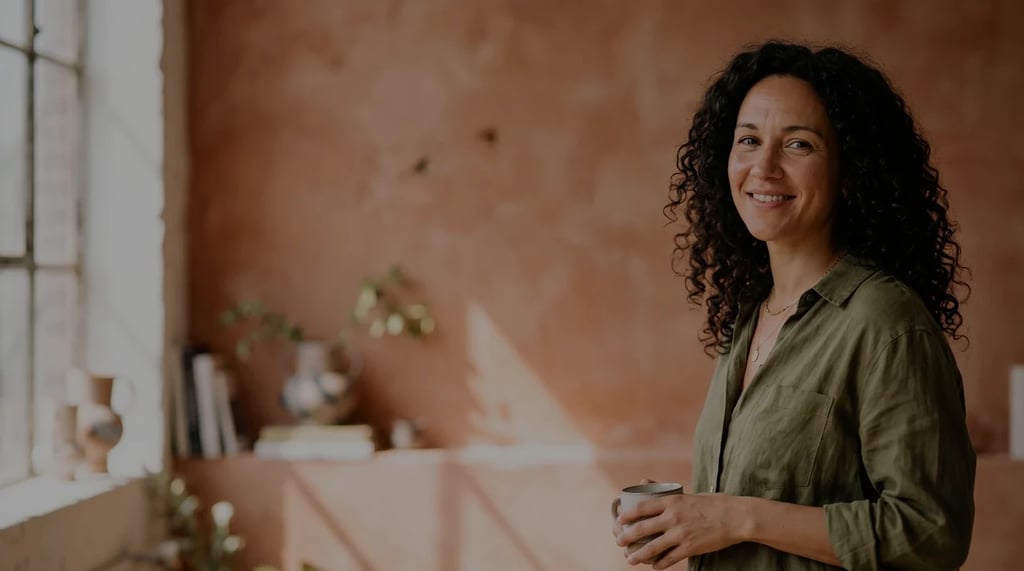
Give a window-lit portrait a warmer tone.
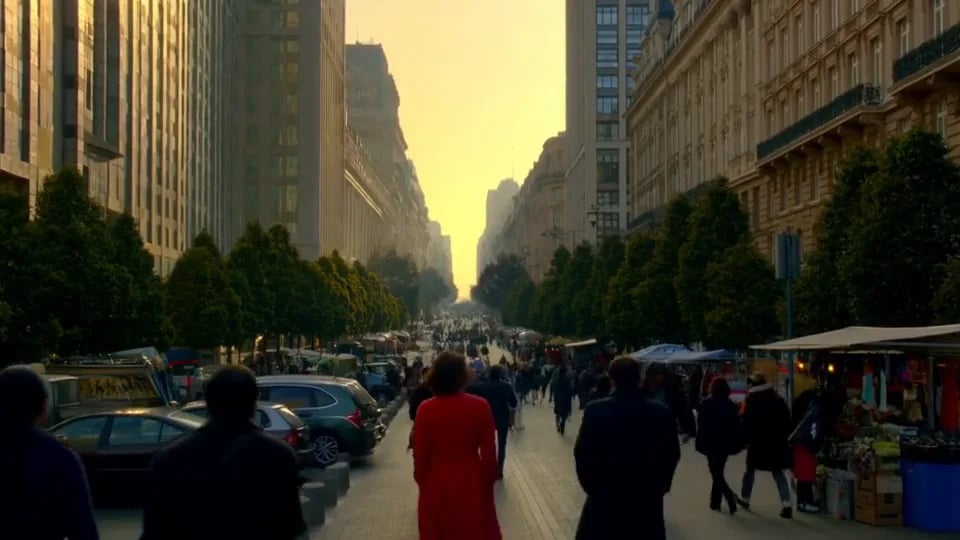
Bring more vivid color to a daylight street scene.
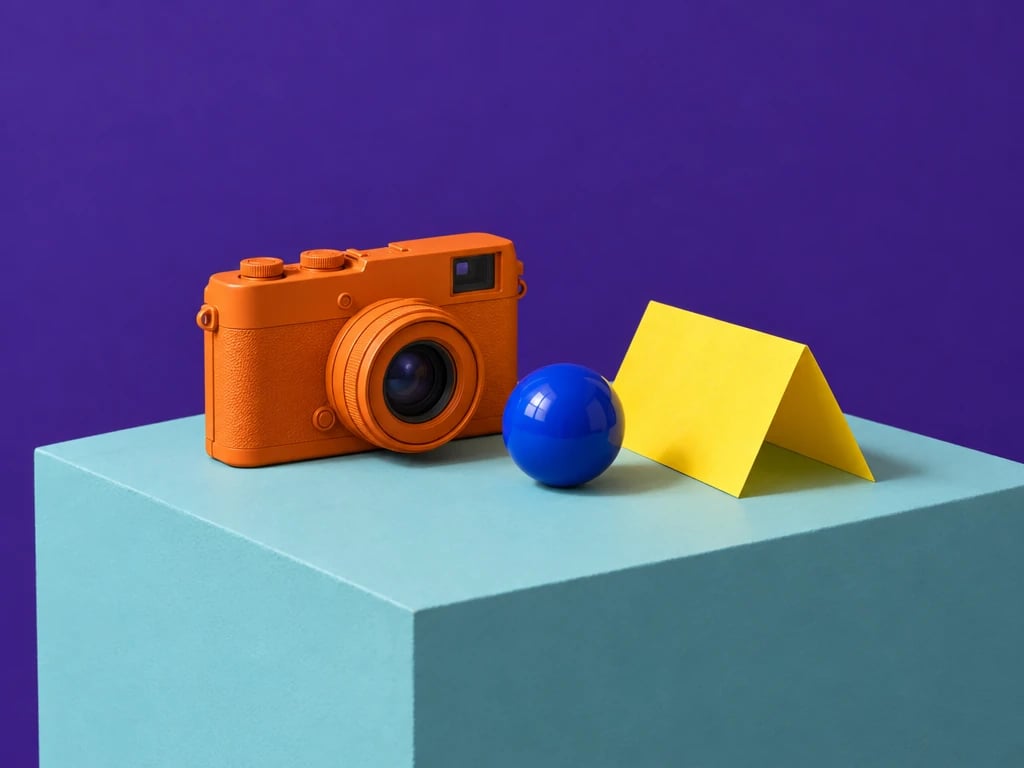
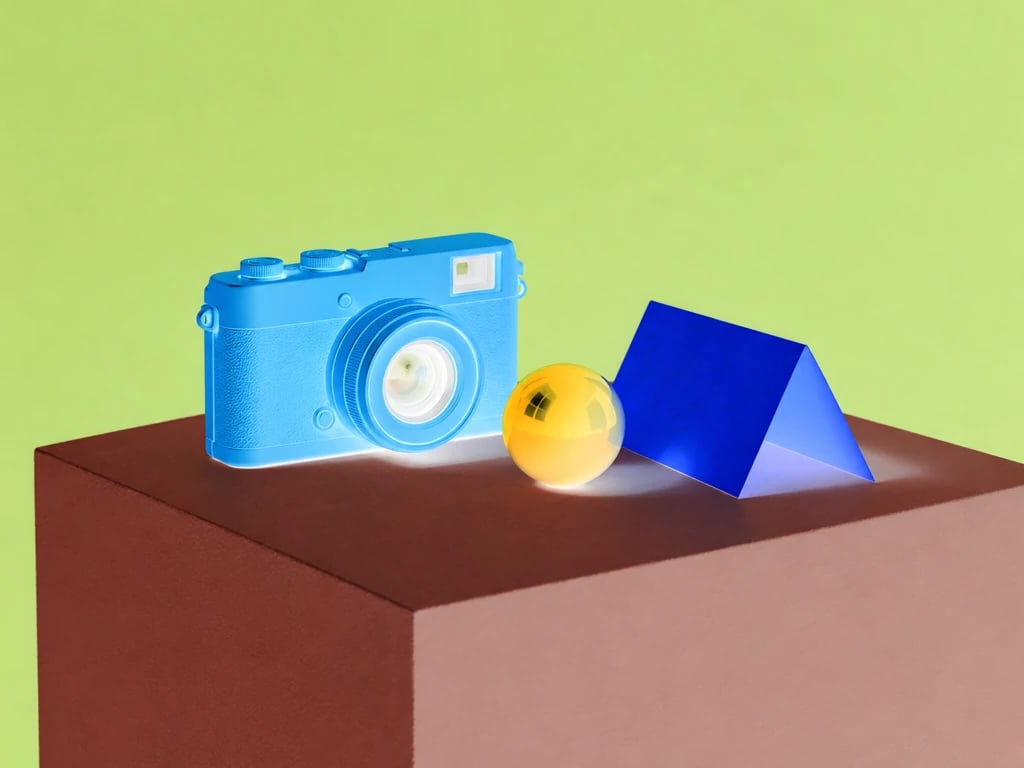
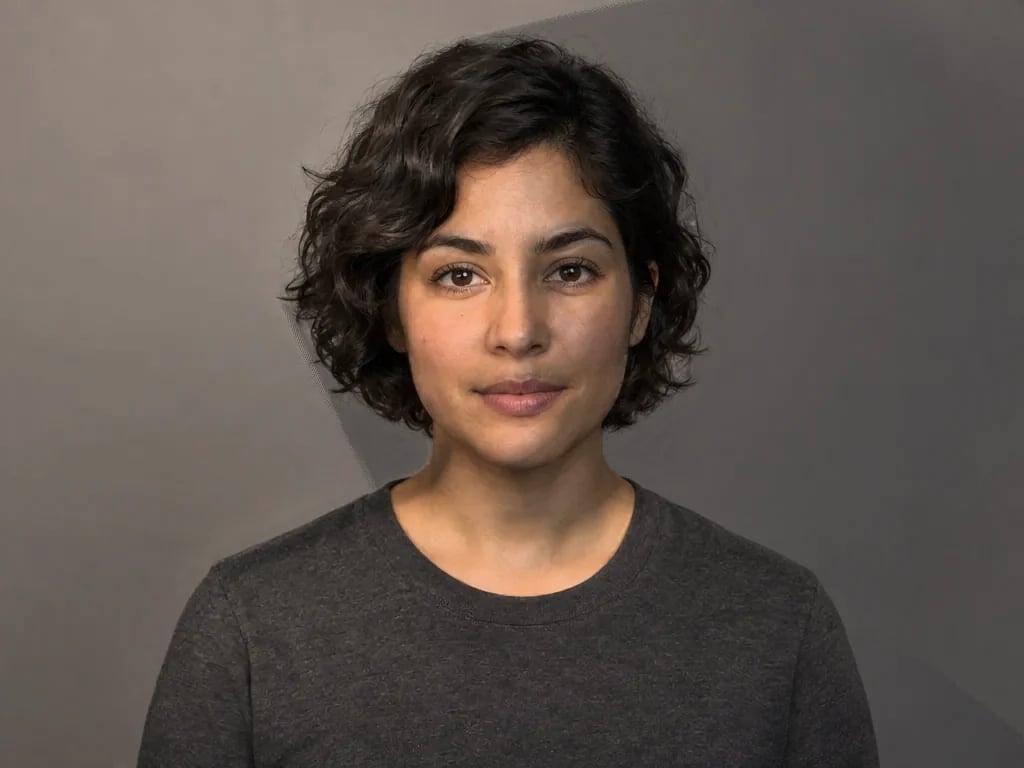
Explore shape and contrast in a monochrome studio scene.
Balance brightness, contrast and color before styling.
Diffuse bright highlights or add a warm light halo.
Soften the frame or define existing edges.
Add moving film texture and gently shape the edges.
Control contrast and individual RGB channels.
Tint shadows, midtones and highlights separately.
Import a .cube look and set its strength.
A convincing finish starts with the footage you have. Balance the light and color first, then add diffusion or texture in small amounts. Compare several moments in the clip: a setting that suits one bright frame may be too strong when the subject moves into shadow.
Exposure changes overall brightness, while contrast separates lighter and darker tones. Temperature and tint help balance a warm, cool, green or magenta cast. Saturation adjusts color intensity. Check skin, neutral objects and skies while you work. Strong corrections can reveal compression or clip tones; they cannot restore detail already missing from the recording.
Bloom spreads light outward from brighter parts of the frame. Start with a small amount, then adjust the threshold and spread so lamps, reflections or sunlight soften without washing out the whole shot. Halation adds a warmer halo around bright boundaries for a film-inspired effect. It is a stylized simulation, not a reconstruction of a particular film stock or lens.
Gaussian blur softens the entire frame; it does not track a face or conceal a selected object. Sharpening increases local edge contrast and can make existing texture clearer, but high values may create halos or emphasize compression. It is not AI detail recovery. Neither effect recreates camera motion blur, stabilizes shaky footage or synthesizes intermediate frames.
Film grain adds a changing texture to the image. Judge its strength during playback as well as on a paused frame, especially in shadows and flat backgrounds. A vignette changes brightness toward the edges to guide attention toward the subject. Keep it restrained when a subject moves through the corners. Added grain is a creative effect, not noise removal or a way to repair damaged video.
The master curve shapes all three color channels together; red, green and blue curves adjust each channel separately. Start with small changes. Use the waveform to inspect displayed brightness across the frame and the RGB parade to compare channel levels. These scopes sample the SDR preview; they are not HDR mastering instruments.
Use the three wheels to shift color in overlapping tonal ranges. Try cooler shadows with warmer highlights, then adjust luminance to keep the balance. A tonal range affects matching pixels throughout the frame; it is not a tracked face or object mask.
Choose a LUT made for the SDR footage you are editing. Balance the source first and reduce LUT strength if the look becomes too strong. A LUT maps colors; it does not add moving grain, rebuild missing detail or automatically normalize camera Log footage.
Choose a video from your device or try one of the sample clips. Start with an SDR clip and keep the original file for future edits.
Balance exposure and white balance, shape color with curves, wheels or a LUT, then add finishing effects. Play and compare several moments in your clip.
Choose MP4 or WebM, an available resolution and whether to keep audio. Wait for export to finish, then check the downloaded video and sound before sharing.
More tools
Choose another tool to edit, enhance or transform your images and videos.