Green screen remover
Remove a green background from an image and download a transparent PNG. Choose the key color, tune the edges and preview the result locally — free, without uploading your photo.
Image preview
Opening local files, editing and downloading are free and stay in your browser. No account or credits needed.
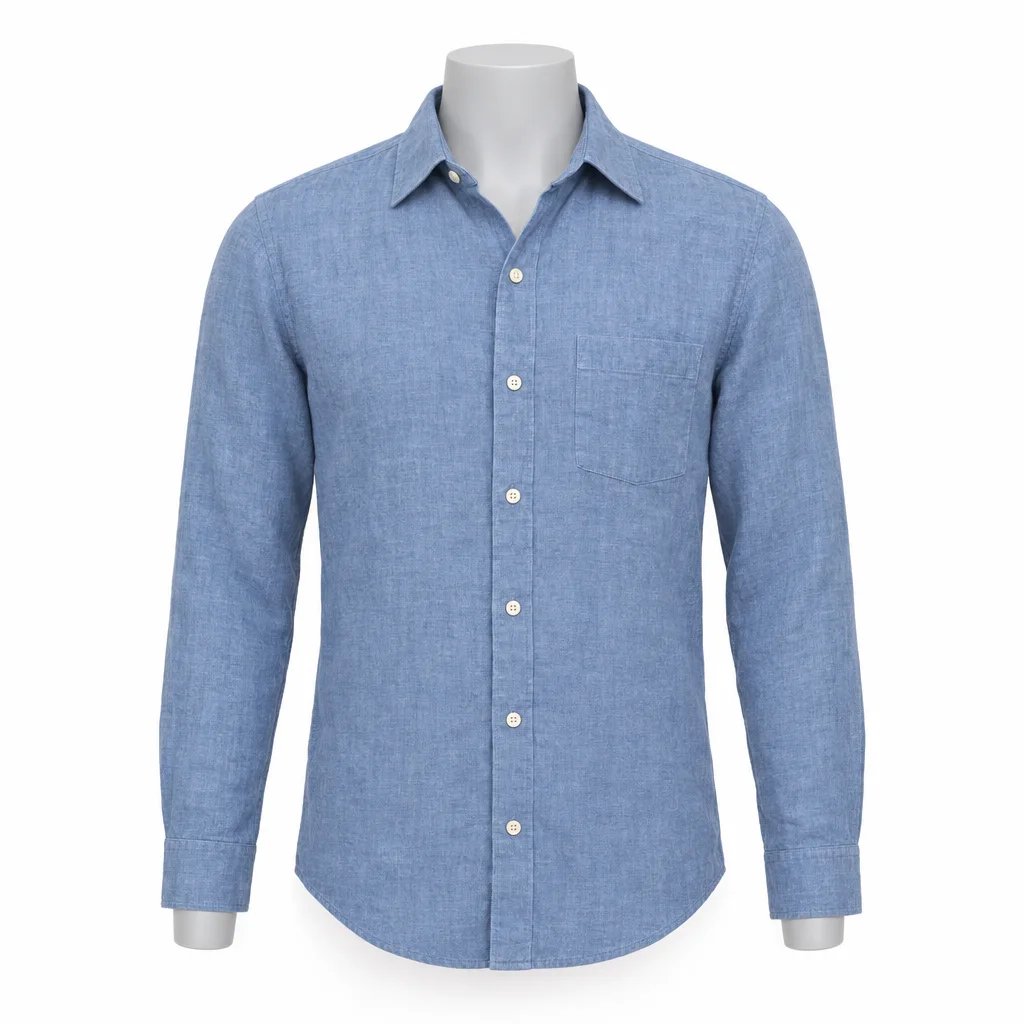
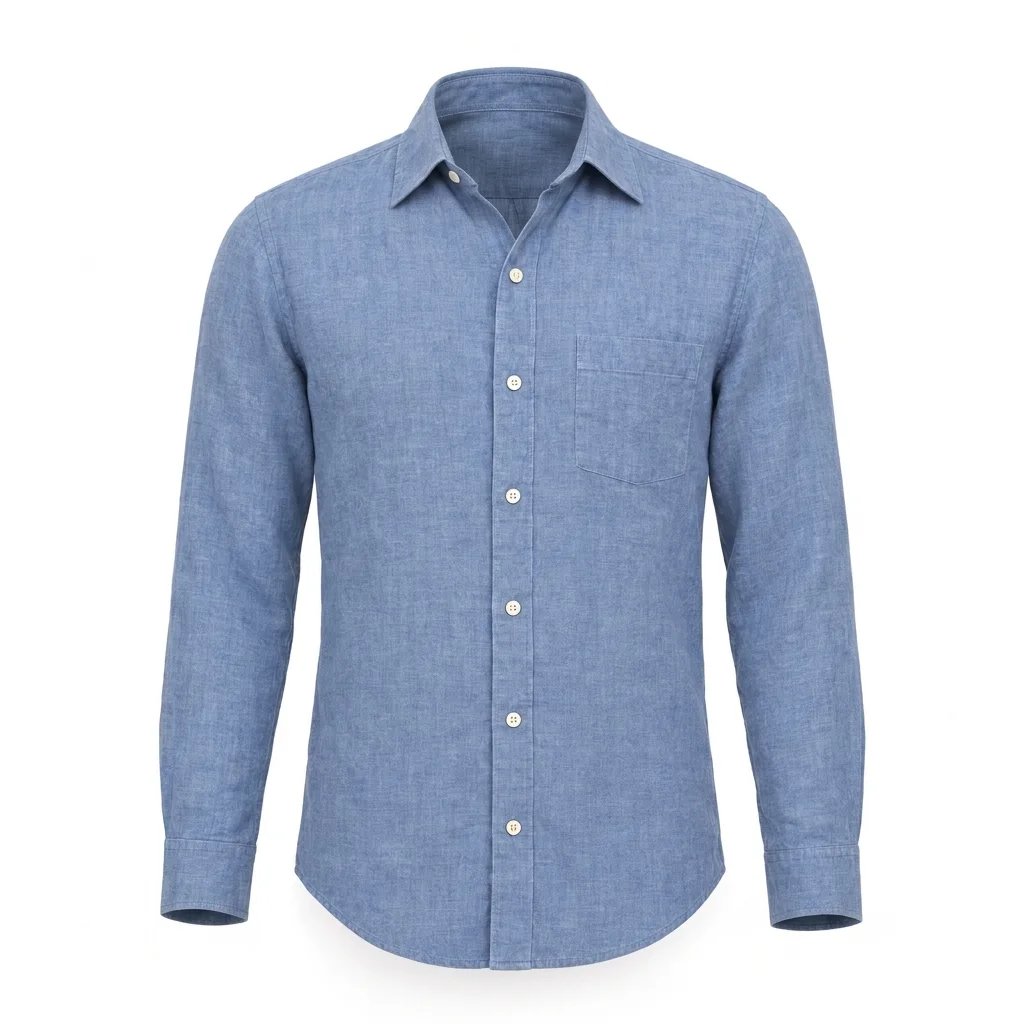
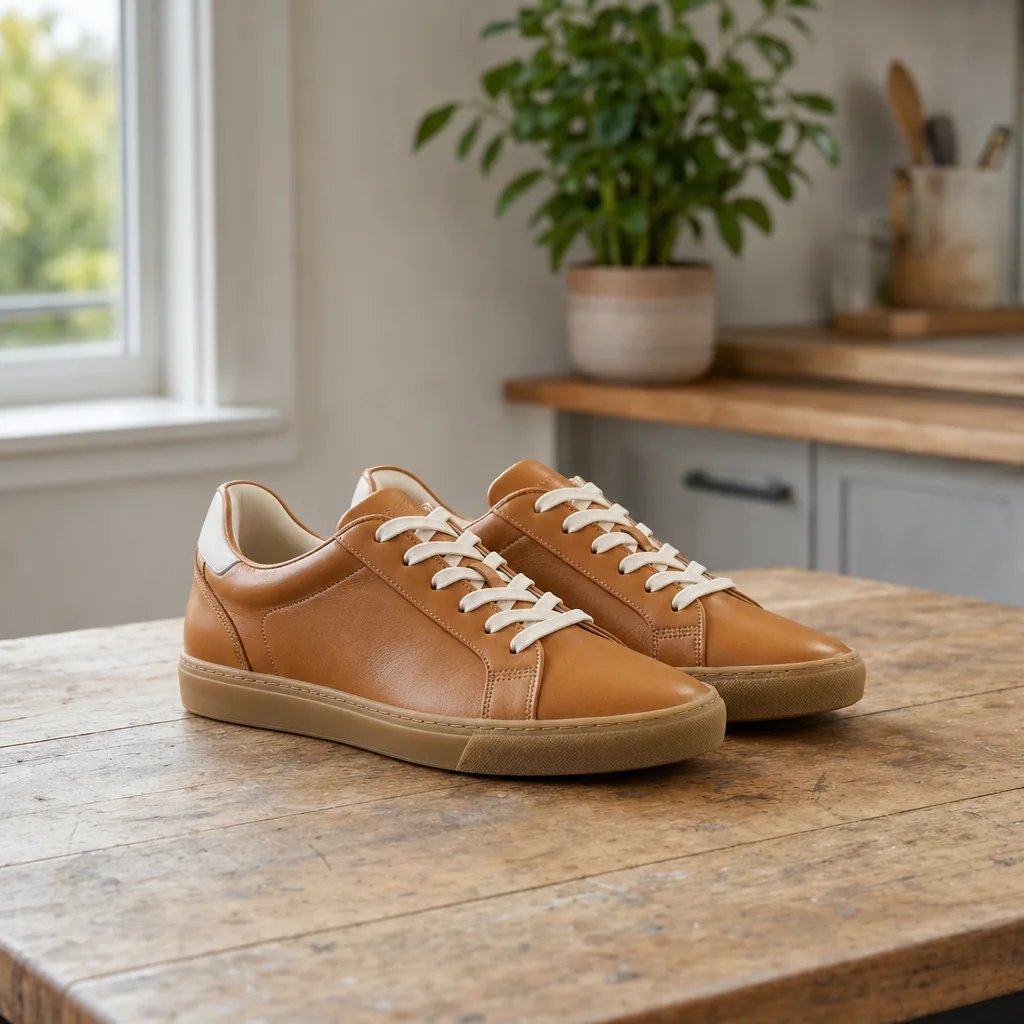
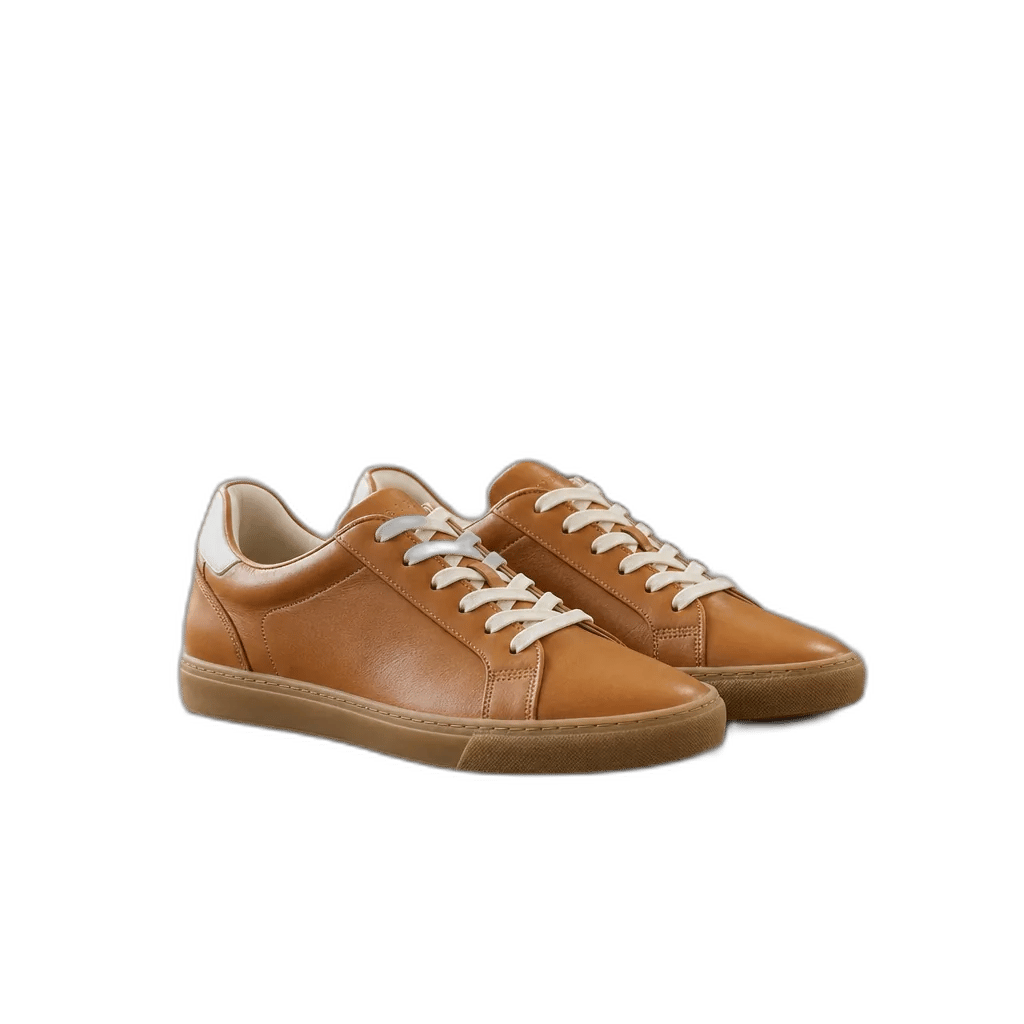
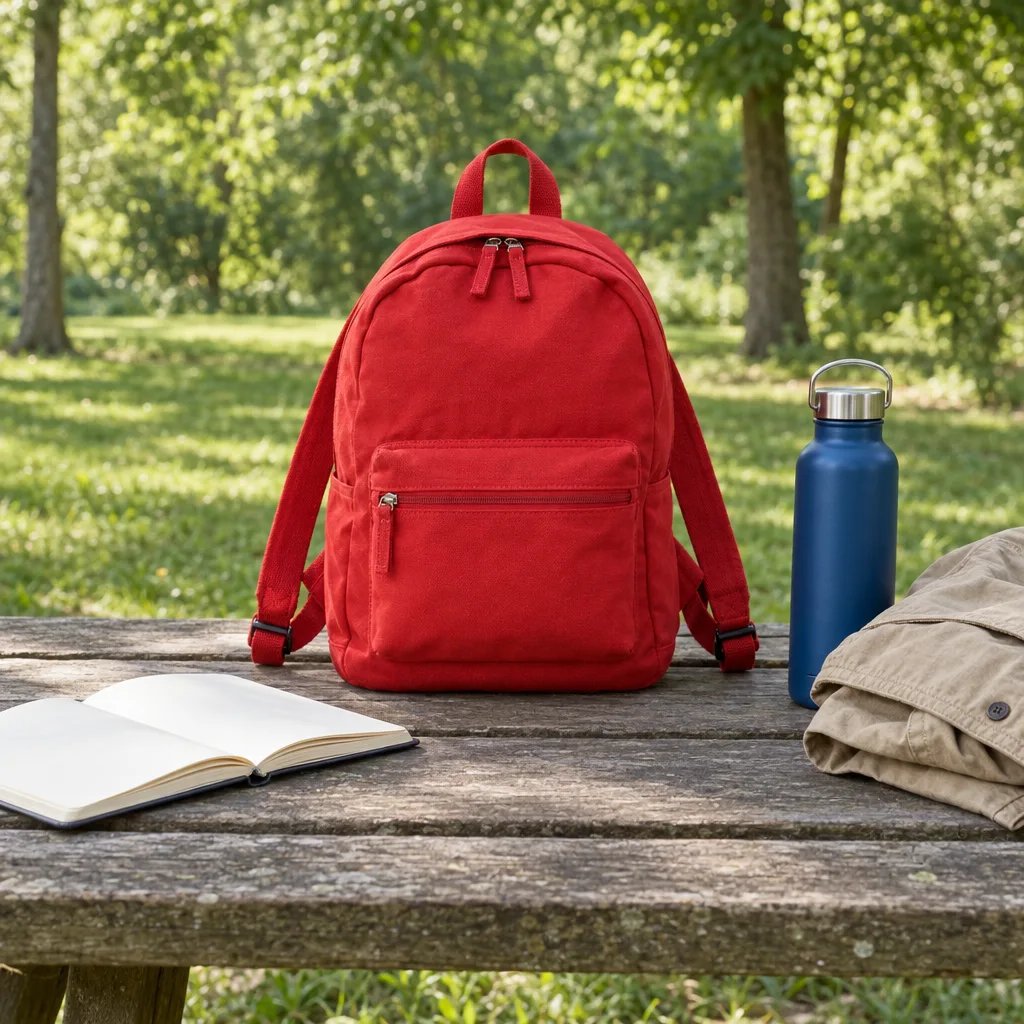
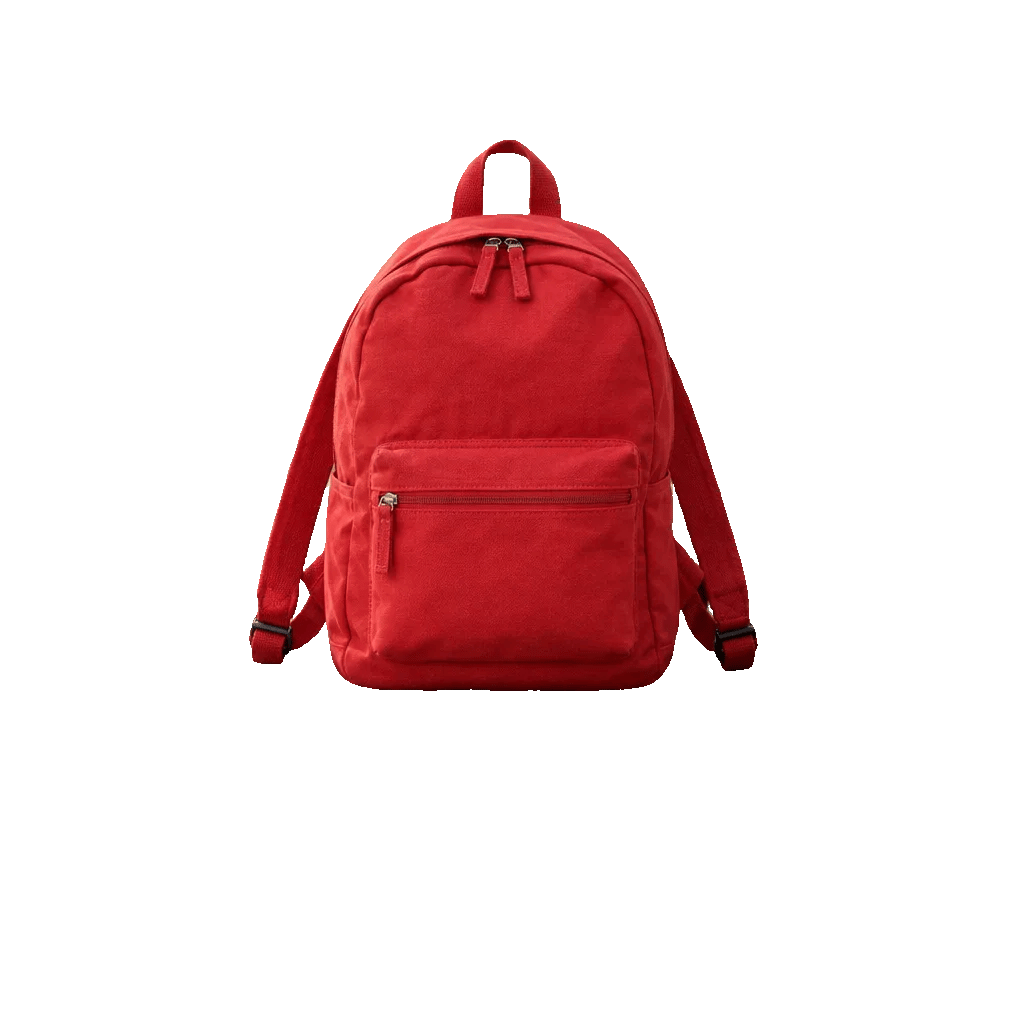
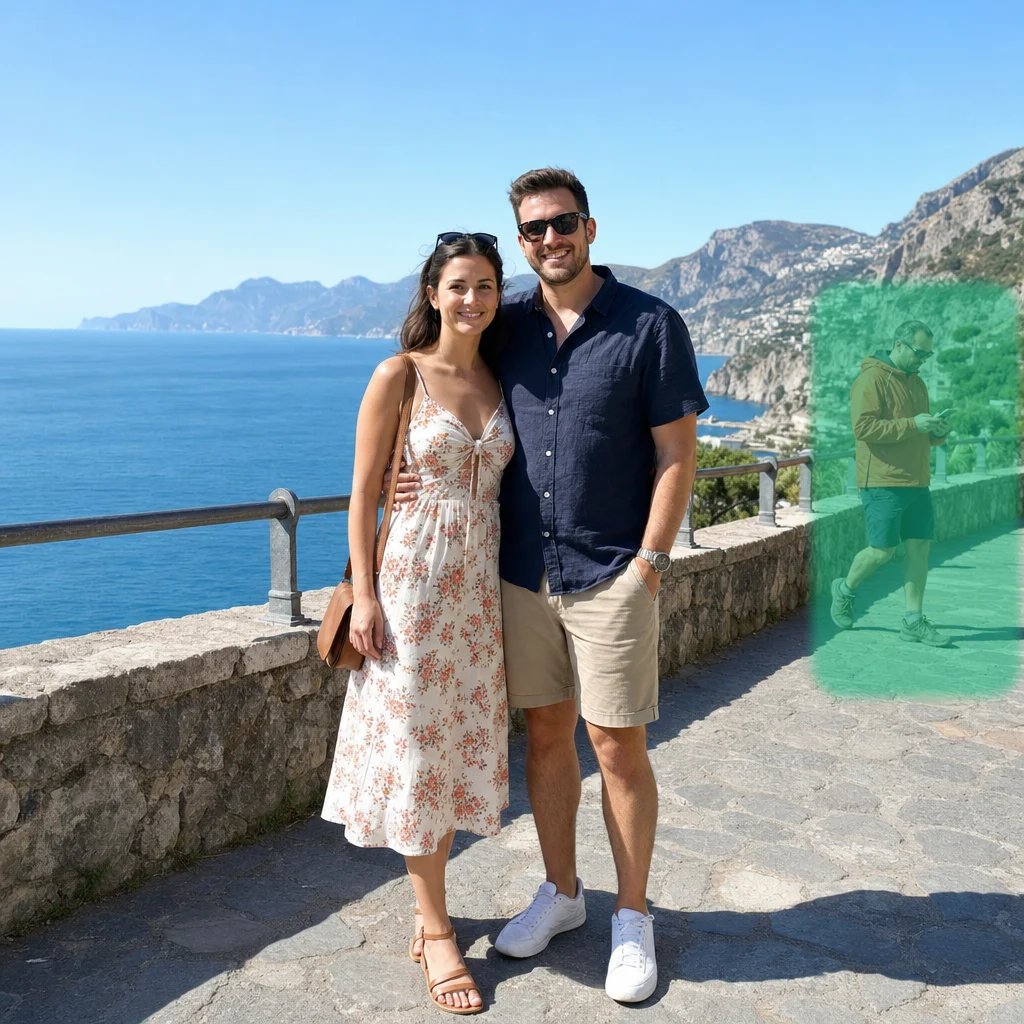
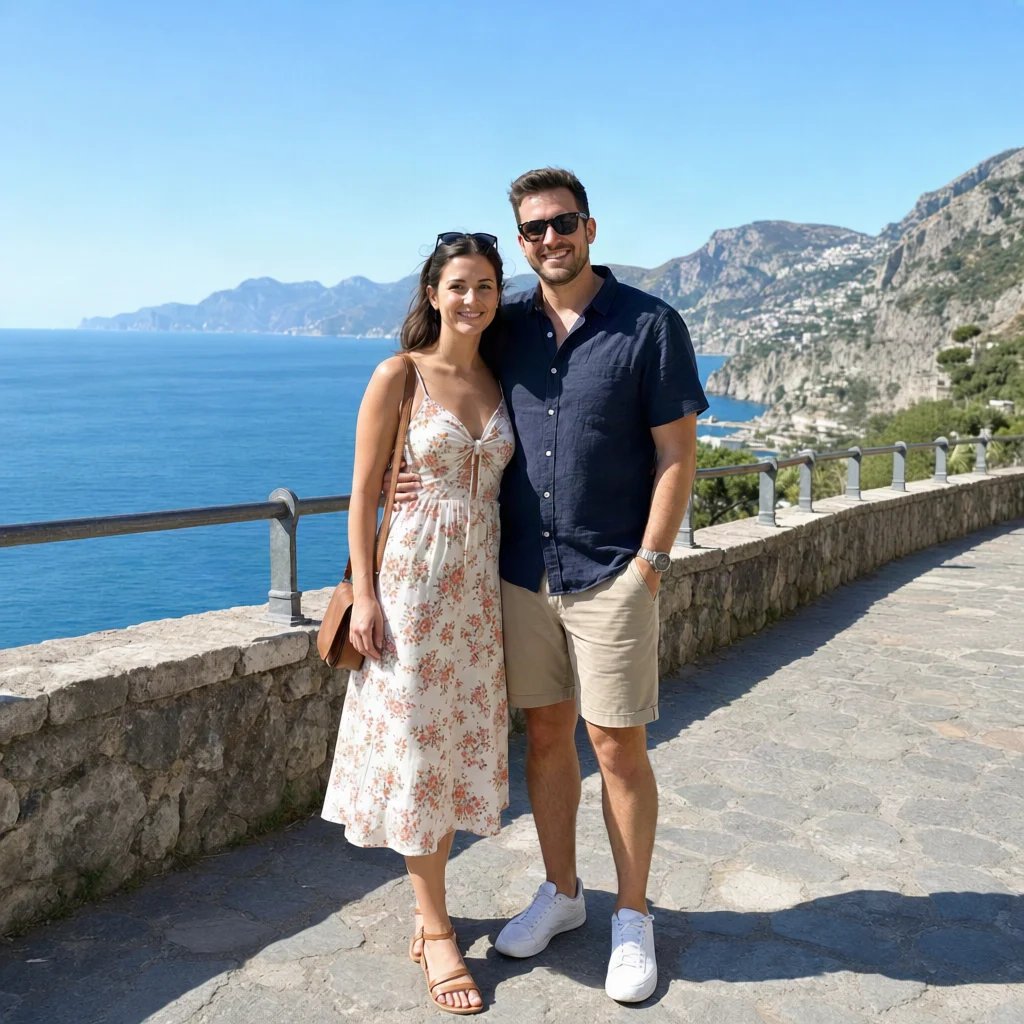
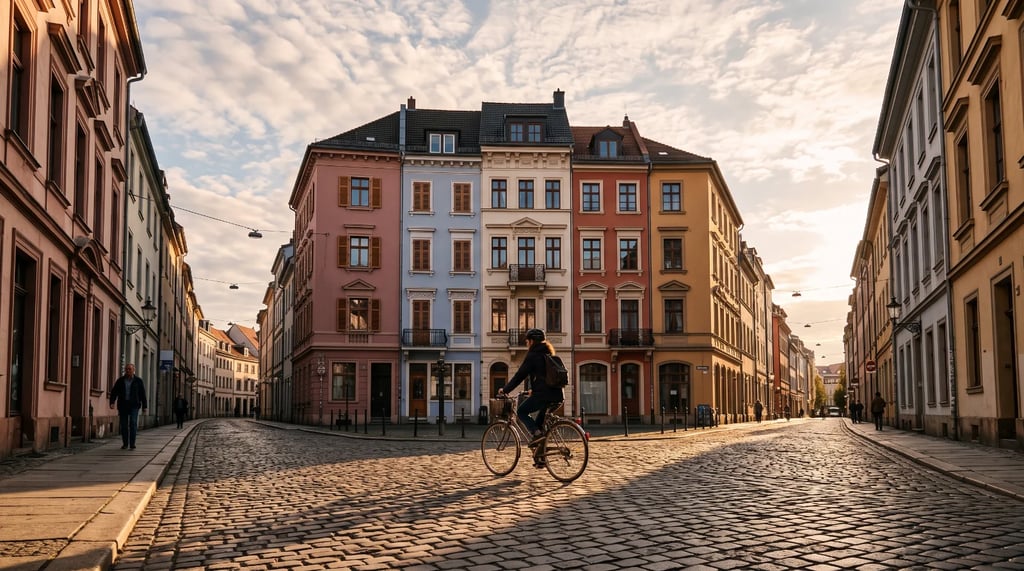
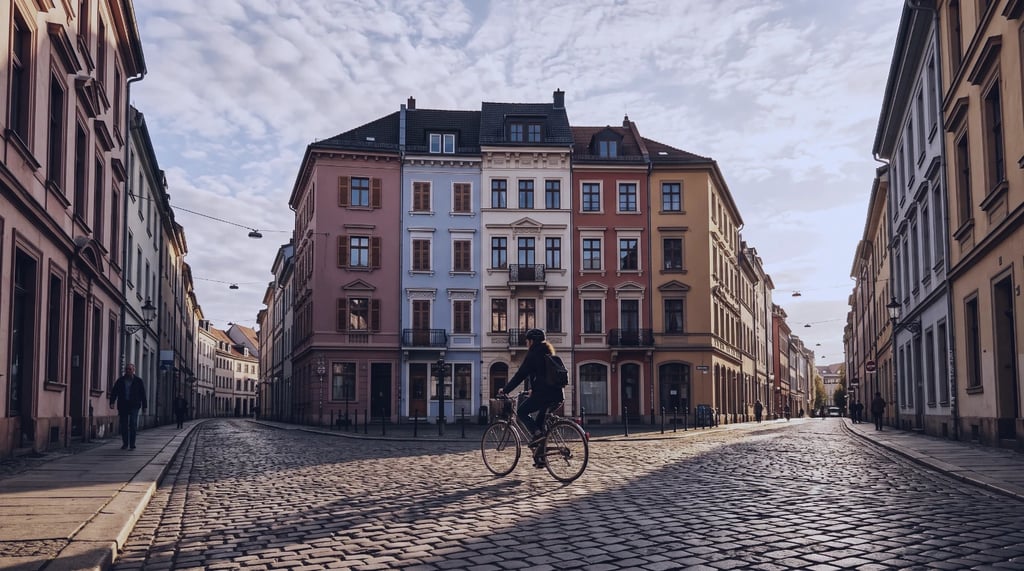
Green screen removal before and after
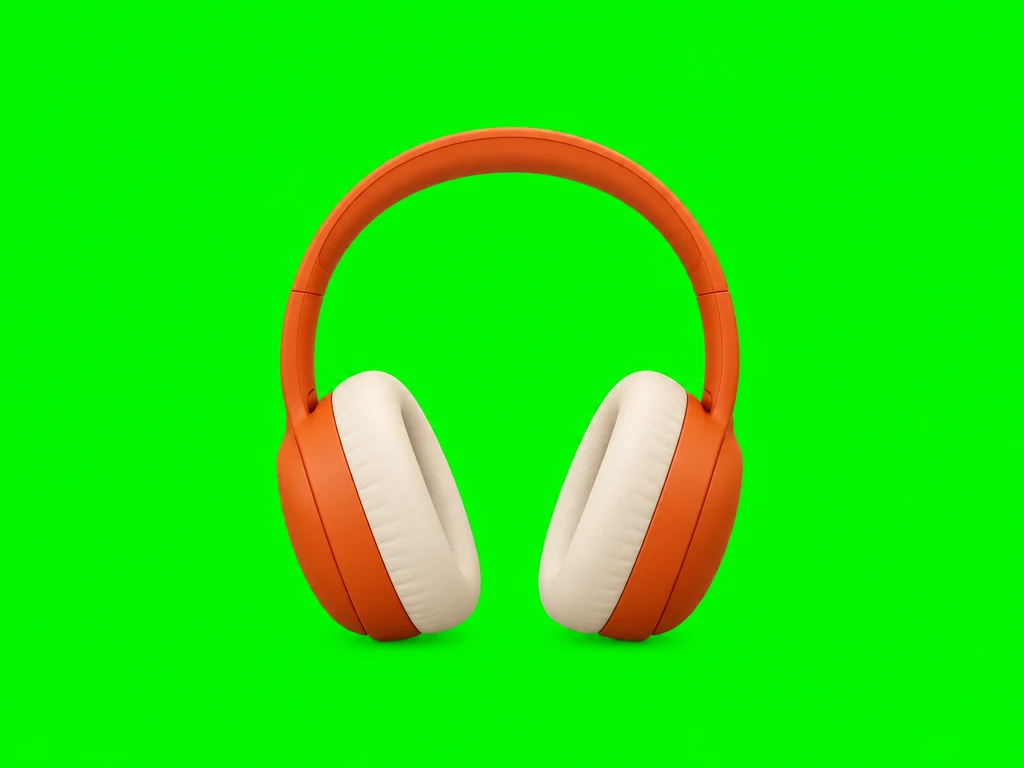

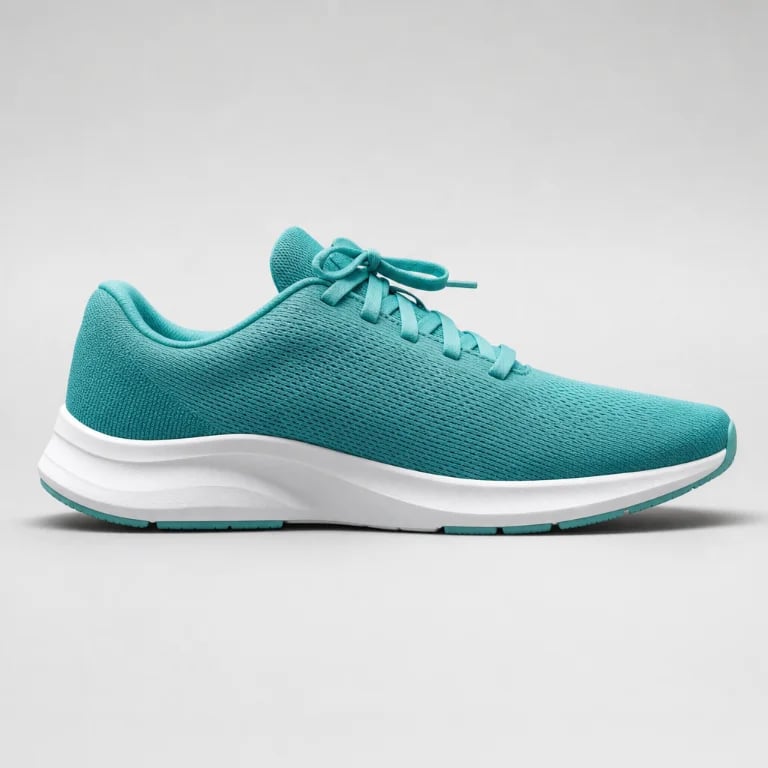
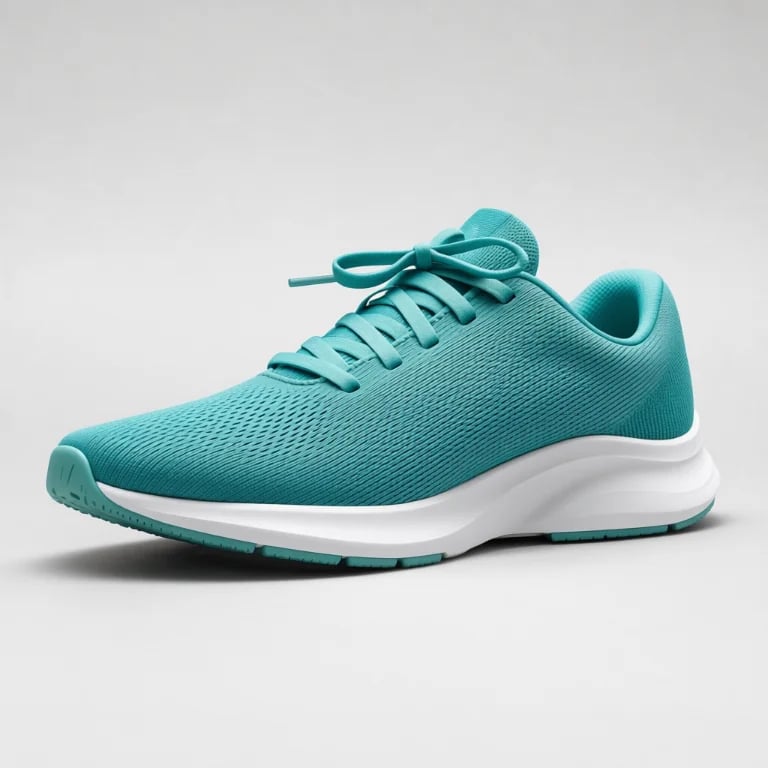
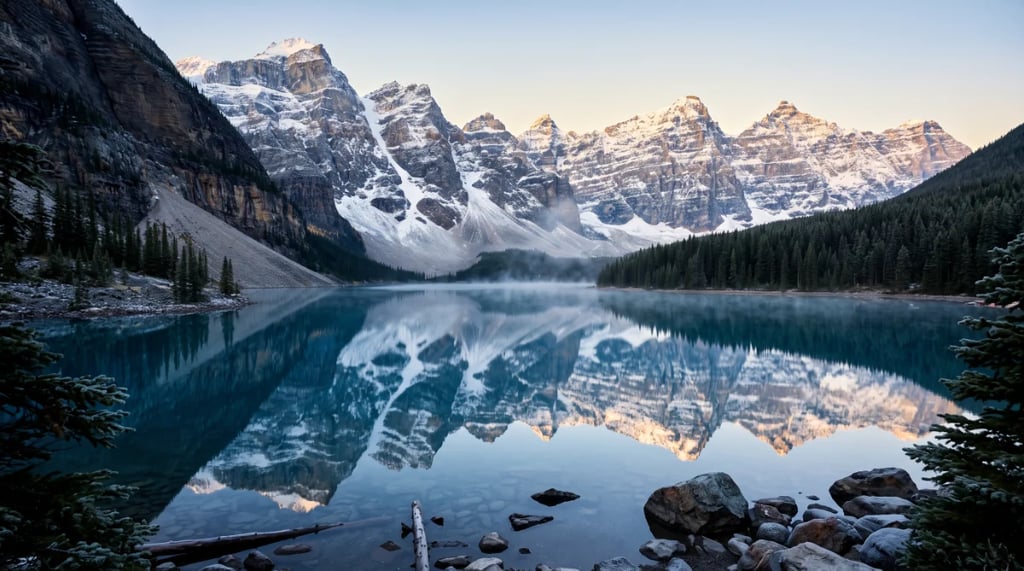
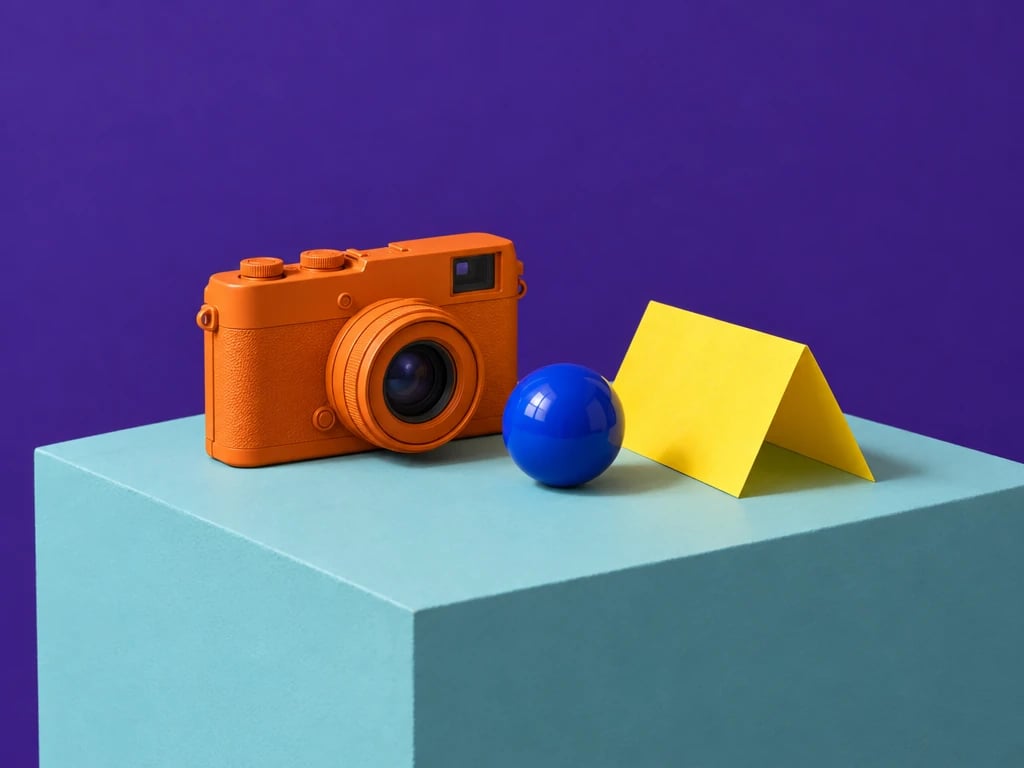
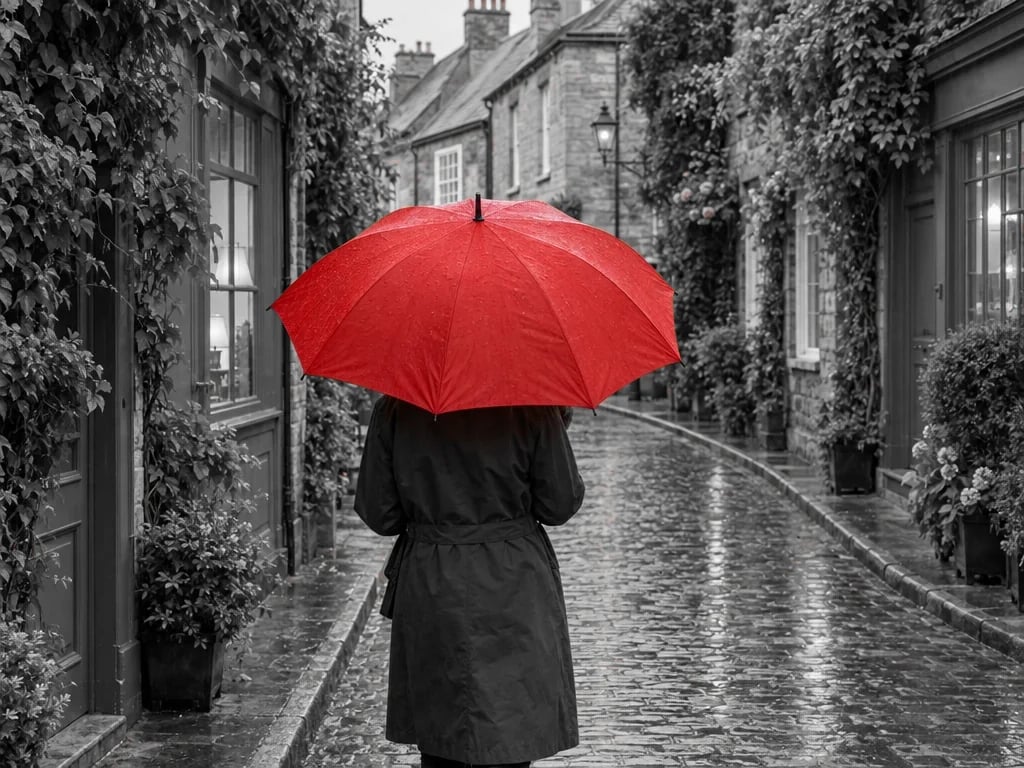
A solid green product backdrop becomes transparent. The checkerboard shows empty pixels; it is not part of the downloaded PNG.

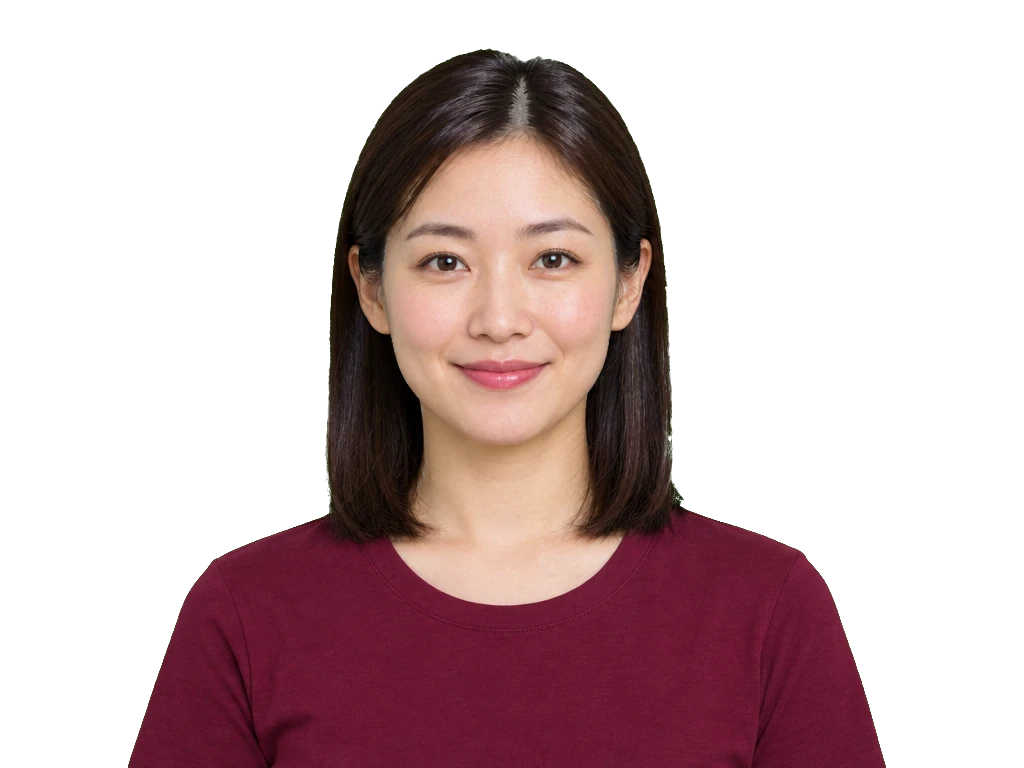
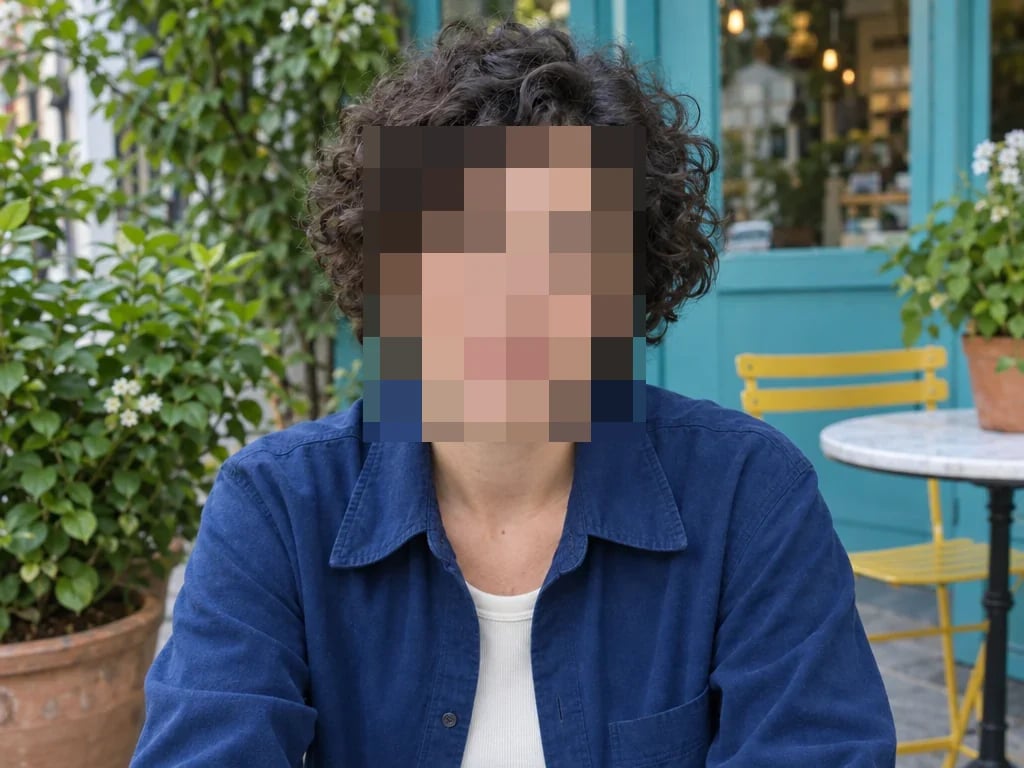
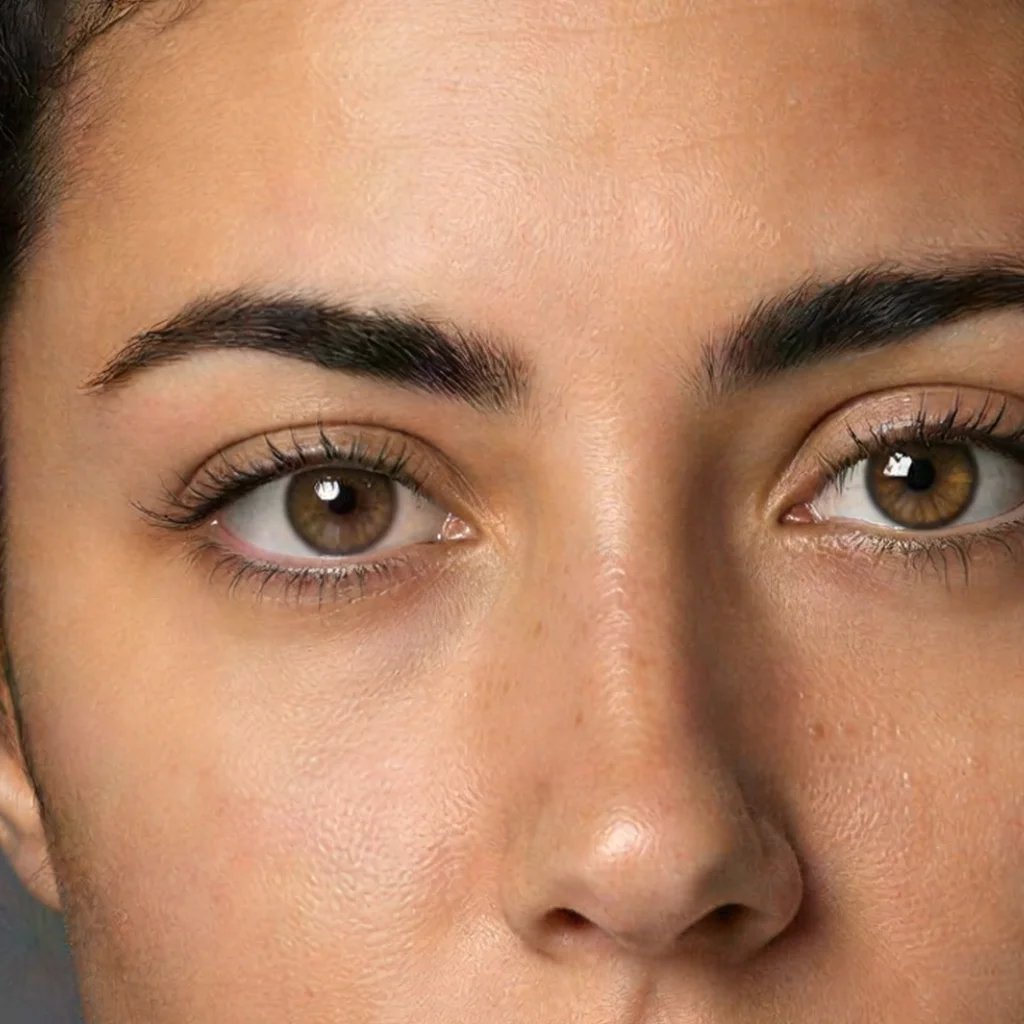
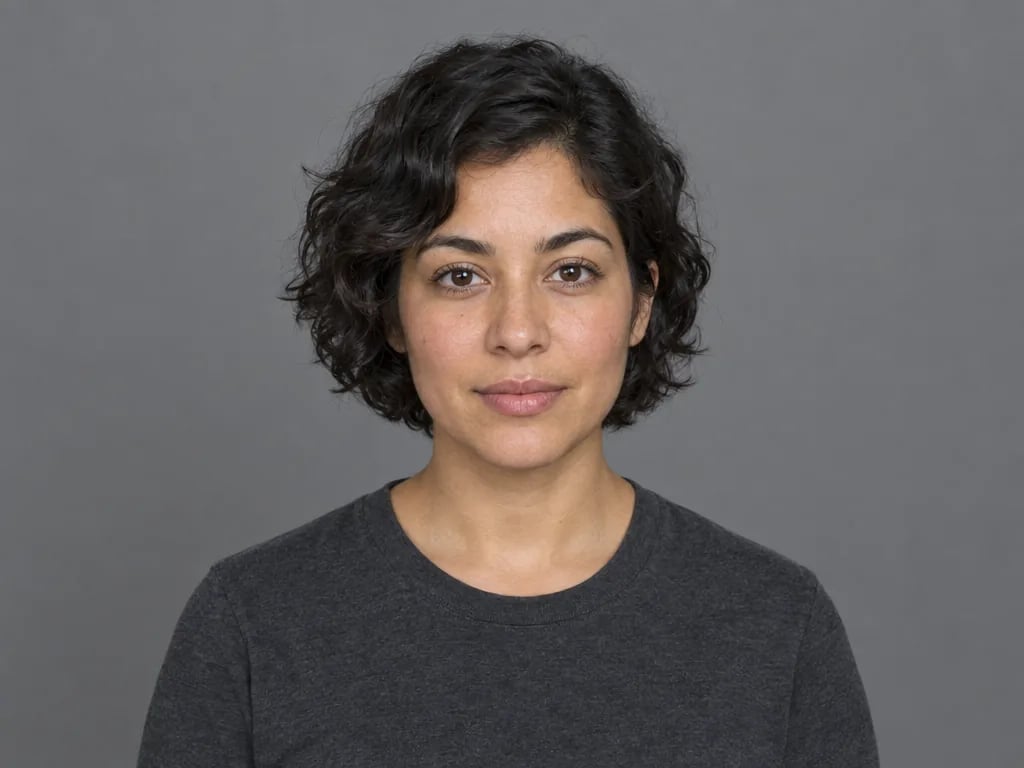
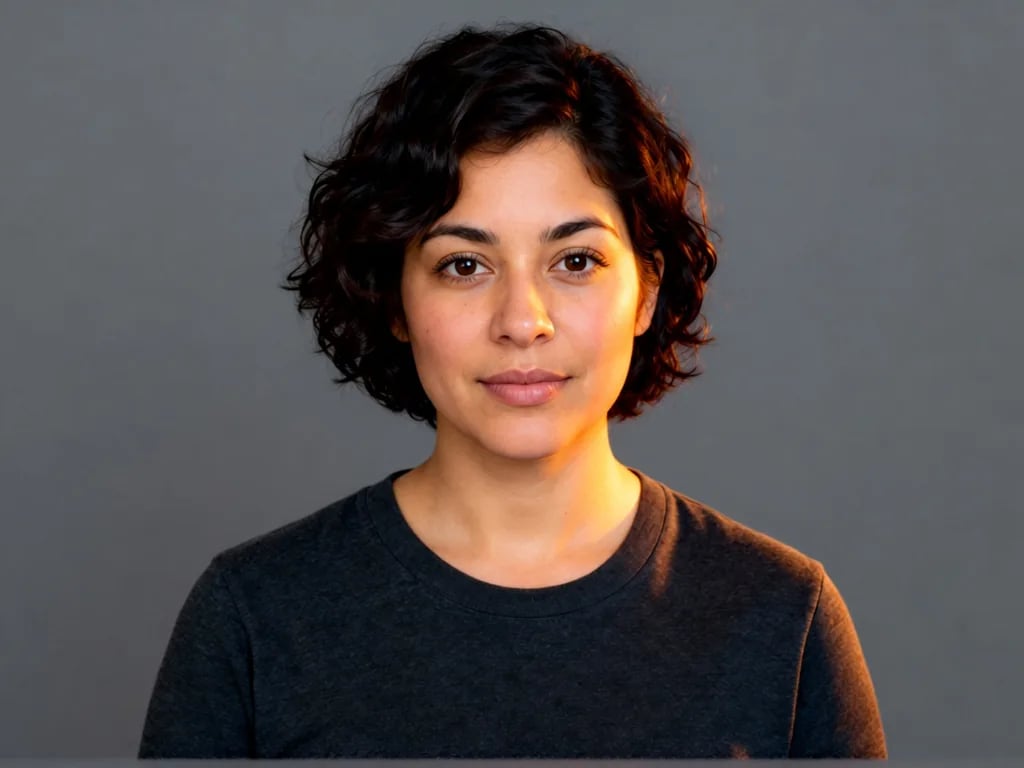
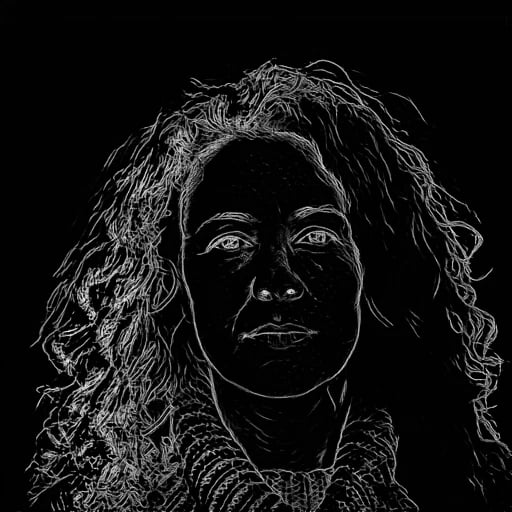
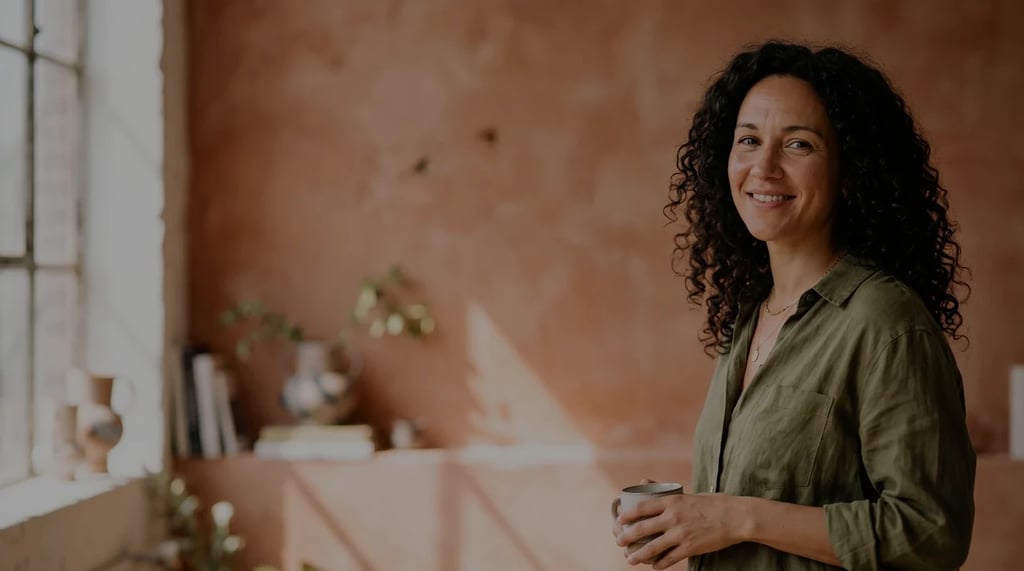
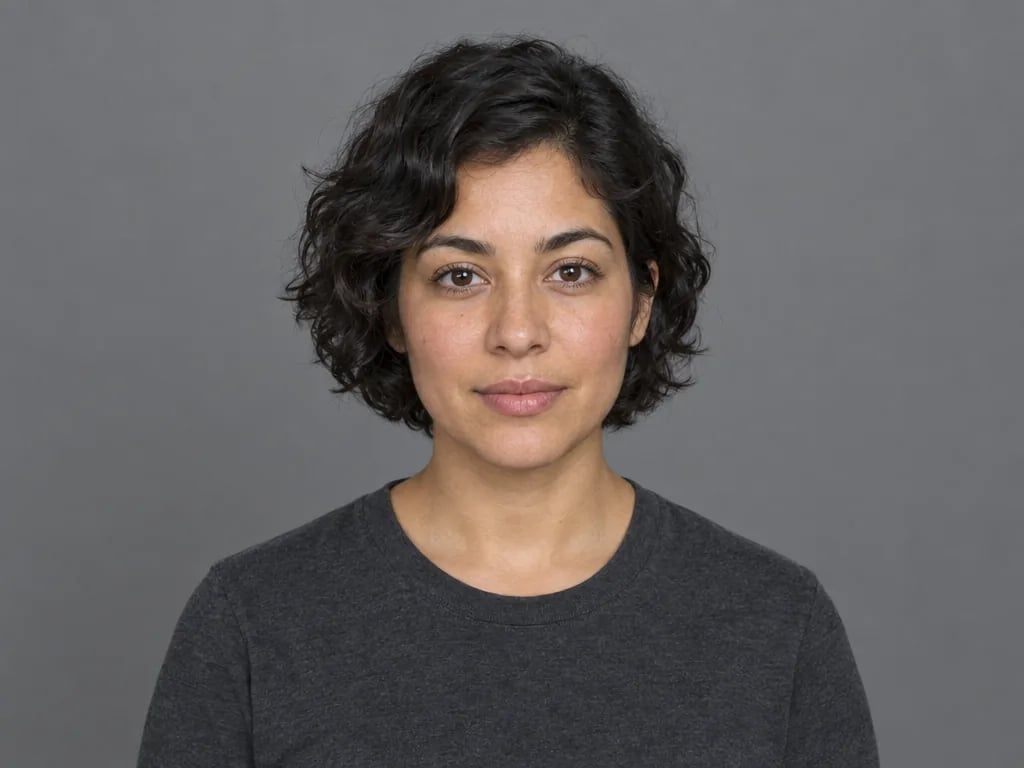
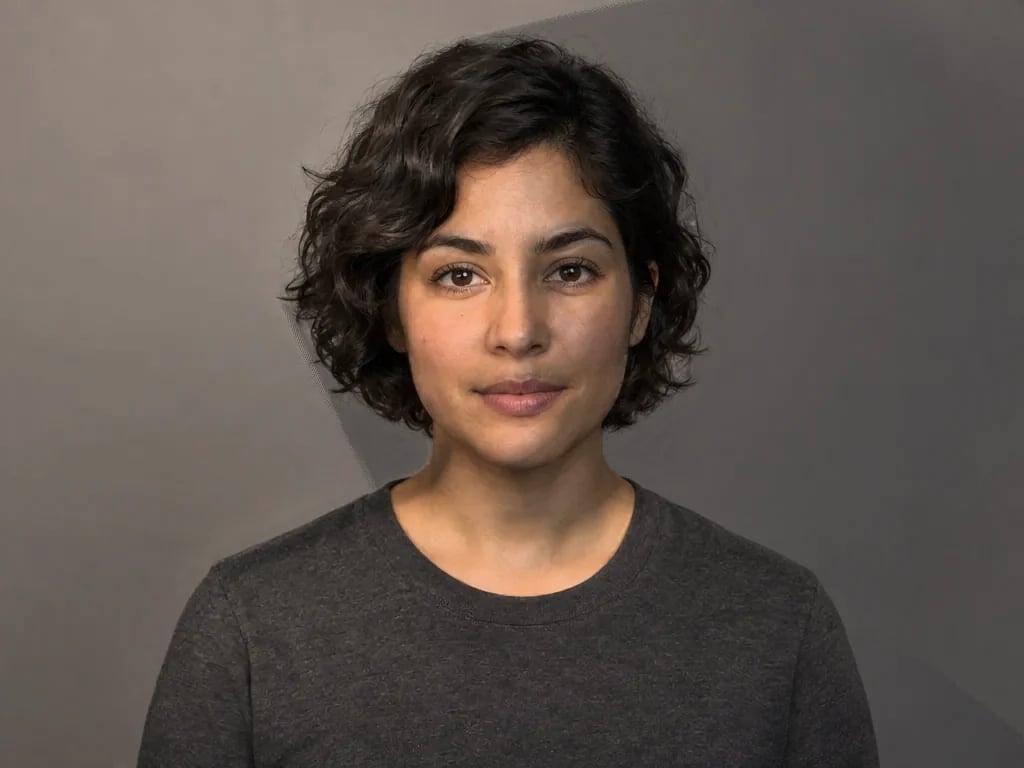
Color keying keeps the portrait while removing the selected green. Fine hair and reflected green may need different tolerance, softness and spill settings.
How to remove a green screen from an image
Open a green-screen photo
Choose a JPEG, PNG or WebP still image with a plain background. An evenly lit background and a subject without similar colors are easier to separate.
Match the color and edges
Start with green or choose a different key color. Increase tolerance until the background clears, adjust soft edges and reduce green spill around partially transparent edges.
Save a transparent image
Compare the result against the original and check the checkerboard for gaps. Download PNG to keep transparency, or WebP if your browser supports it.
Get cleaner image chroma key results
This is color-based chroma keying. It removes pixels near one selected color wherever they appear in the image. Start with green, or choose blue or another plain background color. It does not identify a person or object automatically.
Tolerance widens the range of colors removed. Soft edges add partial transparency around that range. Too much of either can erase the subject. Green spill reduction changes excess green only in the keyed transition pixels; it cannot rebuild missing hair or hidden details.
PNG keeps alpha transparency at the original image dimensions. WebP can also keep transparency with lossy compression. The checkerboard is a preview background, not an image layer. JPEG output is excluded because it cannot store transparency.
Green screen remover questions
More tools
More image and video tools
Choose another tool to edit, enhance or transform your images and videos.