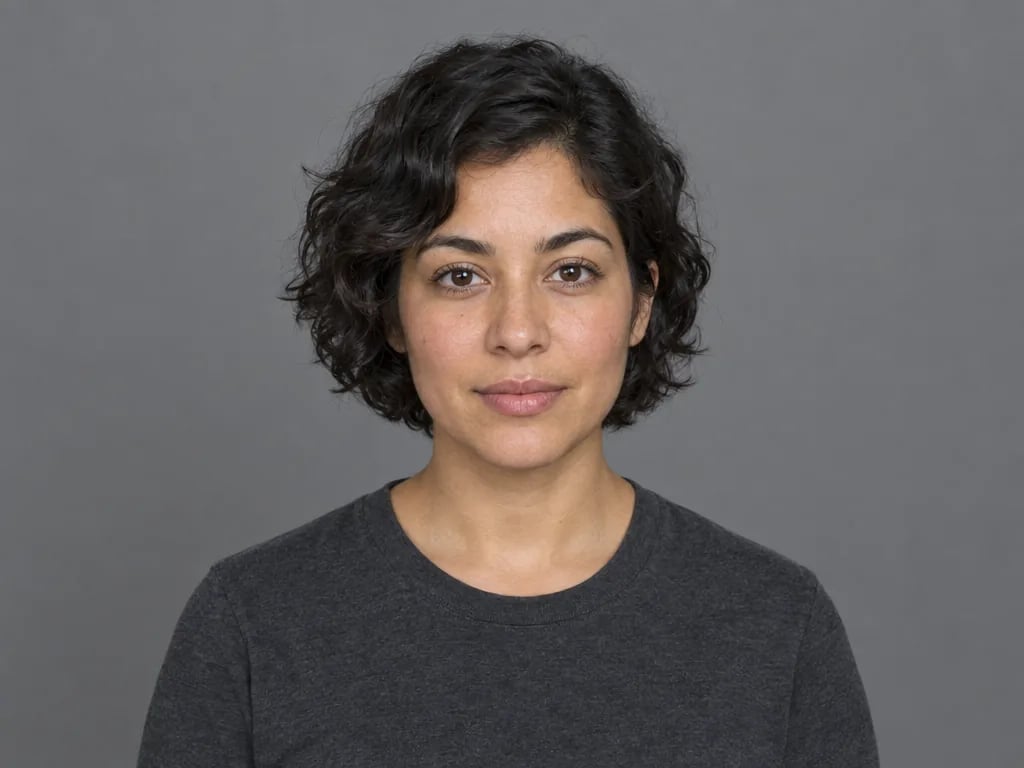
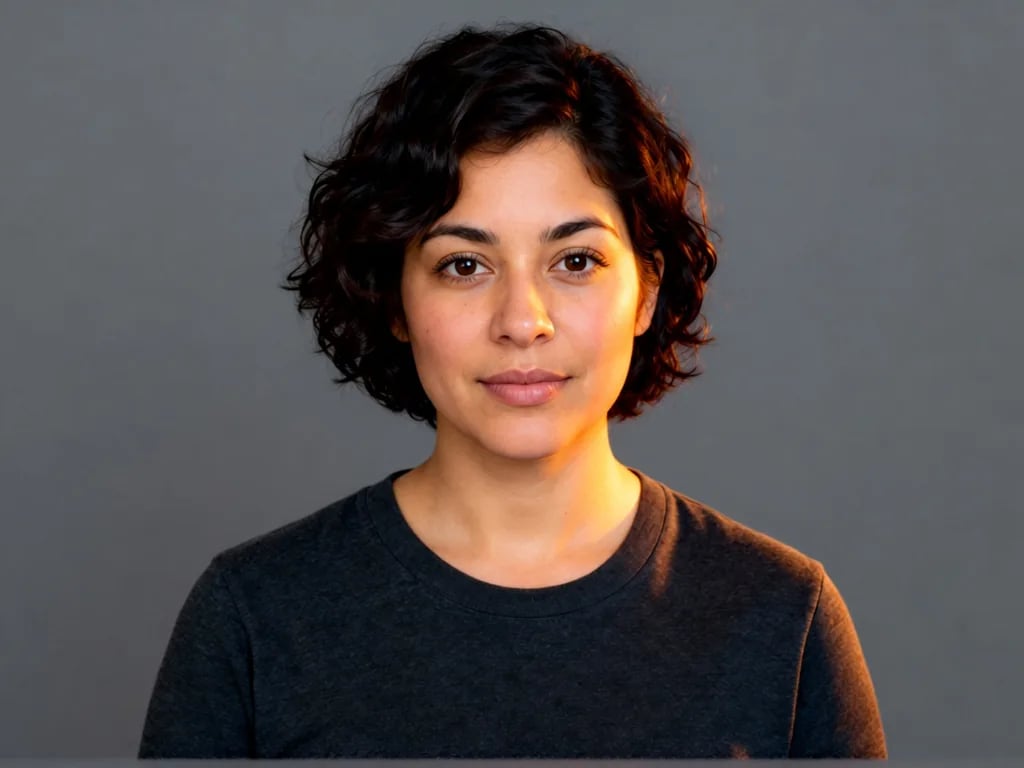
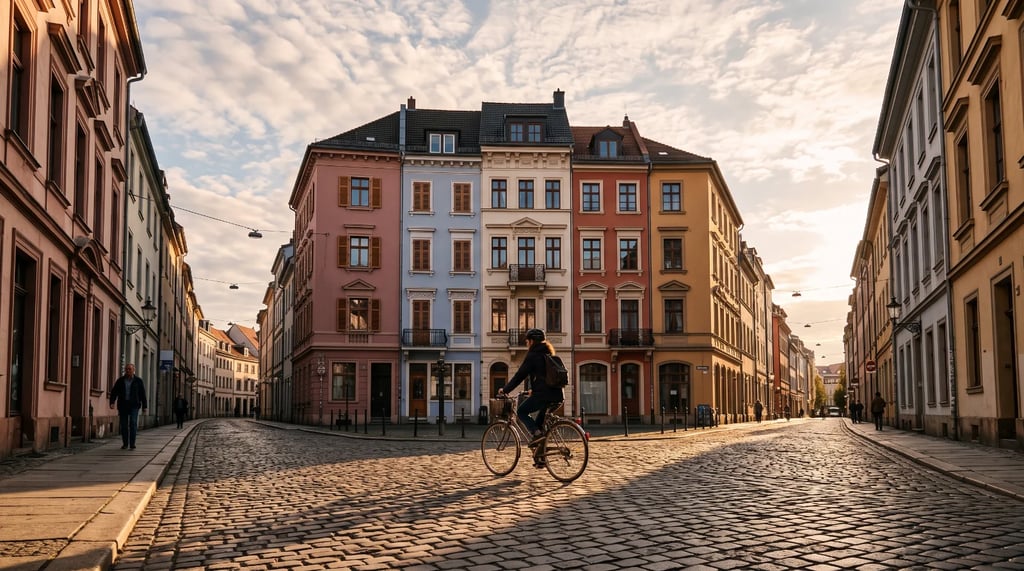
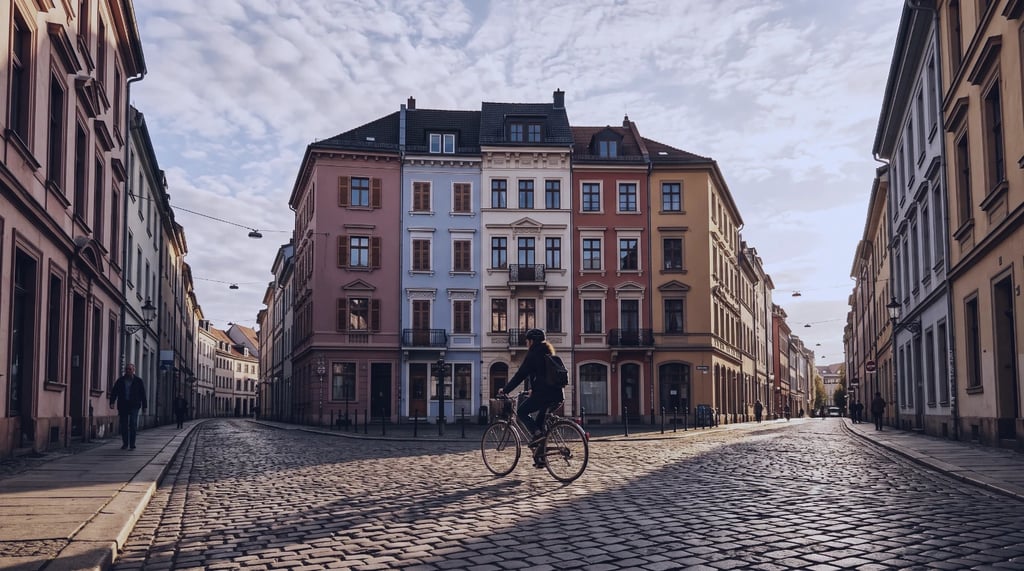
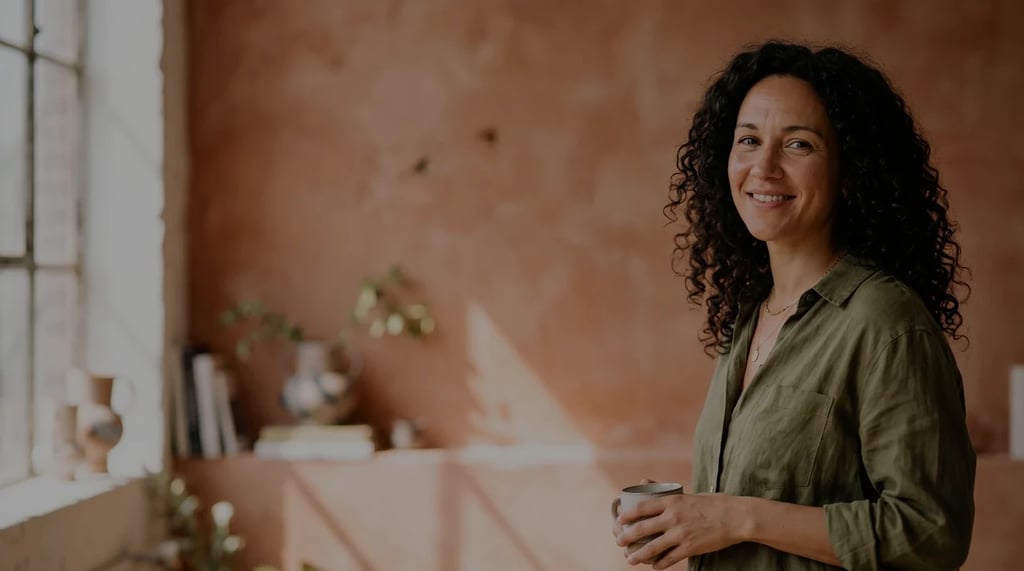
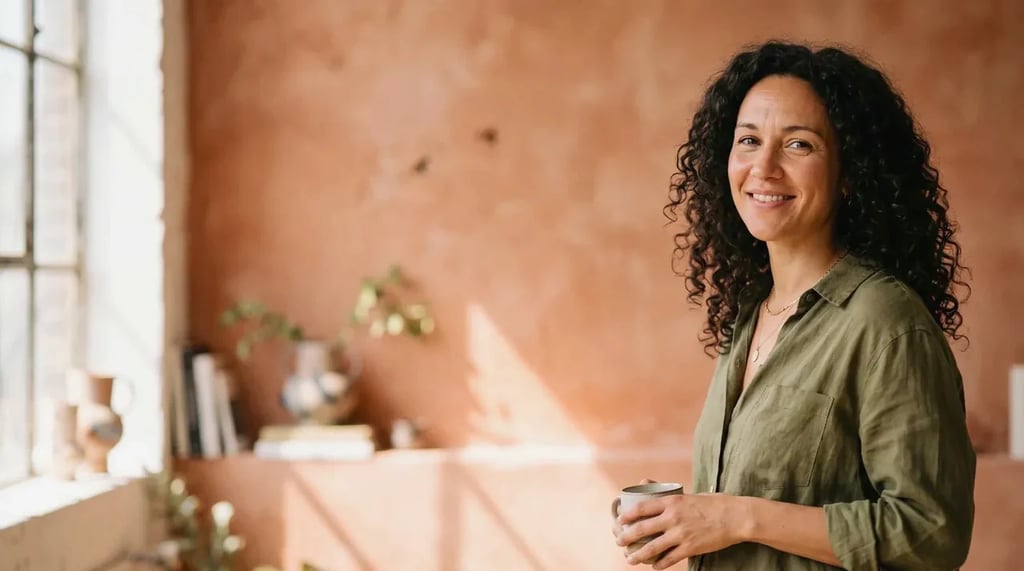
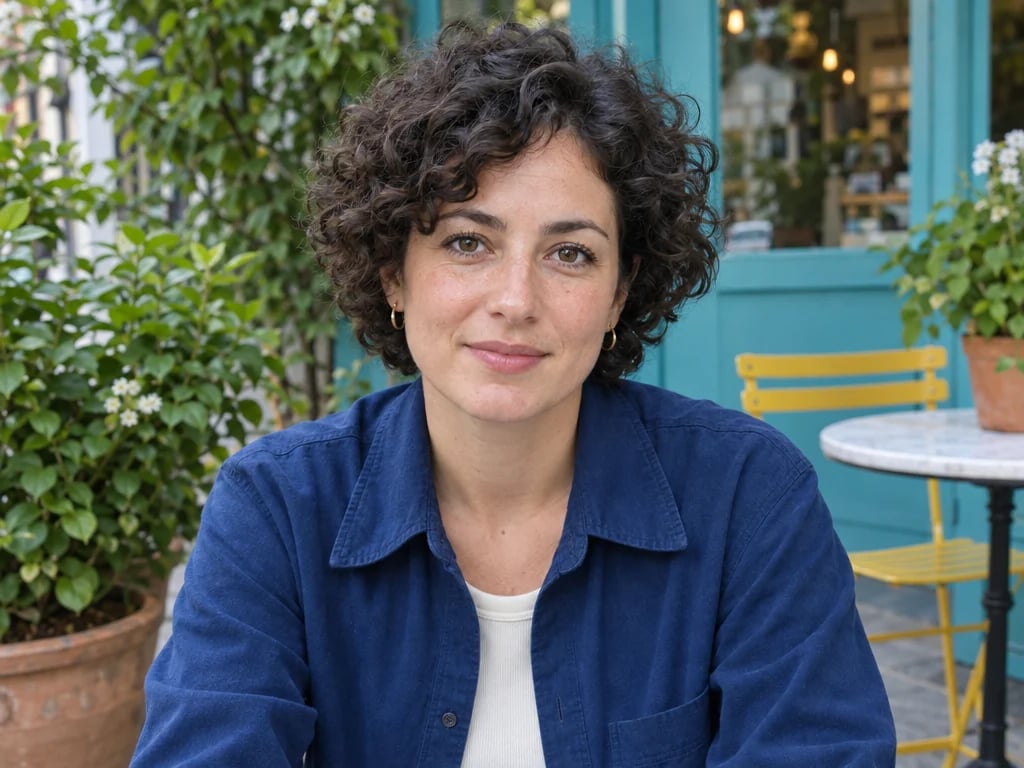
A presenter from one photo
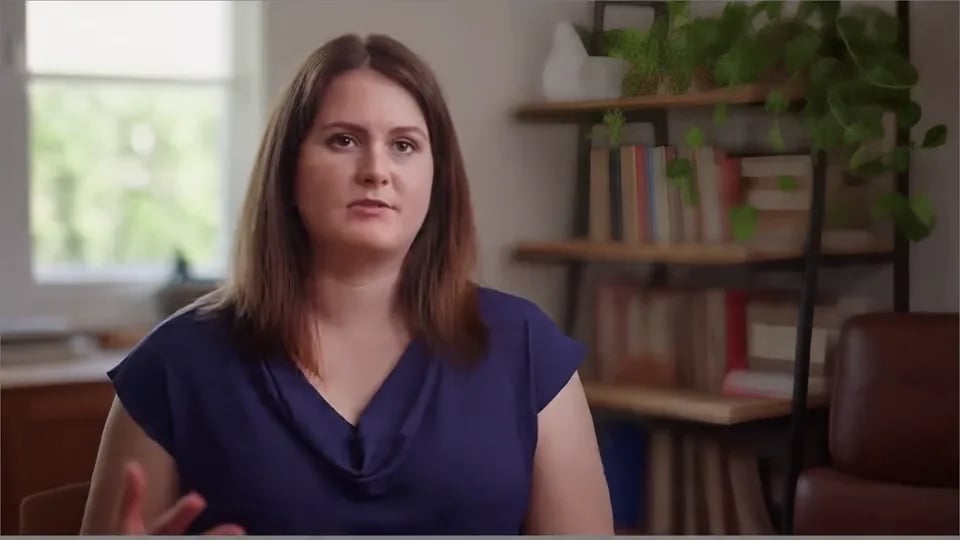
Turn a headshot of yourself into a short explainer, announcement or welcome message without setting up a camera.
AI talking photo
Upload a photo and the audio it should say. The face comes to life and speaks your words, for as long as the audio runs. People, pets and cartoon characters all work with the default model.
Turn a photo into a talking video that follows your audio. Works with people, animals, cartoons and stylised characters, and the clip runs as long as the audio track.
Priced per second of the finished video, rounded up. The video runs as long as your audio, so the price below shows the exact total once your audio is attached.
The talking video opens in a session you can come back to, ready to download or use in another tool.
How it works
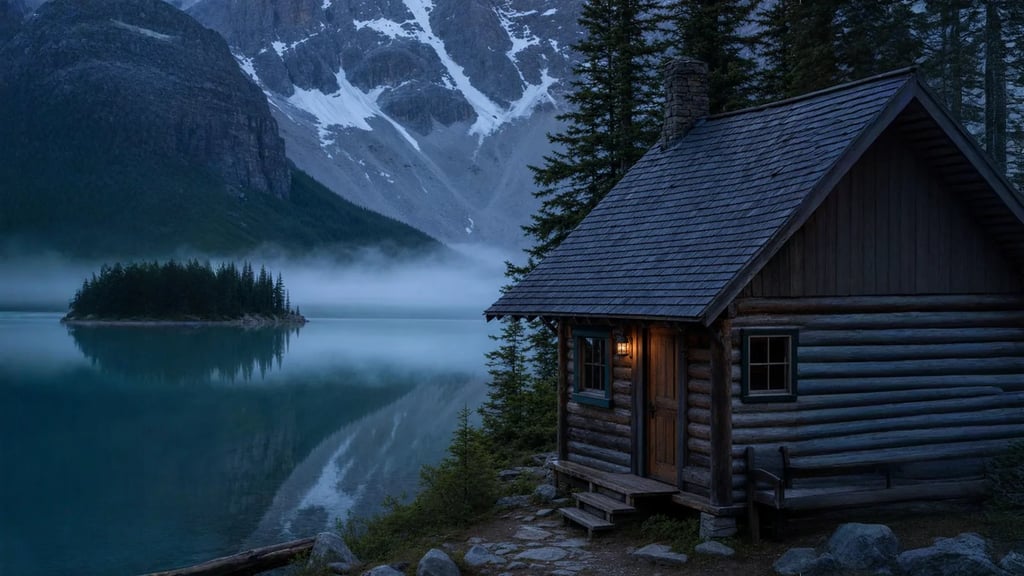
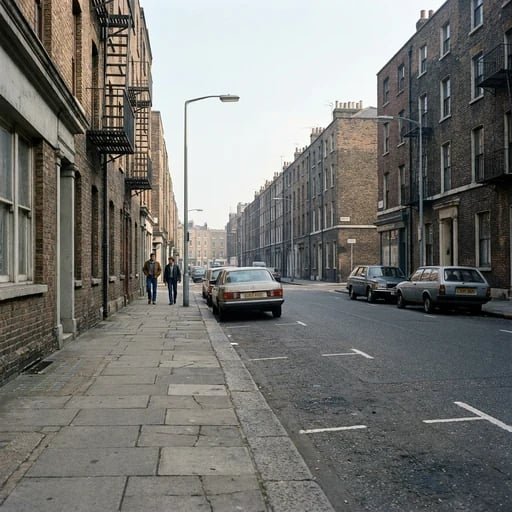
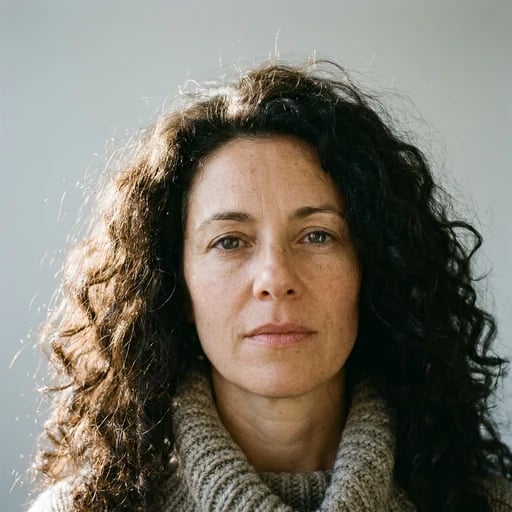
Add a picture with one clear face: a portrait, a pet or an illustrated character. The face should be well lit and not covered.
Add the audio the photo should say, between 1 and 60 seconds long: your own voice, a recorded message or a generated voice. Then pick a model.
The talking video runs as long as your audio and opens in a session that belongs to you, ready to download or carry into another edit.
What it is for
Turn a headshot of yourself into a short explainer, announcement or welcome message without setting up a camera.
Give a mascot, an illustrated character or an AI-generated portrait a voice for a story, a lesson or a social post.
Let a photo of your dog or cat deliver a message. Animals work with the two Kling models, including the default.
Record the same message in several languages or for several audiences, and reuse one photo for every version.
Before you start
A photo has no length of its own, so the video takes the audio's: anywhere from 1 to 60 seconds, to the second. That is also what you pay for, so trim any silence from the start and end of the audio first.
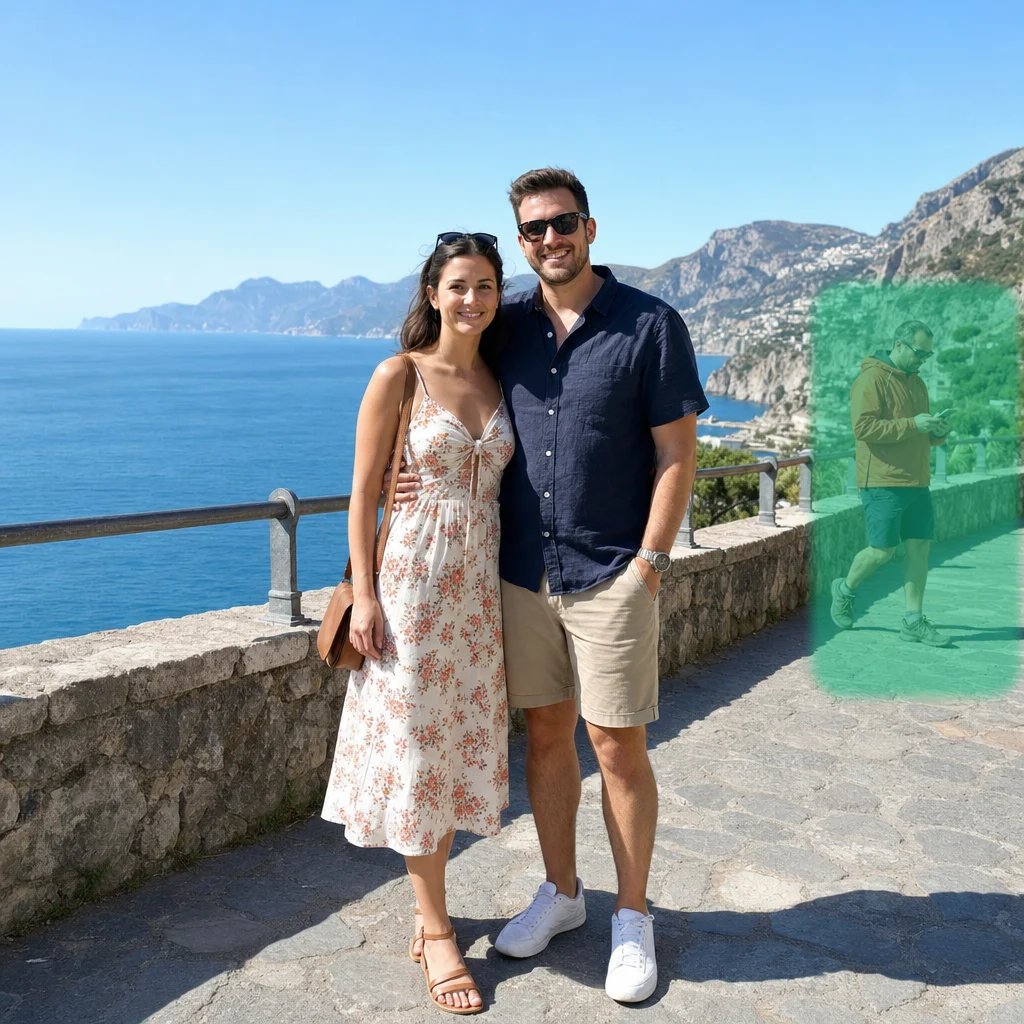
One face, turned towards the camera, well lit and not covered by hands, hair or sunglasses, works best. With several faces in one picture the result is unpredictable, so crop to the person or character who should speak.
Kling Avatar v2 Standard is the default: it handles people, pets, cartoons and stylised characters at the lowest price. Kling Avatar v2 Pro gives sharper detail and clearer mouth shapes for a higher price per second. Sync 3 Talking Photo works on a photo or illustration with one clear, front-facing face.
A talking photo is priced by the second of the finished video, so a short message costs what a short message should. Every plan includes credits, and they work on every other tool on YouArt.
For hobbyists and explorers
For creators and pro users
For power users and teams
For teams and studios
Questions
More tools
Choose another tool to edit, enhance or transform your images and videos.
Beyond one photo
This page runs one step at a time. Open the workflow editor to write and voice the script in the same workflow, start from a portrait you generated, or turn a batch of photos into talking videos.