

3D scene staging.Create references for AI video.
Create reference images and videos for AI video production, including Seedance workflows. Ask the Agent to help build your scene, arrange figures, props and imported models, and frame the camera. Export a still for composition or a reference clip for camera movement, then use it alongside your creative prompt and visual references.
Open 3D Stager — Coming soon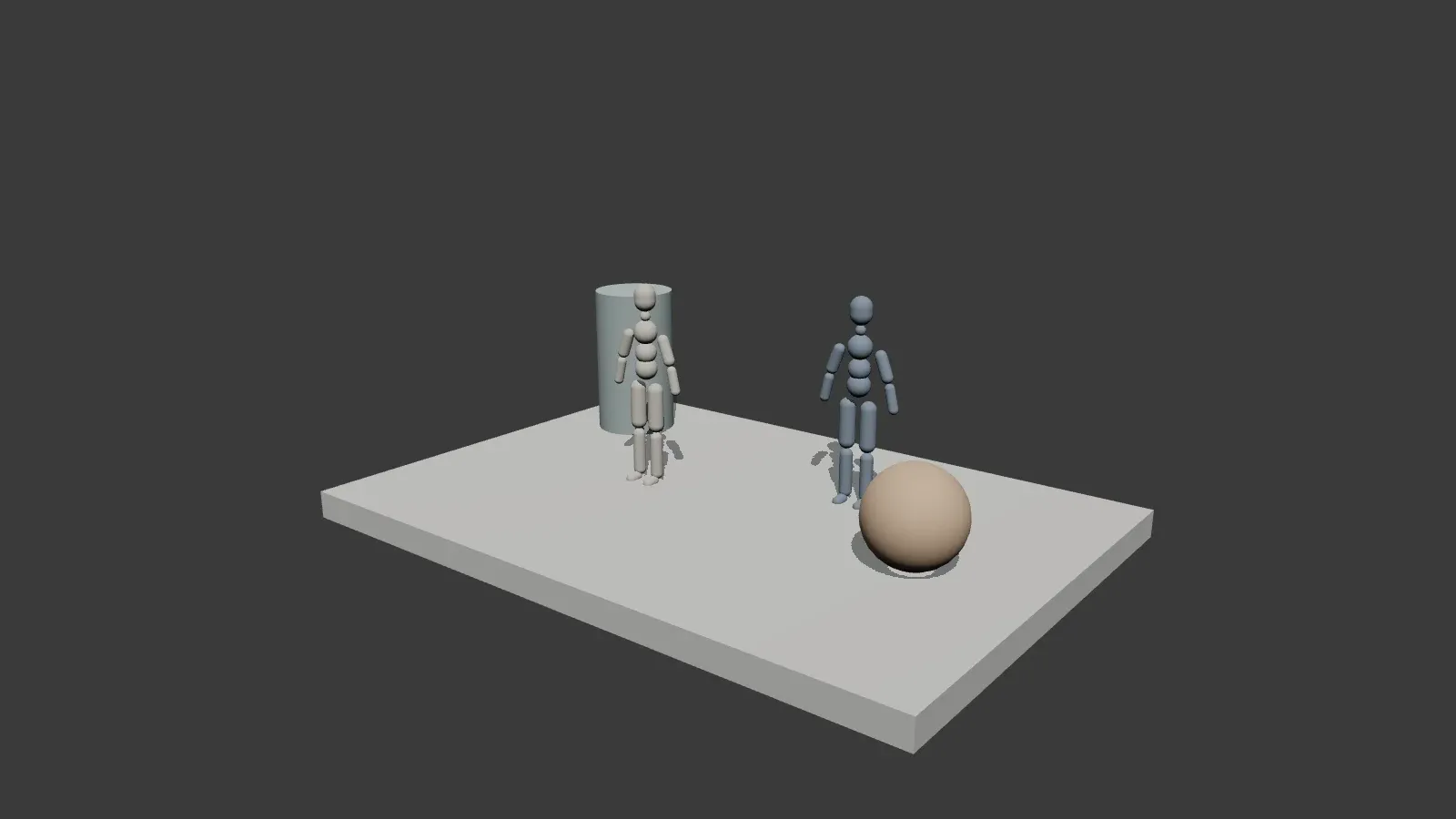
How to create 3D references for AI video
Build the scene
Start with a new project. Add a poseable figure, basic shapes or furniture from the library. Import a model you already have, then move, rotate and scale the objects until the spacing works.
Frame your shot
Choose the camera position, target and field of view. Set the opening and closing views for a camera move, adjust the duration, and preview how the composition changes over time.
Export a reference
Export a clay PNG to guide composition, or a reference clip for camera movement where your browser supports video export. Add it to a Seedance mode that accepts that input, then describe the final subject, setting and visual style. Use depth maps separately with tools that accept depth references.
One scene. Different ways to see it.
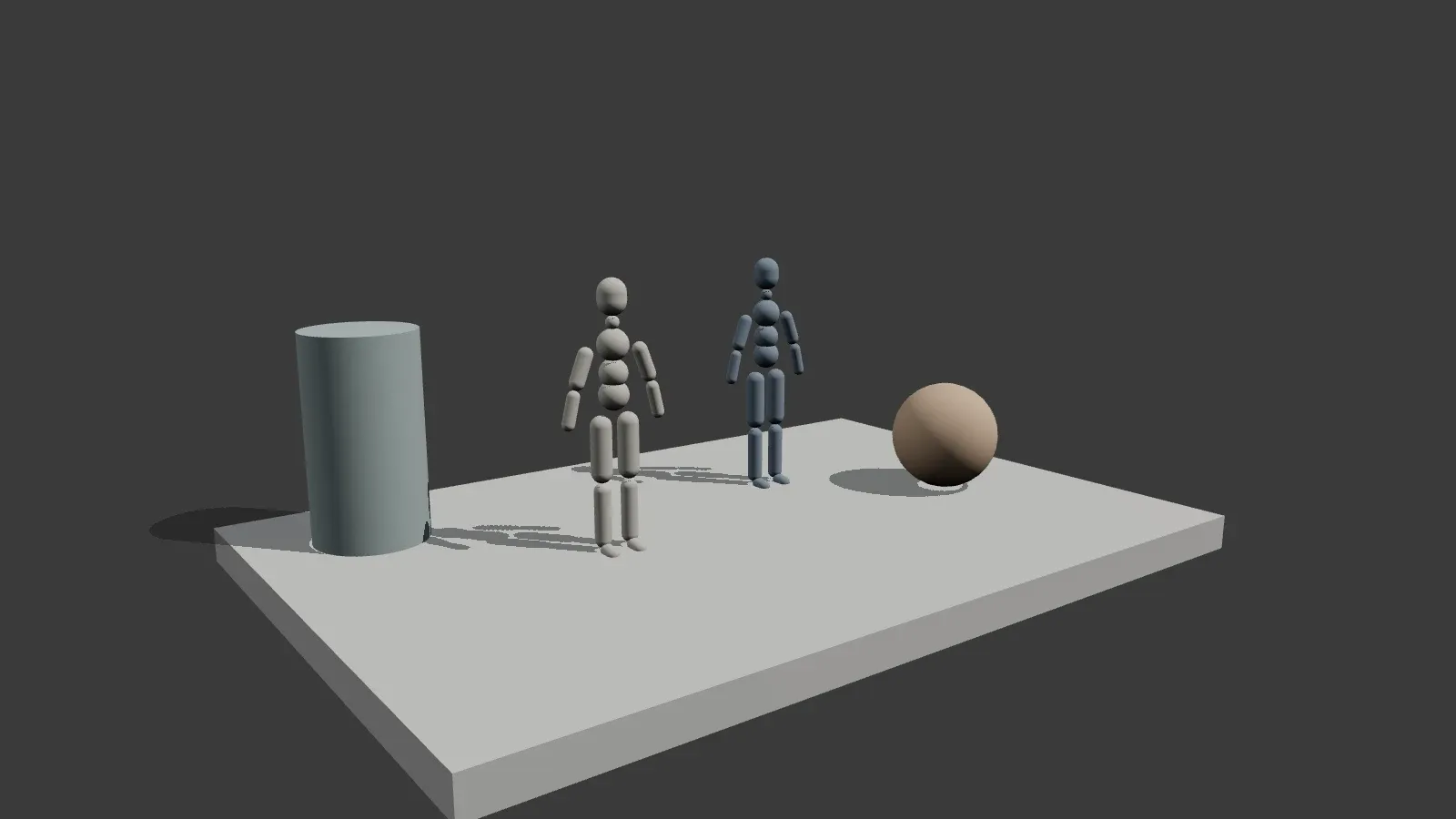
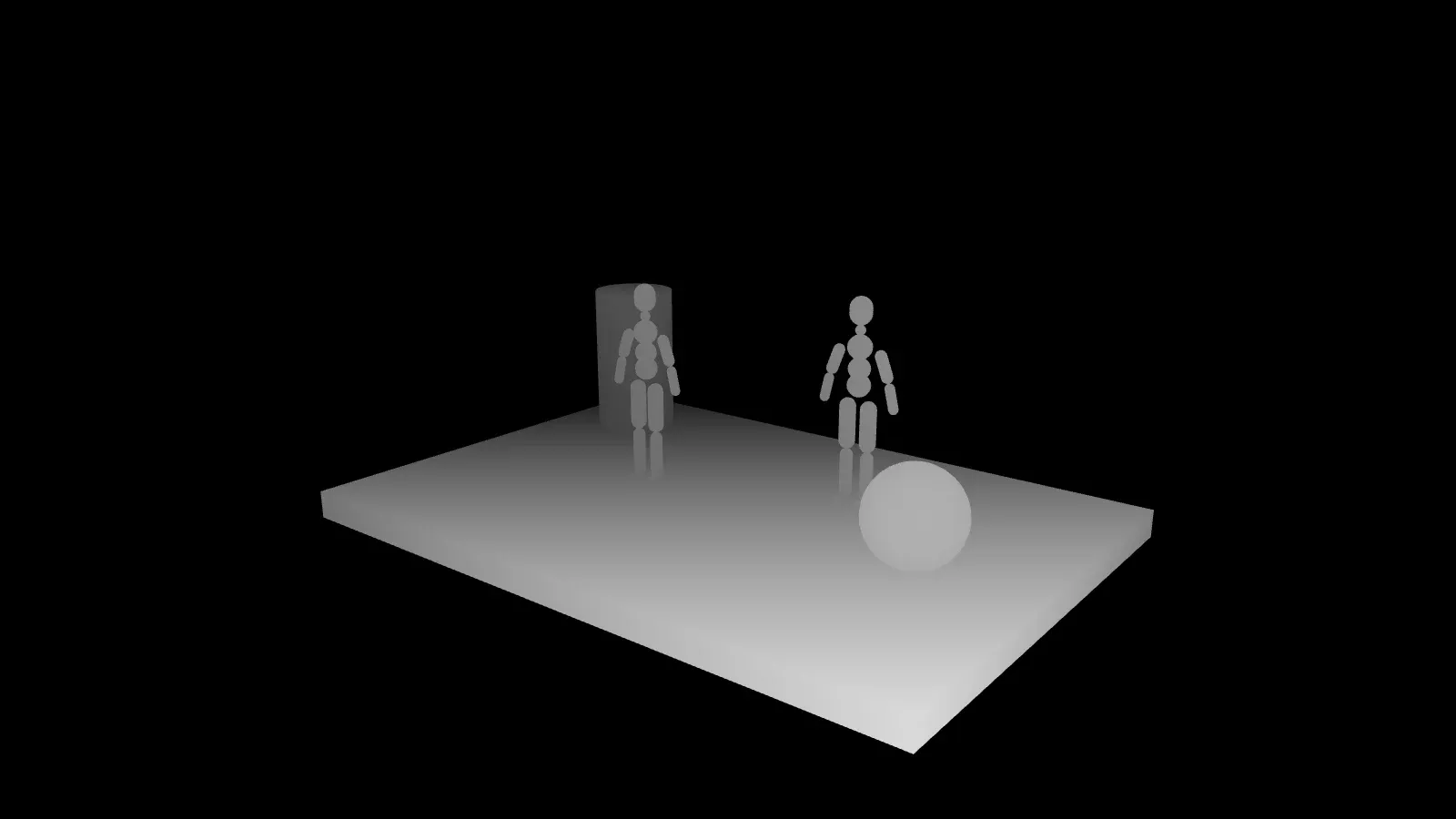
Keep the layout while changing the viewpoint, or switch to a depth map to describe distance. The clay view keeps attention on placement and framing, not finished textures. These views show the same scene, with its two figures and simple geometric props.
Control the composition before the detail
Arrange and pose
Keep characters and props where you want them. Pose a figure for a storyboard, test the spacing of a room layout, or group several objects and move them together. Imported models are shown as clay geometry rather than textured final assets.
Plan the camera
Try a wide view, a closer angle or an opening-to-closing camera move. The camera frame lets you judge what belongs in the picture before exporting. Adjust the lighting mood and ground shadows to make the shapes easier to read.
Prepare depth references
Switch from shaded clay to a grayscale depth view when distance matters. Export the scene as a depth reference for a tool that accepts one. It describes spatial layout; it does not generate a finished AI image or video on its own.
Prepare references for Seedance
Seedance reference modes are a good fit for guiding composition and camera movement. Add your 3D reference alongside separate subject and style images, then describe the role of each in your prompt. 3D Stager prepares the reference; the video model creates the final shot.
Questions about 3D Stager
Take your shot into AI video production.
Export the composition and camera move you planned, then bring the reference into a compatible Seedance workflow with your subject, style and prompt.
Open 3D Stager — Coming soon