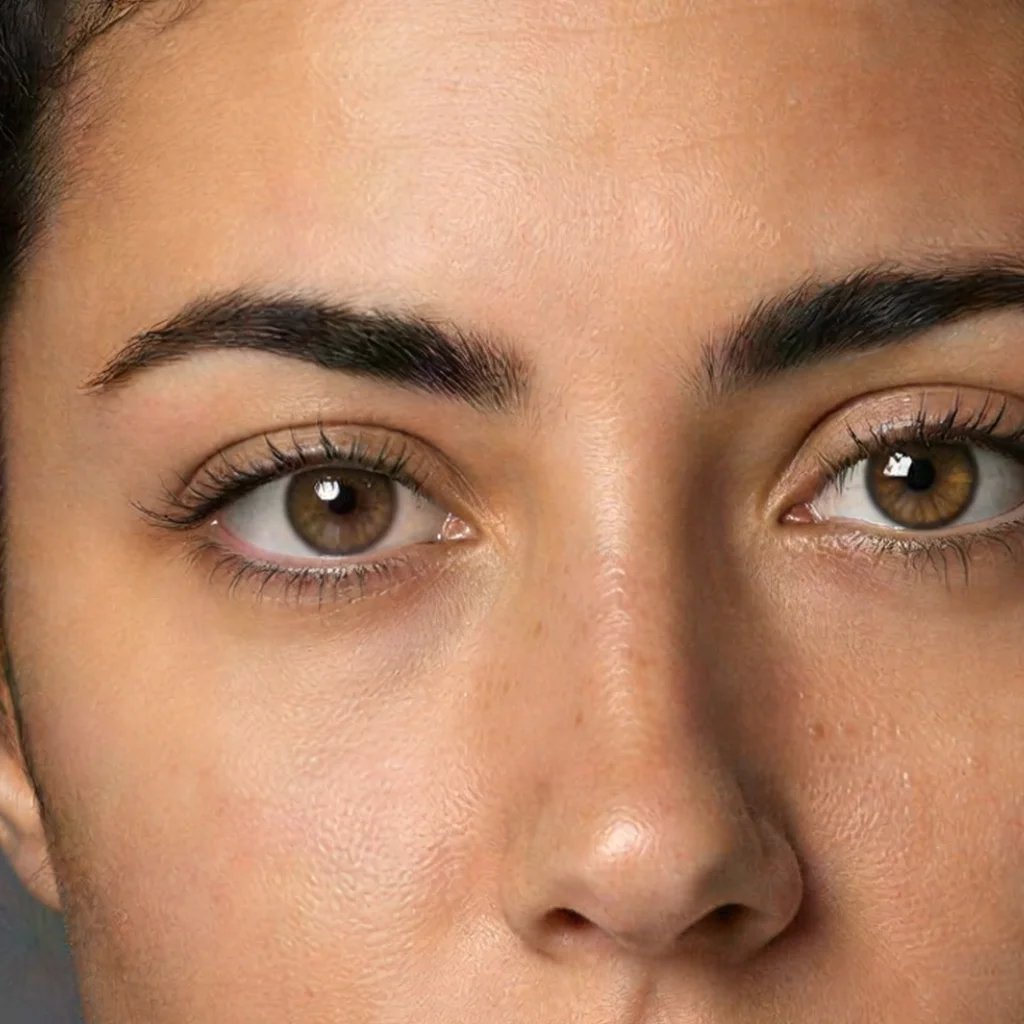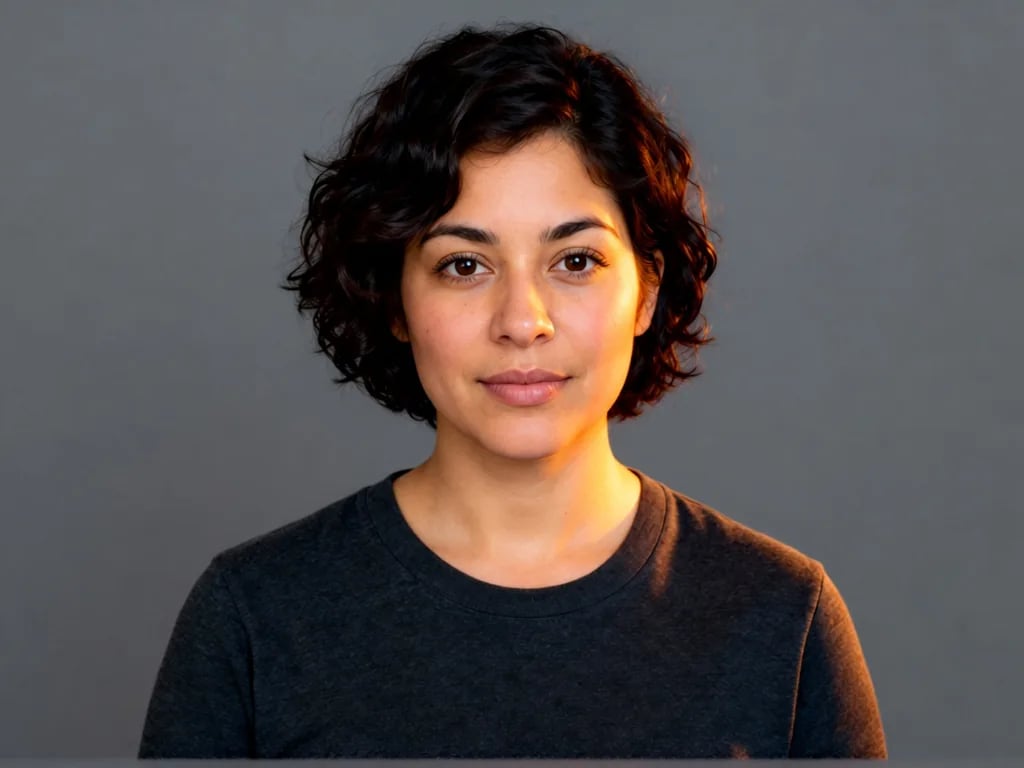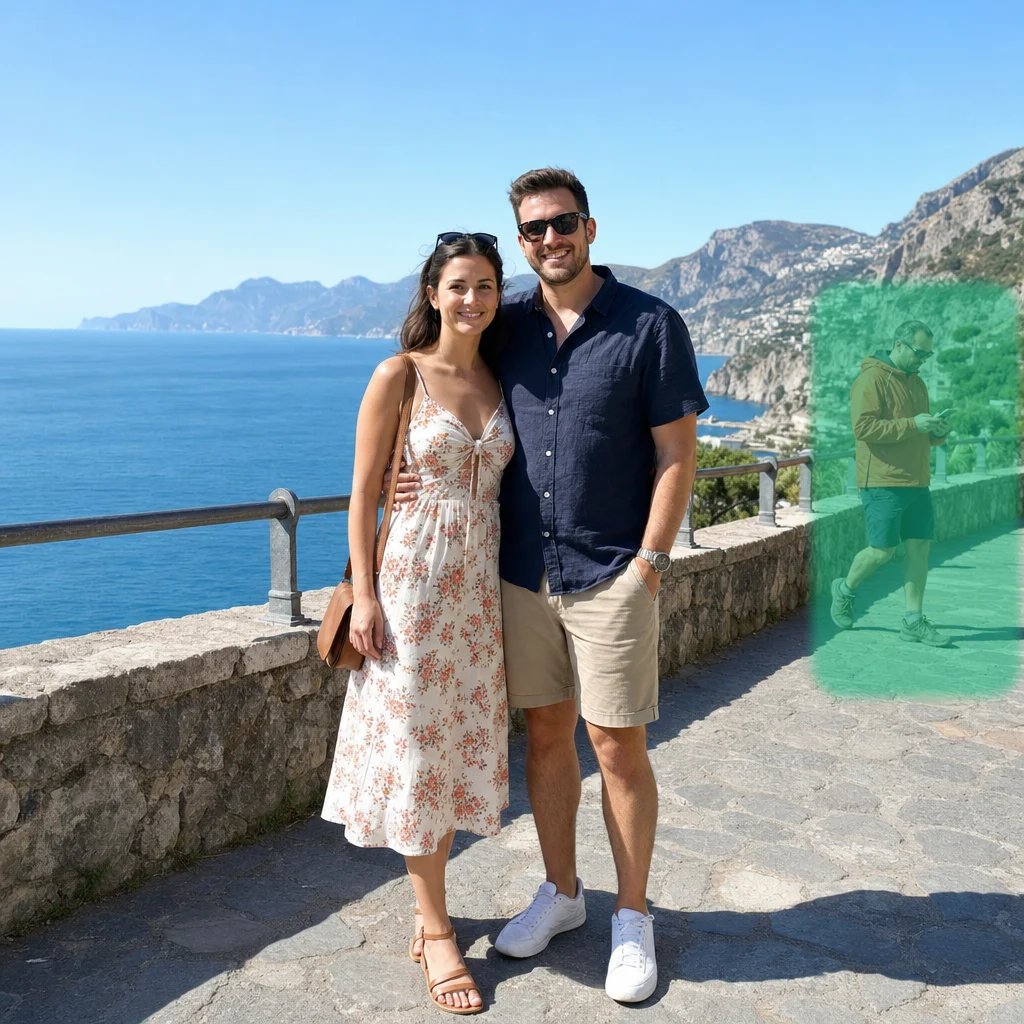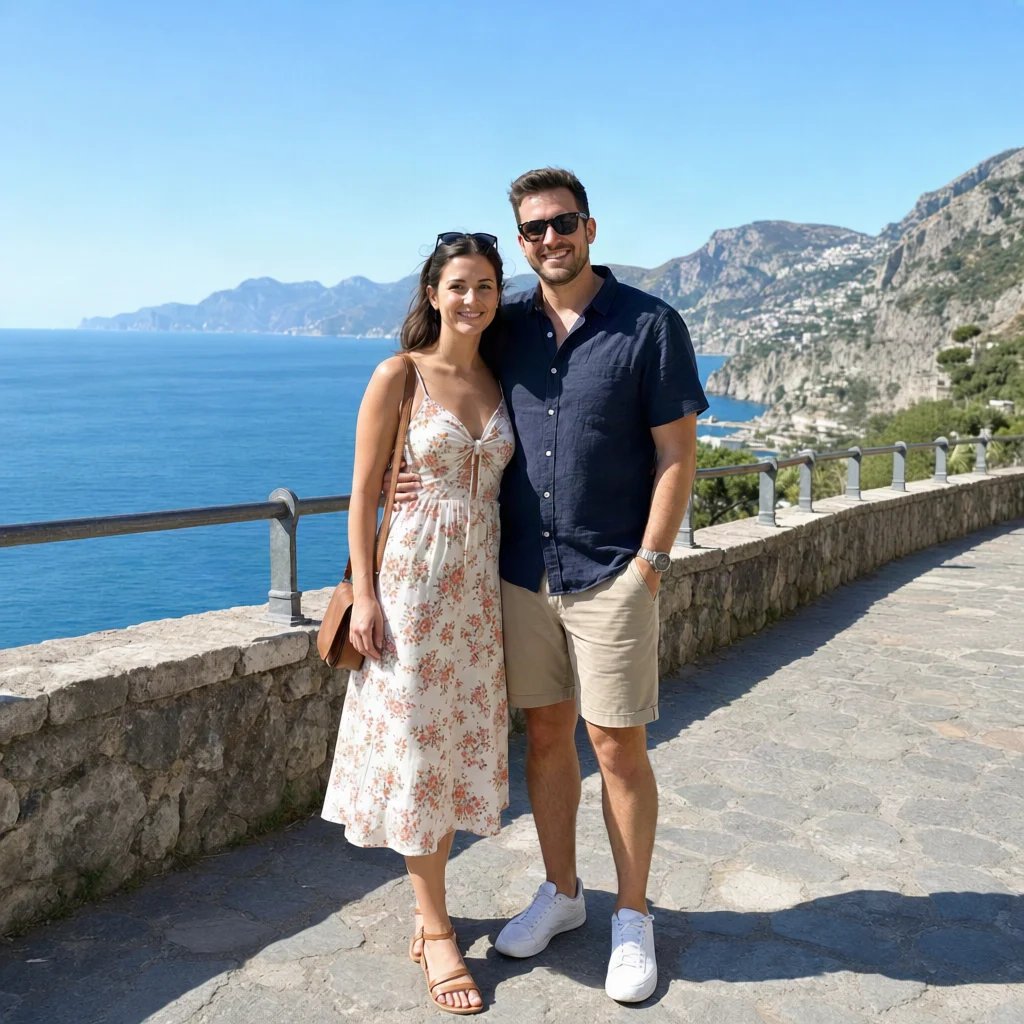
Product listing sets
Explore the product views you are missing from one clear source photo, then check logos, text, and hidden details before publishing.
AI camera angle changer
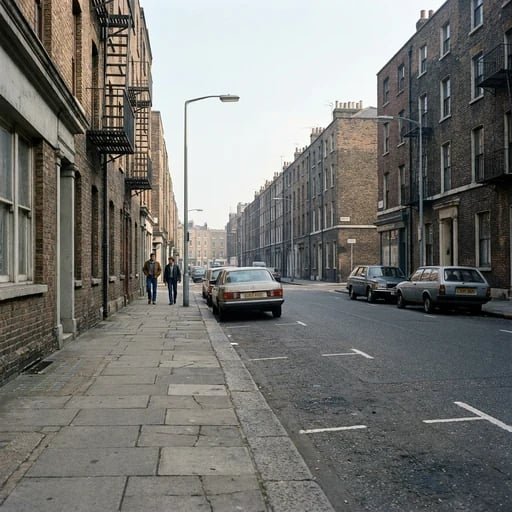
Upload one clear subject and pick where the camera should stand. A front-on source is most reliable for large rotations. The result is a plausible reconstruction, not a measured 3D model; hidden fine print and small markings may change.
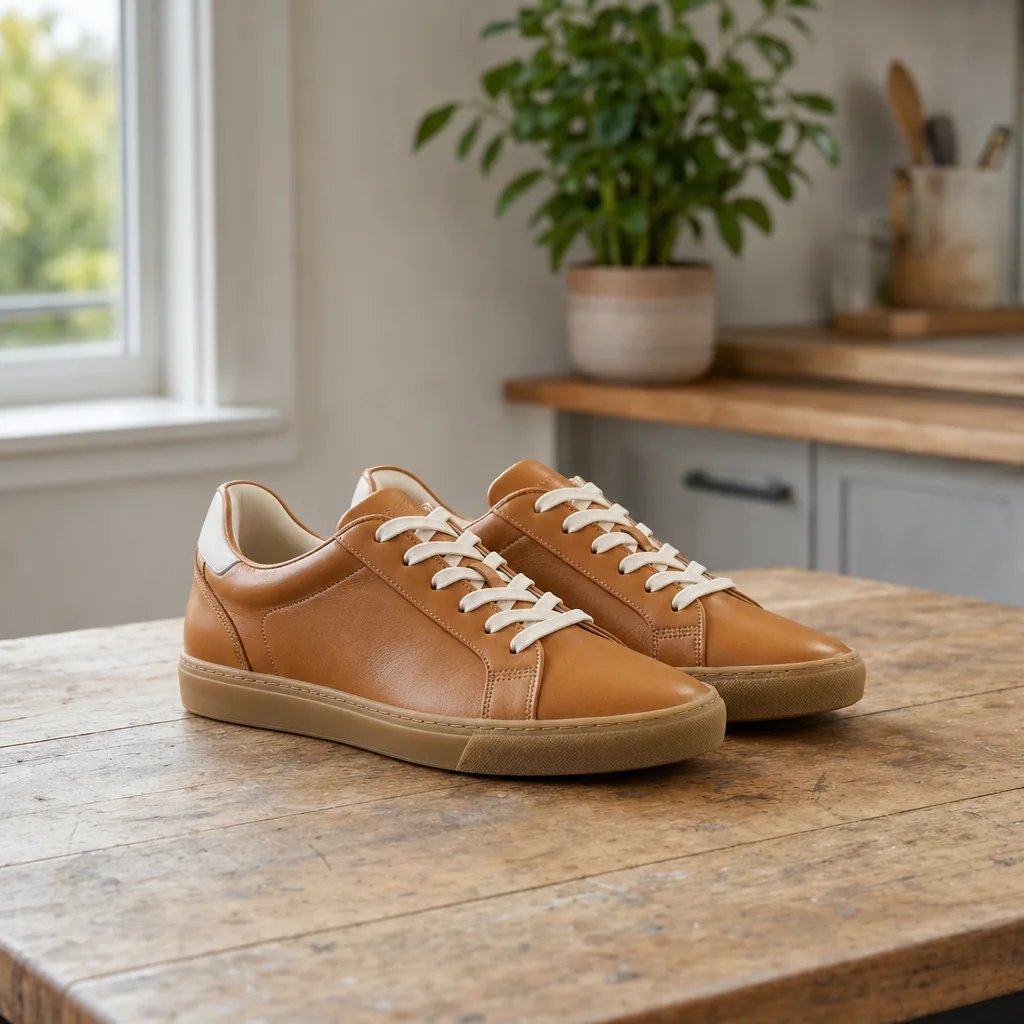
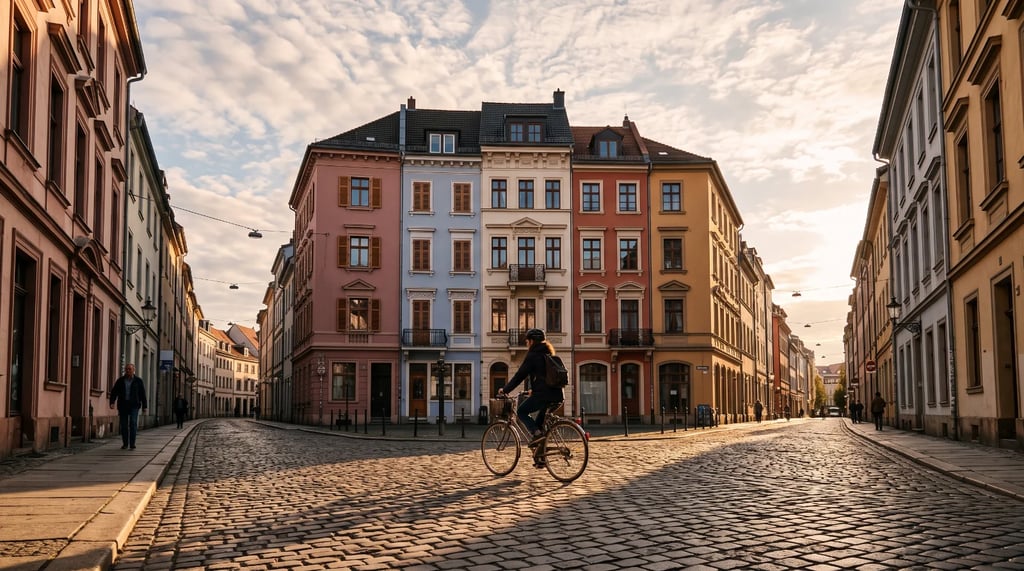
Original
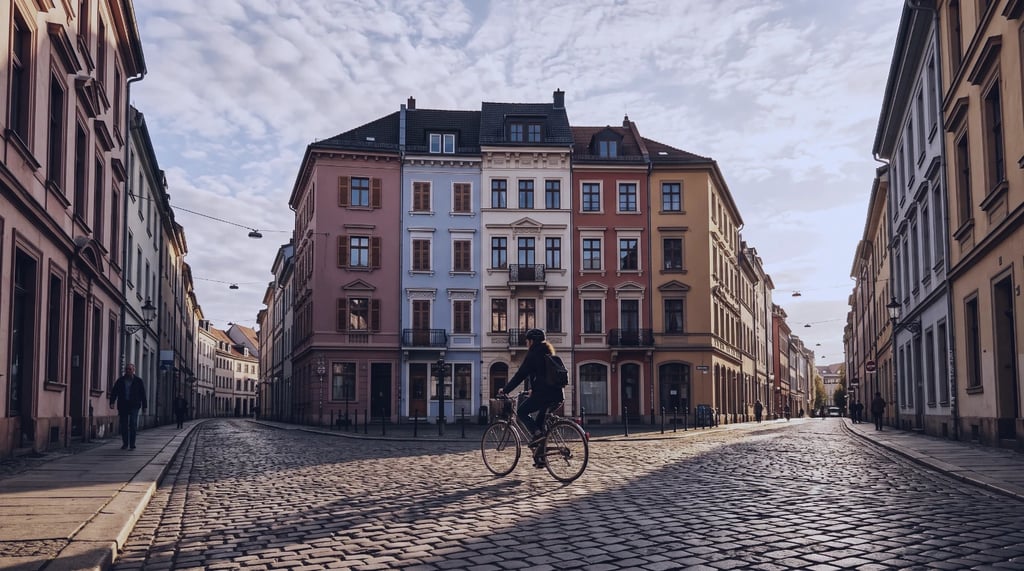
Viewpoints
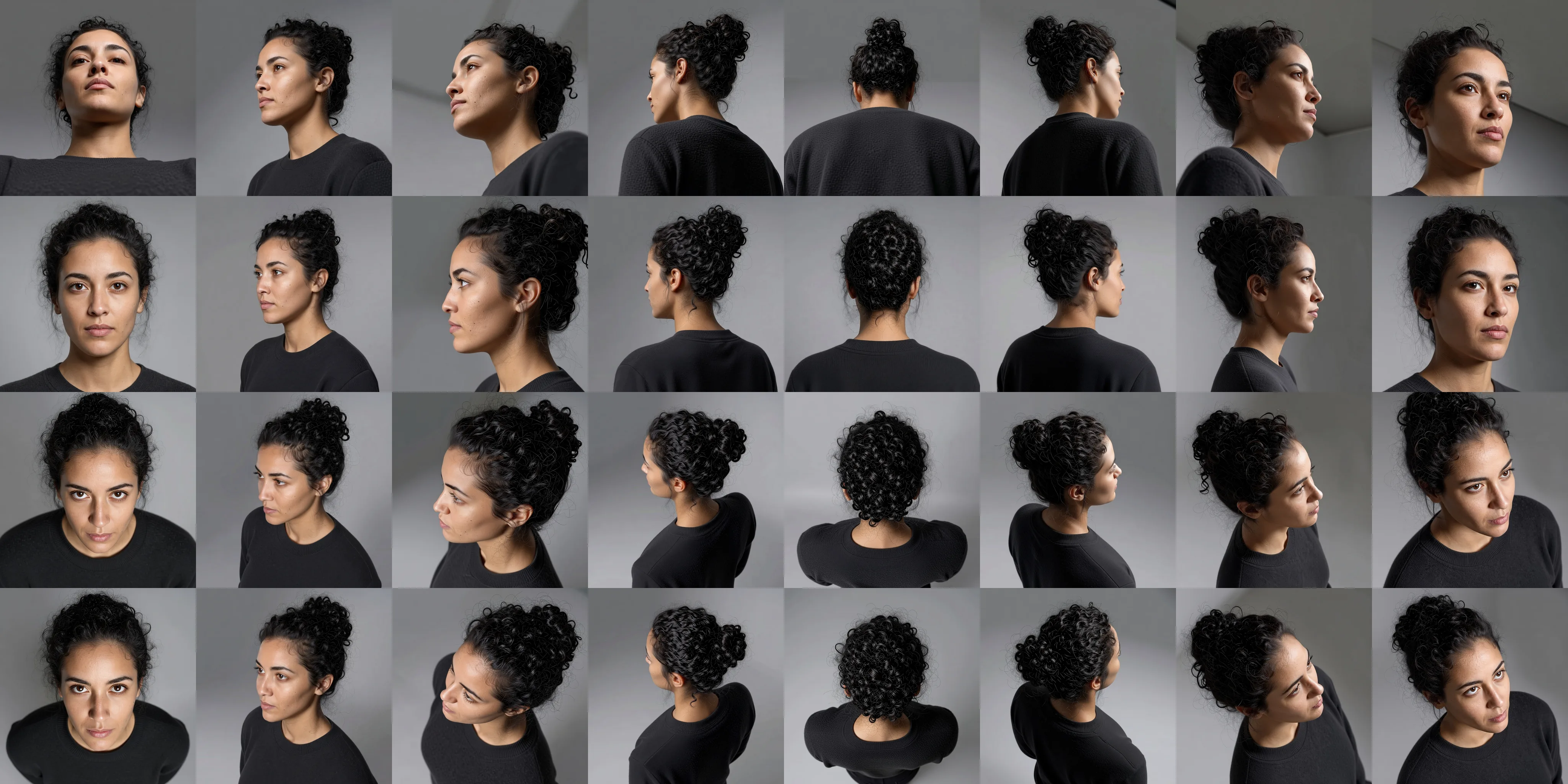
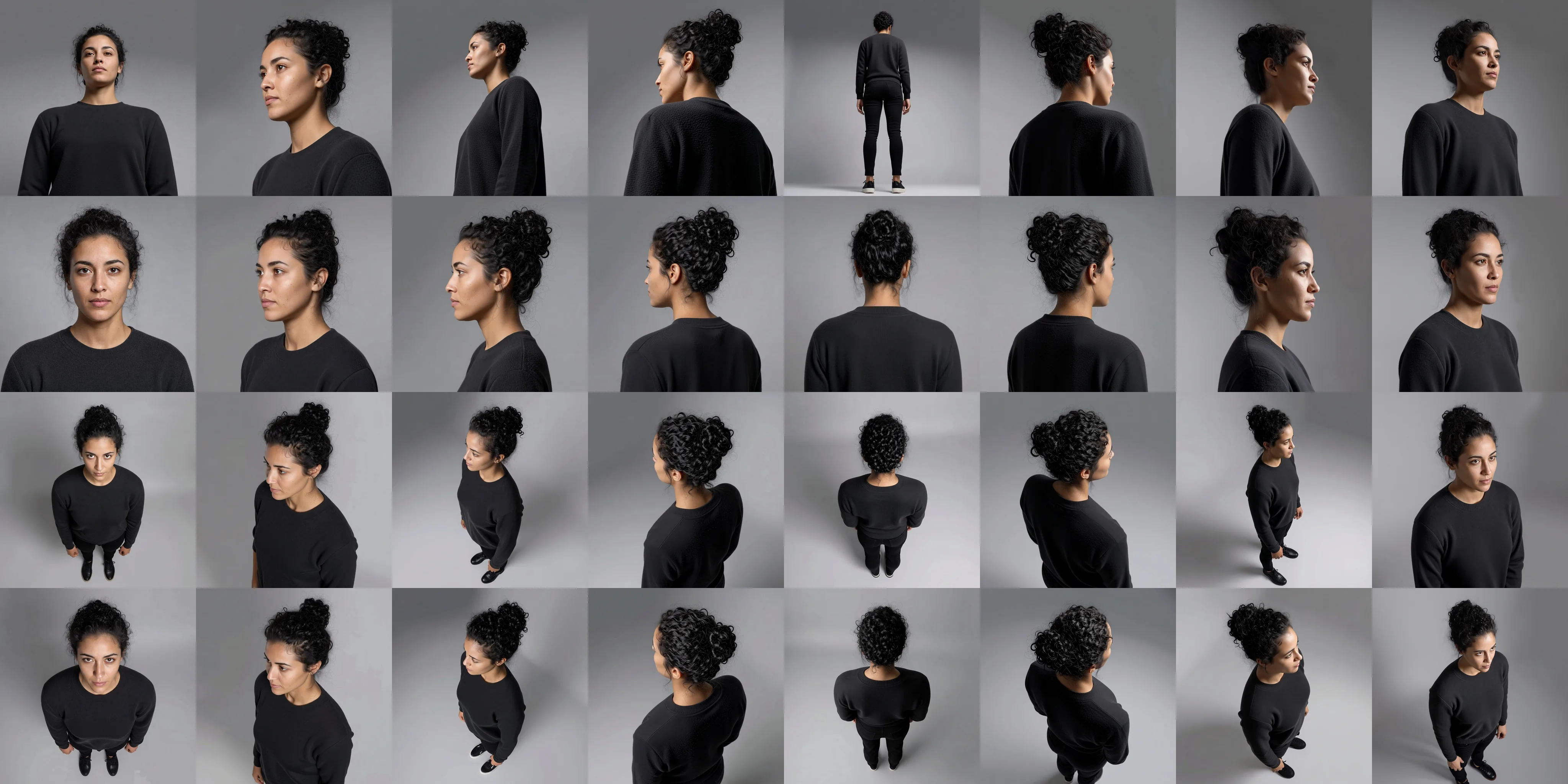
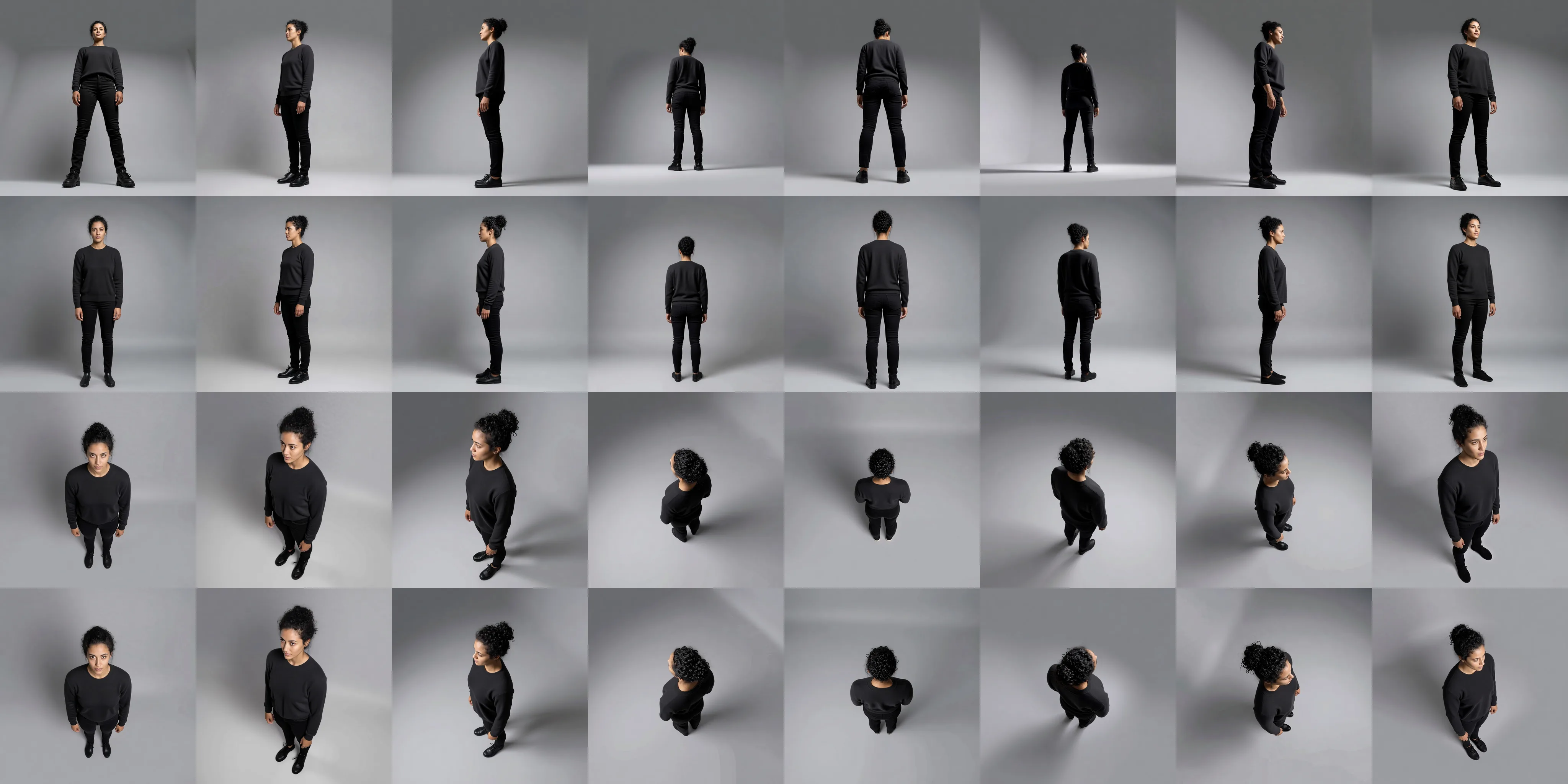
Choose a preset or adjust rotation, tilt and zoom to explore 32 viewpoints at three zoom levels.
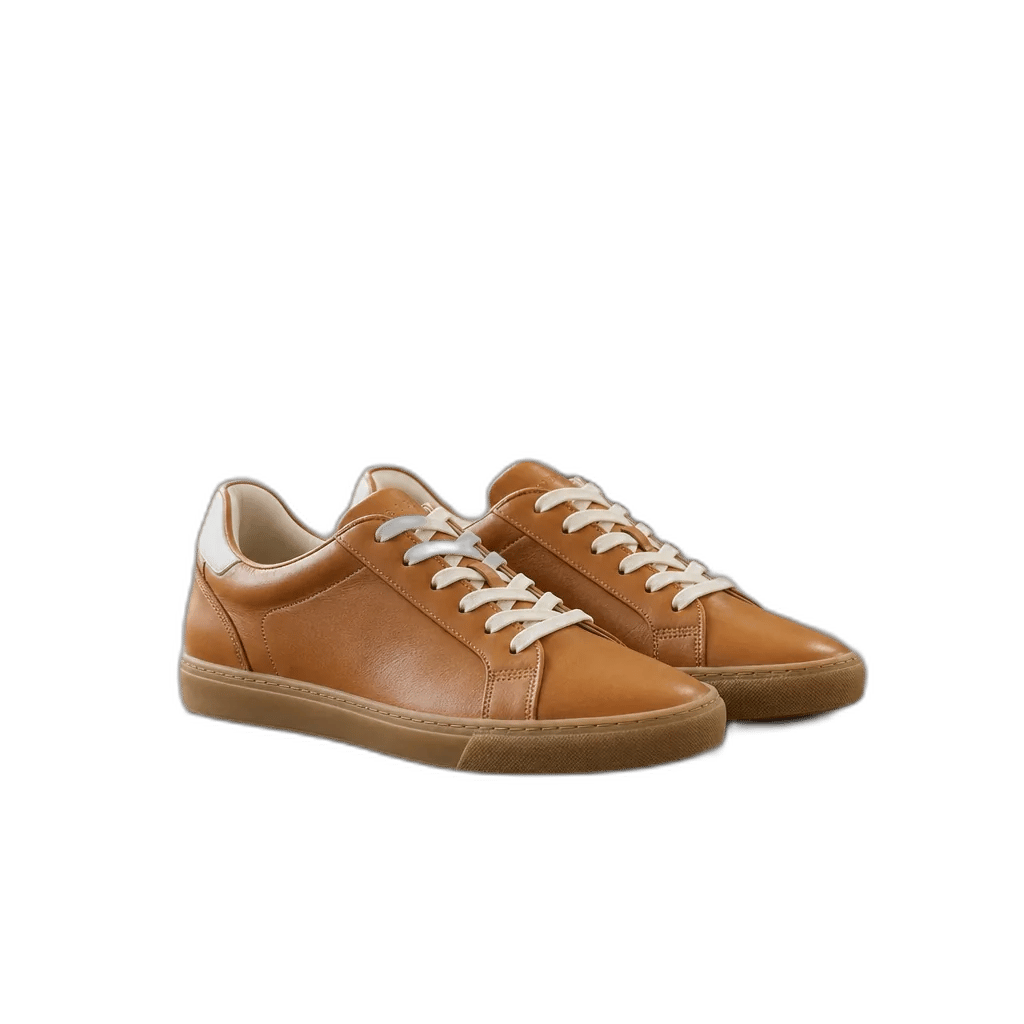
The corner view a product photographer sets up by default — front and side in one frame, which is why it is the shot most listings lead with.
Square on to the subject. The reference view for a catalogue, an ID-style portrait or the first panel of a turnaround.
A true side view, ninety degrees round. Shows depth and silhouette, which a front shot flattens away.
The far side of the subject — the panel a single photo can never contain, and the one a turnaround sheet needs.
Looking down across the corner. Reads as an overhead without collapsing the subject into a flat outline the way a straight top-down does.
Looking up from below. Lends height and presence — the hero shot for footwear, packaging and architecture.
Examples
See how camera angle and zoom change the view of one living room.
How it works
A single clear subject works best — a product on a surface, a character, a piece of furniture. Busy scenes give the model less to reason about.
Choose front, three-quarter, profile, back, high or low. That choice is the whole instruction; there is nothing to write.
The re-shot image opens in a session that belongs to you, where you can run the same photo again from another viewpoint.
What it is for
Explore the product views you are missing from one clear source photo, then check logos, text, and hidden details before publishing.
Explore front, side, and back views as early reference frames, then review any details the source image did not show.
An image-to-video model takes a start frame. Getting that frame from the angle the shot needs beats prompting for it and hoping.
How it compares
A reshoot needs the subject, the lighting and the space again. This needs the photo you already have and one click, which is the whole point when the product has shipped or the moment has passed.
Building and lighting a model to render one extra angle is hours of work and a skill set. Here the geometry is inferred from the photograph.
Rotating turns the picture; the camera stays exactly where it was and no new surface appears. Changing the angle moves the camera, so the sides the original never captured are drawn in.
Every plan includes credits you can spend on this page or anywhere else on YouArt.
For hobbyists and explorers
For creators and pro users
For power users and teams
For teams and studios
FAQ
More tools
Choose another tool to edit, enhance or transform your images and videos.
Beyond one angle
Open the workflow editor to connect your new viewpoint to an upscale or a video.