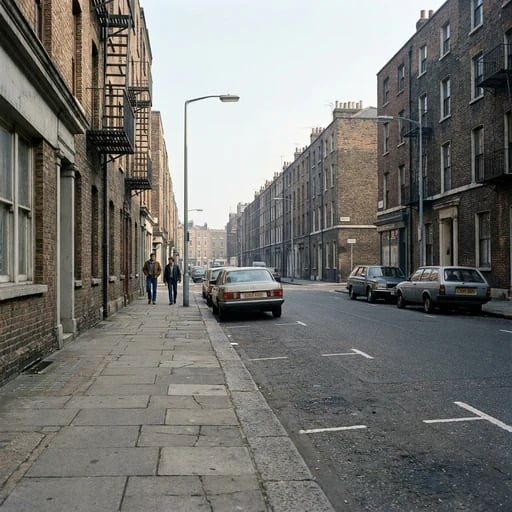
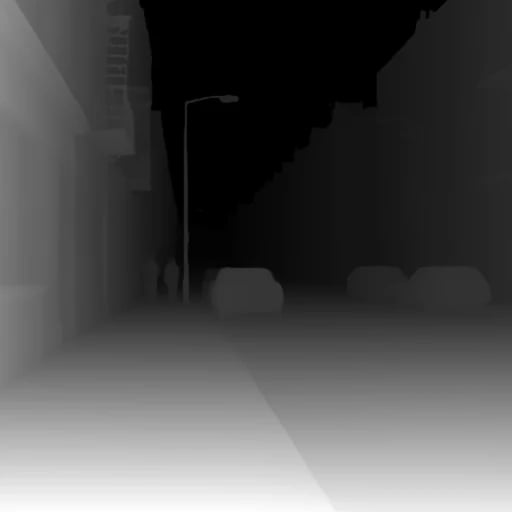
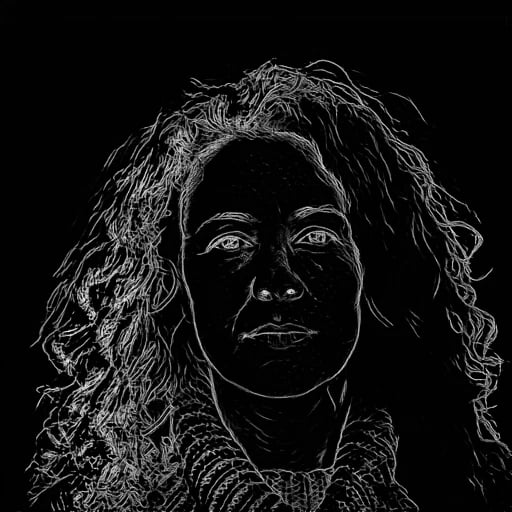
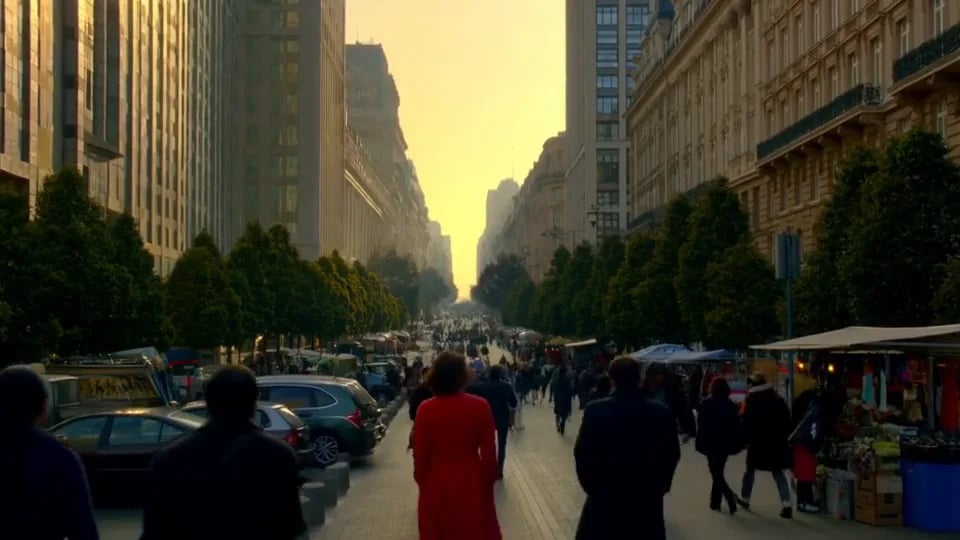
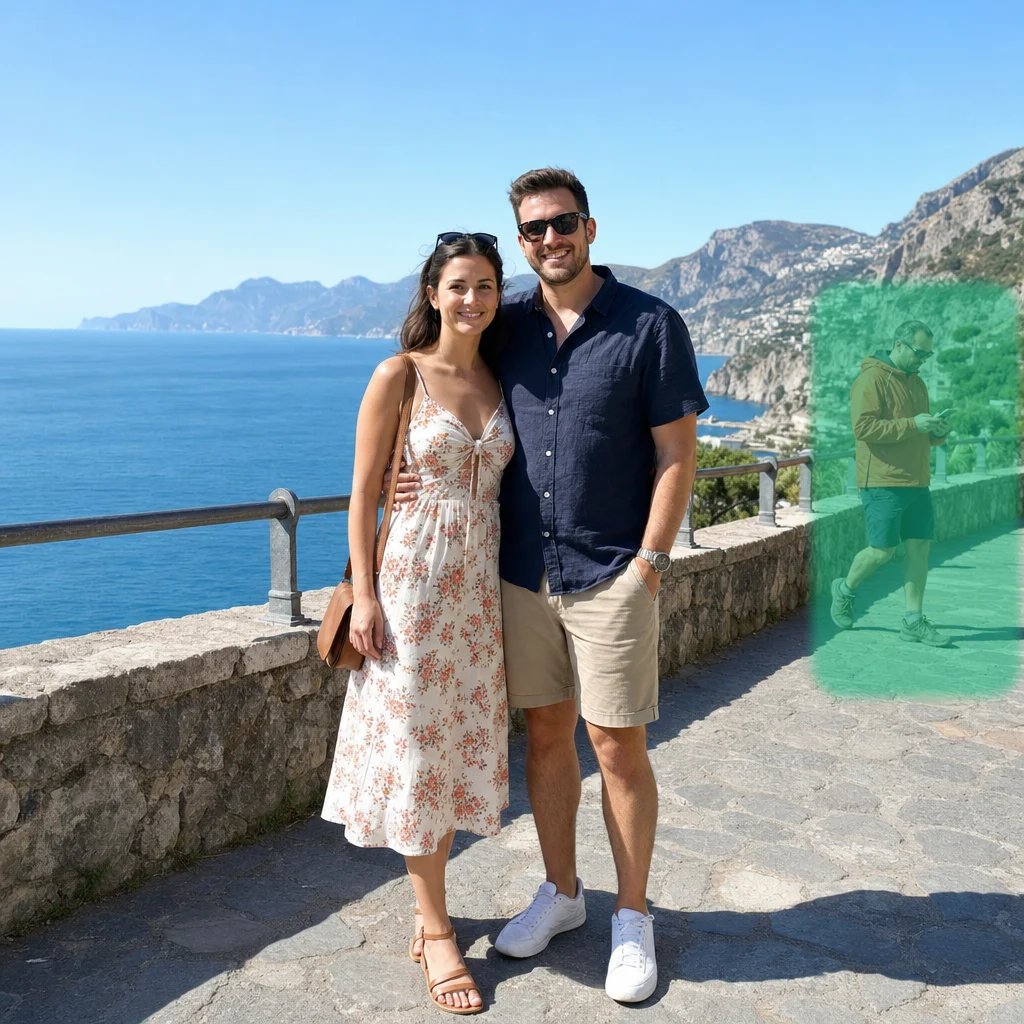
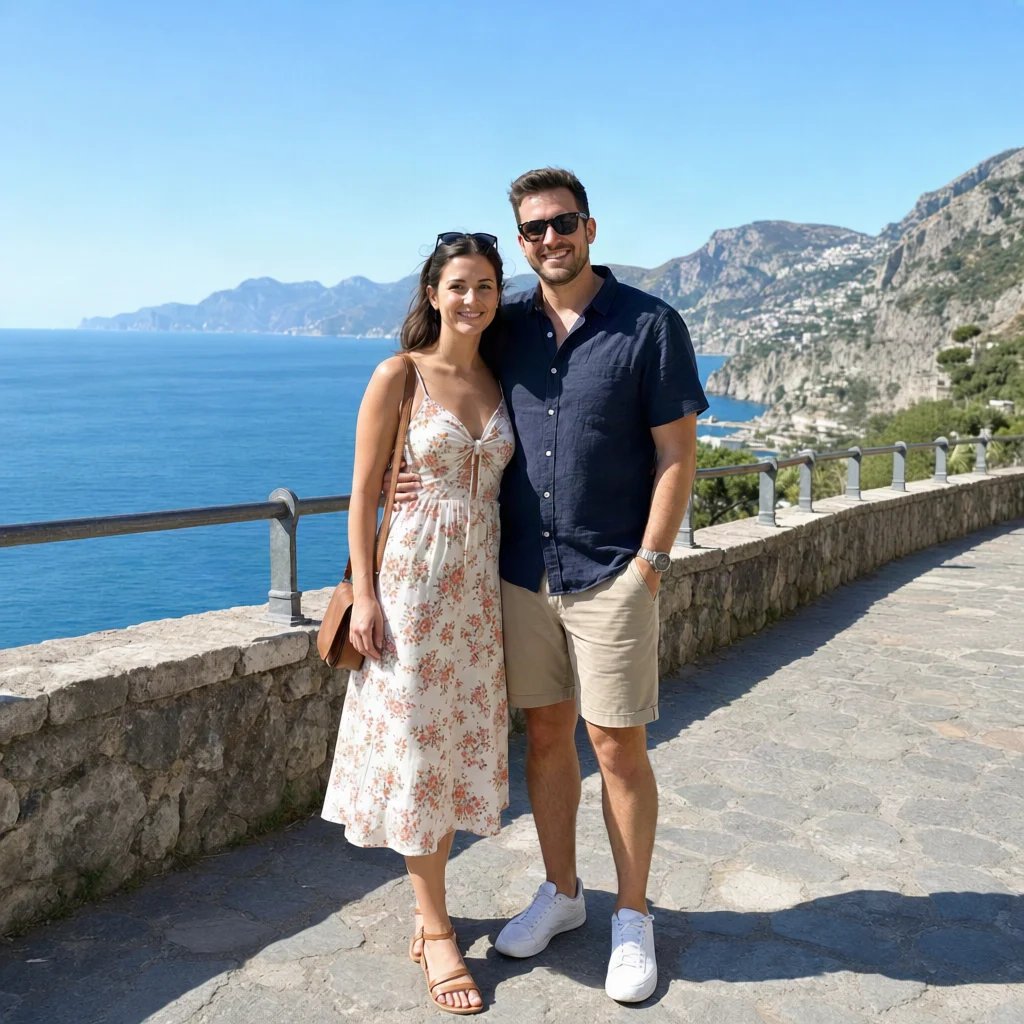
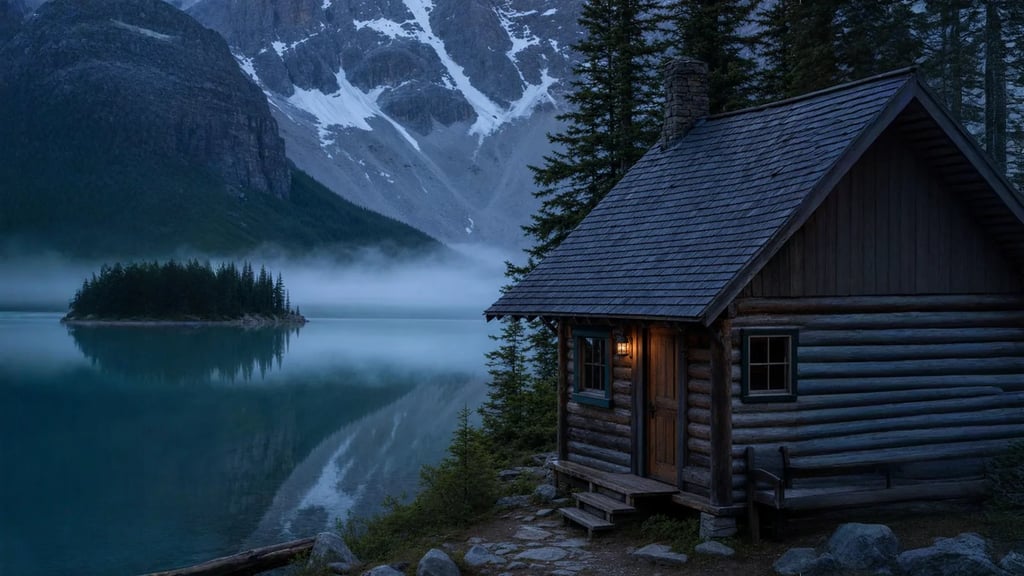
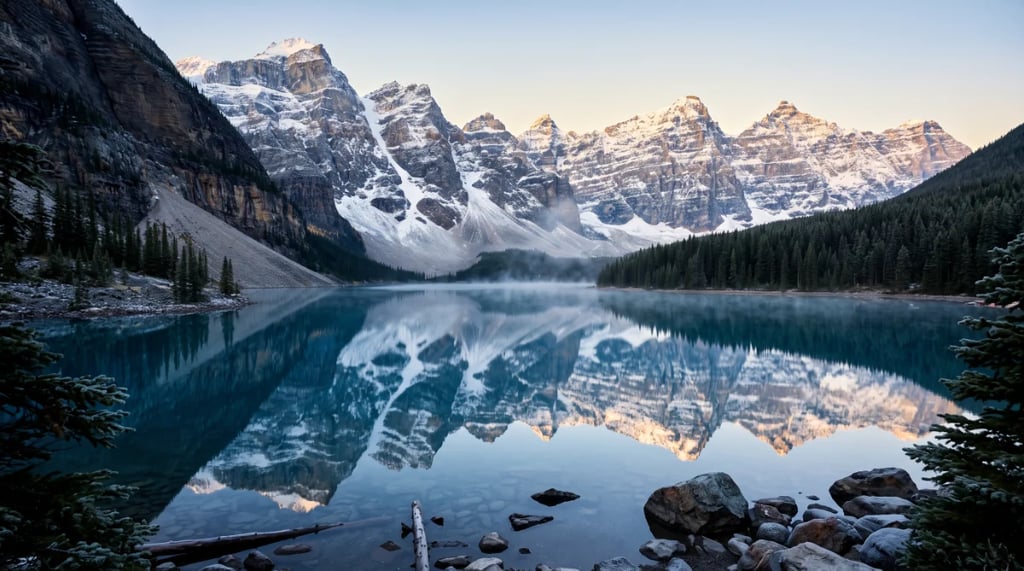
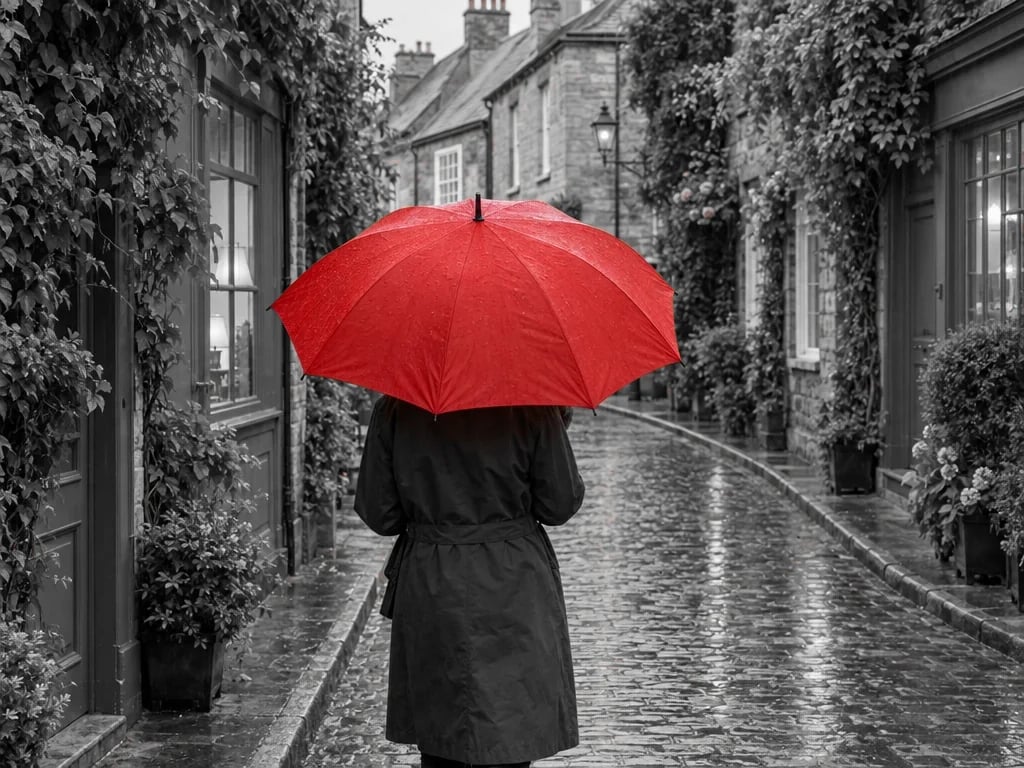
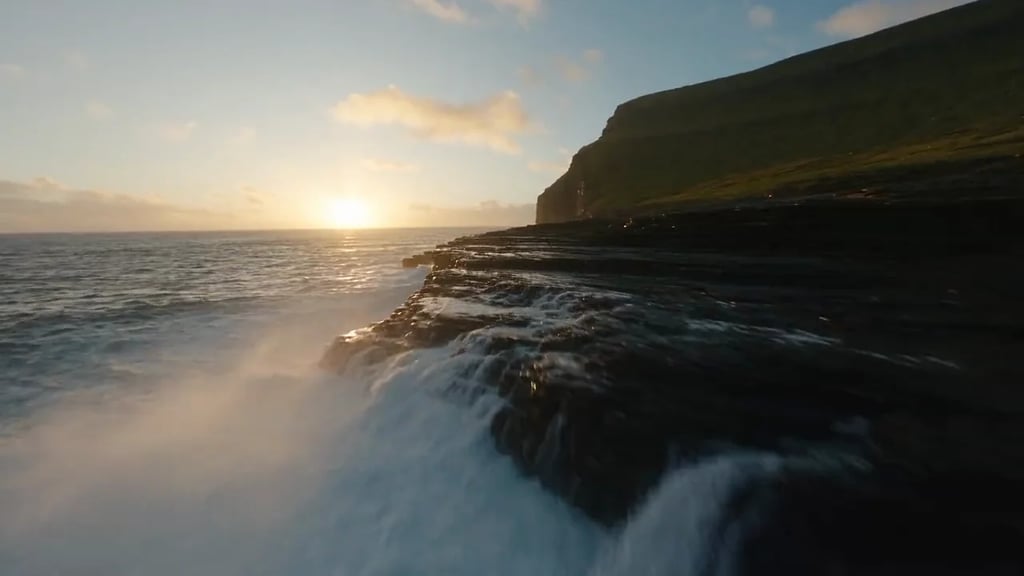
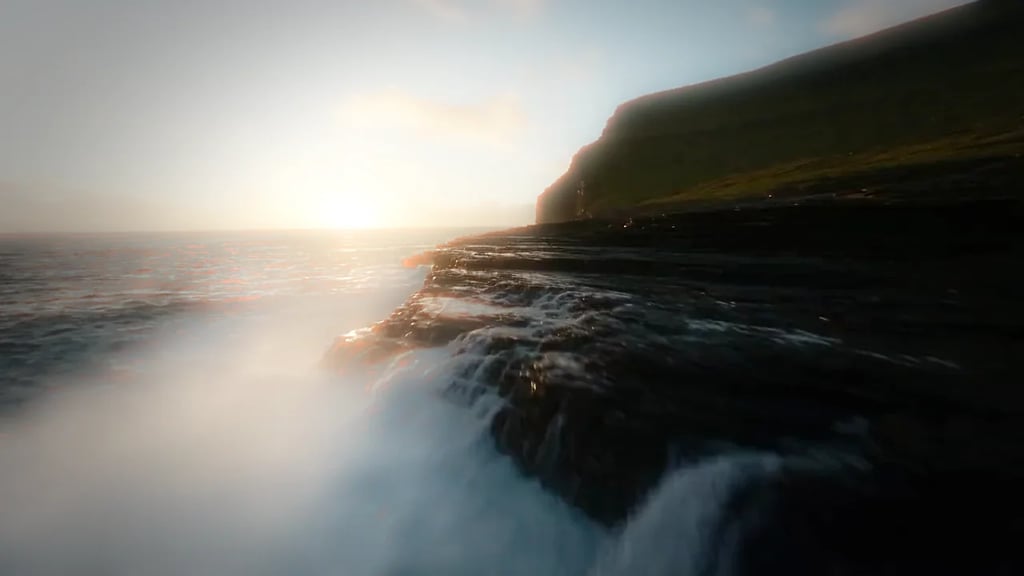
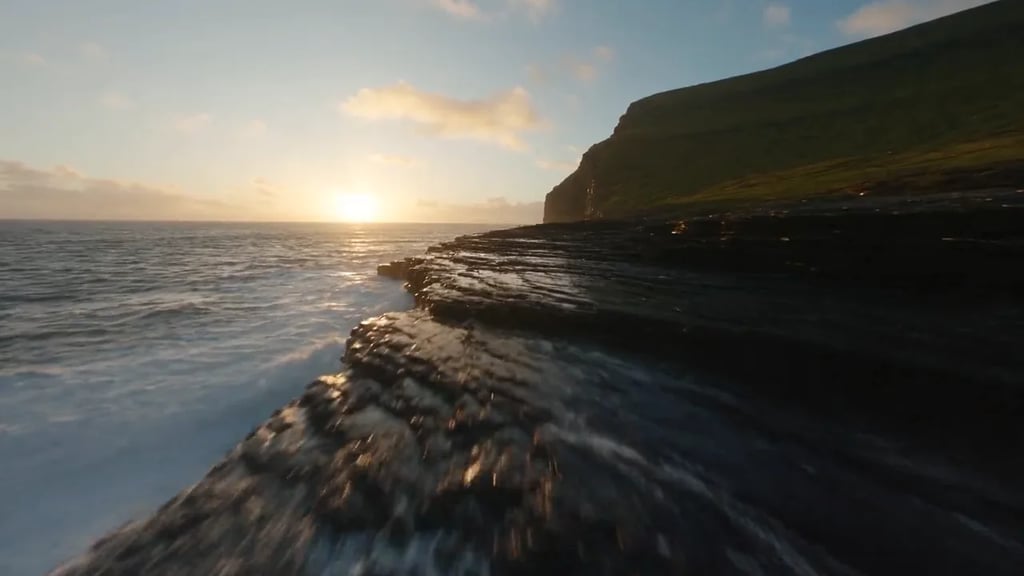
ControlNet seg conditioning
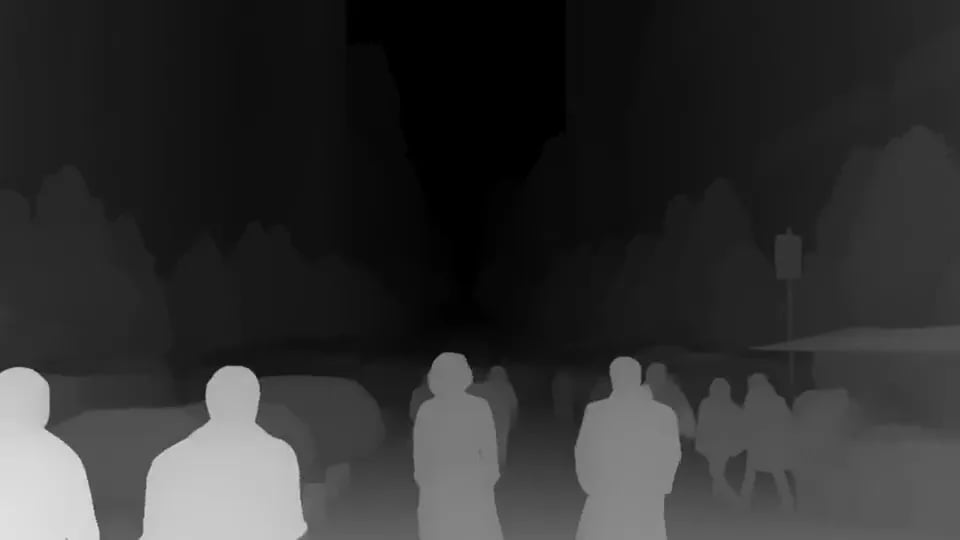
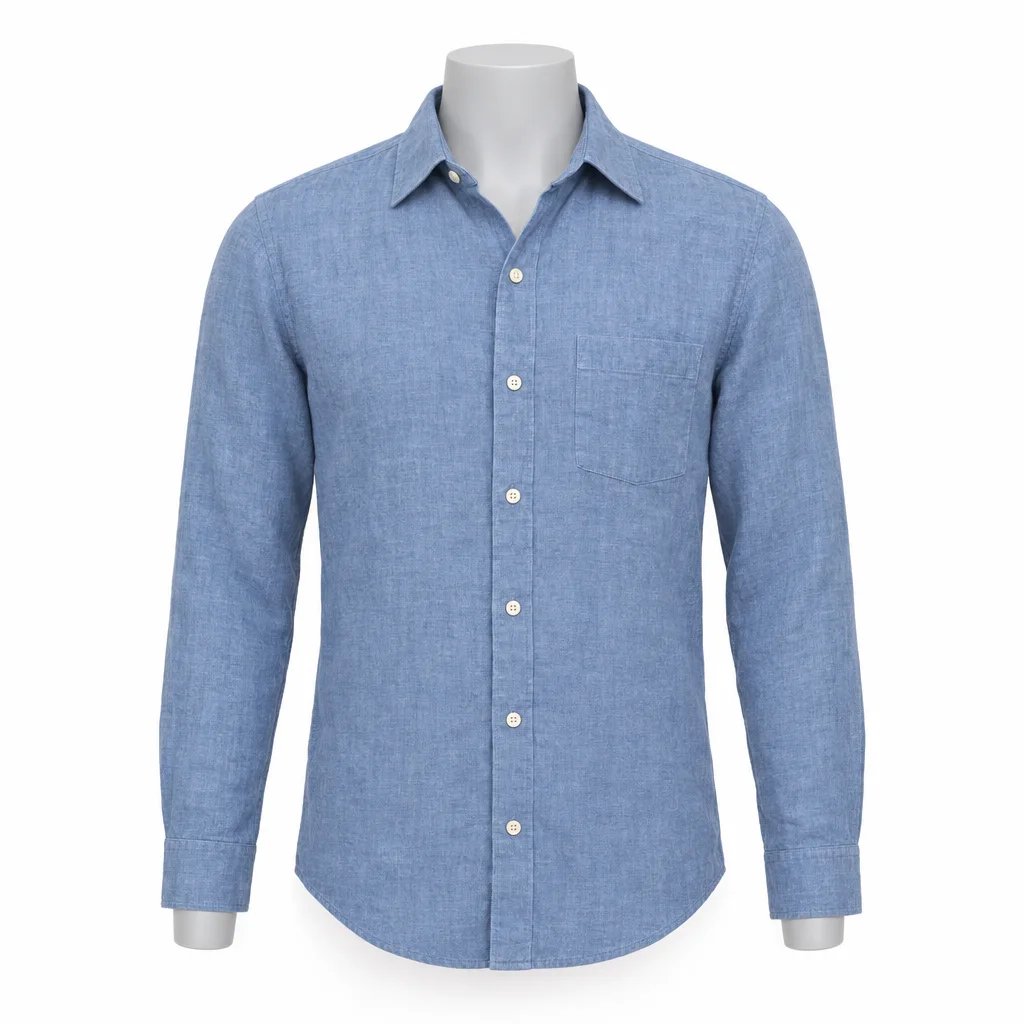
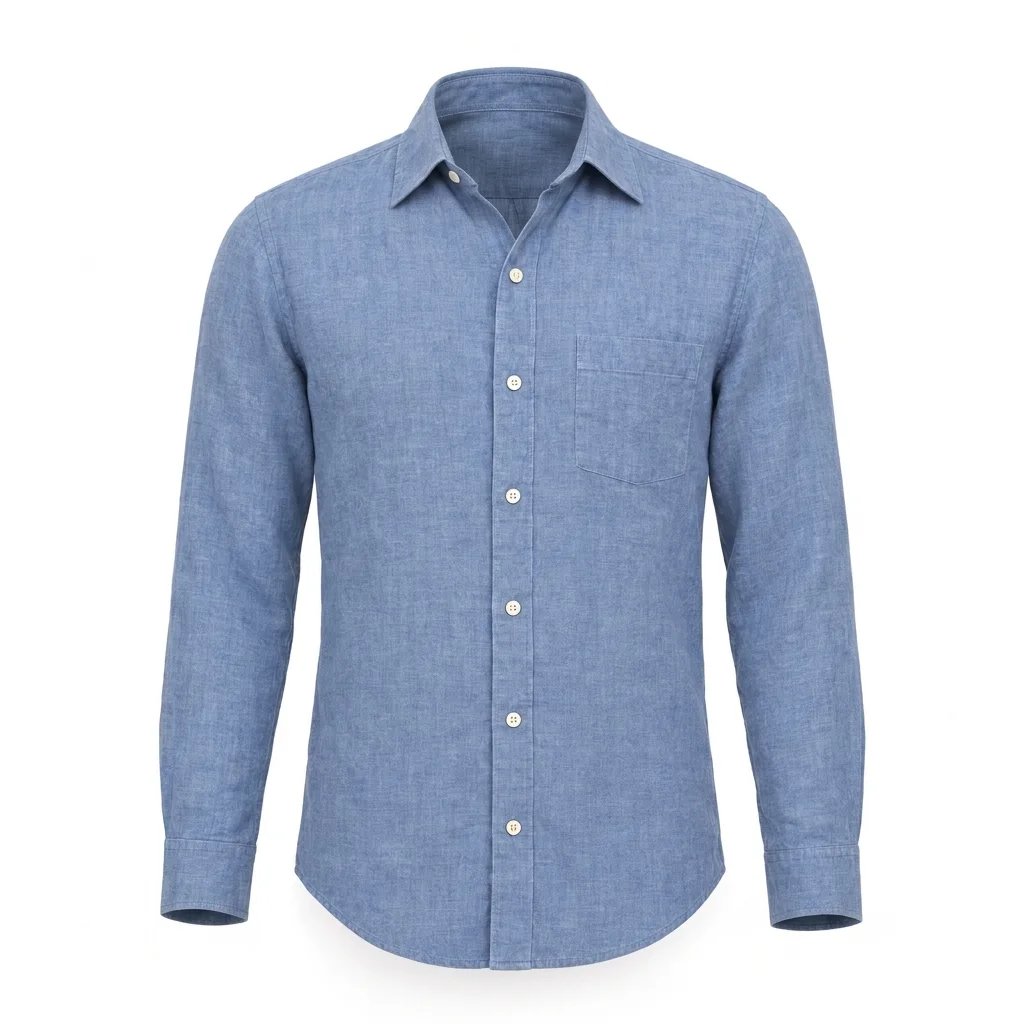
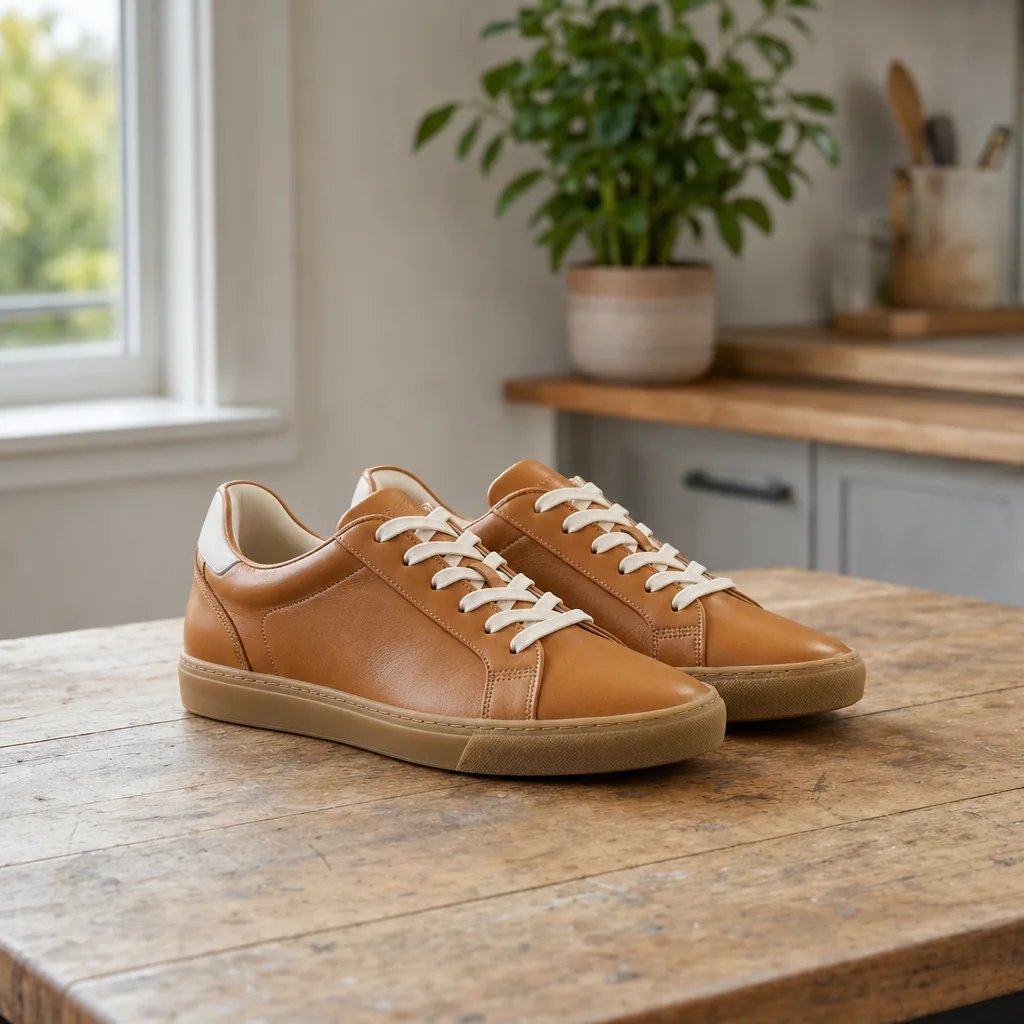
The most common use by far. A seg map hands a generation model the layout of a real photo, so a new image keeps the arrangement while everything about its appearance changes.
AI image segmentation
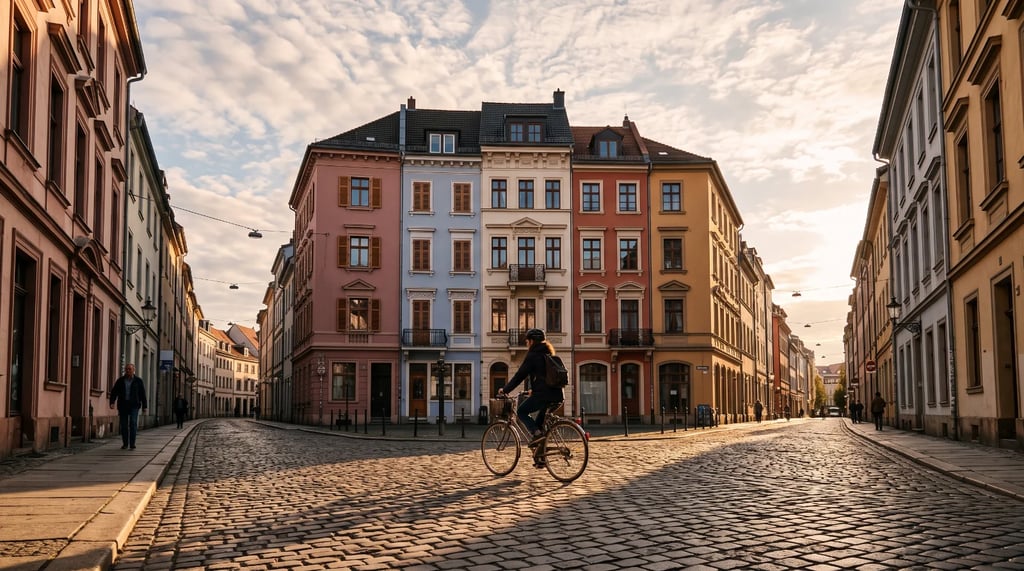
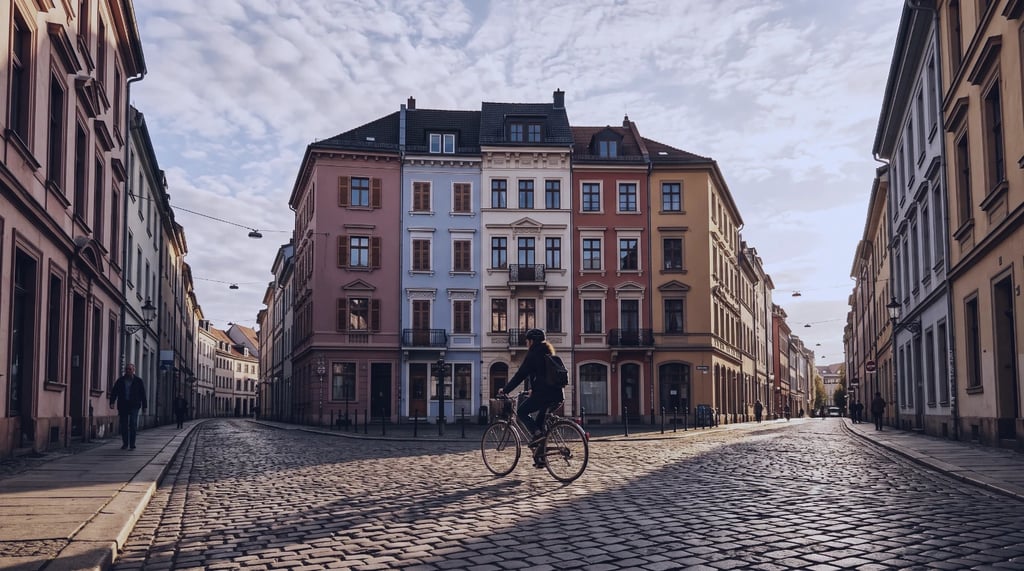
Upload a picture and SAM segments the whole frame, painting every region it finds a different flat colour. You get a segmentation map you can feed straight into a generation model as structural guidance — no prompt to write, nothing to click.
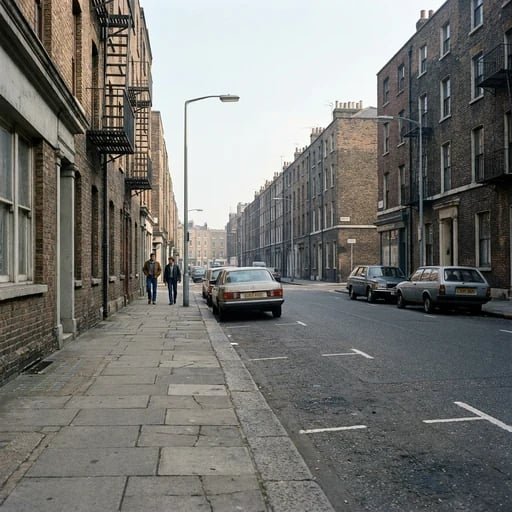
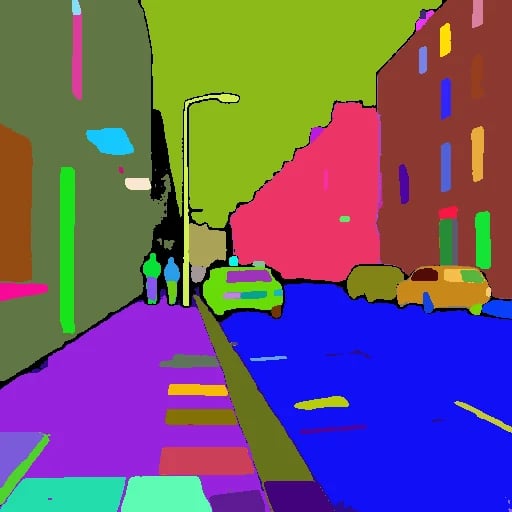
Examples
How it works
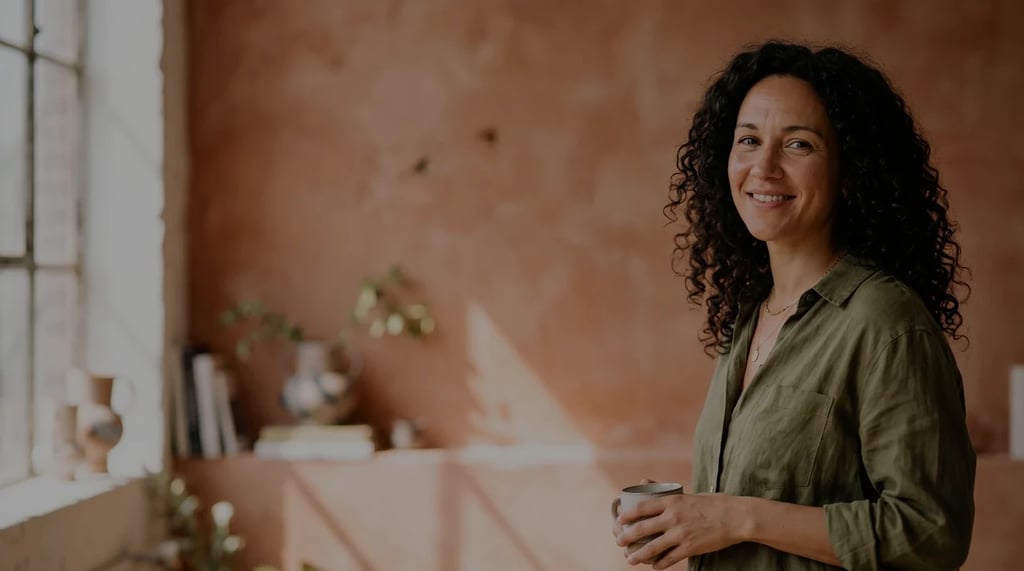
Drop in one JPG, PNG or WebP. Pictures with several distinct areas — a street, a room, a figure against a background — give the clearest maps.
The whole frame is segmented automatically. There is no prompt to write and no object to select, so the same photo gives the same map every time.
The map opens in a generation session, so you can download it or wire it straight into a model as structural guidance without starting again.
What you get back
Looking to cut one named object out of a picture instead? That is a different tool — the colours below are regions, not objects you can lift out individually.
Each colour marks an area the model considers one thing. The colours are arbitrary and carry no names: nothing here tells you that a region is a car or a tree, only that it is separate from what surrounds it.
Every region is found in one pass. You do not click points, drag boxes or type what to look for — which is the difference between this and most tools that share the phrase image segmentation.
Colour, texture and lighting are discarded and only the layout survives. That loss is the point: a generation model reading this map inherits the structure of your photo without inheriting how it looked.
What it is for
The most common use by far. A seg map hands a generation model the layout of a real photo, so a new image keeps the arrangement while everything about its appearance changes.
A flat map of where each area begins and ends is easier to reason about than the photo itself when you are working out what sits in front of what.
The map shows which parts of the frame a segmentation model treats as one thing. Where it merges or splits regions unexpectedly tells you something the photo does not.
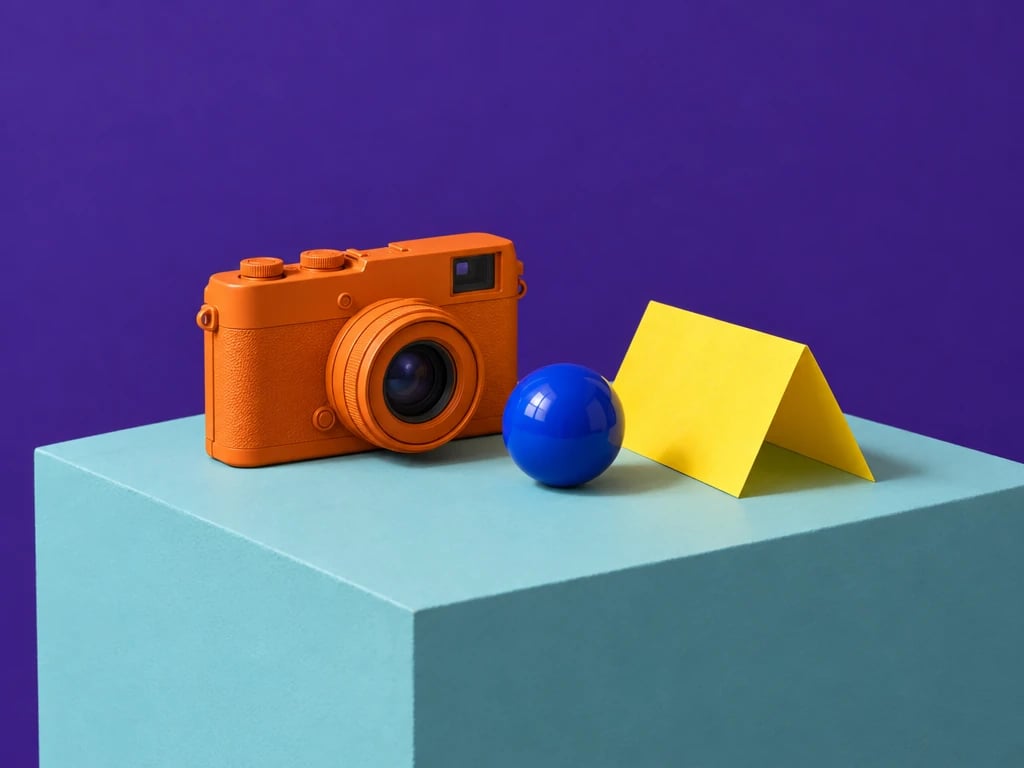
Stripped of texture and lighting, a photo becomes flat masses of colour — a quick way to study composition or start a design from a real arrangement.
Each segmentation map costs a flat 2 credits, whatever the size of the photo.
FAQ
More tools
Choose another tool to edit, enhance or transform your images and videos.
Start segmenting
Upload one picture and get a colour-coded map back in seconds, ready to guide the next generation.