Pixelate image
Pixelate an image online with square mosaic blocks. Apply the effect to a whole photo or draw rectangles over selected areas, adjust the block size and download at the original dimensions — free, in your browser.
Image preview
Opening local files, editing and downloading are free and stay in your browser. No account or credits needed.
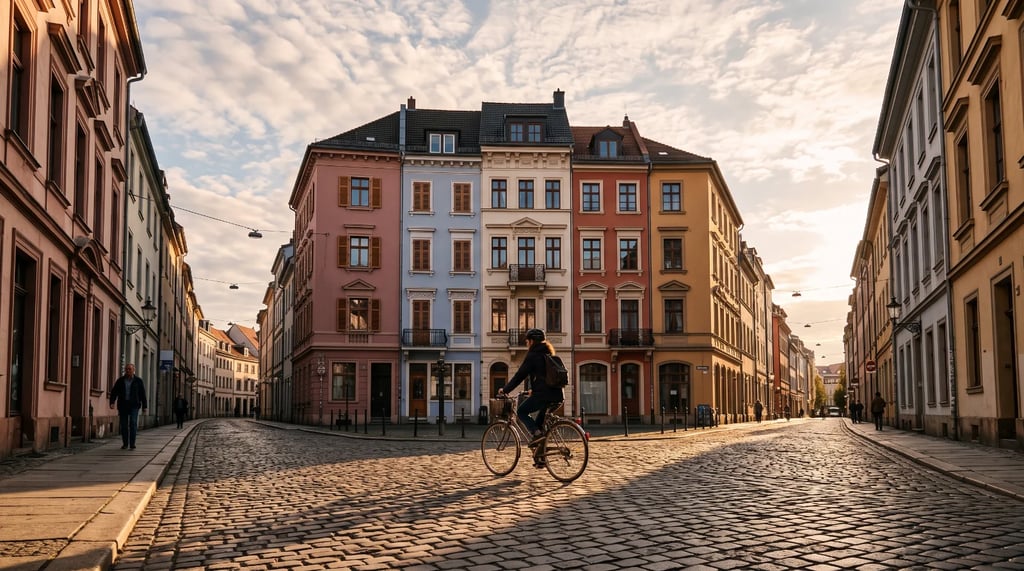
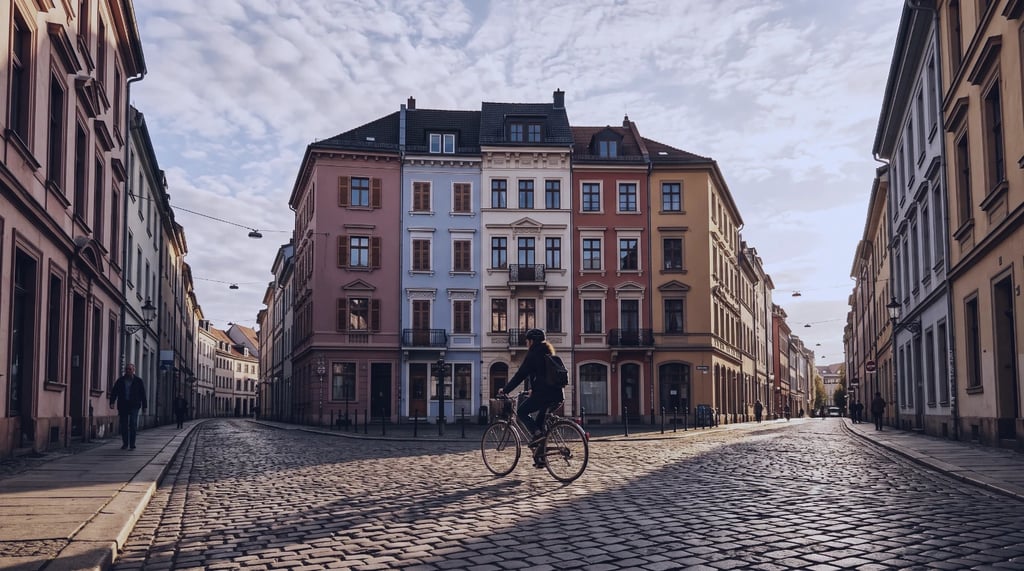
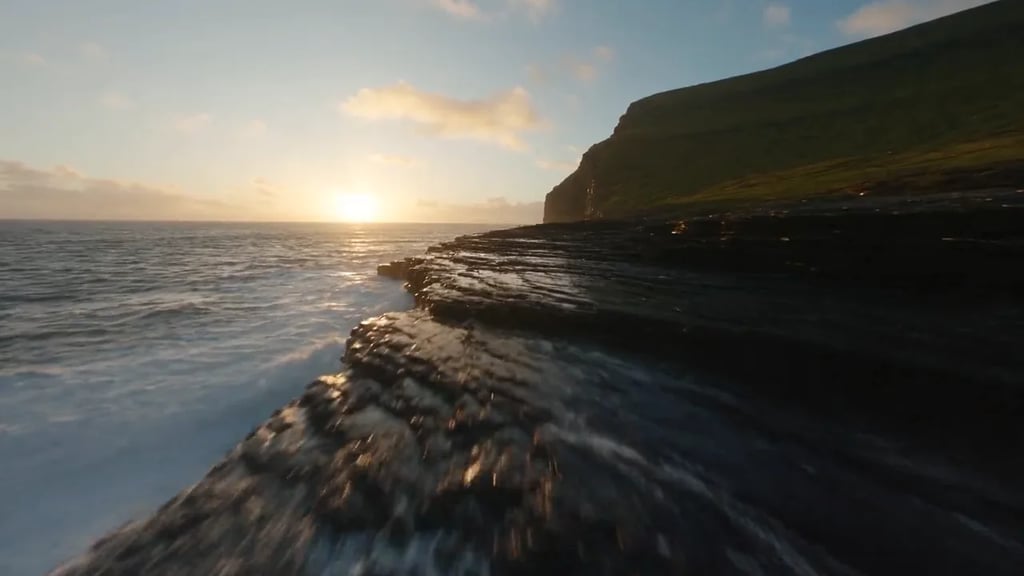
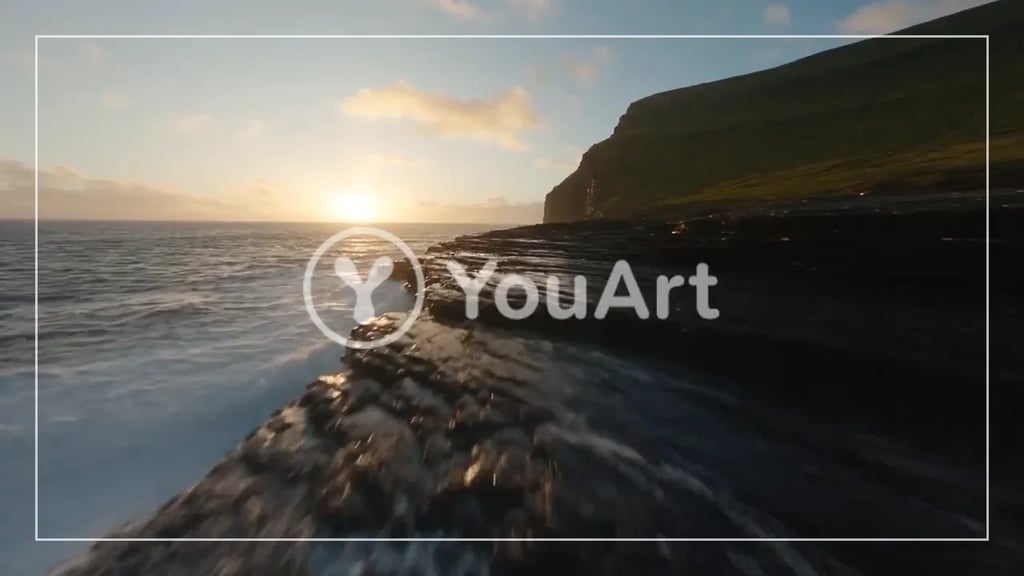
Image pixelation before and after

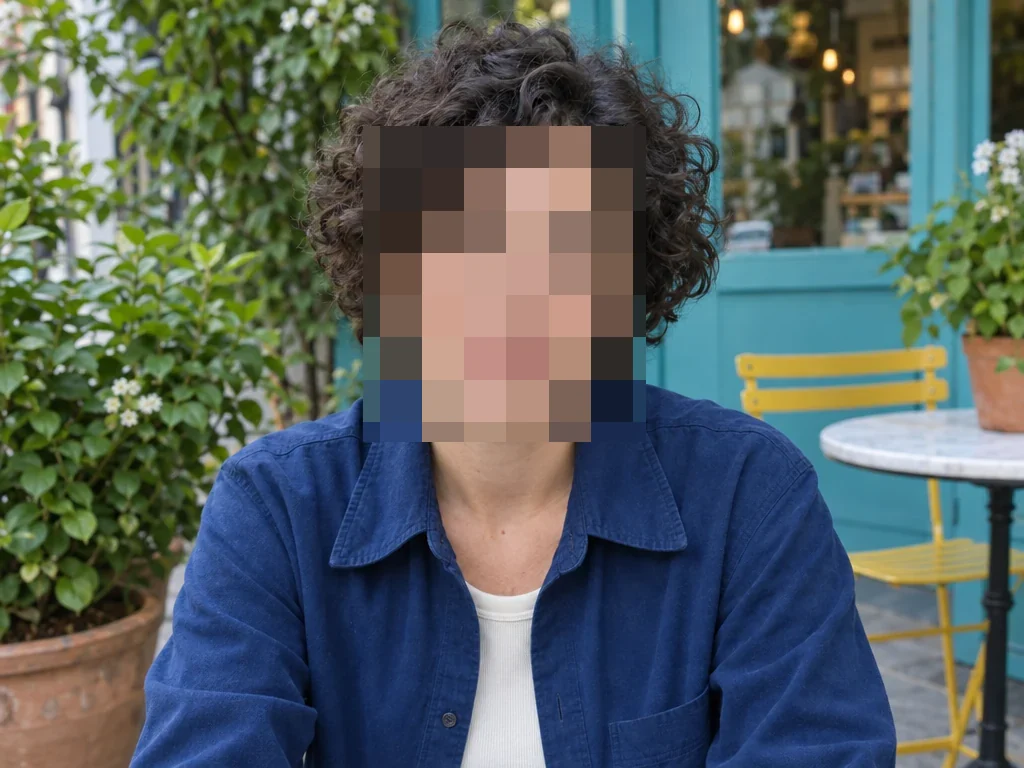
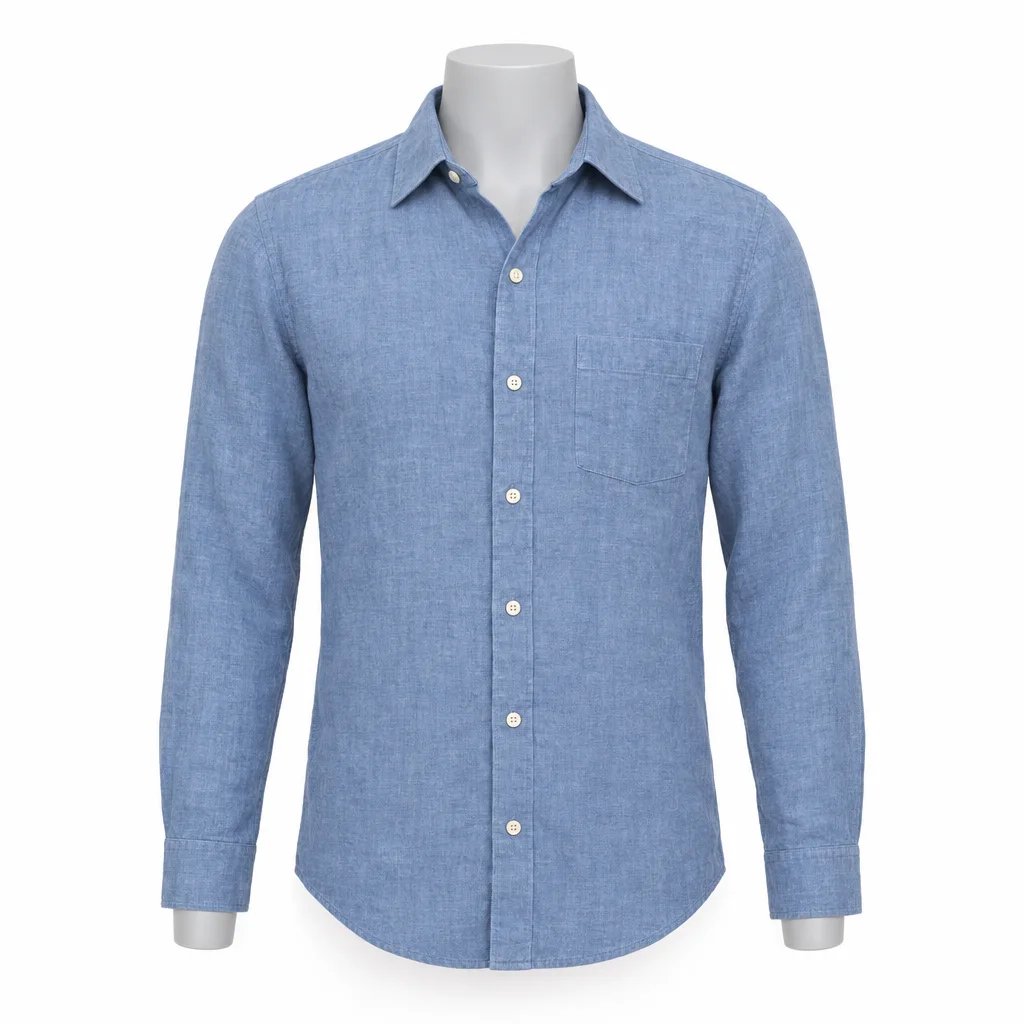
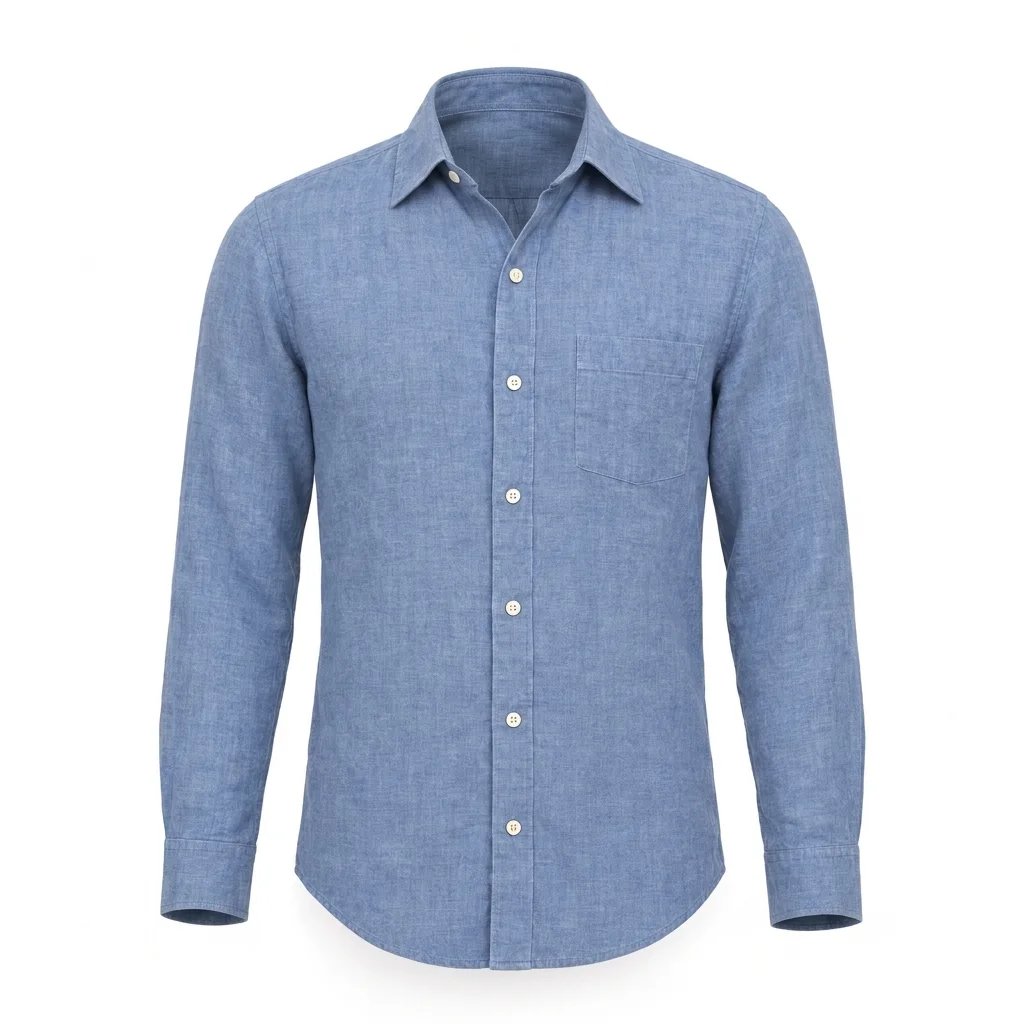
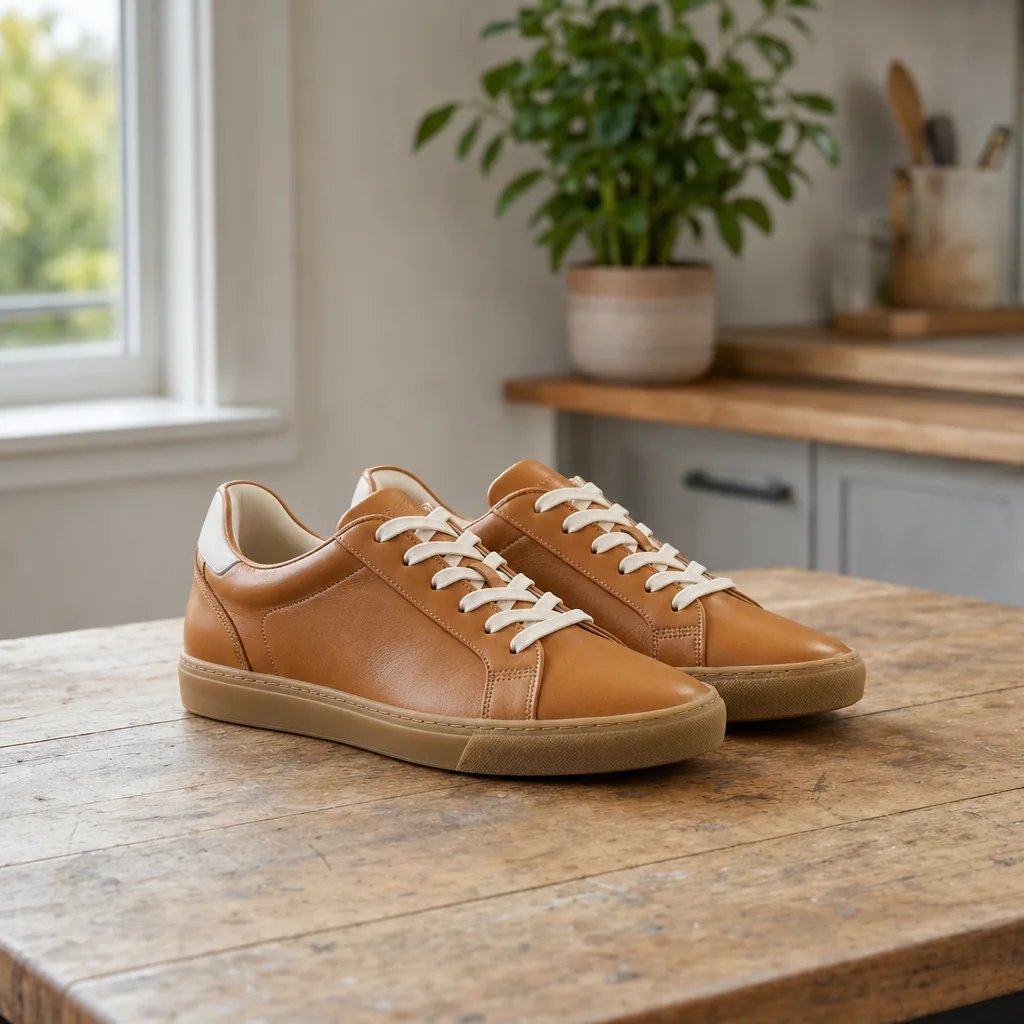
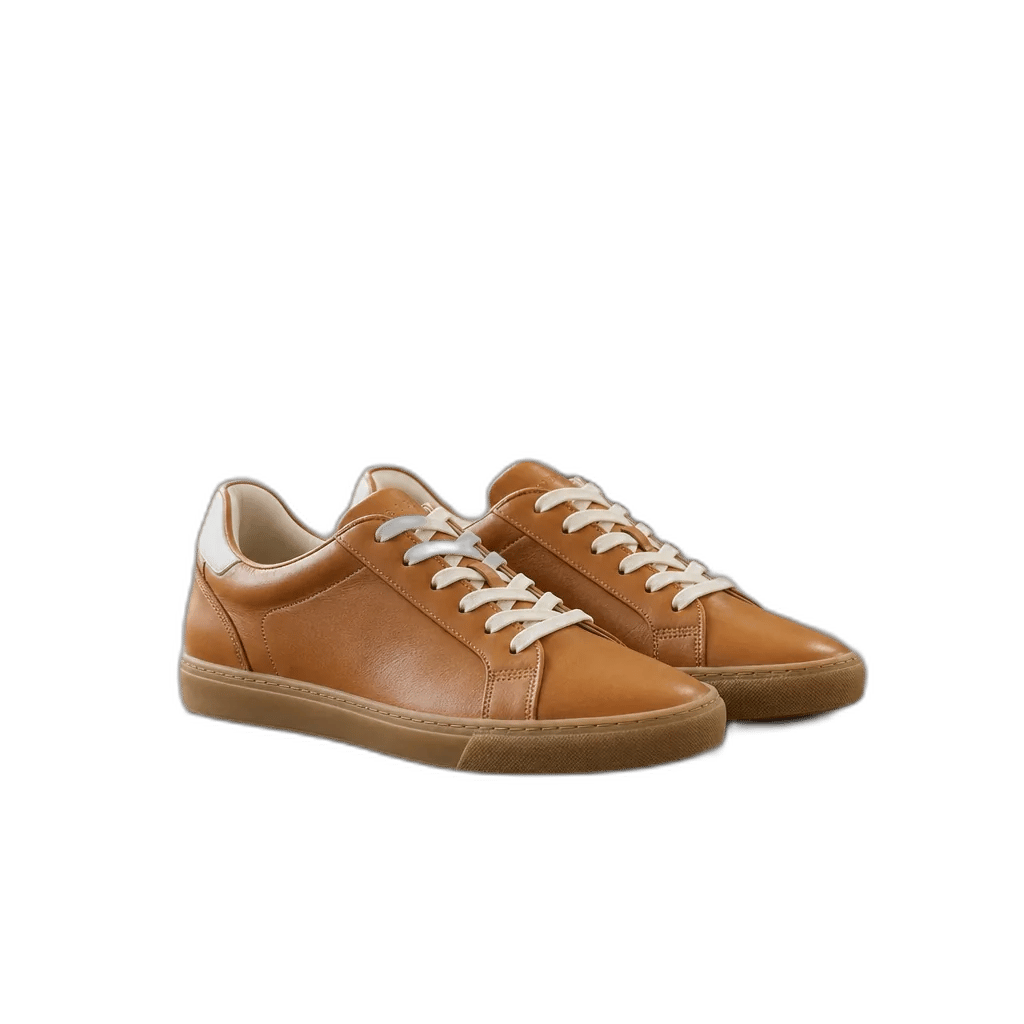
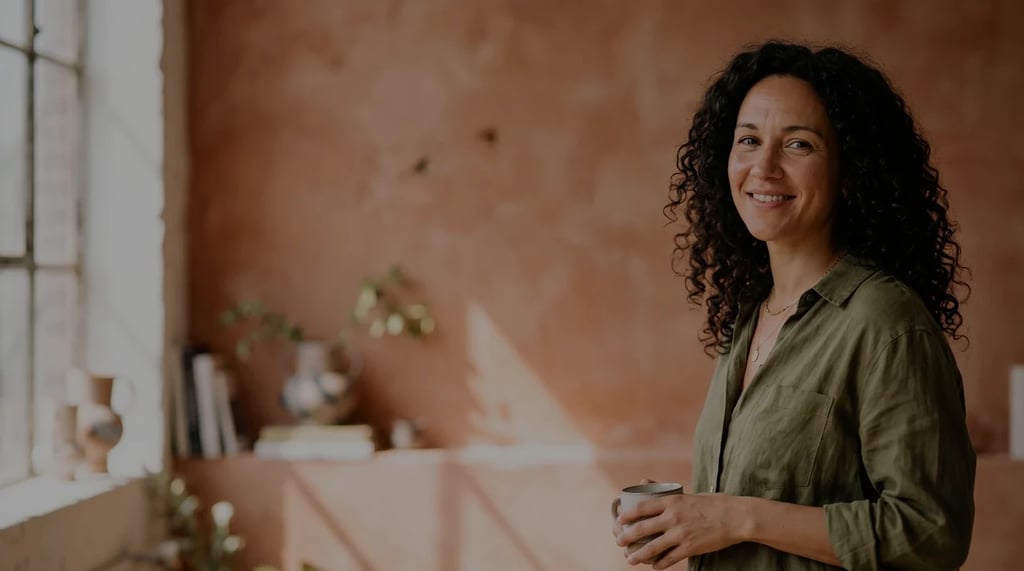
One rectangle adds mosaic blocks over the face while the blue shirt and café background stay unchanged. Adjust the block size or add another area to try it.
How to pixelate a photo
Open an image
Choose a JPEG, PNG or WebP from your device, or drag it into the preview. Signed-in users can also open an existing library image. Local files are read without uploading.
Choose where to add mosaic blocks
Select the whole image or switch to selected areas and draw rectangles. Adjust block size while checking the preview. Add another rectangle, undo the last one or clear the selection to start again.
Compare and download
Compare the result with the original, then choose PNG, JPEG or WebP. The download keeps the original width and height, even when the editing preview is smaller.
Control the mosaic photo effect
Whole-image mode turns the photo into a grid of solid square color blocks. Selected-area mode applies that same mosaic only inside the rectangles you draw, leaving the surrounding image unchanged. Multiple rectangles let you work on separate parts of a photo. The tool does not detect faces or objects, and it has no freehand brush.
Block size runs from 0.5% to 20% of the image's shorter edge. Small blocks keep more detail; larger blocks make a coarser mosaic. Add up to 20 rectangles by dragging or with Add centered area, then set position and size numerically. Undo removes the last rectangle; clearing removes all areas.
Pixelation changes the image colors while preserving pixel transparency and canvas dimensions. PNG keeps the processed pixels without lossy compression. JPEG and WebP use lossy compression, and JPEG fills transparent areas with white. The downloaded file does not retain the original metadata.
Image pixelator questions
More tools
More image and video tools
Choose another tool to edit, enhance or transform your images and videos.