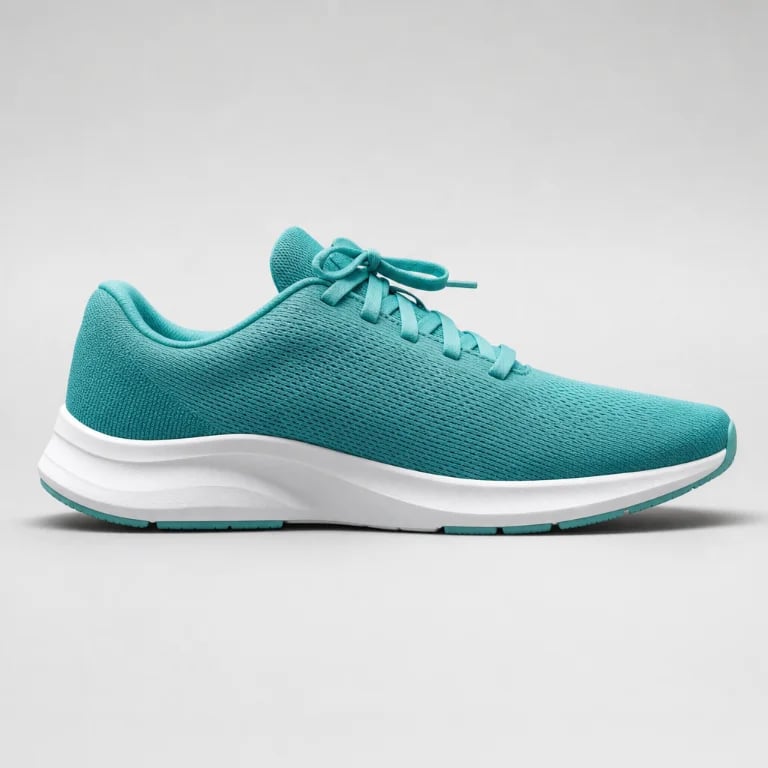
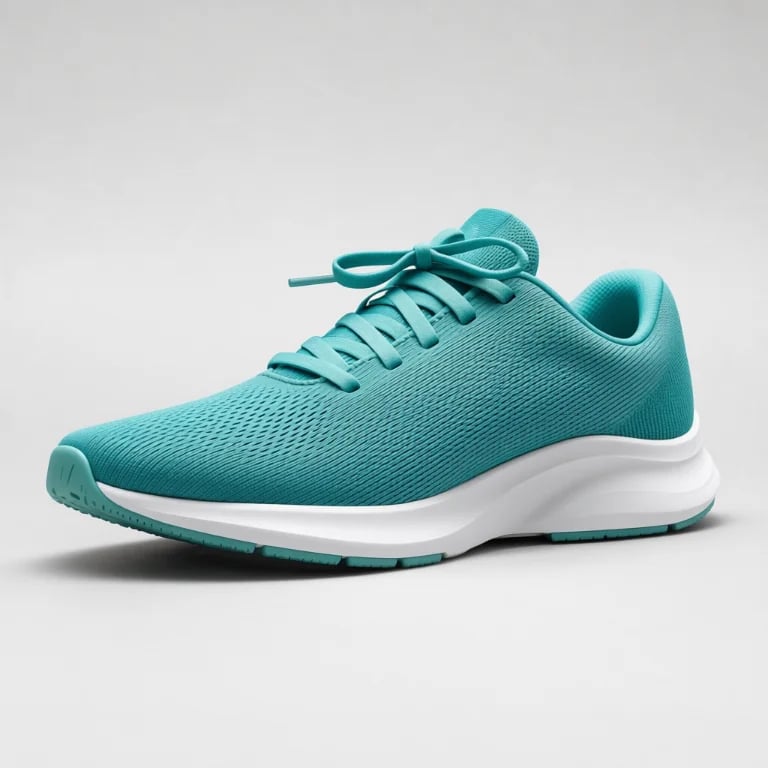
Photo Lighting Editor: Light Your Photo with Draggable Studio Lights
Drag virtual lights onto a portrait, product or still life and watch the light wrap around it as you move. Start from Rembrandt, butterfly, neon or window-shadow looks, then fine-tune every light. Your photo stays on your device, and downloads are free.
Start with a photo
Drop a photo here, paste one, or choose a file.
JPG, PNG, WebP or AVIF · up to 25 MB and 16 megapixels
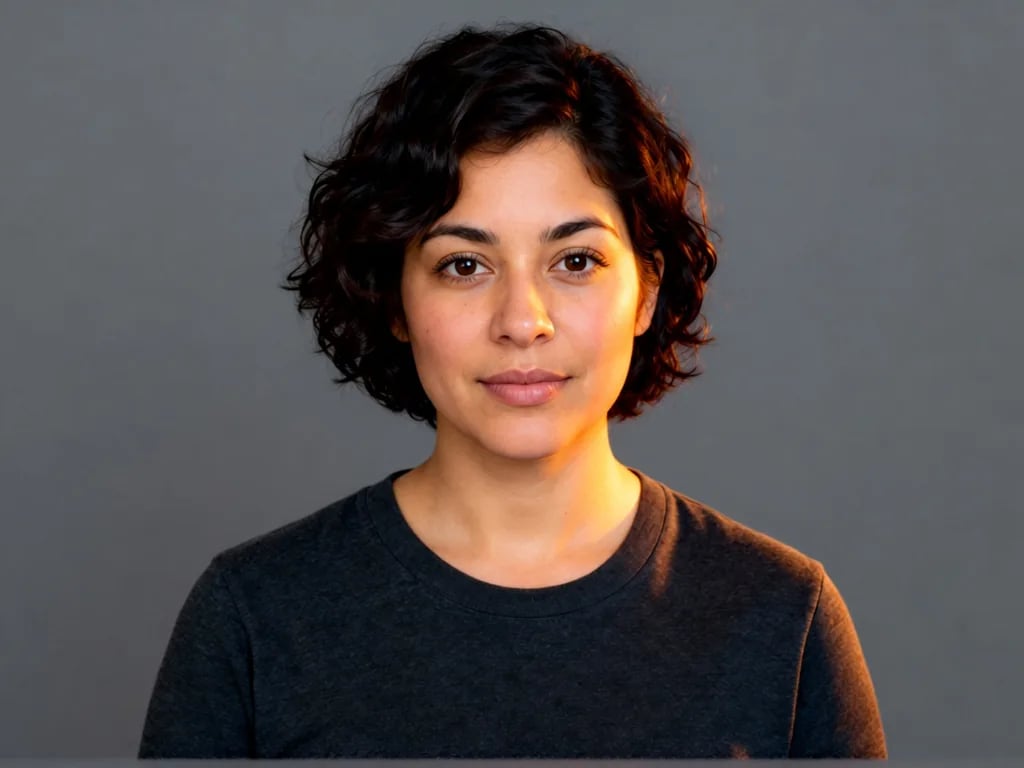
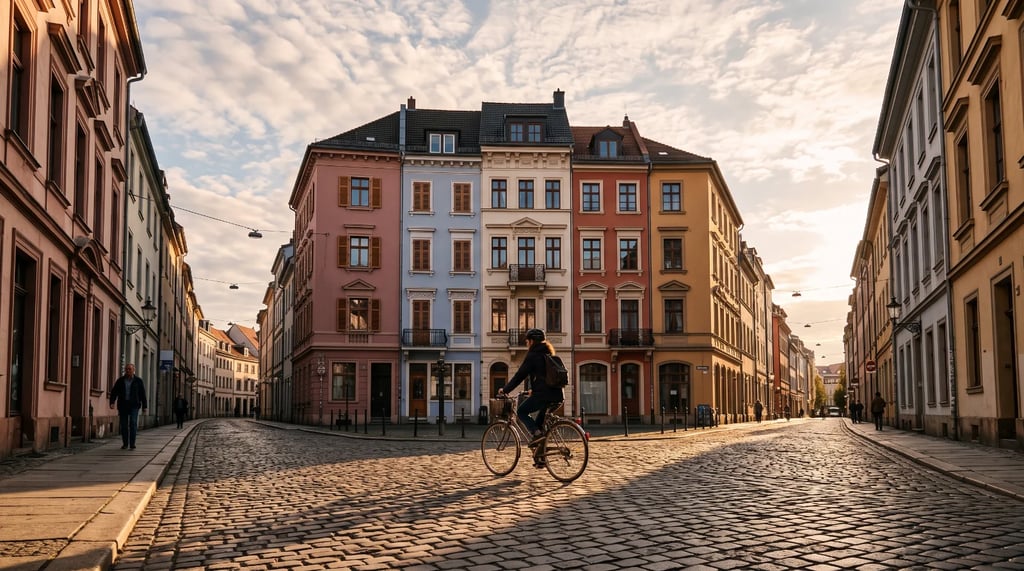
Or try a sample
Your photo is analysed and lit on this device and is never uploaded. The first analysis downloads about 60–80 MB, which your browser keeps for next time. Open-source licenses
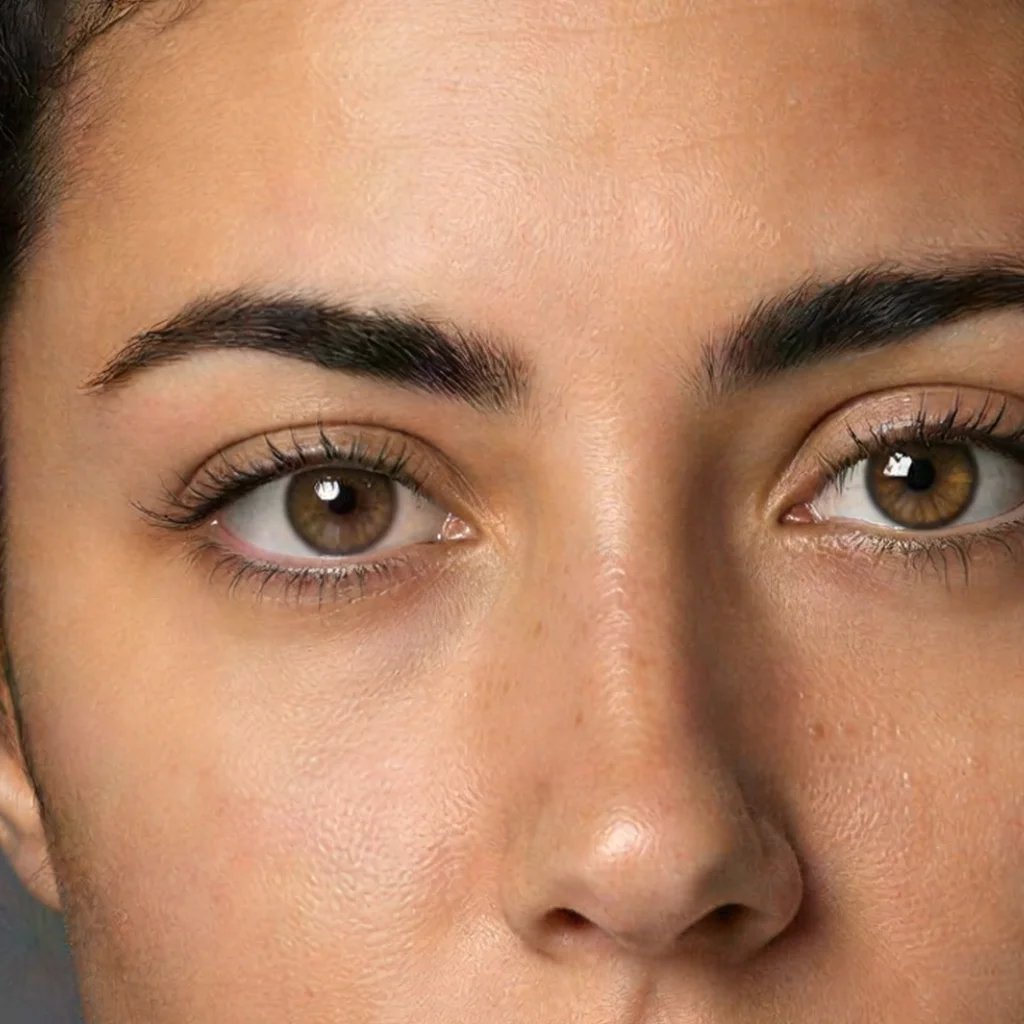
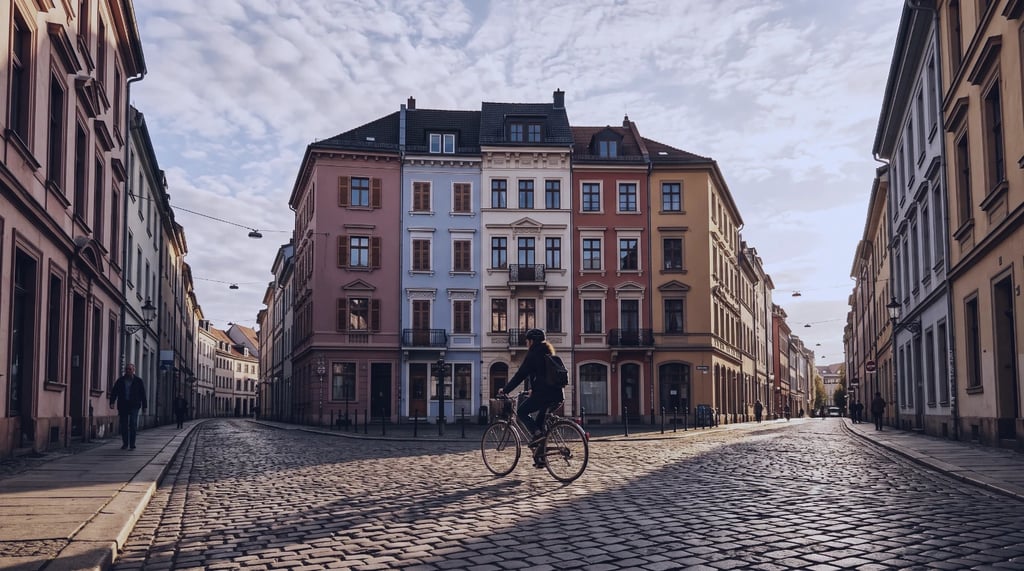
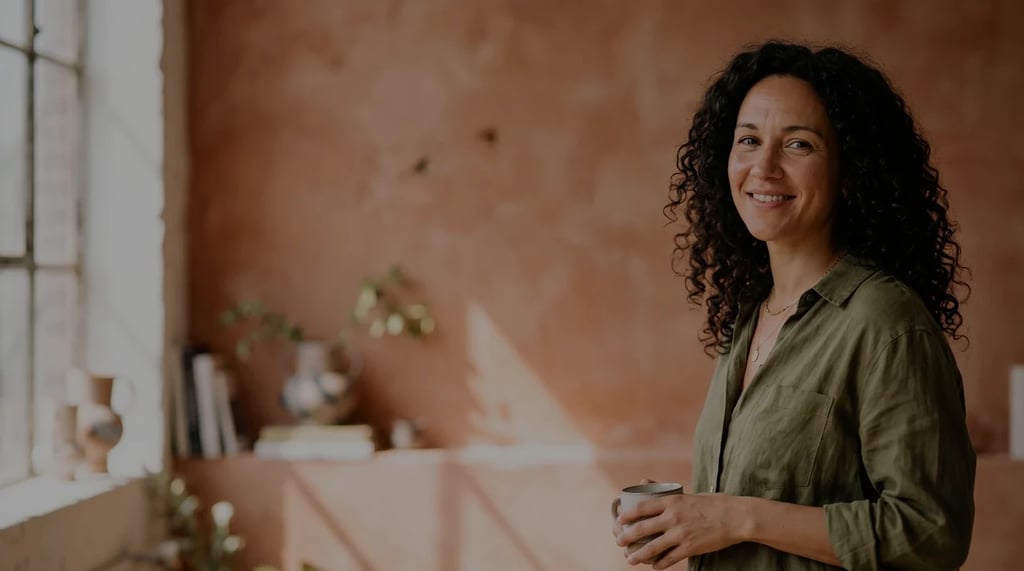
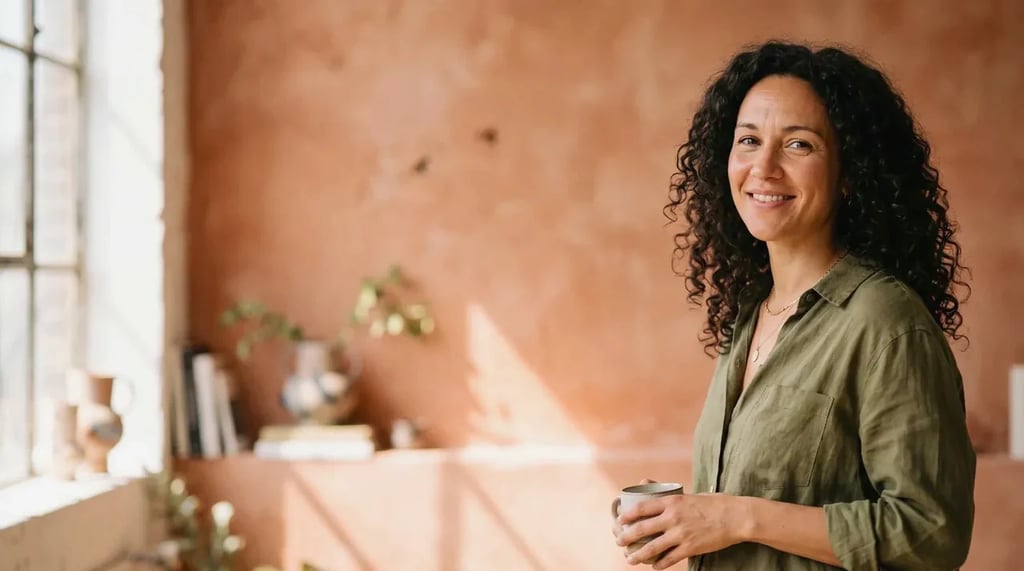
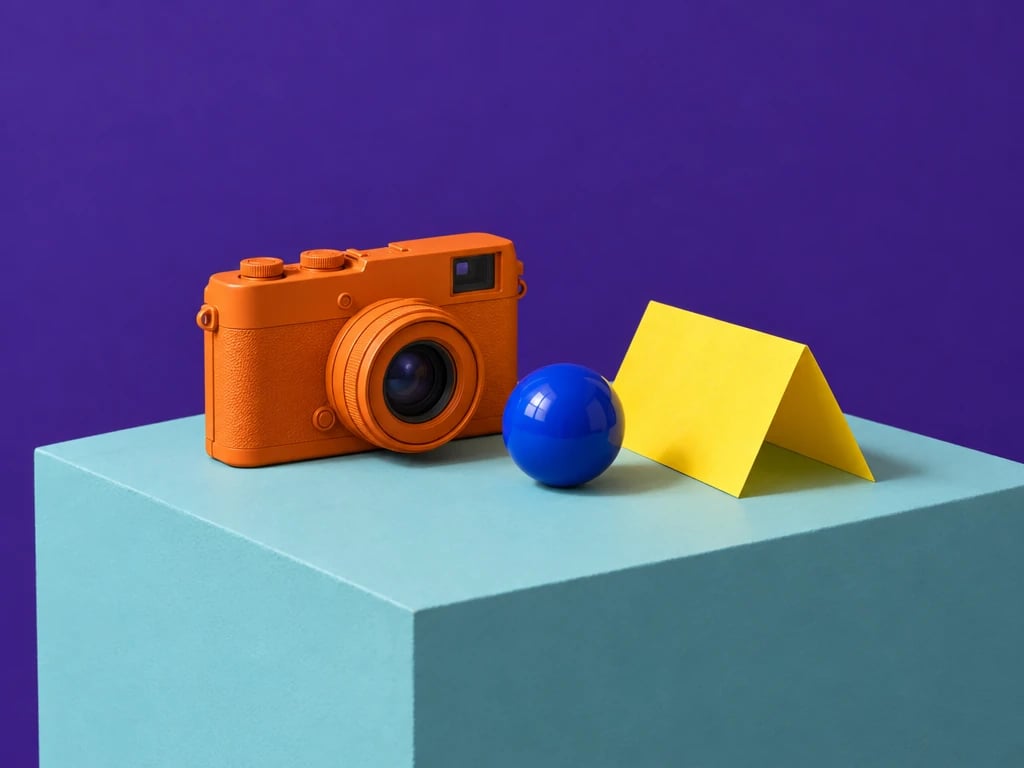
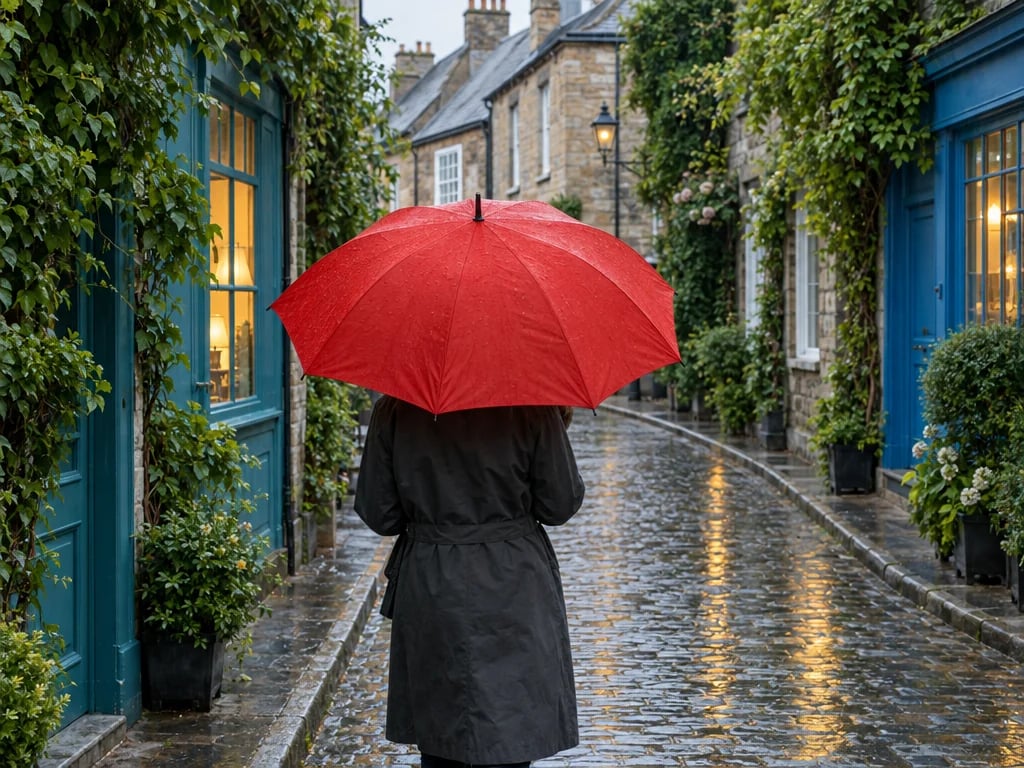
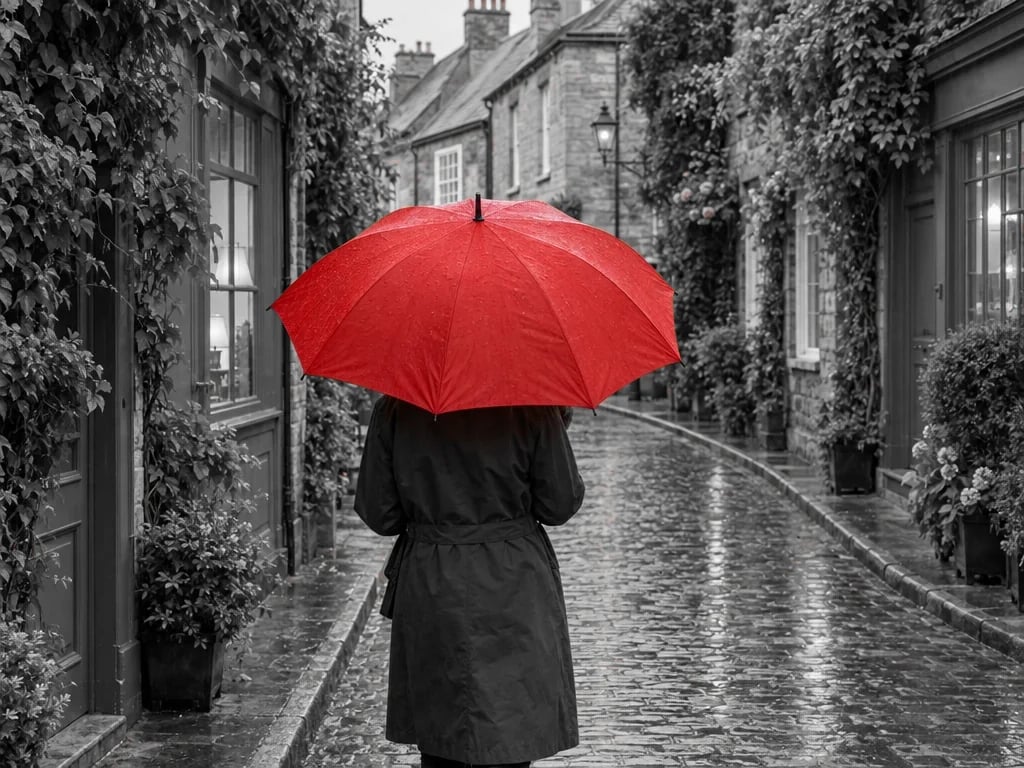
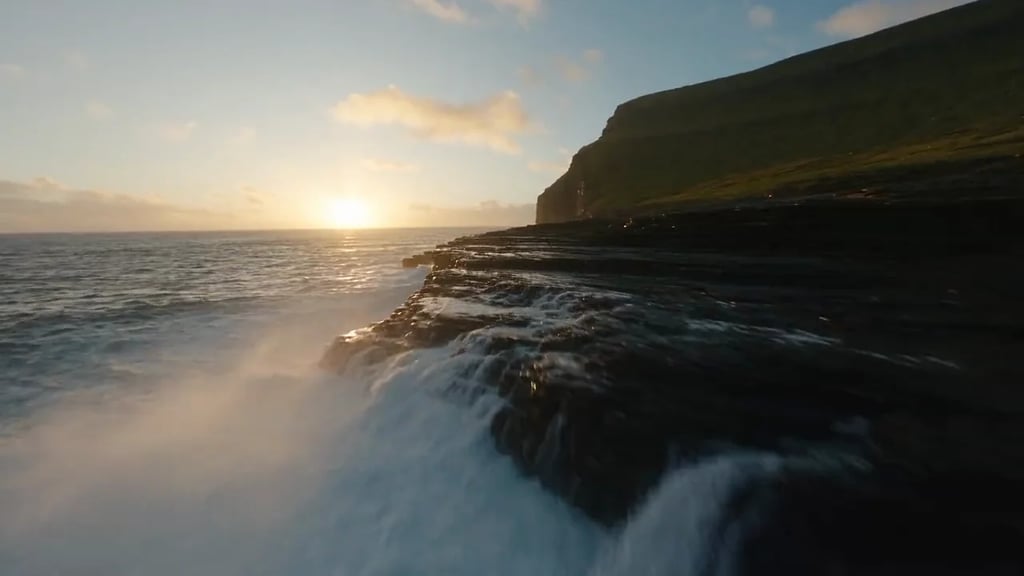
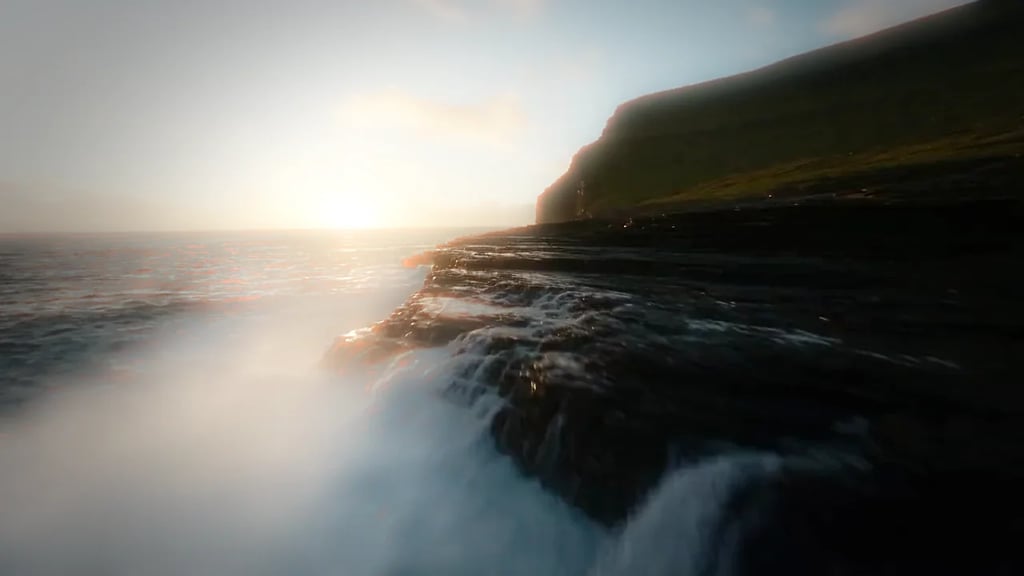
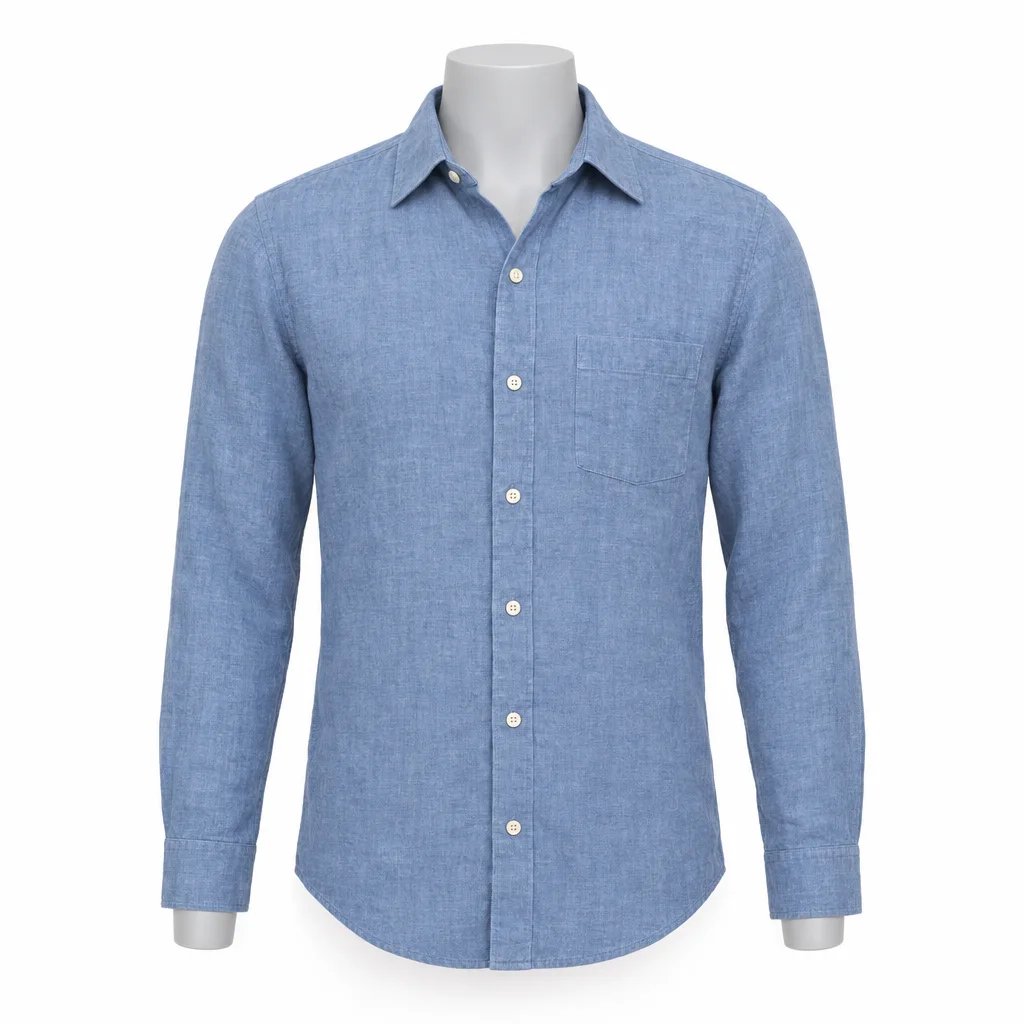
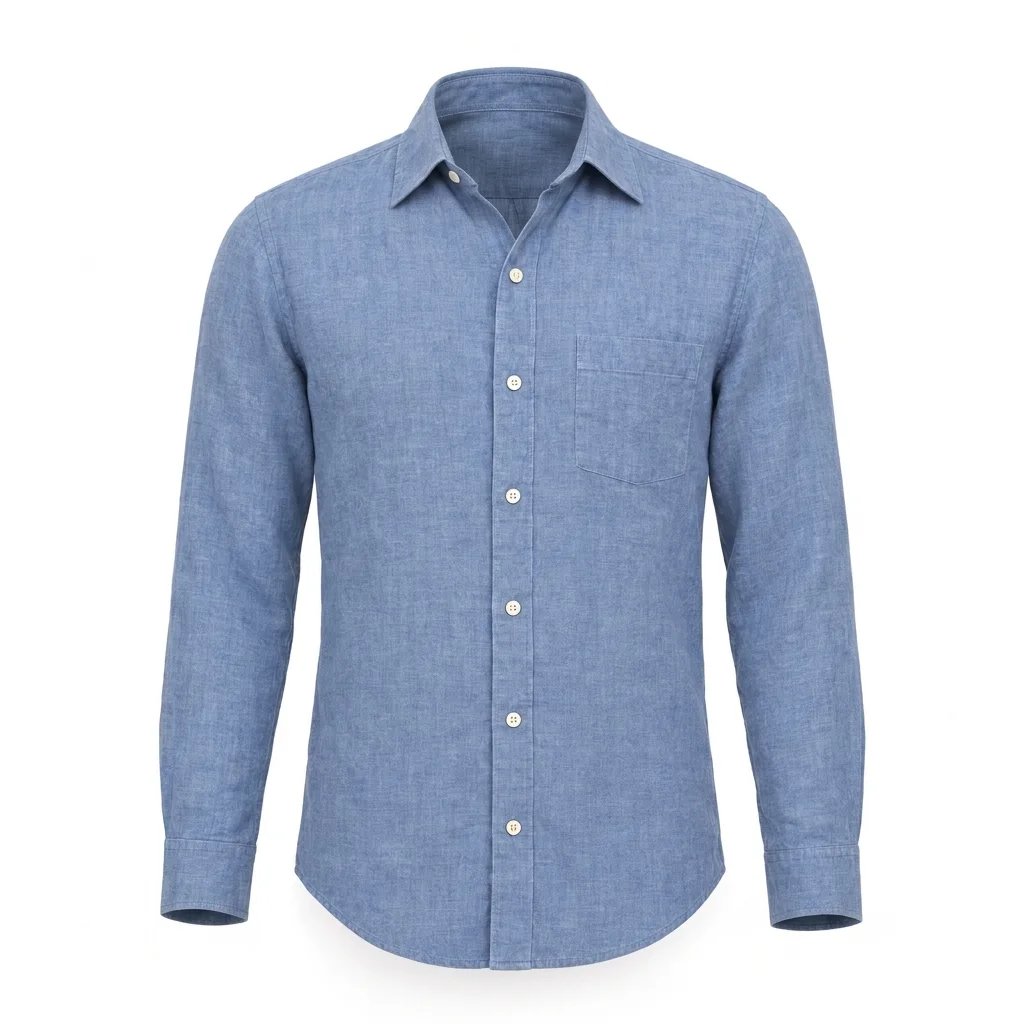
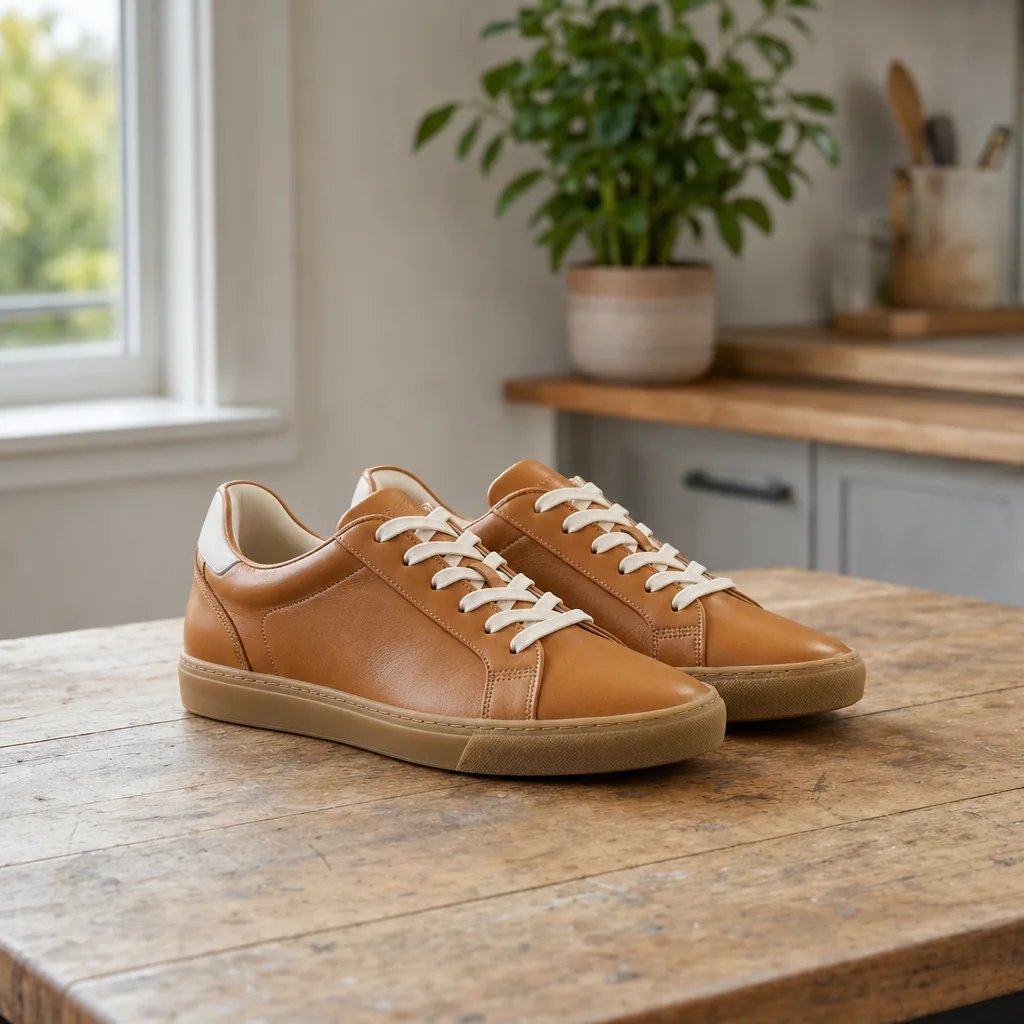
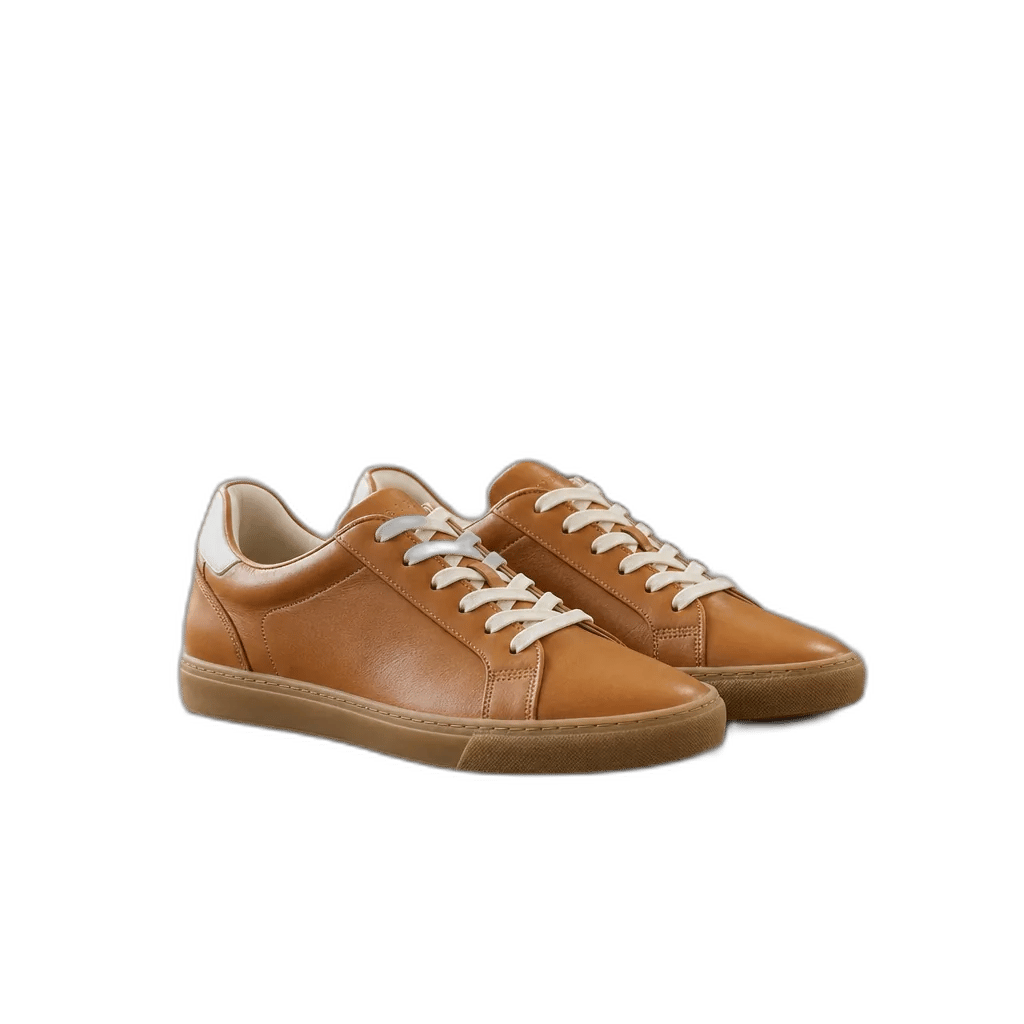
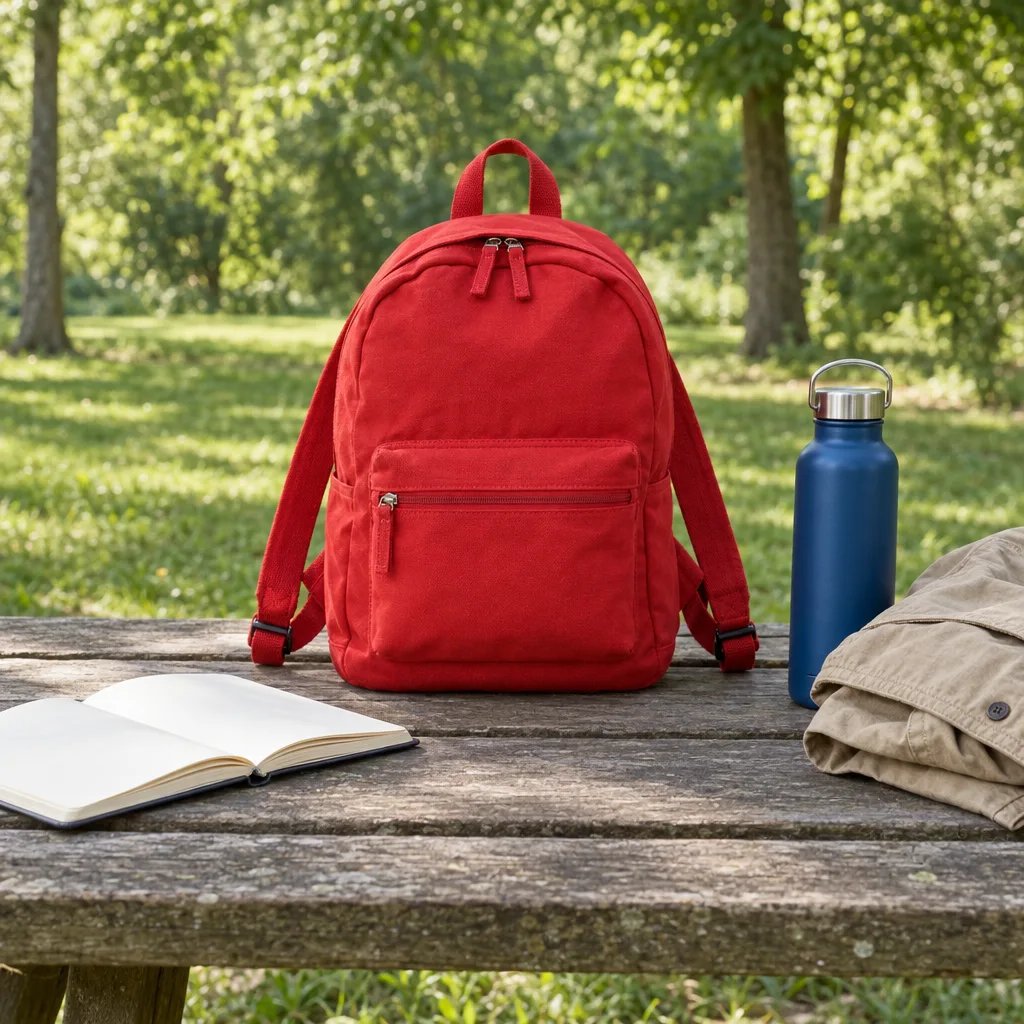
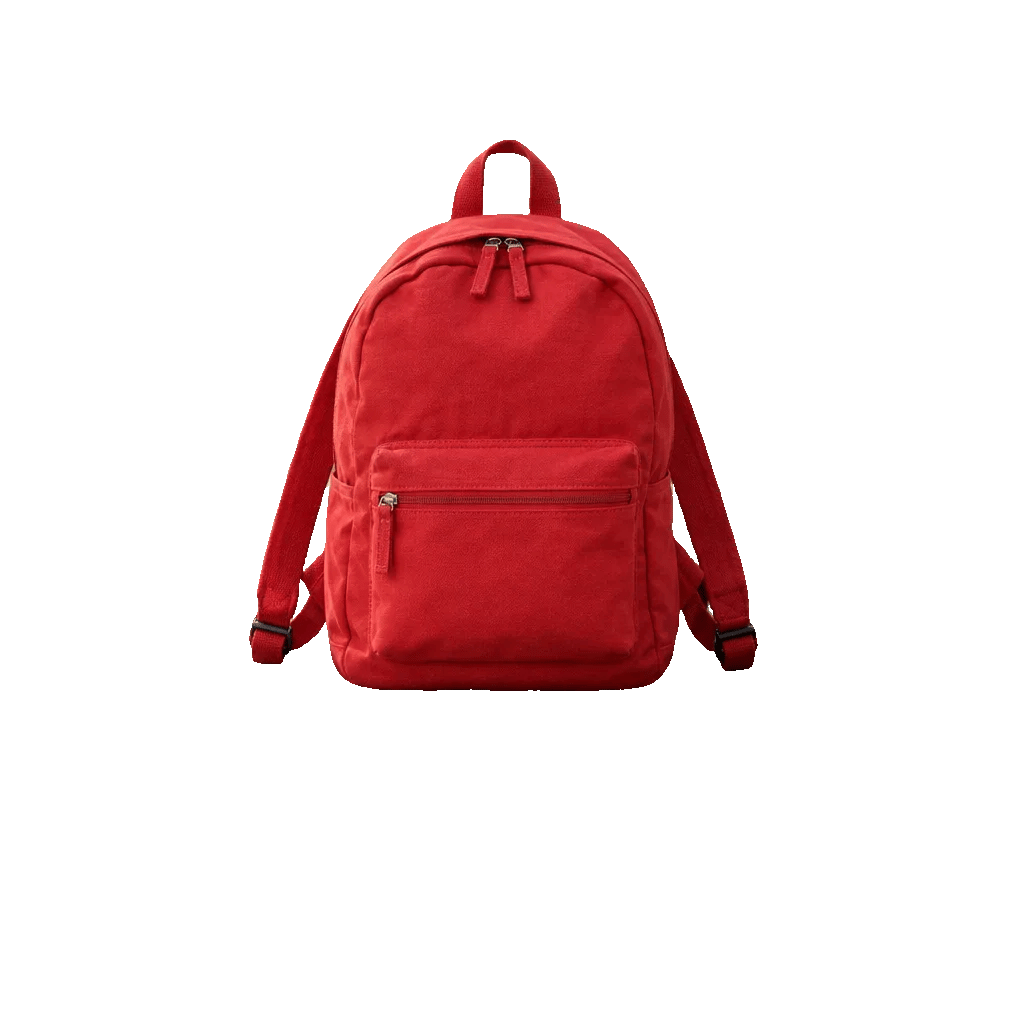
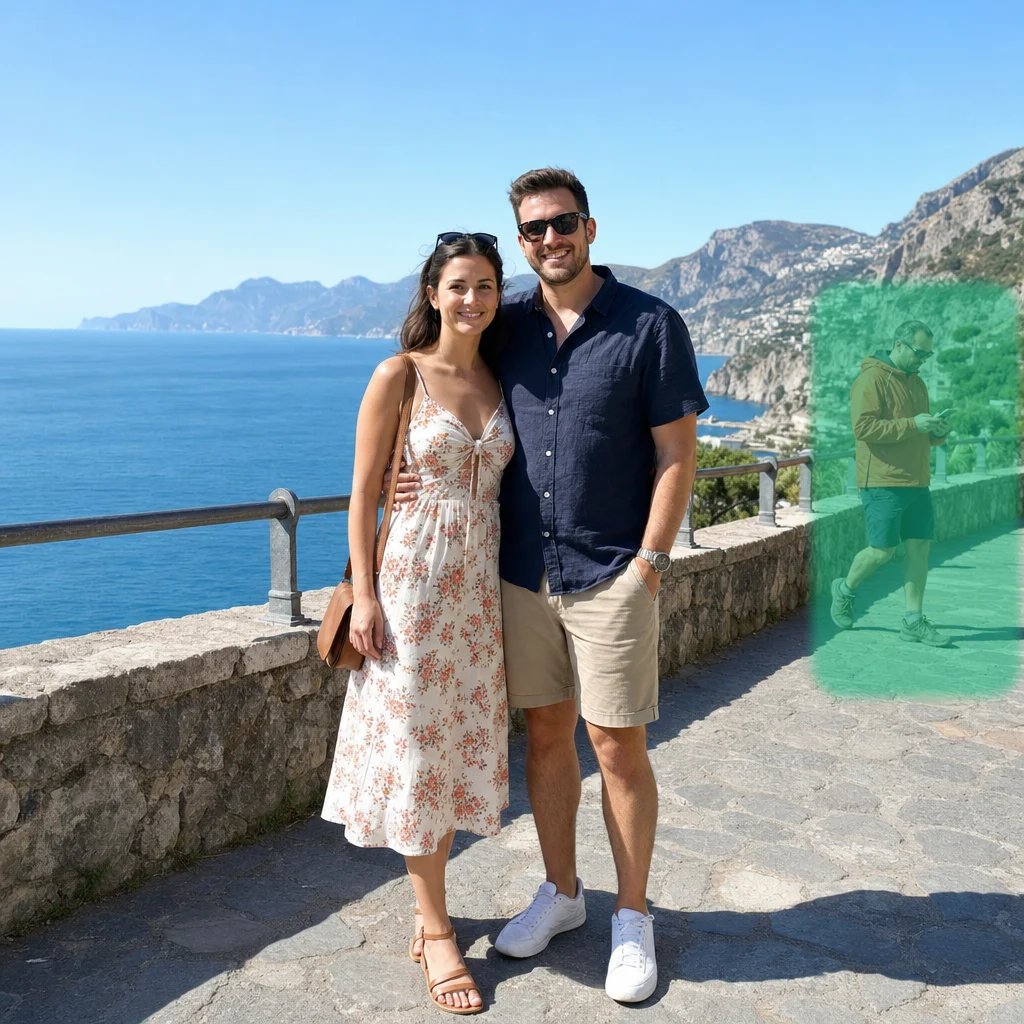
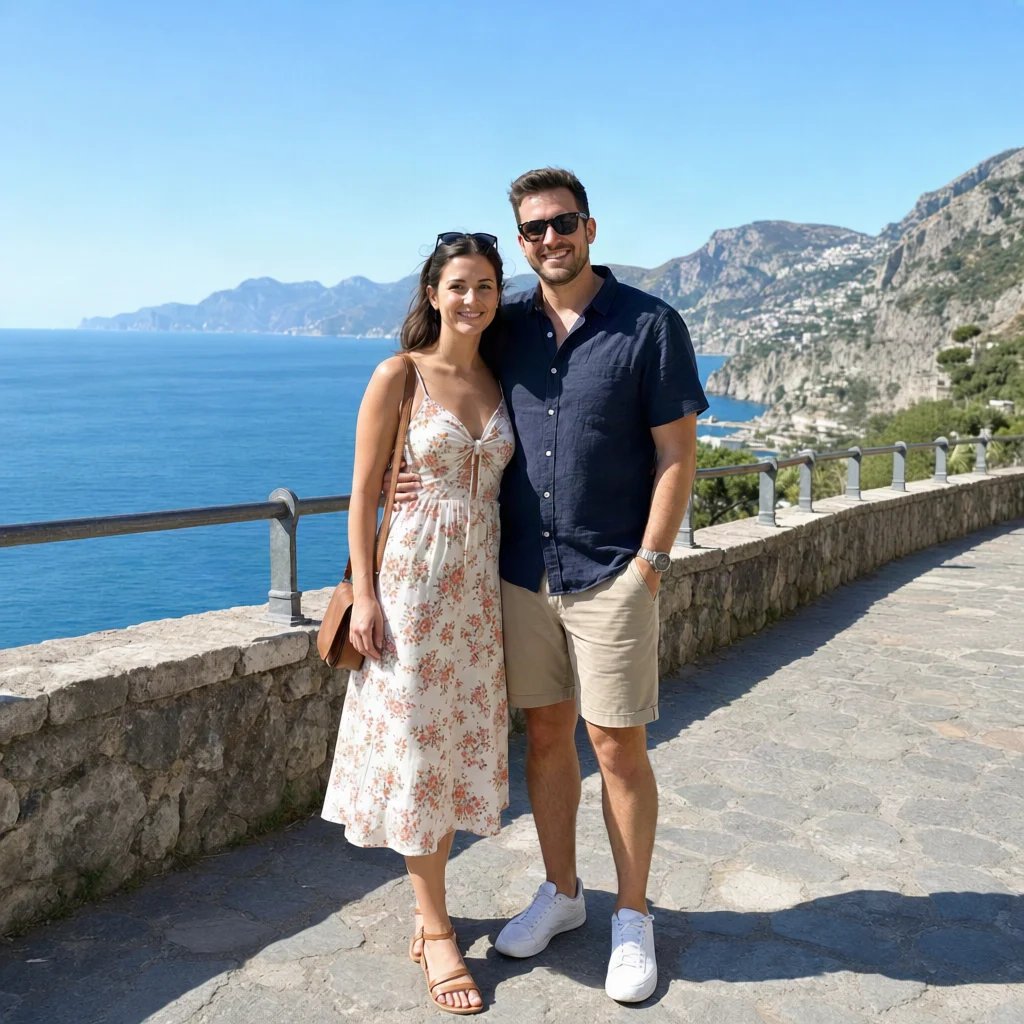
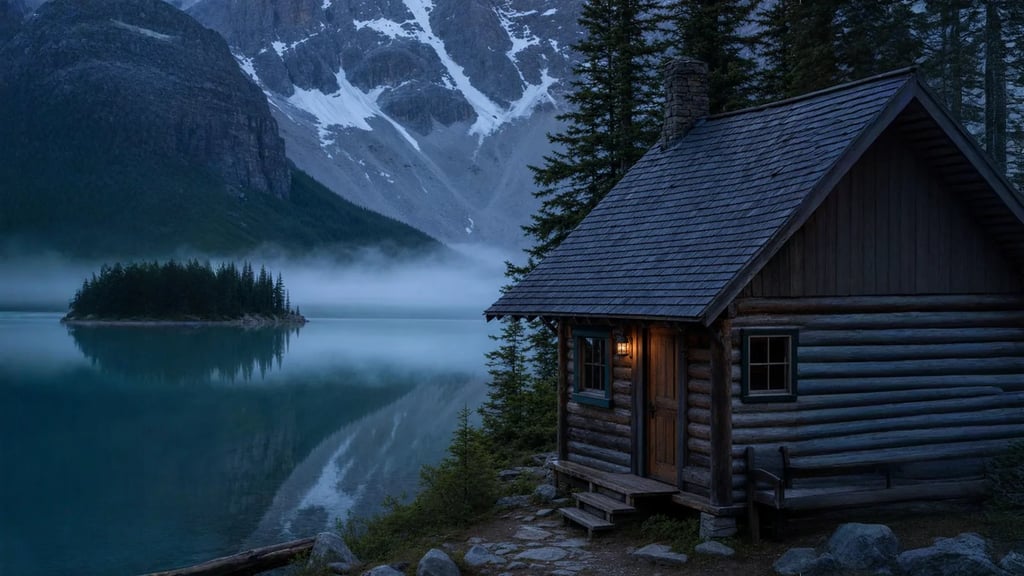
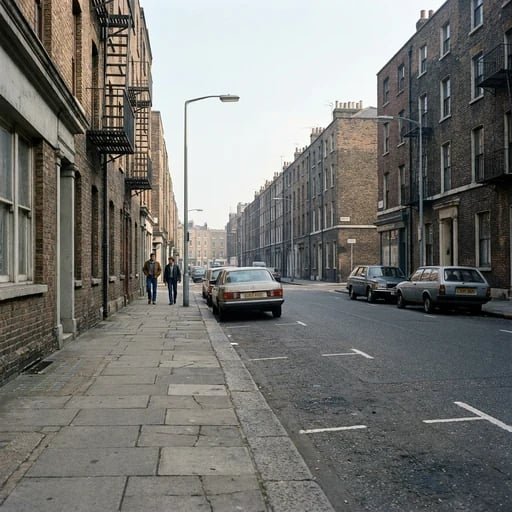
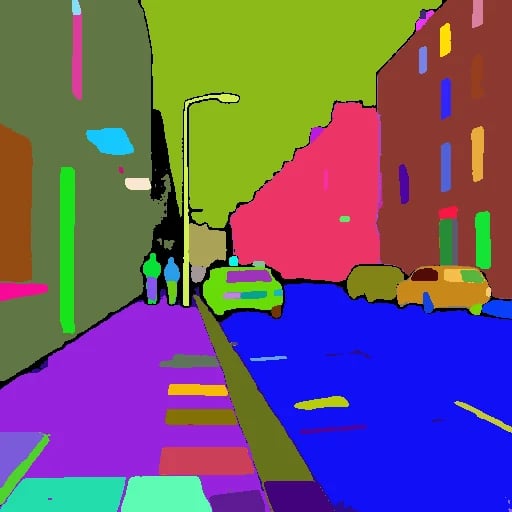
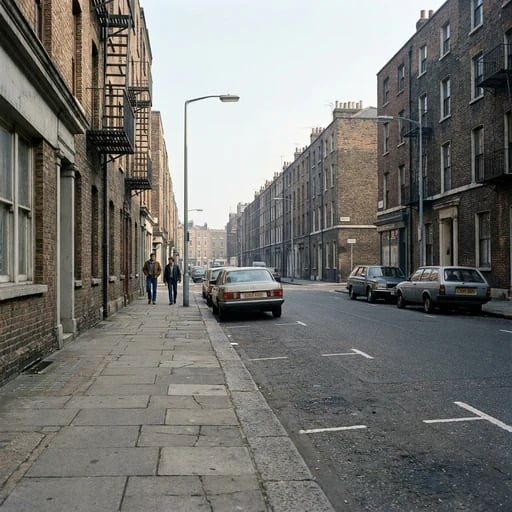
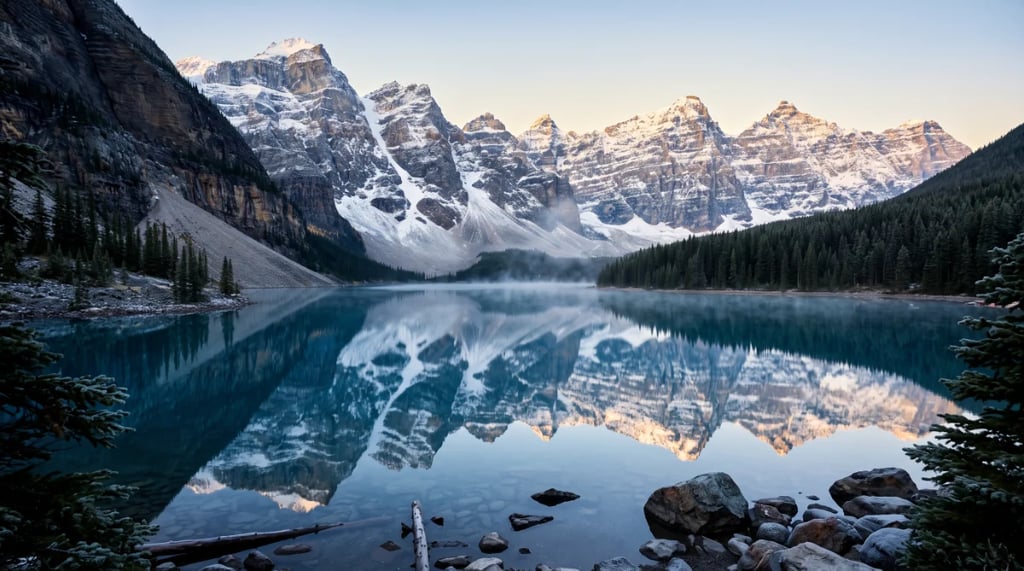
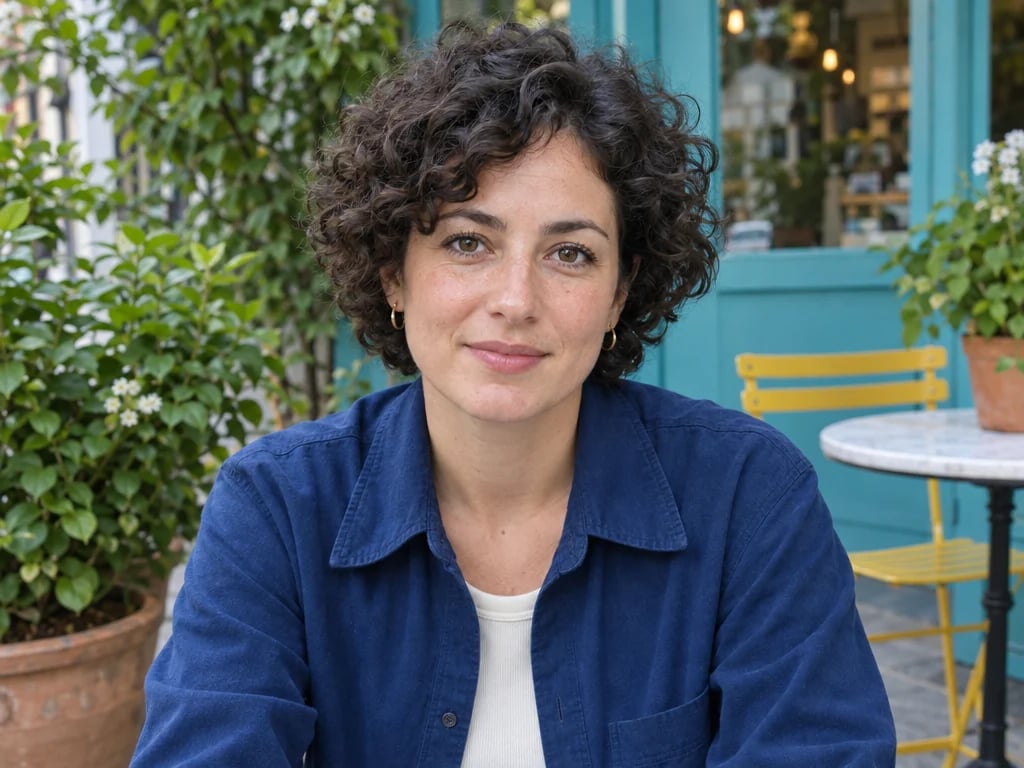
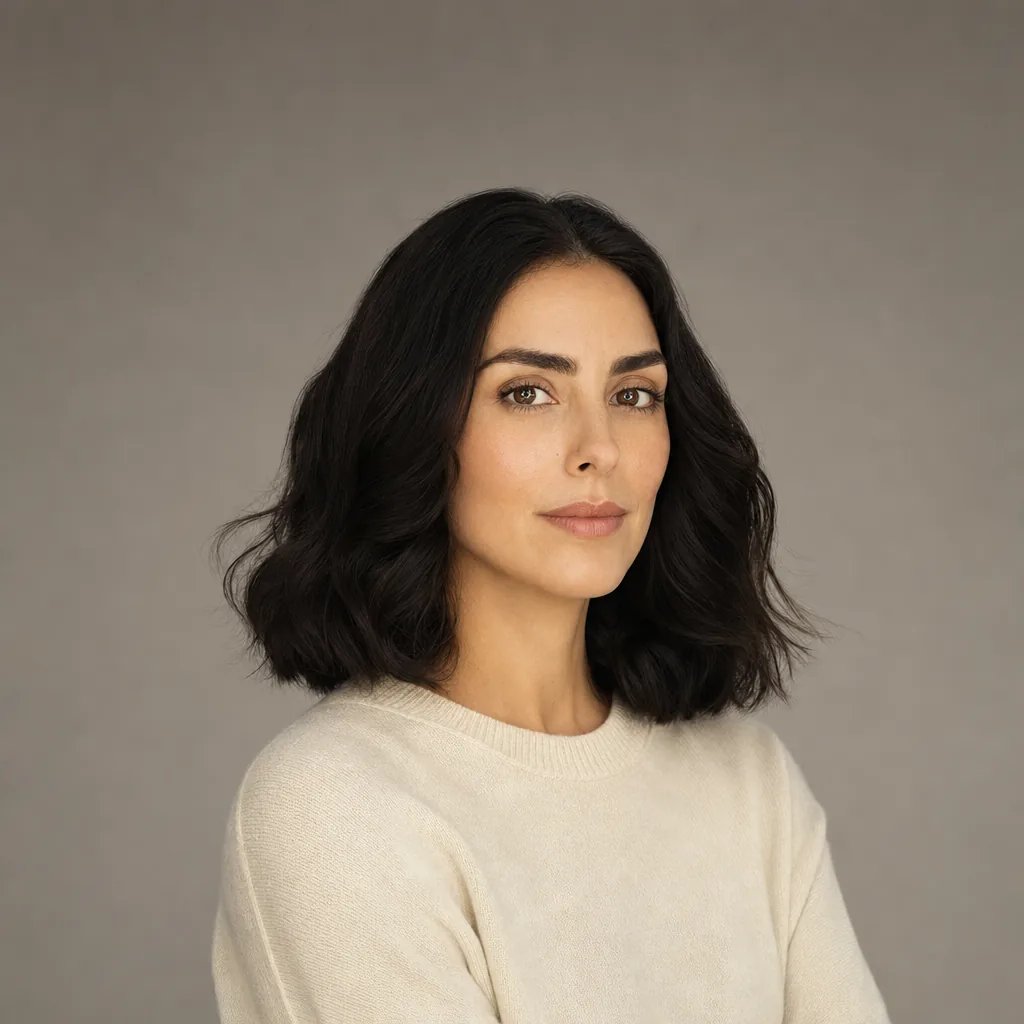
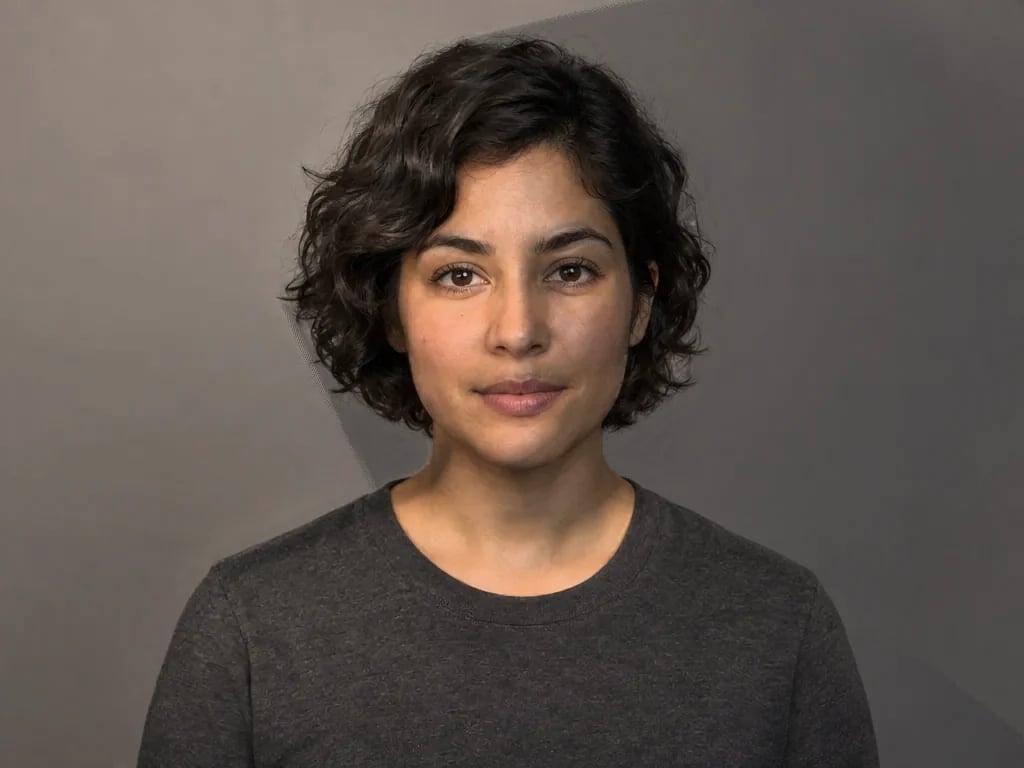
Photo lighting editor examples: one photo, new light
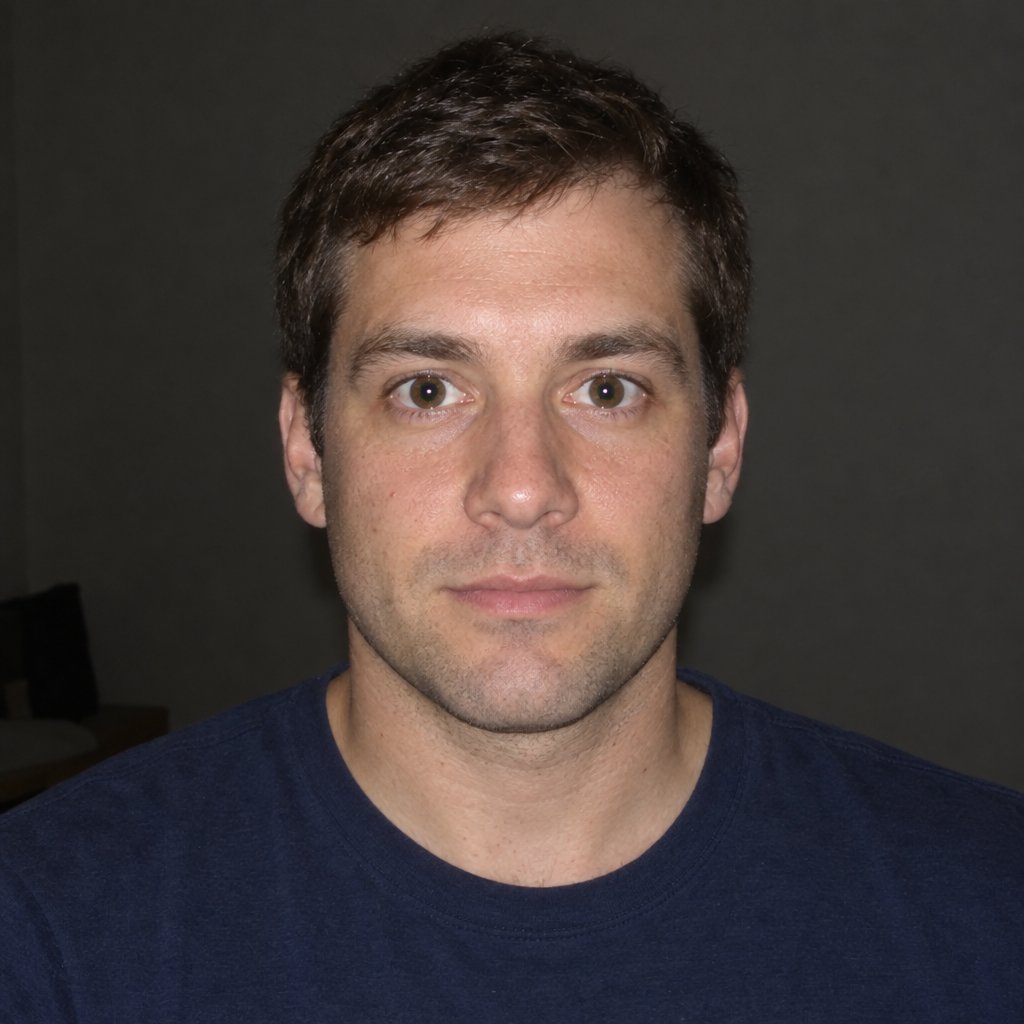
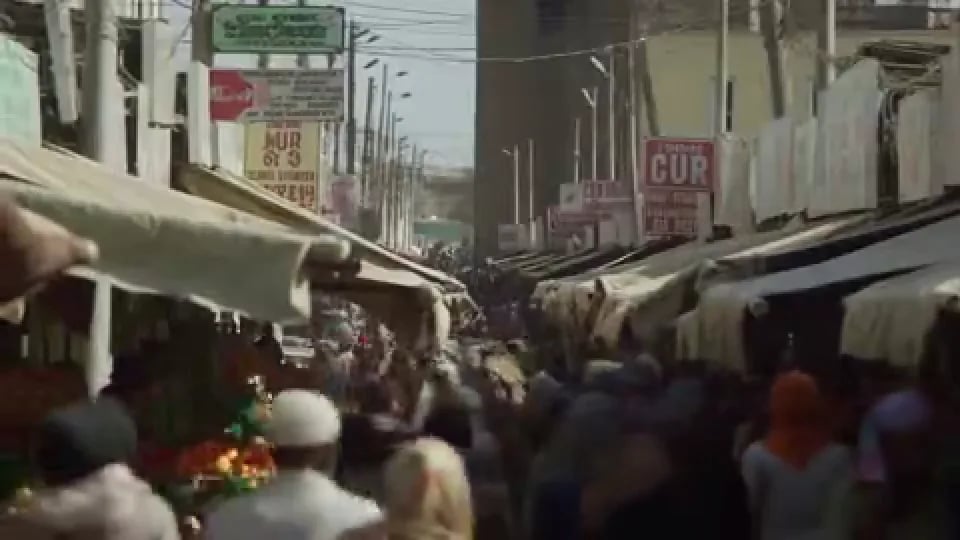
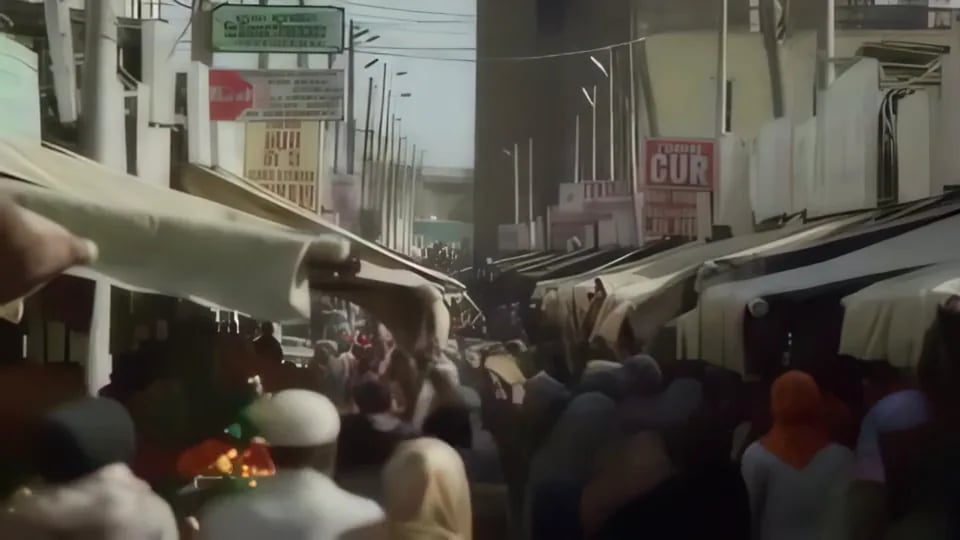
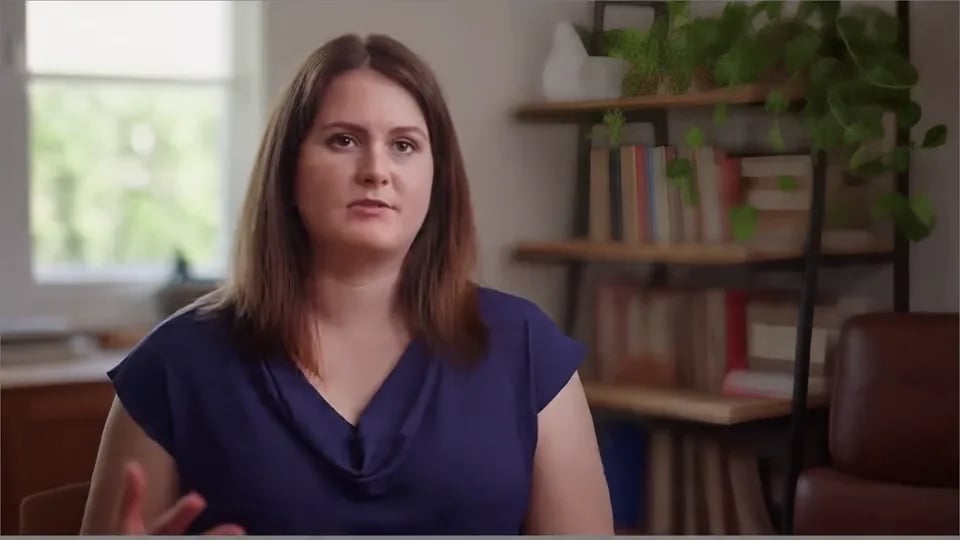
Drag the divider to compare each original photo with the same photo lit in the editor.

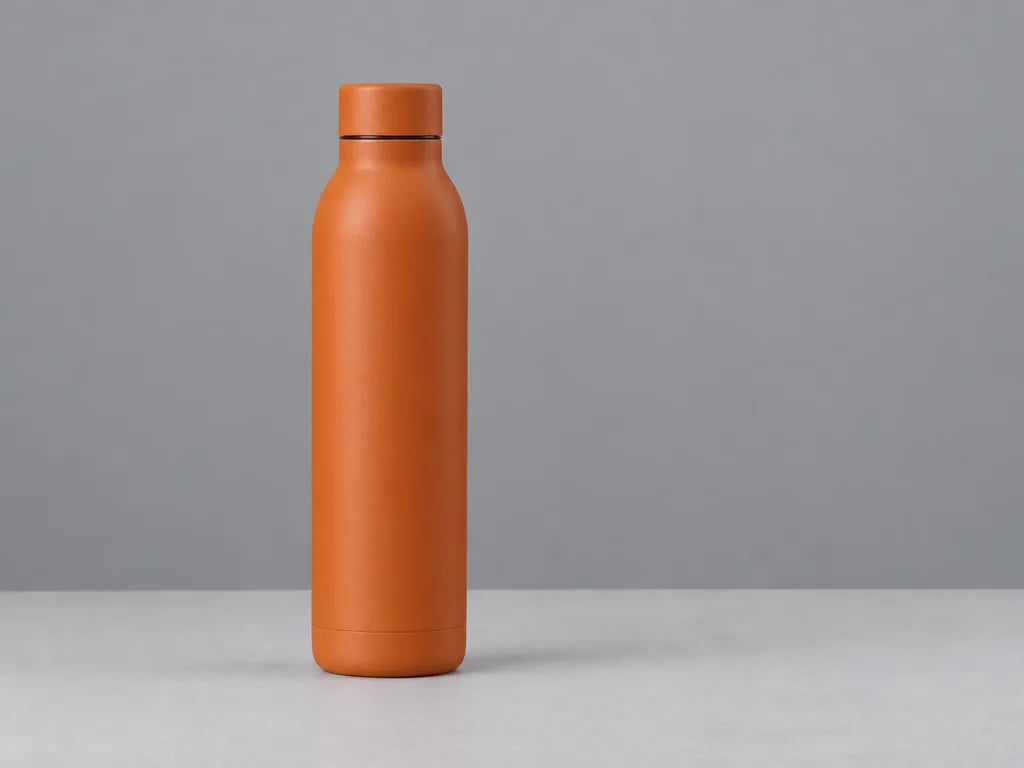
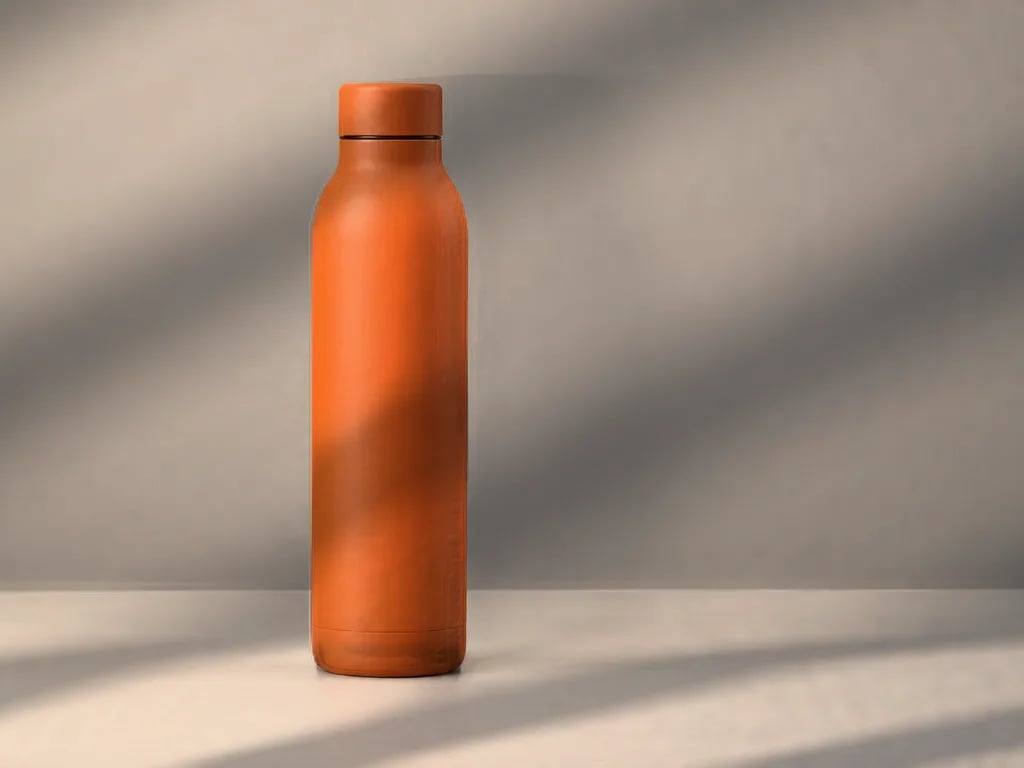
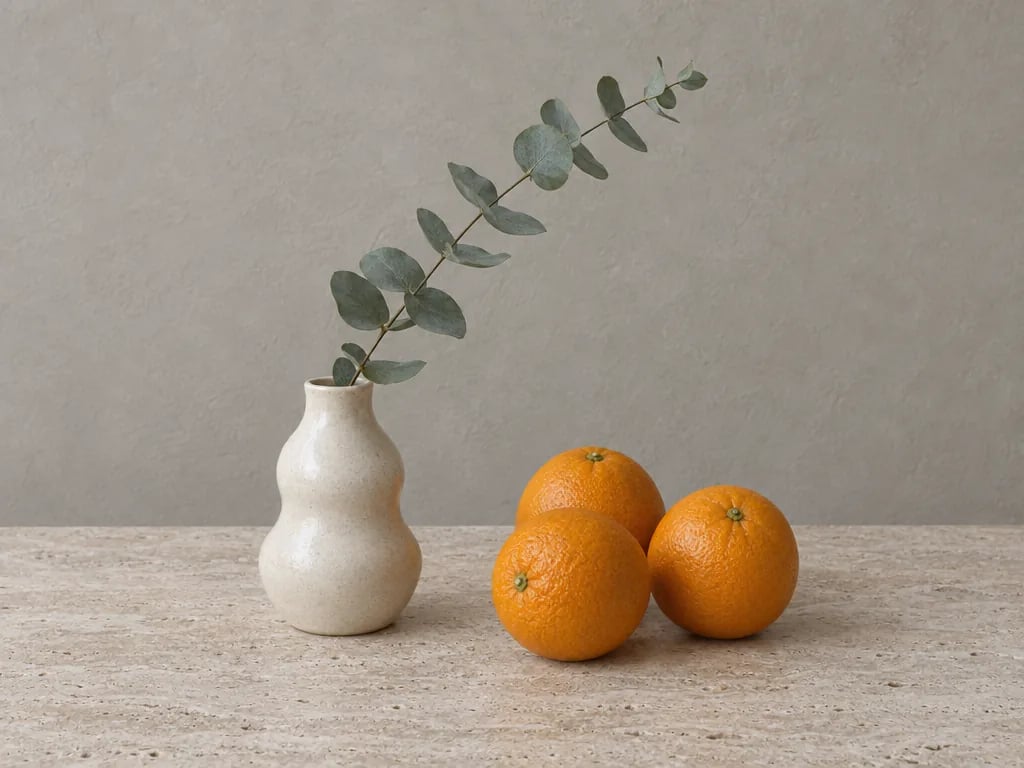
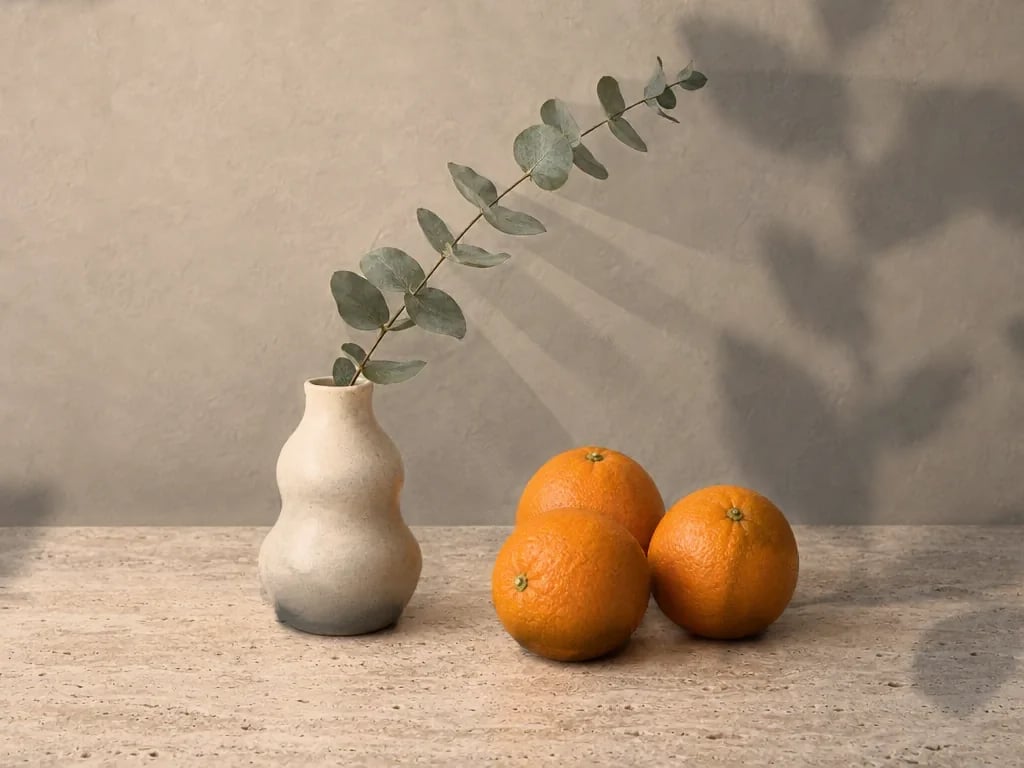
How to add lighting to a photo
Open your photo
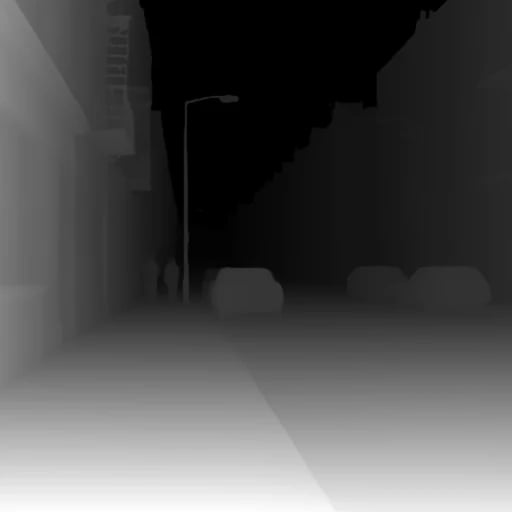
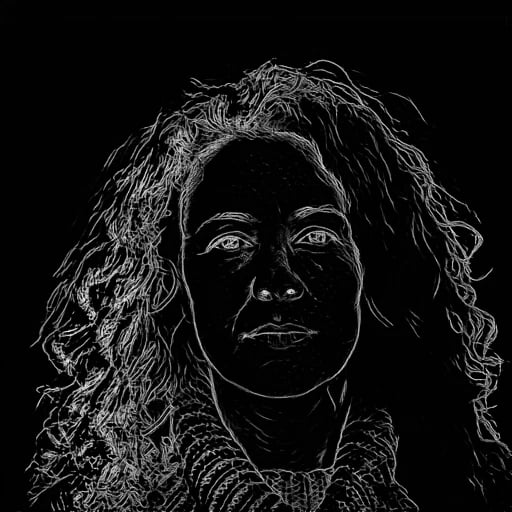
Choose, drop or paste a JPG, PNG, WebP or AVIF photo. The editor reads the shape of the scene on your device in a few seconds.
Pick a look and move the lights
Start from a preset, then drag each light. Turn the rings around a selected light to change its brightness, colour temperature and range.
Compare and download
Check the result against the original with the comparison divider, then download a PNG, JPG or WebP at full size.
Lighting presets and controls
16 lighting looks
Classic portrait setups such as Rembrandt, butterfly, split and rim light, moods like film noir, golden hour and neon, and window and leaf shadow patterns.
Shape every light
Use up to 6 lights on a computer and 2 on a phone or tablet. Set each light's brightness, colour temperature from 2,500 to 10,000 K, height, range and softness, and choose a lamp, sun or rim light.
Shadow patterns
Cast leaves, palm fronds, window blinds, window panes or an arched window across the scene. The pattern follows the surface and softens with distance.
Line-art stickers
Place up to 4 line-art stickers that bend with the surface and pick up the same light and shadows as the photo.
Photo lighting editor or AI Relight?
Photo Lighting Editor (this page)
Paints new light over your photo in real time, on your device and for free. Nothing is regenerated, so faces, products and fine details keep their original look. It can't remove strong shadows that are already in the photo.
AI Relight
Regenerates the photo with new lighting. It can change hard existing light and set a new light direction, but it uses credits and may alter small details.
Only need brighter, warmer or more contrasty colour? Use the Image Adjuster.
Photo lighting editor FAQ
According to the dataset terms, for non-commercial research and educational purposes only.
More tools
More tools for your project
Choose another tool to edit, enhance or transform your images and videos.