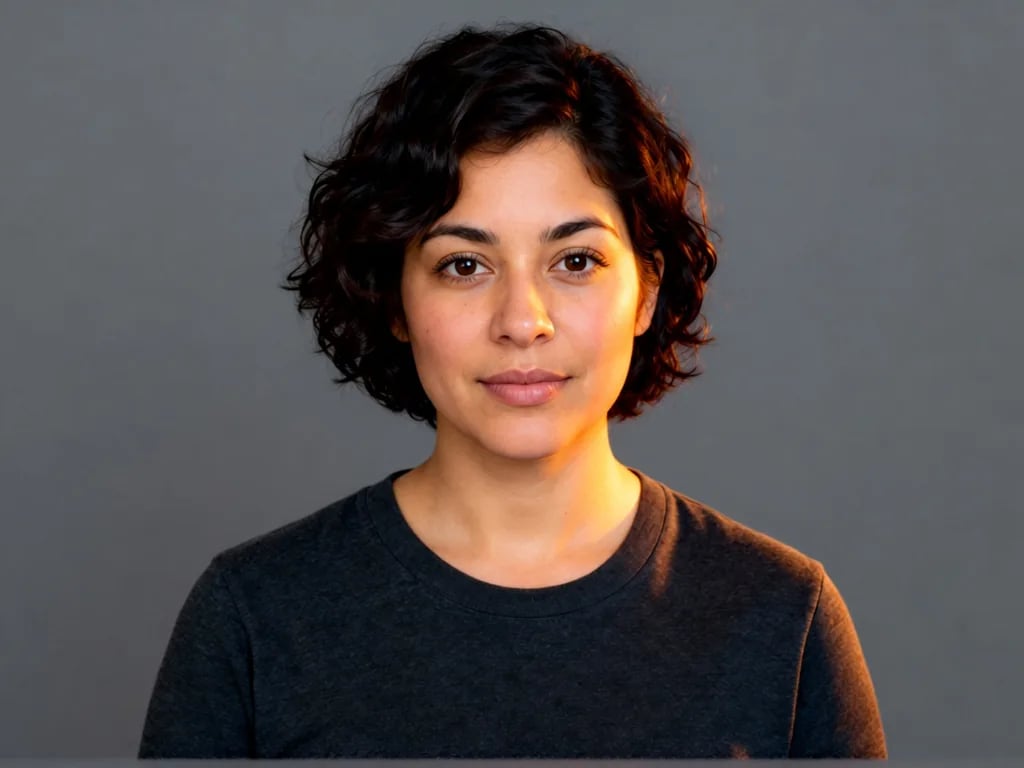
Dance trends from one photo
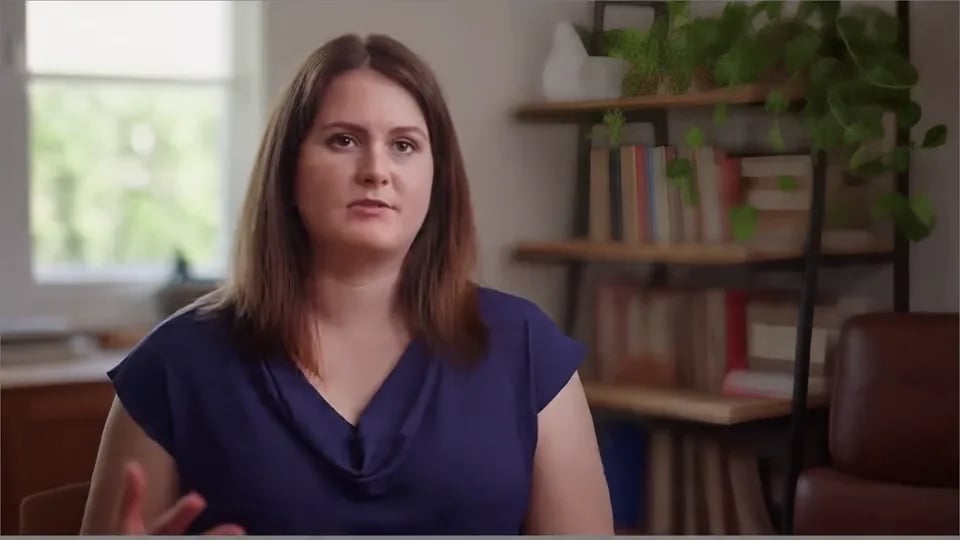
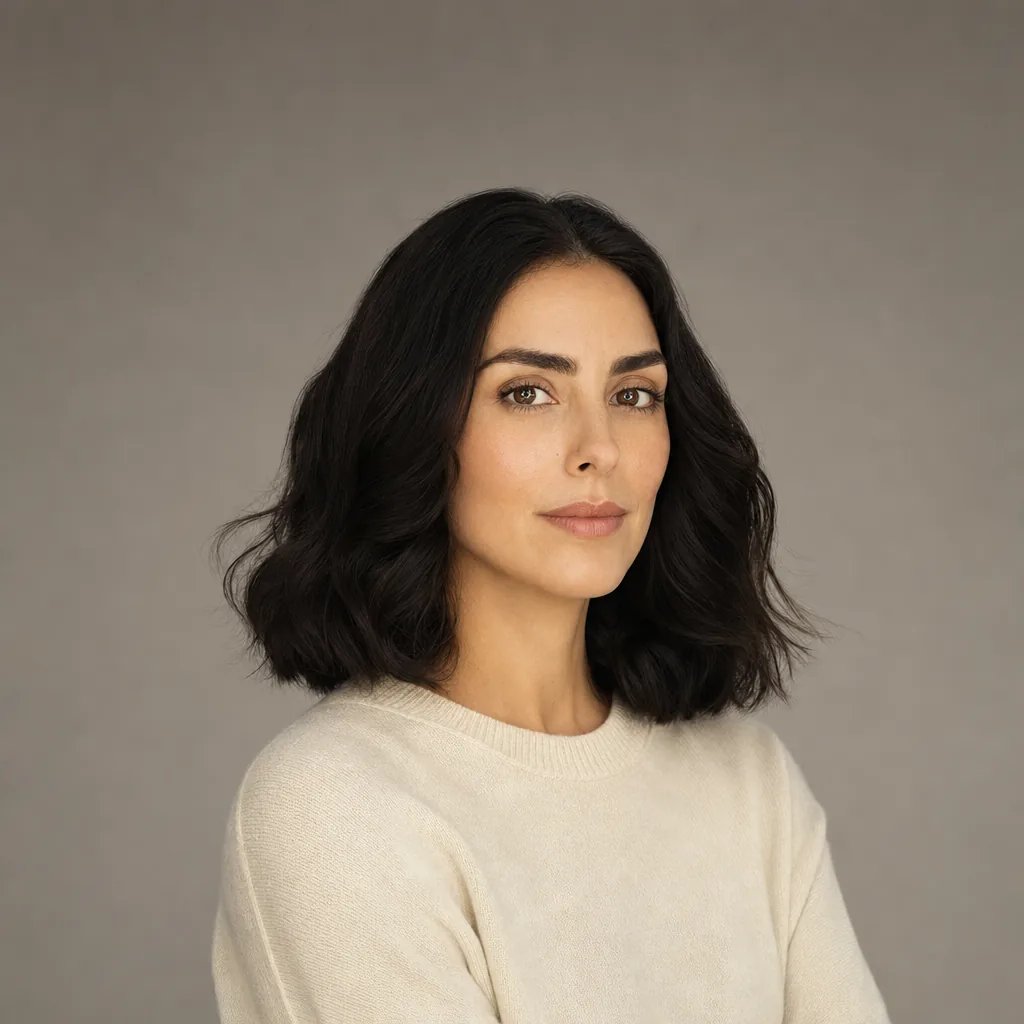
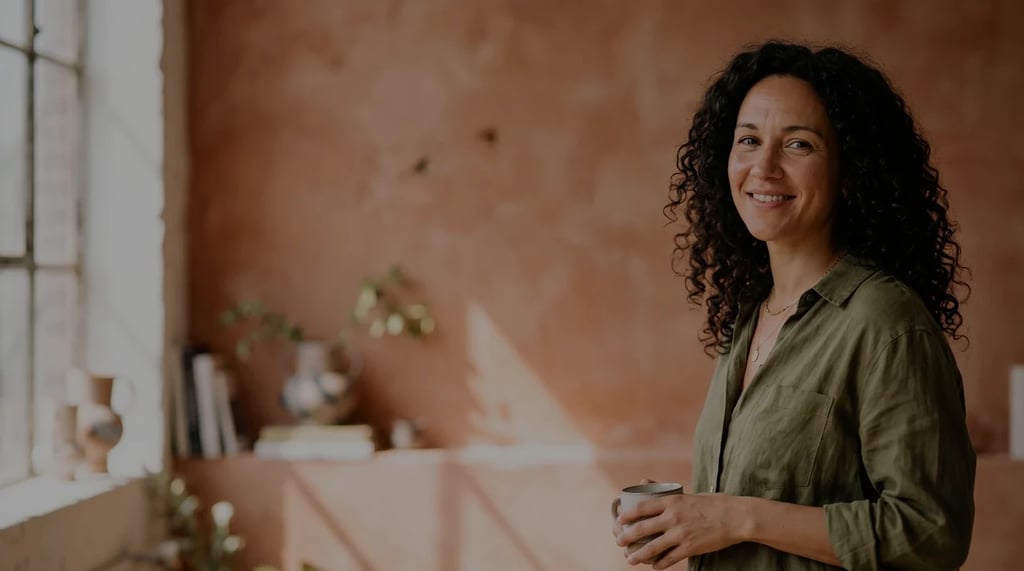
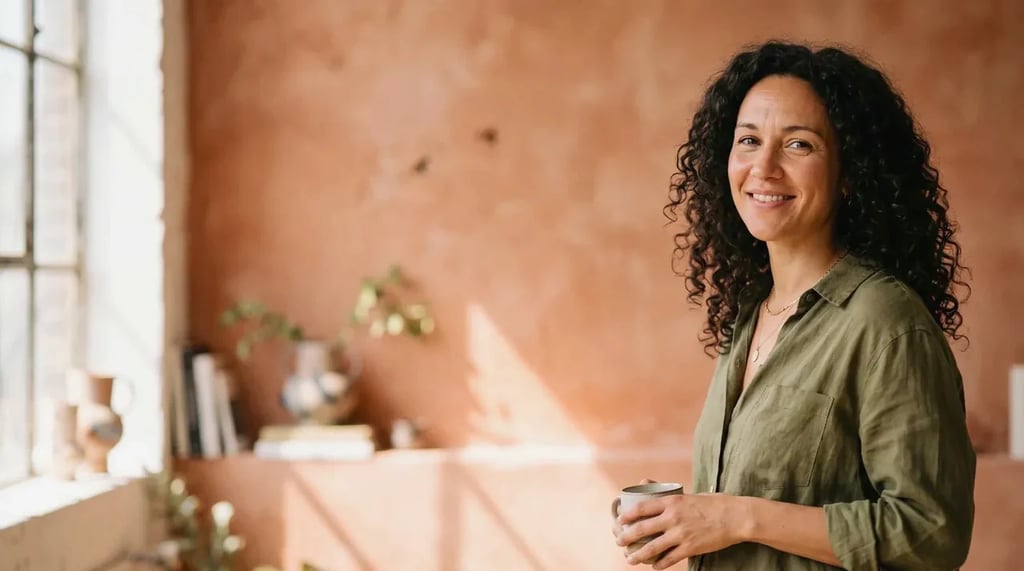
Take the choreography from a dance video and have it performed by someone else: yourself from a single photo, or a character you designed.
AI motion control
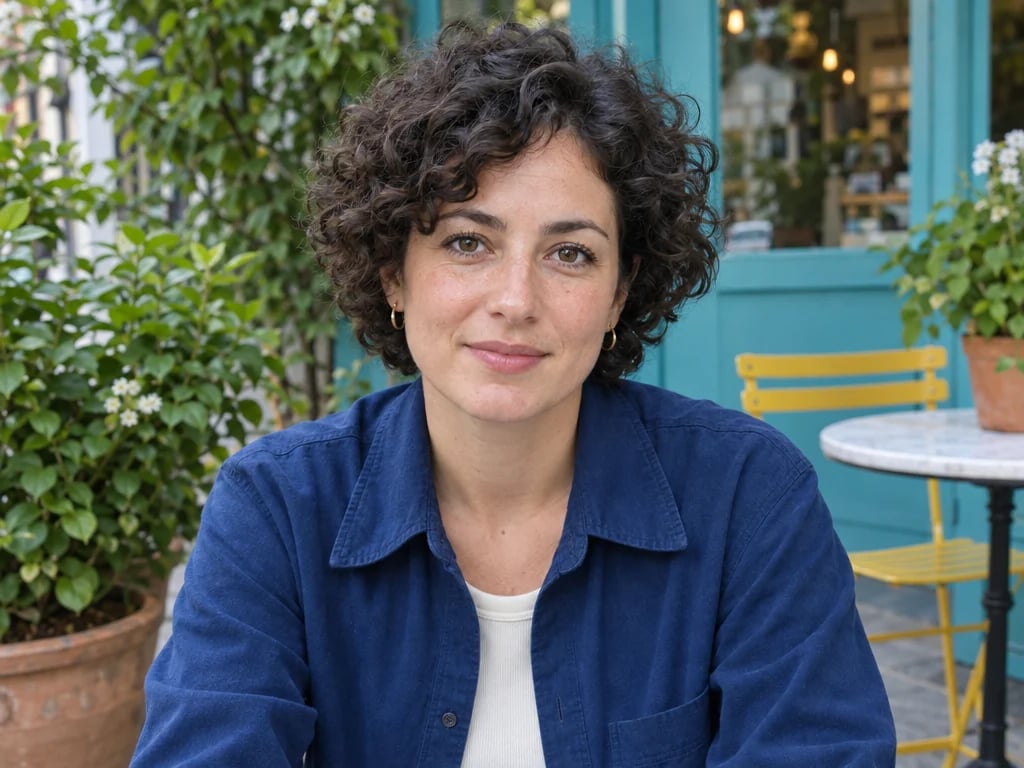
Upload a photo of a person and a video of the movement you want: a dance, a walk, a gesture. The person in your photo performs those moves, while their face, hair and clothes stay their own. Choose Kling 3.0, the newer model, or Kling 2.6 to spend less.
The newer model, and the default.
Priced per second of your motion video. The price below is the total for your video once you add it, and for a 5-second video until then.
The finished video opens in a session you can come back to, ready to download or use in another tool.
Model details: Kling v3.0 Motion Control · Kling v2.6 Motion Control
Examples
How it works
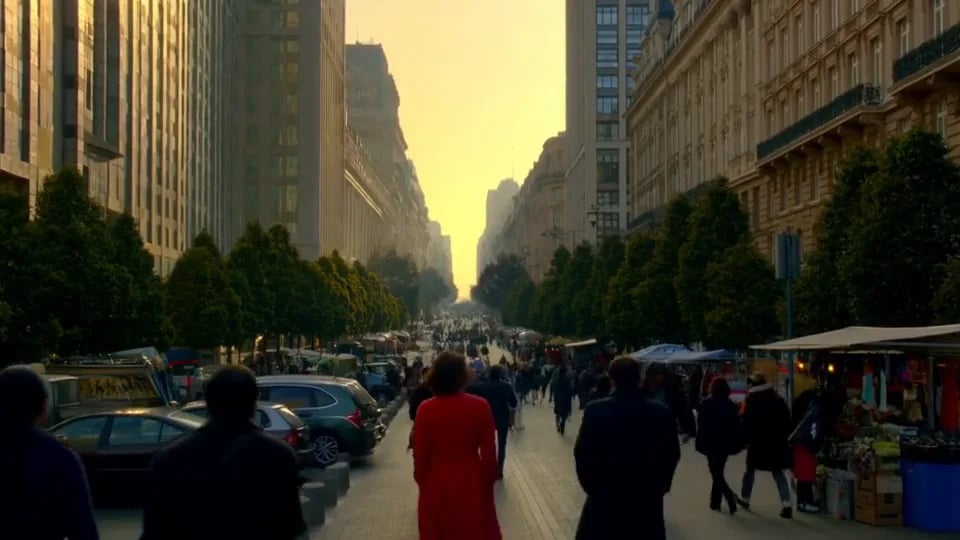
Upload a video of 3 to 30 seconds with the movement you want, one person in frame, a steady camera and no cuts.
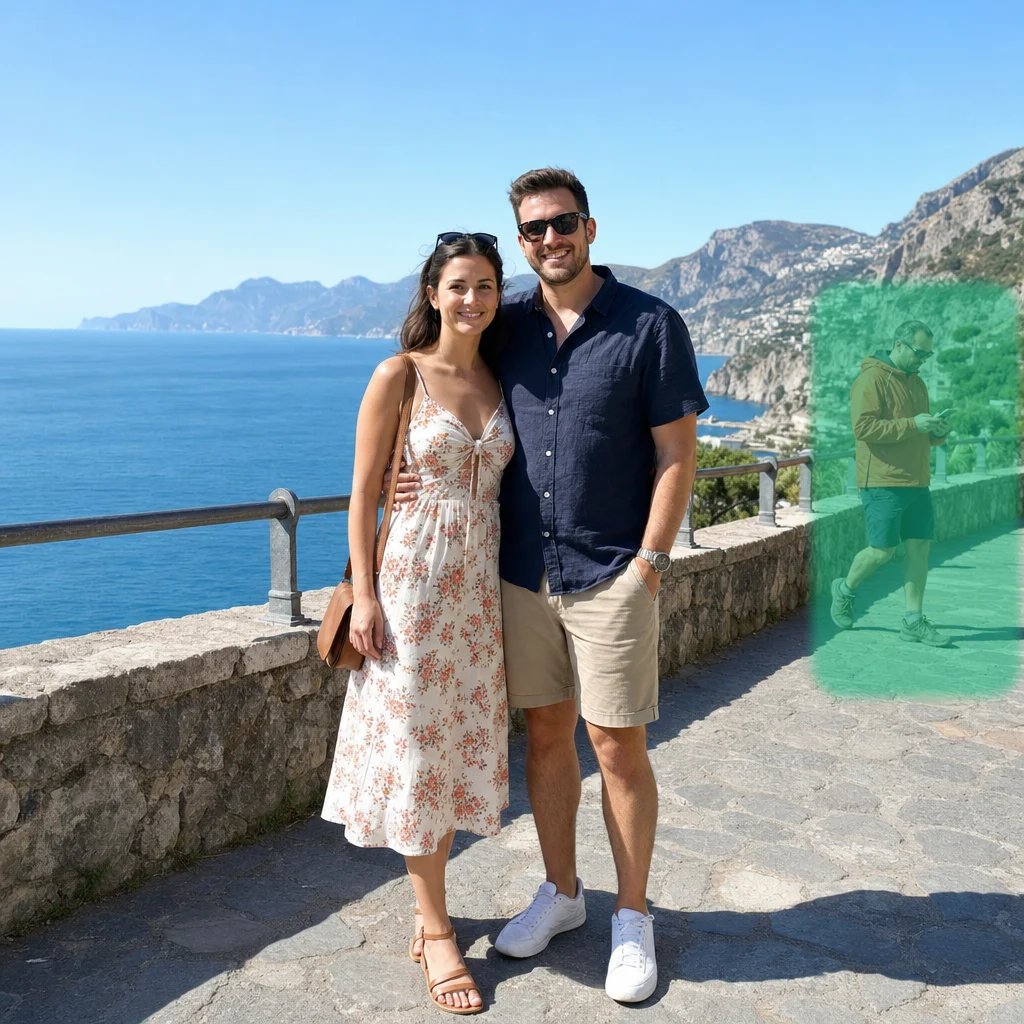
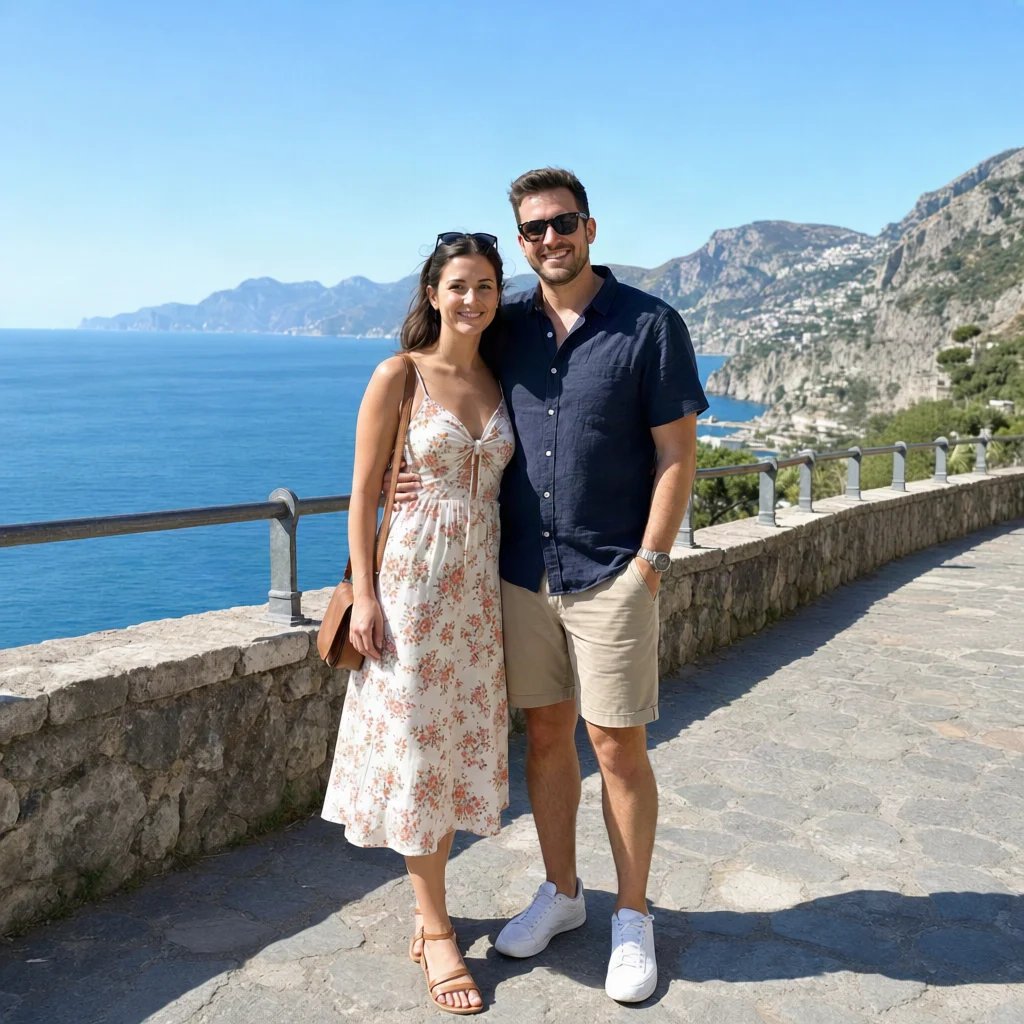
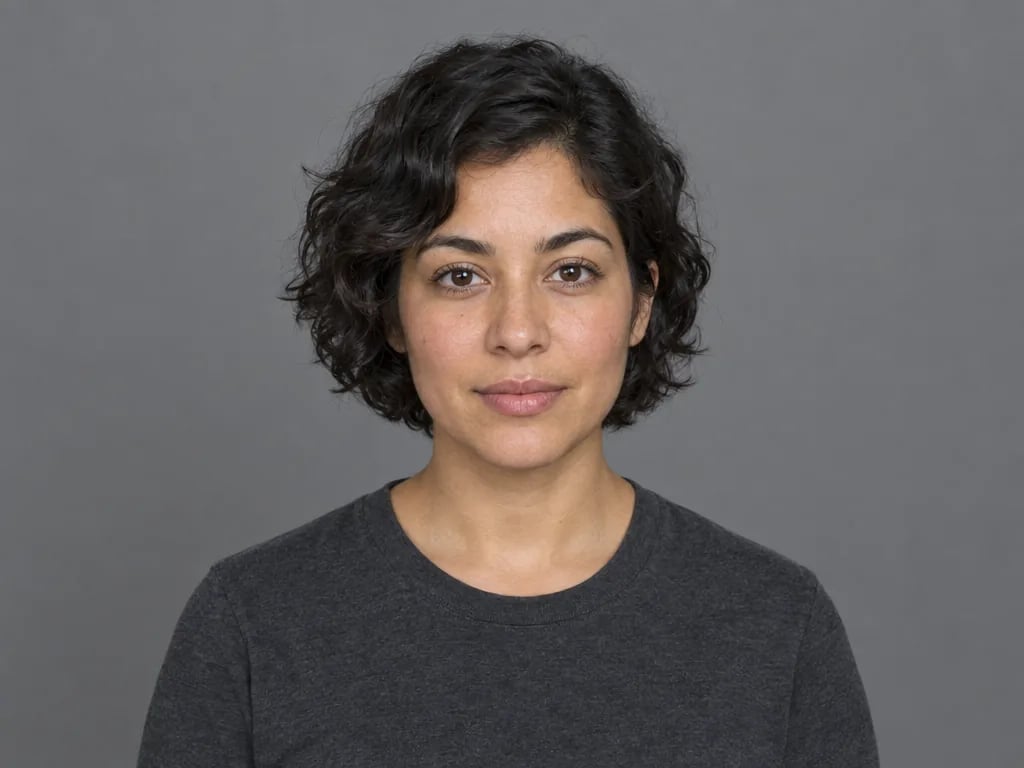
Upload a photo of the person you want to animate: one person, clearly visible, and framed the way your video is framed, full body for a dance or waist-up for gestures. Then pick a model and a quality.
The finished video runs as long as your motion video and opens in a session that belongs to you, ready to download or carry into another edit.
What it is for
Take the choreography from a dance video and have it performed by someone else: yourself from a single photo, or a character you designed.
Give an AI-generated person or a human-like character movement copied from a real video, instead of animating every pose by hand.
Record the gestures once, then have your brand character, or a presenter who has agreed to it, perform them for each campaign or offer.
Act out a scene yourself and see it performed by the character from your concept art before anything is filmed.
What happens to your photo
The body movement, gestures and facial expression follow your motion video. The face, hair, clothes and build come from your photo, and so does the setting: the person stays in the scene of your photo, turning and facing the way the person in the video does. The finished video runs as long as your motion video.
Kling 3.0 Motion Control is the default and the newer model. Kling 2.6 Motion Control costs less per second. Both render up to 1080p at Pro quality and take the same photo and video, so you can switch models before you generate without losing your files.
Use a video with one person, a steady camera and no cuts, where the whole moving body stays in frame. Frame your photo the same way, full body for a full-body dance and waist-up for hand gestures. A clear photo with nothing covering the person gives the most faithful result.
AI motion control is priced per second of your motion video, in credits that come with every paid plan and work on every tool on YouArt.
For hobbyists and explorers
For creators and pro users
For power users and teams
For teams and studios
Questions
More tools
Choose another tool to edit, enhance or transform your images and videos.
Beyond one video
This page runs one step at a time. Open the workflow editor to add a Face Element for a closer likeness on Kling 3.0, generate the photo or the motion video in the same workflow, or run the same movement on several photos.