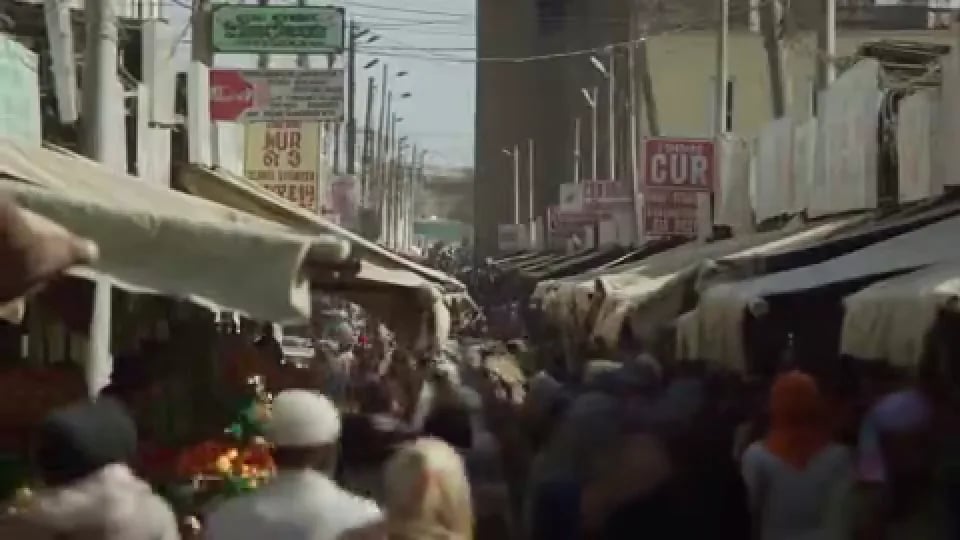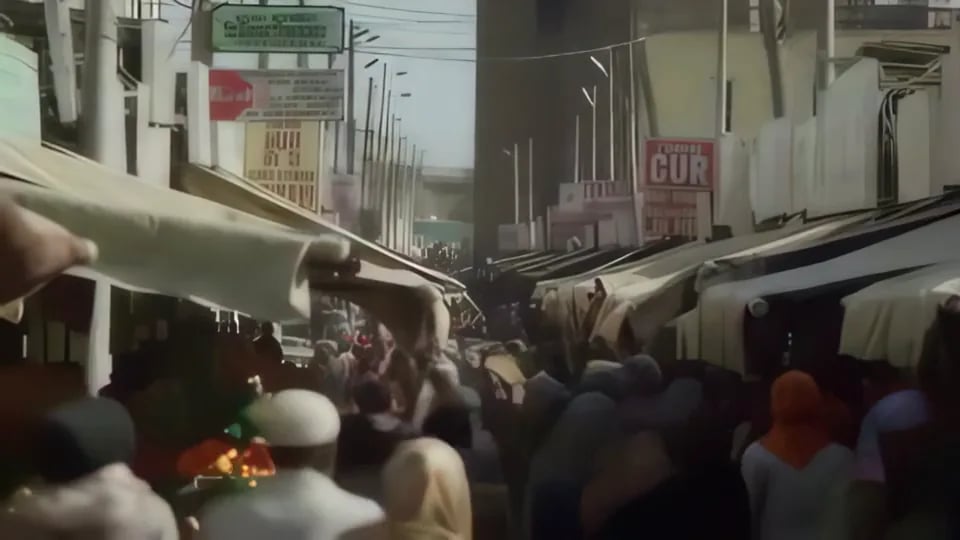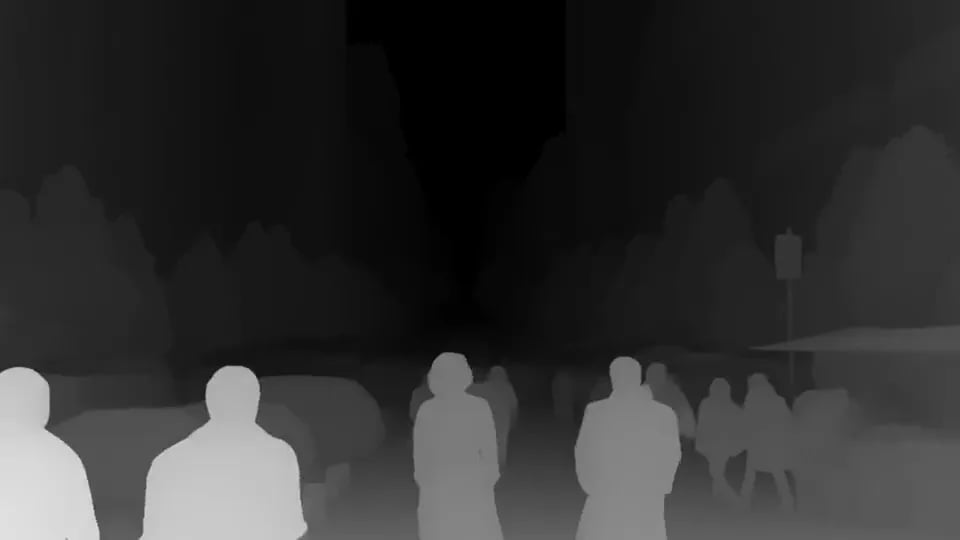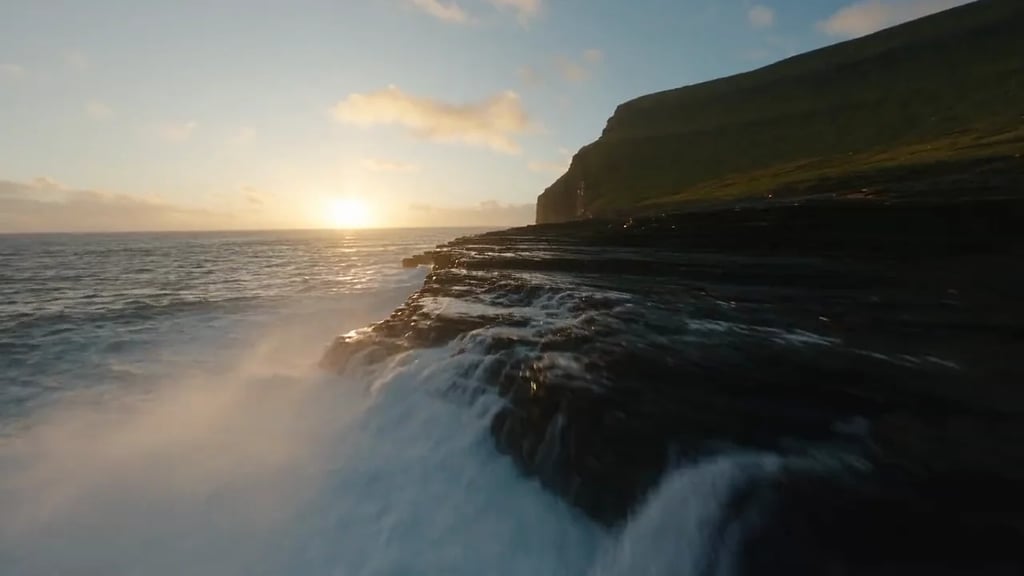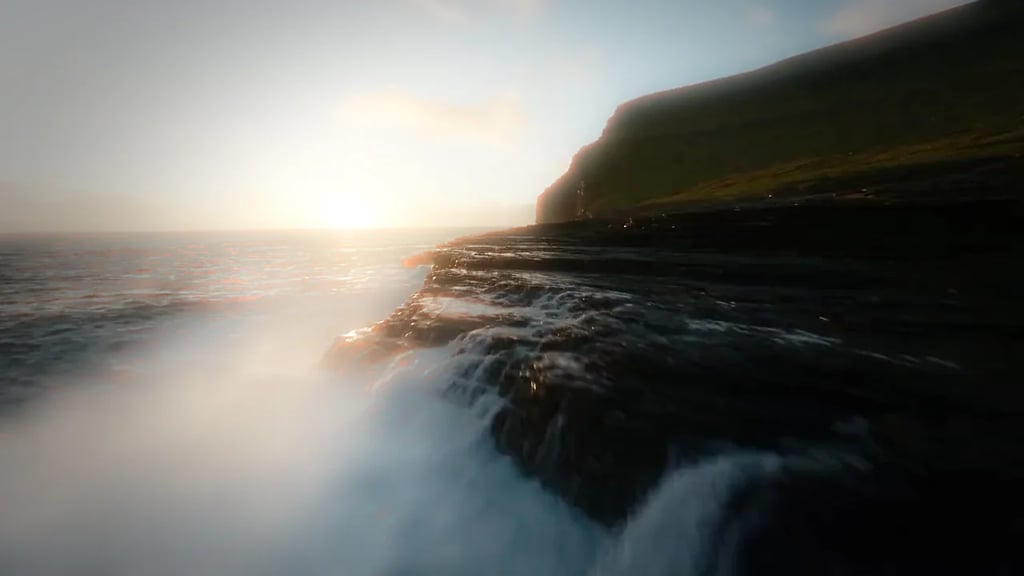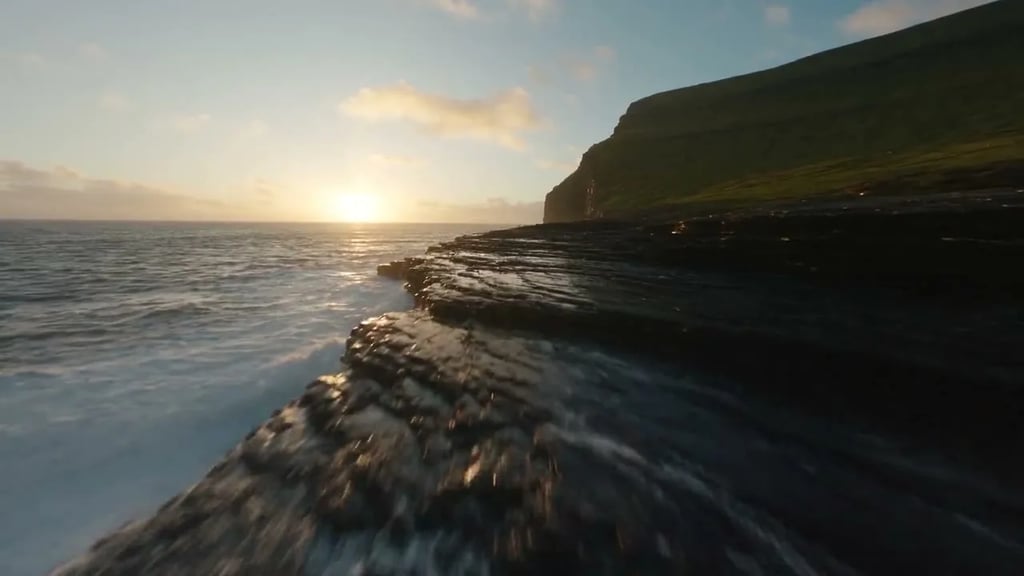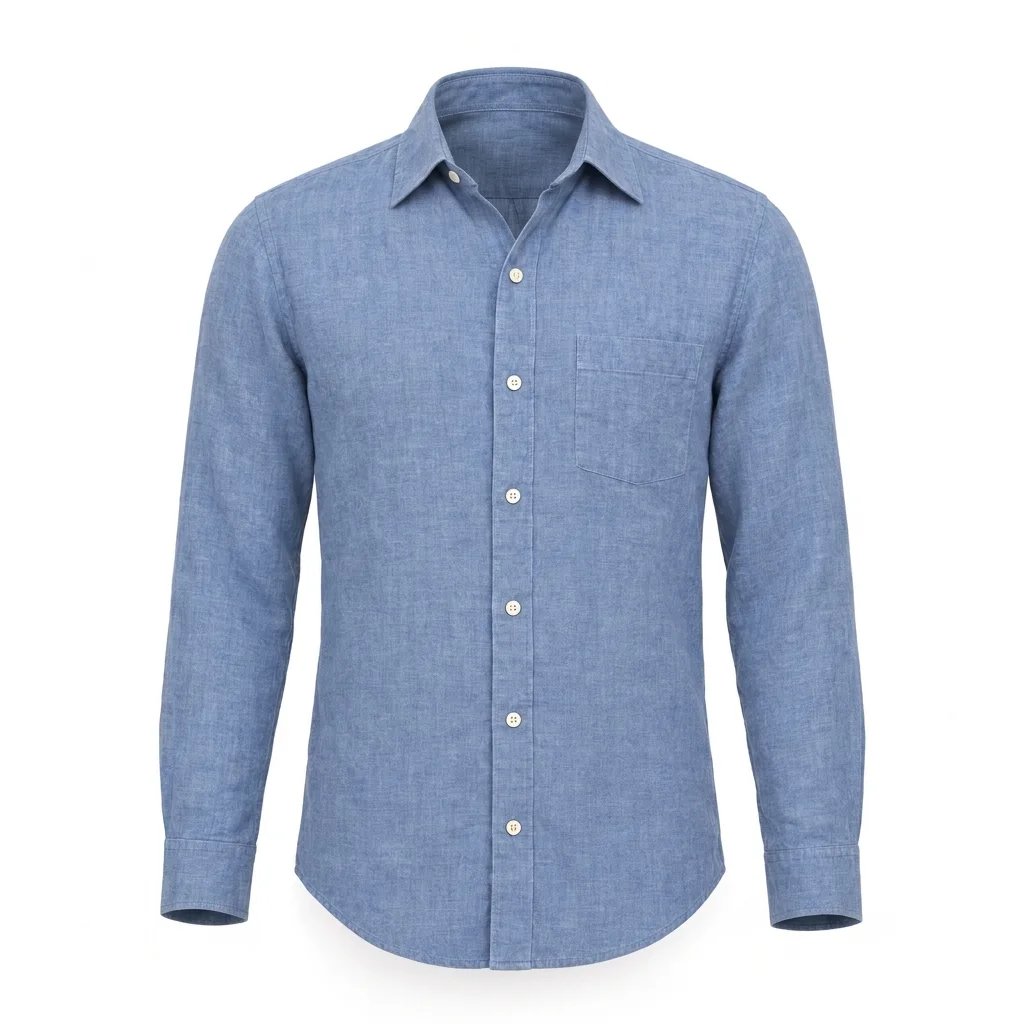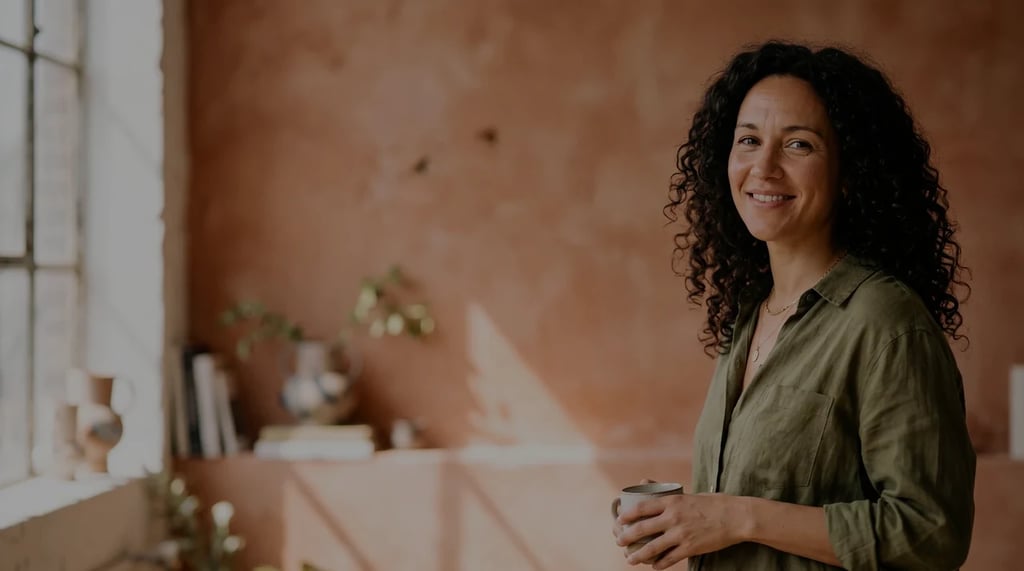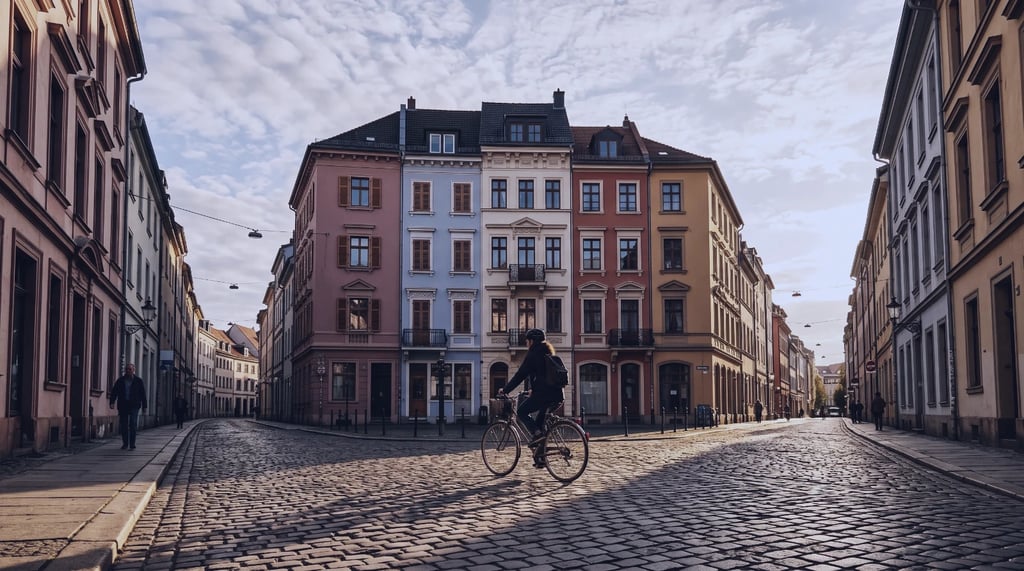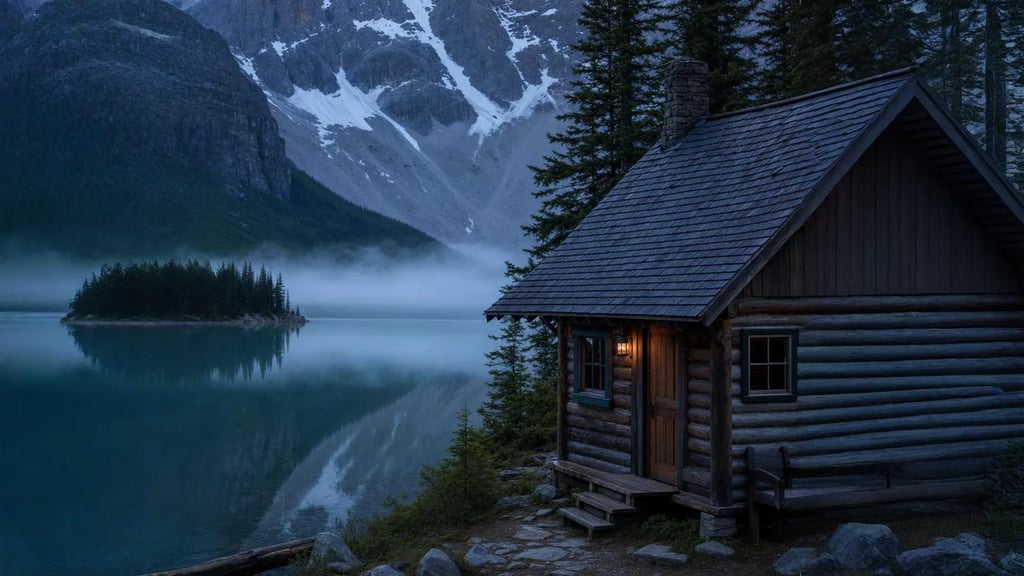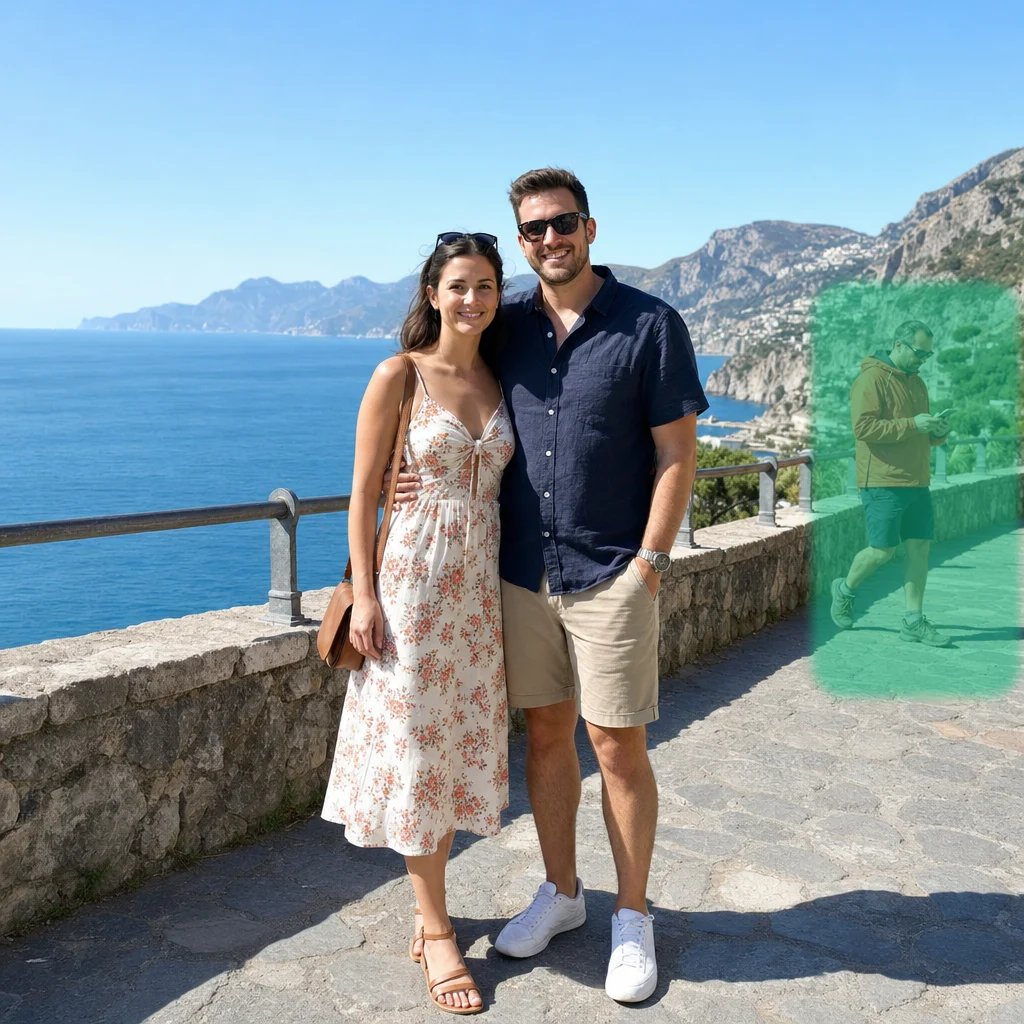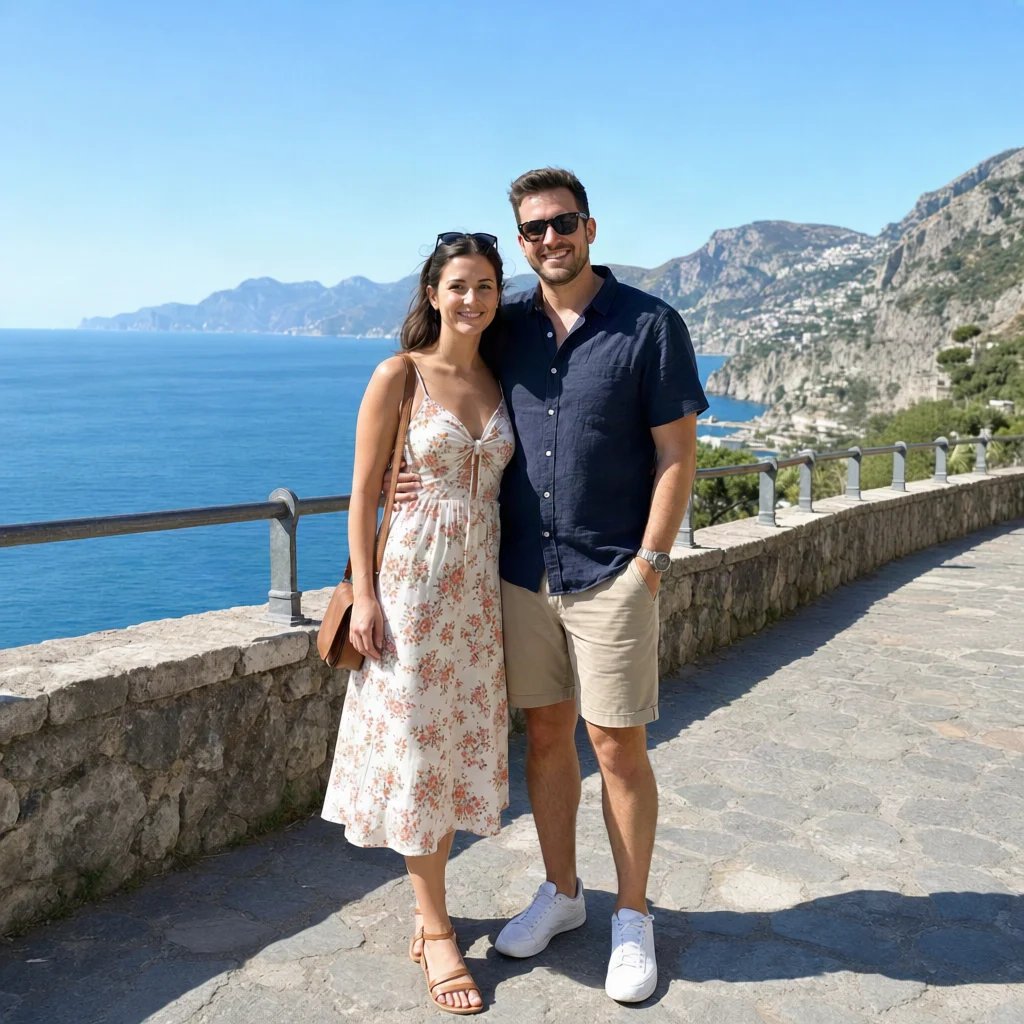

Recast a scene
Try a different actor in a scene you have already filmed, and see how it plays before you plan a reshoot.
AI character swap
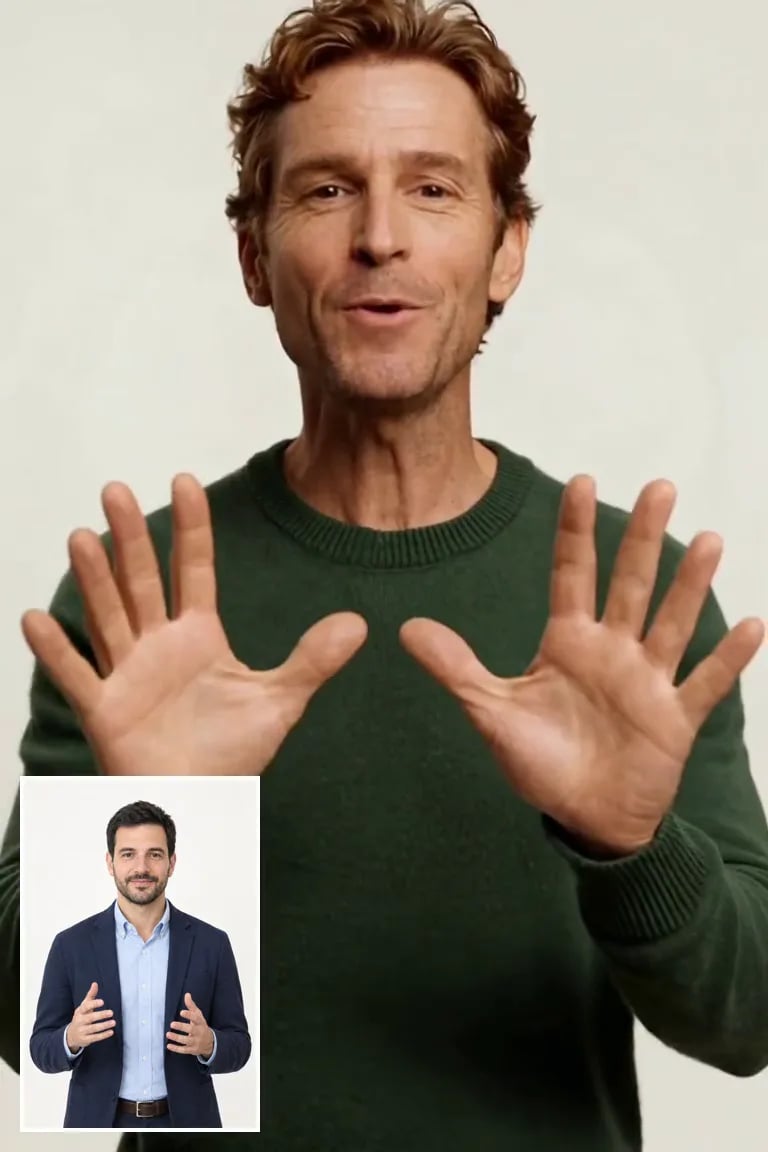
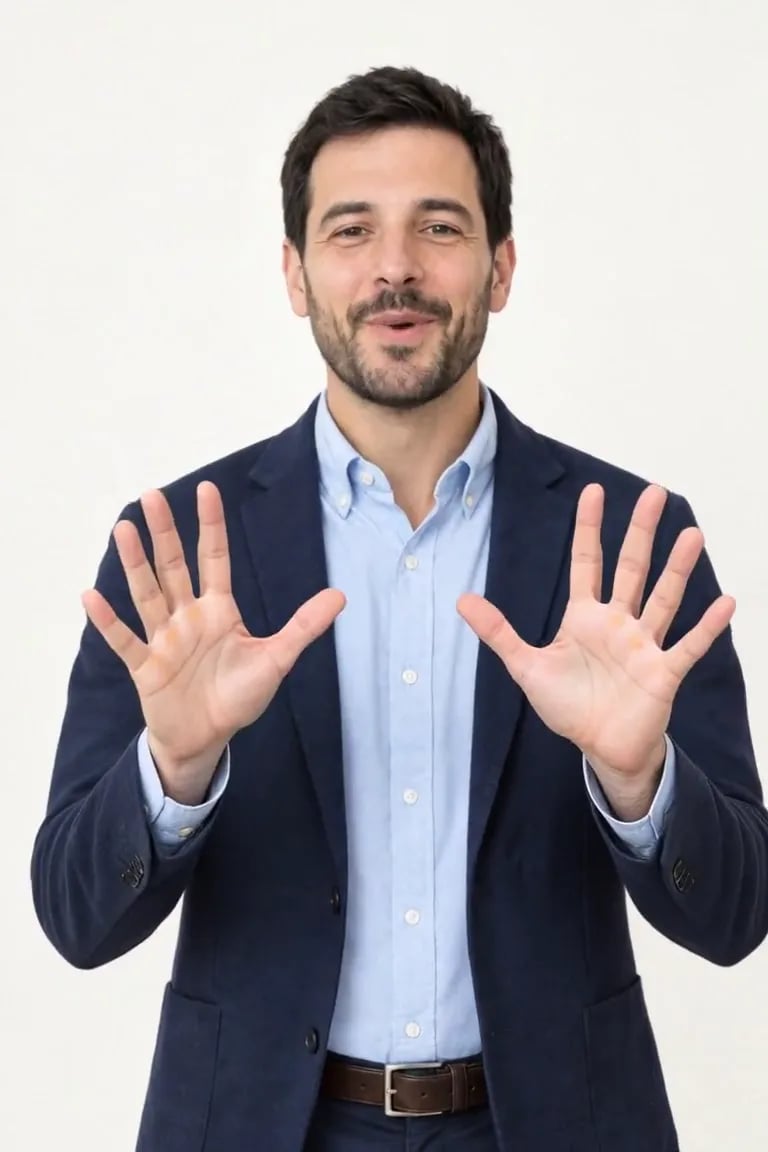
Upload a video and a photo of the person who should be in it. AI puts that person in place of the person in your video, while the movement, gestures, camera, cuts and sound stay the same. Powered by MiniMax H3 Max Recast, in 1080p or 768p.
Priced per second of your video. The price below is the total for your video once you add it, and for a 5-second video until then.
The finished video runs as long as yours and opens in a session you can come back to, ready to download or use in another tool.
How it works
Upload a video of 5 to 30 seconds in which the person you want to replace is clearly in view. Each shot can run up to 15 seconds, so trim any longer shot first.
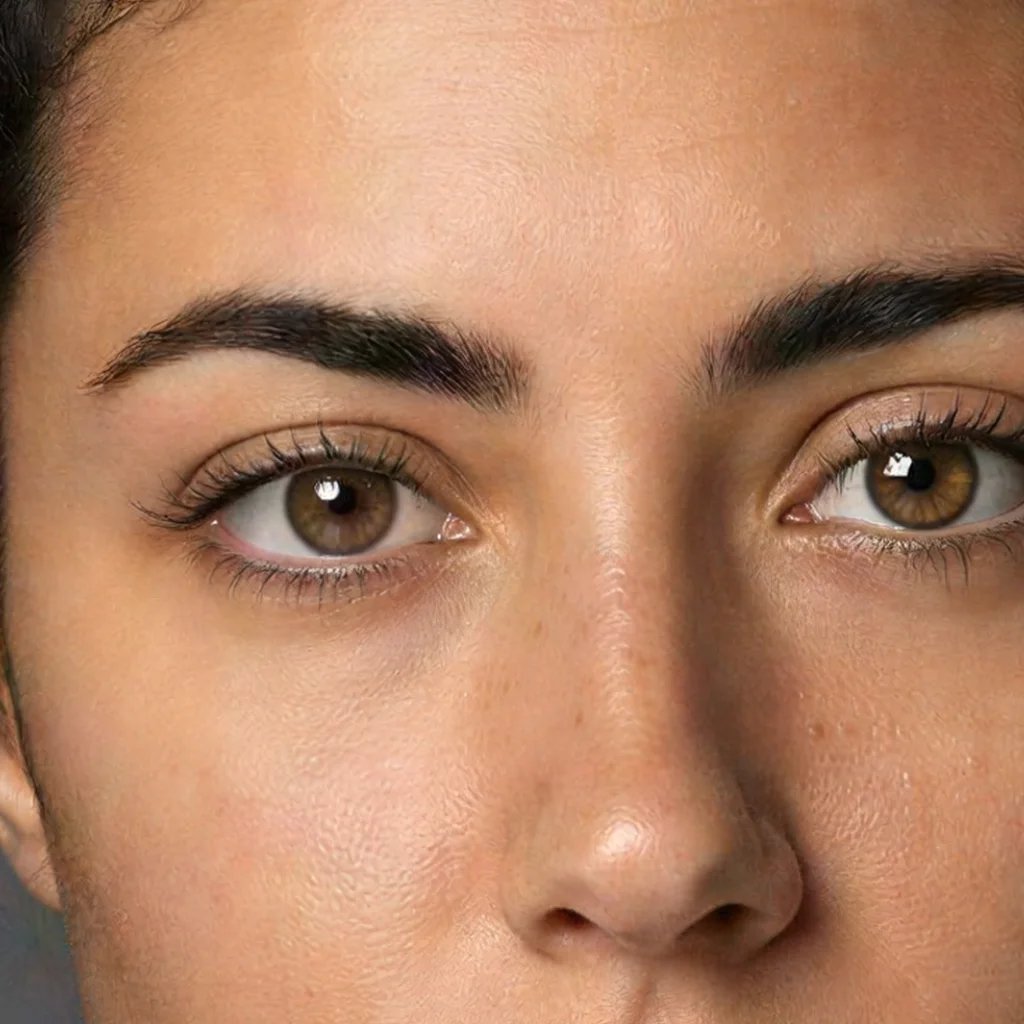
Upload a clear photo of one person, with the face visible and nothing covering it. Add a note if you want to say who to replace or what to keep, then choose 1080p or 768p.
The finished video runs as long as yours, keeps its sound, and opens in a session that belongs to you, ready to download or carry into another edit.
What it is for
Try a different actor in a scene you have already filmed, and see how it plays before you plan a reshoot.
Put yourself into a clip you made or have the rights to use, with the same moves, camera and sound as the original.
Record an ad or an explainer once, then swap in a brand character, or a presenter who has agreed to it, for each market or campaign.
Bring an AI-generated or human-like character you created into real footage, without animating it by hand.
What happens to your video
The person in the finished video is the person in your photo. Everything else comes from your video: the movement and gestures, the camera, the scene, the cuts and the sound. The finished video runs exactly as long as yours.
Your photo replaces the main person in the video. If several people are in it, it replaces the main person furthest to the left, unless your note names someone else, for example "replace the woman on the right". To replace up to four people at once, each from their own photo, use the workflow editor.
Choose a video in which the person you are replacing is clearly visible and not too small in the frame, and keep every shot under 15 seconds. A sharp, well-lit photo of one person, with nothing covering the face, gives the most faithful result.
AI character swap is priced per second of your video, in credits that come with every paid plan and work on every tool on YouArt.
Questions
More tools
Choose another tool to edit, enhance or transform your images and videos.
Beyond one person