

Create
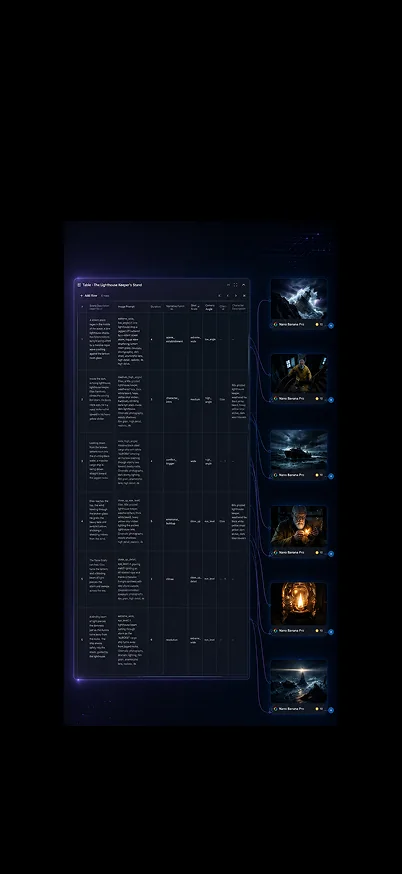
One line in. A full storyboard out.
Story Creation Pipeline
Create
Story Creation Pipeline
Made for creative teams bringing ideas to life







You have the hook, the product shot, the scene in your head—and no time to lose it in a maze of disconnected tools. The YouArt AI Video Generator gives your direction somewhere to go: start with a prompt, bring the images that matter, and shape a moving visual concept you can refine for the story, audience, and moment ahead.
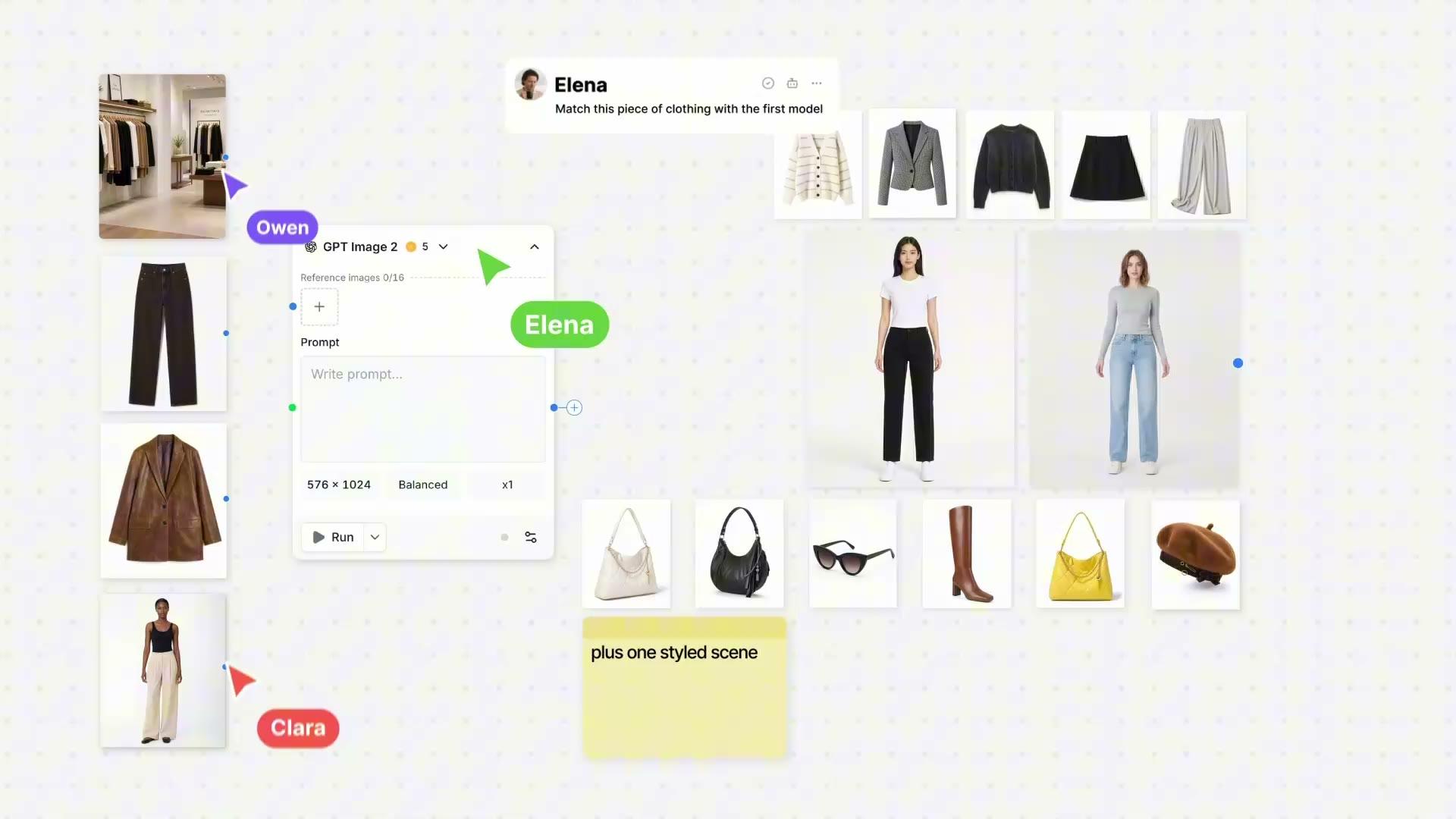
Good video work begins with a point of view, not a blank timeline. YouArt brings together AI models and creative agents so you can move from an initial idea to a video direction without treating every prompt, reference, and revision as a separate project.
| What slows the work down | What you can do in YouArt | What changes for you |
|---|---|---|
| A good concept stays trapped in notes or a static image | Start from text, images, or visual references | Give the idea motion before momentum disappears |
| Every new tool breaks the creative thread | Work with video-focused models in one creative environment | Keep the story, style, and next decision connected |
| Brand assets need more than a generic transition | Direct the look, movement, and purpose of each scene | Build work that feels intentional rather than templated |
| Rough outputs still need a path to polish | Generate, review, and continue into editing | Spend more energy on the message and less on handoffs |
The first-use takeaway is not that every decision disappears. It is that you can see a direction sooner. Instead of waiting until a complicated edit is assembled to learn whether the scene works, you can review motion, visual style, and story intent while the idea is still easy to change.
| Review angle | What the user notices | Why it matters |
|---|---|---|
| First visual result | A prompt or image becomes a scene to react to | Creative conversations become more concrete |
| More confident direction | References and prompts give the generation a clearer job | You can protect the details that make the concept yours |
| Workflow relief | Generation and creative tools live closer together | Fewer tool switches interrupt the work |
You are not asked to become a motion-design specialist before you can explore a video idea. You bring the point of view; YouArt helps you turn it into a visible, discussable output. That is a more useful starting place for a creator, a brand team, or anyone who needs to make the next decision with confidence.
Begin with the subject, action, mood, and intended audience. A focused prompt gives the AI video creation process a usable creative brief rather than a vague request for “something cool.”
Add reference images when product shape, character, color, composition, or art direction matters. Prompts explain the action; images give the design a visual anchor.
Use the first generation as a visual preview. Keep what works, adjust the direction, and continue through editing when the pacing, message, or final format needs another pass.
An AI video generator is most useful when it makes an idea easier to direct. YouArt supports text-to-video and image-to-video creation paths, so you can begin from a written concept, a still visual, or both. The aim is not to replace your taste. It is to give your taste an output you can examine, develop, and share.
Text is a strong starting point when you are developing a story, a mood, a campaign angle, or a visual metaphor. An image is especially helpful when you need the video to inherit a specific product, person, layout, color relationship, or brand signal. Combining prompts with images creates a more specific brief for the model and a more useful first pass for your own creative editing.
For short scenes shaped by text, visual references, clips, and sound direction, explore seedance 2.0. It is a natural next step when the work calls for a connected sequence rather than a single moving image.
Not every idea needs the same duration, resolution, or reference depth. A social concept may call for fast experimentation; a product story, a cinematic treatment, or a branded campaign may benefit from a longer sequence and more detailed inputs. The YouArt AI Video Generator gives you a place to explore different video models without changing the creative goal every time you change the tool.
When a project needs a longer native sequence, more multimodal references, or local changes after a nearly finished generation, seedance 2.5 offers a more production-oriented path. For 2-30 second clips at up to 1080p with native audio and text-to-video or frame-guided image-to-video controls, see wan 3.0.
The best AI video software should match the job in front of you. A creator may be shaping a series; a marketer may be testing a campaign visual; a product team may need an announcement that makes an update clear before the launch window closes. YouArt keeps each use case centered on a simple question: what should the audience see, feel, or understand next?
For social video, music-adjacent visuals, short narratives, and channel content, the value of an AI video maker is speed with room for authorship. Use a short creative brief to define the hook, subject, movement, and feeling; then turn the result into the next prompt, post, or edit. The YouArt AI Video Generator helps you develop content without reducing your art to a repeated template.
A brand does not become memorable because every asset uses the same effect. It becomes recognizable when the visual design, tone, and rhythm feel connected. Use reference images, product assets, and direct prompts to test dynamic directions before committing to a campaign. For an identity element that needs to move across intros, ads, and social posts, the logo animation maker provides a focused workflow for animated logo ideas.
A feature launch is easier to understand when the audience can see the benefit, not just read a changelog. Start with release notes, UI images, and the customer outcome; then use motion, voice, text overlays, and editing to shape the announcement around what changed. The ai feature launch video generator is built for this kind of product communication workflow.
Design teams use generation to make a direction visible early: a camera idea, a color world, a product moment, a pitch treatment, or an alternate execution. That does not remove the need for creative judgment. It gives the team a concrete sample to discuss, compare, and improve before time is spent on a full production. The YouArt AI Video Generator can serve as the visual exploration tool between a concept deck and a finished deliverable.
A polished video does not start with a perfect prompt. It starts with a prompt specific enough to test. Treat each generation as part of a deliberate creative loop: define the subject, direct the action, evaluate the output, and make the next decision with more information than you had before.
The most useful prompts identify a subject, an action, a setting, a visual style, and the feeling the final video should carry. Instead of asking for “a beautiful ad,” describe the product, the audience, the camera energy, the location, and the moment of change. Add a reference image when the exact object or art direction matters. This gives the generation tool clearer priorities and makes review less subjective.
Generation creates material; editing gives it a purpose. Consider the opening frame, the main reveal, the pace, the text treatment, and the final action you want the viewer to take. A short video can be more effective when each cut serves a clear point. The YouArt AI Video Generator is designed to support that movement from initial creation toward a video that fits the campaign, channel, or audience.
AI video creation is not one fixed format. The same foundation can support a vertical social post, a product visual, a concept treatment, a launch announcement, or a distinctive piece of brand motion. The difference comes from your inputs and the job the output has to do.
Use a repeatable prompt structure to turn a recurring idea into fresh content: define the episode theme, visual setting, pace, and audience response you want to invite. Images can help preserve a recognizable subject or style across a series, while each new prompt creates a reason to return to the concept.
Marketing teams can use an AI video generator to make campaign thinking visible before a full shoot or edit. Test a message, product moment, motion style, or visual metaphor with a sample output. The goal is not to publish every first generation; it is to make creative choices earlier and build a stronger direction for the final asset.
A screen, screenshot, or release note becomes easier to understand when it is framed as a sequence: the previous friction, the new capability, and the payoff for the user. The YouArt AI Video Generator helps teams turn product information into a visual story that can travel through a launch page, email, social post, or sales conversation.
The YouArt AI Video Generator is a creative environment for developing videos from written prompts, images, and other visual direction using AI models and agents. It is designed for people who want to move from an idea to a video concept, then continue refining the result for a creative, marketing, product, or brand use case.
Yes. You can begin with a text prompt, a reference image, or a combination of both. Text can define the story, subject, action, setting, and mood, while images can guide the visual direction when a product, character, composition, palette, or style needs to stay central to the creative brief.
A good prompt tells the scene what matters. Name the subject, the action, the setting, the camera or movement feeling, and the purpose of the video. If the result needs to align with a specific design or object, include a relevant image reference. Start specific, review the output, then refine only the parts that do not yet serve the idea.
They play different roles in the workflow. An AI video generator creates new video material from prompts and inputs; a video editor helps shape the pacing, sequence, text, and final presentation of that material. Many projects need both: generation to create a visual direction and editing to make the message clear for the intended audience.
Choose based on the scene you need to direct. For short, reference-led video with integrated audio possibilities, explore Seedance 2.0. For longer sequences, more reference assets, and localized changes, Seedance 2.5 may fit. For high-resolution, connected-shot storytelling and image-to-video or text-to-video work, Wan 3.0 is another option to consider.
You can use AI video creation to explore brand motion, product stories, campaign concepts, and launch communications. Begin with the assets and language your team already trusts, such as product images, visual standards, release notes, and customer outcomes. Then use the generated output as a focused creative draft, a launch visual, or the start of a more polished edit.
YouArt is free to open. Create an account and you can browse the full AI model catalog, build workflows, and start a project without paying — new accounts arrive with trial credits, and Free Mode runs selected models at zero credits. This section sets out exactly which parts are free, which parts are unlimited, and where the limits actually sit, so nothing about the price is a surprise.
A free account gives you the whole creative workspace: the AI model catalog, the workflow editor, the creative agent, sessions, and your asset library. Browsing models costs nothing, comparing them costs nothing, and rewriting a prompt costs nothing until you press Generate. New accounts start with trial credits, and you can earn more credits without paying for them.
Free Mode is a switch on the model itself, not a one-off trial. Nano Banana and Nano Banana Pro both support it: turn it on and the run joins a free queue instead of spending credits. The trade is time rather than money — the wait is roughly ten minutes, and heavy use on the same day stretches it further under a generous fair-use daily allowance. If you would rather not wait, the identical model runs immediately on credits.
Template access is unlimited on a plan: no per-template charge and no cap on how many you use. Projects and workflows carry no node restrictions, so one project can hold as many workflows as the work needs. Enterprise plans add unlimited teams and members. And the catalog itself is unlimited to explore — every model page lists inputs, outputs, capability tags and price, free to read for as long as you like.
Nano Banana and Nano Banana Pro are the two models with Free Mode enabled, which makes them the quickest way to use YouArt as a free AI image generator. Everything else in the catalog — image, video, audio and text models such as Seedream, Sora, Veo, Wan and Seedance — runs on credits, and each model page shows the exact cost before you generate.
Yes, to start. Creating an account, browsing the AI model catalog, building workflows and opening projects are all free, and new accounts begin with trial credits so the first generations cost nothing.
Free Mode carries no per-run charge and no trial counter, but it is not literally infinite: a generous fair-use allowance applies each day, and heavy same-day use lengthens the queue rather than raising the price. A paid plan removes the queue entirely.
Nano Banana and Nano Banana Pro currently support Free Mode, so they run at zero credits. Other image, video and audio models run on credits, and the price is shown on the model page before you press Generate.
No. Every video model page is free to read, and the trial credits on a new account are enough to run a first video before you decide whether a plan is worth it.
Monthly credits, no watermark, unlimited template access, premium and limited-access models, immediate runs with no free queue, and team workspaces — up to unlimited teams and members on Enterprise.

