Frequently asked questions
AI Emoji Generator FAQ
- What does the AI emoji generator create?
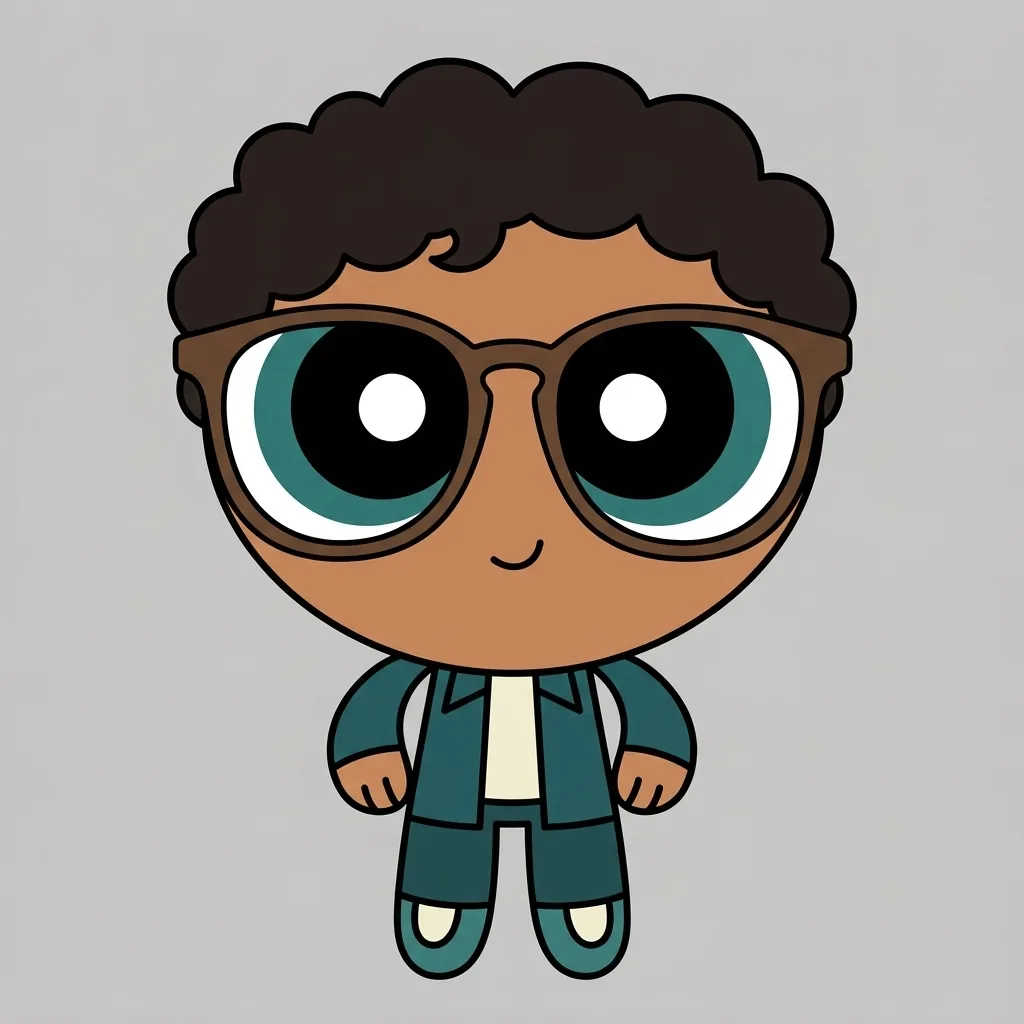
- One original emoji-style glyph, from a written description, an uploaded photo, or both: a single subject centred on a plain flat background, built from bold simple shapes with a thick soft outline, flat saturated colour, one or two steps of gentle shading and a single glossy highlight, carrying one clear expression that still reads at the size of a chat bubble. It is not affiliated with any messaging platform or emoji vendor, and it will not imitate a vendor's proprietary emoji set or its house style, so what comes back is an original design rather than a copy of a system emoji. The result is a still image; nothing on this page animates.
- Can I turn a photo into an emoji?
- Yes. Attach a JPG, PNG or WebP and the generator redraws its subject as one glyph, reading the expression and the most recognisable features into simple flat shapes instead of tracing the picture. Faces, pets and objects all work. Two things are worth knowing before you upload: the engine regenerates the whole frame rather than editing your file, so the result is recognisably inspired by your photo rather than a faithful likeness, and each run draws one subject, so a photo with several people in it gives you one glyph rather than one per person. Name the person or thing you want it built from, and check the result against the original.
- Do I get a transparent PNG?
- No. This page returns a finished square image with the flat background drawn into the artwork, running past all four edges of the picture. If you need a transparent cut-out, for a custom emoji slot in a chat app, a sticker, or a print file, run the result through the YouArt background remover afterwards.
- Can I make a full emoji set in one consistent style?
- No. Each run returns one image, so there is no pack, no sheet and no batch of variants: six expressions means six runs. And because each run is drawn on its own, a series made that way reads as siblings rather than a matched set, with the palette, the outline weight and the proportions drifting a little between them. Repeating the same colours, outline and subject in every prompt narrows that gap, but a consistent-style series is not something this page promises or can guarantee.
- How many credits does one emoji cost?
- Each run costs 8 credits and returns one 1K square image. Editing the prompt or switching the expression chip costs nothing until you press generate, and every expression you want to compare is another run. Membership credits work across YouArt image, video, audio and workflow tools.