Powerpuff Yourself

Powerpuff Yourself with a Big-Eyed Cartoon Avatar

Turn a portrait or a character idea into an original cartoon avatar with enormous eyes, a miniature body and bold, flat colors. Keep the curls, glasses or outfit colors that make the character yours, then try a different pose or background. Start with a photo, a description or both.

8 credits

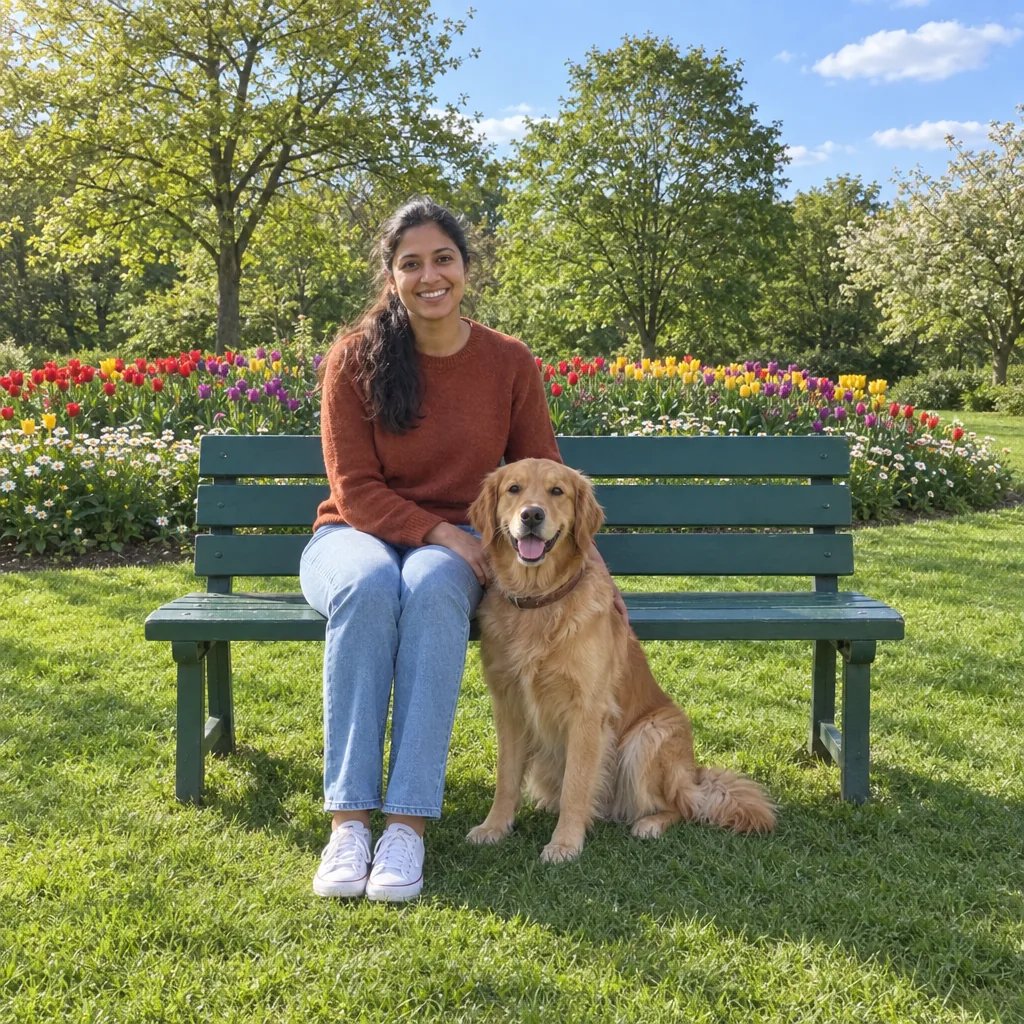
Before

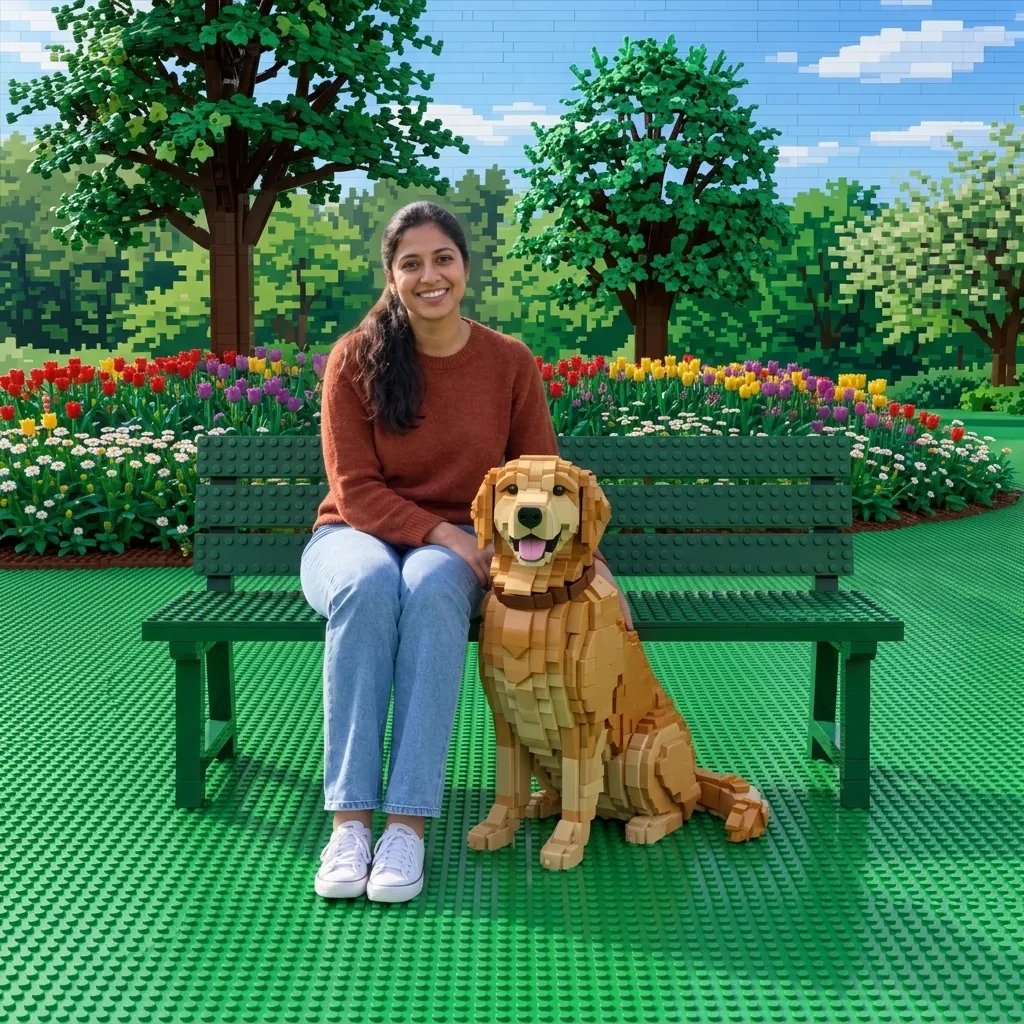
After

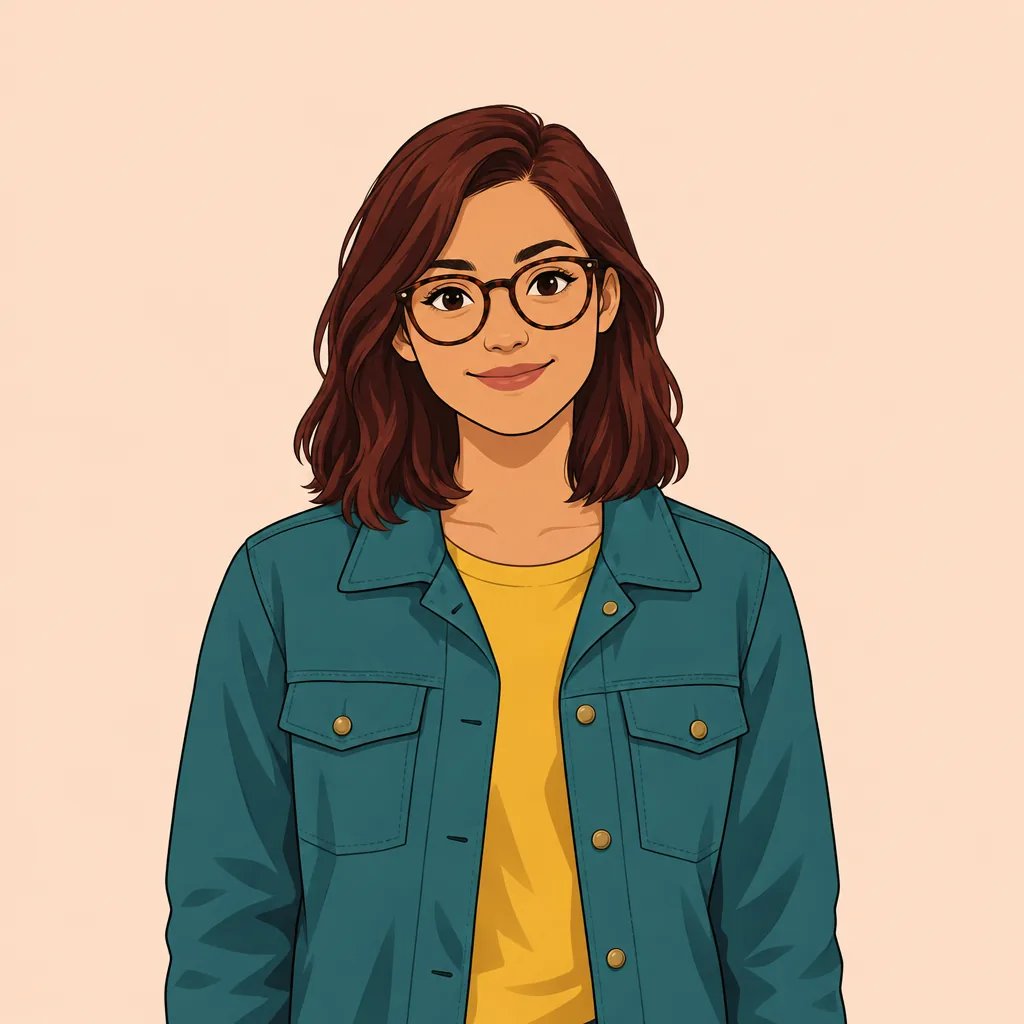
Curls, round glasses and a teal jacket

Style examples · GPT Image 2.5

Powerpuff Avatar Ideas for Different Looks

  • Curls and round glasses
  • A bright yellow hoodie
  • Long hair and a purple jacket
  • Freckles and a red scarf

Photo or imagination

How to Powerpuff Yourself in Three Steps

  1. Step 1

    Choose a portrait or describe a character

    For a personal avatar, upload a clear photo with visible hair and accessories. A front-facing or three-quarter portrait with even light is a useful starting point. You can also begin with words: describe the hairstyle, outfit colors, expression and background.

  2. Step 2

    Generate your cartoon look

    Create an image with oversized eyes, a large rounded head and a compact body. Your reference guides the appearance while the illustration simplifies small details. Review the silhouette, glasses and clothing colors, then change one part of your description for another variation.

  3. Step 3

    Save the avatar you prefer

    Open the result and download the image. Check how the face and outline read at the size you plan to use. For a profile picture, leave space around the head so a circular crop does not cut off the hair.

A recognizable cartoon look

Big Eyes, Bold Lines and Details That Feel Like You

A deliberately exaggerated silhouette

A dominant rounded head, huge eyes and a tiny body create the graphic cartoon look. Solid colors and thick outlines help the figure remain readable at small sizes. This direction keeps the background simple so the character stays the focus.

Guide the expression and setting

Use a short description to request a cheerful smile, a waving pose or a pastel background. Name the details that matter most and avoid a long list of competing outfits or settings. Changing one instruction at a time makes it easier to choose between results.

Bring your hair, glasses and colors

A reference photo gives the generator visible cues to reinterpret. It aims to carry over recognizable features while simplifying them into cartoon shapes. Tiny jewelry, garment text and precise facial proportions can change, so inspect the result before using it as your avatar.

Try a starting point

Powerpuff Yourself Prompts to Make Your Own

With a photo, describe the change you want. Without a photo, describe the person first. The cartoon style is already selected, so you can focus on appearance, pose and background.

A simple profile avatar

Short silver hair, warm tan skin, a purple hoodie and a friendly smile. Show the whole character on a pale mint background with plenty of space around the head.

A warm winter look

An original character with wavy auburn hair, freckles, a red scarf and a navy coat. Use a relaxed standing pose and a pale blue background.

A playful photo transformation

Use my portrait as the reference. Keep the hairstyle, glasses and jacket colors, and give the character a friendly wave against a pale lavender background.

Put your avatar to use

Cartoon Avatars for Profiles, Gifts and Character Ideas

Profile pictures

Explore a distinctive avatar for a personal profile. Check it in a small circular crop and choose a simple background that separates the hair and outfit from the surrounding color.

Character exploration

Try hairstyles, clothing palettes and expressions while developing an original character. Save the version you prefer as a visual reference for later drawing or illustration work.

Personal posts and invitations

Use a cheerful character image in a personal post, invitation or greeting. Add names and other exact wording afterward in your preferred editor so the lettering stays readable.

Gift artwork

Start with a portrait you have permission to use and make a cartoon concept for a friend. Review the details together before arranging the image into a card or other finished design.

Create more with one YouArt membership

This generator uses 8 credits for one 1K image. Membership credits work across YouArt image, video, audio, and workflow tools.

Basic

For hobbyists and explorers
$11$9.99/mo
  • 1000 credits
  • Up to ~200 images/month
  • Up to ~332s video/month
  • Intelligent creative agent
  • Video editor
  • Latest image models, including GPT Image 2.5, GPT Image 2 and Nano Banana Pro
  • Latest video models, including Seedance 2
  • Realistic face uploads
  • Voice generation with ElevenLabs
  • No watermark
  • Unlimited template access
Popular

Pro

Save 16%
For creators and pro users
$36$29.99/mo
  • 3300 credits
  • Up to ~1000 images/month
  • Up to ~1100s video/month
  • Intelligent creative agent
  • Video editor
  • Latest image models, including GPT Image 2.5, GPT Image 2 and Nano Banana Pro
  • Latest video models, including Seedance 2
  • Realistic face uploads
  • Voice generation with ElevenLabs
  • No watermark
  • Unlimited template access

Max

Save 24%Best Value
For power users and teams
$198$149.99/mo
  • 18000 credits
  • Up to ~6000 images/month
  • Up to ~6000s video/month
  • Intelligent creative agent
  • Video editor
  • Latest image models, including GPT Image 2.5, GPT Image 2 and Nano Banana Pro
  • Latest video models, including Seedance 2
  • Realistic face uploads
  • Voice generation with ElevenLabs
  • No watermark
  • Unlimited template access

Team

Save 24%
For teams and studios
$435$329.99/mo
  • 36300 credits
  • Up to ~12000 images/month
  • Up to ~12100s video/month
  • Realistic face uploads
  • Share canvas, workflows, and assets with your team
  • Up to 10 members per team
  • Up to 5 teams
  • Role-based management
  • Team credit management and spending caps
  • Per-member usage tracking

Powerpuff Yourself FAQ

Questions About the Powerpuff Avatar Maker

This YouArt tool generates an original cartoon avatar with a large head, oversized eyes, a tiny body and bold outlines. It is a Powerpuff-inspired visual treatment, not the official Powerpuff Yourself game or a Cartoon Network product. You choose the character through a photo or description rather than a fixed wardrobe of official parts.

Build beyond one image

Turn your result into a complete creative workflow

Open YouArt's visual canvas to connect generation, editing, upscaling, animation, and sound in one reusable process.