AI sticker generator

AI Sticker Generator for Original Die-Cut Sticker Art

Describe a snack, a pet, a mascot, an object, or a short phrase, or upload a reference photo, then get an original sticker design: one clear subject, a bold outer contour, flat color with simple shading, and the thick white die-cut border that makes a sticker read as a sticker. Direct the subject, palette, expression, props, and whether any lettering appears.

8 credits
Bold contour, flat color, and a thick white cut border

AI sticker examples

Sticker Ideas for Snacks, Pets, Characters, and Phrases

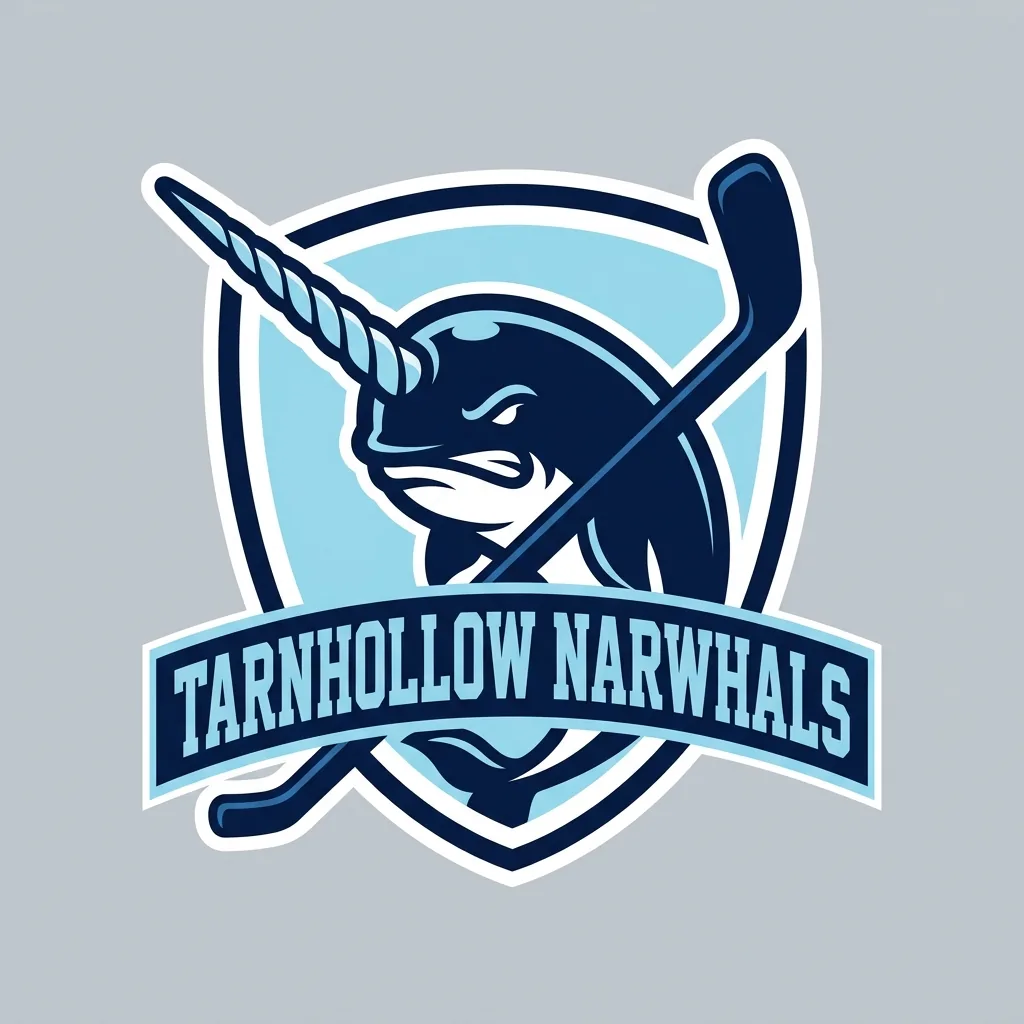
  • Snack sticker with a face
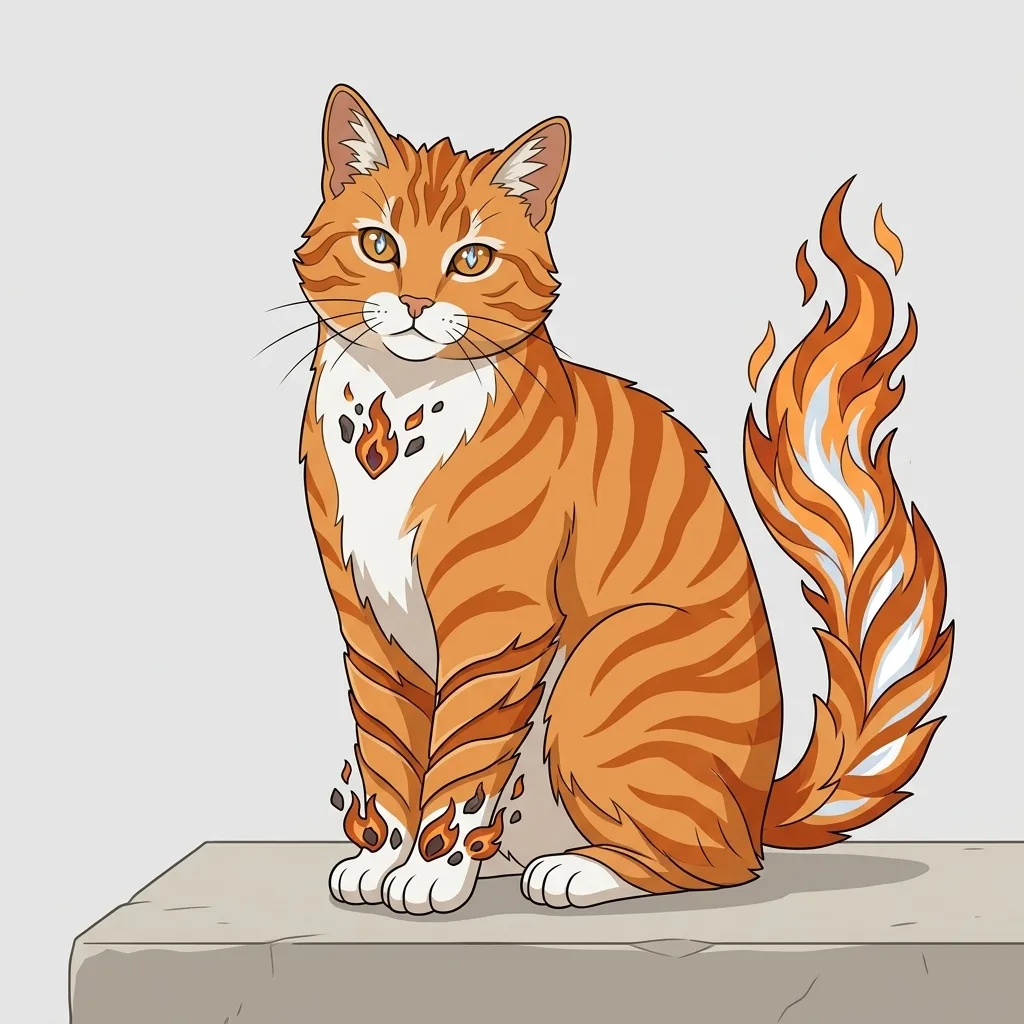
  • Pet sticker from a description
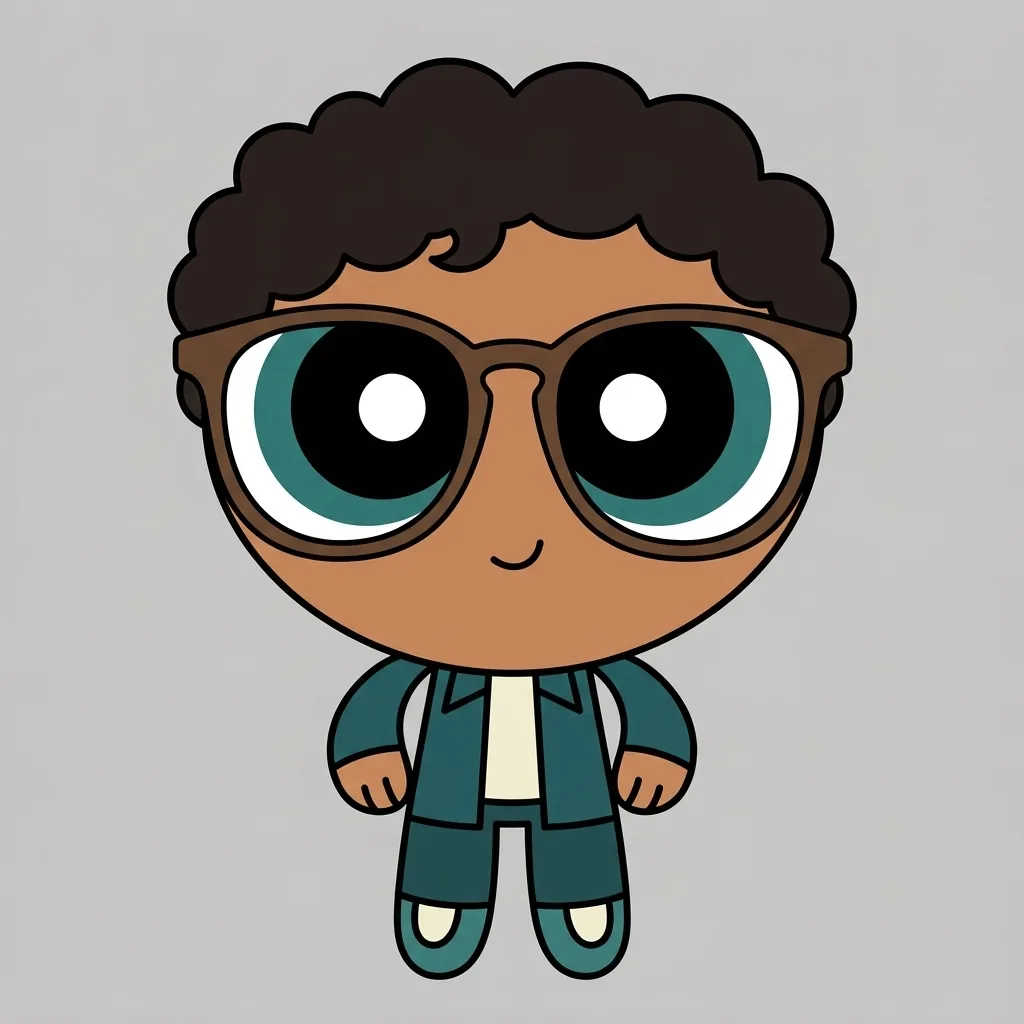
  • Character on a simple prop
  • Sticker with a short phrase

How it works

Make an AI Sticker in Three Steps

  1. Step 1

    Name one subject

    A sticker holds one thing. Name the subject, its expression or pose, two or three colors, and any short phrase you want on it. Add a reference photo if you have one.

  2. Step 2

    Generate the sticker

    YouArt creates one 1K square sticker design for 8 credits, with a bold contour, flat color, and the white die-cut border drawn in.

  3. Step 3

    Check it small, then download

    Shrink the result to chat-bubble size before you commit: a sticker that loses its subject at that size needs fewer interior details, not more.

What the generator controls

The Three Things That Make Sticker Art Work

A drawn die-cut border

The thick white outline following the subject's contour is what reads as a sticker, more than any other single cue. It is drawn into the artwork here, so the result is a finished image rather than a cut file.

Legible at sticker size

Closed silhouettes, flat color, and deliberately low interior detail keep the subject readable when the square is reduced to a messaging-app sticker or a browser tab.

Original characters and marks

Every design is drawn from your description rather than an existing sticker pack. The generator declines named characters, emoji sets, brand marks, and franchise designs.

Prompt ideas

Sticker Prompts That Name One Subject Clearly

Name one subject, its pose or expression, two or three colors, and any lettering. Leave out backgrounds and scenes — a sticker is a single cut-out shape.

A snack with a face

A strawberry ice cream cone with a small smiling face on the scoop and one drip down the waffle cone, flat pink and tan, thick white die-cut border, no background.

A pet in one pose

A chubby corgi lying on its belly with its tongue out, seen from the side, warm tan and cream with a dark contour, thick white die-cut border, plain background.

A sticker that says something

A boba milk tea cup with a smiling face and a striped straw, an orange ribbon banner across the bottom reading BOBA TIME, flat color, thick white die-cut border.

Ways to use it

Stickers for Chats, Shops, Laptops, and Brands

Messaging and group chats

The square result suits a chat sticker or a reaction image, where a bold contour and flat color survive being shown small.

Print-on-demand concepts

Work up sticker-sheet concepts before committing to a print run, then take the direction you like to a printer with your own cut file.

Laptop, journal, and water bottle art

Design the artwork for a vinyl sticker, a planner, or a bullet journal spread without needing to draw the contour yourself.

Mascots and small-brand marks

Try a friendly mascot or a badge for a shop, a club, or a project, and iterate on the palette and expression a few runs at a time.

Create more with one YouArt membership

This generator uses 8 credits for one 1K image. Membership credits work across YouArt image, video, audio, and workflow tools.

Basic

For hobbyists and explorers

$9.99/mo
Select Plan
  • 1000 credits
  • Up to ~200 images/month
  • At least ~1000s video/month
  • Intelligent creative agent
  • Video editor
  • Latest image models, including GPT Image 2 and Nano Banana Pro
  • Latest video models, including Seedance 2
  • Realistic face uploads
  • Voice generation with ElevenLabs
  • No watermark
  • Unlimited template access

Pro

Most Popular

For creators and pro users

$29.99/mo
Select Plan
  • 3300 credits
  • Up to ~1000 images/month
  • At least ~3300s video/month
  • Intelligent creative agent
  • Video editor
  • Latest image models, including GPT Image 2 and Nano Banana Pro
  • Latest video models, including Seedance 2
  • Realistic face uploads
  • Voice generation with ElevenLabs
  • No watermark
  • Unlimited template access

Max

For power users and teams

$149.99/mo
Select Plan
  • 18000 credits
  • Up to ~6000 images/month
  • At least ~18000s video/month
  • Intelligent creative agent
  • Video editor
  • Latest image models, including GPT Image 2 and Nano Banana Pro
  • Latest video models, including Seedance 2
  • Realistic face uploads
  • Voice generation with ElevenLabs
  • No watermark
  • Unlimited template access

Team

For teams and studios

$329.99/mo
Select Plan
  • 36300 credits
  • Up to ~12000 images/month
  • At least ~36300s video/month
  • Realistic face uploads
  • Share canvas, workflows, and assets with your team
  • Up to 10 members per team
  • Up to 5 teams
  • Role-based management
  • Team credit management and spending caps
  • Per-member usage tracking

Frequently asked questions

AI Sticker Generator FAQ

What does the AI sticker generator create?
It creates one original die-cut sticker design from text, an uploaded photo, or both: a single subject with a closed silhouette, a bold outer contour, flat color with simple shading, and a thick white cut border drawn around the outside. It is not affiliated with any sticker pack, messaging platform, or brand, and it declines named characters, emoji sets, brand marks, and franchise designs, so the result is yours rather than a copy of something else.
How should I write a sticker prompt?
Name one subject and stop. Add its pose or expression, two or three colors, and any short phrase you want lettered on it. Skip backgrounds and scenes — a sticker is a single cut-out shape, and describing a setting competes with the silhouette rather than helping it.
Can I turn my own photo into a sticker?
Yes. Attach a photo and the generator redraws its subject as a sticker rather than tracing the picture, simplifying it into a closed bold-contour shape that still reads at small sizes. Words are optional with a photo attached; add them when you want to steer the palette, the expression, or any lettering.
Do I get a transparent PNG?
No. This page returns a finished square image with the white die-cut border drawn into the artwork, which is what makes it read as a sticker. If you need a transparent cut-out for a chat app or a print file, run the result through the YouArt background remover afterwards.
How many credits does one sticker cost?
Each run costs 8 credits and returns one 1K square image. Membership credits work across YouArt image, video, audio, and workflow tools.

Keep exploring

More AI art styles to try

The closest looks to this one. Each is a full generator with its own prompt studio and examples.

Browse all 29 AI generators

Build beyond one image

Turn your result into a complete creative workflow

Open YouArt's visual canvas to connect generation, editing, upscaling, animation, and sound in one reusable process.