AI poster generator

AI Poster Generator for Events, Sales and Wall Art

Turn a gig, a sale or a favorite quote into a poster made to be read from across a room. Describe one strong image, then write the title and, if you need it, one short line of details. Add a reference image to build the artwork around, and pick a tall, classic or story shape.

8 credits
THE TIN COMETS · Gig poster · Tall 2:3

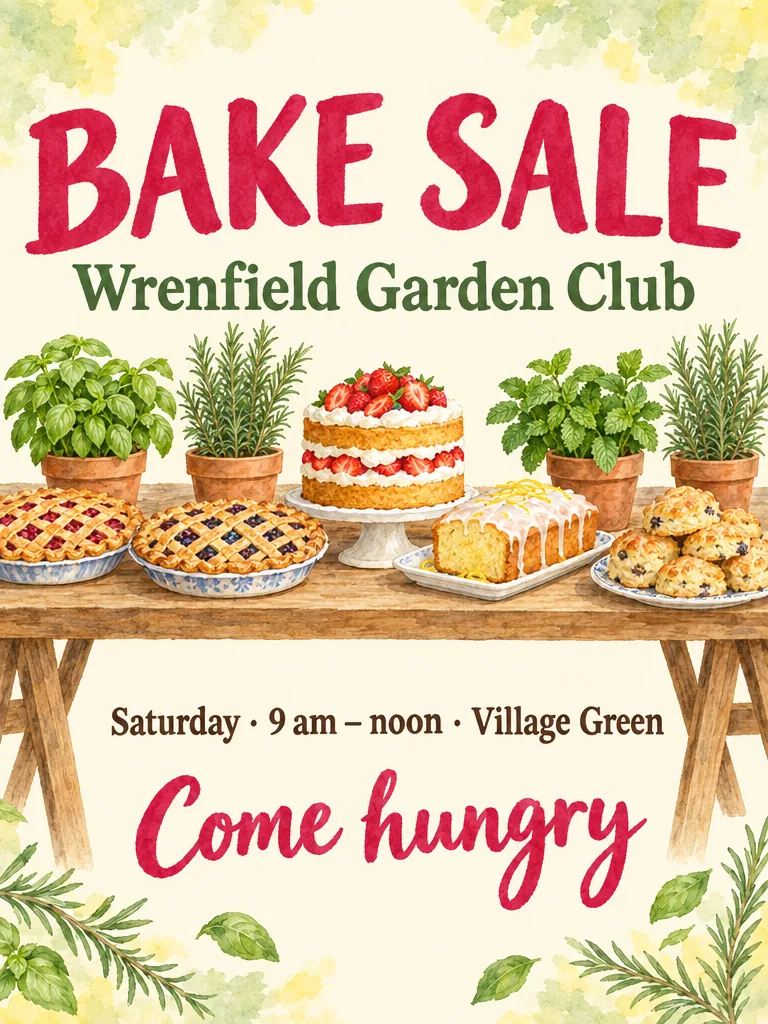
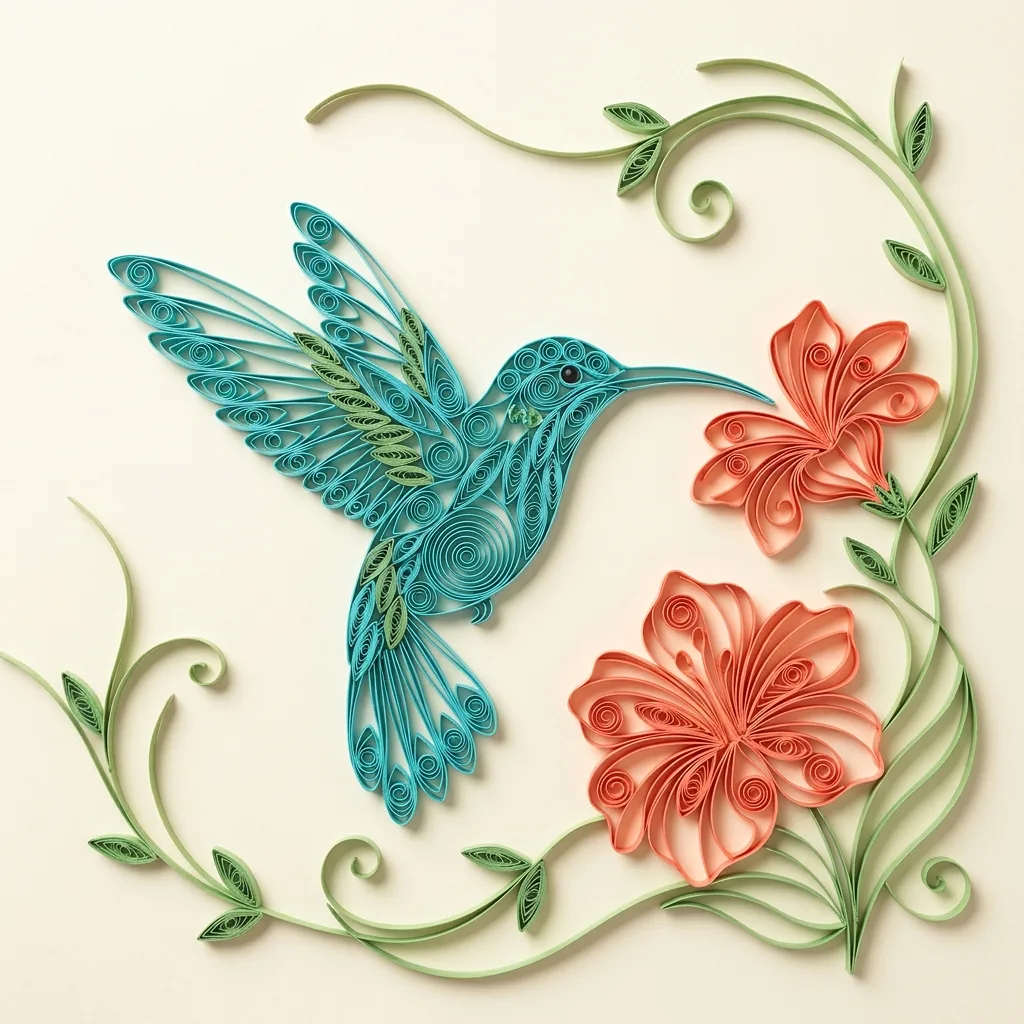
Poster examples created with GPT Image 2.5

Four Posters, Each Built on One Image and a Few Words

  • AUTUMN SALE · Shop-window sale poster
  • PAPER TIDES · Exhibition poster
  • ONE STEP AT A TIME · Quote print
  • PLANT A TREE · Community event poster

How it works

How to Make a Poster with the AI Poster Maker

  1. Step 1

    Describe the image and the words

    Name one strong image, a palette and a style, then write the title exactly as it should appear, plus one short details line if you need it. Choose Tall 2:3, Classic 3:4 or Story 9:16. One reference image can become the key art.

  2. Step 2

    Generate your poster

    Each run costs 8 credits and creates one 1K poster image in the shape you chose, from words, a reference image or both. The artwork is meant to run to every edge; if a result comes back inside a border or frame, generate again.

  3. Step 3

    Proofread, then download

    Read every letter of the title and details line at full size, then view the poster small to see whether it still reads at a glance. Change the prompt for another version, and download the one you want to share or print small.

Poster design

Made to Be Read from Across a Room

One image carries the idea

A poster gets a glance, not a read, so each design is built around one dominant image with strong contrast and clear space for the title. Name that image, such as a comet over rooftops or a stack of sweaters. Pick a style, or let the subject decide: photographic, illustrated, graphic or painterly.

Only the words you write

The title and one short details line are taken from your prompt as written, so type them exactly as they should appear. The generator adds no dates, prices, web addresses, QR codes, logos or badges of its own. Give it no words for the lettering and you get an image-led poster instead.

Three poster shapes, one price

Tall 2:3 and Classic 3:4 follow common poster proportions, and Story 9:16 fits phone screens and digital displays. Each poster is generated in the shape you pick rather than cropped from another one, and all three shapes cost 8 credits.

Prompt ideas

Poster Prompts for a Gig, a Sale and a Wall

Paste one and swap in your own words. Write the title as it should appear, put the one details line in quotation marks, and describe a single image, a palette and a style.

Screen-print gig poster

Two-color screen-print gig poster in tangerine and midnight blue: a lone electric guitar planted on a hilltop, a comet tail streaming from its headstock across the stars, grainy halftone texture, title THE TIN COMETS in tall condensed letters, details line “Live · Friday 9 PM”.

Shop-window sale poster

Sale poster with a warm photograph of chunky knit sweaters in rust, oat and forest green stacked on a wooden bench by a window, autumn leaves falling outside, soft side light, large serif title AUTUMN SALE at the top, details line “Kettlefern Knitwear · 30% off”.

Quote print for a wall

Painterly wall-art poster of a winding trail climbing to a mountain ridge at sunrise, one small hiker on the path, peach and violet sky, the words ONE STEP AT A TIME in a centered serif across the upper third, no other text.

Ways to use it

What to Make with the AI Poster Generator

Gigs and local events

Give a show, a club night, a talk or a tree-planting day one bold image and a big title. Make the name the title and put the day and time in the details line, so the essentials read at a glance.

Shop windows and sales

Announce a seasonal sale or a new collection with one product-led image and a short headline for an in-store screen, your social posts or a small window print. Your own product photo can become the key art; it is recomposed rather than pasted in, so check that the product still looks right.

Exhibitions and open studios

Set the show's title over artwork in the spirit of the work on display, whether cut paper, ink or photography, with the gallery name or dates in the one short line. A photo of one piece can guide the look, but it will be reinterpreted rather than reproduced.

Wall art and quote prints

Make something for your own wall: a landscape, a pattern or a short quote in large lettering. Four or five words usually read best as a quote print. At 1K, the image suits a small frame or a screen rather than a large print.

Create more with one YouArt membership

This generator uses 8 credits for one 1K image. Membership credits work across YouArt image, video, audio, and workflow tools.

Basic

For hobbyists and explorers

$9.99/mo
Select Plan
  • 1000 credits
  • Up to ~200 images/month
  • Up to ~332s video/month
  • Intelligent creative agent
  • Video editor
  • Latest image models, including GPT Image 2.5, GPT Image 2 and Nano Banana Pro
  • Latest video models, including Seedance 2
  • Realistic face uploads
  • Voice generation with ElevenLabs
  • No watermark
  • Unlimited template access
Pro

Popular

For creators and pro users

$29.99/mo
Select Plan
  • 3300 credits
  • Up to ~1000 images/month
  • Up to ~1100s video/month
  • Intelligent creative agent
  • Video editor
  • Latest image models, including GPT Image 2.5, GPT Image 2 and Nano Banana Pro
  • Latest video models, including Seedance 2
  • Realistic face uploads
  • Voice generation with ElevenLabs
  • No watermark
  • Unlimited template access

Max

Best Value

For power users and teams

$149.99/mo
Select Plan
  • 18000 credits
  • Up to ~6000 images/month
  • Up to ~6000s video/month
  • Intelligent creative agent
  • Video editor
  • Latest image models, including GPT Image 2.5, GPT Image 2 and Nano Banana Pro
  • Latest video models, including Seedance 2
  • Realistic face uploads
  • Voice generation with ElevenLabs
  • No watermark
  • Unlimited template access

Team

For teams and studios

$329.99/mo
Select Plan
  • 36300 credits
  • Up to ~12000 images/month
  • Up to ~12100s video/month
  • Realistic face uploads
  • Share canvas, workflows, and assets with your team
  • Up to 10 members per team
  • Up to 5 teams
  • Role-based management
  • Team credit management and spending caps
  • Per-member usage tracking

Frequently asked questions

AI Poster Generator FAQ

It creates one original poster image from your description, a reference image, or both, in Tall 2:3, Classic 3:4 or Story 9:16. Each poster has one dominant image, a large title and at most one short line of details, with the artwork meant to run to every edge rather than sit inside a paper border. It is new artwork, not a template with your words dropped in.

It can include a title and one short details line, such as a day and time or a shop name, taken only from the words you write. It adds no dates, prices, web addresses or QR codes of its own. AI lettering can still misspell a word, so keep the text short, write it exactly as it should appear and proofread the poster before sharing or printing it.

Make a poster when it will be seen from a distance, on a wall, in a window or on a screen, and one image with a title can carry the message. Make a flyer when people will read it up close and need several details, such as the date, the place and a call to action; the AI Flyer Generator is built for that. For a film's theatrical one-sheet, use the AI Movie Poster Generator.

Yes. Upload one image, with or without words. A product, a place or a person in it becomes the poster's key art, recomposed and restyled for the frame rather than pasted in, so details can change. Use your own images or ones you have permission to use, not a well-known company's logo; any people shown should be adults who agreed to appear.

You can download the image to share online, show on a screen or print small. Each run creates one 1K image, which is not large enough for a big poster print. It is a flat picture rather than an editable, layered or vector file, so to change the wording, edit your prompt and generate a new version.

Each generation costs 8 YouArt credits and creates one image. All three poster shapes cost the same, and you can edit the prompt or change the shape before generating without spending credits.

Build beyond one image

Turn your result into a complete creative workflow

Open YouArt's visual canvas to connect generation, editing, upscaling, animation, and sound in one reusable process.