AI mascot generator

AI Mascot Generator for Brand, Team, and Club Characters

Describe the animal, object, or figure you want standing for your brand, or upload a reference photo, and get an original mascot character with a bold readable silhouette, simplified features, flat brand colors, and a centered three-quarter pose on a plain background. Direct the species, expression, outfit, props, pose, and palette. Each run returns one square illustration, not a vector logo file.

8 credits
A café bear mascot in flat brand colors on a plain background

AI mascot generator examples

Mascot Ideas for Brands, Teams, Food, and Apps

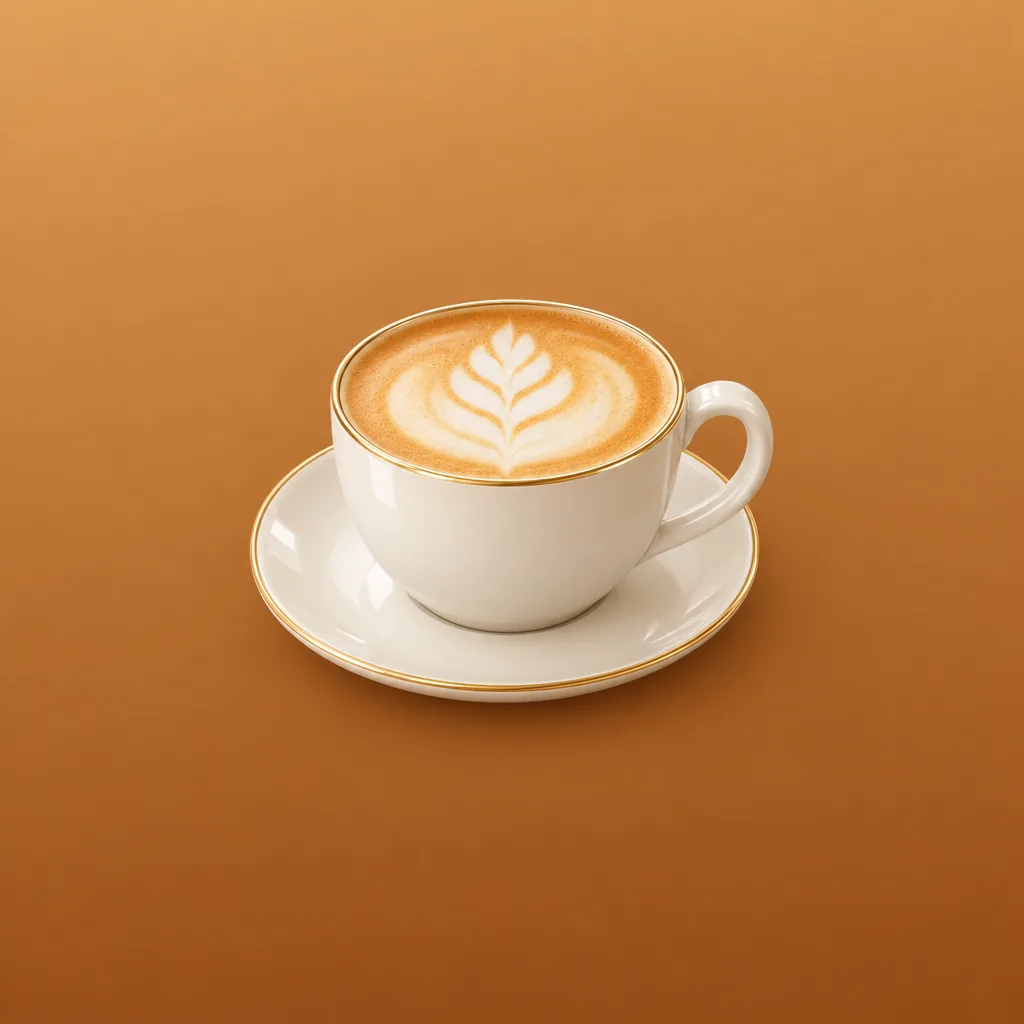
  • Café brand mascot
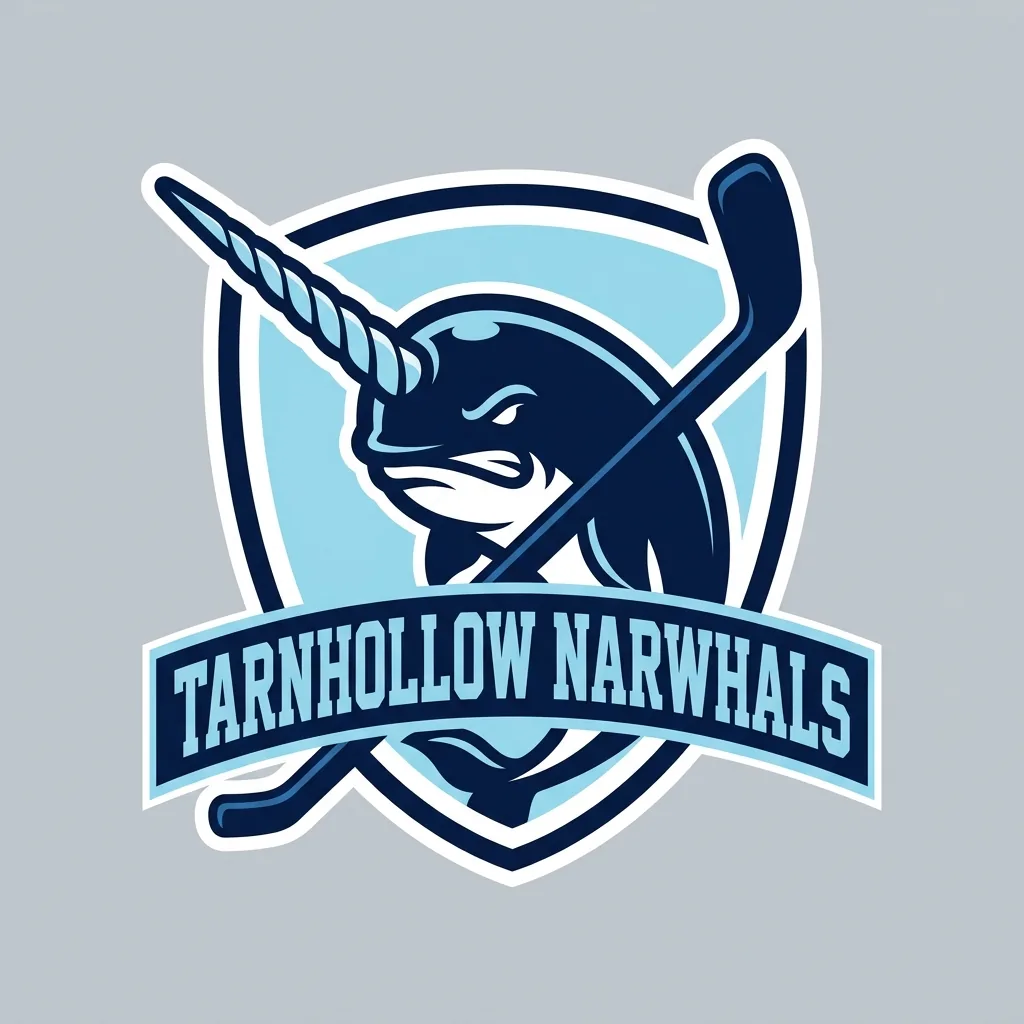
  • Sports team mascot
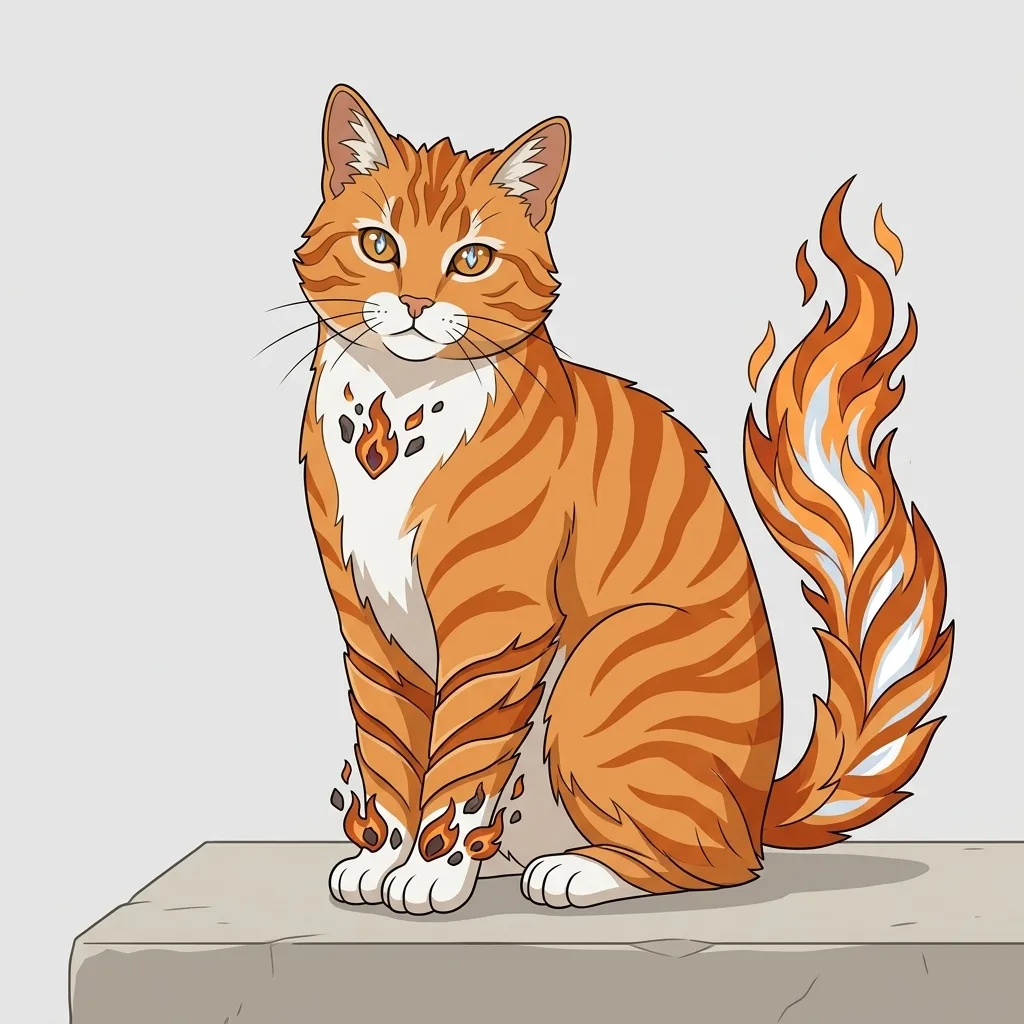
  • Food character
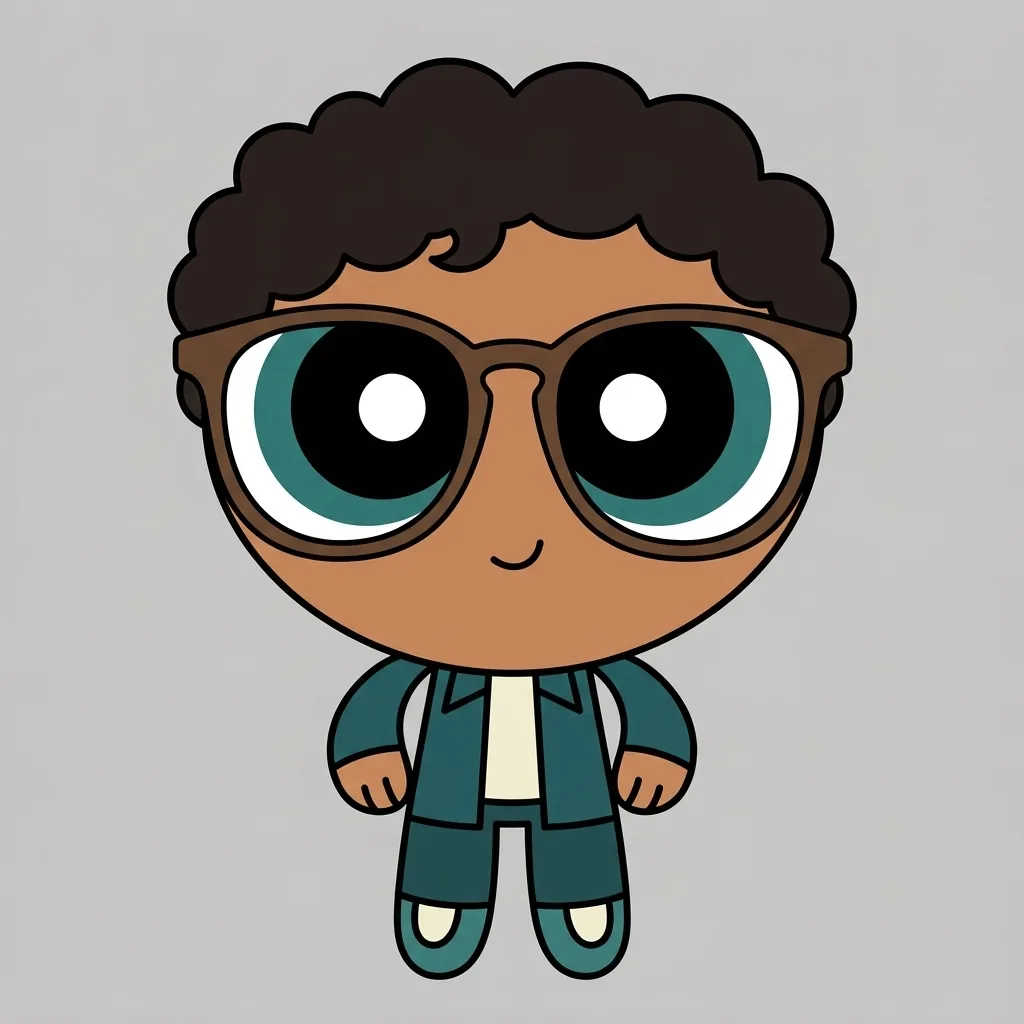
  • App and community mascot

How it works

Create a Mascot in Three Steps

  1. Step 1

    Describe the character and brand

    Start from a prompt or a reference photo. Name the animal, object, or figure, then the expression, outfit and props, pose, palette, and what the mascot should stand for.

  2. Step 2

    Generate one mascot illustration

    YouArt creates one 1K square mascot image for 8 credits, with a bold silhouette, simplified features, and flat brand colors.

  3. Step 3

    Check it at avatar size

    Shrink the result to a profile-picture square to see whether the silhouette and expression still read. Refine the brief if needed, then download your chosen image.

Mascot design controls

What Makes an AI Mascot Read as a Brand Character

A silhouette that survives shrinking

A mascot is judged at 64 pixels, not at full size. Ask for a chunky simplified shape, a thick outer contour, and few internal details, then check the square result at avatar size.

A limited brand-ready palette

Name two or three colors and the character is built from them in flat fills or light shading rather than painterly rendering. Say which color the body, the outfit, and the props should carry.

Pose, expression, and props

A centered three-quarter pose on a plain background is the starting point because it suits an avatar and a page header alike, and you can ask for another pose or framing. Add a wave, a held prop, a jersey, or one small accessory to say what the character does.

Prompt ideas

AI Mascot Generator Prompts with a Clear Brief

Name one character, its expression and pose, the outfit or prop, two or three palette colors, and the plain background you want behind it.

Animal brand mascot

A round brown bear in a green apron holding a paper coffee cup, friendly smile, thick black contour, flat cream and forest-green palette, simplified paws, centered three-quarter pose on a plain cream background, no text.

Sports team mascot

A confident falcon in a navy and gold team jersey, sharp brow, wings on its hips, clean bold outline, flat color with light shading, centered three-quarter pose on a plain grey background, square framing, no lettering.

Food or object character

A smiling taco with round eyes, short arms, and white sneakers, waving, thick outline, flat warm-yellow and red palette, one small highlight on the shell, centered on a plain background, no text.

Ways to use it

Mascot Characters for Brands, Teams, and Communities

Small-business brand character

Give a café, a shop, or a side project a friendly face to carry across a site header, a menu board, and social posts.

Team, club, and school mascots

Try a jersey, a color pair, and an expression for a sports team, a club, or a school before anyone commits to one animal.

Brand avatars and community badges

The square result fits a brand's profile picture, a community or chat badge, or a stream icon, where a small high-contrast character reads best.

A brief for a designer

Explore several directions cheaply, then hand the one you like to an illustrator or designer to redraw as vector artwork and build the actual logo.

Create more with one YouArt membership

This generator uses 8 credits for one 1K image. Membership credits work across YouArt image, video, audio, and workflow tools.

Basic

For hobbyists and explorers

$9.99/mo
Select Plan
  • 1000 credits
  • Up to ~200 images/month
  • At least ~1000s video/month
  • Intelligent creative agent
  • Video editor
  • Latest image models, including GPT Image 2 and Nano Banana Pro
  • Latest video models, including Seedance 2
  • Realistic face uploads
  • Voice generation with ElevenLabs
  • No watermark
  • Unlimited template access
Pro

Most Popular

For creators and pro users

$29.99/mo
Select Plan
  • 3300 credits
  • Up to ~1000 images/month
  • At least ~3300s video/month
  • Intelligent creative agent
  • Video editor
  • Latest image models, including GPT Image 2 and Nano Banana Pro
  • Latest video models, including Seedance 2
  • Realistic face uploads
  • Voice generation with ElevenLabs
  • No watermark
  • Unlimited template access

Max

For power users and teams

$149.99/mo
Select Plan
  • 18000 credits
  • Up to ~6000 images/month
  • At least ~18000s video/month
  • Intelligent creative agent
  • Video editor
  • Latest image models, including GPT Image 2 and Nano Banana Pro
  • Latest video models, including Seedance 2
  • Realistic face uploads
  • Voice generation with ElevenLabs
  • No watermark
  • Unlimited template access

Team

For teams and studios

$329.99/mo
Select Plan
  • 36300 credits
  • Up to ~12000 images/month
  • At least ~36300s video/month
  • Realistic face uploads
  • Share canvas, workflows, and assets with your team
  • Up to 10 members per team
  • Up to 5 teams
  • Role-based management
  • Team credit management and spending caps
  • Per-member usage tracking

Frequently asked questions

AI Mascot Generator FAQ

What does the AI mascot generator create?
It creates a new friendly brand character from text, an uploaded photo, or both: a bold readable silhouette, simplified appealing features, flat or lightly shaded color from a small palette, and a centered three-quarter pose on a plain background. For a detailed creature rather than a brand character, use the dedicated AI monster generator. It will not reproduce an existing company's mascot, a named team or school identity, a club badge, or a protected character design.
How do I write a good mascot prompt?
Name one character and what it should stand for, then add the expression, pose, outfit or prop, two or three palette colors, and the plain background. Words such as bold outline, flat color, simplified shapes, and centered three-quarter pose keep the result readable at small sizes instead of drifting into a detailed illustration.
Can I turn a photo into a mascot?
Yes. Upload a clear photo of a pet, a person, a product, or a sketch and say which shapes, colors, and details should stay recognizable. The result is a new drawing that interprets your photo rather than a traced conversion of it, so features are simplified on purpose and likeness stays approximate.
Can I use the result as a logo file?
Not as a finished logo. Each run returns one flat 1K square image, so there is no vector file, no transparent background, no wordmark or logo lockup, and no editable layers or text. It is character artwork: enough to settle a direction, show a client, or fill an avatar, and the right handoff for a designer who will redraw it as vector art and build the logo itself.
How much does one mascot image cost?
Each run creates one 1K image and costs 8 YouArt credits. Editing the prompt is free until you generate; every additional variation is a new run.

Keep exploring

More AI art styles to try

The closest looks to this one. Each is a full generator with its own prompt studio and examples.

Browse all 29 AI generators

Build beyond one image

Turn your result into a complete creative workflow

Open YouArt's visual canvas to connect generation, editing, upscaling, animation, and sound in one reusable process.