AI album cover generator

AI Album Cover Generator for Square Cover Art in Any Genre

Describe the mood of a release or upload a photo, then get an original cover image built on one strong focal subject, mood-led color, and quiet space where your type will go. Every run comes back square, the format a cover already is, with contrast that still reads at the size a listener sees it. Direct the genre, palette, texture, framing, and which part of the frame stays empty.

8 credits
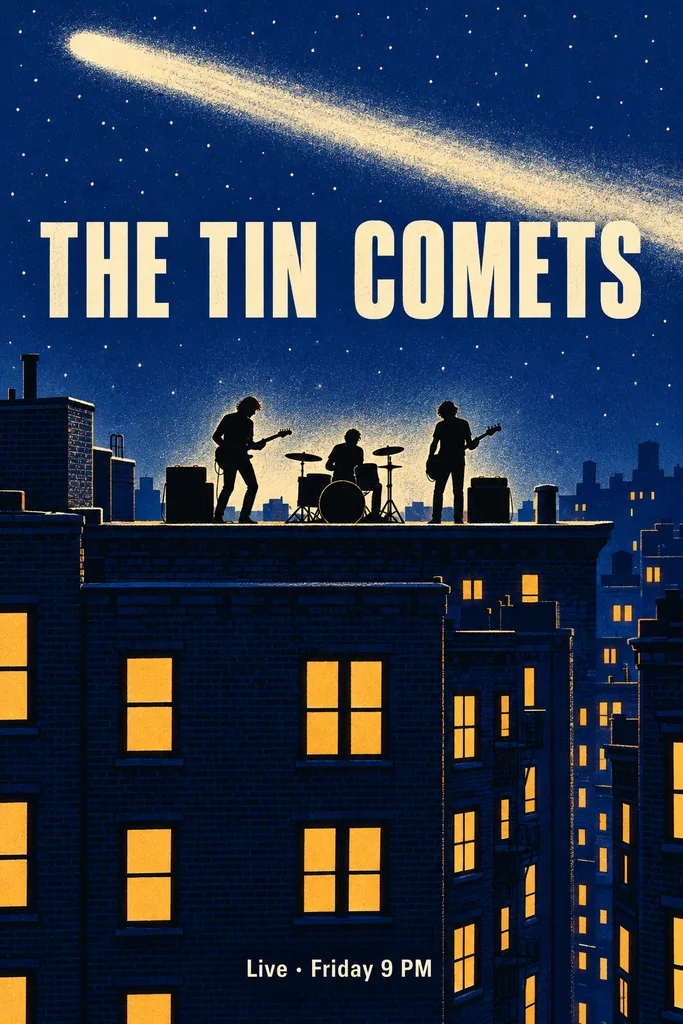
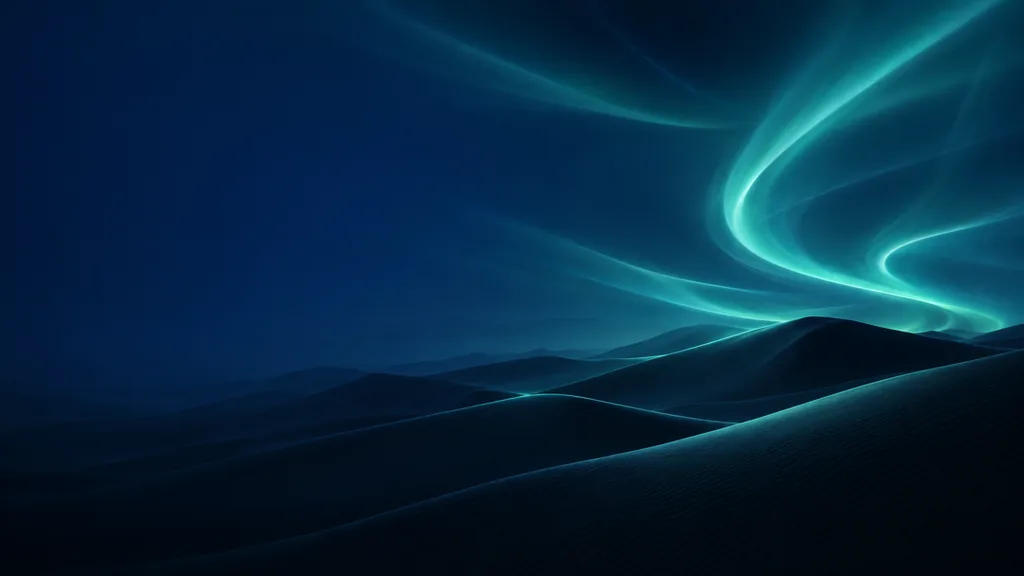
A rooftop figure under a violet dusk sky, with the top of the frame left for a title

Album cover examples

AI Album Cover Ideas for Singles, EPs, and Mixtapes

  • Lo-fi single cover
  • Figure-led mixtape cover
  • Abstract EP cover
  • Indie folk album cover

How it works

Make an Album Cover in Three Steps

  1. Step 1

    Set the release and its mood

    Start from a photo or a written subject. Add the genre or mood, the palette, the light direction, how plain the background should be, and where the quiet space for your title should sit.

  2. Step 2

    Create one square cover

    YouArt creates one 1K square album cover for 8 credits, with a single focal subject, mood-led color, and the part of the frame you named kept clear of detail.

  3. Step 3

    Check it small, then download

    Shrink the image to thumbnail size and see whether the focal subject still reads and the quiet area sits where your type will go. Refine the brief and run it again if not, then download it.

Cover art controls

Cover Art That Still Reads at Thumbnail Size

Square frame, one focal subject

Every run comes back square, which is the shape a cover has to be anyway, and the composition holds one dominant subject with the background kept behind it, so nothing competes for attention in a small player tile.

Mood-led color and light

There is no fixed painting style here. Name the genre, the era, or the feeling, and the palette, texture, grain, and lighting follow: smoky blue jazz, sun-bleached country, hard neon club light.

Quiet space left for your type

Say which part of the frame stays empty, whether that is the top band, the lower third, or one corner, and the composition aims to keep it calm so you can set the artist name and album title over it yourself.

Prompt ideas

Album Cover Prompts with a Clear Focal Subject

Name one subject, the genre or mood, the palette and light, how plain the background should be, and which part of the frame stays quiet for your title.

Moody single cover

A single cassette on a rain-streaked windowsill at night, one warm lamp glow from the left, muted teal and amber, soft focus falloff, plain dark wall behind it, quiet empty space across the top third for a title.

Figure-led mixtape cover

A backlit figure standing in red haze against near-black, hard rim light along the shoulders, heavy grain, no visible background detail, strong silhouette centered in the square, bottom quarter left dark and empty for type.

Abstract EP cover

One hard-edged white circle centered over a smooth cyan-to-violet gradient, flat graphic treatment, subtle paper grain, even margins on all four sides, nothing else in the frame and no lettering.

Ways to use it

Album Cover Art for Releases, Mixtapes, and Playlists

Singles and EPs

Develop the artwork for a single or EP you are finishing, already in the square shape a cover lives in anyway.

Mixtapes and playlists

Give a mixtape, a DJ set, or a personal playlist one clear focal image instead of a stock photo nobody remembers.

Art direction for a designer

Work through a few moods, one run each, then hand the one you like to an illustrator or designer as a starting point rather than a finished sleeve.

Release-day posts

The square result also suits an announcement post or a pinned teaser while a release is still being teased.

Create more with one YouArt membership

This generator uses 8 credits for one 1K image. Membership credits work across YouArt image, video, audio, and workflow tools.

Basic

For hobbyists and explorers

$9.99/mo
Select Plan
  • 1000 credits
  • Up to ~200 images/month
  • At least ~1000s video/month
  • Intelligent creative agent
  • Video editor
  • Latest image models, including GPT Image 2 and Nano Banana Pro
  • Latest video models, including Seedance 2
  • Realistic face uploads
  • Voice generation with ElevenLabs
  • No watermark
  • Unlimited template access

Pro

Most Popular

For creators and pro users

$29.99/mo
Select Plan
  • 3300 credits
  • Up to ~1000 images/month
  • At least ~3300s video/month
  • Intelligent creative agent
  • Video editor
  • Latest image models, including GPT Image 2 and Nano Banana Pro
  • Latest video models, including Seedance 2
  • Realistic face uploads
  • Voice generation with ElevenLabs
  • No watermark
  • Unlimited template access

Max

For power users and teams

$149.99/mo
Select Plan
  • 18000 credits
  • Up to ~6000 images/month
  • At least ~18000s video/month
  • Intelligent creative agent
  • Video editor
  • Latest image models, including GPT Image 2 and Nano Banana Pro
  • Latest video models, including Seedance 2
  • Realistic face uploads
  • Voice generation with ElevenLabs
  • No watermark
  • Unlimited template access

Team

For teams and studios

$329.99/mo
Select Plan
  • 36300 credits
  • Up to ~12000 images/month
  • At least ~36300s video/month
  • Realistic face uploads
  • Share canvas, workflows, and assets with your team
  • Up to 10 members per team
  • Up to 5 teams
  • Role-based management
  • Team credit management and spending caps
  • Per-member usage tracking

Frequently asked questions

AI Album Cover Generator FAQ

What does the AI album cover generator create?
It creates one new square cover image from text, an uploaded photo, or both, following a cover-art brief rather than a fixed painting style: a single dominant focal subject, mood-led color and light, contrast that survives being shown small, and a quiet area reserved for typography. Because the direction comes from your words, the same page can produce a smoky jazz sleeve, a stark metal single, or an abstract electronic EP. It will not recreate an existing release's artwork, and YouArt is an independent platform, not affiliated with any label, artist, or music service.
How do I write a good album cover prompt?
Name one subject and keep it to one, because a cover falls apart when three ideas share the frame. Then add the genre or mood, the palette, the light direction, how plain the background should be, and which part of the frame stays quiet for your title. Phrases such as single focal subject, plain background, heavy grain, and empty space across the top steer the composition far more reliably than a genre name on its own.
Can I use my own photo?
Yes. Upload a band photo, an object, or a place, and say what should stay recognizable and what should fall back. A diffusion pass creates a new image that interprets your photo as a cover composition rather than a filtered copy of it, so geometry shifts and faces come back approximate; review it at full size before you use it.
Will it add my artist name and album title?
No, and it is best not to ask it to. Rendered lettering is the least reliable thing an image generator produces: words come back misspelled, warped, or half-formed. Ask instead for a quiet empty area, whether that is the top band, the lower third, or a corner, and set the artist name and title over it yourself in whatever layout or design app you already use. That is also the normal order of work on a cover: artwork first, type on top.
How much does one album cover cost?
Each run creates one 1K square image and costs 8 YouArt credits. Editing the prompt is free until you generate; every additional variation is a new run.

Keep exploring

More AI art styles to try

The closest looks to this one. Each is a full generator with its own prompt studio and examples.

Browse all 29 AI generators

Build beyond one image

Turn your result into a complete creative workflow

Open YouArt's visual canvas to connect generation, editing, upscaling, animation, and sound in one reusable process.