Anime Filter

Anime Filter That Keeps Your Face Recognisable

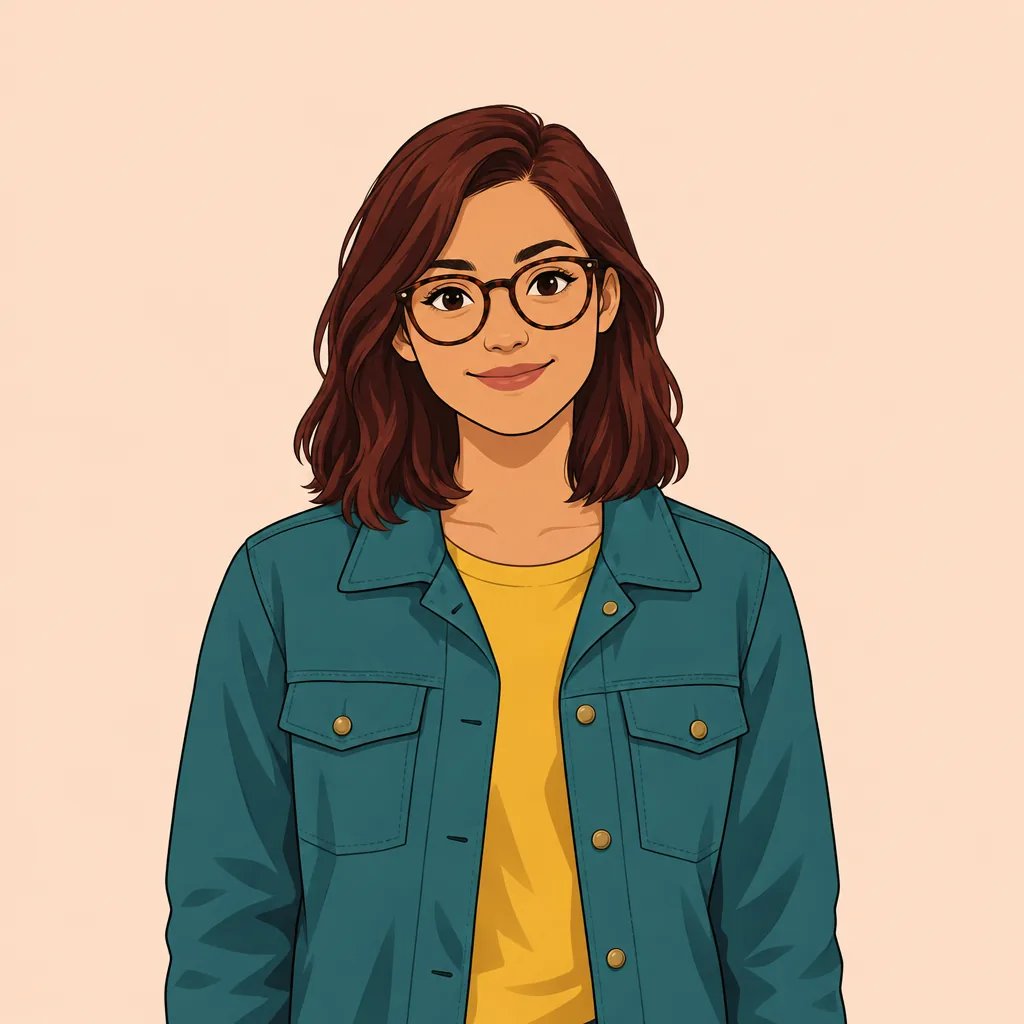
Upload a photo and it comes back as a modern anime portrait — clean linework, cel shading in a few deliberate tone steps, expressive eyes. The stylisation simplifies your features instead of replacing them, so the result is still plainly you.

8 credits
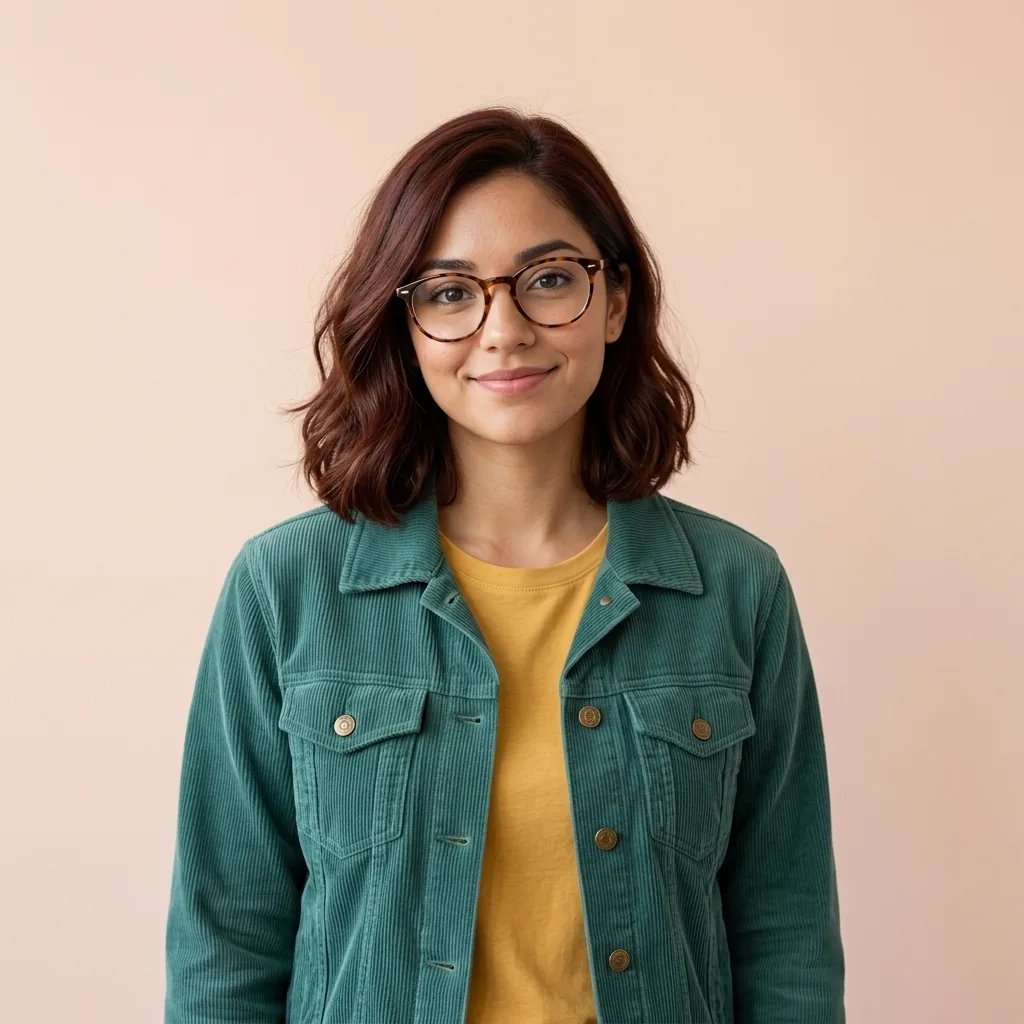
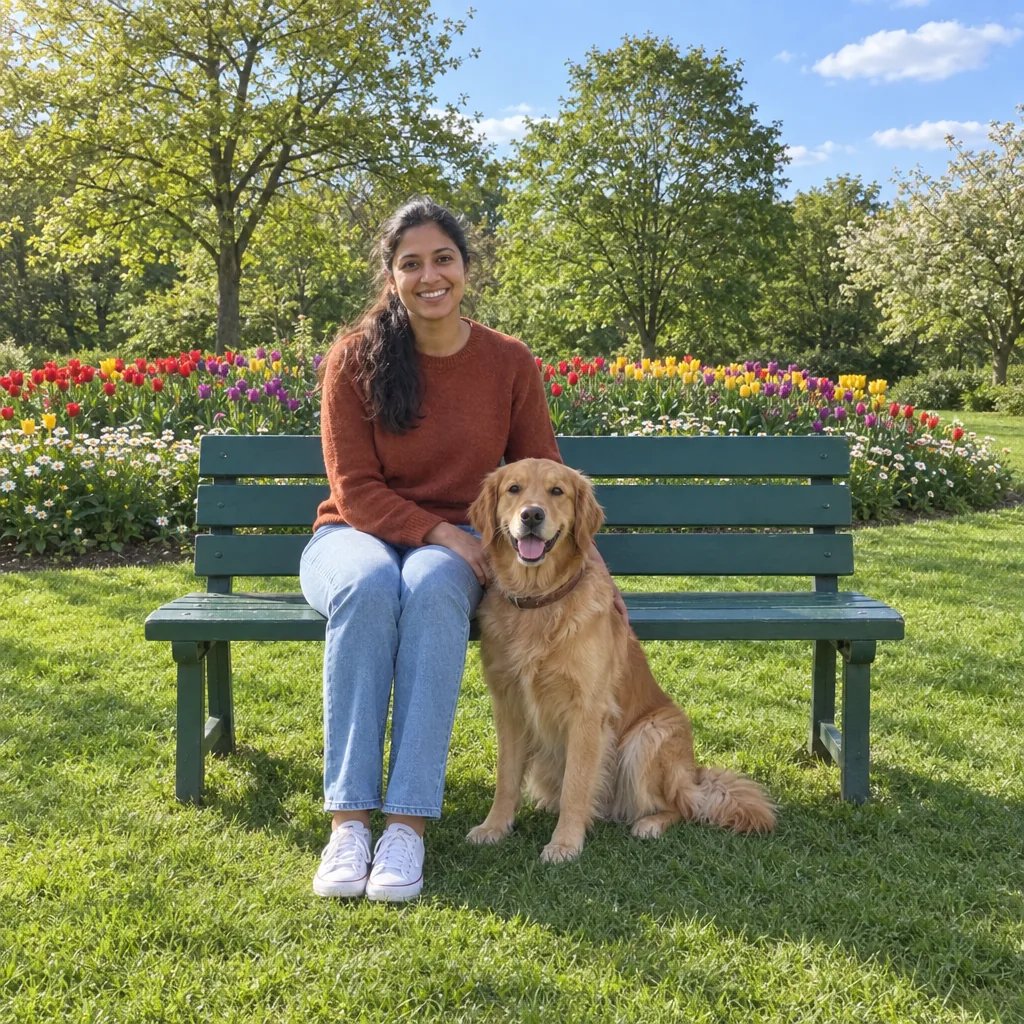
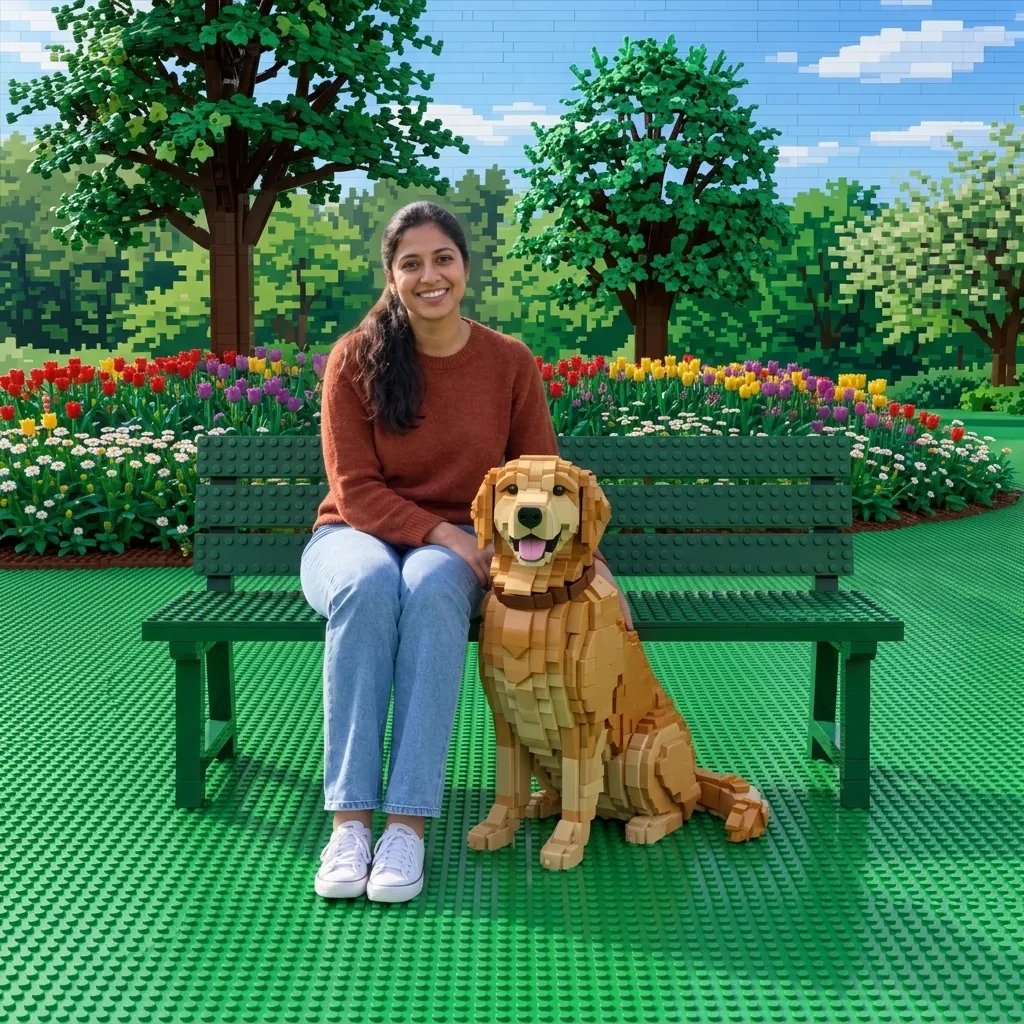
One run, one 1K square portrait. This one named bright daylight and a plain background.

Examples

Four moods, one anime style

  • Bright daylight, plain background
  • Sunset rooftop, warm rim light
  • Indoors, soft window light
  • Night city, cool key and neon fill

How it works

An anime portrait in three steps

  1. Step 1

    Upload a photo or describe one

    Attach a clear, front-facing photo, or describe the portrait you want. Naming the light and the setting — daylight, sunset, night city — does more for the result than listing features.

  2. Step 2

    Generate the portrait

    YouArt returns one 1K square anime portrait for 8 credits, with even-weight linework, cel shading in two or three tone steps and a bright coherent palette.

  3. Step 3

    Check the likeness, then download

    Compare the eye spacing and the face shape against your photo. Anime convention wants to enlarge the eyes and narrow the jaw; this instruction tells it not to. If it drifted anyway, ask again for the same face shape.

What this filter does

Anime stylisation, your face

It keeps your likeness

Face shape, eye spacing, nose and mouth proportion, hairline, skin tone and details like glasses or freckles are held through the restyle. That is the part most anime filters get wrong.

Real cel shading

Shadow lands in two or three deliberate steps rather than a soft gradient, which is what makes a drawing read as anime rather than as a smoothed photograph.

Clean, even linework

Lines keep a consistent weight and hair is drawn in grouped strands with one bright highlight band, so the portrait holds up when it is scaled down to an avatar.

Prompt ideas

Three prompts to start from

Name the light and the setting. The anime style is already locked, so those two are what is left to decide.

Bright daylight bust

A modern anime bust portrait in bright even daylight, short dark hair, a plain soft-blue background, clean linework and simple cel shading.

Sunset rooftop, rim light

A modern anime portrait on a rooftop at sunset, warm orange rim light along the hair and jaw, cool shadow on the face, city rooftops soft in the background.

Indoors, soft window light

A modern anime portrait indoors, soft window light from the left, casual knitwear, a simple warm interior kept out of focus behind the subject.

What people use it for

Where an anime portrait goes

Profile pictures and avatars

The square crops straight to an avatar, and clean linework survives being shrunk to 32 pixels in a way a photograph does not.

Gifts and print

An anime portrait of someone reads as made for them in a way a filtered photo does not. The 1K square prints cleanly at card and small-print size.

Social posts and banners

A consistent anime treatment across a set of photos gives a feed or a channel one look without hiring an illustrator for each one.

Reference for your own drawing

Useful as a starting point if you draw: it settles the palette and the shading steps, and you keep the parts you want.

Create more with one YouArt membership

This generator uses 8 credits for one 1K image. Membership credits work across YouArt image, video, audio, and workflow tools.

Basic

For hobbyists and explorers

$9.99/mo
Select Plan
  • 1000 credits
  • Up to ~200 images/month
  • At least ~1000s video/month
  • Intelligent creative agent
  • Video editor
  • Latest image models, including GPT Image 2 and Nano Banana Pro
  • Latest video models, including Seedance 2
  • Realistic face uploads
  • Voice generation with ElevenLabs
  • No watermark
  • Unlimited template access

Pro

Most Popular

For creators and pro users

$29.99/mo
Select Plan
  • 3300 credits
  • Up to ~1000 images/month
  • At least ~3300s video/month
  • Intelligent creative agent
  • Video editor
  • Latest image models, including GPT Image 2 and Nano Banana Pro
  • Latest video models, including Seedance 2
  • Realistic face uploads
  • Voice generation with ElevenLabs
  • No watermark
  • Unlimited template access

Max

For power users and teams

$149.99/mo
Select Plan
  • 18000 credits
  • Up to ~6000 images/month
  • At least ~18000s video/month
  • Intelligent creative agent
  • Video editor
  • Latest image models, including GPT Image 2 and Nano Banana Pro
  • Latest video models, including Seedance 2
  • Realistic face uploads
  • Voice generation with ElevenLabs
  • No watermark
  • Unlimited template access

Team

For teams and studios

$329.99/mo
Select Plan
  • 36300 credits
  • Up to ~12000 images/month
  • At least ~36300s video/month
  • Realistic face uploads
  • Share canvas, workflows, and assets with your team
  • Up to 10 members per team
  • Up to 5 teams
  • Role-based management
  • Team credit management and spending caps
  • Per-member usage tracking

FAQ

Anime filter questions

What does the anime filter produce?
One 1K square anime portrait: even-weight linework, cel shading in two or three tone steps, expressive eyes with a clear catchlight, and hair in grouped strands with a bright highlight band. It works from an uploaded photo or from a written description alone.
How should I write the prompt?
The anime style is already locked, so spend the prompt on light and setting: "sunset rooftop, warm rim light" or "indoors, soft window light". Naming a mood does more than listing facial features, which the filter takes from your photo anyway.
Will it still look like me?
That is what this page is built around. The instruction holds face shape, eye spacing, nose and mouth proportion, hairline and skin tone, and explicitly forbids enlarging the eyes or narrowing the jaw into a generic anime face. A clear, well-lit, front-facing photo gives it the most to work from.
Can I use the result commercially?
Yes. Images you generate on YouArt are yours to use, including commercially. The instruction refuses to imitate a named studio, franchise or artist, or to reproduce an existing anime character or costume, so what comes back is an original illustration.
What does a run cost?
Each run costs 8 credits and returns one 1K square image. Membership credits work the same way here as anywhere else on YouArt.

Keep exploring

More AI art styles to try

The closest looks to this one. Each is a full generator with its own prompt studio and examples.

Browse all 38 AI generators

Build beyond one image

Turn your result into a complete creative workflow

Open YouArt's visual canvas to connect generation, editing, upscaling, animation, and sound in one reusable process.