AI superhero generator

AI Superhero Generator for Original Suits and Cinematic Hero Shots

Upload a photo or describe a character, then turn it into an original costumed hero with a purpose-built suit, an invented chest emblem, a cape or armor plating, and light that lifts the figure off its setting. Direct the pose, camera angle, suit materials, palette, emblem shape, rim-light color, and the backdrop behind the figure.

8 credits
A hooded navy and gold suit, an invented emblem, and dusk skyline rim light

AI superhero generator examples

AI Superhero Generator Ideas for Portraits, Action Shots, and Sidekicks

  • Hero portrait at dusk
  • Rooftop landing pose
  • Kid hero in the park
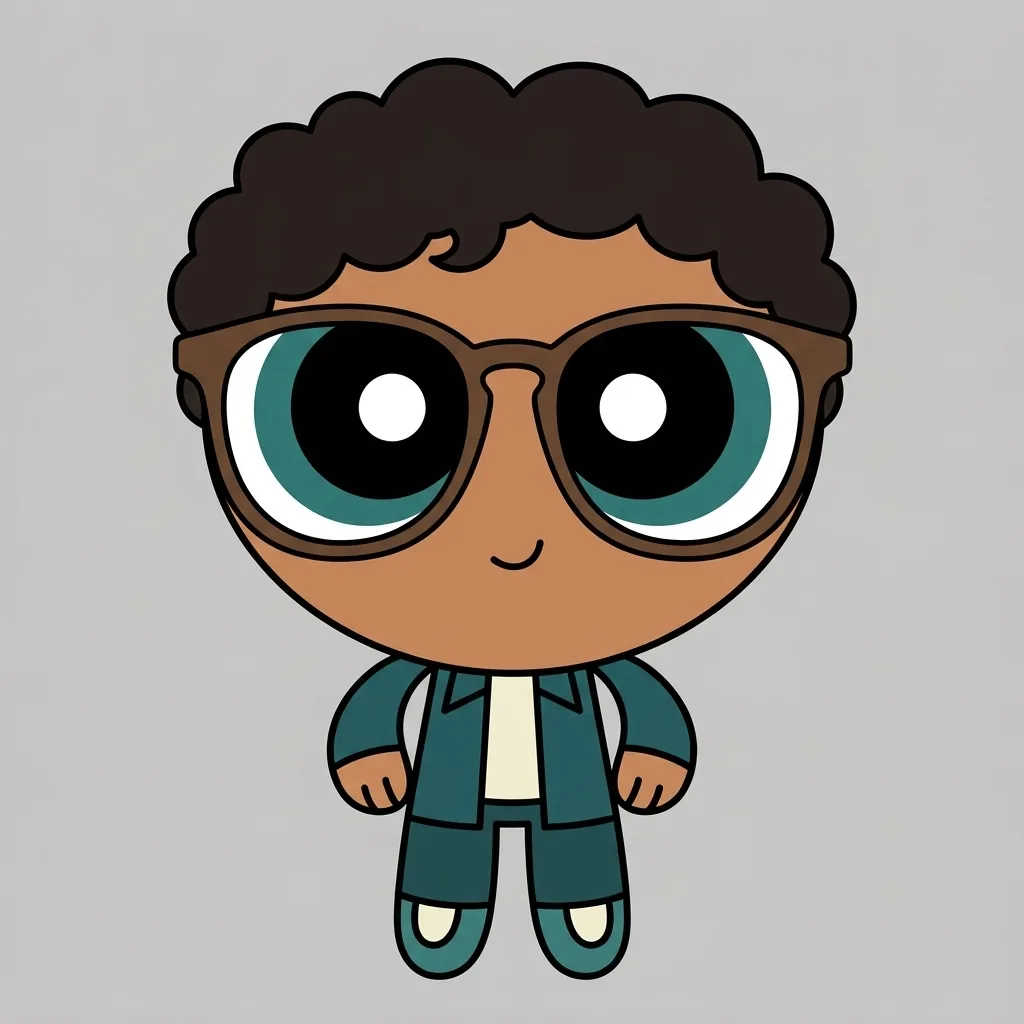
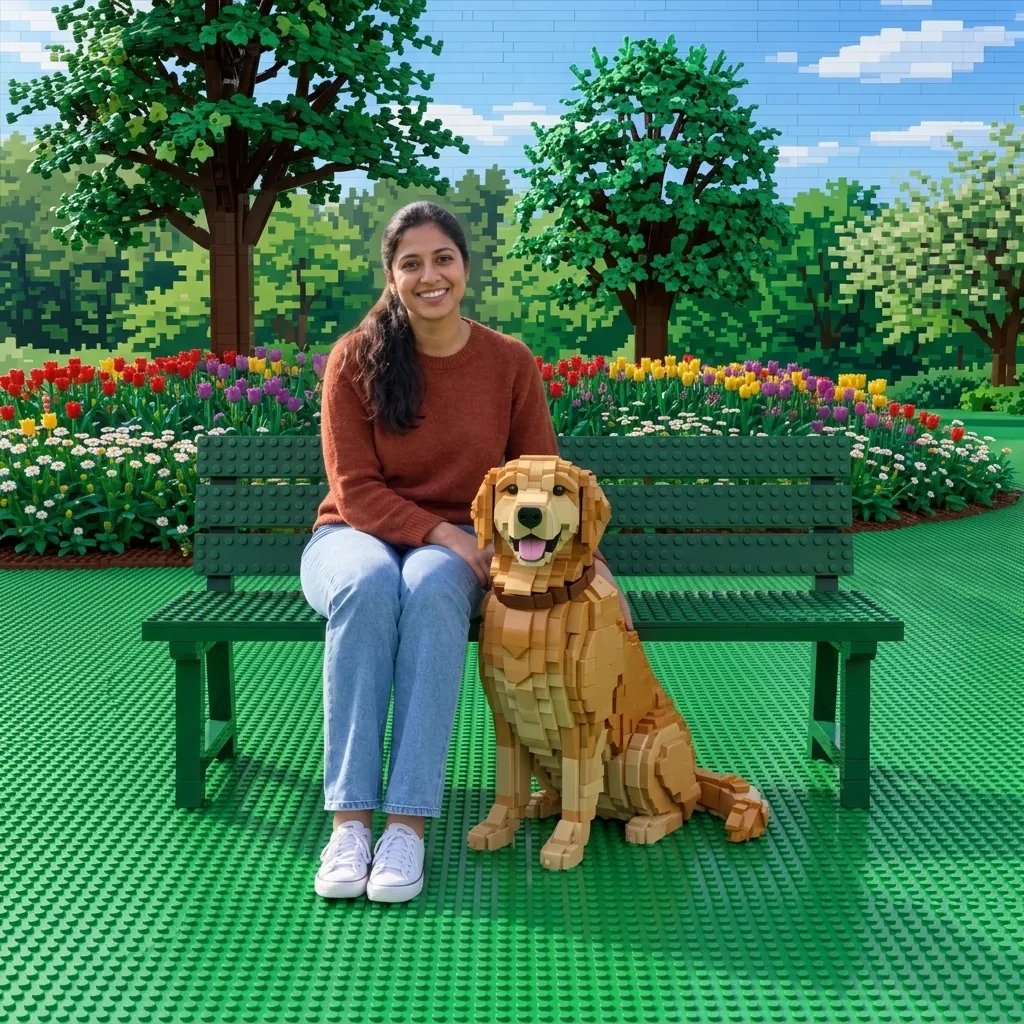
  • Caped dog sidekick

How it works

Design a Superhero in Three Steps

  1. Step 1

    Choose a hero and a suit

    Start with a photo or a written character. Add the pose, camera angle, suit materials and palette, the emblem shape, whether you want a cape, a hooded cowl, or armor plating, and the setting behind the figure.

  2. Step 2

    Create one hero image

    YouArt creates one 1K square superhero image for 8 credits, with the suit, pose, light, and setting from your brief.

  3. Step 3

    Check the suit and the crest

    Inspect the face, hands, emblem, seams, and cape edges at full size, and confirm the crest reads as your own rather than a familiar mark. Refine the brief if needed, then download your chosen image.

Hero design controls

Control the Suit, the Emblem, and the Hero Shot

A suit that reads as one design

Name the materials, palette, trim, and silhouette so the panels, seams, boots, and gloves belong to the same costume. Ask for a cape, a hooded cowl, or armor plating rather than leaving that choice to chance.

An emblem invented for your hero

Describe the emblem as a shape and a meaning, such as a folded wing, a split circle, or an interlocking chevron, and it is drawn as new artwork. The locked direction steers away from existing publishers' logos, masks, and trade dress, and away from a single initial inside a badge, so the crest belongs to your character.

Pose, light, and setting

Choose a low hero angle, a mid-air flight, or a crouched landing, then set the rim-light color and whether the figure stands against a skyline, open sky, a rooftop, or drifting smoke. The cinematic grade keeps the hero readable against whatever is behind.

Prompt ideas

Superhero Prompts That Name the Suit and the Shot

Name one hero, the suit materials and palette, the emblem shape, the pose and camera angle, the light direction, and the setting.

City guardian portrait

Chest-up portrait of a woman in a matte navy suit with brushed gold shoulder plates and a simple folded-wing chest emblem, short cape catching the wind, low hero angle, cool teal rim light from behind, blurred dusk skyline, centered square frame.

Mid-air flight shot

Full-body hero in mid-flight above the clouds, one arm extended forward, ribbed white and crimson suit with a split-circle emblem, long cape streaming behind, warm sunrise light across the shoulders, layered cloud banks, no text anywhere in the frame.

Street-level armored hero

A broad-shouldered hero in scratched charcoal armor plating with orange trim and an abstract shield emblem, crouched landing pose on cracked asphalt, dust rising around the boots, hard orange rim light from the right, simplified dark buildings on a night street behind.

Ways to use it

Superhero Art for Avatars, Gifts, and Story Concepts

Profile pictures and avatars

The square result suits a social avatar, a gaming profile, or a team badge, where a strong silhouette and high-contrast light still read at small sizes.

Cards, invitations, and keepsakes

Make a hero portrait for a birthday card, an invitation, or a party theme, using the palette, emblem, and cape you asked for. The image carries no lettering, so add the name and the greeting in a layout tool afterwards.

Original comic and game characters

Settle the suit, emblem, palette, and silhouette of a lead, a rival, or a sidekick before any of it is drawn properly. This page renders the character as a cinematic illustration, so reach for the comic book filter when you want the inked medium with contour lines and halftone shading.

Cosplay and costume planning

Test colors, cape length, armor coverage, and emblem placement as a reference image before buying materials or commissioning a build. It is a look to aim at rather than a construction plan.

Create more with one YouArt membership

This generator uses 8 credits for one 1K image. Membership credits work across YouArt image, video, audio, and workflow tools.

Basic

For hobbyists and explorers

$9.99/mo
Select Plan
  • 1000 credits
  • Up to ~200 images/month
  • At least ~1000s video/month
  • Intelligent creative agent
  • Video editor
  • Latest image models, including GPT Image 2 and Nano Banana Pro
  • Latest video models, including Seedance 2
  • Realistic face uploads
  • Voice generation with ElevenLabs
  • No watermark
  • Unlimited template access
Pro

Most Popular

For creators and pro users

$29.99/mo
Select Plan
  • 3300 credits
  • Up to ~1000 images/month
  • At least ~3300s video/month
  • Intelligent creative agent
  • Video editor
  • Latest image models, including GPT Image 2 and Nano Banana Pro
  • Latest video models, including Seedance 2
  • Realistic face uploads
  • Voice generation with ElevenLabs
  • No watermark
  • Unlimited template access
Max

For power users and teams

$149.99/mo
Select Plan
  • 18000 credits
  • Up to ~6000 images/month
  • At least ~18000s video/month
  • Intelligent creative agent
  • Video editor
  • Latest image models, including GPT Image 2 and Nano Banana Pro
  • Latest video models, including Seedance 2
  • Realistic face uploads
  • Voice generation with ElevenLabs
  • No watermark
  • Unlimited template access

Team

For teams and studios

$329.99/mo
Select Plan
  • 36300 credits
  • Up to ~12000 images/month
  • At least ~36300s video/month
  • Realistic face uploads
  • Share canvas, workflows, and assets with your team
  • Up to 10 members per team
  • Up to 5 teams
  • Role-based management
  • Team credit management and spending caps
  • Per-member usage tracking

Frequently asked questions

AI Superhero Generator FAQ

What does the AI superhero generator create?
It creates a new superhero illustration from text, an uploaded photo, or both, with a purpose-built suit, an invented chest emblem, a cape or armor plating, a heroic pose, directional rim light, and the setting your brief names. Every hero it designs is an original character rather than a figure from an existing comic, film, or game. YouArt is an independent platform and is not affiliated with, endorsed by, or sponsored by any comic publisher or film studio; the word superhero is used here only to name the genre, not any company's characters.
How do I write a good superhero prompt?
Name one hero, the suit materials and palette, the emblem as a shape rather than a brand, the pose and camera angle, the light direction, and the setting. Words such as matte panels, brushed metal trim, short cape, low hero angle, and hard rim light keep the design specific instead of generic.
Can I turn my own photo into a superhero?
Yes. Upload a clear, evenly lit photo, say which features should stay recognizable, and describe the suit and setting that should replace the clothing and background. The result is a new illustration that interprets your photo rather than a costume pasted onto it, so likeness is approximate and the face and hands are worth reviewing at full size.
Can it recreate a specific superhero or their costume?
No. The locked direction steers the model away from existing characters, masks, costumes, emblems, logos, and trade dress, so a request for a named hero comes back as an original design in the same genre. Describe what you actually want instead, including colors, materials, cape or armor, and emblem shape, and the suit belongs to your character.
How much does one superhero image cost?
Each run creates one 1K image and costs 8 YouArt credits. Editing the prompt is free until you generate; every additional variation is a new run.

Keep exploring

More AI art styles to try

The closest looks to this one. Each is a full generator with its own prompt studio and examples.

Browse all 29 AI generators

Build beyond one image

Turn your result into a complete creative workflow

Open YouArt's visual canvas to connect generation, editing, upscaling, animation, and sound in one reusable process.