Frequently asked questions
AI Tattoo Generator FAQ
- What does the AI tattoo generator create?
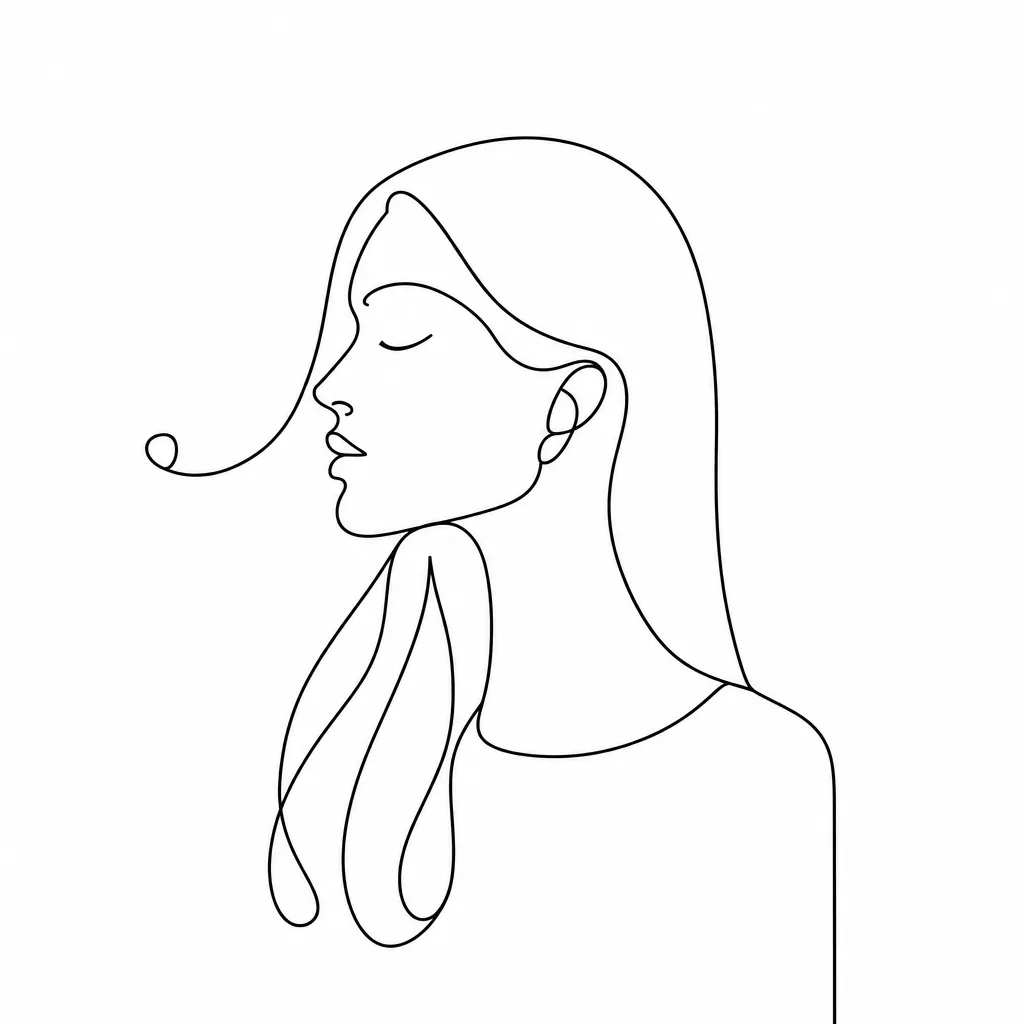
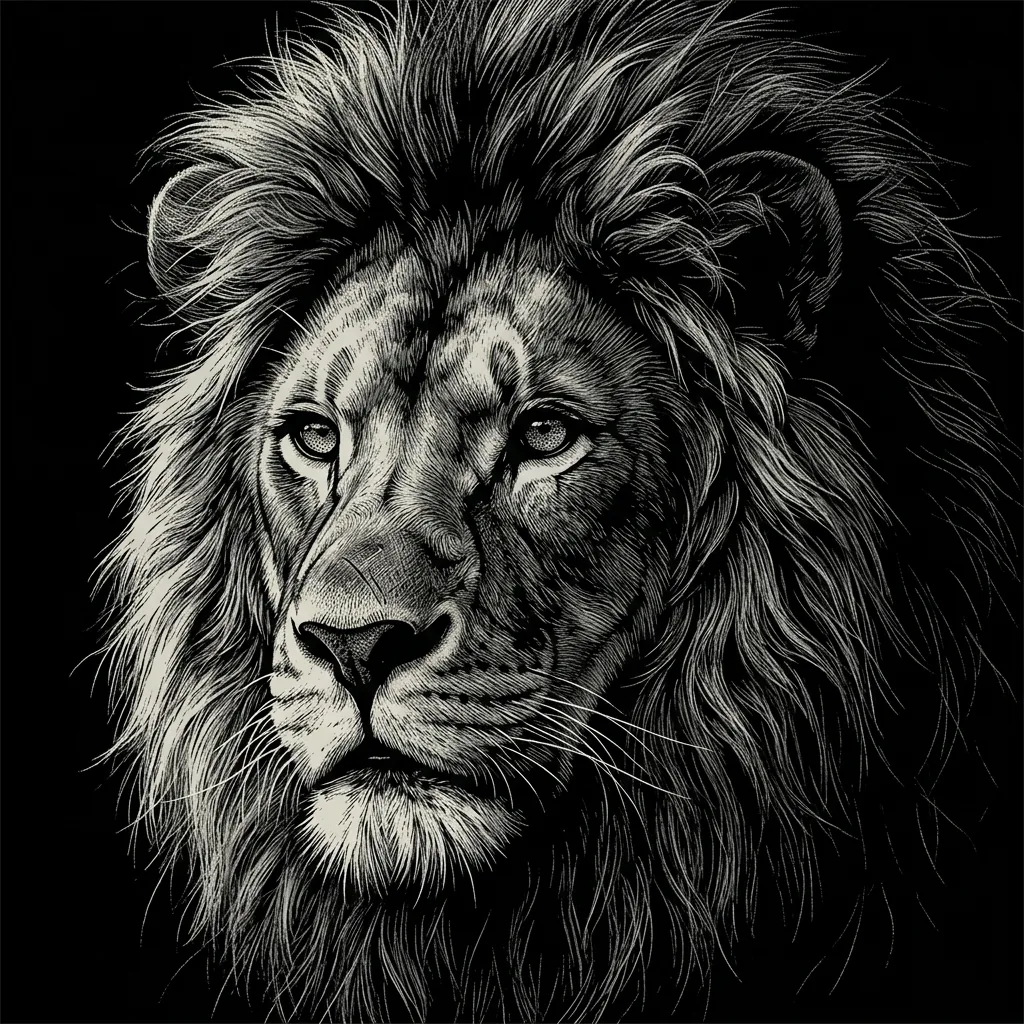
- It creates a new tattoo design from text, an uploaded photo, or both, across fine line, traditional, neo-traditional, blackwork, dotwork, illustrative, and full color. The design arrives as flash artwork drawn flat on plain paper, not as a preview on skin, so nothing is placed on a body or fitted to a body part.
- How do I write a good tattoo prompt?
- Name one subject, the tattoo style, line weight, shading method, palette, and the silhouette the design should fill. The style word does the most work: fine line, traditional American, neo-traditional, blackwork, and dotwork each set the linework and the shading at the same time. Leave names and script to your artist — rendered lettering is unreliable, and the design keeps text out unless you ask for it.
- Can I turn my own photo into a tattoo design?
- Yes. Upload a clear photo, say which features, pose, or silhouette should stay recognizable, and name the style you want. The result is a new drawing that interprets your photo rather than a traced outline of it, so review faces, hands, and small details at full size.
- Is the design ready to tattoo?
- Treat it as reference art. A generated design has no stencil layer, no line hierarchy checked against how ink spreads and ages, and no fit to a specific body part, so a tattoo artist should redraw and adapt it for placement, anatomy, and safe execution. It is also a flat square image, so there is no on-body preview.
- How much does one tattoo design cost?
- Each run creates one 1K image and costs 8 YouArt credits. Editing the prompt is free until you generate; every additional variation is a new run.