Kawaii filter

Kawaii Filter for Soft Pastel Cute Art

Upload a photo or describe something, and get it back in the kawaii aesthetic: a blush and mint palette, rounded soft shapes, gentle light with no harsh shadow, and just enough sparkle. It is not only for faces — a pet, a lunchbox or a corner of your room works just as well.

8 credits
Rounded forms, pastel palette, and only two sparkles

Kawaii examples

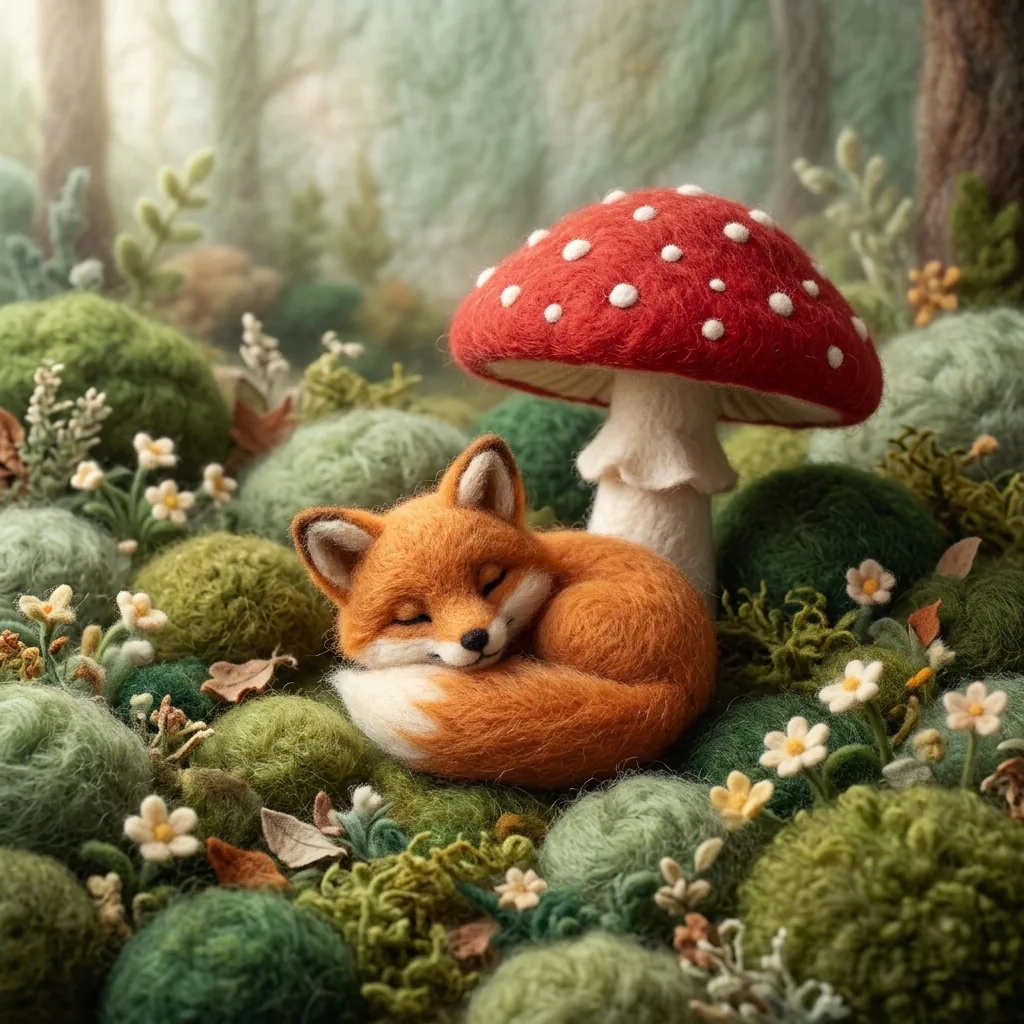
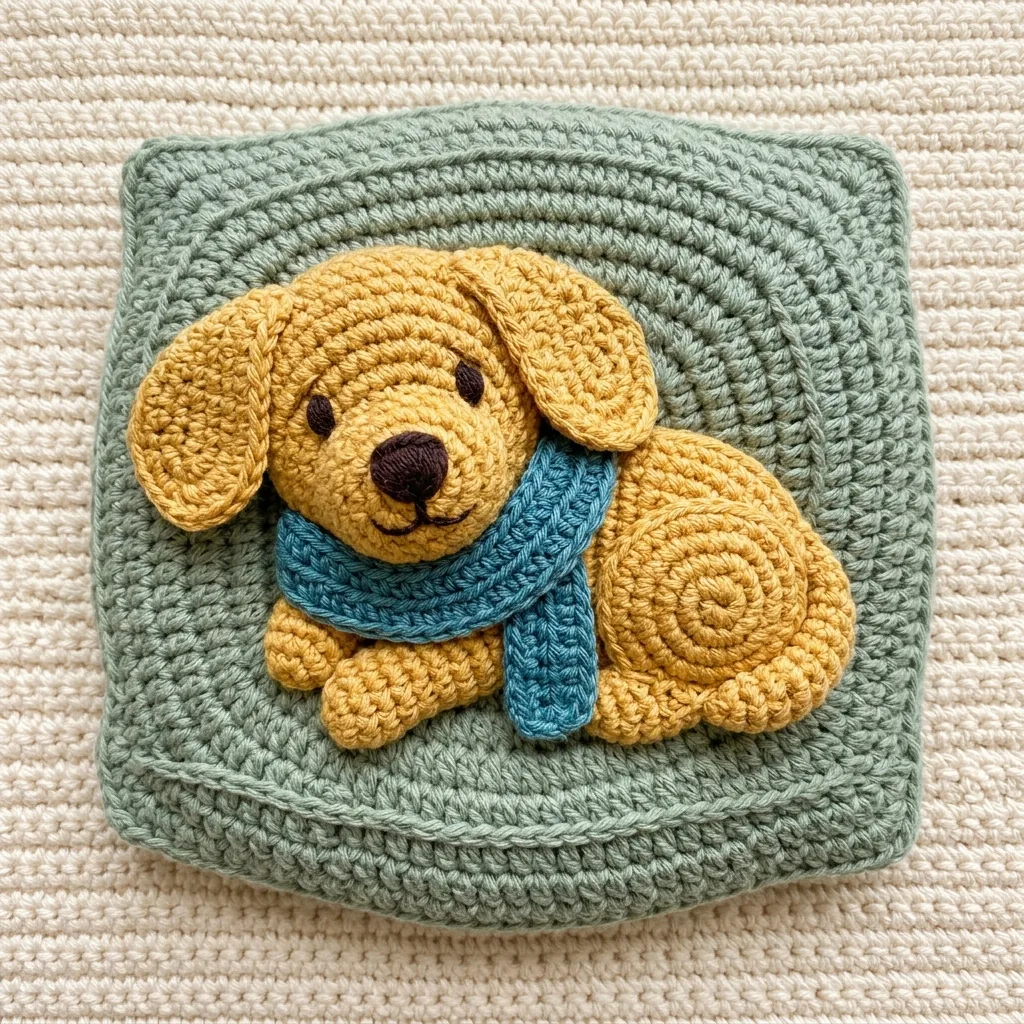
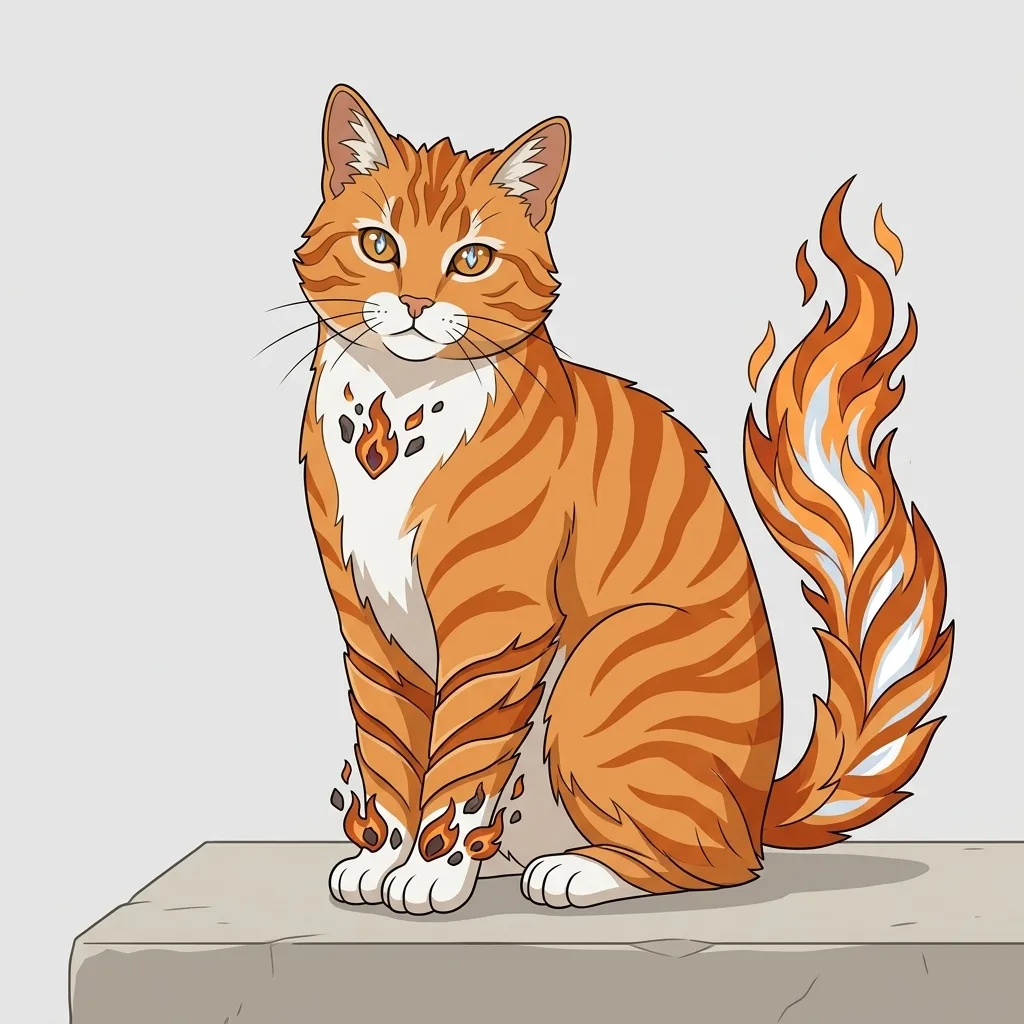
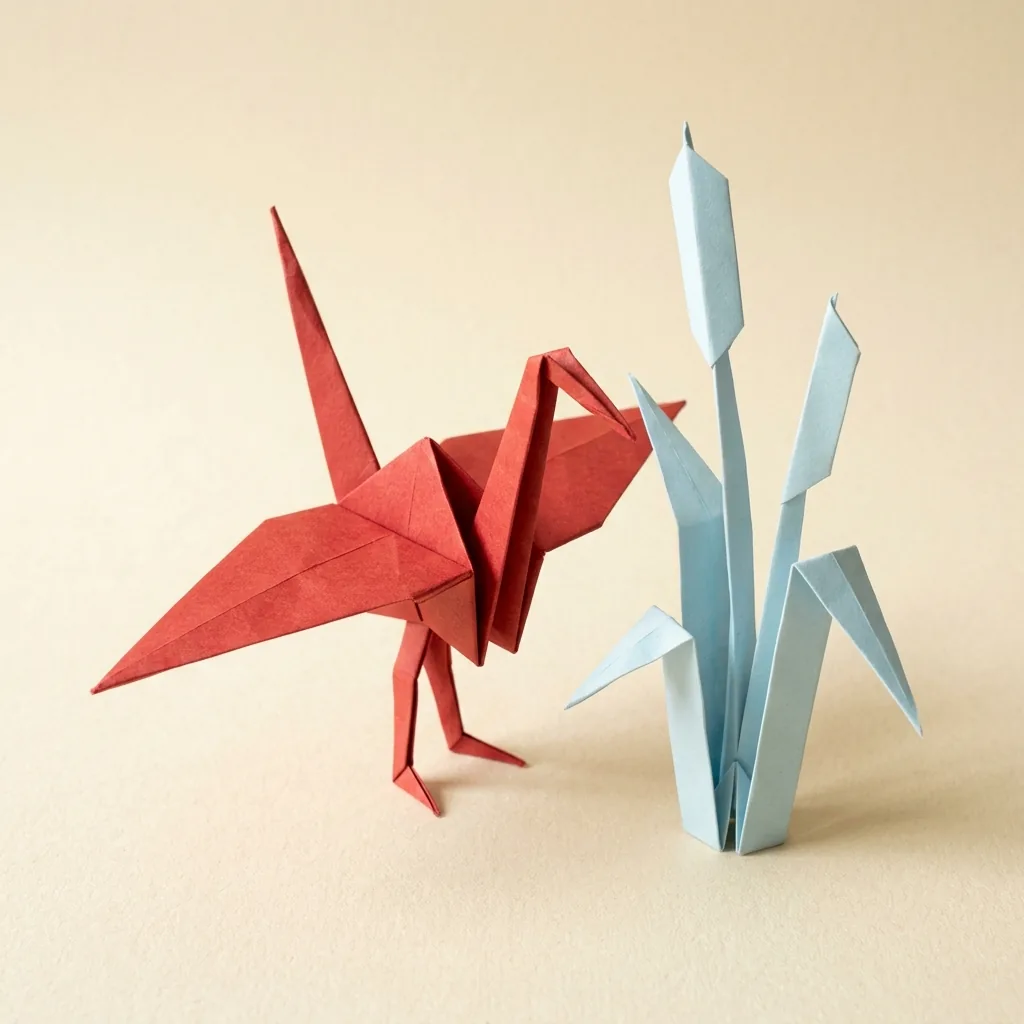
Food, Vehicles, Rooms, and Creatures

  • Food with a tiny face
  • An object, rounded off
  • A room, softened
  • A creature in the sky

How it works

Make Kawaii Art in Three Steps

  1. Step 1

    Upload a photo or describe one

    Attach a photo of a person, a pet or an object, or describe a scene. Naming two or three pastel colours gets you a cleaner result than leaving the palette open.

  2. Step 2

    Generate the image

    YouArt returns one 1K square image for 8 credits, with rounded forms, soft even light and a light airy background.

  3. Step 3

    Check the clutter, then download

    Kawaii goes wrong by accumulation. If the frame has filled with hearts and stars, ask for fewer and run it again — the style depends on restraint.

What the generator controls

What Makes Something Read as Kawaii

A soft pastel palette

Blush pink, butter cream, mint and lilac, with gentle even lighting and no harsh shadow. The lack of contrast is doing as much work here as the colours are.

Rounded, chunky shapes

Corners softened, proportions made stubby, detail simplified. Cuteness is mostly geometry: round and short reads as cute long before any face is added.

Cute detail, used sparingly

A few hearts, stars, sparkles or blush marks — not a shower of them. The instruction asks for restraint on purpose, because clutter is the usual failure of this style.

Prompt ideas

Kawaii Prompts for Animals, Food, and Rooms

Name the subject, two or three pastel colours, and at most one cute accent. Resist adding a third.

A round animal

A plump pale-blue whale with tiny closed happy eyes drifting through soft cotton clouds, a small spout of pastel sparkles, blush pink into butter cream sky.

Food, from above

An open pastel-lilac bento box seen from above with a rounded rice ball wearing a tiny smiling face, star-cut carrots, a folded omelette and two strawberries.

A soft interior

A cosy reading corner with a rounded blush-pink armchair, a folded mint knit blanket, a small stack of pastel books and a steaming mug with a heart of foam.

Ways to use it

Stickers, Social Posts, Stationery, and Wallpapers

Sticker and emote art

Rounded shapes and flat pastels survive being shrunk, which is exactly what a chat sticker needs. Pair it with the sticker generator for a die-cut border.

Social posts and profiles

A soft pastel image reads instantly in a busy feed precisely because it is quiet. Useful for a profile picture, a header or a post.

Planners and stationery

Journal spreads, planner covers, gift tags and cards, where the pastel palette does the design work for you.

Phone and desktop wallpapers

Low contrast and light backgrounds make readable wallpaper — icons stay legible on top, which busy art never manages.

Create more with one YouArt membership

This generator uses 8 credits for one 1K image. Membership credits work across YouArt image, video, audio, and workflow tools.

Basic

For hobbyists and explorers

$9.99/mo
Select Plan
  • 1000 credits
  • Up to ~200 images/month
  • At least ~1000s video/month
  • Intelligent creative agent
  • Video editor
  • Latest image models, including GPT Image 2 and Nano Banana Pro
  • Latest video models, including Seedance 2
  • Realistic face uploads
  • Voice generation with ElevenLabs
  • No watermark
  • Unlimited template access

Pro

Most Popular

For creators and pro users

$29.99/mo
Select Plan
  • 3300 credits
  • Up to ~1000 images/month
  • At least ~3300s video/month
  • Intelligent creative agent
  • Video editor
  • Latest image models, including GPT Image 2 and Nano Banana Pro
  • Latest video models, including Seedance 2
  • Realistic face uploads
  • Voice generation with ElevenLabs
  • No watermark
  • Unlimited template access

Max

For power users and teams

$149.99/mo
Select Plan
  • 18000 credits
  • Up to ~6000 images/month
  • At least ~18000s video/month
  • Intelligent creative agent
  • Video editor
  • Latest image models, including GPT Image 2 and Nano Banana Pro
  • Latest video models, including Seedance 2
  • Realistic face uploads
  • Voice generation with ElevenLabs
  • No watermark
  • Unlimited template access

Team

For teams and studios

$329.99/mo
Select Plan
  • 36300 credits
  • Up to ~12000 images/month
  • At least ~36300s video/month
  • Realistic face uploads
  • Share canvas, workflows, and assets with your team
  • Up to 10 members per team
  • Up to 5 teams
  • Role-based management
  • Team credit management and spending caps
  • Per-member usage tracking

Frequently asked questions

Kawaii Filter FAQ

What does the kawaii filter do?
It returns one 1K square image in the kawaii aesthetic: a soft pastel palette, rounded simplified forms, gentle even lighting and sparing cute detail, from either a photo or a description.
How should I write a kawaii prompt?
Name the subject, two or three pastel colours, and one cute accent at most. The style depends on restraint, so a short prompt usually beats a long one here.
Does it work on my own photos?
Yes. It works on selfies, pets and everyday objects alike — it rounds off the forms and recolours into pastels rather than laying a pink tint over the picture.
Can I use the result commercially?
The image is yours to use, subject to YouArt's terms. The instruction refuses to reproduce existing characters, mascots, emoji sets and brand marks, so what comes back is an original design.
How many credits does one image cost?
Each run costs 8 credits and returns one 1K square image. Membership credits work the same way here as anywhere else on YouArt.

Keep exploring

More AI art styles to try

The closest looks to this one. Each is a full generator with its own prompt studio and examples.

Browse all 36 AI generators

Build beyond one image

Turn your result into a complete creative workflow

Open YouArt's visual canvas to connect generation, editing, upscaling, animation, and sound in one reusable process.