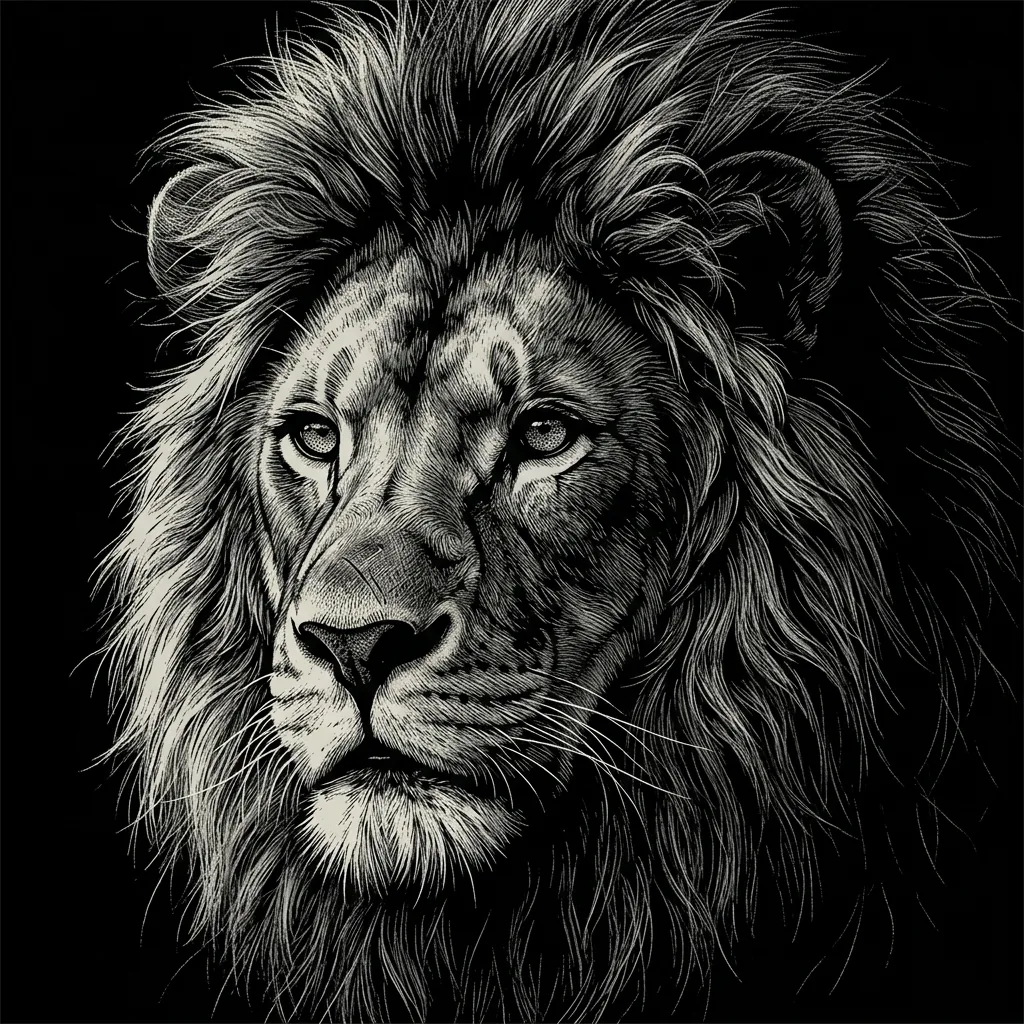
Depth drawn with closely spaced ink lines

Engraving Art Generator for Fine-Line Ink Illustrations

Create an owl portrait, a mountain village or a still life with the appearance of a finely engraved print. Upload a photo or describe your idea; the engraving art generator builds light and shadow from precise dark lines and curved hatching. The result is an original digital illustration on a warm ivory ground.

8 credits
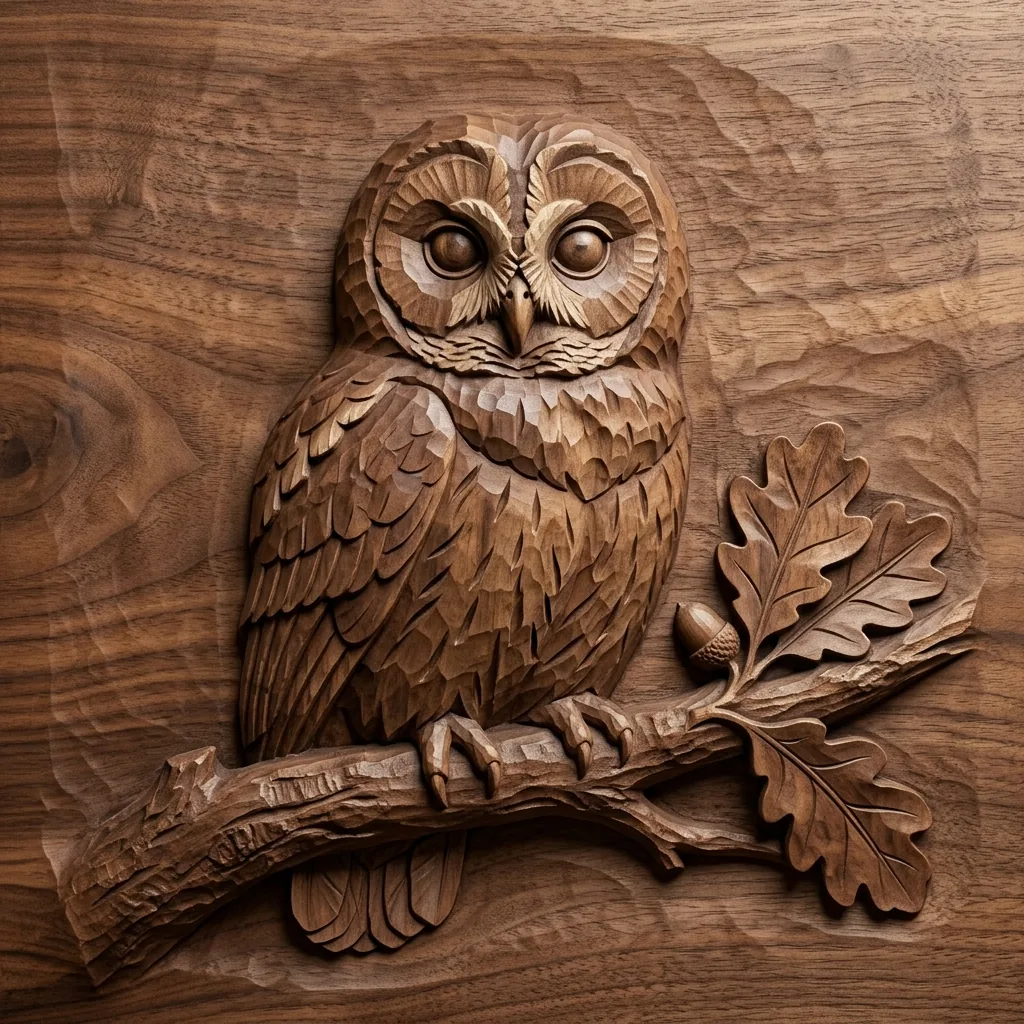
Fine curved hatching describes an owl’s feathers and an oak branch

Fine lines across varied subjects

Engraving Art Generator Examples

  • A mountain village in ink
  • Pears and pottery with curved shading
  • A portrait defined by precise lines
  • A seashell described by its curves

From a subject to a finely lined image

How to Create Engraving-Style Art from a Photo or Prompt

  1. Step 1

    Choose a subject and its lighting

    Upload a clear photo or describe a portrait, animal, landscape or still life. A photo alone can use the default treatment. Add the light direction and focal details when needed, such as a shell’s curved ribs or the layered feathers of an owl.

  2. Step 2

    Generate and inspect the hatching

    Look at how the line spacing creates highlights and shadows. Ask for more open background hatching or finer contour detail in the next prompt if needed. Keep one main focal subject so the close linework does not make every part of the image equally dense.

  3. Step 3

    Save the finished illustration

    Download the version you prefer and inspect the linework at full size. Check faces and small structural details against a reference when accuracy matters. Review the result at the intended display or print size, since very fine lines can lose definition when reduced.

The structure of a fine-line print appearance

Ink Lines and Crosshatching in AI Engraving Art

Precise dark lines on a light ground

Fine contours define the subject without relying on broad blocks of ink. The warm ivory ground remains visible between marks and through the highlights. This contrast gives the illustration a print-like appearance while keeping small feathers, folds and surface patterns readable.

Curved hatching that follows the form

Parallel lines bend around a face, fruit or shell to describe its volume. Intersecting lines deepen the shadows, and wider spacing leaves lighter areas open. A clear light direction helps those changes in density form a coherent image.

Texture built from controlled marks

Short lines and carefully spaced hatching can suggest bark, cloth, stone or plumage. The main subject carries the richest detail while distant areas become simpler. This treatment favors visibly drawn structure over soft gray smudges or smooth photographic gradients.

Describe the subject and where the lines should work

Engraving Illustration Prompt Ideas

Name the focal subject, the light direction and a few surface details. Let line spacing carry the shading.

Wildlife with layered detail

Try a barn owl on an oak branch, with its face and folded wings clearly visible. Ask for curved fine lines along the feathers, close hatching beneath the branch and open highlights on the face. A few surrounding leaves can connect the subject to its setting.

Architecture with clear depth

Describe a small stone village below distant mountains, with a winding path and two foreground trees. Ask for dense roof shadows and lighter hatching on far peaks. Keeping the near and distant line density different helps the scene retain depth.

A still life of curved surfaces

Try three pears beside a plain ceramic bowl on folded cloth under light from the upper left. Ask for hatching that follows the fruit and pottery, with crossed lines in the deepest shadows. Simple objects make the contour rhythm easy to see.

Subjects suited to close linework

Ways to Use Engraving-Style Illustrations

Wildlife and natural subjects

Explore feathers, bark, leaves or shells through fine ink lines. Keep the main forms readable before concentrating detail on their surfaces.

Editorial image concepts

Create a monochrome illustration direction for a story or layout. Add any captions or typography separately, with enough space for the linework to remain clear.

Landscape and architecture studies

Use different hatching densities to separate near buildings, trees and distant terrain. A clear light source can organize complex scenes.

Drawing references

Study how curved lines and crosshatching can suggest volume. Treat the generated result as a visual idea to evaluate, checking anatomy and construction against reliable references.

Create more with one YouArt membership

This generator uses 8 credits for one 1K image. Membership credits work across YouArt image, video, audio, and workflow tools.

Basic

For hobbyists and explorers
$11$9.99/mo
  • 1000 credits
  • Up to ~200 images/month
  • Up to ~332s video/month
  • Intelligent creative agent
  • Video editor
  • Latest image models, including GPT Image 2.5, GPT Image 2 and Nano Banana Pro
  • Latest video models, including Seedance 2
  • Realistic face uploads
  • Voice generation with ElevenLabs
  • Video uploads up to 50 MB
  • No watermark
  • Unlimited template access
Popular

Pro

Save 16%
For creators and pro users
$36$29.99/mo
  • 3300 credits
  • Up to ~1000 images/month
  • Up to ~1100s video/month
  • Intelligent creative agent
  • Video editor
  • Latest image models, including GPT Image 2.5, GPT Image 2 and Nano Banana Pro
  • Latest video models, including Seedance 2
  • Realistic face uploads
  • Voice generation with ElevenLabs
  • Video uploads up to 200 MB
  • No watermark
  • Unlimited template access

Max

Save 24%Best Value
For power users and teams
$198$149.99/mo
  • 18000 credits
  • Up to ~6000 images/month
  • Up to ~6000s video/month
  • Intelligent creative agent
  • Video editor
  • Latest image models, including GPT Image 2.5, GPT Image 2 and Nano Banana Pro
  • Latest video models, including Seedance 2
  • Realistic face uploads
  • Voice generation with ElevenLabs
  • Video uploads up to 200 MB
  • No watermark
  • Unlimited template access
Team

Save 24%
For teams and studios
$435$329.99/mo
  • 36300 credits
  • Up to ~12000 images/month
  • Up to ~12100s video/month
  • Realistic face uploads
  • Share canvas, workflows, and assets with your team
  • Up to 10 members per team
  • Up to 5 teams
  • Role-based management
  • Team credit management and spending caps
  • Per-member usage tracking
  • Video uploads up to 200 MB

Before you begin

Engraving Art Generator FAQ

It creates an original digital illustration with the appearance of a fine-line engraved print. Dark contours, curved hatching and crosshatching build the subject on a light ground. It can work from a photo or a written idea, and the output is one complete image.

Build beyond one image

Turn your result into a complete creative workflow

Open YouArt's visual canvas to connect generation, editing, upscaling, animation, and sound in one reusable process.