Say more with fewer marks

Ink Wash Generator for Expressive Brush-and-Ink Art

Let pale mountain ridges dissolve into mist, or build a bird from a few dark gestures and softer gray washes. Ink wash gives as much attention to the open space as to the painted subject. Upload a reference or describe a simple scene, then explore the balance of brush texture, ink density and light.

8 credits
Dark pine strokes against a pale, misty distance.

Brush-and-ink studies

Ink Wash Examples from Birds, Plants and Animals

  • Bamboo drawn through varied brush pressure
  • A bird balanced between ink and open space
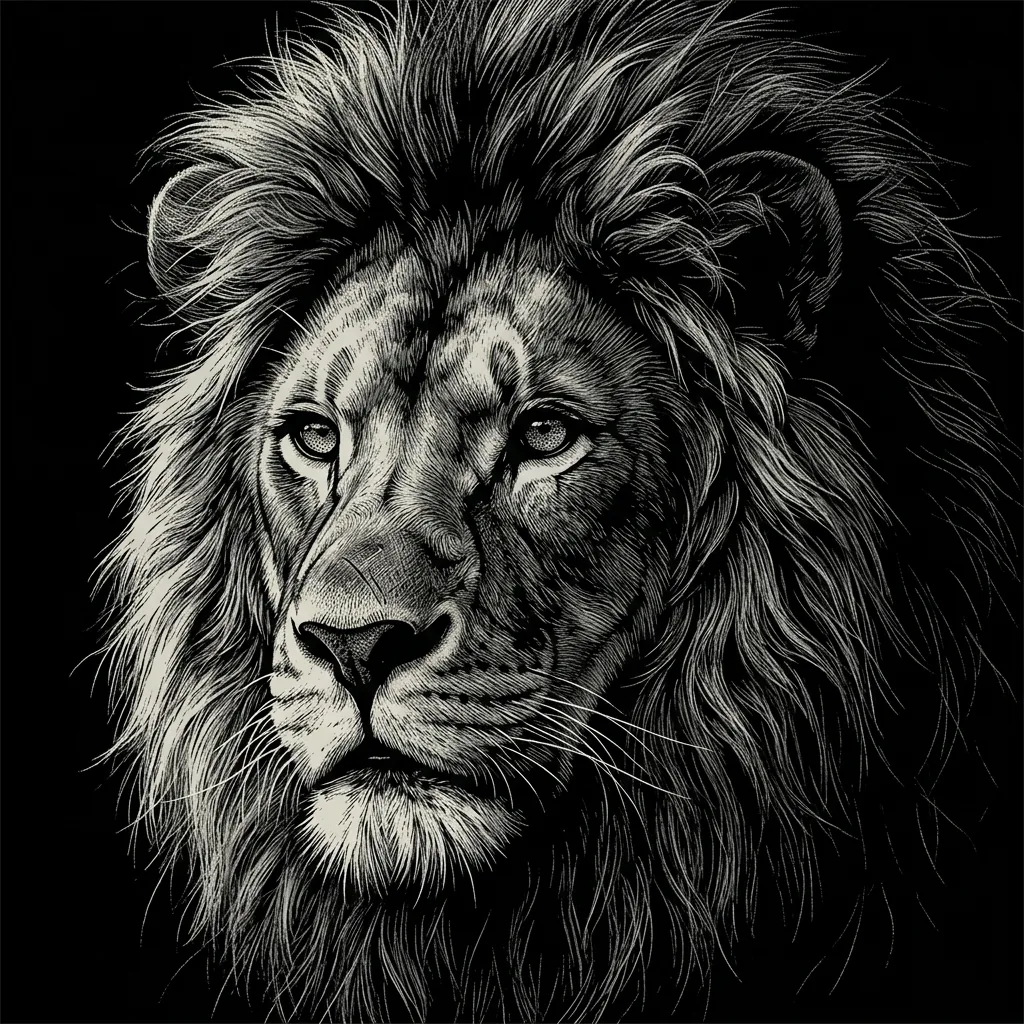
  • Soft fur suggested with dry brushwork
  • Broad leaf washes and fine curving stems

How it works

Create an Ink Wash Painting in Three Steps

  1. Step 1

    Choose a simple subject

    Upload a reference or describe a mountain, plant, bird or other subject with a clear silhouette. Decide which details matter most and allow quieter parts of the scene to remain open.

  2. Step 2

    Set the balance of ink and space

    Ask for pale mist, bold dry-brush marks or a spacious background. Add one restrained color accent if you want it, then generate one brush-and-ink interpretation.

  3. Step 3

    Review the dark and light areas

    Check whether the main strokes describe the subject and whether the open areas help the composition breathe. Save the result, or simplify your next prompt for a sparer study.

What gives the image depth

Ink Wash Art Built from Tone, Gesture and Space

A range within a small palette

Deep black can anchor the foreground while pale gray suggests a distant ridge or a reflection. The relationship between these values gives a monochrome scene its depth.

Marks that follow the form

A tapered leaf, a curved stem or a dark wing can be described with different brush gestures. Dry texture and softer wet edges add variety without requiring every small detail.

Open areas as part of the picture

An ivory ground can suggest sky, mist or still water. Leave enough quiet space around the main subject to keep a simple gesture clear.

Prompt ideas

Three Starting Points for the Ink Wash Generator

Name the subject, the strongest dark area and the space around it. A few visual directions are enough to guide a spare sumi-e inspired study or a more layered ink landscape.

Mountains in diluted gray

Layered misty mountains beyond a quiet lake, a single dark pine leaning from the foreground and a tiny boat in the distance, pale washes and a broad ivory sky.

A bird beside still water

A red-crowned crane standing in shallow water beside a few reeds, white body, black neck, one small muted-red crown accent, a faint reflection and generous open space.

A bamboo gesture

Bamboo rising diagonally from the lower left, dark tapered leaves, a few pale stems behind them, wet spreading edges and dry-brush texture on a spacious ivory ground.

Ways to explore

Bring a Quieter Visual Rhythm to Your Ideas

Nature studies

Explore the shapes of a bird, a plant or a landscape through a small range of ink values. Keep the subject simple when you want the brush gesture to carry the image.

Quiet visual backgrounds

Create a spacious image for a slide, moodboard or personal design. Describe an open area where your final text or another visual element will sit.

Illustration concepts

Try an ink treatment for a nature, travel or reflective editorial idea. Use one strong silhouette and a few supporting marks to establish the direction.

Brushwork comparisons

Keep the subject and compare bold dry-brush marks with softer diluted washes. Review how the amount of dark ink changes the balance of the composition.

Create more with one YouArt membership

This generator uses 8 credits for one 1K image. Membership credits work across YouArt image, video, audio, and workflow tools.

Basic

For hobbyists and explorers
$11$9.99/mo
  • 1000 credits
  • Up to ~200 images/month
  • Up to ~332s video/month
  • Intelligent creative agent
  • Video editor
  • Latest image models, including GPT Image 2.5, GPT Image 2 and Nano Banana Pro
  • Latest video models, including Seedance 2
  • Realistic face uploads
  • Voice generation with ElevenLabs
  • Video uploads up to 50 MB
  • No watermark
  • Unlimited template access
Popular

Pro

Save 16%
For creators and pro users
$36$29.99/mo
  • 3300 credits
  • Up to ~1000 images/month
  • Up to ~1100s video/month
  • Intelligent creative agent
  • Video editor
  • Latest image models, including GPT Image 2.5, GPT Image 2 and Nano Banana Pro
  • Latest video models, including Seedance 2
  • Realistic face uploads
  • Voice generation with ElevenLabs
  • Video uploads up to 200 MB
  • No watermark
  • Unlimited template access

Max

Save 24%Best Value
For power users and teams
$198$149.99/mo
  • 18000 credits
  • Up to ~6000 images/month
  • Up to ~6000s video/month
  • Intelligent creative agent
  • Video editor
  • Latest image models, including GPT Image 2.5, GPT Image 2 and Nano Banana Pro
  • Latest video models, including Seedance 2
  • Realistic face uploads
  • Voice generation with ElevenLabs
  • Video uploads up to 200 MB
  • No watermark
  • Unlimited template access

Team

Save 24%
For teams and studios
$435$329.99/mo
  • 36300 credits
  • Up to ~12000 images/month
  • Up to ~12100s video/month
  • Realistic face uploads
  • Share canvas, workflows, and assets with your team
  • Up to 10 members per team
  • Up to 5 teams
  • Role-based management
  • Team credit management and spending caps
  • Per-member usage tracking
  • Video uploads up to 200 MB

Questions, answered

Ink Wash Generator FAQ

It creates a digital image inspired by brush-and-ink traditions such as Chinese ink painting and Japanese sumi-e. Dark gestures, diluted gray washes, dry-brush texture and open space form the main visual language. You can start with a reference photo or a written subject.

Build beyond one image

Turn your result into a complete creative workflow

Open YouArt's visual canvas to connect generation, editing, upscaling, animation, and sound in one reusable process.