AI line drawing generator

AI Line Drawing Generator for Clean Pen-and-Ink Art

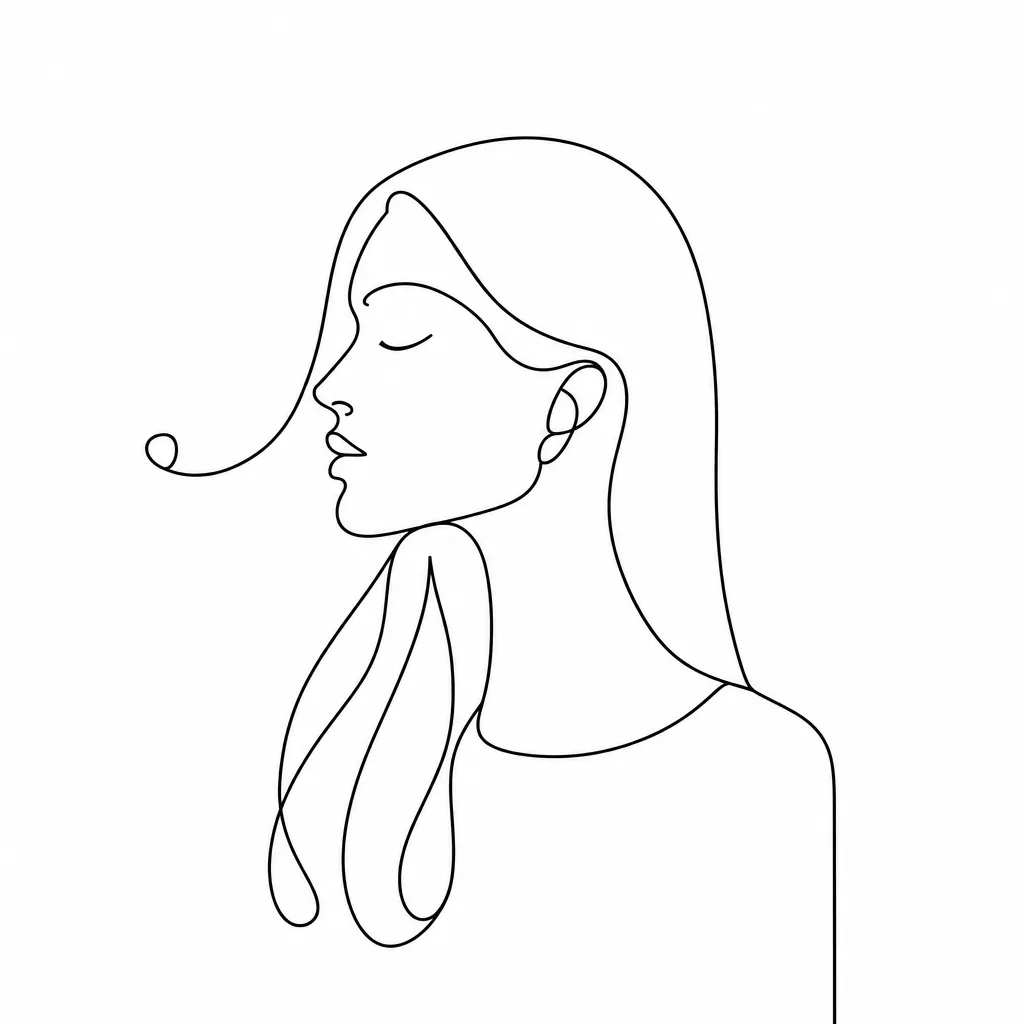
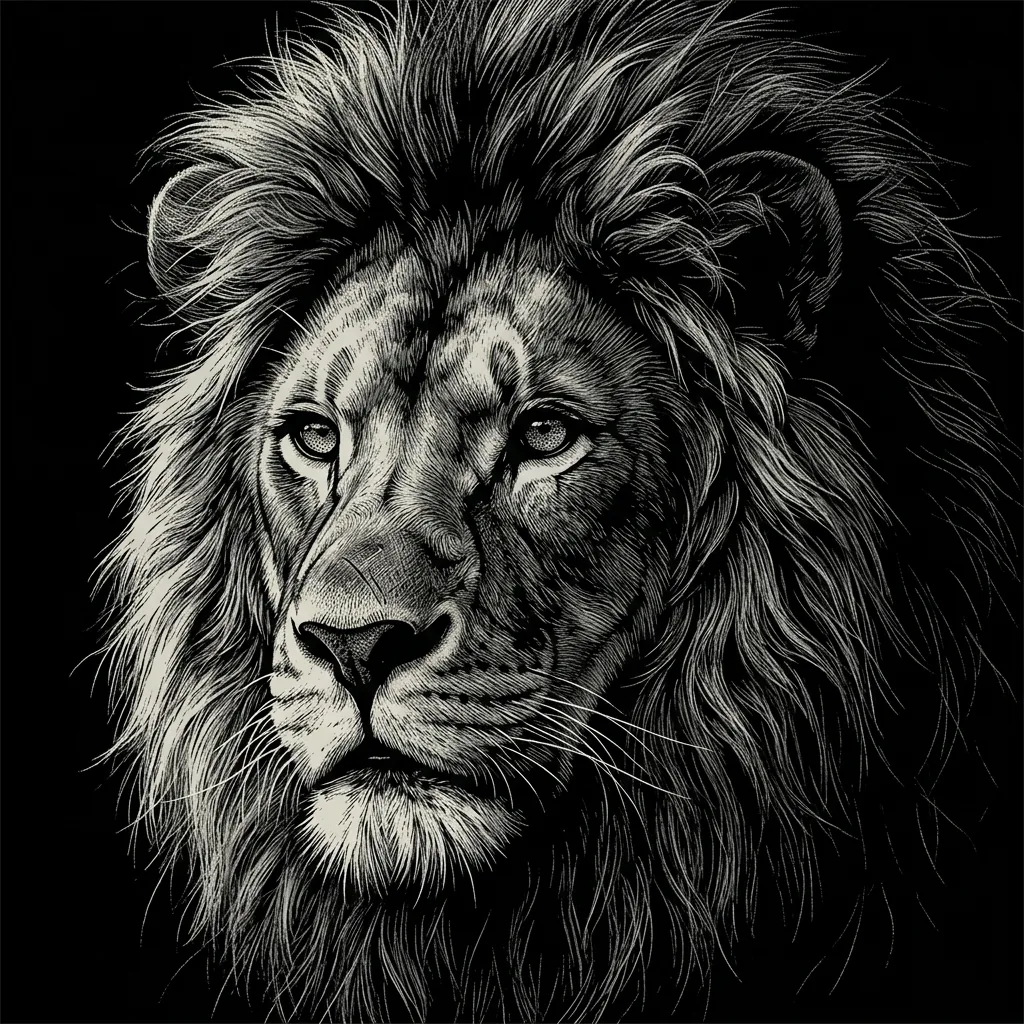
Create a new monochrome line drawing from words or an optional reference image. Direct the subject, composition, viewpoint, detail, and amount of hatching; continuous contours, varied line weight, simplified shadows, crisp silhouettes, and balanced white space shape the result.

8 credits
A plant-filled conservatory in clean contours and sparse hatching

Line-drawing examples

AI Line Drawing Generator Ideas for People, Plants, and Places

  • Curly-haired portrait
  • Single dahlia study
  • Brick townhouse façade
  • Dog in profile

How it works

Create a Line Drawing in Three Steps

  1. Step 1

    Set the subject and line detail

    Describe a person, plant, building, pet, object, or scene. Add the viewpoint, crop, contour emphasis, hatching level, and background simplicity; attach a reference when its structure should guide the image.

  2. Step 2

    Create one new ink interpretation

    YouArt creates one 1K square raster line drawing for 8 credits with varied contours, selective hatching, and open white space.

  3. Step 3

    Inspect contours and small details

    Check the face, hair, hands, petals, straight edges, pet silhouette, and background marks at full size. Refine the prompt if needed, then download the drawing.

Line-art direction

Direct a Clear Generative Line-Drawing Style

Varied line weight

Stronger outer contours and lighter interior marks separate the focal subject from supporting detail. Name the object or feature that should carry the heaviest line.

Balanced white space

A white paper field and simplified background keep portraits, flowers, façades, and animals readable instead of filling every area with texture.

Selective cross-hatching

Sparse hatch marks describe shadow and material without turning the image into a shaded pencil rendering. Ask for more or less hatching around specific forms.

Prompt ideas

Line-Drawing Prompts for Portraits and Detailed Subjects

Describe the subject, viewpoint, crop, contour priority, hatching level, and how much background detail to keep.

Curly-haired portrait

Head-and-shoulders portrait of a curly-haired person against a plain wall, calm three-quarter gaze, monochrome pen-and-ink line drawing, varied contour weight, selective hatching under the chin, generous white background.

Townhouse façade

A narrow brick townhouse seen straight on with one bicycle and one streetlamp, precise architectural contours, varied black line weight, sparse brick marks and window shadows, clean white paper, centered square composition.

Dahlia study

One front-facing dahlia with layered petals and two leaves, continuous pen contours, delicate interior lines, selective cross-hatching at the flower center, no color fill, generous white space.

Ways to use it

Line Drawings for Editorial and Creative Concepts

Editorial illustrations

Create a clean portrait, object, place, or botanical image for an article, newsletter, report, or presentation.

Coloring concepts

Generate open monochrome artwork with clear regions, then review and clean the raster lines before preparing any coloring-page layout.

Tattoo concept art

Explore a contour-led subject and composition as visual reference, then have a tattoo artist redraw and adapt it for placement, anatomy, and safe execution.

Product and object studies

Reinterpret a simple object or product silhouette as clean ink artwork for a concept board, manual, or packaging direction.

Create more with one YouArt membership

This generator uses 8 credits for one 1K image. Membership credits work across YouArt image, video, audio, and workflow tools.

Basic

For hobbyists and explorers

$9.99/mo
Select Plan
  • 1000 credits
  • Up to ~200 images/month
  • At least ~1000s video/month
  • Intelligent creative agent
  • Video editor
  • Latest image models, including GPT Image 2 and Nano Banana Pro
  • Latest video models, including Seedance 2
  • Realistic face uploads
  • Voice generation with ElevenLabs
  • No watermark
  • Unlimited template access

Pro

Most Popular

For creators and pro users

$29.99/mo
Select Plan
  • 3300 credits
  • Up to ~1000 images/month
  • At least ~3300s video/month
  • Intelligent creative agent
  • Video editor
  • Latest image models, including GPT Image 2 and Nano Banana Pro
  • Latest video models, including Seedance 2
  • Realistic face uploads
  • Voice generation with ElevenLabs
  • No watermark
  • Unlimited template access

Max

For power users and teams

$149.99/mo
Select Plan
  • 18000 credits
  • Up to ~6000 images/month
  • At least ~18000s video/month
  • Intelligent creative agent
  • Video editor
  • Latest image models, including GPT Image 2 and Nano Banana Pro
  • Latest video models, including Seedance 2
  • Realistic face uploads
  • Voice generation with ElevenLabs
  • No watermark
  • Unlimited template access

Team

For teams and studios

$329.99/mo
Select Plan
  • 36300 credits
  • Up to ~12000 images/month
  • At least ~36300s video/month
  • Realistic face uploads
  • Share canvas, workflows, and assets with your team
  • Up to 10 members per team
  • Up to 5 teams
  • Role-based management
  • Team credit management and spending caps
  • Per-member usage tracking

Frequently asked questions

AI Line Drawing Generator FAQ

What does the AI line drawing generator create?
It creates one new monochrome raster drawing from text, an uploaded reference, or both. The result uses continuous contours, varied line weight, selective cross-hatching, simplified shadows, and balanced white space.
How do I write a good line-drawing prompt?
Name the subject, viewpoint, crop, most important contours, desired hatching level, and how simple the background should be. Clear shape and lighting information helps the drawing separate foreground from shadow.
Can a photo guide the line drawing?
Yes. Upload a clear portrait, flower, building, pet, or object and state which contours, proportions, or composition should remain recognizable. The result is a new interpretation, not an exact trace of every source edge.
Does it return vector or SVG line art?
No. Each run returns a 1K raster image. If you need SVG, cutting paths, print-production lines, or exact outlines, clean and trace the selected result in a vector editor or use a deterministic tracing tool.
How much does one line drawing cost?
Each run creates one 1K image and costs 8 YouArt credits. Editing the prompt is free until you generate; every additional variation is a new run.

Build beyond one image

Turn your result into a complete creative workflow

Open YouArt's visual canvas to connect generation, editing, upscaling, animation, and sound in one reusable process.