Color takes the lead

Abstract Art Generator for Color, Shape and Texture

Start with a feeling, a few colors or a reference you like, then explore how they work together as abstract art. Build quiet color fields, flowing pigment or energetic brush gestures without having to name a literal subject. Describe the balance you want, from an open minimal composition to a dense, expressive painting.

8 credits
A few strong colors, with room to move.

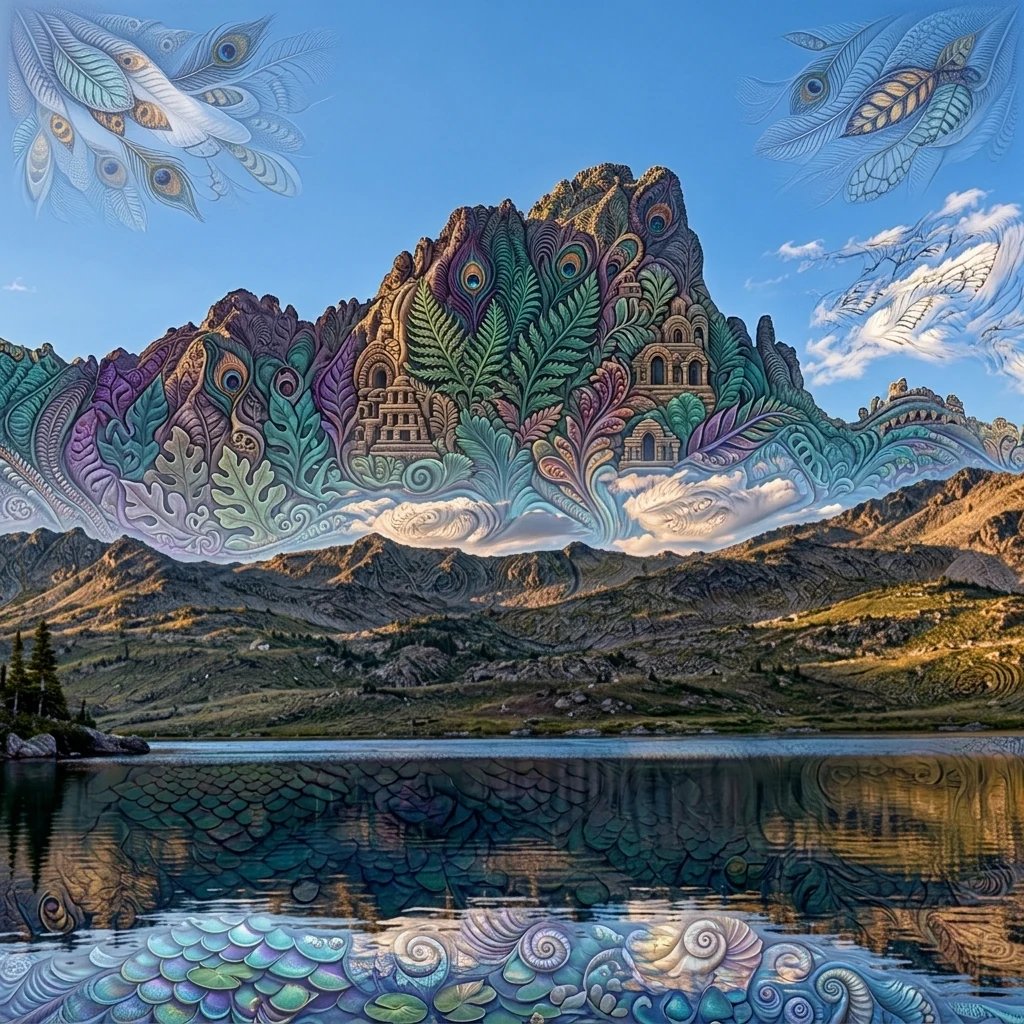
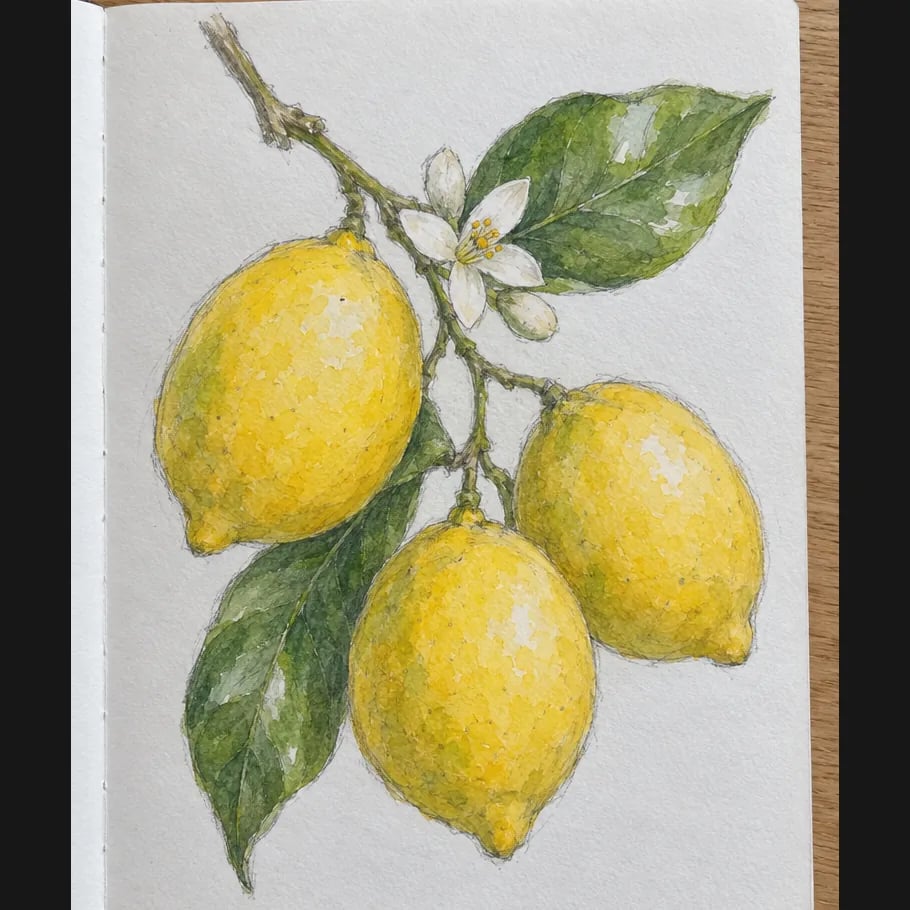
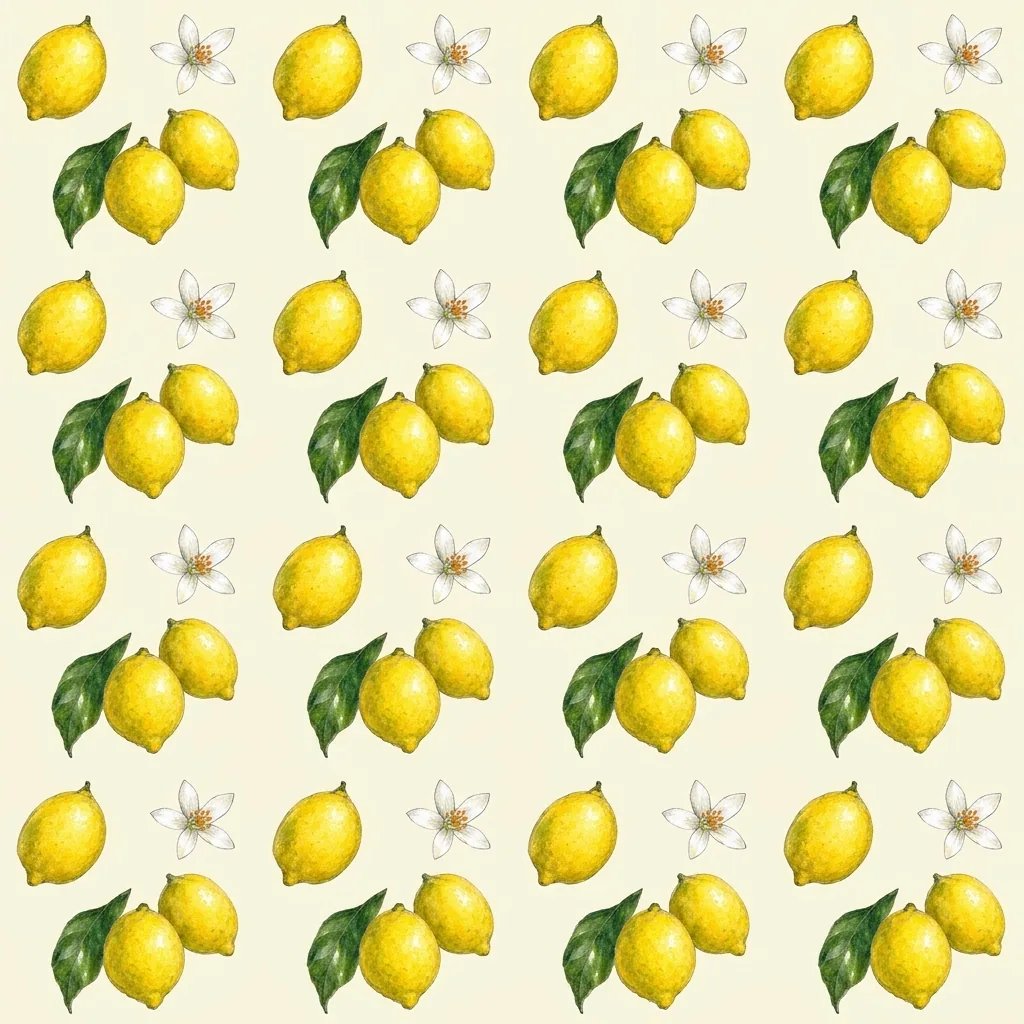
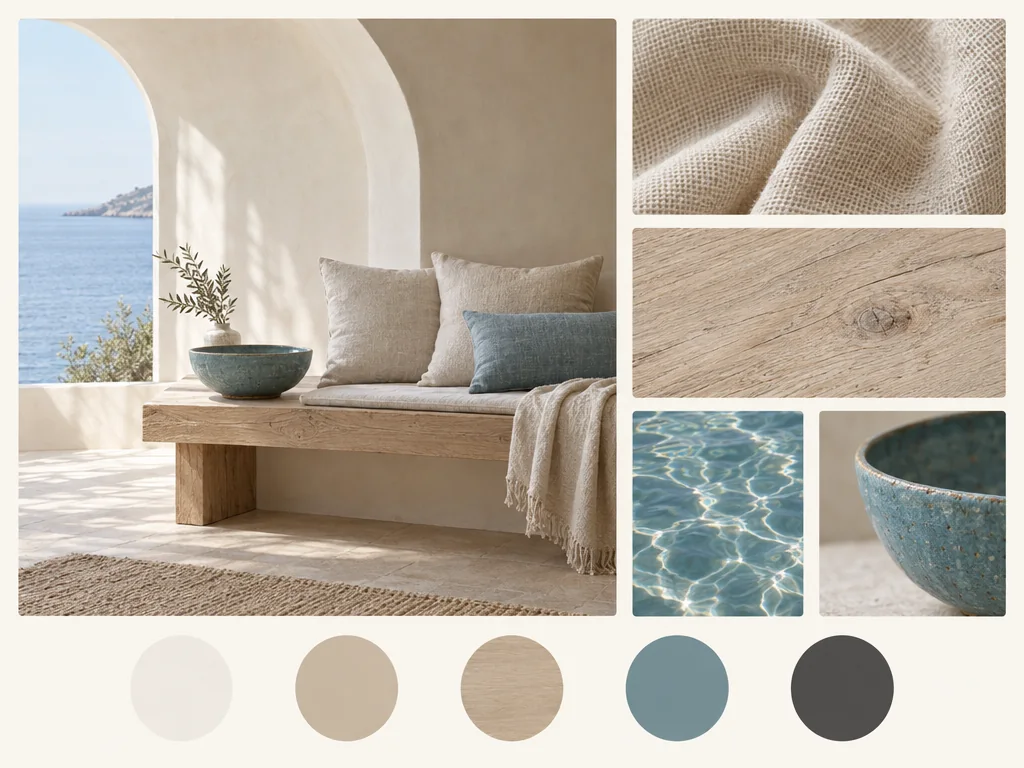
Four abstract directions

Abstract Art Examples with Different Kinds of Energy

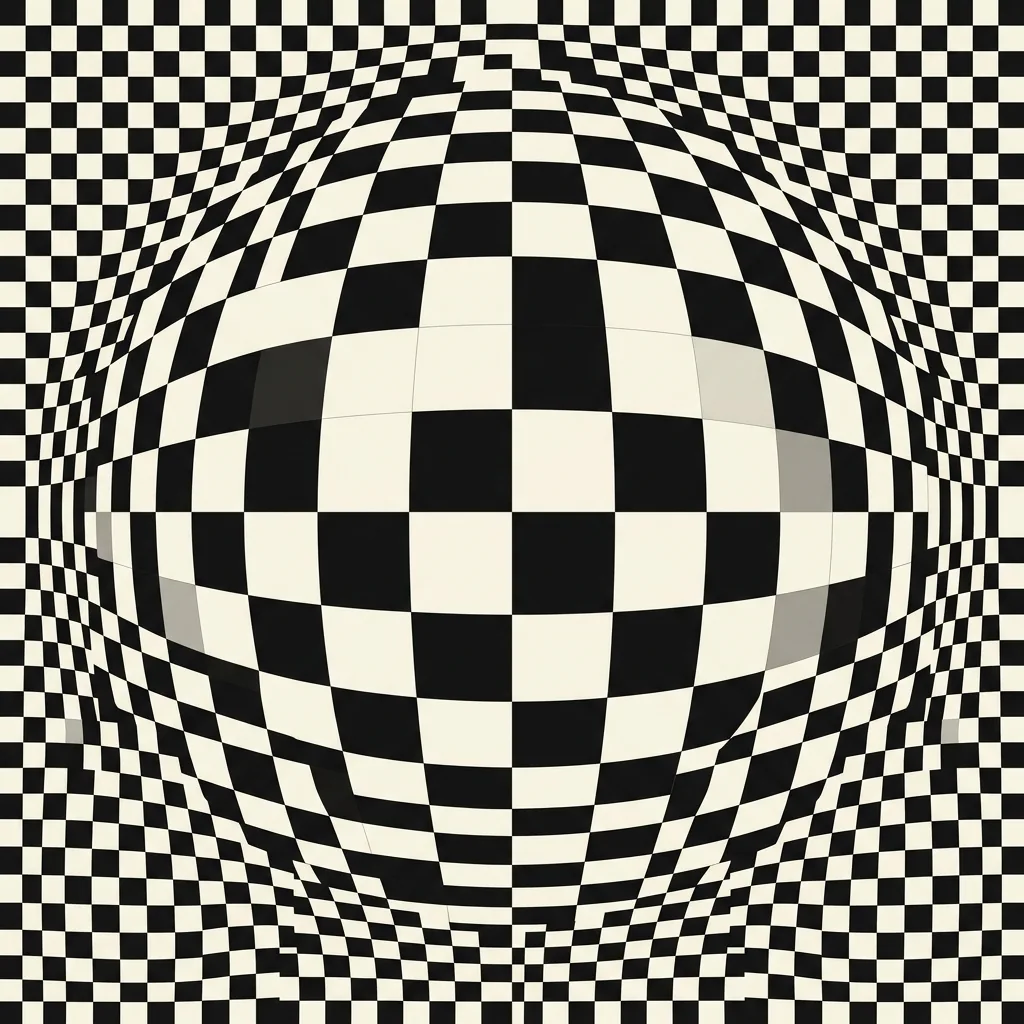
  • Geometry with a clear rhythm
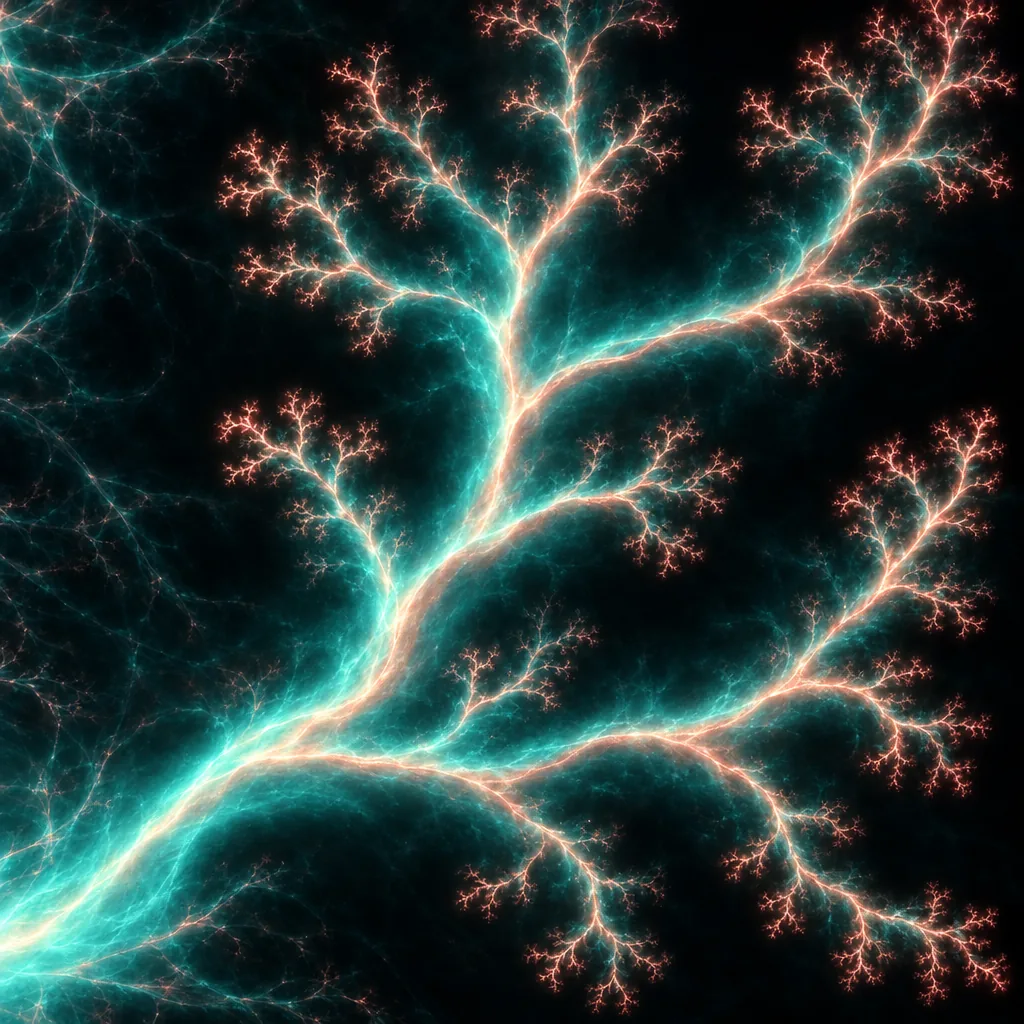
  • Pigment in a flowing composition
  • Broad marks and bold contrast
  • A quieter balance of forms

How it works

Create an Abstract Painting in Three Steps

  1. Step 1

    Choose a palette or a feeling

    Write a few colors and the mood you want, or upload a reference whose color balance interests you. A reference guides the arrangement and palette; its people and objects are reinterpreted as abstract relationships.

  2. Step 2

    Name the kind of movement

    Add geometric, fluid, gestural or minimal to your prompt. Describe whether you want broad quiet areas or a more active surface, then generate one square composition.

  3. Step 3

    Compare the whole composition

    Look at the balance of dark and light, the size of the shapes and the space around them. Save the version you prefer, or change one direction in the prompt for another study.

Build a visual language

Color, Edges and Space Shape the Result

A palette with a purpose

Choose two or three main colors and an accent instead of listing every shade. Warm earth colors can hold a quiet composition together; strong blue and orange create a more energetic contrast.

Hard edges or flowing marks

Geometric prompts favor clearer boundaries and repeated shapes. Fluid and gestural prompts give more weight to spreading pigment, irregular edges and the direction of a brush mark.

A photo as color inspiration

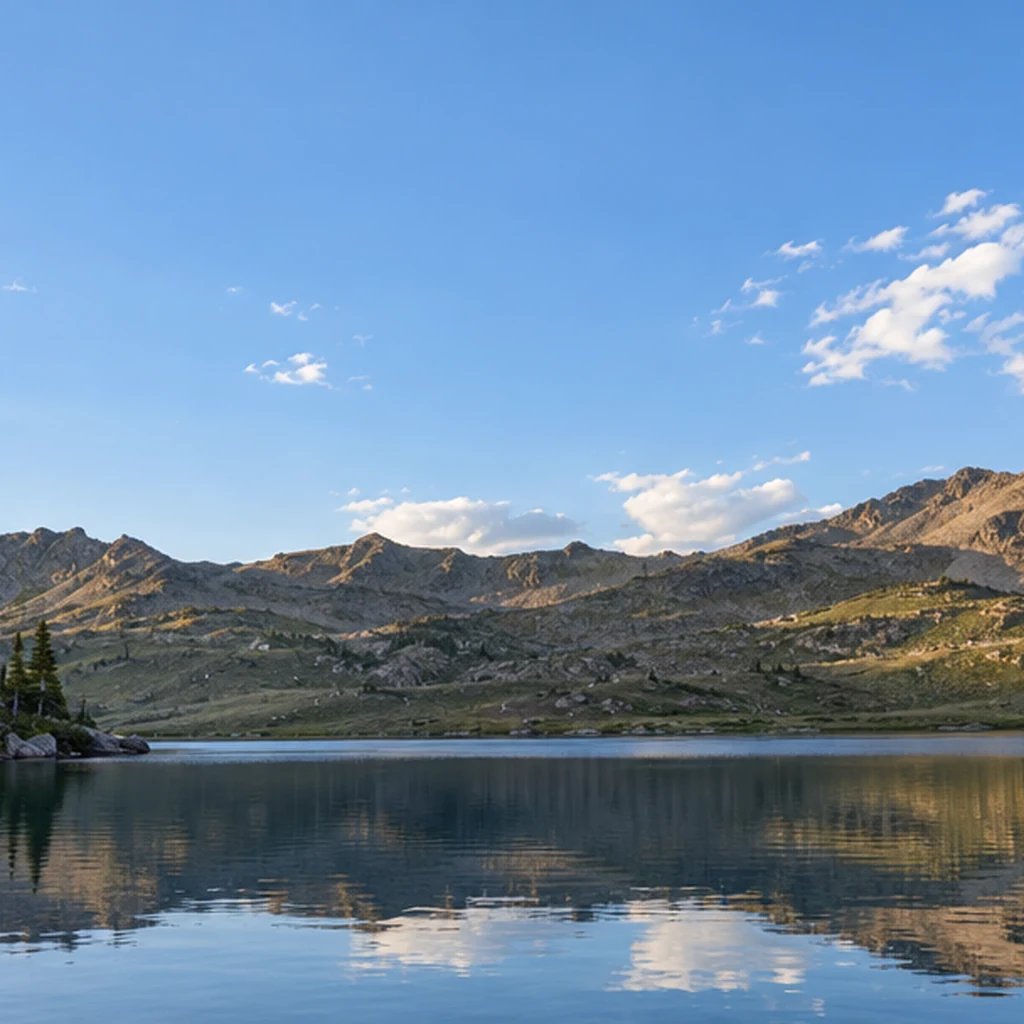
Use the warm tones of a sunset or the light-dark rhythm of architecture without keeping the original scene. This approach helps connect an abstract image to a reference while giving the composition room to change.

Prompt ideas

Three Starting Points for the Abstract Art Generator

Name a palette, an approach and a sense of space. A short visual brief is easier to steer than a list of unrelated objects or style names.

Balanced geometry

Overlapping wide arches, a single off-center circle and broad rectangles, burnt orange, dusty blue, charcoal and cream, crisp painted edges with generous open space.

A flowing color study

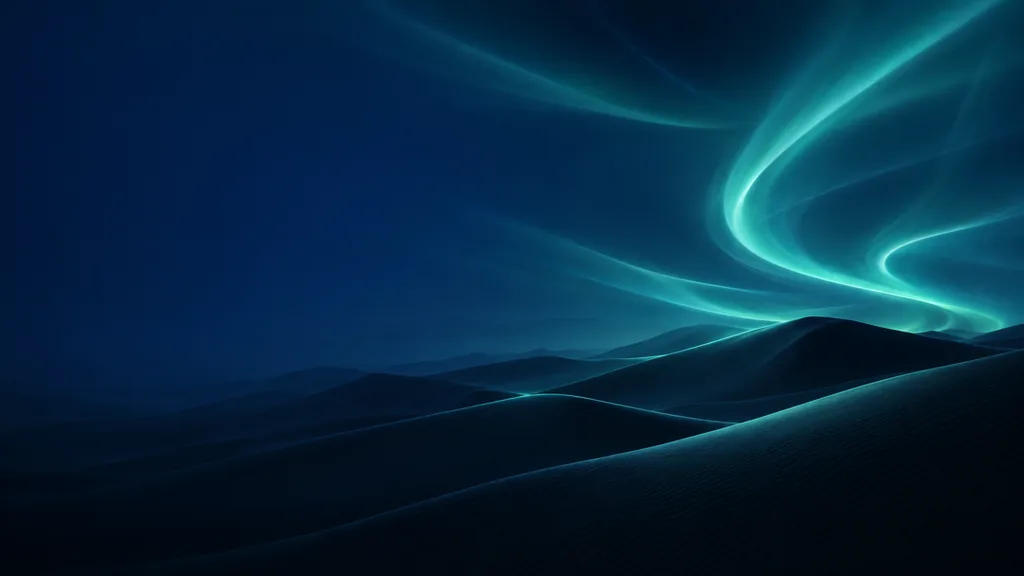
Indigo and teal pigment moving through pearl-white space, one copper-colored ribbon, broad organic currents and soft marbled edges with a matte painted surface.

An expressive brush study

Two sweeping vermilion brush gestures over charcoal and warm ivory fields, scraped pigment texture, movement from lower left to upper right and quiet space around the marks.

Ways to use the look

Explore Abstract Artwork for Your Next Visual Idea

Cover concepts

Explore color and contrast for an album or book cover. Choose an image with room for your final typography and add the lettering in your layout editor.

Digital backgrounds

Create a visual atmosphere for slides, moodboards or social graphics. Keep one area quieter when you need space for a title or another design element.

Decor studies

Try a palette alongside your room or material samples before developing a finished print. Check the 1K image at the intended size when planning a physical output.

Color exploration

Keep the shapes simple and compare different color relationships. Change one color or the amount of negative space to see how the mood shifts.

Create more with one YouArt membership

This generator uses 8 credits for one 1K image. Membership credits work across YouArt image, video, audio, and workflow tools.

Basic

For hobbyists and explorers
$11$9.99/mo
  • 1000 credits
  • Up to ~200 images/month
  • Up to ~332s video/month
  • Intelligent creative agent
  • Video editor
  • Latest image models, including GPT Image 2.5, GPT Image 2 and Nano Banana Pro
  • Latest video models, including Seedance 2
  • Realistic face uploads
  • Voice generation with ElevenLabs
  • Video uploads up to 50 MB
  • No watermark
  • Unlimited template access
Popular

Pro

Save 16%
For creators and pro users
$36$29.99/mo
  • 3300 credits
  • Up to ~1000 images/month
  • Up to ~1100s video/month
  • Intelligent creative agent
  • Video editor
  • Latest image models, including GPT Image 2.5, GPT Image 2 and Nano Banana Pro
  • Latest video models, including Seedance 2
  • Realistic face uploads
  • Voice generation with ElevenLabs
  • Video uploads up to 200 MB
  • No watermark
  • Unlimited template access

Max

Save 24%Best Value
For power users and teams
$198$149.99/mo
  • 18000 credits
  • Up to ~6000 images/month
  • Up to ~6000s video/month
  • Intelligent creative agent
  • Video editor
  • Latest image models, including GPT Image 2.5, GPT Image 2 and Nano Banana Pro
  • Latest video models, including Seedance 2
  • Realistic face uploads
  • Voice generation with ElevenLabs
  • Video uploads up to 200 MB
  • No watermark
  • Unlimited template access

Team

Save 24%
For teams and studios
$435$329.99/mo
  • 36300 credits
  • Up to ~12000 images/month
  • Up to ~12100s video/month
  • Realistic face uploads
  • Share canvas, workflows, and assets with your team
  • Up to 10 members per team
  • Up to 5 teams
  • Role-based management
  • Team credit management and spending caps
  • Per-member usage tracking
  • Video uploads up to 200 MB

Questions, answered

Abstract Art Generator FAQ

It creates a nonrepresentational painting organized around color, shape, texture and gesture. You can describe a mood or palette directly, or provide a reference for visual inspiration. Geometric, fluid, gestural and minimal are useful directions to name in the prompt.

Build beyond one image

Turn your result into a complete creative workflow

Open YouArt's visual canvas to connect generation, editing, upscaling, animation, and sound in one reusable process.