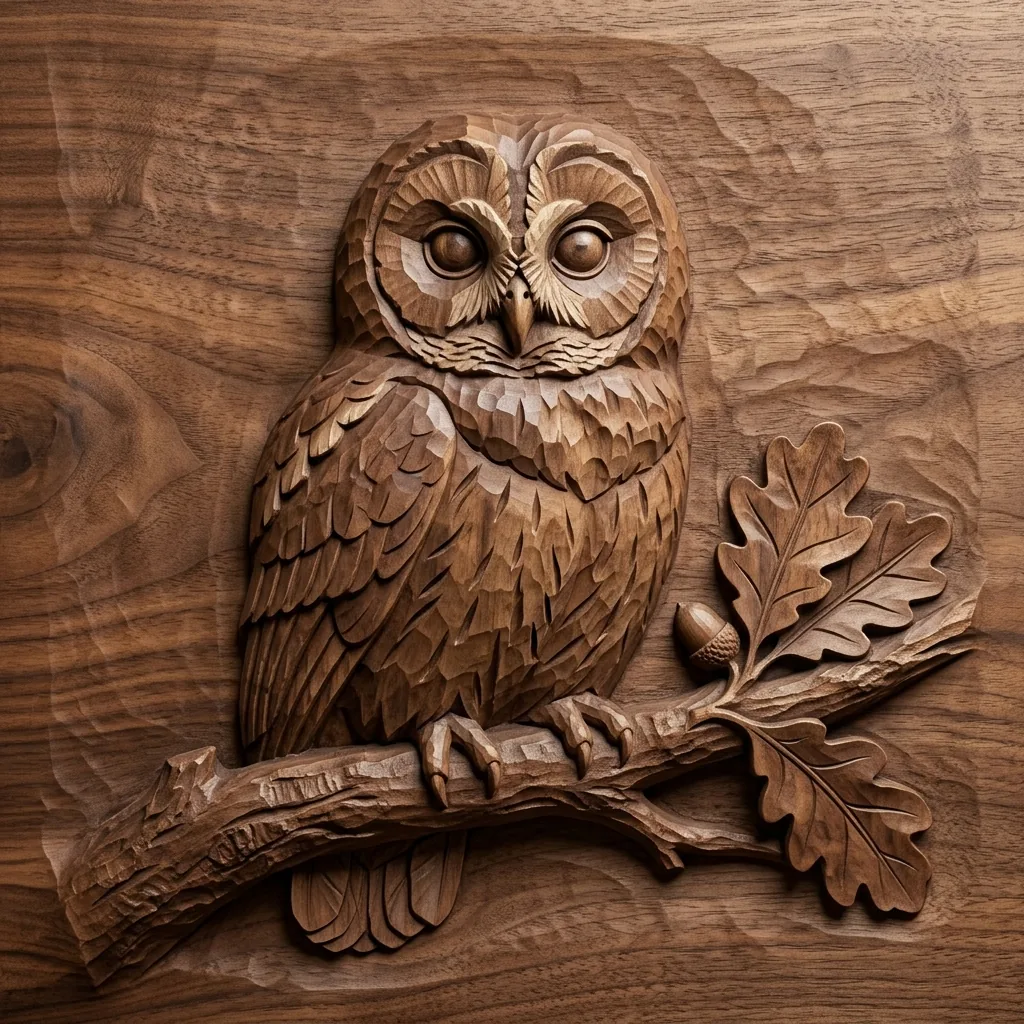
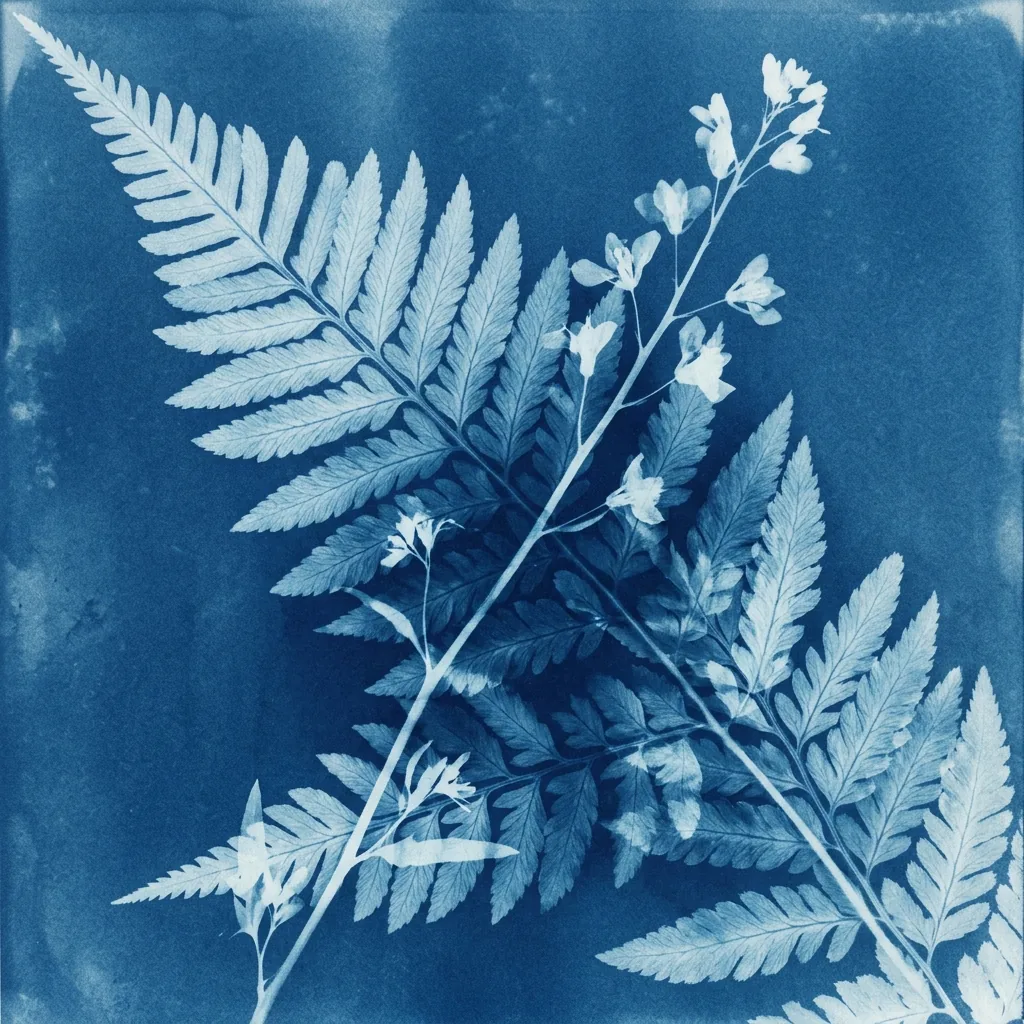
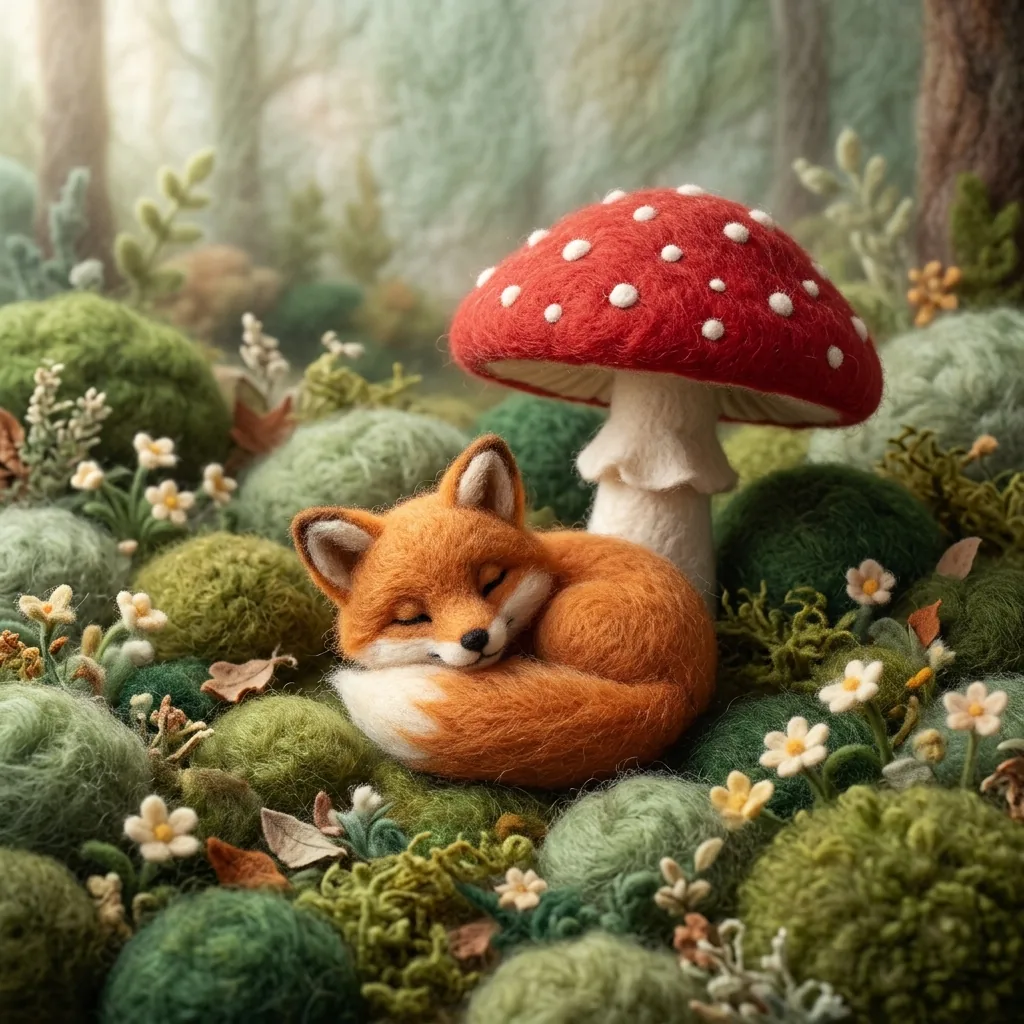
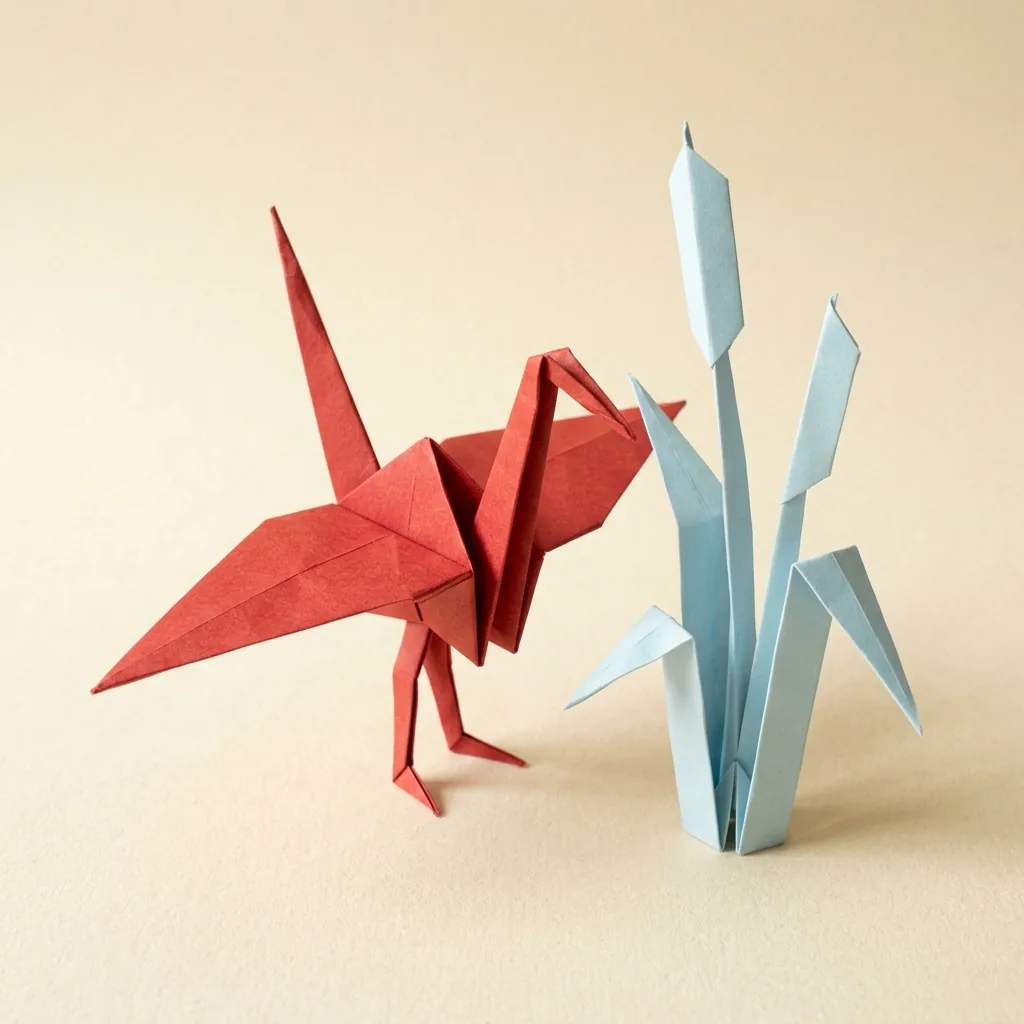
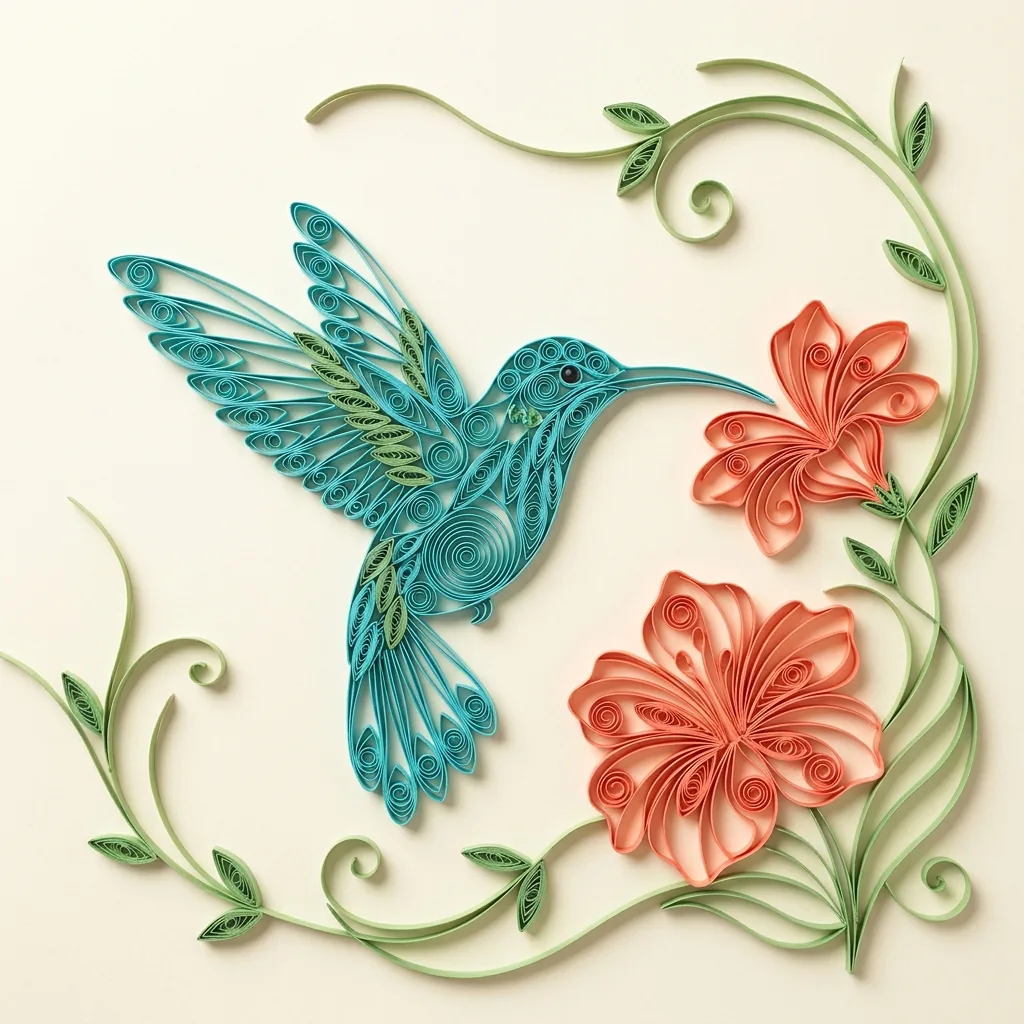
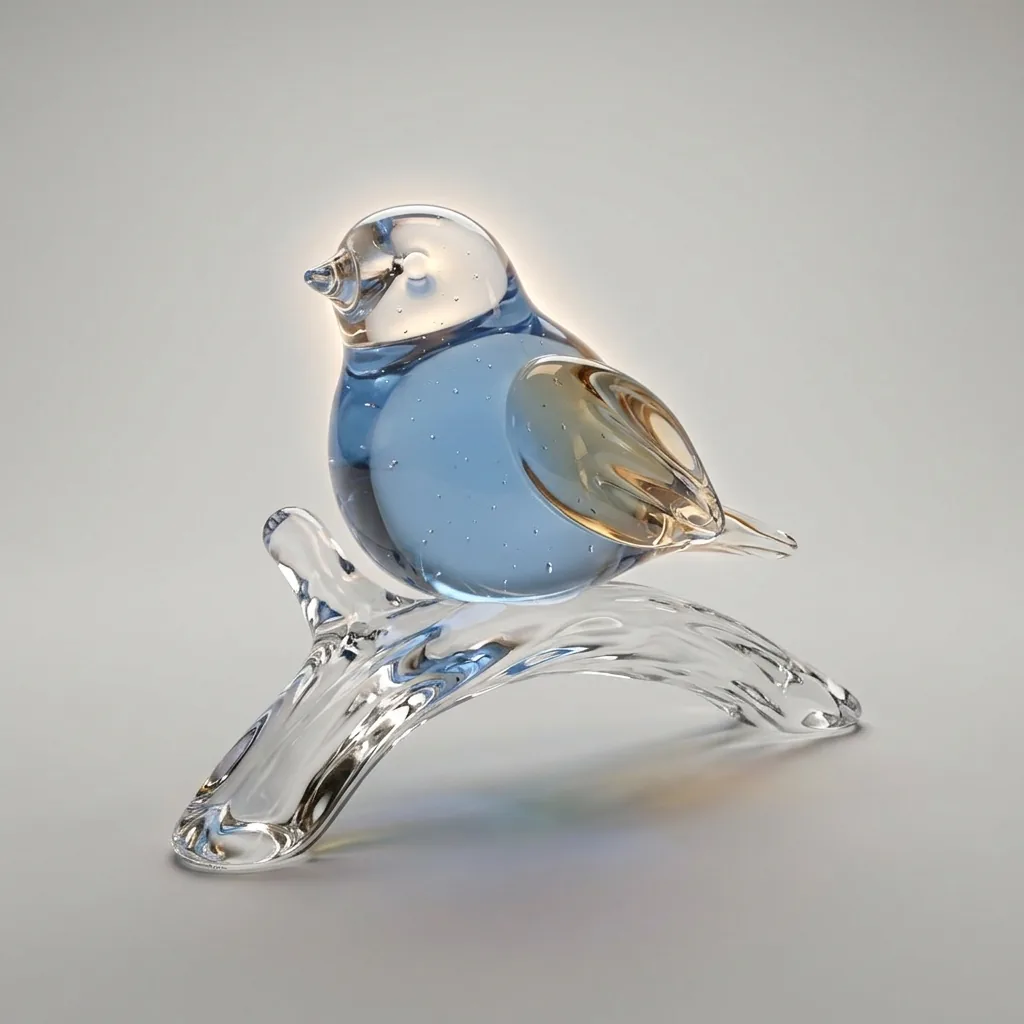
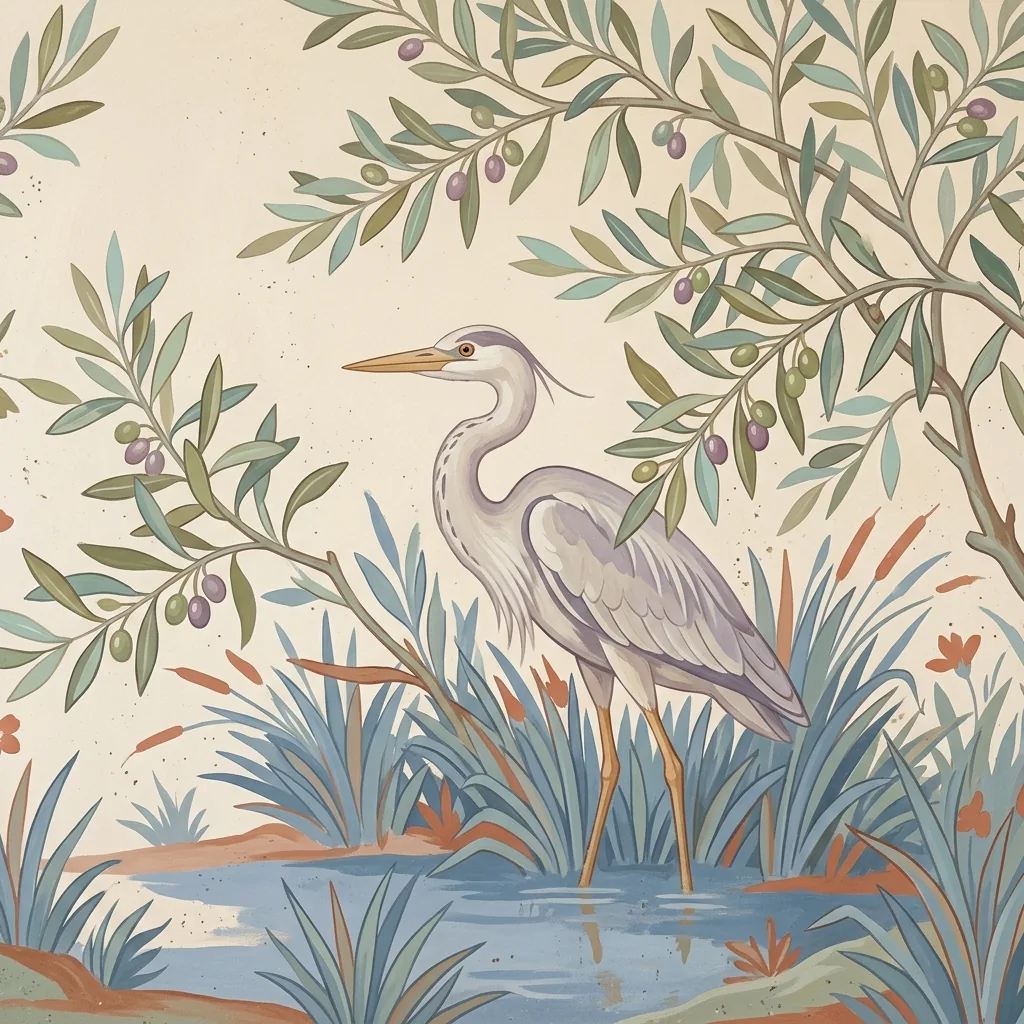
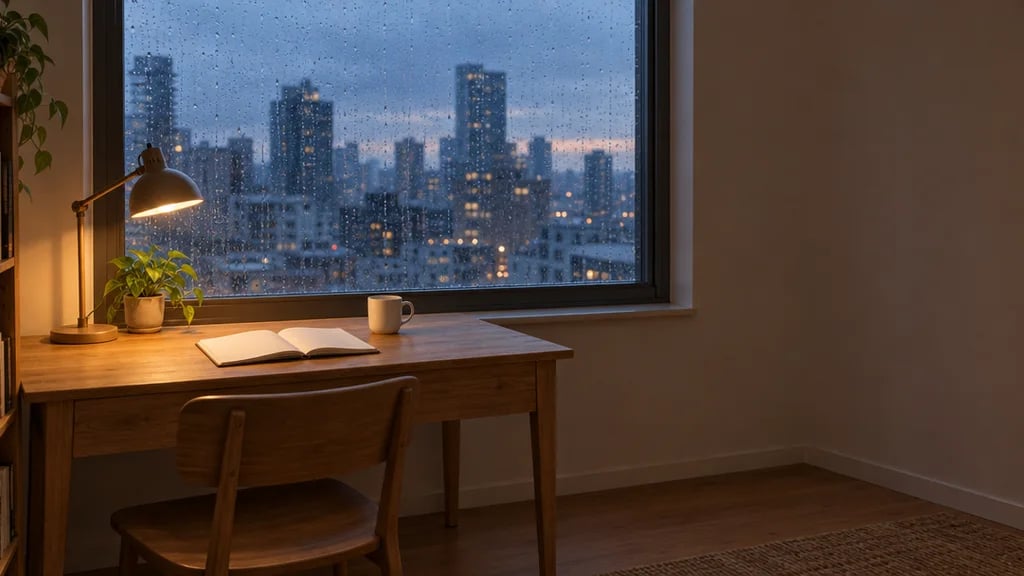
A study in shape, stone and light

AI Marble Sculpture Generator for Busts and Carved Stone Art

Give a portrait, an animal or a favorite object the presence of carved marble. Start with a photo or describe an idea, then explore ivory stone, subtle veins and shaped planes that catch the light.

8 credits
A portrait shaped in ivory marble

One material, different forms

AI Marble Sculpture Generator Examples

  • A portrait bust with carved drapery
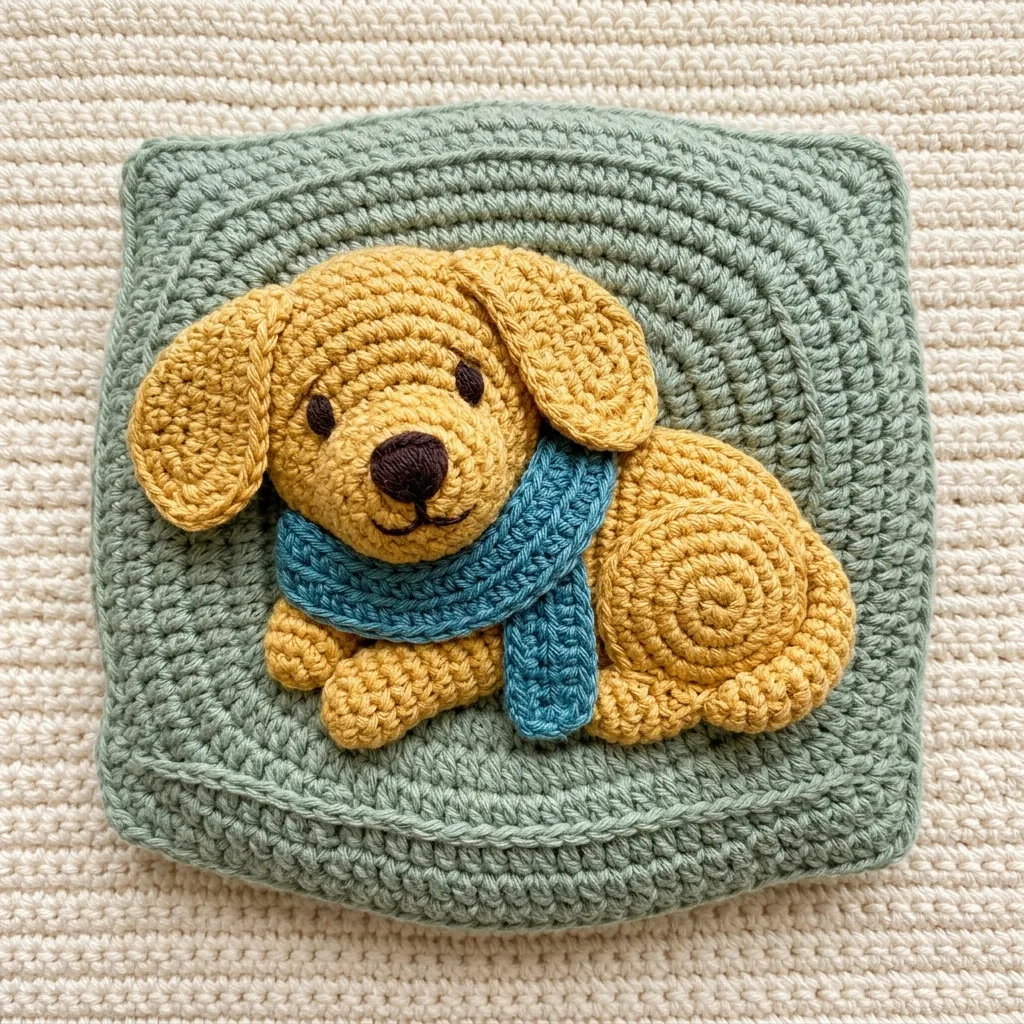
  • A seated dog shaped from stone
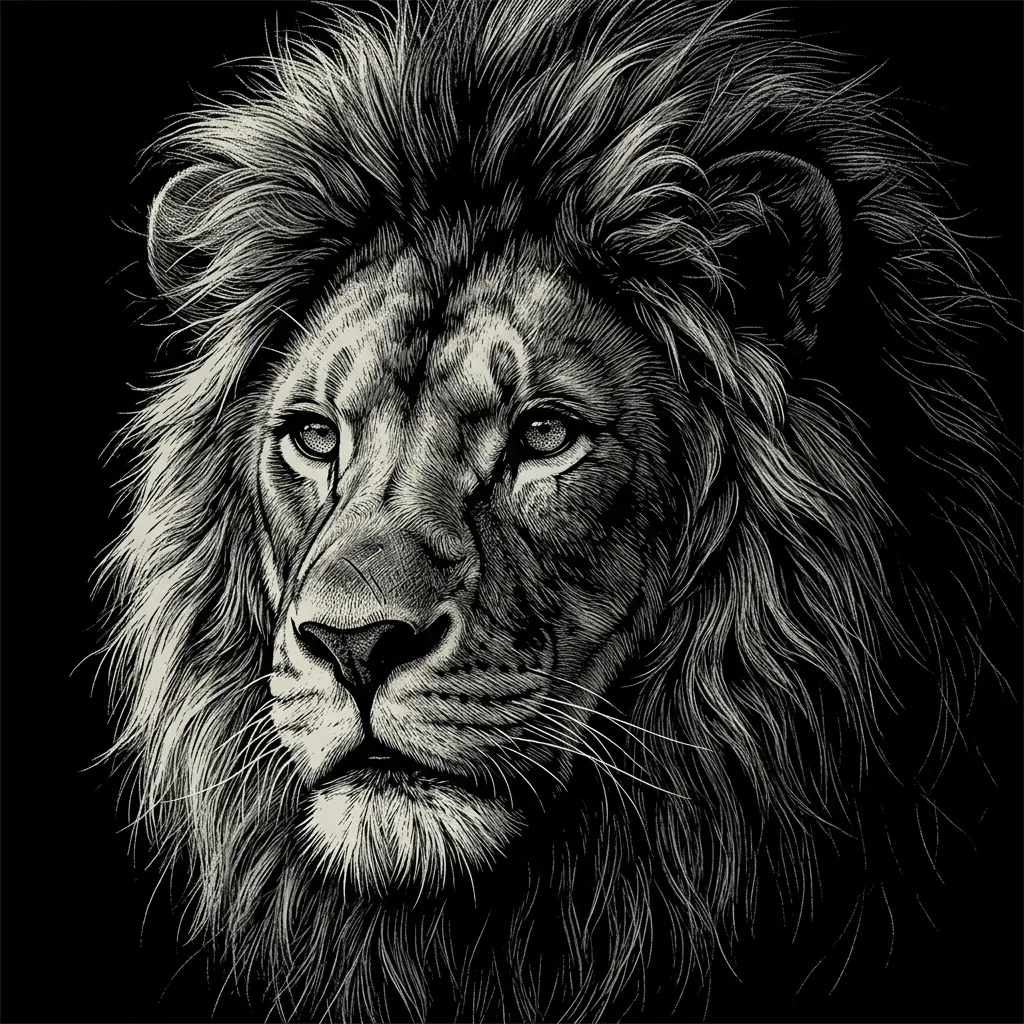
  • A lion with a deeply carved mane
  • Petals carved into a sculptural flower

Start with the form you want to reveal

How to Create Marble Sculpture Art from a Photo or Prompt

  1. Step 1

    Choose a subject and a view

    Describe a bust, animal, object or scene, or upload a reference photo. A photo works without text; add a prompt to guide the head angle, framing or light. A clear pose and visible silhouette give the stone forms a useful starting point.

  2. Step 2

    Inspect the carving and light

    Review how the face, clothing or animal features become solid stone. Look for readable contours and shadows in carved recesses. If the result feels flat, try a three-quarter view and soft side light, or simplify the background in your next prompt.

  3. Step 3

    Save the sculpture image

    Download the version you prefer and inspect its small features at the size you plan to use. Check eyes, hands, paws and thin petals. Keep any titles or annotations in a separate design layer for clear presentation.

The surface follows the shape

Carved Detail in the AI Marble Sculpture Generator

Ivory stone with restrained veining

Soft ivory marble and fine gray veins run through solid sculpted forms. Rounded highlights meet deeper carved recesses, while a gently polished surface reveals the material without a glassy glaze. Hair, clothing and props take on the same stone treatment.

Compact sculptures and shallow relief

A single subject works well as a bust or compact sculpture against a quiet background. A larger scene can become continuous shallow stone relief, with overlapping planes carrying the depth. Clear silhouettes and soft light from one side help separate the forms.

A recognizable starting point

A reference photo can guide the pose, facial structure and arrangement. The generator rebuilds those details as carved geometry, so exact likeness and fine markings may change. Choose good lighting and an unobstructed face when the portrait itself matters most.

Pose and light make the difference

Marble Sculpture Prompt Ideas

Name the subject and viewpoint first. Add a simple background and a light direction that reveals the carving.

An animal with a clear silhouette

Try a seated dog with its head slightly raised, both front paws visible and a quiet warm gray background. Ask for ivory marble and gentle side light. Keep the ears distinct from the head so the shape remains readable as stone.

A bust with expressive planes

Describe an older woman with swept-back wavy hair, draped clothing and a slight turn to the right. Use soft light from the upper left to reveal the cheekbones and folds. A simple background keeps attention on the face and carved surface.

A landscape in shallow relief

Picture a winding river between wooded hills as one continuous marble relief. Place a few larger branches in the foreground and keep distant shapes simple. Ask for shallow layered carving so shadows provide depth without turning every element into a separate object.

A sculptural direction for your artwork

Ways to Use Marble Sculpture Images

Sculptural illustrations

Explore portraits, animals and botanical forms with a consistent ivory palette. The shaped surfaces can give a digital collection a calm, tactile character.

Focused cover artwork

Create a single stone form for a playlist, booklet or social cover. Leave some quiet background for a title and add the typography later in your layout.

Portrait and pet studies

Reinterpret a familiar face or pet as a sculpture image. Use a clear reference and compare how different views change the subject's expression and silhouette.

Form and lighting studies

Compare a bust, full figure or shallow relief before developing a design further. Use the images to explore shape and presentation; practical construction needs separate planning.

Create more with one YouArt membership

This generator uses 8 credits for one 1K image. Membership credits work across YouArt image, video, audio, and workflow tools.

Basic

For hobbyists and explorers
$11$9.99/mo
  • 1000 credits
  • Up to ~200 images/month
  • Up to ~332s video/month
  • Intelligent creative agent
  • Video editor
  • Latest image models, including GPT Image 2.5, GPT Image 2 and Nano Banana Pro
  • Latest video models, including Seedance 2
  • Realistic face uploads
  • Voice generation with ElevenLabs
  • Video uploads up to 50 MB
  • No watermark
  • Unlimited template access
  • Up to 20 new files per message
Popular

Pro

Save 16%
For creators and pro users
$36$29.99/mo
  • 3300 credits
  • Up to ~1000 images/month
  • Up to ~1100s video/month
  • Intelligent creative agent
  • Video editor
  • Latest image models, including GPT Image 2.5, GPT Image 2 and Nano Banana Pro
  • Latest video models, including Seedance 2
  • Realistic face uploads
  • Voice generation with ElevenLabs
  • Video uploads up to 200 MB
  • No watermark
  • Unlimited template access
  • Up to 30 new files per message
Max

Save 24%Best Value
For power users and teams
$198$149.99/mo
  • 18000 credits
  • Up to ~6000 images/month
  • Up to ~6000s video/month
  • Intelligent creative agent
  • Video editor
  • Latest image models, including GPT Image 2.5, GPT Image 2 and Nano Banana Pro
  • Latest video models, including Seedance 2
  • Realistic face uploads
  • Voice generation with ElevenLabs
  • Video uploads up to 200 MB
  • No watermark
  • Unlimited template access
  • Up to 50 new files per message
Team

Save 24%
For teams and studios
$435$329.99/mo
  • 36300 credits
  • Up to ~12000 images/month
  • Up to ~12100s video/month
  • Realistic face uploads
  • Share canvas, workflows, and assets with your team
  • Up to 10 members per team
  • Up to 5 teams
  • Role-based management
  • Team credit management and spending caps
  • Per-member usage tracking
  • Video uploads up to 200 MB
  • Up to 50 new files per message

Useful answers before you create

AI Marble Sculpture Generator FAQ

It creates a digital image of carved marble, with ivory color, subtle gray veins and sculpted planes. Portraits and objects can become compact sculptures; larger scenes can become shallow relief. The treatment reshapes surfaces as stone rather than simply removing their color.
Build beyond one image

Turn your result into a complete creative workflow

Open YouArt's visual canvas to connect generation, editing, upscaling, animation, and sound in one reusable process.