Smooth color. Defined detail.

Airbrush Art Generator

Turn a prompt or photo into airbrush art, with soft sprayed shading, clean highlights and a subject that stands out.

8 credits
A red coupe in warm coastal light

Soft transitions across different subjects

Airbrush Art Generator Examples

  • Warm portrait light against teal
  • A kingfisher above still water
  • Peaches and glass in window light
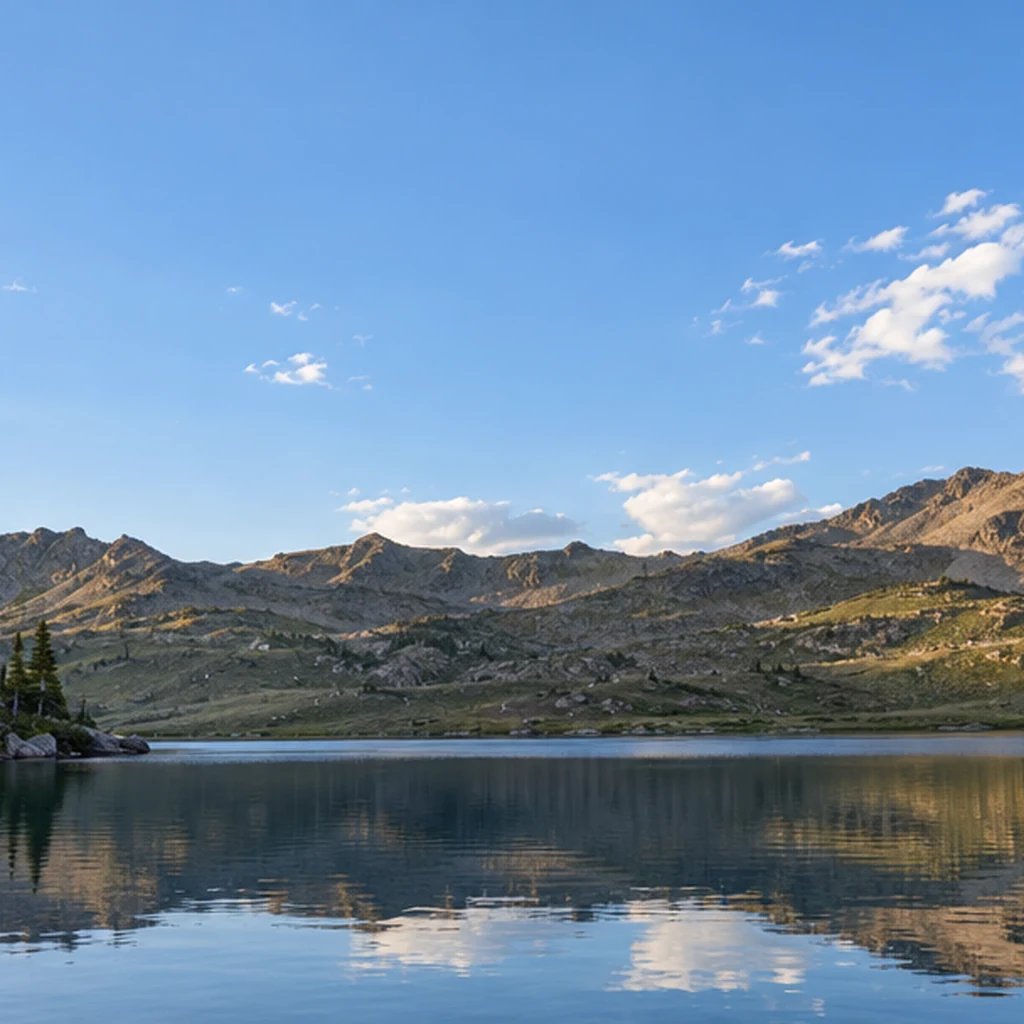
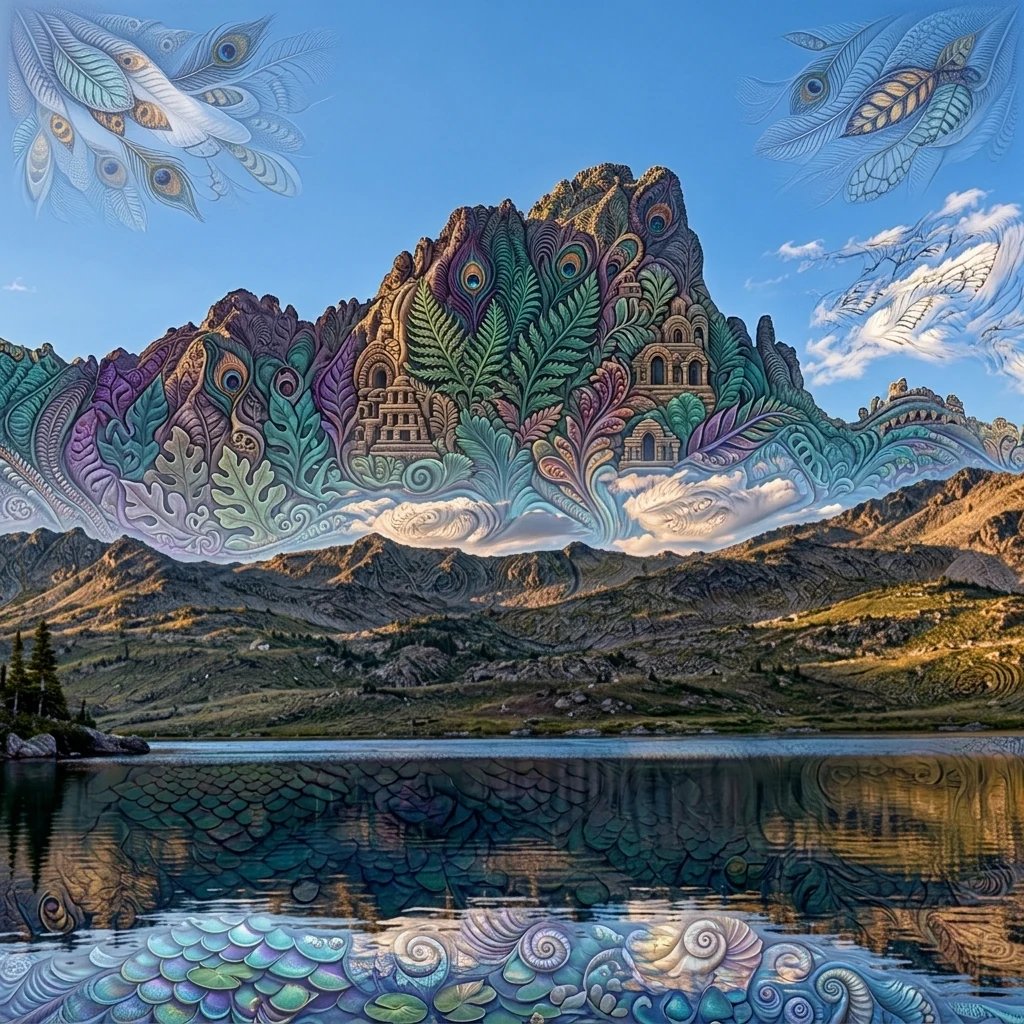
  • Pink sunrise over a mountain lake

Give the shading a clear direction

How to Create Airbrush Art from a Photo or Prompt

  1. Step 1

    Choose a subject and its light

    Describe the main subject, background and light direction. Start with a clear silhouette, a short palette and one focal point. You can also add a photo with or without text; optional directions help guide the colors, scene or emphasis.

  2. Step 2

    Check the balance of soft and sharp

    Generate an image, then inspect the focal details. Eyes, a car profile or the rim of a glass should remain readable within the smooth shading. If the scene feels crowded, ask for a simpler background and reserve stronger contrast for the main subject.

  3. Step 3

    Save the illustration you prefer

    Download your chosen result and inspect faces, reflections and object proportions at full size. For another variation, change one detail such as the palette or light direction so the comparison stays useful.

What shapes the finish

What Gives AI Airbrush Art Its Look?

Sprayed gradients with defined edges

Traditional airbrushing sprays fine droplets of paint. This digital style suggests that finish through feathered transitions and defined contours. A crisp eye or highlight can anchor a much softer surrounding area.

Polish without a fixed era

Ask for a contemporary still life, a classic car or a quiet natural scene. Airbrush describes the shading approach, so the image does not need neon colors, a sunset grid or a retro setting. Name the mood and palette that suit your subject.

A reference to guide the subject

A photo can guide the subject, pose and broad composition. Use a clear reference with visible defining features, then add directions for the lighting or background if needed. The result is a new interpretation, so fine details and facial likeness can change.

A subject, a palette and a light source

Airbrush Illustration Prompt Ideas

The airbrush direction is already set. Spend your prompt on the subject and scene; adjust the wording to explore a different result.

Colorful wildlife

A kingfisher on a willow branch above still water, orange breast and blue wings, sharp eye and beak, warm morning light, soft pale green background.

A softly lit portrait

Head-and-shoulders portrait of a woman with short dark hair and a cream blouse, warm light from the left, cool blue shadows, plain teal background.

An open coastal view

A red classic sports coupe at a coastal overlook, blue sea and pale cliffs behind it, late-afternoon sunlight, smooth painted highlights, no lettering or emblems.

Put the finish to work

Ideas for Your Airbrush Artwork

Editorial illustrations

Create illustrations for travel, nature or everyday objects. Keep the key shape readable at thumbnail size and request space for your layout.

Cover artwork

Develop a central subject for a cover or social graphic. Add typography in your layout editor for control over spelling and placement.

Personal portraits

Try a portrait with warm highlights or a cool evening palette. A simple backdrop gives facial features more room; a clear reference guides resemblance.

Product and scene studies

Compare lighting and color for a car, glass object or imagined setting. Inspect reflections and proportions before using a study as a design reference.

Create more with one YouArt membership

This generator uses 8 credits for one 1K image. Membership credits work across YouArt image, video, audio, and workflow tools.

Basic

For hobbyists and explorers

$9.99/mo
Select Plan
  • 1000 credits
  • Up to ~200 images/month
  • Up to ~332s video/month
  • Intelligent creative agent
  • Video editor
  • Latest image models, including GPT Image 2.5, GPT Image 2 and Nano Banana Pro
  • Latest video models, including Seedance 2
  • Realistic face uploads
  • Voice generation with ElevenLabs
  • No watermark
  • Unlimited template access

Pro

Most Popular

For creators and pro users

$29.99/mo
Select Plan
  • 3300 credits
  • Up to ~1000 images/month
  • Up to ~1100s video/month
  • Intelligent creative agent
  • Video editor
  • Latest image models, including GPT Image 2.5, GPT Image 2 and Nano Banana Pro
  • Latest video models, including Seedance 2
  • Realistic face uploads
  • Voice generation with ElevenLabs
  • No watermark
  • Unlimited template access

Max

For power users and teams

$149.99/mo
Select Plan
  • 18000 credits
  • Up to ~6000 images/month
  • Up to ~6000s video/month
  • Intelligent creative agent
  • Video editor
  • Latest image models, including GPT Image 2.5, GPT Image 2 and Nano Banana Pro
  • Latest video models, including Seedance 2
  • Realistic face uploads
  • Voice generation with ElevenLabs
  • No watermark
  • Unlimited template access

Team

For teams and studios

$329.99/mo
Select Plan
  • 36300 credits
  • Up to ~12000 images/month
  • Up to ~12100s video/month
  • Realistic face uploads
  • Share canvas, workflows, and assets with your team
  • Up to 10 members per team
  • Up to 5 teams
  • Role-based management
  • Team credit management and spending caps
  • Per-member usage tracking

Before you generate

Airbrush Art Generator FAQ

What does the Airbrush Art Generator create?
It creates a digital illustration with smooth sprayed-looking tones, feathered shading and defined focal edges. It is a style transformation for the whole image, rather than a beauty retouching tool for removing blemishes or smoothing skin.
Can I make airbrush art from a photo?
Yes. Add a photo on its own, describe an image without uploading one, or combine a reference with written directions. A photo guides the composition and subject; it does not lock every feature or preserve the original pixels.
How is airbrush art different from photo illustration or synthwave?
Airbrush emphasizes smooth shading and carefully controlled edges. A photo-to-illustration treatment may use flatter graphic shapes, while synthwave is defined more by a retro mood, neon palette and lighting. Airbrush art can use many subjects and color schemes.
Do I get editable airbrush layers?
The output is a finished raster image, not editable paint layers, a vector file or a physical painted object. You can place the downloaded image in another editor to add text or make further adjustments.
What size is the image, and how many credits does it use?
This preset generates one square 1K image for 8 credits. It keeps the airbrush direction fixed while your prompt and optional reference guide the subject.

Keep exploring

More AI art styles to try

The closest looks to this one. Each is a full generator with its own prompt studio and examples.

Browse all 101 AI generators

Build beyond one image

Turn your result into a complete creative workflow

Open YouArt's visual canvas to connect generation, editing, upscaling, animation, and sound in one reusable process.