Light color, graceful curves

Rococo Generator for Airy, Ornamental Paintings

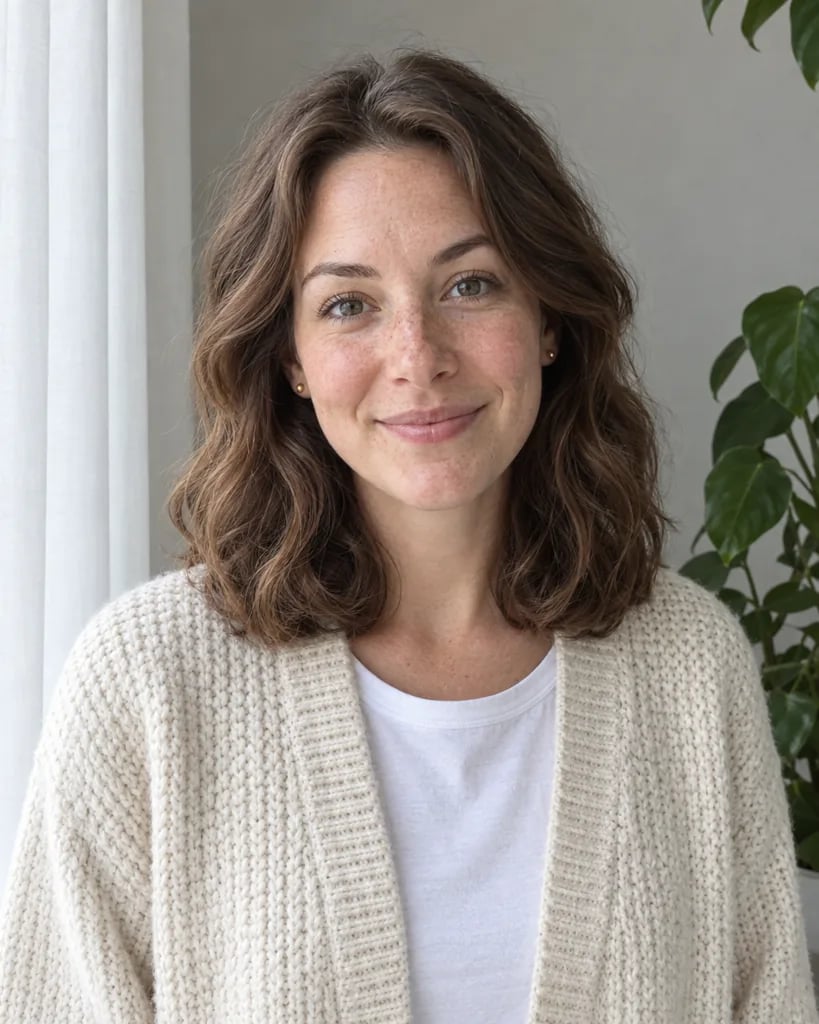
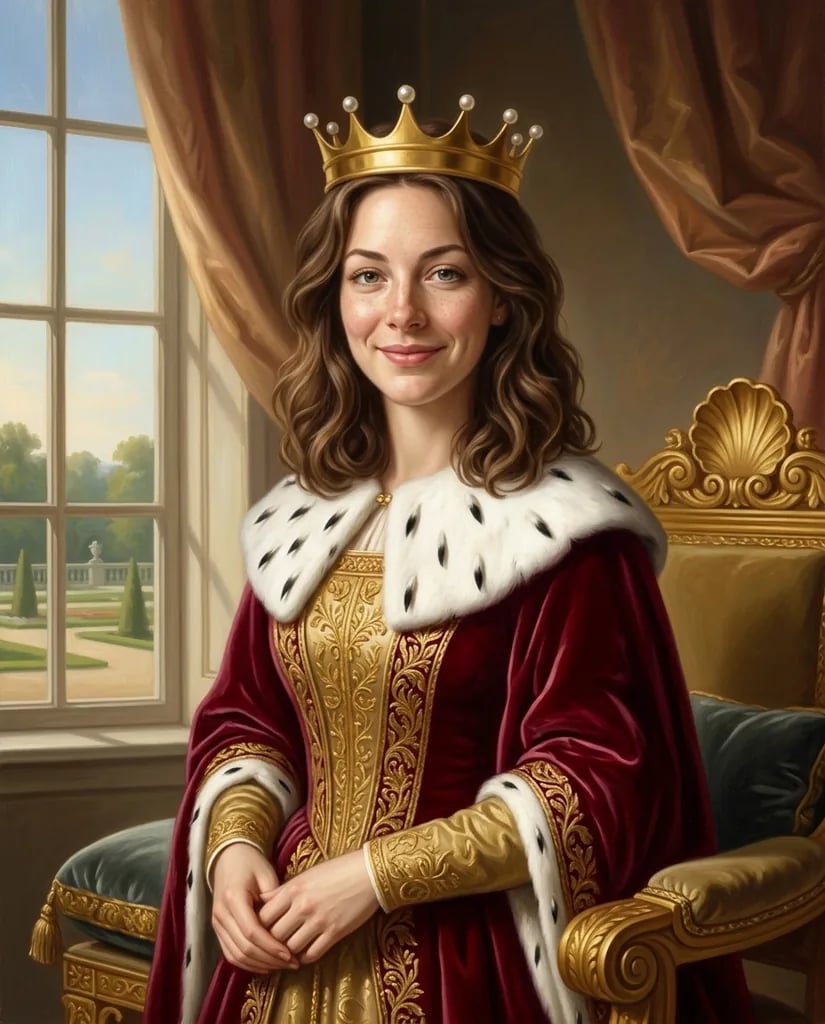
Imagine a rose-filled garden, a delicate porcelain still life or a portrait in soft daylight. Describe your scene or upload a photo; the Rococo generator interprets it with pale color, flowing curves and fine painted detail. Flowers, fabric and ornament support the subject while an open atmosphere keeps the picture light.

8 credits
A pale garden scene with curling roses and soft afternoon light

Scenes with delicate detail

Rococo Generator Examples

  • Porcelain, roses and pale blue fabric
  • A musician beneath a rose trellis
  • A portrait in blush pink and sage
  • A pavilion beside an ornamental pond

From an idea to a painted scene

How to Create Rococo Art from a Photo or Prompt

  1. Step 1

    Choose a subject with room around it

    Upload a photo or describe a portrait, garden or still life. A simple arrangement leaves space for flowing fabric, foliage or a few decorative details. A photo alone is enough to begin; text can guide the setting and color.

  2. Step 2

    Balance the subject and the ornament

    Generate the painting and check where your eye goes first. If the decoration feels too dense, ask for fewer flowers, a quieter background or simpler clothing. For a lighter atmosphere, name pale colors and diffuse daylight.

  3. Step 3

    Save a scene that feels coherent

    Download your preferred result and inspect faces, hands and small decorative objects. If you want to use the image in a card or invitation, add the wording and final layout separately after choosing the artwork.

The Rococo atmosphere

Soft Color and Flowing Forms in Rococo Art

Luminous color with gentle contrast

Pearl cream, blush pink, powder blue and pale sage form the default palette. Warm highlights and softly modeled shadows keep the subject visible without making the scene heavy. A different palette can be described while retaining the airy painted treatment.

Curves that connect the composition

A garden path, a fabric fold or a curling branch can lead the eye toward the subject. Asymmetrical arrangements give the picture movement. These curves work best when they connect a few important elements instead of filling every corner with ornament.

Detail that supports the subject

Fine lace, floral porcelain, small gold accents and delicate foliage add character to the scene. The generator interprets those materials through visible paint. Ask for restraint when a portrait or a single object should remain the clear focal point.

Three subjects to try

Rococo Painting Prompt Ideas

Describe the subject, setting and amount of ornament. The Rococo treatment is already selected.

A quiet scene in a garden

Try a seated figure on a curved stone bench, with a rose trellis and a distant fountain. Pale blue clothing against warm cream stone gives the subject a clear place in the scene. Ask for open daylight and a few curling branches.

A floral portrait with breathing room

Describe a chest-up portrait in a blush-pink dress, with loosely pinned hair and a few roses near the shoulders. Keep the background pale sage and the outer edges open. This lets the face remain more prominent than the decoration.

An ornamental still life

Start with a porcelain teapot, two cups and a folded blue cloth. Add small gold details and scattered petals, then ask for soft window light. A limited group of objects gives the curves and surface details room to read.

Ideas for decorative paintings

Ways to Use Rococo-Style Images

Decorative art concepts

Explore soft palettes and flowing forms for a personal art collection. Keep the main colors consistent when developing several related images.

Portrait ideas

Reinterpret a portrait through delicate fabric, light color and a painted setting. Review the face and expression against the reference before selecting the result.

Garden artwork

Build an imagined garden around a pavilion, a pond or a winding path. A clear focal point keeps the floral detail from overwhelming the scene.

Invitation artwork

Create floral or garden imagery for a card layout. Leave visual space for your wording and prepare the typography and final dimensions in a separate design tool.

Create more with one YouArt membership

This generator uses 8 credits for one 1K image. Membership credits work across YouArt image, video, audio, and workflow tools.

Basic

For hobbyists and explorers
$11$9.99/mo
  • 1000 credits
  • Up to ~200 images/month
  • Up to ~332s video/month
  • Intelligent creative agent
  • Video editor
  • Latest image models, including GPT Image 2.5, GPT Image 2 and Nano Banana Pro
  • Latest video models, including Seedance 2
  • Realistic face uploads
  • Voice generation with ElevenLabs
  • Video uploads up to 50 MB
  • No watermark
  • Unlimited template access
Popular

Pro

Save 16%
For creators and pro users
$36$29.99/mo
  • 3300 credits
  • Up to ~1000 images/month
  • Up to ~1100s video/month
  • Intelligent creative agent
  • Video editor
  • Latest image models, including GPT Image 2.5, GPT Image 2 and Nano Banana Pro
  • Latest video models, including Seedance 2
  • Realistic face uploads
  • Voice generation with ElevenLabs
  • Video uploads up to 200 MB
  • No watermark
  • Unlimited template access

Max

Save 24%Best Value
For power users and teams
$198$149.99/mo
  • 18000 credits
  • Up to ~6000 images/month
  • Up to ~6000s video/month
  • Intelligent creative agent
  • Video editor
  • Latest image models, including GPT Image 2.5, GPT Image 2 and Nano Banana Pro
  • Latest video models, including Seedance 2
  • Realistic face uploads
  • Voice generation with ElevenLabs
  • Video uploads up to 200 MB
  • No watermark
  • Unlimited template access

Team

Save 24%
For teams and studios
$435$329.99/mo
  • 36300 credits
  • Up to ~12000 images/month
  • Up to ~12100s video/month
  • Realistic face uploads
  • Share canvas, workflows, and assets with your team
  • Up to 10 members per team
  • Up to 5 teams
  • Role-based management
  • Team credit management and spending caps
  • Per-member usage tracking
  • Video uploads up to 200 MB

Before you begin

Rococo Generator FAQ

It creates a new raster painting inspired by Rococo color, curves and delicate ornament. Subjects can include portraits, gardens, animals and still lifes. The result is an original AI interpretation of the style, with soft painted forms and an airy atmosphere.

Build beyond one image

Turn your result into a complete creative workflow

Open YouArt's visual canvas to connect generation, editing, upscaling, animation, and sound in one reusable process.