Color with room to flow

AI Alcohol Ink Art Generator for Luminous Fluid Artwork

Create an iris from translucent blue petals, a coastline from flowing teal pools, or an abstract meeting of color. Describe an idea or add a photo, then guide the palette and composition in a few words.

8 credits
An iris built from flowing color

One medium, different subjects

Alcohol Ink Art Generator Examples

  • Teal pools with warm amber accents
  • A coast suggested by flowing ink
  • Coral poppies with translucent petals
  • A tree with a canopy of color

A clear idea is enough to begin

How to Create Alcohol Ink Art from a Photo or Prompt

  1. Step 1

    Choose a subject and a palette

    Start with a flower, tree, coastline or a simple abstract arrangement. Upload a reference photo if you have one; a photo can be used without text. Optional direction can name the colors, the size of the subject and where you want open space.

  2. Step 2

    Generate and review the flow

    Look for a readable main shape, transparent overlapping color and gathered ink edges. If the image feels crowded, simplify the subject or ask for broader pale passages. Change one element at a time so you can compare the effect of a warmer palette or looser composition.

  3. Step 3

    Save the image you prefer

    Download your chosen result and check the crop at its intended size. Fine ink branches are easier to see in a larger image, while broad silhouettes work well in a thumbnail. Place any lettering separately in your design layout.

What gives the ink its character

Flowing Color in the Alcohol Ink Art Generator

Transparent pools and gathered edges

Luminous color clouds overlap across a smooth-looking ground. Darker tide lines outline places where the pigment appears to collect, while small branching forms and cellular blooms add detail. Pale areas between the pools let the saturated colors stay clear instead of filling every part of the picture.

A subject that remains easy to read

A strong silhouette gives the fluid colors something to describe. Large petals, a single branching tree or broad coastal shapes usually work better than a crowd of small objects. Describe the dominant color first, then a contrasting accent to guide attention through the composition.

Photos as a starting point

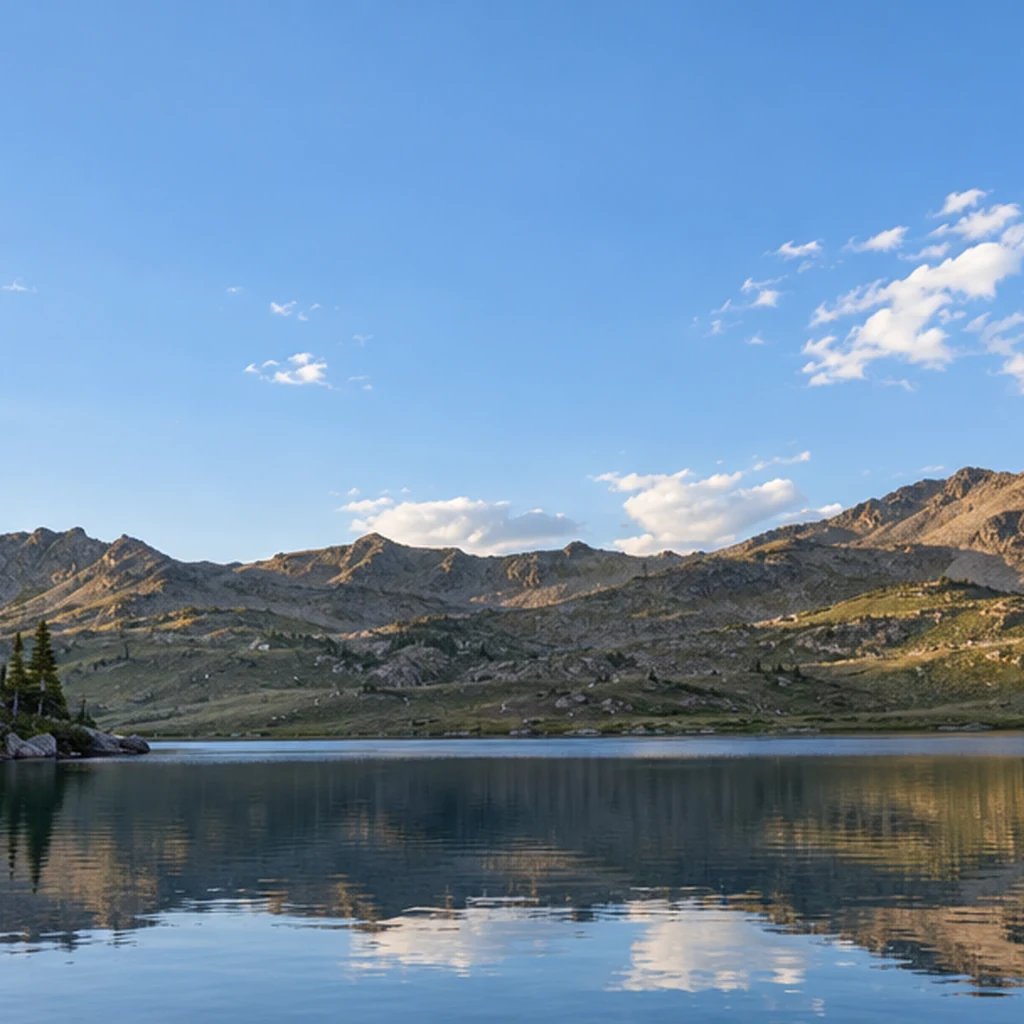
The alcohol ink AI filter can reinterpret a familiar subject and its broad arrangement. Clothing, foliage and facial detail become pigment shapes, so fine markings and exact likeness can change. A clear photo with good separation between the subject and background provides a useful starting structure.

Guide the flow with a few details

Alcohol Ink Art Prompt Ideas

Name a subject, two or three colors and the balance of ink to open space. Describe the image you want to see.

Flowers with luminous edges

Try a large iris with blue-violet petals and a coral center, surrounded by two long teal leaves. Ask for transparent overlapping petals and a pale cream ground. A single dominant flower gives the gathered pigment edges enough space to become part of the image.

A portrait with a calm silhouette

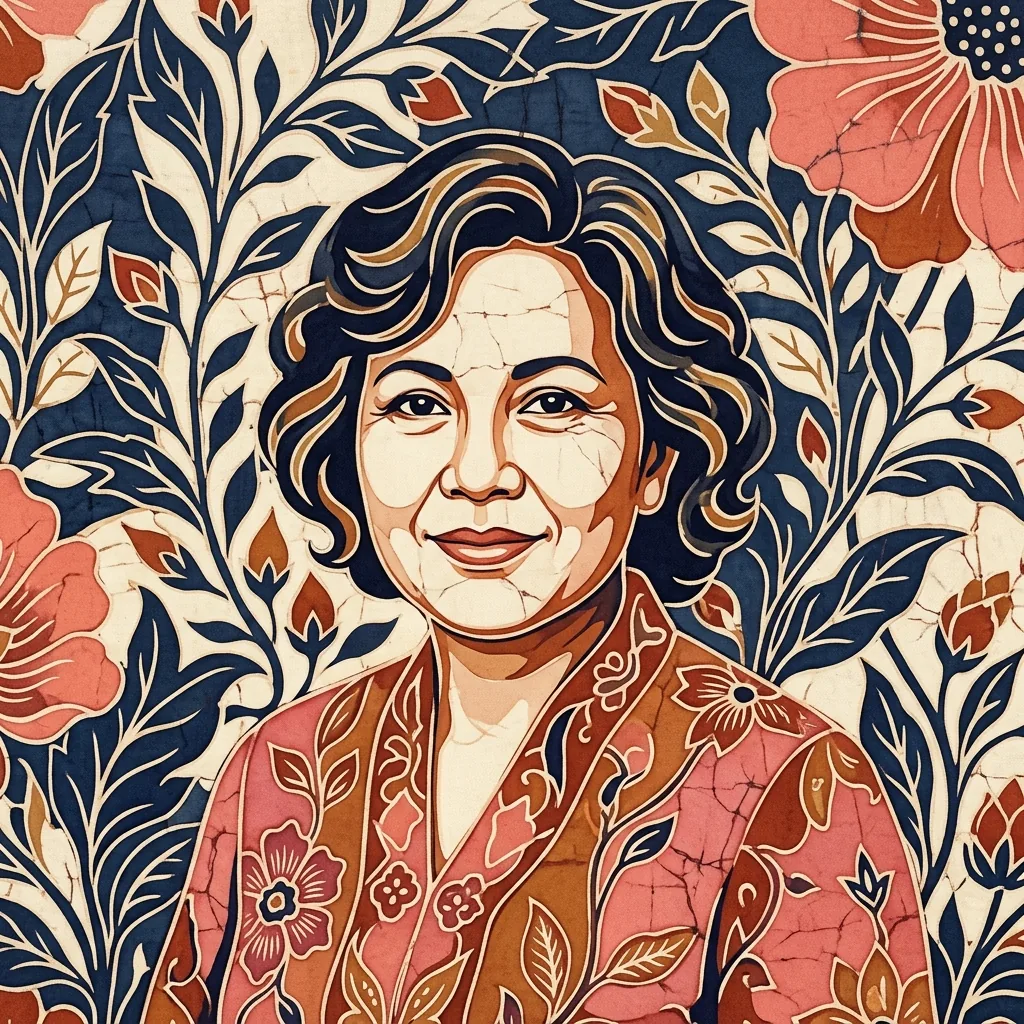
Start with an adult in three-quarter view, a simple neckline and a quiet pale background. Suggest indigo shadow shapes and warm coral accents. Keep the face large in the composition and expect small features to be interpreted through flowing ink rather than reproduced exactly.

A coast with broad color areas

Describe a sheltered teal inlet, deep indigo headlands and a narrow coral horizon. Ask for broad pools and a few branching shoreline edges. Keeping buildings and boats out of the first version makes the large water and land shapes easier to assess.

Use color to set the mood

Ways to Use Alcohol Ink-Style Images

Botanical illustrations

Explore flowers and foliage with luminous color transitions for a personal booklet or digital collection. Repeat a small palette to connect several related subjects.

Cover and background artwork

Create fluid focal images for playlist covers, social graphics or presentation pages. Open pale areas can leave room for a title added later in your layout.

Personal keepsake images

Reinterpret a favorite tree, garden or familiar view in flowing color. Choose the parts of the scene that carry its character, then let minor details soften into pigment.

Palette studies

Compare teal and coral with indigo and amber, or explore a softer set of related hues. Use the images to decide which balance of color and empty space suits a project.

Create more with one YouArt membership

This generator uses 8 credits for one 1K image. Membership credits work across YouArt image, video, audio, and workflow tools.

Basic

For hobbyists and explorers
$11$9.99/mo
  • 1000 credits
  • Up to ~200 images/month
  • Up to ~332s video/month
  • Intelligent creative agent
  • Video editor
  • Latest image models, including GPT Image 2.5, GPT Image 2 and Nano Banana Pro
  • Latest video models, including Seedance 2
  • Realistic face uploads
  • Voice generation with ElevenLabs
  • Video uploads up to 50 MB
  • No watermark
  • Unlimited template access
  • Up to 20 new files per message
Popular

Pro

Save 16%
For creators and pro users
$36$29.99/mo
  • 3300 credits
  • Up to ~1000 images/month
  • Up to ~1100s video/month
  • Intelligent creative agent
  • Video editor
  • Latest image models, including GPT Image 2.5, GPT Image 2 and Nano Banana Pro
  • Latest video models, including Seedance 2
  • Realistic face uploads
  • Voice generation with ElevenLabs
  • Video uploads up to 200 MB
  • No watermark
  • Unlimited template access
  • Up to 30 new files per message

Max

Save 24%Best Value
For power users and teams
$198$149.99/mo
  • 18000 credits
  • Up to ~6000 images/month
  • Up to ~6000s video/month
  • Intelligent creative agent
  • Video editor
  • Latest image models, including GPT Image 2.5, GPT Image 2 and Nano Banana Pro
  • Latest video models, including Seedance 2
  • Realistic face uploads
  • Voice generation with ElevenLabs
  • Video uploads up to 200 MB
  • No watermark
  • Unlimited template access
  • Up to 50 new files per message

Team

Save 24%
For teams and studios
$435$329.99/mo
  • 36300 credits
  • Up to ~12000 images/month
  • Up to ~12100s video/month
  • Realistic face uploads
  • Share canvas, workflows, and assets with your team
  • Up to 10 members per team
  • Up to 5 teams
  • Role-based management
  • Team credit management and spending caps
  • Per-member usage tracking
  • Video uploads up to 200 MB
  • Up to 50 new files per message

Useful answers before you create

Alcohol Ink Art Generator FAQ

It creates a digital image inspired by flowing alcohol ink: transparent pools, branching edges, small color blooms and darker tide lines. You can start from a text description or reinterpret a photo. The finished image can show a recognizable subject or an abstract composition.

Build beyond one image

Turn your result into a complete creative workflow

Open YouArt's visual canvas to connect generation, editing, upscaling, animation, and sound in one reusable process.