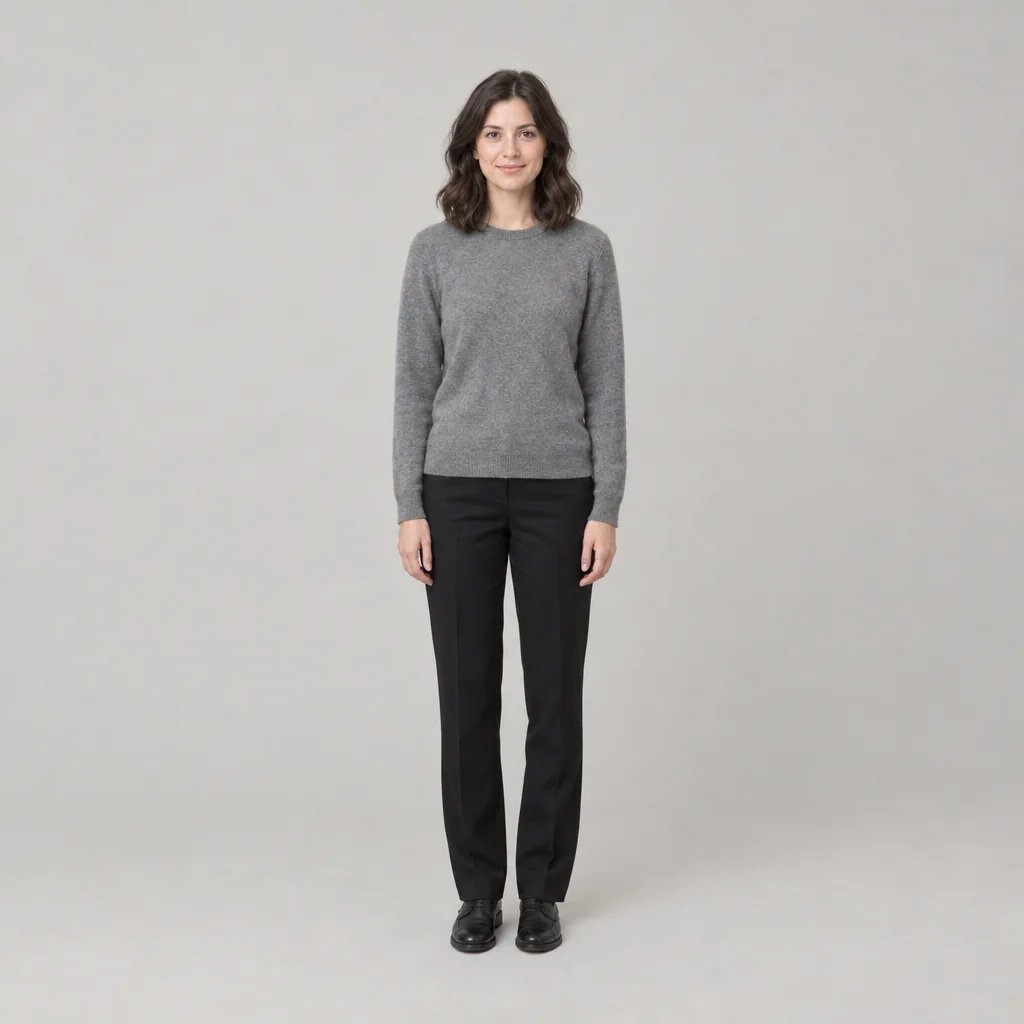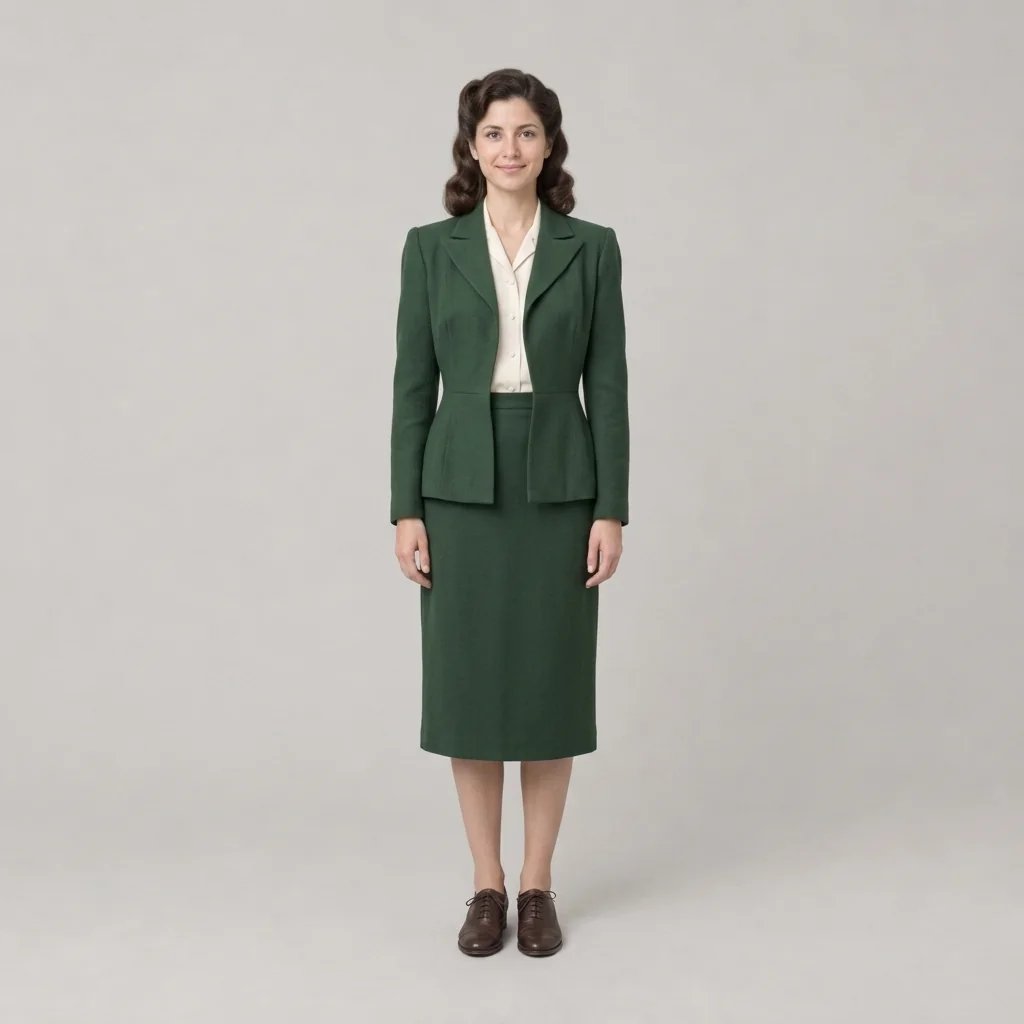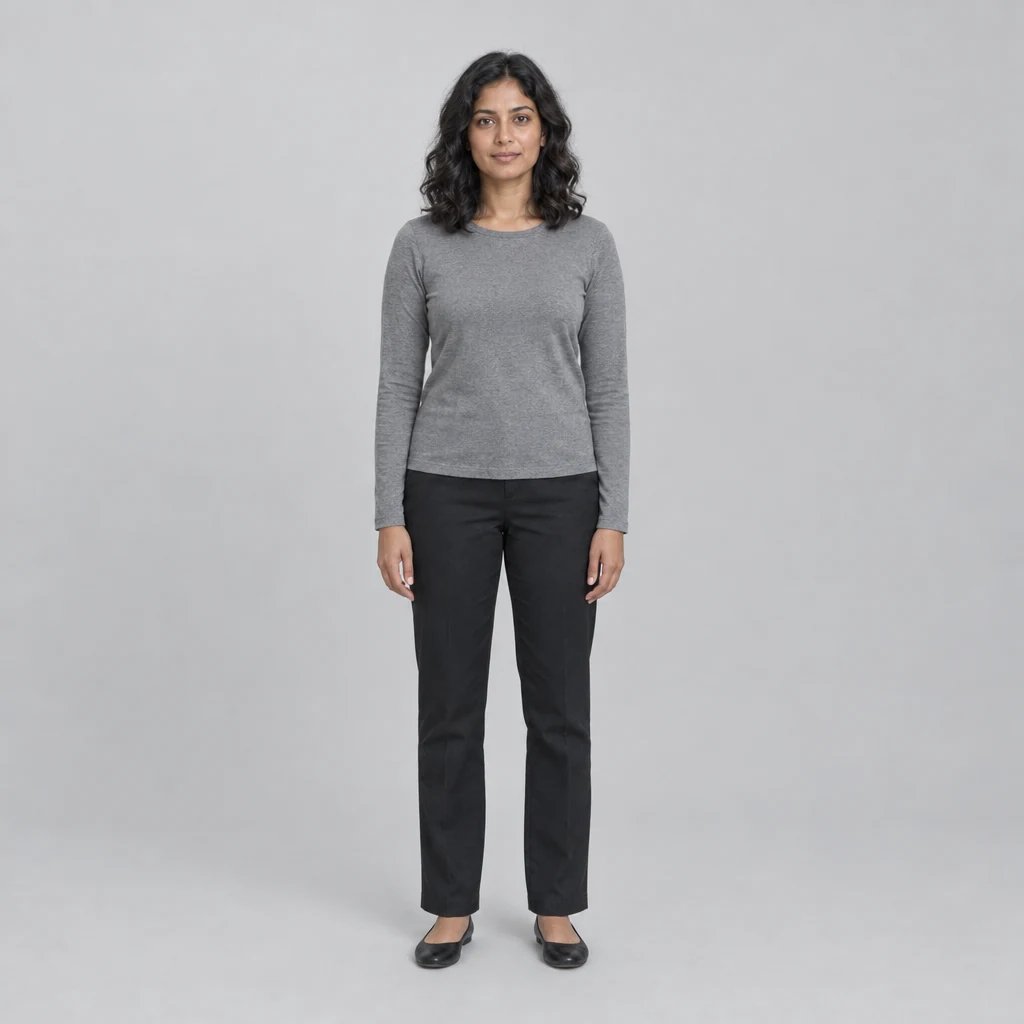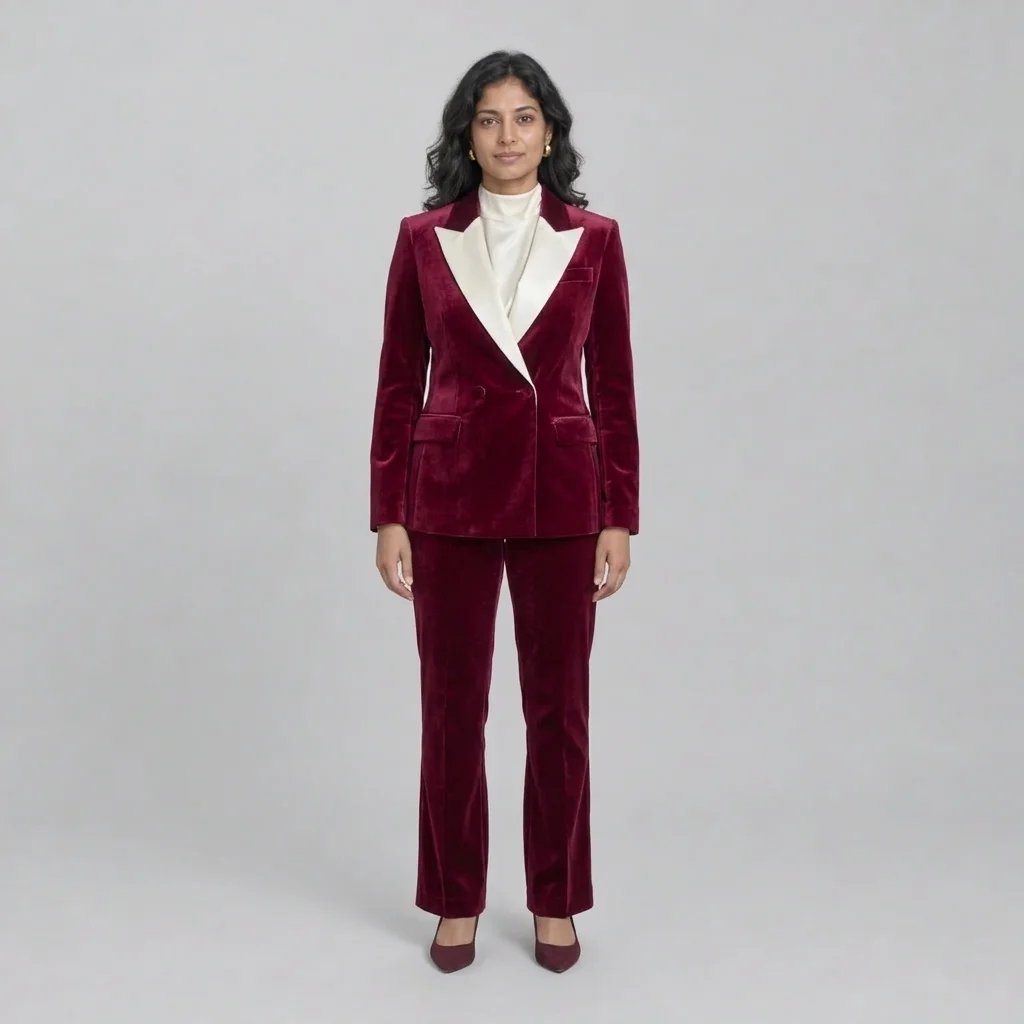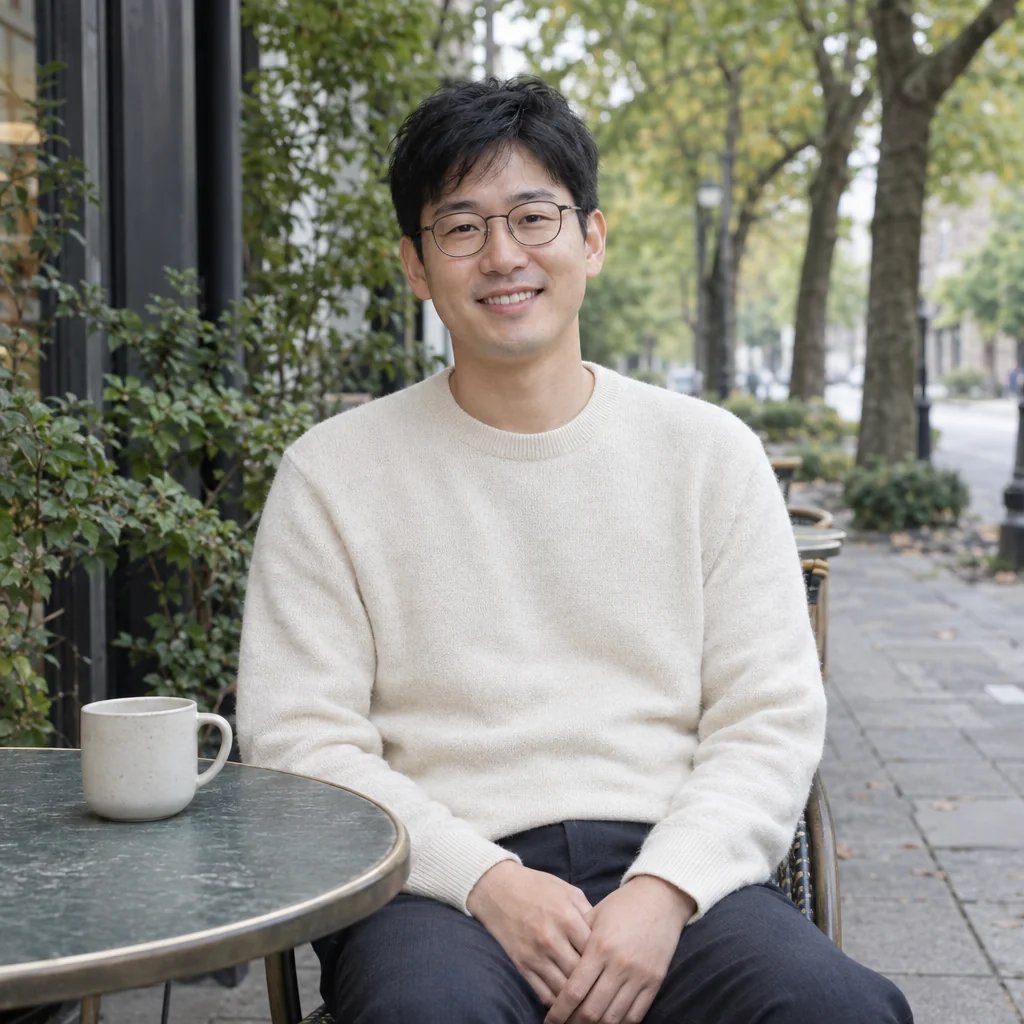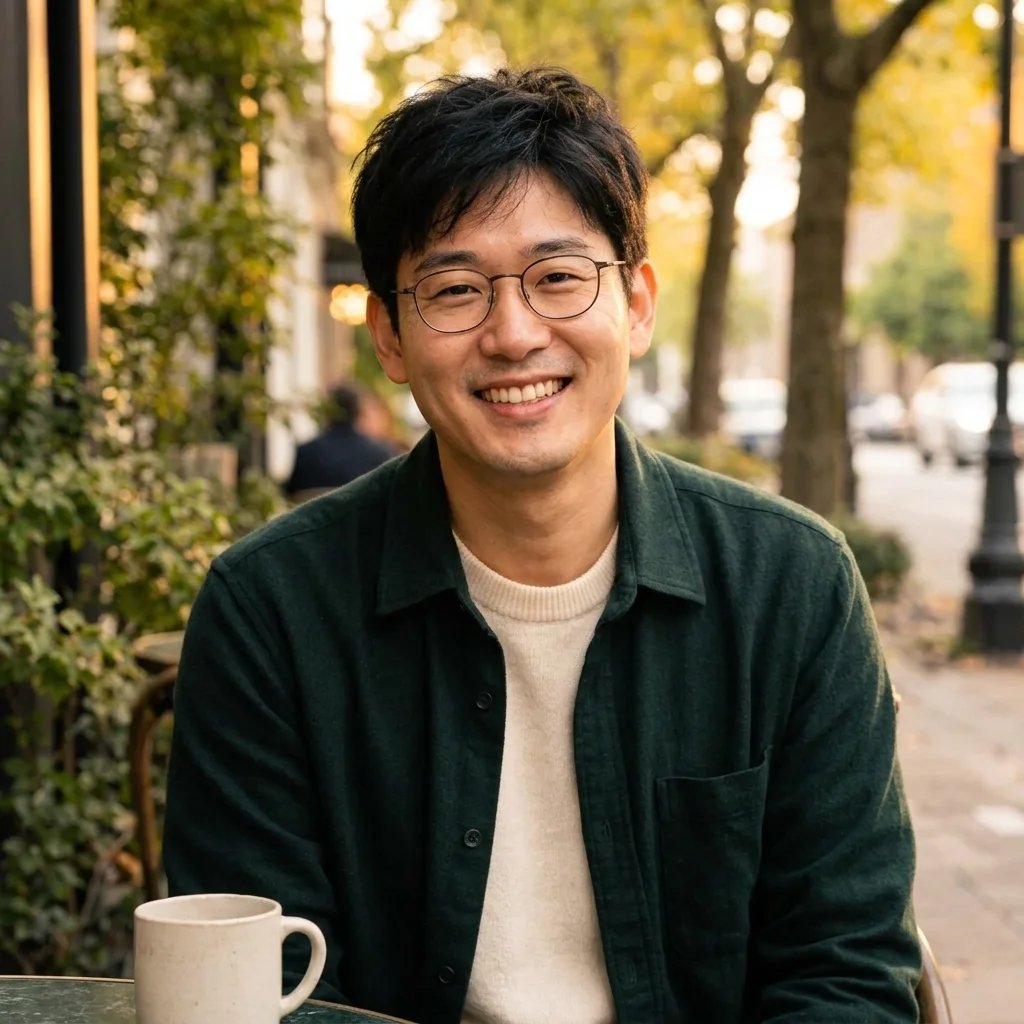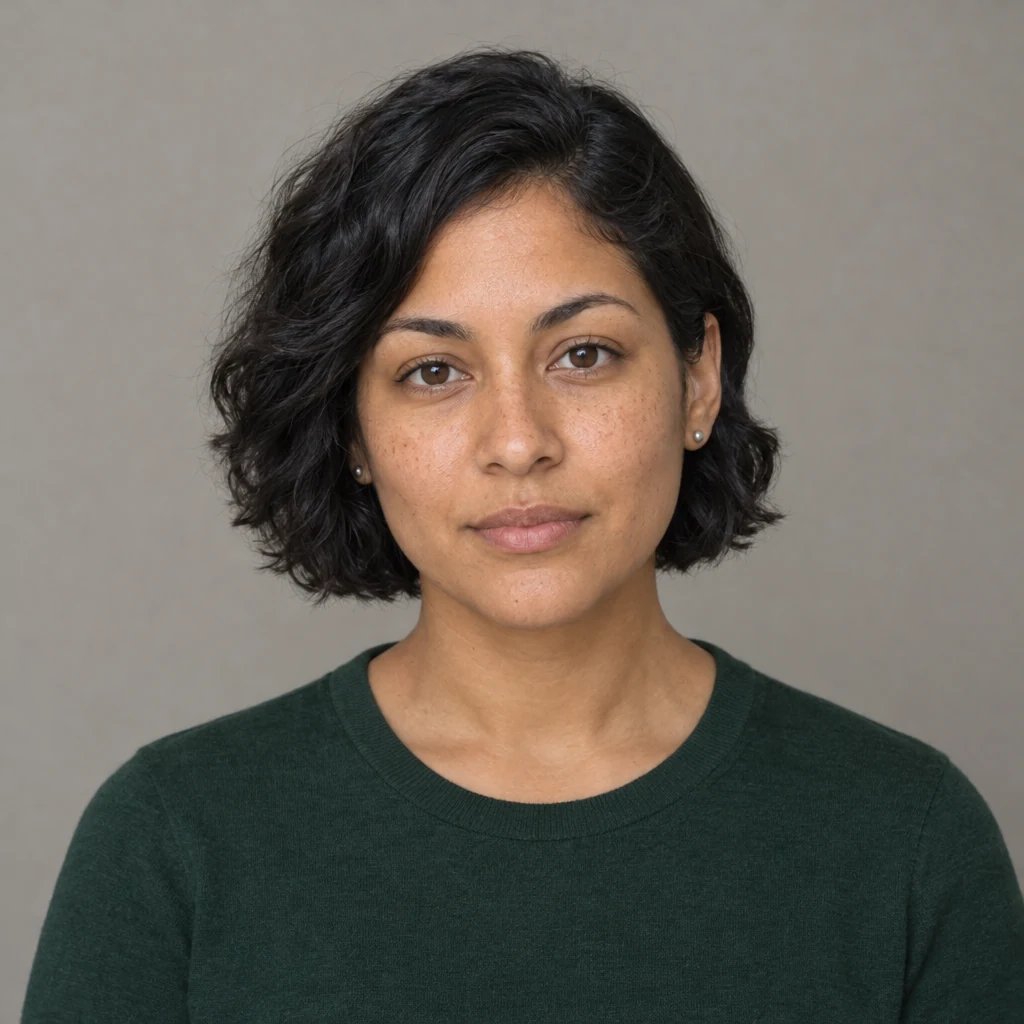
From illustration to photo style

Cartoon to Realistic AI: Give Your Drawing a Photographic Look

Upload a cartoon or original illustration and explore how its character might look in a photographic scene. Keep the outfit, pose and color relationships as the visual guide while replacing outlines and flat shading with natural light, hair, skin and fabric.

8 credits
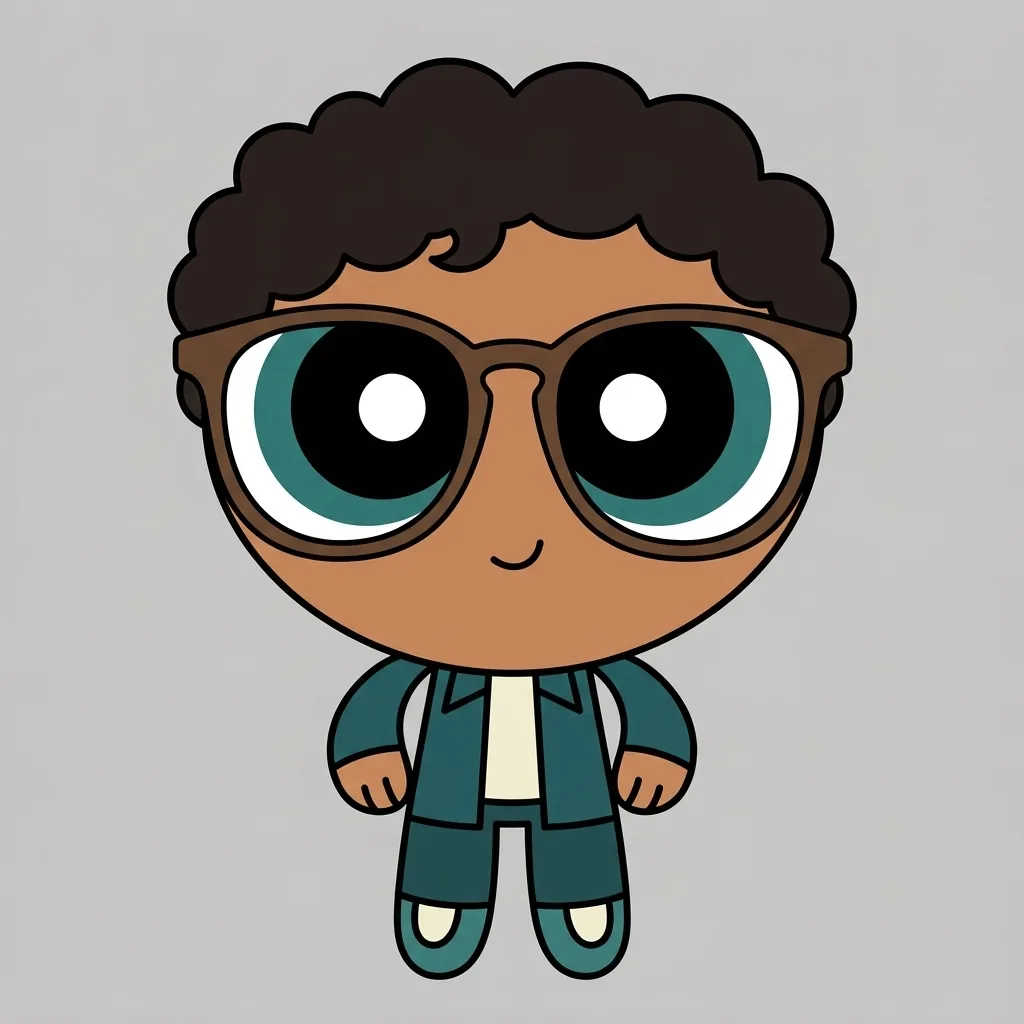
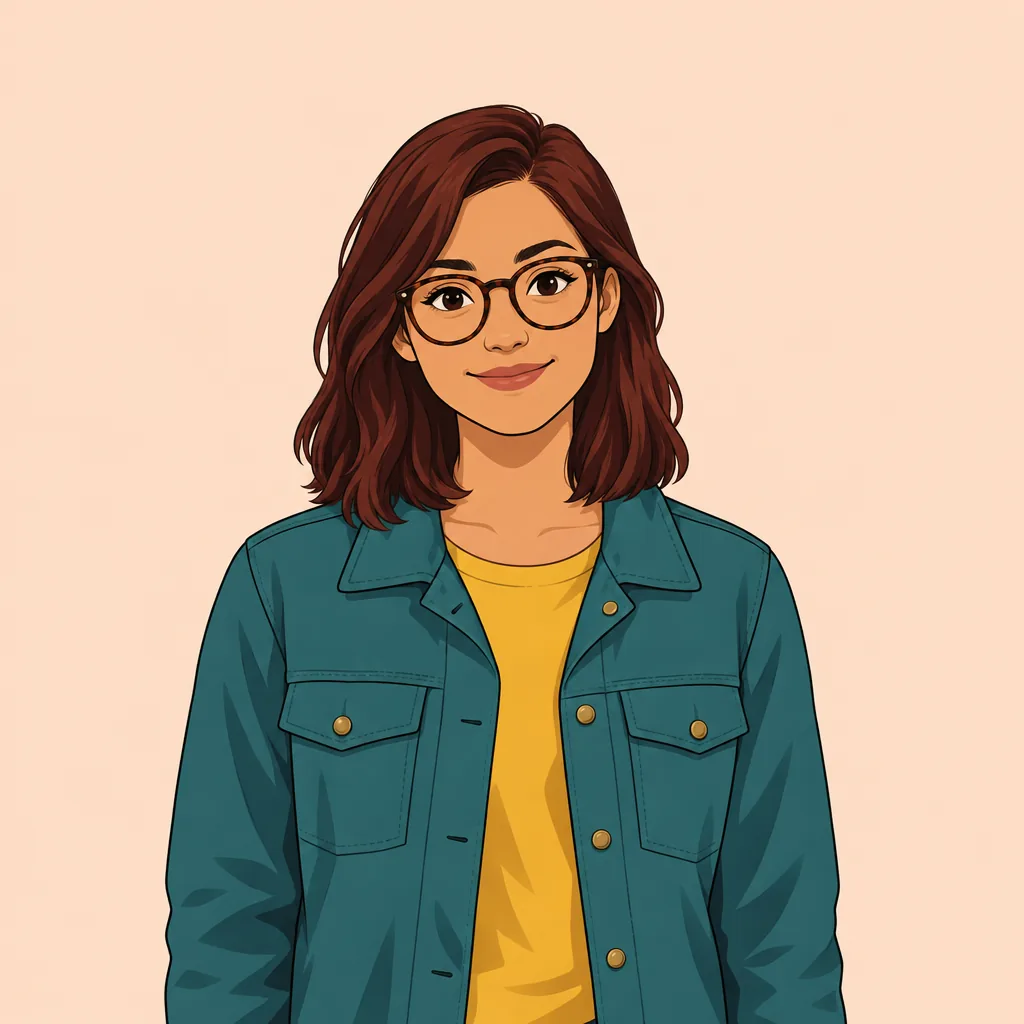
Original cartoon woman with auburn hair, round glasses, a teal jacket and mustard shirt
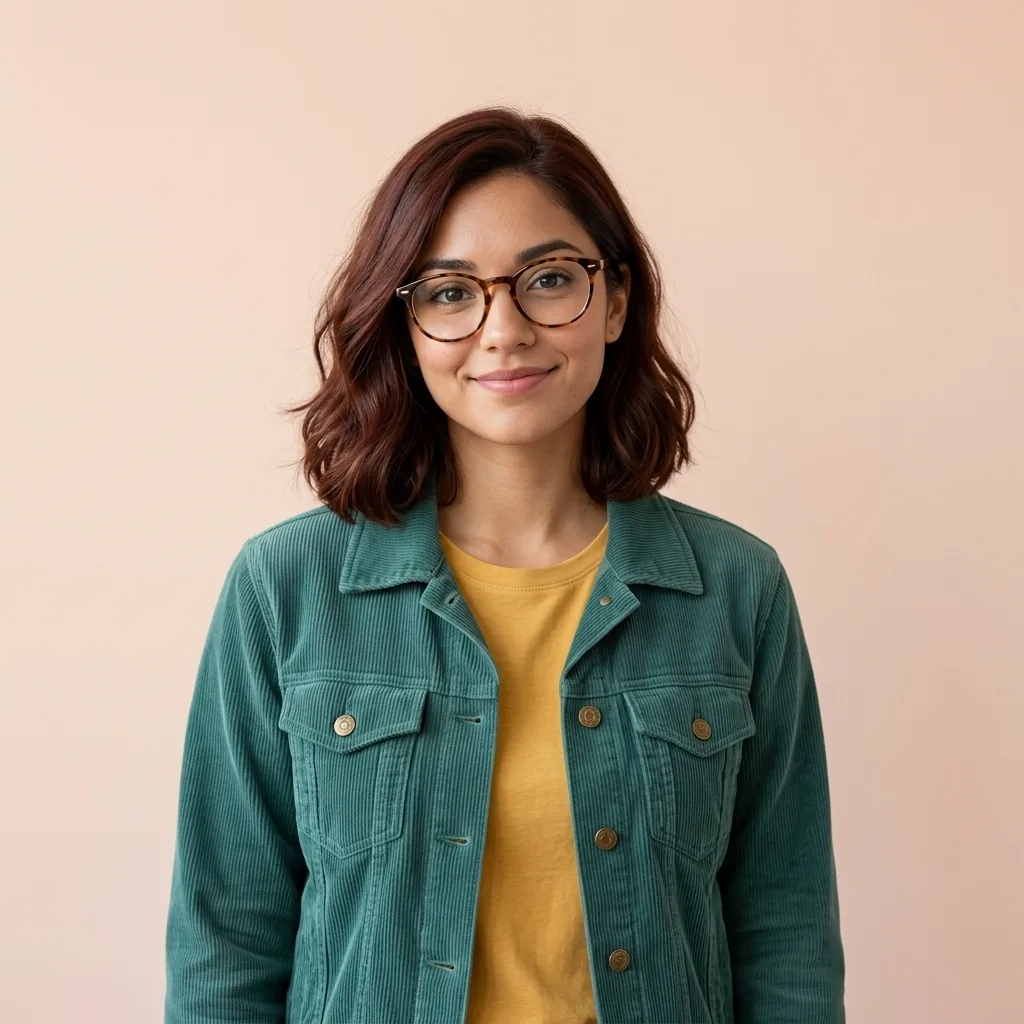
Cartoon to realistic AI image of a woman wearing round glasses, a teal jacket and mustard shirt
Drag to compare drawn shapes and photographic detail.

Style ideas · GPT Image 2.5

Photo-Style Ideas for Characters and Scenes

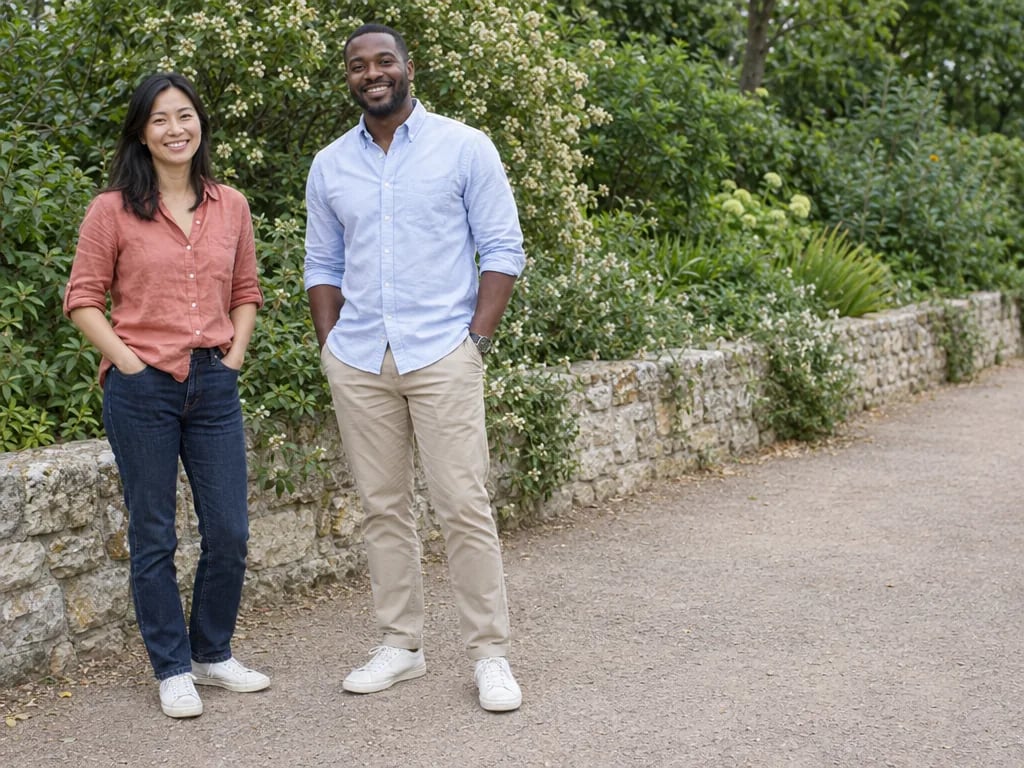
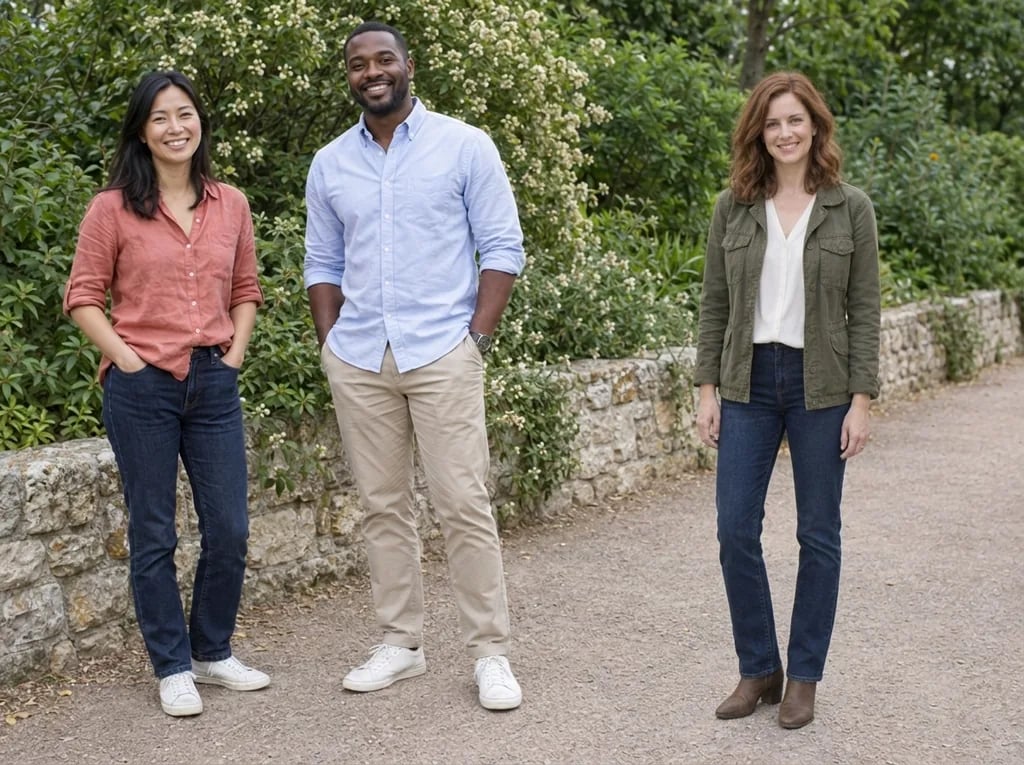
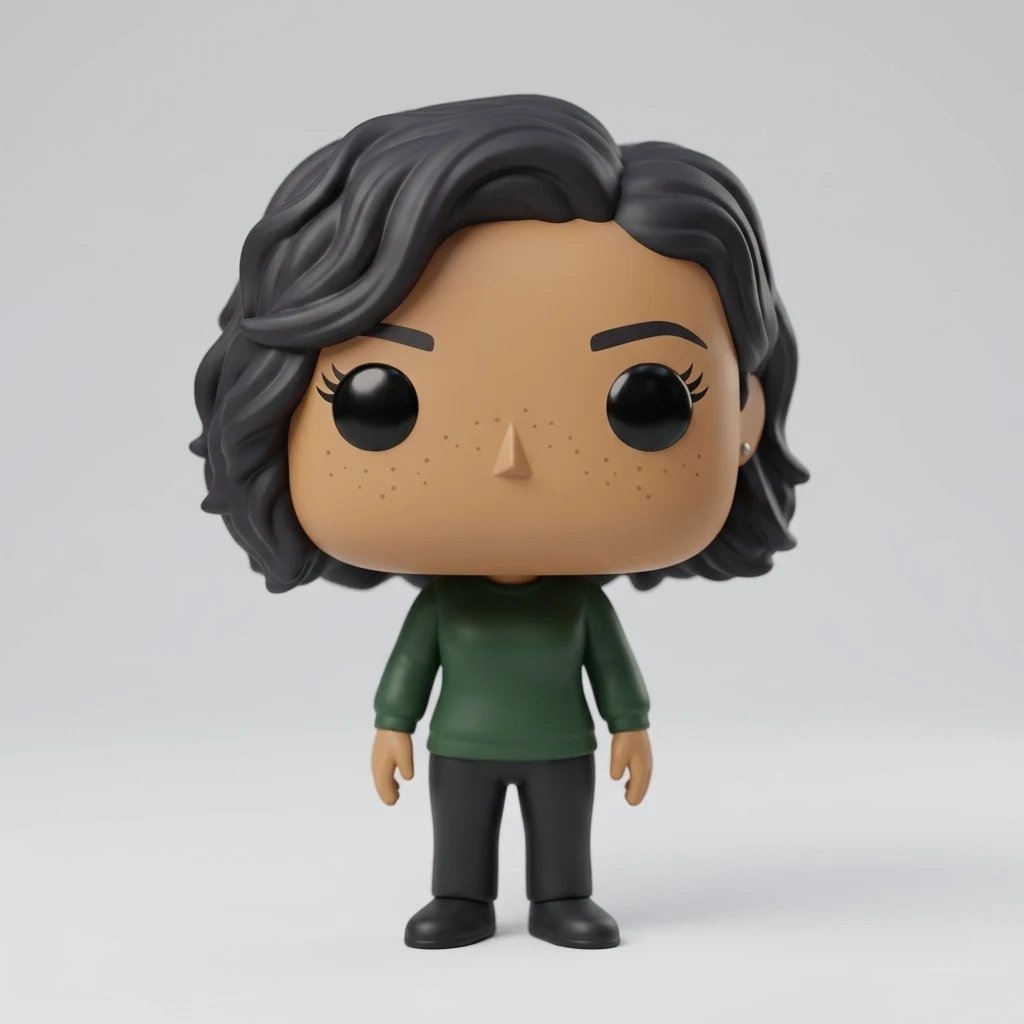
  • An original character portrait
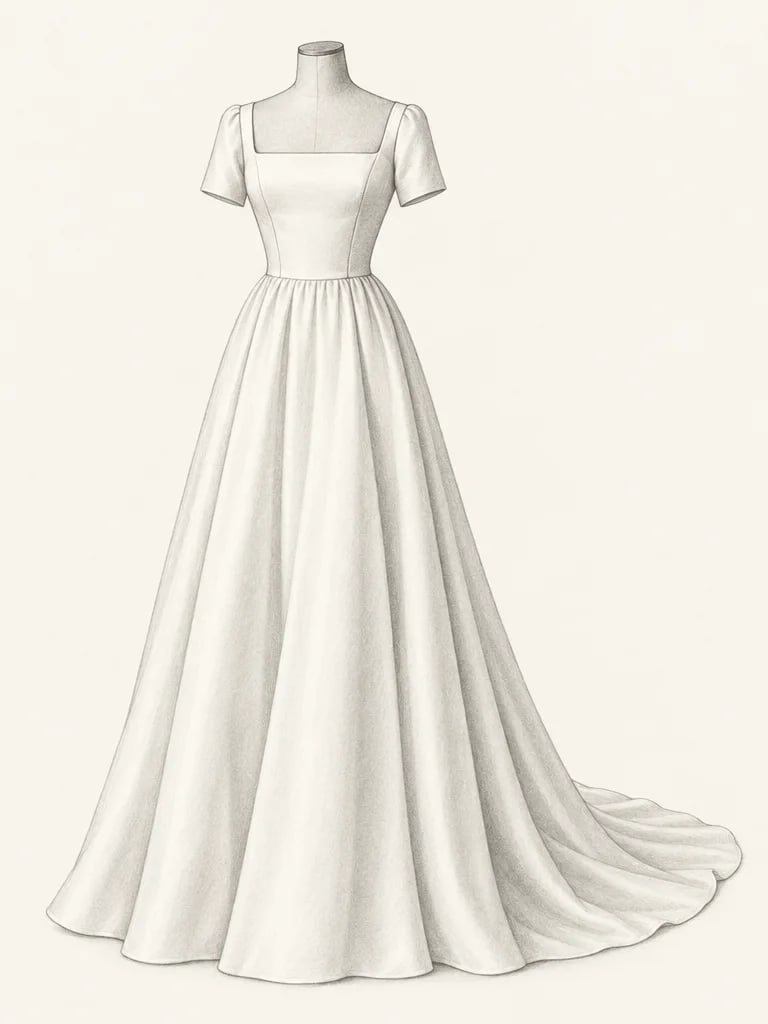
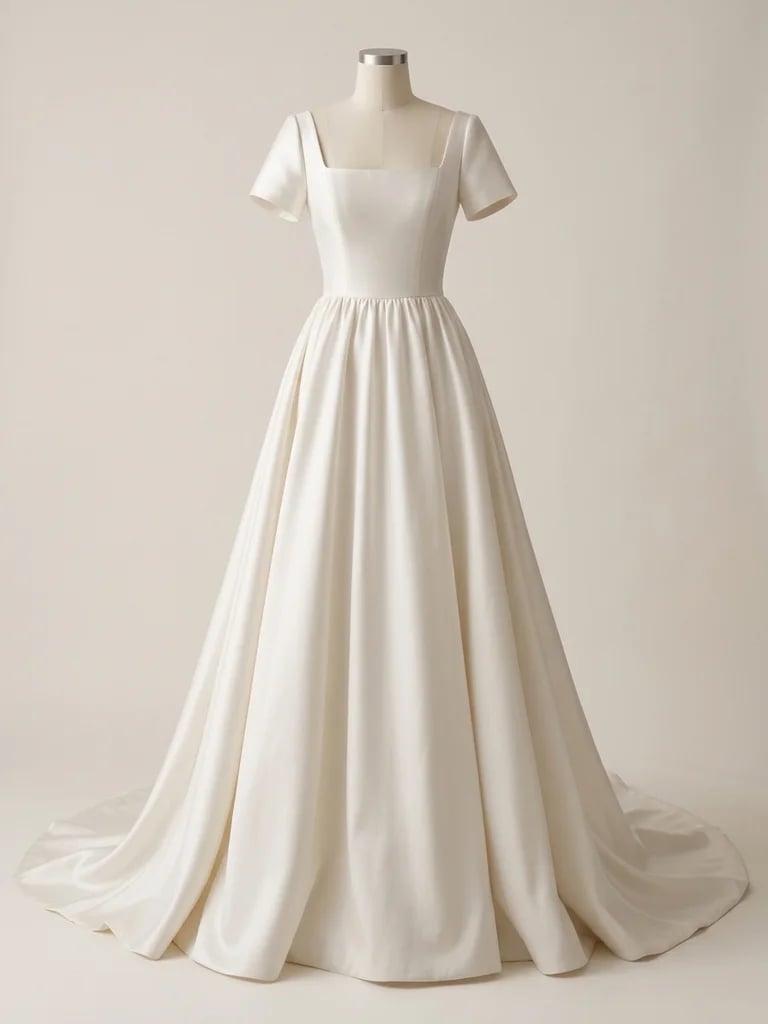
  • A full-length costume study
  • Two characters in one scene
  • A character in a street setting

How it works

Turn a Cartoon into a Realistic Image in Three Steps

  1. Step 1

    Choose your source drawing

    Upload one clear cartoon or illustration. Use a finished image with readable faces, clothing and composition rather than a small screenshot full of controls. Original characters are a useful starting point because their design details give you clear things to compare after the transformation.

  2. Step 2

    Guide the photographic treatment

    Generate with the image alone, or add a short direction for light or material detail. The source remains the guide for the character and scene. Each run uses 8 credits and returns one 1K square still image; it does not create a video or a 3D model.

  3. Step 3

    Review design and detail

    Compare the subject count, outfit colors, pose and important accessories. Then look closely at eyes, hands, glasses and garment edges. Download a result when its interpretation fits your idea, or refine one direction in another generation rather than changing everything at once.

What changes

Cartoon-to-Photo Styling with a Recognizable Design

Let the character design lead

Hairstyle, clothing, accessories and color relationships help a character stay recognizable when the rendering changes. The edit is instructed to keep those cues and the source composition. It is a new photographic interpretation, not a way to uncover a real person hidden behind a drawing.

Replace flat shading with materials

Drawn outlines and blocks of color become skin texture, hair strands, woven cloth and coherent shadows. Soft daylight can suit a portrait; a wider scene needs light that fits its surroundings. Small details such as lenses, jacket closures and cloth folds are useful places to judge the result.

Start with readable visual information

A clear illustration tells the AI what belongs to the character and what belongs to the background. Very small faces, overlapping hands or rough unfinished lines leave more room for interpretation. A clean crop around the subject can help, provided it does not remove details you want to retain.

Optional directions

Prompts for Light and Material Detail

The illustration is required; words are optional. Describe the photographic treatment without replacing the source character or adding unrelated props.

Soft daylight

Soft window daylight, natural skin texture and individual hair strands; keep the original outfit, glasses and expression.

Simple studio light

A photographic portrait with soft studio lighting and gentle contact shadows, retaining the source pose and color palette.

Material detail

Believable fabric weave, coherent seams and natural hair detail, with the same costume shapes and visible accessories.

Ways to explore

From Character Concepts to Photo-Style Story Images

Original character ideas

Explore a photographic version of a character you designed. Compare the hairstyle, palette and expression to decide which cues matter most across illustrated and photographic treatments.

Costume references

Study how a drawn coat, scarf or outfit might read in textured cloth and natural light. The image can suggest a visual direction, but it is not a sewing pattern or a guarantee of construction accuracy.

Story scenes

Try a photographic treatment for a drawn character in a simple setting. Keep the source composition readable and inspect each person in scenes with several subjects; small or crowded figures give the AI more to infer.

Compare visual treatments

Place the original and the result side by side to see which features carry through. Use another run to explore one change in light or material treatment, keeping the same source for a useful comparison.

Create more with one YouArt membership

This generator uses 8 credits for one 1K image. Membership credits work across YouArt image, video, audio, and workflow tools.

Basic

For hobbyists and explorers

$9.99/mo
Select Plan
  • 1000 credits
  • Up to ~200 images/month
  • Up to ~332s video/month
  • Intelligent creative agent
  • Video editor
  • Latest image models, including GPT Image 2.5, GPT Image 2 and Nano Banana Pro
  • Latest video models, including Seedance 2
  • Realistic face uploads
  • Voice generation with ElevenLabs
  • No watermark
  • Unlimited template access

Pro

Most Popular

For creators and pro users

$29.99/mo
Select Plan
  • 3300 credits
  • Up to ~1000 images/month
  • Up to ~1100s video/month
  • Intelligent creative agent
  • Video editor
  • Latest image models, including GPT Image 2.5, GPT Image 2 and Nano Banana Pro
  • Latest video models, including Seedance 2
  • Realistic face uploads
  • Voice generation with ElevenLabs
  • No watermark
  • Unlimited template access

Max

For power users and teams

$149.99/mo
Select Plan
  • 18000 credits
  • Up to ~6000 images/month
  • Up to ~6000s video/month
  • Intelligent creative agent
  • Video editor
  • Latest image models, including GPT Image 2.5, GPT Image 2 and Nano Banana Pro
  • Latest video models, including Seedance 2
  • Realistic face uploads
  • Voice generation with ElevenLabs
  • No watermark
  • Unlimited template access

Team

For teams and studios

$329.99/mo
Select Plan
  • 36300 credits
  • Up to ~12000 images/month
  • Up to ~12100s video/month
  • Realistic face uploads
  • Share canvas, workflows, and assets with your team
  • Up to 10 members per team
  • Up to 5 teams
  • Role-based management
  • Team credit management and spending caps
  • Per-member usage tracking
Questions answered

Cartoon to Realistic AI FAQ

It produces one photo-style interpretation of an uploaded cartoon or illustration. Drawn outlines and flat shading are replaced with photographic light and materials, with the source design guiding the result. It does not recover an actual person's identity or prove how a fictional character would look in real life.

Yes, they can be starting images. Clear, finished illustrations give more guidance than rough sketches or tiny comic panels. Highly stylized features will be interpreted as believable anatomy, so expect a creative adaptation rather than an exact one-to-one conversion.

The instructions ask to retain the subject count, pose, costume, accessories and palette. AI can still simplify or alter details. Check important shapes, glasses, buttons, hands and background elements before accepting the image, especially when several characters overlap.

They are translated toward plausible photographic anatomy. A drawing with oversized eyes or an impossible body shape therefore will not keep every proportion unchanged. The result is a still image, not a 3D mesh, rigged character or animation.

Use a sharp illustration with visible faces and well-defined outfit shapes. Avoid low-resolution screenshots, heavy cropping and lettering covering the subject. A portrait or simple scene is easier to assess than a crowded panel with many tiny figures.

One generation uses 8 YouArt credits and returns one 1K square image. A source illustration is required, while extra words are optional. Uploading or editing your instructions does not start a paid run; each generated variation uses another 8 credits.

Keep exploring

More AI art styles to try

The closest looks to this one. Each is a full generator with its own prompt studio and examples.

Browse all 117 AI generators

Build beyond one image
Turn your result into a complete creative workflow
Open YouArt's visual canvas to connect generation, editing, upscaling, animation, and sound in one reusable process.