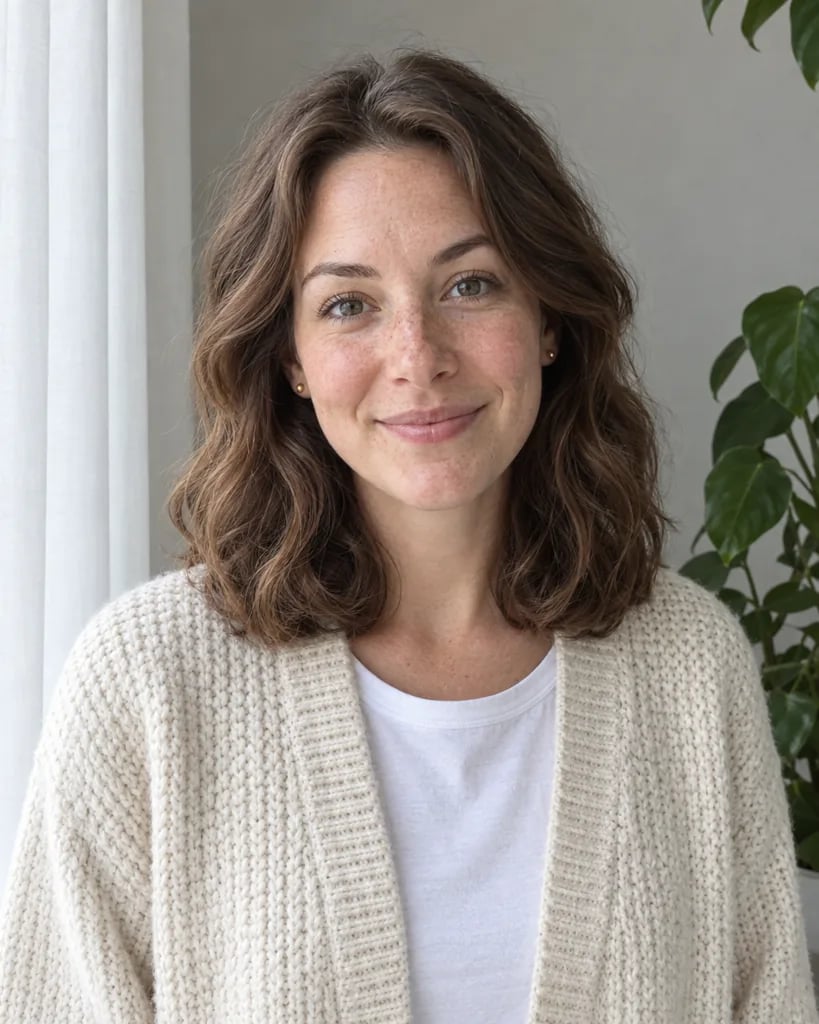
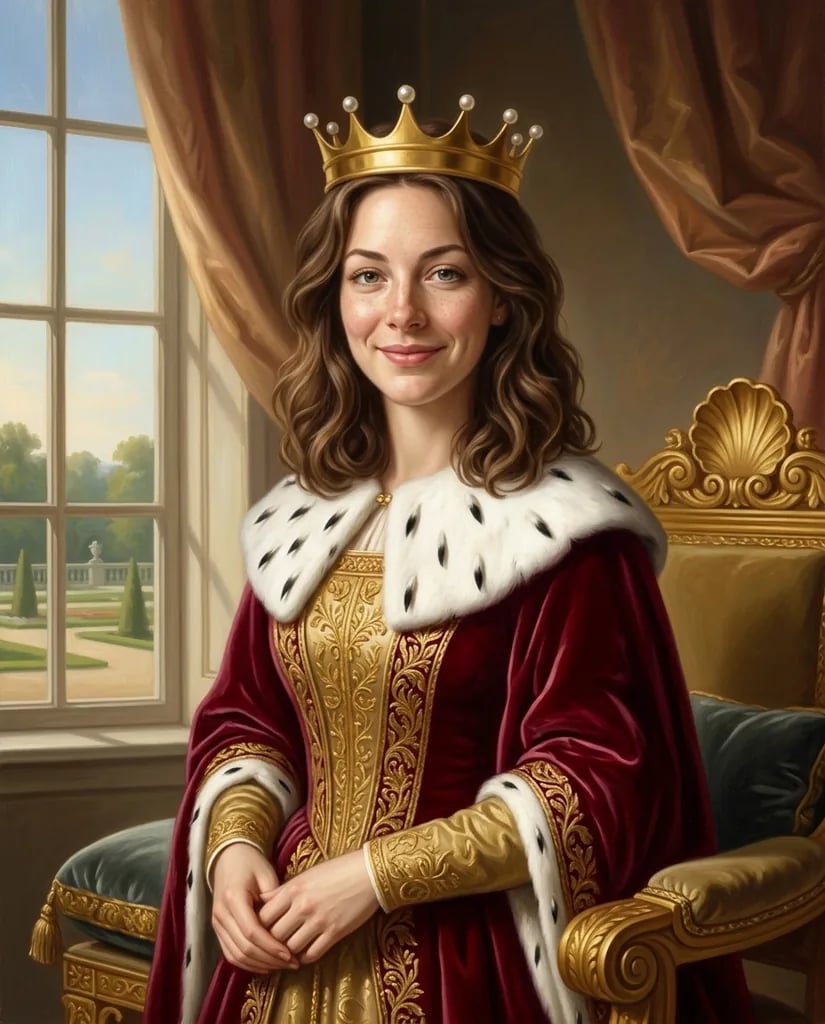
A face among golden patterns

Klimt Filter for Golden Mosaic Portraits and Decorative Art

Set a softly painted subject against a rich field of golden ornament. Upload a portrait or describe a new idea, and YouArt creates an original Klimt-inspired interpretation with mosaic shapes, jewel colors and varied pattern. Faces and other defining details stay central while the clothing and surroundings become more decorative.

8 credits
A softly painted portrait amid gold, teal and coral ornament

Subjects and ornament

Klimt Filter Examples

  • A silver-bearded portrait in mosaic color
  • A quiet cat against intricate gold
  • Purple irises across a golden ground
  • A pale owl with jewel-colored wings

Balance face and pattern

How to Use the AI Klimt Filter

  1. Step 1

    Start with a clear focal subject

    Upload a portrait, a pet photo or a simple botanical image, or describe your own subject. A face with visible features and space around the shoulders gives the ornament a useful place to develop. Extra text is optional when you upload a photo.

  2. Step 2

    Review the balance of detail

    Generate the image and check whether the expression or main silhouette remains clear. The surrounding pattern should support the subject. If the result feels crowded, ask for quieter areas near the face and a simpler set of accent colors.

  3. Step 3

    Save the decorative painting

    Download the image for a personal portrait, a decorative study or a cover concept. Inspect the focal details and pattern at full size. The gold is represented by color and texture in the image, so its printed appearance depends on the reproduction process.

The golden-period influence

What Shapes a Klimt-Inspired Result

Gold-like texture and mosaic detail

Rectangles, circles, spirals and small jewel-colored accents create a varied decorative field. Larger motifs balance smaller ones, giving clothing and backgrounds a different rhythm from the face. You can name accent colors while keeping the warm golden direction.

A softer focal subject

A face or animal retains tonal modeling and recognizable features against the flatter ornament. That contrast gives the eye a place to settle. Clear references help, although facial details and other small features can change during the artistic interpretation.

Dense and quiet areas together

An elaborate background works best when the important details have room around them. A calm face, a clear flower or the pale shape of an owl can anchor the picture. Describe which part should remain the focus if the decoration starts to compete with it.

Make the subject your own

Klimt-Inspired Art Prompt Ideas

Describe an original subject, a simple pose and a few accent colors. Let the surrounding ornament support the main idea.

A portrait with a quiet expression

Try a shoulder-up portrait, softly lit features and a deep green garment. Ask for gold and coral mosaic shapes around the figure, with less pattern near the eyes and mouth.

A pet against a patterned ground

Describe a seated cat or a calmly posed dog with a clear face. Give the cushion and surroundings a golden decorative treatment while keeping the animal's defining features readable.

A floral composition with varied density

Start with a small group of purple irises, broad leaves and a warm golden ground. Ask for larger quiet spaces between the main blooms, with smaller mosaic accents around the stems.

Original decorative studies

Ways to Use the Klimt Filter

Personal portrait art

Explore a decorative interpretation of a familiar face. A simple pose gives the painting space for pattern without losing its central expression.

Ornamental pet portraits

Place a pet's face and characteristic silhouette against a rich patterned setting. Review the markings and expression after generation if recognition matters.

Botanical and animal studies

Use flowers, leaves or a bird as a focal subject for gold and jewel-colored ornament. Vary the motif sizes so the picture has clear areas of emphasis.

Cover and invitation concepts

Develop a central decorative image with a controlled palette. Add the final title, message and layout separately after selecting the painting.

Create more with one YouArt membership

This generator uses 8 credits for one 1K image. Membership credits work across YouArt image, video, audio, and workflow tools.

Basic

For hobbyists and explorers
$11$9.99/mo
  • 1000 credits
  • Up to ~200 images/month
  • Up to ~332s video/month
  • Intelligent creative agent
  • Video editor
  • Latest image models, including GPT Image 2.5, GPT Image 2 and Nano Banana Pro
  • Latest video models, including Seedance 2
  • Realistic face uploads
  • Voice generation with ElevenLabs
  • Video uploads up to 50 MB
  • No watermark
  • Unlimited template access
Popular

Pro

Save 16%
For creators and pro users
$36$29.99/mo
  • 3300 credits
  • Up to ~1000 images/month
  • Up to ~1100s video/month
  • Intelligent creative agent
  • Video editor
  • Latest image models, including GPT Image 2.5, GPT Image 2 and Nano Banana Pro
  • Latest video models, including Seedance 2
  • Realistic face uploads
  • Voice generation with ElevenLabs
  • Video uploads up to 200 MB
  • No watermark
  • Unlimited template access

Max

Save 24%Best Value
For power users and teams
$198$149.99/mo
  • 18000 credits
  • Up to ~6000 images/month
  • Up to ~6000s video/month
  • Intelligent creative agent
  • Video editor
  • Latest image models, including GPT Image 2.5, GPT Image 2 and Nano Banana Pro
  • Latest video models, including Seedance 2
  • Realistic face uploads
  • Voice generation with ElevenLabs
  • Video uploads up to 200 MB
  • No watermark
  • Unlimited template access

Team

Save 24%
For teams and studios
$435$329.99/mo
  • 36300 credits
  • Up to ~12000 images/month
  • Up to ~12100s video/month
  • Realistic face uploads
  • Share canvas, workflows, and assets with your team
  • Up to 10 members per team
  • Up to 5 teams
  • Role-based management
  • Team credit management and spending caps
  • Per-member usage tracking
  • Video uploads up to 200 MB

About the golden look

Klimt Filter FAQ

It creates an original image inspired by Gustav Klimt's golden-period visual language: softly painted focal subjects, gold-like texture, mosaic shapes and jewel-colored ornament. It can interpret an uploaded photo or generate a new composition from a description. It does not reproduce a particular historical painting by default.

Build beyond one image

Turn your result into a complete creative workflow

Open YouArt's visual canvas to connect generation, editing, upscaling, animation, and sound in one reusable process.