Small coils, flowing lines and color

Paper Quilling Generator for Colorful Curled Paper Art

Picture a peacock, a flower garden or a winding river built from delicate paper curls. Describe your idea or upload a photo; the paper quilling generator brings out colorful coils, flowing outlines and the soft shadows of raised paper edges.

8 credits
A hummingbird and flowers outlined by delicate paper curls

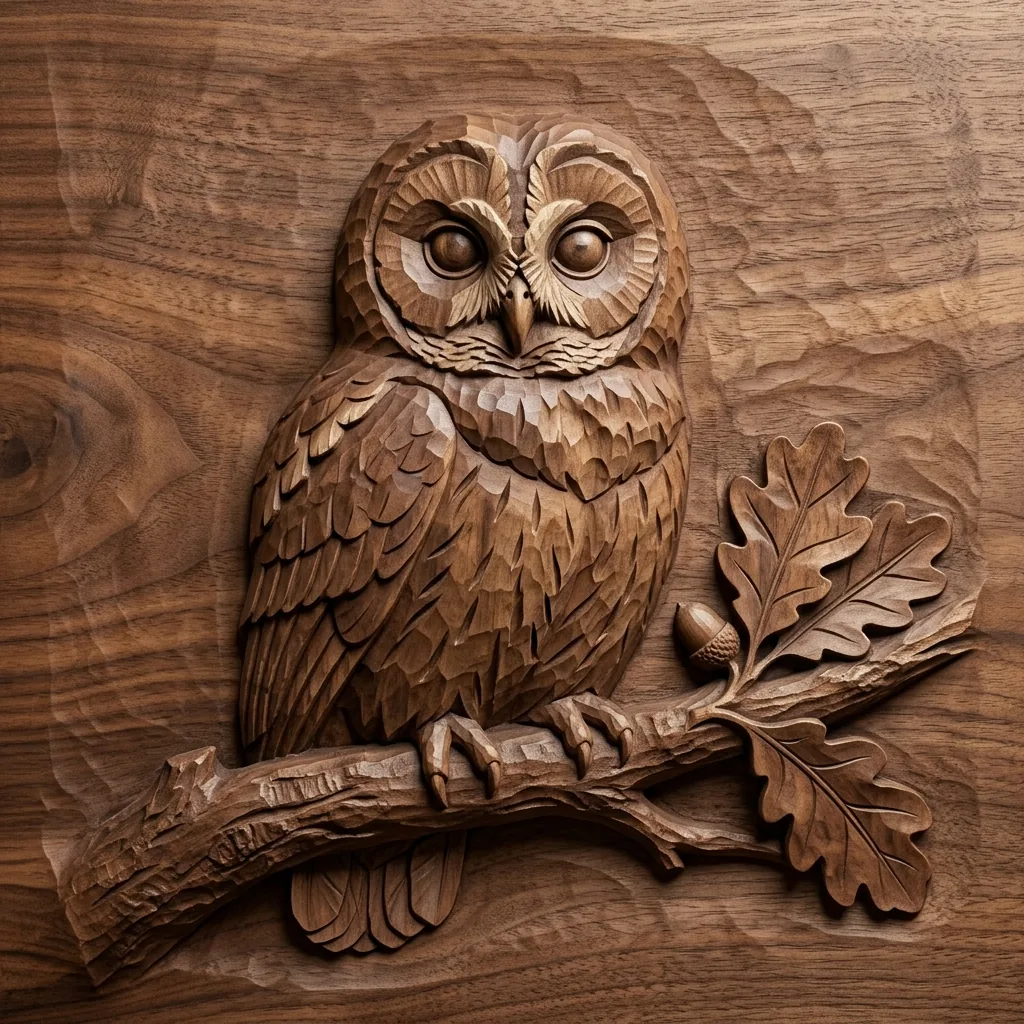
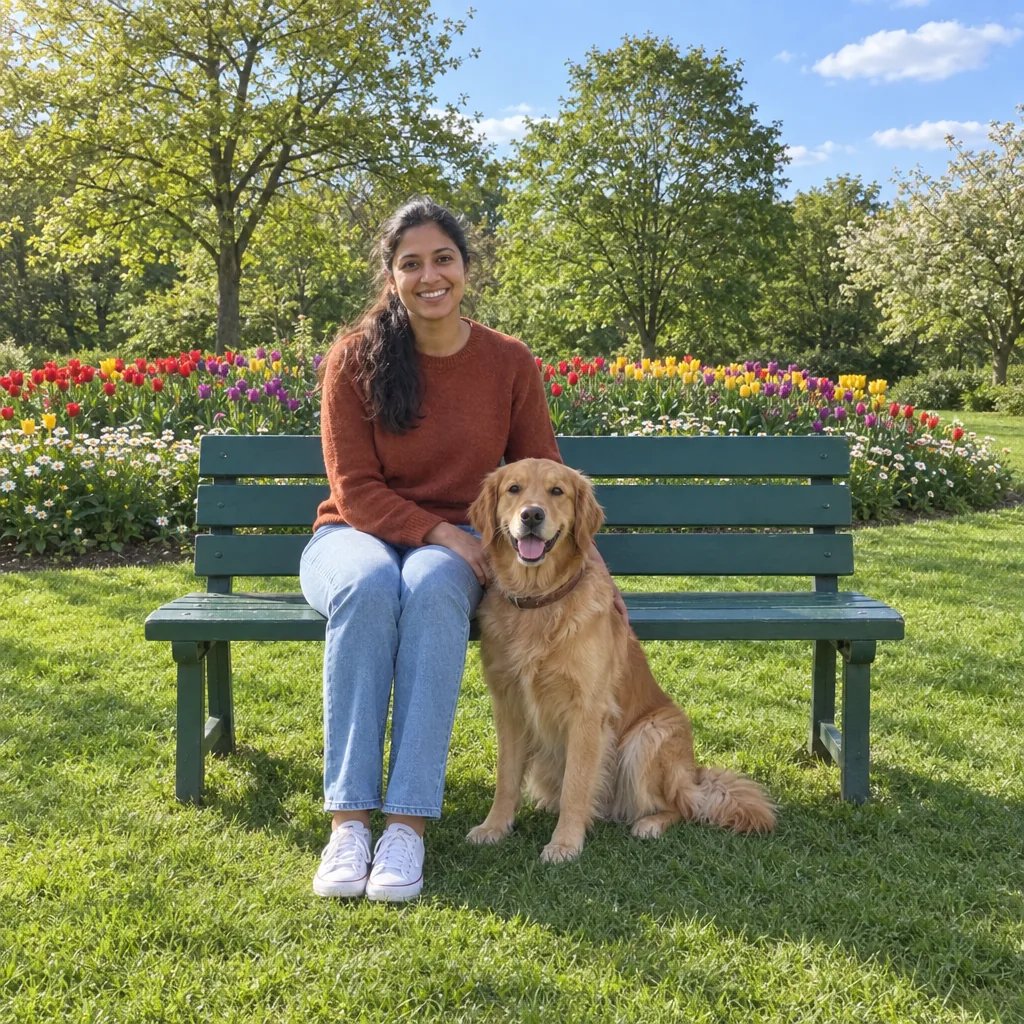
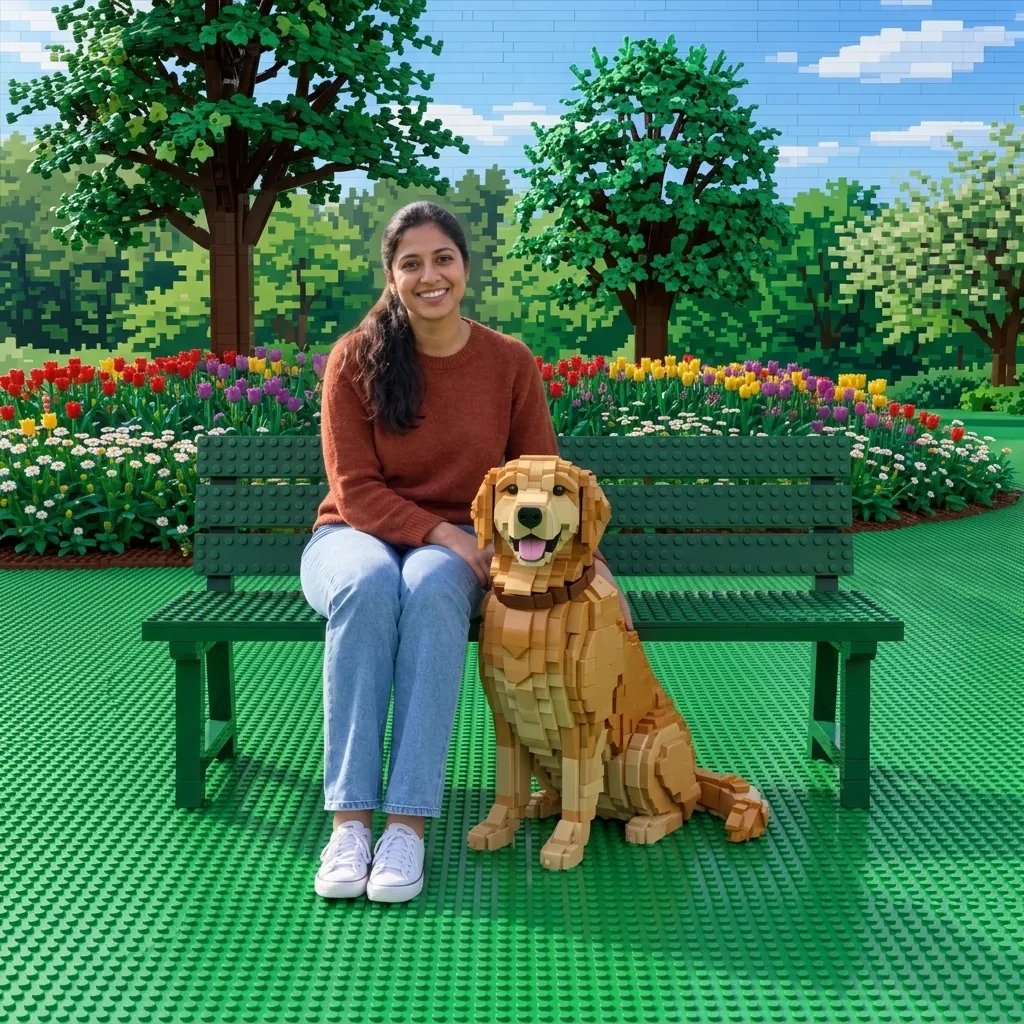
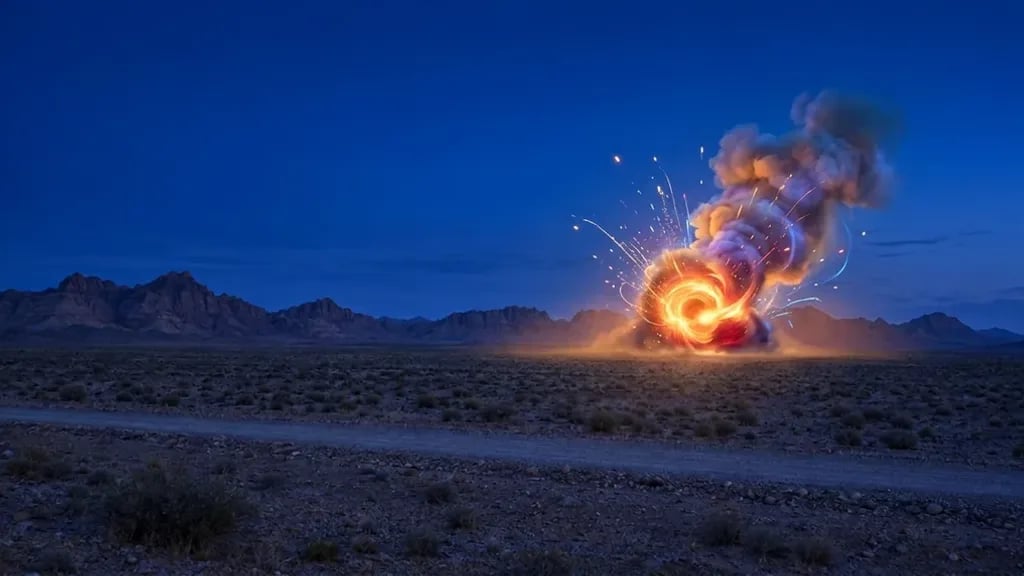
Curled paper across four subjects

Paper Quilling Generator Examples

  • A peacock with a fan of coils
  • A bouquet of loops and spirals
  • A seahorse with a curled tail
  • A river through flowing paper hills

Let the subject guide the curls

How to Create Art with the Paper Quilling Generator

  1. Step 1

    Start with a subject or reference

    Describe a bird, flower, animal or simple scene, or upload a clear photo. Flowing curves and distinct color areas give the paper strips useful shapes to follow. A photo alone can start the transformation; optional text can guide the palette, arrangement and amount of open space.

  2. Step 2

    Generate and review the paper structure

    Look at the main silhouette, then inspect the coils and thin raised edges. If the picture feels crowded, ask for fewer elements and more open backing in the next prompt. Larger petals, leaves and curved outlines usually give the individual paper shapes more room to show.

  3. Step 3

    Download the finished illustration

    Save the version you prefer and review it at full size. Check that the small coils remain readable where you intend to display the artwork. For a physical quilling project, use the image to explore appearance, then plan strip sizes, quantities and construction independently.

The structure behind the ornament

Coils and Raised Edges in AI Paper Quilling Art

Narrow strips with visible depth

Paper strips stand on their edges, forming rolled spirals, loose coils and pinched loops. Soft side light casts small shadows onto the backing, helping the curls read as raised material. The effect is clearest when the paper shapes have enough separation to remain distinct.

Flowing contours and balanced space

Long curved strips outline the subject while smaller coils fill selected areas. This balance lets the main picture read from a distance and reveals finer ornament close up. Broad curves and a restrained palette can keep a detailed image coherent without filling every gap with another spiral.

A photo can guide the arrangement

A reference helps establish the subject, its larger contours and color distribution. The generator interprets those features through paper curls and edge outlines. Choose a simple composition with clear boundaries; small facial features, text and intricate backgrounds may change or become decorative shapes.

Curves give the strips a direction

Paper Quilling Prompt Ideas

Choose a clear silhouette, a few paper colors and a simple arrangement. Mention open space when you want the individual curls to stand out.

A bird among flowers

Try a turquoise hummingbird beside two coral flowers with curled green leaves. Ask for a complete bird, a clear beak and room around the wings. The flowers can use tighter spiral centers while the leaves and feathers use longer curved strips.

A portrait with flowing hair

Use a clear portrait and describe a simple head-and-shoulders arrangement with flowing hair and a quiet ivory background. Ask for larger facial shapes and decorative curls around the hair. Paper quilling simplifies subtle tones, so a loose artistic likeness is more realistic than an exact face match.

A landscape of sweeping curves

Describe green hills, a winding blue river and a small yellow sun. Ask for long upright strips to trace the hills and selected open coils near the water. Keep the sky spacious so the large scenic shapes remain readable beside the small paper detail.

Decorative images with visible detail

Ways to Use Paper Quilling Artwork

Nature illustrations

Explore flowers, birds and sea life through curls and repeating paper shapes. Subjects with clear outlines and natural curves work especially well with the strip-based treatment.

Cards and cover art

Create an ornamental focal image for a greeting card, digital cover or invitation design. Leave open space in your composition and add any lettering separately.

Personalized visual gifts

Turn a familiar pet, flower or meaningful place into a quilling-style image. Check the defining details against your reference before choosing a final version.

Craft composition studies

Compare color arrangements and the balance of dense coils with open backing. Use the image to communicate a visual idea while developing a practical paper construction plan separately.

Create more with one YouArt membership

This generator uses 8 credits for one 1K image. Membership credits work across YouArt image, video, audio, and workflow tools.

Basic

For hobbyists and explorers

$9.99/mo
Select Plan
  • 1000 credits
  • Up to ~200 images/month
  • Up to ~332s video/month
  • Intelligent creative agent
  • Video editor
  • Latest image models, including GPT Image 2.5, GPT Image 2 and Nano Banana Pro
  • Latest video models, including Seedance 2
  • Realistic face uploads
  • Voice generation with ElevenLabs
  • No watermark
  • Unlimited template access

Pro

Most Popular

For creators and pro users

$29.99/mo
Select Plan
  • 3300 credits
  • Up to ~1000 images/month
  • Up to ~1100s video/month
  • Intelligent creative agent
  • Video editor
  • Latest image models, including GPT Image 2.5, GPT Image 2 and Nano Banana Pro
  • Latest video models, including Seedance 2
  • Realistic face uploads
  • Voice generation with ElevenLabs
  • No watermark
  • Unlimited template access

Max

For power users and teams

$149.99/mo
Select Plan
  • 18000 credits
  • Up to ~6000 images/month
  • Up to ~6000s video/month
  • Intelligent creative agent
  • Video editor
  • Latest image models, including GPT Image 2.5, GPT Image 2 and Nano Banana Pro
  • Latest video models, including Seedance 2
  • Realistic face uploads
  • Voice generation with ElevenLabs
  • No watermark
  • Unlimited template access

Team

For teams and studios

$329.99/mo
Select Plan
  • 36300 credits
  • Up to ~12000 images/month
  • Up to ~12100s video/month
  • Realistic face uploads
  • Share canvas, workflows, and assets with your team
  • Up to 10 members per team
  • Up to 5 teams
  • Role-based management
  • Team credit management and spending caps
  • Per-member usage tracking

Before you begin

Paper Quilling Generator FAQ

What does the AI paper quilling generator create?
It creates a digital illustration that resembles rolled and shaped paper strips on a backing. Visible coils, teardrop loops, curved outlines and small edge shadows give the artwork a raised appearance. You can begin with a written subject or a photo reference.
Can I turn a photo into paper quilling art?
Yes. Upload a clear photo and generate directly, or add a short prompt to guide colors and composition. The main contours become paper-strip outlines while selected areas become curls and coils. Simple subjects translate more clearly; very small details and exact facial likeness may change.
How does quilling differ from origami and paper cut art?
Quilling uses narrow strips rolled or curved into coils and scrolls, usually standing on their edges. Origami emphasizes folded sheets and angular flaps. Paper cut art builds an image from broader cutout shapes and layered sheets. Choose quilling for delicate curved linework, visible curls and ornamental detail.
Will I receive a quilling pattern or paper-cutting file?
No. The result is one raster image, not a vector template, a strip-length list or a step-by-step craft pattern. It can help you explore a composition or palette, but it does not calculate how to construct the pictured coils and layers from real paper.
How much does a quilling image cost, and what size is it?
Each generation costs 8 credits and returns one square 1K image. Text prompts and reference photos use the same settings. Confirm the displayed cost before generating, and check the downloaded coils at full size before enlarging or cropping the artwork.

Keep exploring

More AI art styles to try

The closest looks to this one. Each is a full generator with its own prompt studio and examples.

Browse all 95 AI generators

Build beyond one image

Turn your result into a complete creative workflow

Open YouArt's visual canvas to connect generation, editing, upscaling, animation, and sound in one reusable process.