Rain Filter

Rain Filter: Raindrops, Wet Streets and Moody Light

Add a rain effect to a photo with the AI Rain Filter. Explore falling rain, rain-speckled windows and wet-ground reflections. Upload a scene or describe an image, then choose a subtle drizzle or a moodier rainy look.

8 credits

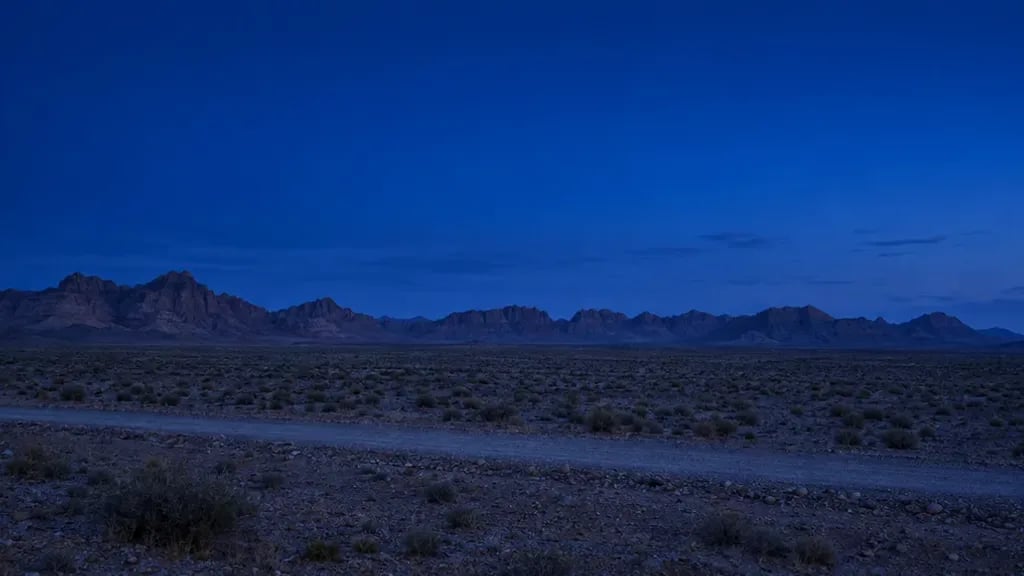
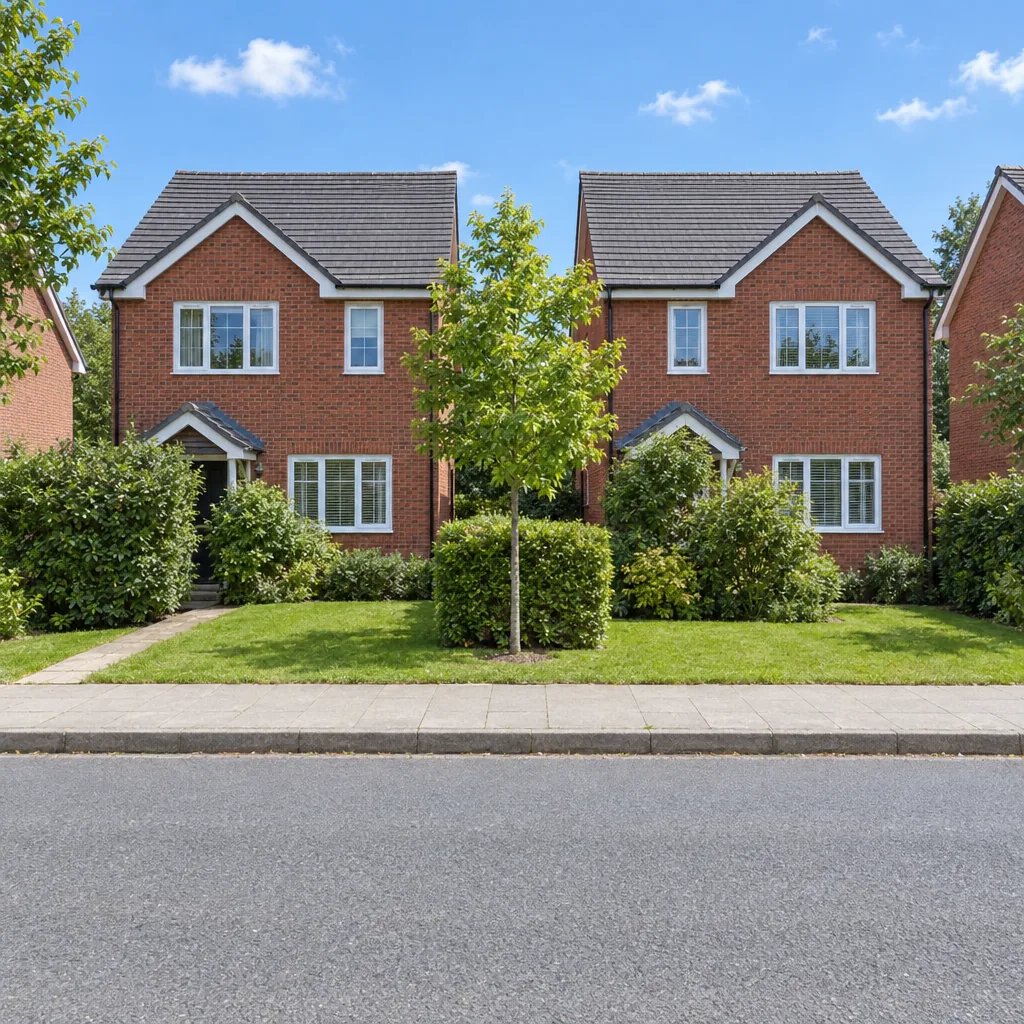
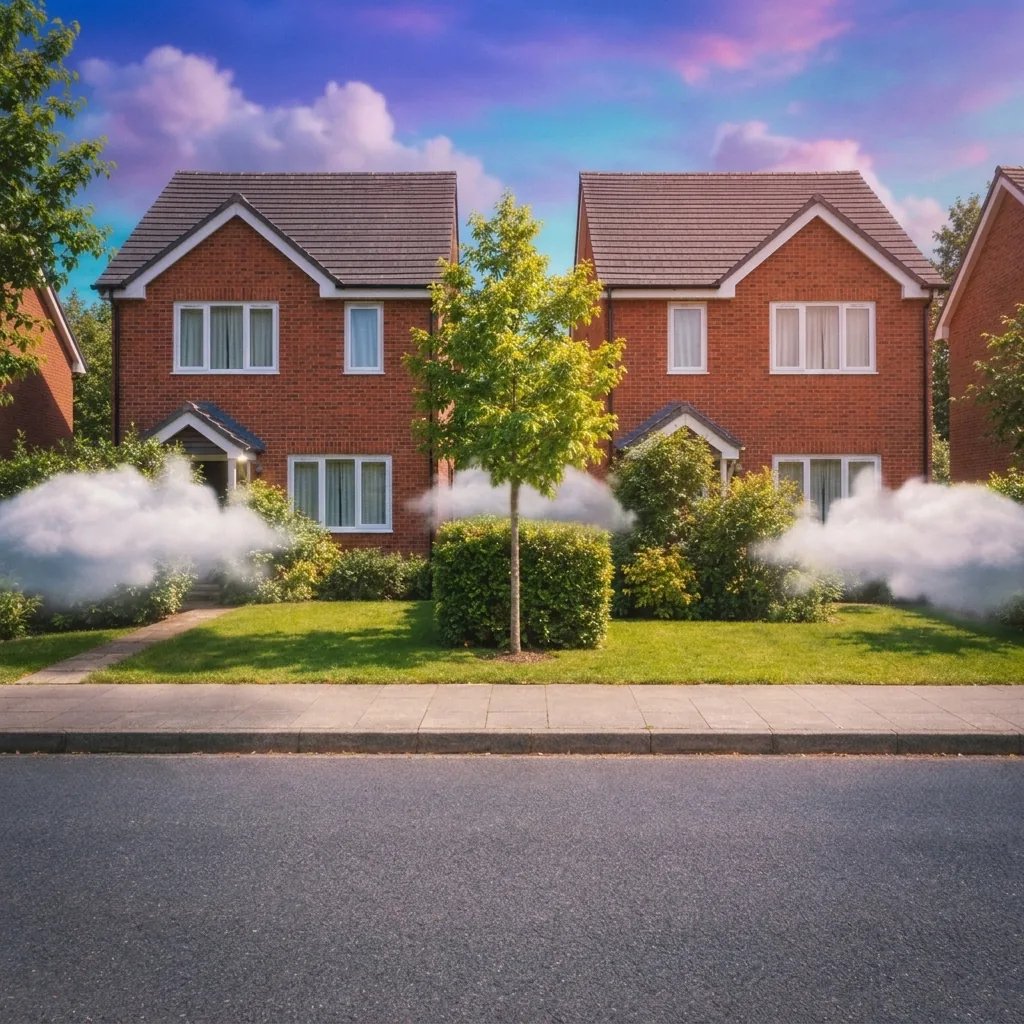
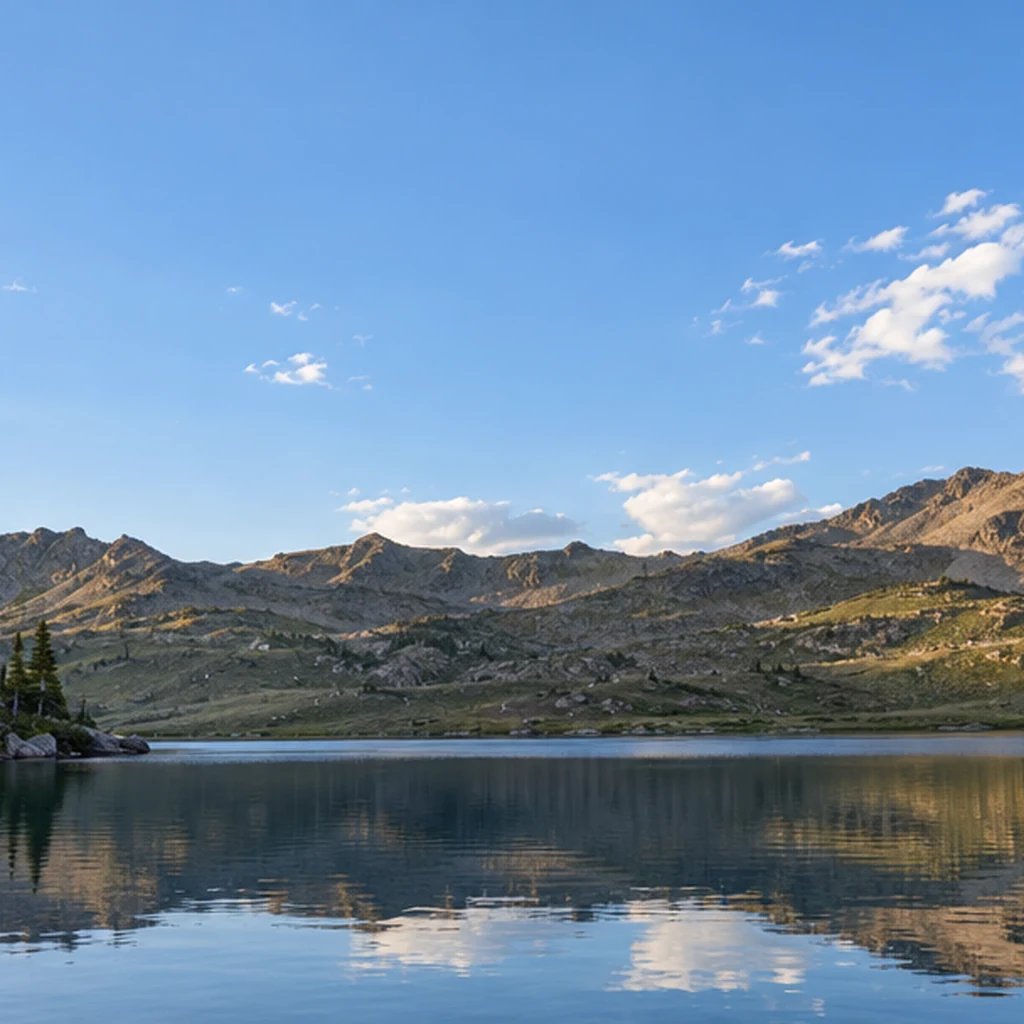
Before

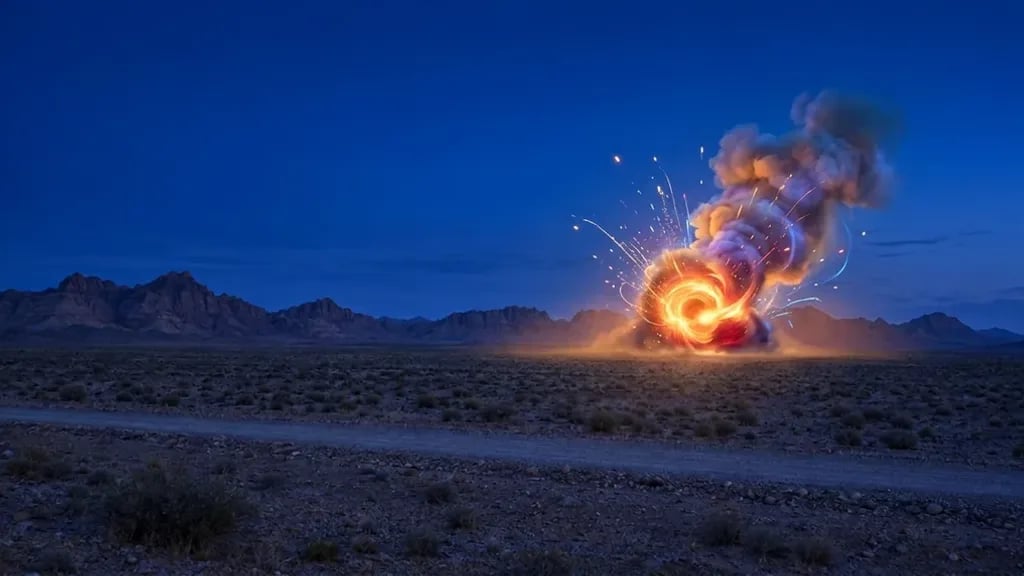
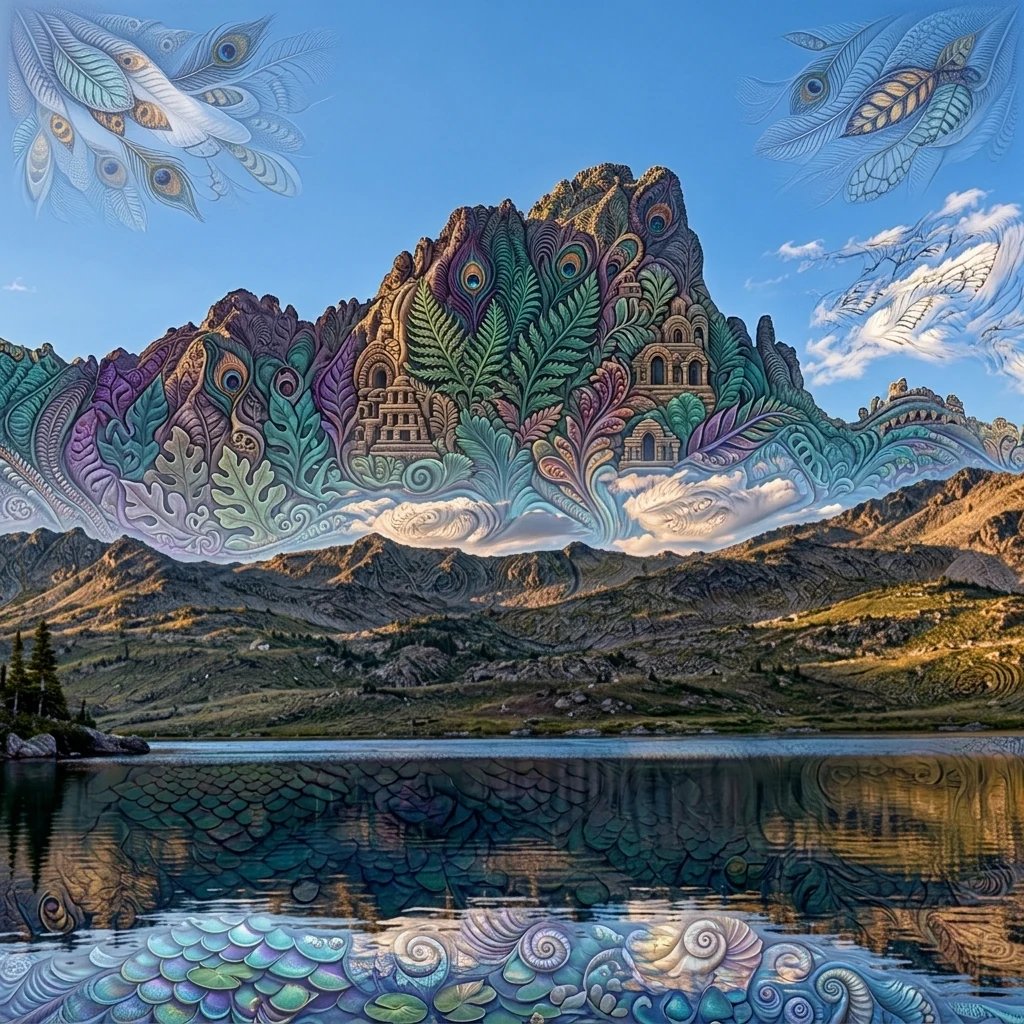
After

Fine rain and wet cobblestone reflections.

Style examples created with GPT Image 2.5

Rain Filter: Four Visual Directions

  • Rain and reflections on a quiet street
  • Raindrops on a cafe window
  • A portrait in light drizzle
  • Rain on a green garden path

How it works

Create with the Rain Filter in Three Steps

  1. Step 1

    Upload a photo or write a description

    Start with a sharp outdoor photo or a clear view through a window. Visible paving, glass or leaves give rain a surface to interact with. Avoid an image so dark that important details are already lost. You can also describe a new image without uploading a photo.

  2. Step 2

    Choose the details and generate

    Add optional direction for the look you want. With a photo and no words, the starting treatment is applied automatically. Review the displayed credit cost, sign in when prompted, and generate one square image.

  3. Step 3

    Review the details and download

    Compare the result with your source and inspect small details at full size. Download the image you want. A changed prompt and another generation start a separate run.

What shapes the result

Rain Filter: Details to Look For

Rain that belongs in the scene

Fine streaks, droplets on exposed surfaces and a slight haze can make weather visible without burying the subject. Mention drizzle or steady rain and keep the direction simple so the image stays coherent.

Wet ground with restrained reflections

Puddles and wet paving reflect nearby light and shapes. They should follow the ground plane rather than float over walls or faces. Inspect pavement, shoe contact and building edges when comparing the result with your original.

A separate window-rain direction

For a rain-speckled window, name the glass and the scene beyond it. Droplets should sit on the glass while the background remains behind them. A close window view is a different composition from simply adding falling rain to a portrait.

Prompt ideas

Three Directions to Start With

Name one subject or setting, then the visual treatment and light. With a photo, describe only the changes you want; the uploaded image supplies the reference.

Rain and reflections on a quiet street

A quiet empty cobblestone street with stone buildings and an unmarked bicycle, fine falling rain and shallow wet-paving reflections, soft overcast light, coherent 35mm eye-level cinematic photograph.

Raindrops on a cafe window

A close photograph of rain droplets on a cafe window, a softly blurred empty street beyond, warm interior light reflected faintly in the glass, distinct droplets with natural gravity trails and no lettering.

A portrait in light drizzle

An adult woman aged 32 with dark curly hair wearing a fully opaque dark green raincoat buttoned to the collar, standing in light drizzle on a leafy path, face clear and recognizable, soft backlight showing fine rain, waist-up photograph.

Ways to use it

Ideas for Your Next Image

Atmospheric travel photos

Explore a rainy interpretation of a location while keeping its main structures. The result is a creative edit, not a record of the weather when the photo was taken.

Portrait moodboards

Try soft drizzle and backlit rain for a portrait concept. Keep the face readable and clothing opaque so the weather supports the subject.

Film and story references

Build a still-image brief for a rainy street, garden or window scene. Name the light source and the surface that should reflect it.

Seasonal social images

Create a quiet rainy-day visual for a post or cover. Review the droplets and reflections at full size before choosing the final image.

Create more with one YouArt membership

This generator uses 8 credits for one 1K image. Membership credits work across YouArt image, video, audio, and workflow tools.

Basic

For hobbyists and explorers
$11$9.99/mo
  • 1000 credits
  • Up to ~200 images/month
  • Up to ~332s video/month
  • Intelligent creative agent
  • Video editor
  • Latest image models, including GPT Image 2.5, GPT Image 2 and Nano Banana Pro
  • Latest video models, including Seedance 2
  • Realistic face uploads
  • Voice generation with ElevenLabs
  • No watermark
  • Unlimited template access
Popular

Pro

Save 16%
For creators and pro users
$36$29.99/mo
  • 3300 credits
  • Up to ~1000 images/month
  • Up to ~1100s video/month
  • Intelligent creative agent
  • Video editor
  • Latest image models, including GPT Image 2.5, GPT Image 2 and Nano Banana Pro
  • Latest video models, including Seedance 2
  • Realistic face uploads
  • Voice generation with ElevenLabs
  • No watermark
  • Unlimited template access

Max

Save 24%Best Value
For power users and teams
$198$149.99/mo
  • 18000 credits
  • Up to ~6000 images/month
  • Up to ~6000s video/month
  • Intelligent creative agent
  • Video editor
  • Latest image models, including GPT Image 2.5, GPT Image 2 and Nano Banana Pro
  • Latest video models, including Seedance 2
  • Realistic face uploads
  • Voice generation with ElevenLabs
  • No watermark
  • Unlimited template access

Team

Save 24%
For teams and studios
$435$329.99/mo
  • 36300 credits
  • Up to ~12000 images/month
  • Up to ~12100s video/month
  • Realistic face uploads
  • Share canvas, workflows, and assets with your team
  • Up to 10 members per team
  • Up to 5 teams
  • Role-based management
  • Team credit management and spending caps
  • Per-member usage tracking

FAQ

Rain Filter Questions

Add a rain effect to a photo with the AI Rain Filter. Explore falling rain, rain-speckled windows and wet-ground reflections. Upload a scene or describe an image, then choose a subtle drizzle or a moodier rainy look. Each run returns one 1K square still image.

Build beyond one image

Turn your result into a complete creative workflow

Open YouArt's visual canvas to connect generation, editing, upscaling, animation, and sound in one reusable process.