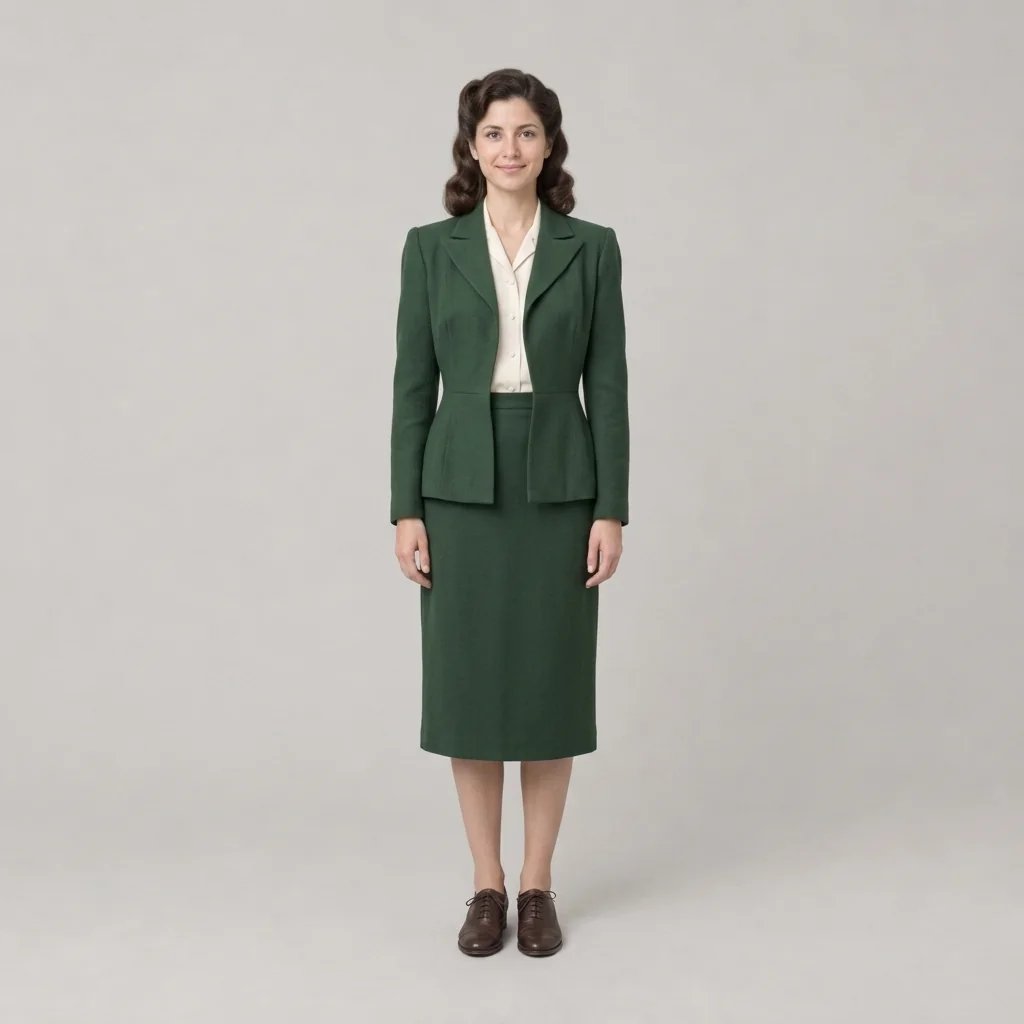
Retro art style generator

Retro Art Style: Name a Decade and the Whole Palette Follows

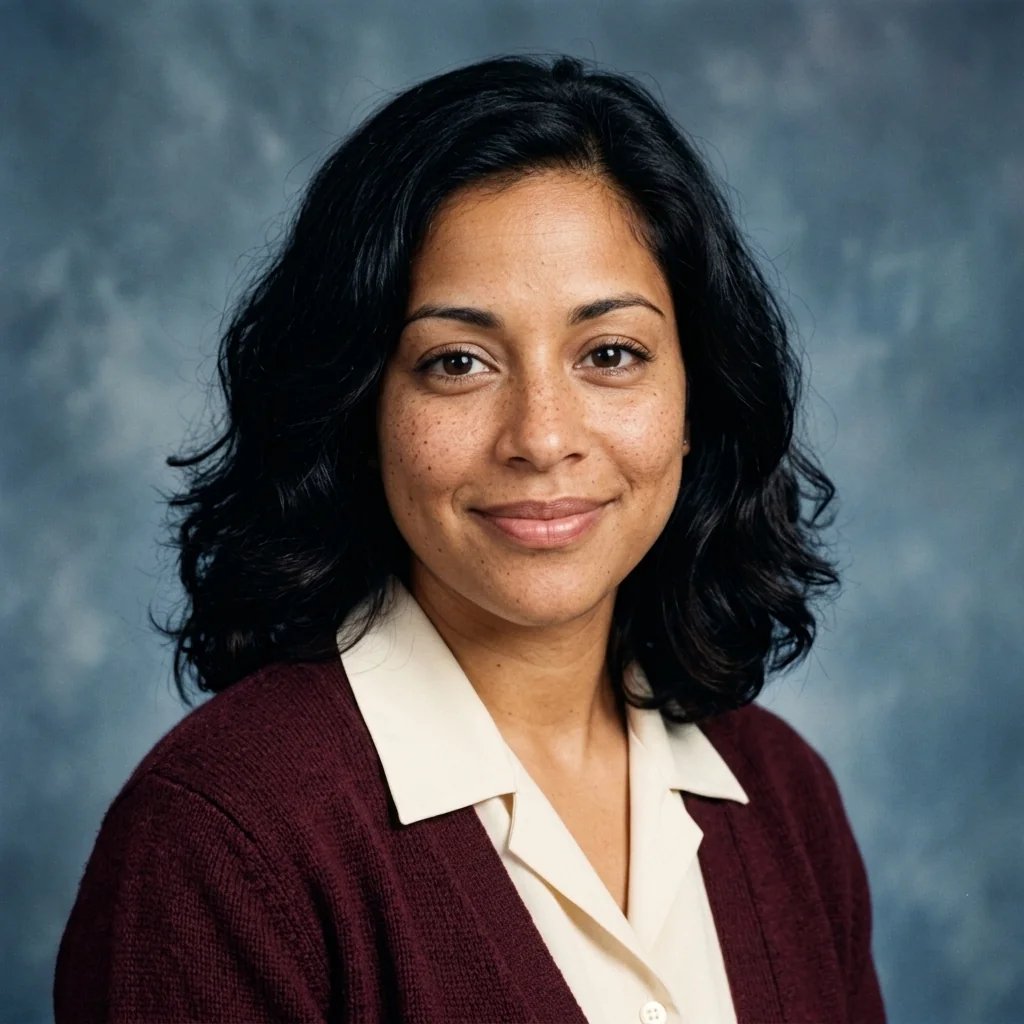
Grain you can see, blacks lifted to a soft charcoal, a warm faded cast and the gentler contrast of a print that has aged. Say 1950s, 1960s, 1970s, 1980s or 1990s and the palette and film character shift to that era; say nothing and it stays simply an old colour photograph, with no decade pushed forward. Attach a photo and it gets graded, not costumed — the clothing, hair and setting are left as they are.

Jump to a decade

The decade is sent with your prompt, so you can describe the subject in your own words. Leave all five off for a plain old photograph with no era pushed forward.

8 credits
Faded warmth, fine grain and lifted blacks, no decade pushed forward

Retro examples

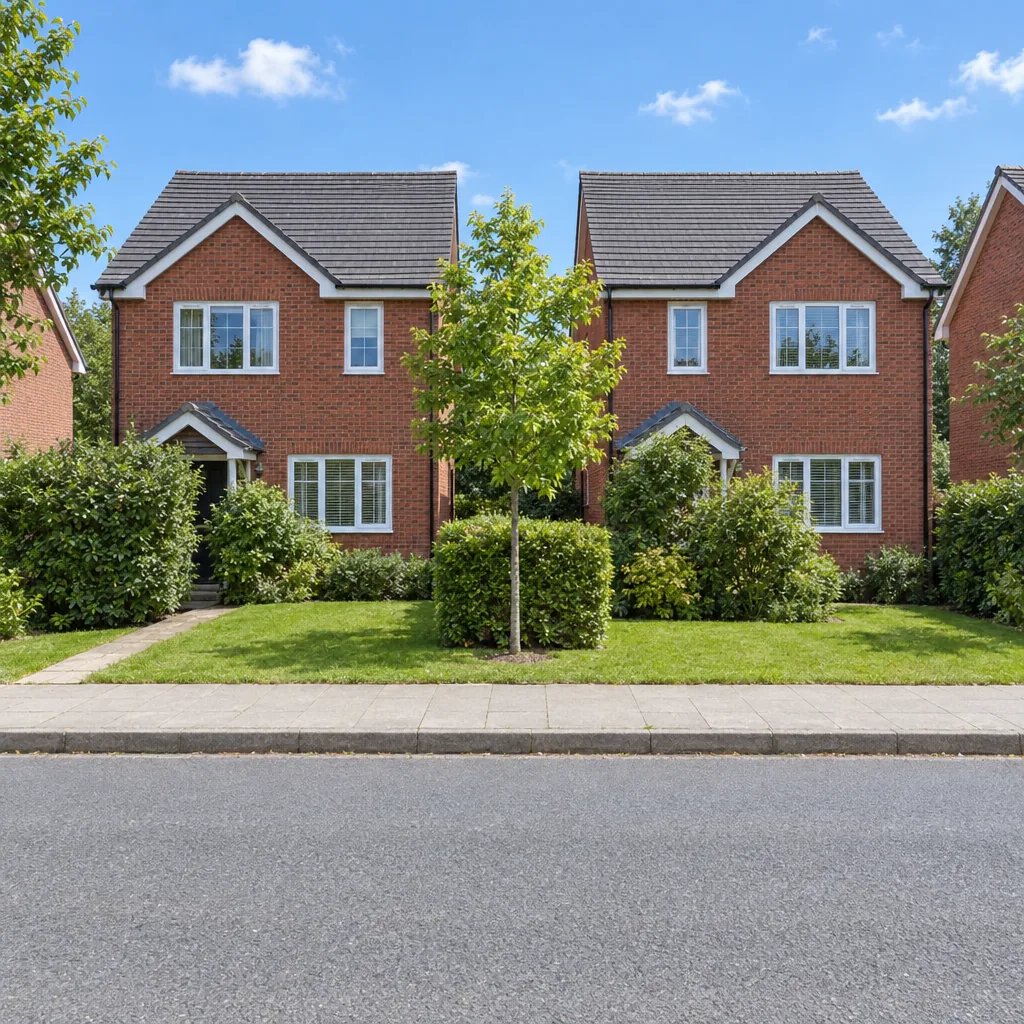
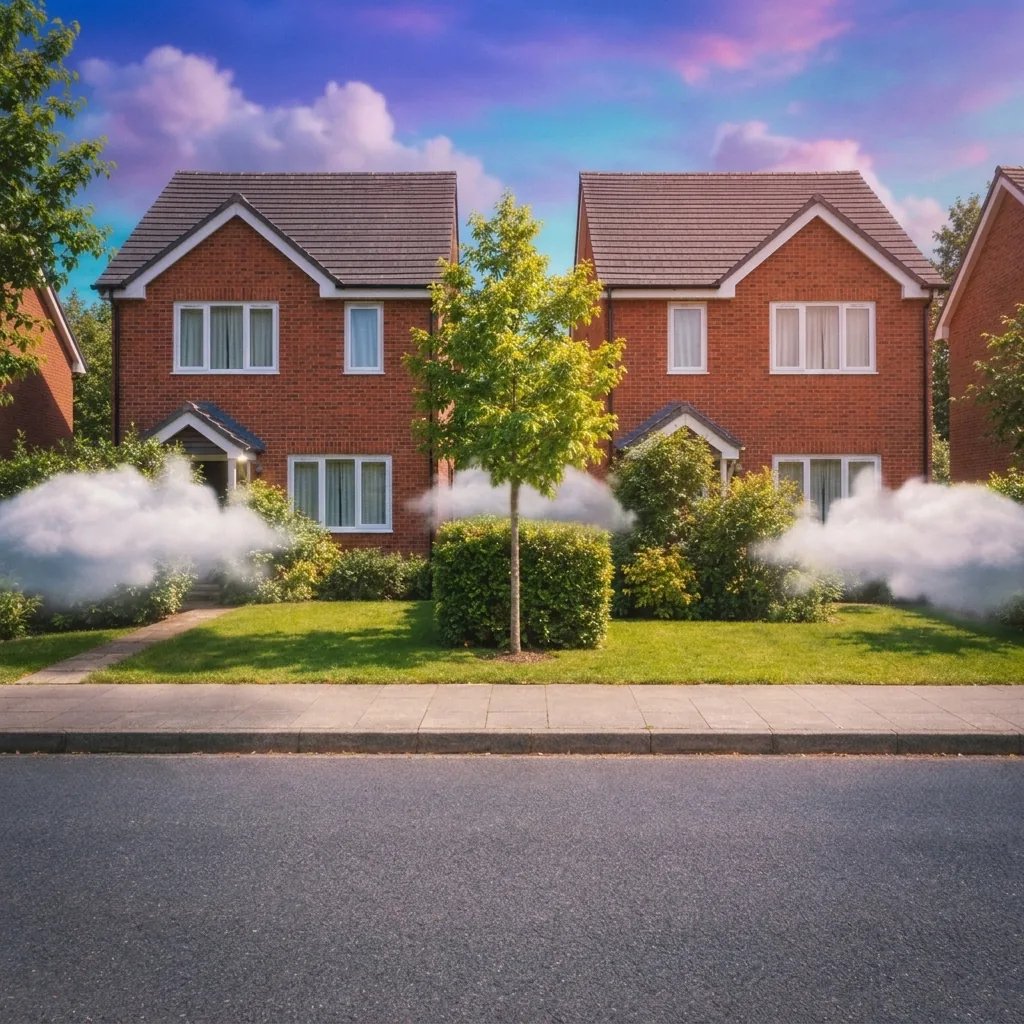
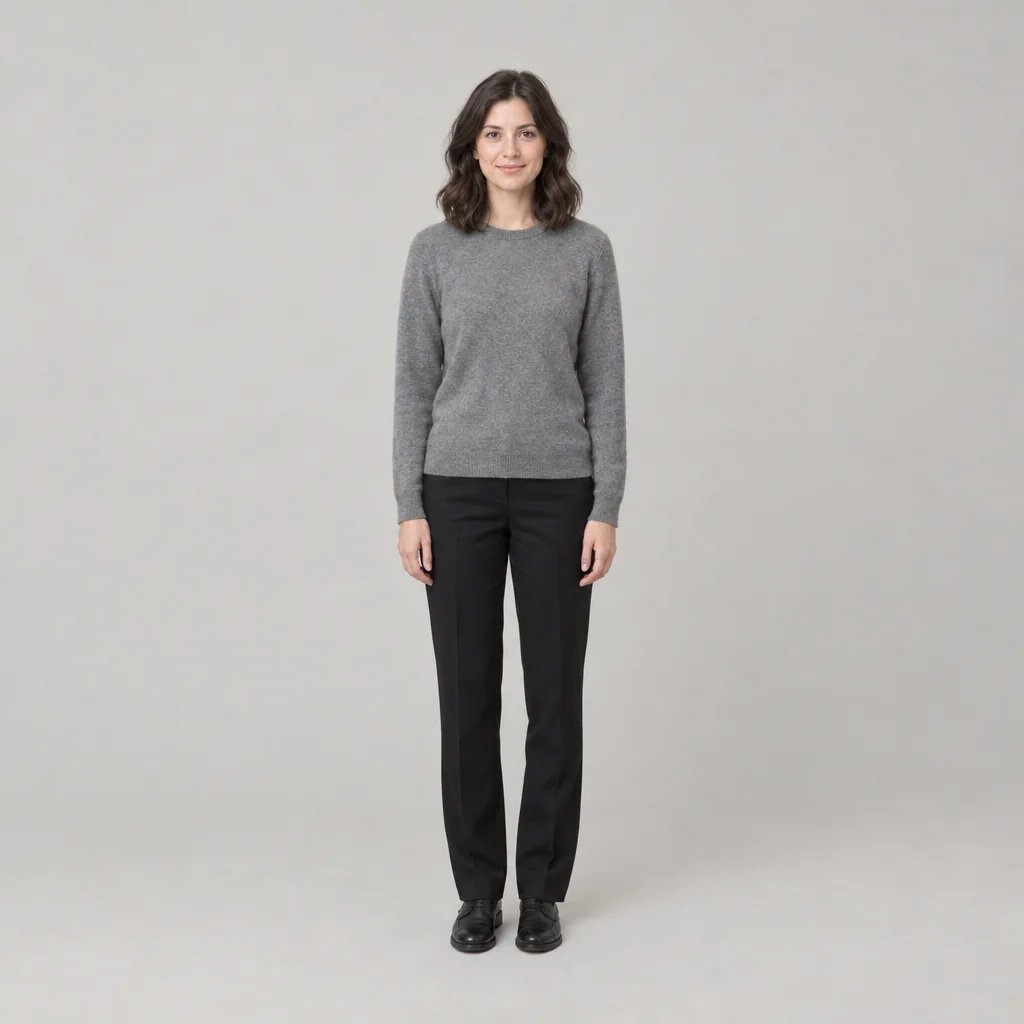
Retro Art Style Examples from the 1950s, 1960s, 1980s and 1990s

  • 1950s — chalky pastels and soft contrast
  • 1960s — saturated colour under afternoon light
  • 1980s — punchy contrast and on-camera flash
  • 1990s — cooler, flatter colour and soft focus

How it works

Apply a Retro Art Style in Three Steps

  1. Step 1

    Name the decade, or don't

    Attach a photo or write a scene, then say 1950s, 1960s, 1970s, 1980s or 1990s. Leave the decade out and the result stays an old colour photograph with no era markers pushed forward.

  2. Step 2

    Generate one graded frame

    YouArt returns one 1K square image for 8 credits, carrying that era's palette along with the grain, lifted blacks, faded cast and lens softness of real film.

  3. Step 3

    Check the skin and the shadows

    Look at the skin texture, the catchlights and how far the blacks have lifted before you use it. Name a different decade or a gentler grade in words, then download the frame you want.

What the grade controls

What Changes When You Name a Decade

Five decades, five palettes

The 1950s bring chalky pastels, heavy grain and a slight magenta shift. The 1960s bring saturated primaries under hard sunlight. The 1970s bring amber warmth with green-leaning shadows. The 1980s bring punchy contrast, cyan skies and on-camera flash. The 1990s bring cooler, flatter colour with soft focus and compact-camera grain. Name one and the whole picture moves with it.

A grade, not a costume

With a photo attached only the colour, contrast, grain and lens character change — the clothing, hair, expression and setting are left exactly as they are, and nobody is aged or restyled into another era's fashion unasked. Rivals in this field quietly hand back a wig and flares. Ask for period styling in words and it follows; say nothing and you keep your own picture.

Film character, not a scratch overlay

Fine grain, blacks lifted to a soft charcoal, restrained saturation, mild corner falloff and the lower contrast of a print that has aged, kept strictly photographic with real skin texture and no beauty smoothing. What you will not get is the shortcut: no sepia monochrome, no simulated scratches or dust, no white border, Polaroid frame or date stamp. The scene runs past all four edges.

Prompt ideas

Write the Decade, the Subject and the Light

One decade word does most of the work here. Spend the rest on who is in frame, where they are and what the light is doing — and leave the decade out entirely when you just want an old photograph.

Pick an era

A woman leaning on a car door in a supermarket car park, 1980s, hard on-camera flash against a cyan evening sky, punchy contrast, visible grain, corners falling darker.

Leave it era-neutral

A kitchen table with a half-finished breakfast and morning light across it, old colour photograph, fine grain, lifted blacks, warm faded cast, restrained saturation, no particular decade.

Describe subject and scene

Two children running through a garden sprinkler, 1960s, saturated primaries, hard midday sun, sharp shadows, fine film grain, slight softness toward the corners.

Ways to use it

Profiles, Photo Albums, Moodboards and Covers

Profile pictures and posts

A graded version of a photo you already like, square and cropping cleanly to a circle, that still reads as a photograph rather than a filter at feed size.

Family and personal albums

Give a recent picture the film character of the decade the rest of the album was shot in, without repainting anyone's clothes or hair to match.

Moodboards and references

Put one decade next to another before a shoot, a set build or a colour grade, so the gap between 1960s sunlight and 1990s flatness is visible rather than argued about.

Covers and invitations

A key image for a single, a zine, a reunion invite or a themed party, at a size that drops into most layout templates before you add type.

Create more with one YouArt membership

This generator uses 8 credits for one 1K image. Membership credits work across YouArt image, video, audio, and workflow tools.

Basic

For hobbyists and explorers

$9.99/mo
Select Plan
  • 1000 credits
  • Up to ~200 images/month
  • At least ~1000s video/month
  • Intelligent creative agent
  • Video editor
  • Latest image models, including GPT Image 2 and Nano Banana Pro
  • Latest video models, including Seedance 2
  • Realistic face uploads
  • Voice generation with ElevenLabs
  • No watermark
  • Unlimited template access

Pro

Most Popular

For creators and pro users

$29.99/mo
Select Plan
  • 3300 credits
  • Up to ~1000 images/month
  • At least ~3300s video/month
  • Intelligent creative agent
  • Video editor
  • Latest image models, including GPT Image 2 and Nano Banana Pro
  • Latest video models, including Seedance 2
  • Realistic face uploads
  • Voice generation with ElevenLabs
  • No watermark
  • Unlimited template access
Max

For power users and teams

$149.99/mo
Select Plan
  • 18000 credits
  • Up to ~6000 images/month
  • At least ~18000s video/month
  • Intelligent creative agent
  • Video editor
  • Latest image models, including GPT Image 2 and Nano Banana Pro
  • Latest video models, including Seedance 2
  • Realistic face uploads
  • Voice generation with ElevenLabs
  • No watermark
  • Unlimited template access

Team

For teams and studios

$329.99/mo
Select Plan
  • 36300 credits
  • Up to ~12000 images/month
  • At least ~36300s video/month
  • Realistic face uploads
  • Share canvas, workflows, and assets with your team
  • Up to 10 members per team
  • Up to 5 teams
  • Role-based management
  • Team credit management and spending caps
  • Per-member usage tracking

FAQ

Retro Art Style FAQ

What does the retro art style generator create?
One new 1K square photograph carrying a retro colour-film look, from a written scene, an uploaded photo, or both: visible fine grain, blacks lifted to a soft charcoal, a warm slightly faded cast, restrained saturation, a softer lens with mild corner falloff and the lower contrast of an aged print. Name a decade and the palette and film character shift to match it; name none and it stays an old colour photograph with no era markers pushed forward.
Which decades can I ask for?
The 1950s for chalky pastels, heavy grain and a slight magenta shift; the 1960s for saturated primaries and hard sunlight; the 1970s for amber warmth, green-leaning shadows and halation around bright areas; the 1980s for punchy contrast, cyan skies and on-camera flash; the 1990s for cooler, flatter colour, soft focus and compact-camera grain. The seventies also have a page of their own if that is the decade you want in depth.
Will it change my clothes or my hair?
No. This is a photographic grade rather than a costume: with a photo attached, only the colour, contrast, grain and lens character change, and the clothing, hair, expression and setting stay exactly as they are. It will not age anyone or restyle them toward another era's fashion on its own either. Ask for period styling in words and it will follow — say nothing and you get your own photograph, graded.
Can I use my own photo?
Yes, and a written scene works on its own too — a reference photo is not required. The result is a new image that reinterprets your photo rather than a pixel-for-pixel edit of the file you uploaded, so faces and hands are worth checking at full size. There is one reference slot per run.
How much does it cost?
Each run costs 8 credits and returns one 1K square image. Editing the prompt costs nothing until you generate, and every extra decade you want to compare is another run.

Keep exploring

More AI art styles to try

The closest looks to this one. Each is a full generator with its own prompt studio and examples.

Browse all 53 AI generators

Build beyond one image

Turn your result into a complete creative workflow

Open YouArt's visual canvas to connect generation, editing, upscaling, animation, and sound in one reusable process.