AI selfie generator

AI Selfie Generator: Arm's-Length Phone Selfies, Anywhere You Name

Attach a photo or describe someone, and you get one photograph that reads as a selfie taken on a phone at arm's length: a slightly wide front-facing lens close to the face, the camera a little above or below eye level rather than square on, a casual off-centre crop and a hint of hand-held tilt. The light comes from whatever is actually there, a window, a shop sign, a street lamp, low evening sun, with you a touch brighter than the background. Name the place, the hour, the outfit and the mood, or tap a scene below. Attach your photo and the setting is rebuilt around you, not your face.

Pick a scene

The scene is sent with your prompt rather than typed into the box, so describe yourself in your own words. One at a time, tap again to clear it, and with none selected you get a bright indoor scene near a window.

8 credits
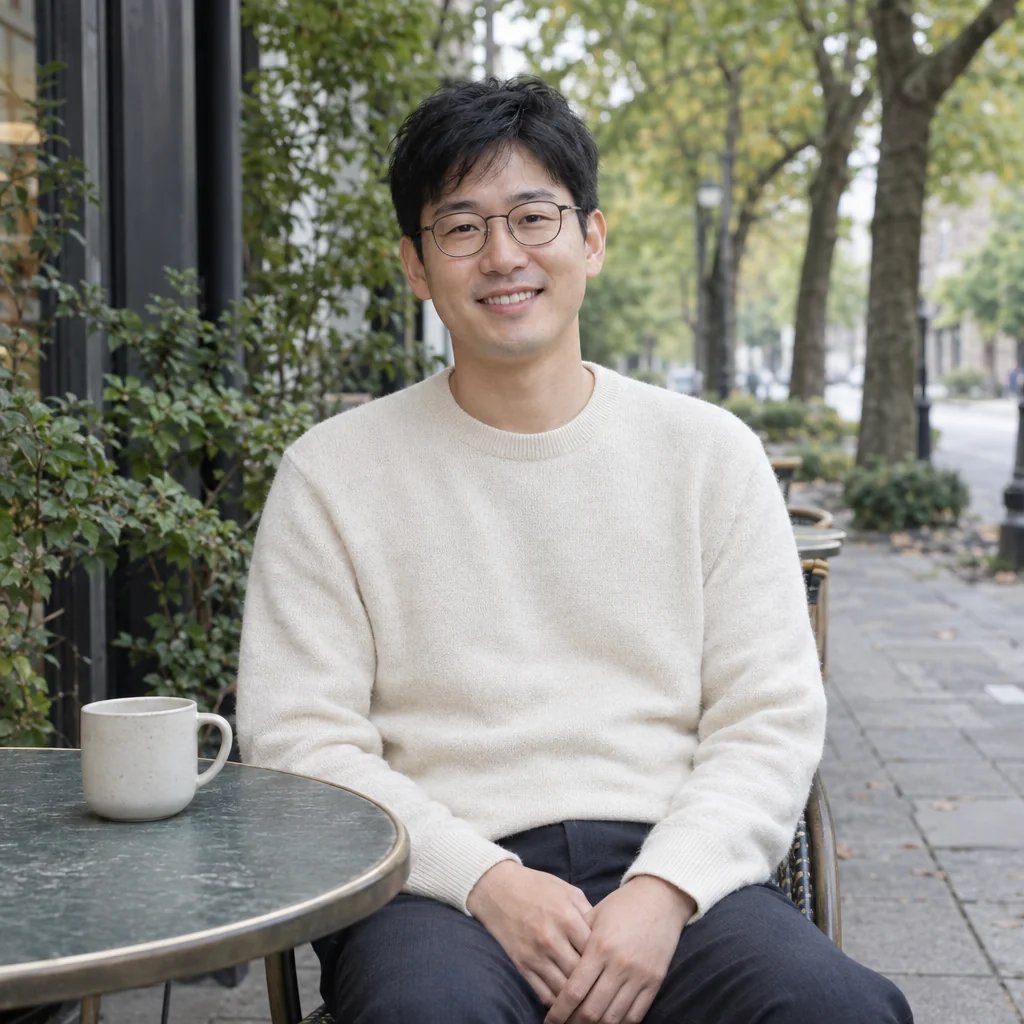
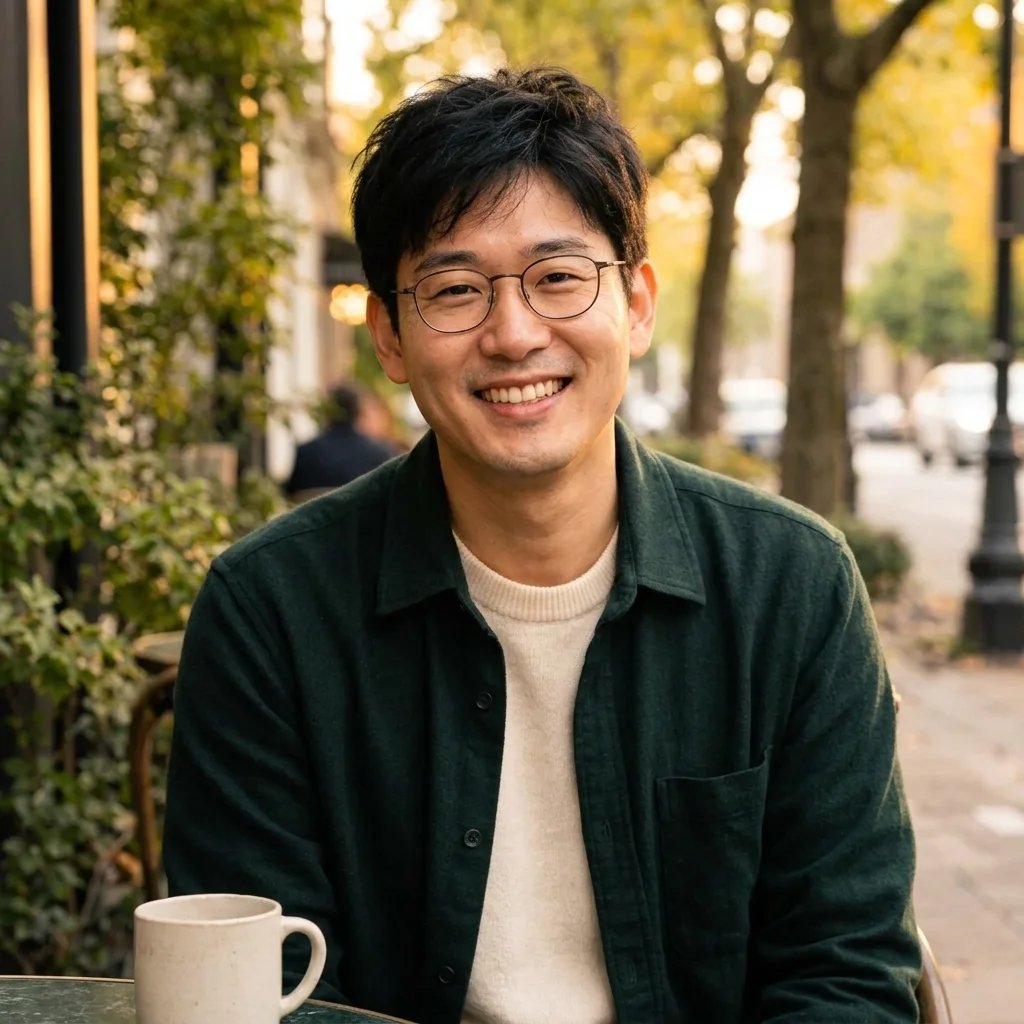
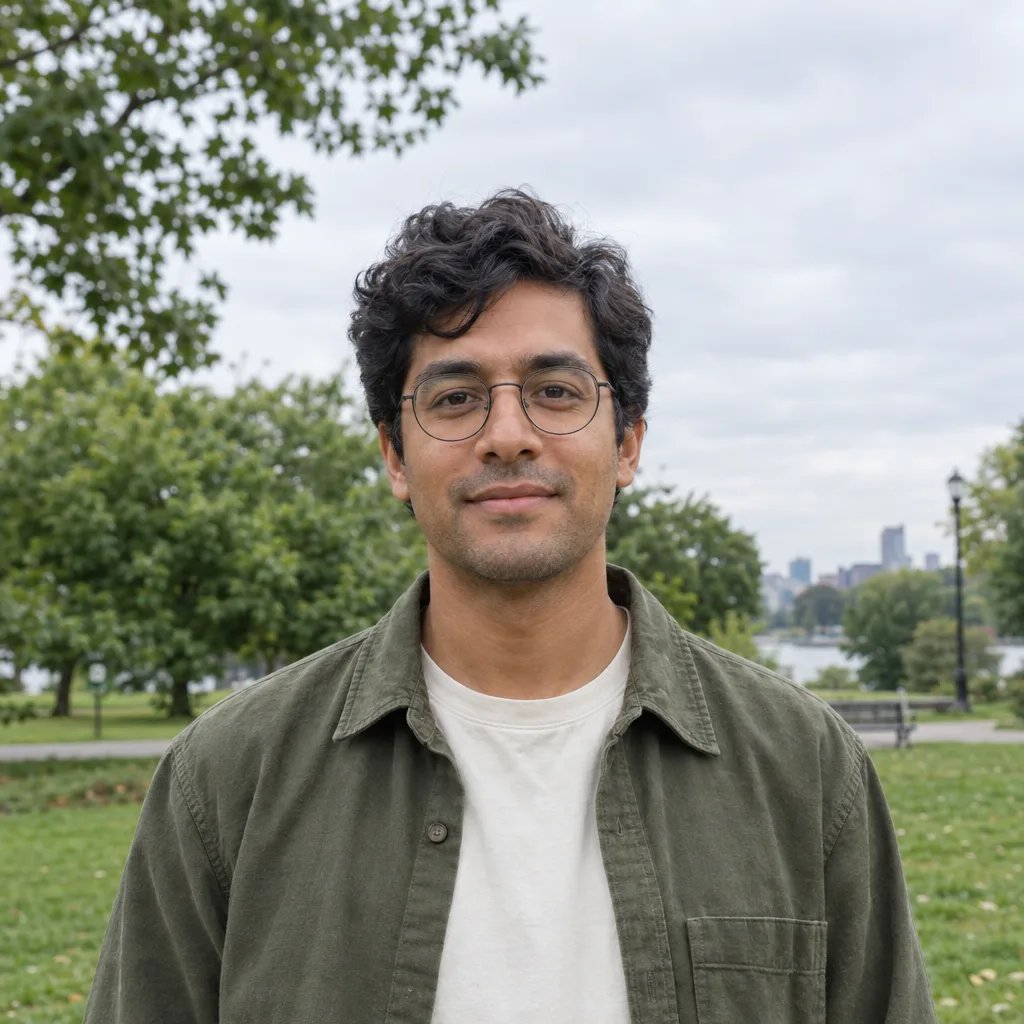
A cafe window, available light, and skin left unretouched

AI selfie examples

AI Selfie Examples in a Cafe, a City Street, a Beach and a Gym

  • In a cafe, by the window
  • On a city street at night
  • On the beach in the afternoon
  • In the gym, in the mirror

How it works

How to Make an AI Selfie in Three Steps

  1. Step 1

    Attach a photo, or write the person

    Attach a clear, front-facing photo with your face unobstructed and reasonably large in the frame, since that is what the result gets built from. Then say where the selfie was taken, what time of day it is, what you are wearing and what mood you are in, or tap one of the scene chips and describe yourself in your own words. Without a photo it invents a person from your description instead, which is useful for browsing scenes and tells you nothing about you.

  2. Step 2

    Generate one selfie

    YouArt returns one 1K square photograph for 8 credits, lit by whatever is in the place you named, with natural skin texture rather than a beauty filter. It is one image per run and never a set or a grid, so a cafe version and a city-street version are two separate runs. You need a YouArt account with credits on it to generate; editing the prompt costs nothing until you press the button.

  3. Step 3

    Check the face, then download

    The model renders a new photograph rather than editing the pixels you uploaded, so look properly before you use it: eyes, teeth, hands, hairline, jewellery, and any lettering on signs behind you. If the face has drifted, run it again with a sharper source photo where your face is larger in the frame, then download the one you want.

What the page locks

What Makes an AI Selfie Read as a Real Phone Photo

The camera position is the whole look

A selfie is a camera position before it is anything else, and that is what this page locks. The lens sits close to the face and slightly wide, so the nearest features read a fraction larger; the camera is a little above or below eye level instead of square on; the crop is casually off-centre; and the frame keeps a hint of hand-held tilt. Lighting is whatever the place provides, a window, a shop sign, a street lamp, low evening sun, with the subject a touch brighter than the background. No studio key light and no seamless backdrop, because those are exactly what stop a picture reading as a selfie. If a studio-lit business portrait is what you are really after, the AI LinkedIn photo generator is the page for that.

One look, and it stays a photograph

Most pages in this field sell a menu: twelve or twenty named styles behind the same upload. This one locks a single register instead, a plain believable phone photograph. It will not hand back an anime, cartoon, doll or illustrated version of you, and it will not imitate a named character or franchise look. That is a deliberate trade rather than a gap, because the other looks already have pages with instructions written for them: send an anime version to the anime filter, a drawn version to the AI cartoon generator, and a hard-flash turn-of-the-millennium frame to the Y2K style filter. What stays here is the thing a style menu never quite delivers, a picture that could pass for one you took yourself.

Restaged, not retouched

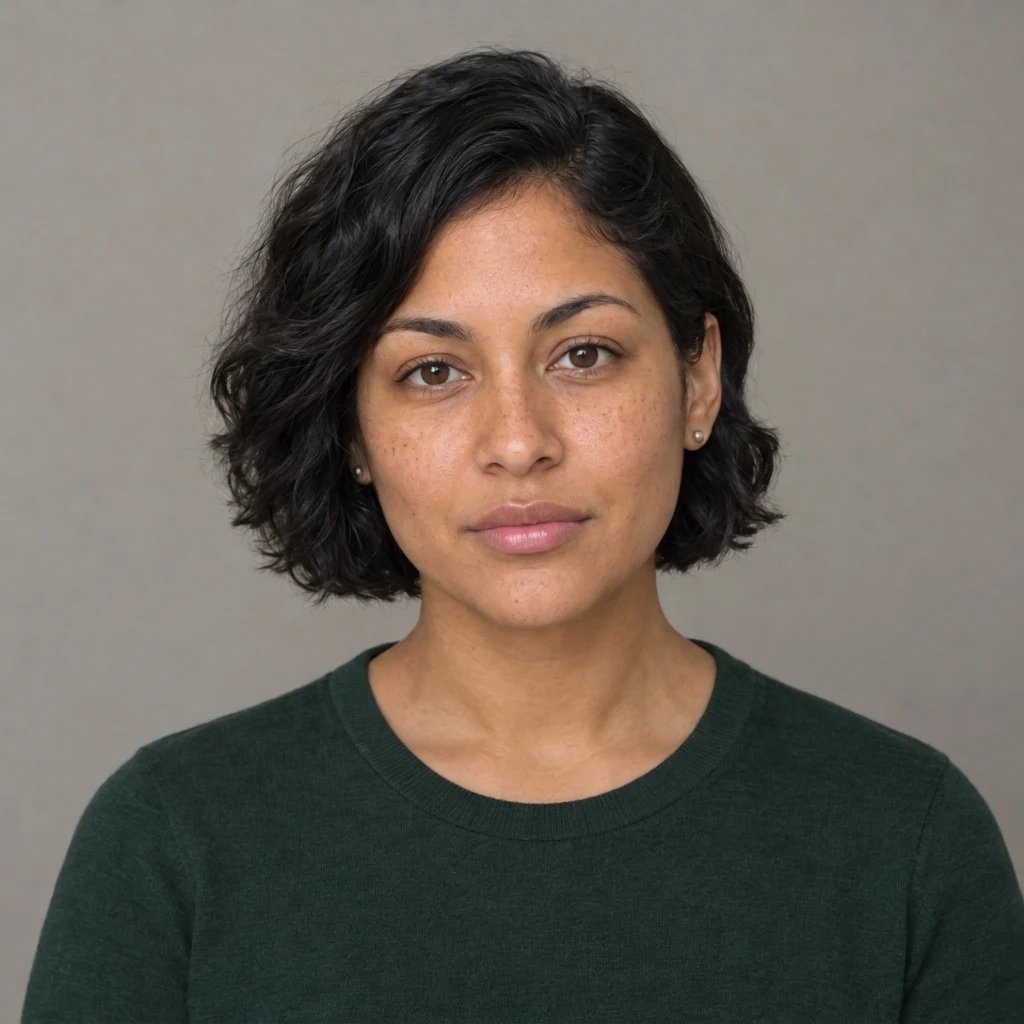
With a photo attached the job is to rebuild the place, the framing and the light around the person in it, and to leave the person alone: face, features, build, skin tone and hair as they are, with no change to face shape, age or weight, and no smoothing. Pores, stray hairs and real catchlights stay in, because a poreless face is the tell that something has been run through a filter. The honest limit, which this field tends to skip: what comes back is a generated photograph, not an edit of your file, so a likeness arrives close rather than certified. We have watched a face come back recognisably different from the one that went in. Check every result rather than trusting it.

Prompt ideas

Name the Place, the Light and the Mood

A chip covers the place, so spend your words on what a chip cannot know: who is in frame, how close the camera is, what you are wearing, what your face is doing and what the light is doing. Leave the chips off and name the place yourself if you would rather.

Name the place, not the vibe

Chest-up selfie of a woman in her late twenties in a denim jacket at a window table in a busy cafe, a flat white and a paperback on the marble top, blurred customers and a pastry counter behind her, late afternoon.

Say where the light comes from

Arm's-length selfie on a city pavement at night, lit from the side by a magenta shop sign, the dark street falling away behind, wet tarmac throwing the lights back, camera slightly above eye level.

Give it an outfit and a mood

Selfie of a man in his thirties in a grey marl t-shirt, hair pushed back, sweat on his forehead, a half-amused look, standing at the mirror of a busy gym with racked dumbbells behind him.

Ways to use it

Avatars, Dating Apps, Posts and Moodboards

Avatars and everyday posts

The square result crops cleanly to the circle most apps display, and a face lit a little brighter than its background is what still reads at the size a feed shows it. The casual register is the point as well: anything meant for work belongs on the LinkedIn photo page instead.

Dating app photos, honestly

A selfie taken somewhere says more about you than a plain wall does: a cafe, a gym, a lit street at night. Keep it recognisable, though: whoever swipes is expecting to meet the person in the picture, so pick a result that still looks like you, and do not pass an invented evening off as one you actually had.

Content, thumbnails and ad concepts

Mock up a creator post, a thumbnail or an ad concept in a setting you cannot shoot today, a beach in February or a neon street at three in the afternoon, and find out whether the idea holds before anyone books a location. Swap the scene, keep the person, and the comparison stays about the place rather than the casting.

Scene and wardrobe references

Put the same person in four places before a real shoot and the argument about location, outfit and hour stops being a conversation and becomes something everyone can look at. One run per scene, so a four-way board is four runs and 32 credits.

Create more with one YouArt membership

This generator uses 8 credits for one 1K image. Membership credits work across YouArt image, video, audio, and workflow tools.

Basic

For hobbyists and explorers

$9.99/mo
Select Plan
  • 1000 credits
  • Up to ~200 images/month
  • At least ~1000s video/month
  • Intelligent creative agent
  • Video editor
  • Latest image models, including GPT Image 2.5, GPT Image 2 and Nano Banana Pro
  • Latest video models, including Seedance 2
  • Realistic face uploads
  • Voice generation with ElevenLabs
  • No watermark
  • Unlimited template access

Pro

Most Popular

For creators and pro users

$29.99/mo
Select Plan
  • 3300 credits
  • Up to ~1000 images/month
  • At least ~3300s video/month
  • Intelligent creative agent
  • Video editor
  • Latest image models, including GPT Image 2.5, GPT Image 2 and Nano Banana Pro
  • Latest video models, including Seedance 2
  • Realistic face uploads
  • Voice generation with ElevenLabs
  • No watermark
  • Unlimited template access
Max

For power users and teams

$149.99/mo
Select Plan
  • 18000 credits
  • Up to ~6000 images/month
  • At least ~18000s video/month
  • Intelligent creative agent
  • Video editor
  • Latest image models, including GPT Image 2.5, GPT Image 2 and Nano Banana Pro
  • Latest video models, including Seedance 2
  • Realistic face uploads
  • Voice generation with ElevenLabs
  • No watermark
  • Unlimited template access
Team

For teams and studios

$329.99/mo
Select Plan
  • 36300 credits
  • Up to ~12000 images/month
  • At least ~36300s video/month
  • Realistic face uploads
  • Share canvas, workflows, and assets with your team
  • Up to 10 members per team
  • Up to 5 teams
  • Role-based management
  • Team credit management and spending caps
  • Per-member usage tracking

FAQ

AI Selfie Generator FAQ

What does the AI selfie generator make?
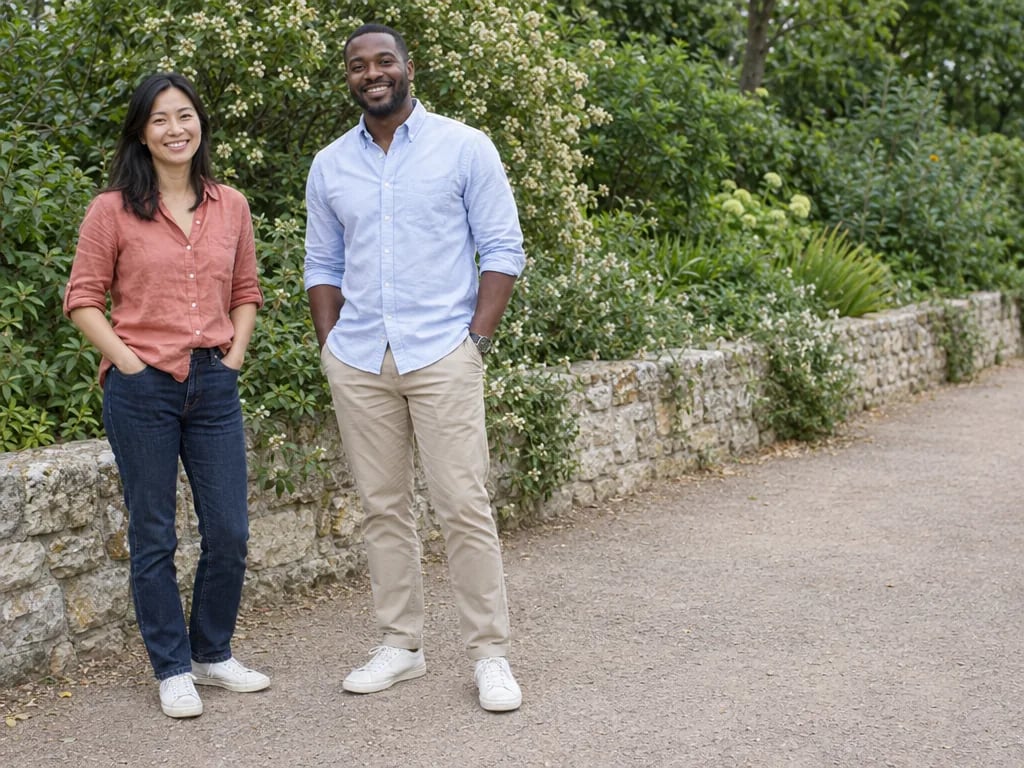
One new 1K square photograph that reads as a selfie taken on a phone at arm's length, built from a written description, an uploaded photo, or both: a slightly wide front lens close to the face, the camera a little off eye level, a casual crop, a bit of hand-held tilt and the light of whatever place you named. Two things it deliberately will not do. It is not a face swap, and it cannot put you beside somebody else, because a run carries one reference photo and one person in it, and it will not depict a real public figure at all.
Will the selfie still look like me?
Close, and not guaranteed. This is the question the field answers dishonestly, so here is the mechanism. The model renders a whole new photograph rather than editing the file you uploaded, and the instruction behind this page tells it to keep your face, features, build, skin tone and hair exactly as they are, with no change to face shape, age or weight and no beauty smoothing. That is a strong instruction, not a lock. In testing we have had a face come back plainly different from the one that went in. A sharp, well-lit, front-facing source photo with your face large in the frame gives the best odds, and checking the eyes, teeth, hairline and any moles at full size is the habit worth keeping.
Can I pick an anime or cartoon style?
Not on this page, and that is on purpose. It locks one photographic look, so what comes back is a plain phone photograph rather than one of a dozen art styles behind the same upload, and it will not imitate a named character or franchise look either. The other looks have their own pages: the anime filter for an anime version, the AI cartoon generator for a drawn one, and the Y2K style filter for a hard-flash turn-of-the-millennium frame. Naming an art style in the prompt here will not override the photographic register, it will only fight it.
Can I use my own photo?
Yes, and with a photo attached the page does the thing it is actually for: it restages the place, the framing and the light around you and leaves you as you are. One reference photo per run, one person in it, and a clear front-facing shot where your face is large and unobstructed works far better than a group photo or a distant one. Text on its own works too, and the result is then a convincing selfie of somebody who does not exist, which is fine for testing a scene and useless as a picture of you.
How much does one AI selfie cost?
Each run costs 8 credits and returns one 1K square image, which needs a YouArt account with credits on it. There is no free unlimited tier here, whatever the titles in this field promise. One image per run also means comparing scenes costs more: a cafe version, a beach version and a gym version are three runs, so 24 credits. Editing the prompt is free until you generate, and a 1K square is sized for feeds, avatars and chat rather than for anything you mean to print large.

Keep exploring

More AI art styles to try

The closest looks to this one. Each is a full generator with its own prompt studio and examples.

Browse all 58 AI generators

Build beyond one image

Turn your result into a complete creative workflow

Open YouArt's visual canvas to connect generation, editing, upscaling, animation, and sound in one reusable process.