AI Yearbook Generator

AI Yearbook Generator: Retro 90s Portraits with Studio Backdrops

Use the AI Yearbook Generator to create a retro yearbook photo with mottled studio backdrops, soft flash and 90s clothing. Upload an adult portrait or describe a fictional adult, then choose the styling for a nostalgic image.

8 credits

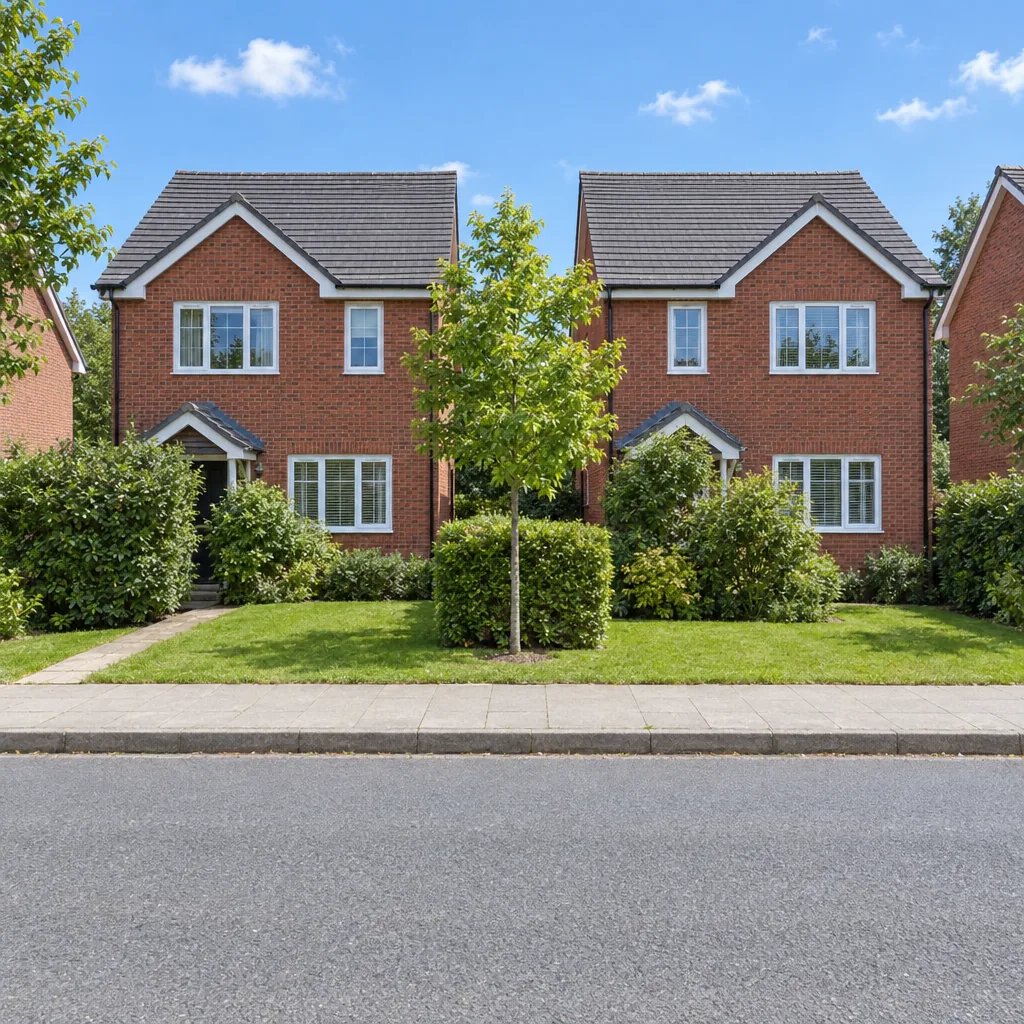
Before

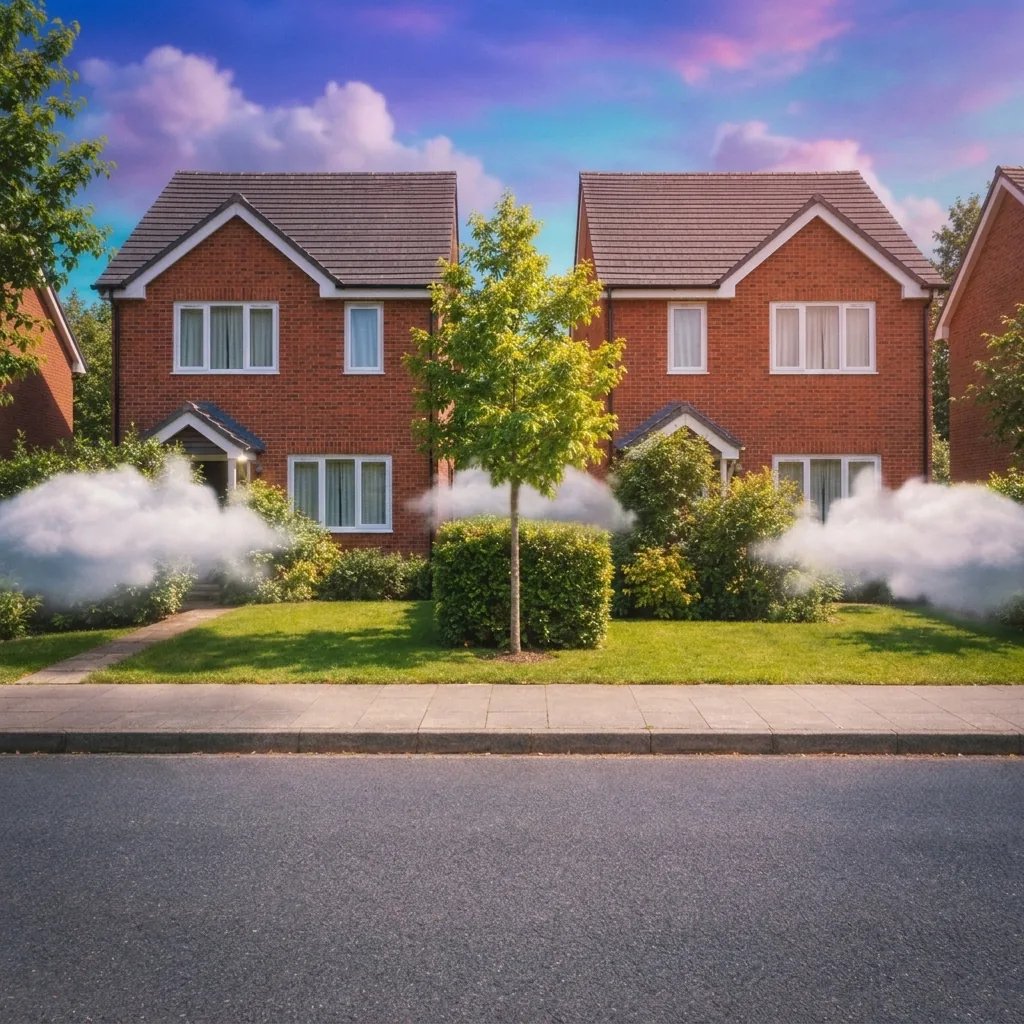
After

Retro cardigan styling with a mottled studio backdrop.

Style examples created with GPT Image 2.5

AI Yearbook Generator: Four Visual Directions

  • A cardigan and blue studio backdrop
  • Denim with warm studio tones
  • A green sweater and collared shirt
  • Plaid and soft analog grain

How it works

Create with the AI Yearbook Generator in Three Steps

  1. Step 1

    Upload a photo or write a description

    Choose a sharp head-and-shoulders photograph of one adult with both eyes visible. A simple background and even light help the new studio setting remain coherent. Avoid group photos or heavily filtered portraits. You can also describe a new image without uploading a photo.

  2. Step 2

    Choose the details and generate

    Add optional direction for the look you want. With a photo and no words, the starting treatment is applied automatically. Review the displayed credit cost, sign in when prompted, and generate one square image.

  3. Step 3

    Review the details and download

    Compare the result with your source and inspect small details at full size. Download the image you want. A changed prompt and another generation start a separate run.

What shapes the result

AI Yearbook Generator: Details to Look For

The studio setting defines the look

A mottled backdrop and softly diffused frontal light give a yearbook portrait its familiar structure. Mention the background color when you want blue-grey, tan or muted lavender instead of leaving every detail to the model.

Retro clothes without changing your age

Try a collared shirt and cardigan, simple denim or a plaid layer. The intended result is an adult wearing nostalgic clothing. It should not make the person younger or imply that the image is a real school photograph.

One portrait at a time

Keep the composition centered on one person with a gentle shoulder turn. This page makes individual square portraits; it does not assemble a class grid, print a yearbook or add names and school records.

Prompt ideas

Three Directions to Start With

Name one subject or setting, then the visual treatment and light. With a photo, describe only the changes you want; the uploaded image supplies the reference.

A cardigan and blue studio backdrop

An adult woman aged 32 with medium brown skin and wavy dark hair wearing a burgundy cardigan over a cream collared shirt, mottled blue-grey backdrop, softly diffused frontal flash, 1990s yearbook-style studio portrait.

Denim with warm studio tones

An adult man aged 35 with light olive skin and short curly hair wearing an unmarked blue denim jacket over a white crew-neck shirt, warm tan mottled studio backdrop, gentle shoulder turn, 1990s yearbook-style portrait.

A green sweater and collared shirt

An adult East Asian woman aged 30 with a short dark bob wearing a forest-green knit sweater over a white collared shirt, soft grey-blue studio background, natural direct gaze, nostalgic yearbook photograph.

Ways to use it

Ideas for Your Next Image

Nostalgic profile pictures

Explore a 90s-inspired headshot while retaining your present-day features and age. A quiet backdrop keeps the portrait readable in a small profile crop.

Reunion moodboards

Plan the clothes, colors and studio background for an adult reunion photo session. Use the generated image to communicate the visual direction.

Party invitations

Create a playful portrait to place in a separately designed invitation. Add dates and event information in your layout tool, after the image is finished.

Retro portrait studies

Compare a denim look, a cardigan or a collared sweater. Hold the backdrop consistent to make the wardrobe differences easier to judge.

Create more with one YouArt membership

This generator uses 8 credits for one 1K image. Membership credits work across YouArt image, video, audio, and workflow tools.

Basic

For hobbyists and explorers
$11$9.99/mo
  • 1000 credits
  • Up to ~200 images/month
  • Up to ~332s video/month
  • Intelligent creative agent
  • Video editor
  • Latest image models, including GPT Image 2.5, GPT Image 2 and Nano Banana Pro
  • Latest video models, including Seedance 2
  • Realistic face uploads
  • Voice generation with ElevenLabs
  • No watermark
  • Unlimited template access
Popular

Pro

Save 16%
For creators and pro users
$36$29.99/mo
  • 3300 credits
  • Up to ~1000 images/month
  • Up to ~1100s video/month
  • Intelligent creative agent
  • Video editor
  • Latest image models, including GPT Image 2.5, GPT Image 2 and Nano Banana Pro
  • Latest video models, including Seedance 2
  • Realistic face uploads
  • Voice generation with ElevenLabs
  • No watermark
  • Unlimited template access
Max

Save 24%Best Value
For power users and teams
$198$149.99/mo
  • 18000 credits
  • Up to ~6000 images/month
  • Up to ~6000s video/month
  • Intelligent creative agent
  • Video editor
  • Latest image models, including GPT Image 2.5, GPT Image 2 and Nano Banana Pro
  • Latest video models, including Seedance 2
  • Realistic face uploads
  • Voice generation with ElevenLabs
  • No watermark
  • Unlimited template access
Team

Save 24%
For teams and studios
$435$329.99/mo
  • 36300 credits
  • Up to ~12000 images/month
  • Up to ~12100s video/month
  • Realistic face uploads
  • Share canvas, workflows, and assets with your team
  • Up to 10 members per team
  • Up to 5 teams
  • Role-based management
  • Team credit management and spending caps
  • Per-member usage tracking

FAQ

AI Yearbook Generator Questions

Use the AI Yearbook Generator to create a retro yearbook photo with mottled studio backdrops, soft flash and 90s clothing. Upload an adult portrait or describe a fictional adult, then choose the styling for a nostalgic image. Each run returns one 1K square still image.

Build beyond one image

Turn your result into a complete creative workflow

Open YouArt's visual canvas to connect generation, editing, upscaling, animation, and sound in one reusable process.