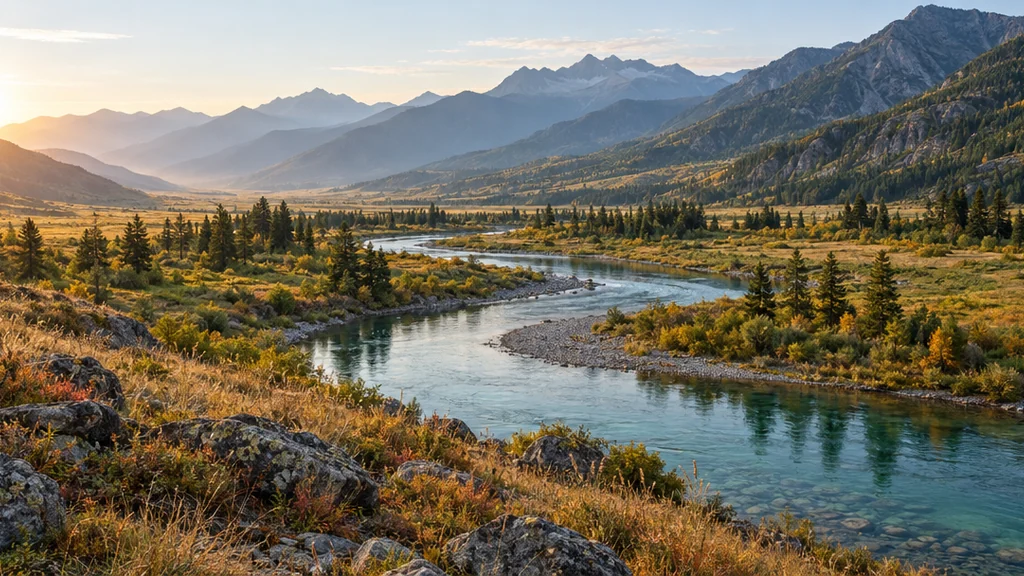
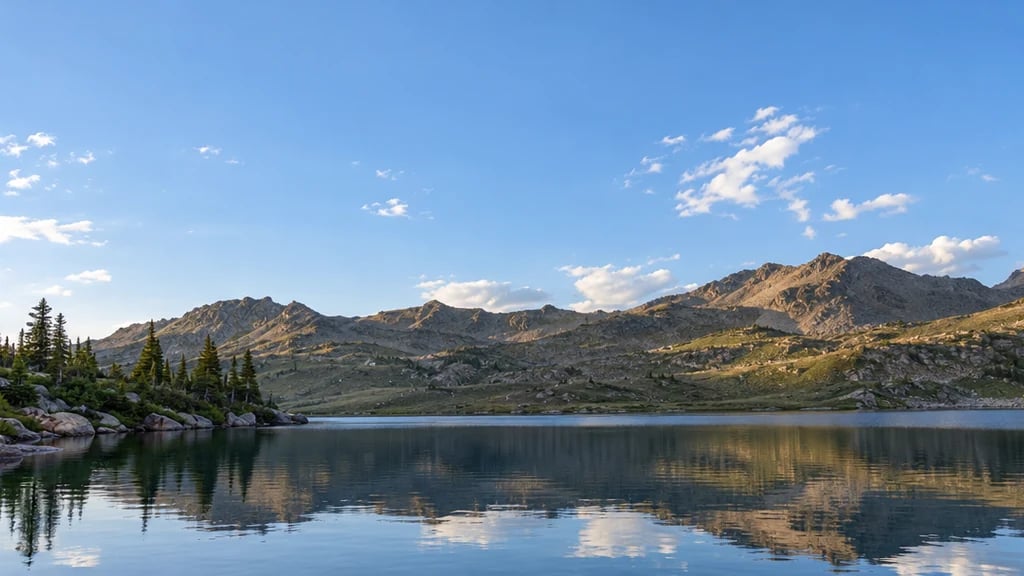
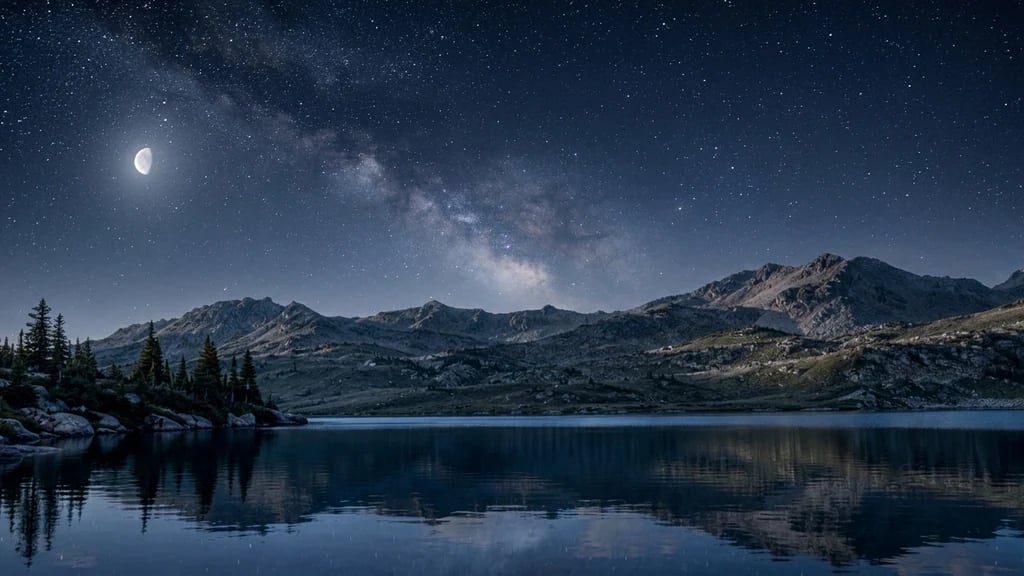
Sunset filter

Sunset Filter: Add a Sunset to a Photo and the Light Moves With It

Upload a photo and the sun moves. The scene is relit from a low warm sun on the horizon: shadows lengthen and swing round, upward-facing edges catch a warm rim, and the sky is graded to the hour you name. Ask for golden hour, a blazing sunset, the afterglow or twilight. What comes back is a new photograph of your scene, not a sky pasted over your file.

Choose the hour

The hour is sent with your prompt rather than written into the box, so you can describe the scene in your own words. It is a word, not a library of skies to browse or a strength slider to drag. Leave all four off and you get a low golden sun about twenty minutes before sunset.

8 credits
The sun behind her, and the whole field lit from behind

Sunset filter examples

Sunset Filter Examples: A Portrait, a Shoreline, a Skyline and a House

  • Golden hour, rim light through the grass
  • A blazing sunset on the shoreline
  • The afterglow, ten minutes after the sun has gone
  • Twilight, with the windows just lit

How it works

Add a Sunset to a Photo in Three Steps

  1. Step 1

    Name the hour

    Attach a photo or describe a scene, then pick golden hour, a blazing sunset, the afterglow or twilight. Say where the sun sits and what it rakes across. Leave the hour out and you get a low golden sun about twenty minutes before sunset.

  2. Step 2

    Generate one relit frame

    YouArt returns one 1K landscape 3:2 photograph for 8 credits, lit from that sun rather than tinted over the top.

  3. Step 3

    Check where the shadows fall

    Check that the shadows agree with the sun: one direction, and a length that matches how low it is. Then look at faces and any lettering, because the whole frame is re-rendered.

What it actually moves

Light, Hours and What Stays the Same

The light moves, not just the colour

A warm tint is not a sunset. The sun is placed low on the horizon and the scene is lit from it: shadows lengthen and change direction, highlights warm, and the sky and the ground agree about where the light comes from. If you only want warmth, YouArt's free LUT tool does that in your browser and even ships a look named Golden Hour. But a lookup table never learns where a pixel is, so it cannot move a sun or lengthen a shadow.

Four hours, in words

Golden hour is a low warm sun still above the horizon with long raking shadows. A blazing sunset puts it on the horizon under orange and red. The afterglow is the soft light once it has gone. Twilight is later and cooler, deep blue with the last warmth low down. These are words sent with your prompt, not a catalogue of skies to browse or a slider to drag.

Your scene, relit

With a photo attached the run asks for one thing: keep the person, their clothing and the layout of the scene as they are, changing only the light and the sky. It is still a generated photograph rather than an edit of your file, so the frame is rebuilt and small detail can come back different. Check faces at full size.

Prompt ideas

Write Where the Sun Is, Not How Warm It Looks

The hour word carries the grade, so spend the sentence on where the sun is and what it rakes across. An orange wash is the one request that comes back looking like a filter.

Put the sun in the frame

A coastal road curving toward the sea, the sun just above the horizon at the end of it, long shadows from the roadside posts across the tarmac, warm haze over the water.

Say what the light rakes across

A wide field of dry grass under a low sun from the left, every seed head lit along its edge, the shadows of two trees stretching across the frame, an orange sky fading to blue.

Ask for rim light, and hold the person

Relight this as the last twenty minutes of sunlight behind her: a warm rim along her hair and shoulders, soft fill on the face, and her clothes and expression as they are.

Ways to use it

Travel Shots, Listings, Product Photos and Moodboards

Travel photos and posts

Give a flat midday holiday photo the evening it never got, in the 3:2 shape a stills camera shoots, so it crops to a post without losing the horizon.

Property and interiors

Show a house at the hour buyers picture themselves in it. A listing photograph has to be the property as photographed, so this is a hero or concept image rather than the real shot.

Product and brand shots

Warm evening light on a bottle, a bike or a pair of boots outdoors, with the long shadow that sells the hour, instead of waiting for the right twenty minutes and the right weather.

Moodboards and recces

Put golden hour, a blazing sunset and twilight beside each other before a shoot, so the call about the hour gets made on pictures rather than adjectives.

Create more with one YouArt membership

This generator uses 8 credits for one 1K image. Membership credits work across YouArt image, video, audio, and workflow tools.

Basic

For hobbyists and explorers

$9.99/mo
Select Plan
  • 1000 credits
  • Up to ~200 images/month
  • At least ~1000s video/month
  • Intelligent creative agent
  • Video editor
  • Latest image models, including GPT Image 2.5, GPT Image 2 and Nano Banana Pro
  • Latest video models, including Seedance 2
  • Realistic face uploads
  • Voice generation with ElevenLabs
  • No watermark
  • Unlimited template access
Pro

Most Popular

For creators and pro users

$29.99/mo
Select Plan
  • 3300 credits
  • Up to ~1000 images/month
  • At least ~3300s video/month
  • Intelligent creative agent
  • Video editor
  • Latest image models, including GPT Image 2.5, GPT Image 2 and Nano Banana Pro
  • Latest video models, including Seedance 2
  • Realistic face uploads
  • Voice generation with ElevenLabs
  • No watermark
  • Unlimited template access

Max

For power users and teams

$149.99/mo
Select Plan
  • 18000 credits
  • Up to ~6000 images/month
  • At least ~18000s video/month
  • Intelligent creative agent
  • Video editor
  • Latest image models, including GPT Image 2.5, GPT Image 2 and Nano Banana Pro
  • Latest video models, including Seedance 2
  • Realistic face uploads
  • Voice generation with ElevenLabs
  • No watermark
  • Unlimited template access

Team

For teams and studios

$329.99/mo
Select Plan
  • 36300 credits
  • Up to ~12000 images/month
  • At least ~36300s video/month
  • Realistic face uploads
  • Share canvas, workflows, and assets with your team
  • Up to 10 members per team
  • Up to 5 teams
  • Role-based management
  • Team credit management and spending caps
  • Per-member usage tracking

FAQ

Sunset Filter FAQ

What does the sunset filter do?
It returns one new 1K landscape 3:2 photograph of your scene lit at sunset, from an uploaded photo, a written description, or both: a low sun on the horizon, long shadows, warm rim light, and a sky graded to the hour you name.
Does it only change the sky?
No, and that is the difference from a sky swap, which drops a new sky behind a cut-out and leaves your file alone. This generates a new photograph: the instruction asks for the subject, their clothing and the layout to stay as they are while the light and sky change, but the whole frame is re-rendered, so detail can shift and faces are worth a look. There is no mask and no sun-position or strength control. To change one region with the rest untouched, use YouArt's inpainting tool; to take a sky out rather than replace it, use the background remover.
Which hours and skies can I ask for?
Four, as words: golden hour, a blazing sunset, the afterglow and twilight, plus any weather in the same sentence. There is no picker of sky thumbnails, because these are words in a prompt rather than files in a library. Water and glass are asked to reflect the sky above them, which usually lands but is not guaranteed.
Can I use my own photo?
Yes, and it is what the page is built for: one reference image per run, though a written scene works on its own. The result is a new rendering rather than a pixel-for-pixel edit, so keep your original. The frame is locked to landscape 3:2, so a tall phone photo comes back re-framed wide. If you want the original warmed with nothing regenerated, YouArt's free LUT tool does that in your browser.
How much does it cost, and how many images do I get?
Each run costs 8 credits and returns one 1K landscape 3:2 image. There is no batch mode and no pack of variants, so comparing golden hour against twilight is two runs at 8 credits each.

Keep exploring

More AI art styles to try

The closest looks to this one. Each is a full generator with its own prompt studio and examples.

Browse all 58 AI generators

Build beyond one image

Turn your result into a complete creative workflow

Open YouArt's visual canvas to connect generation, editing, upscaling, animation, and sound in one reusable process.